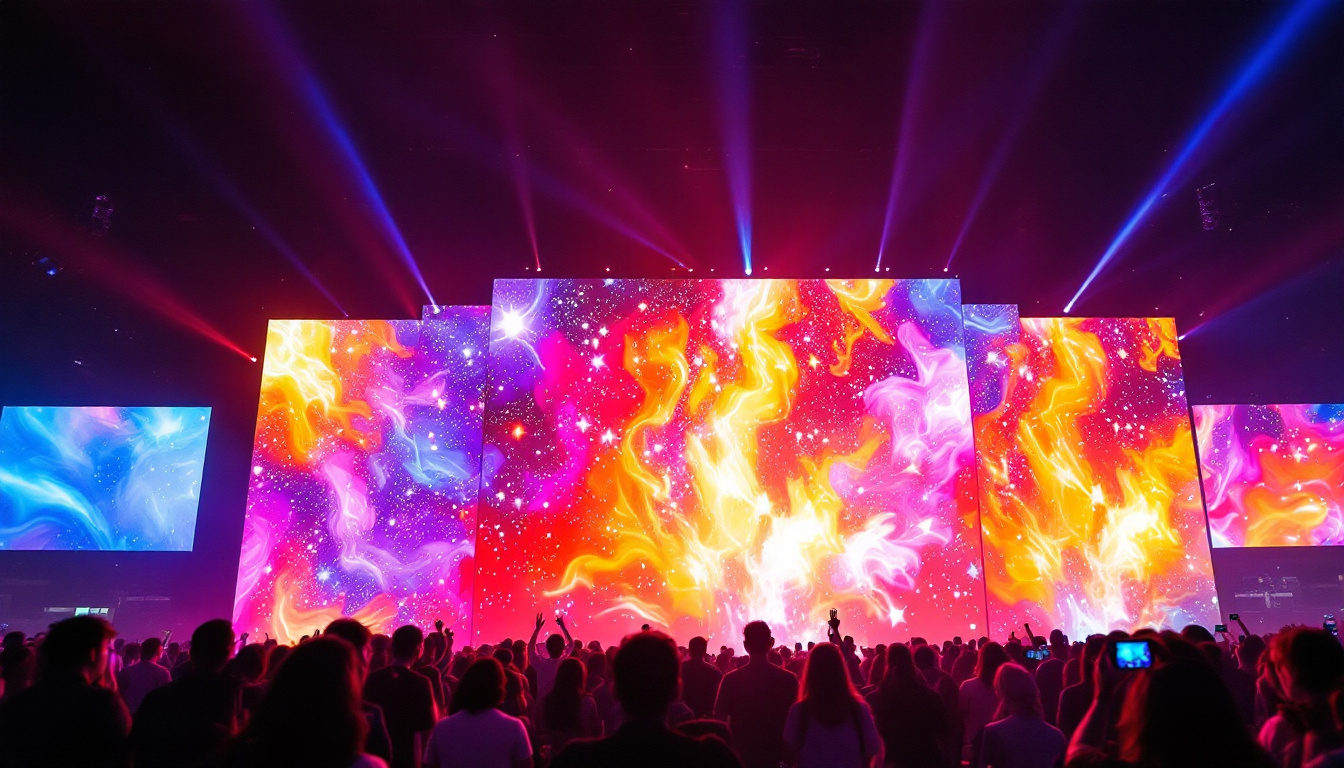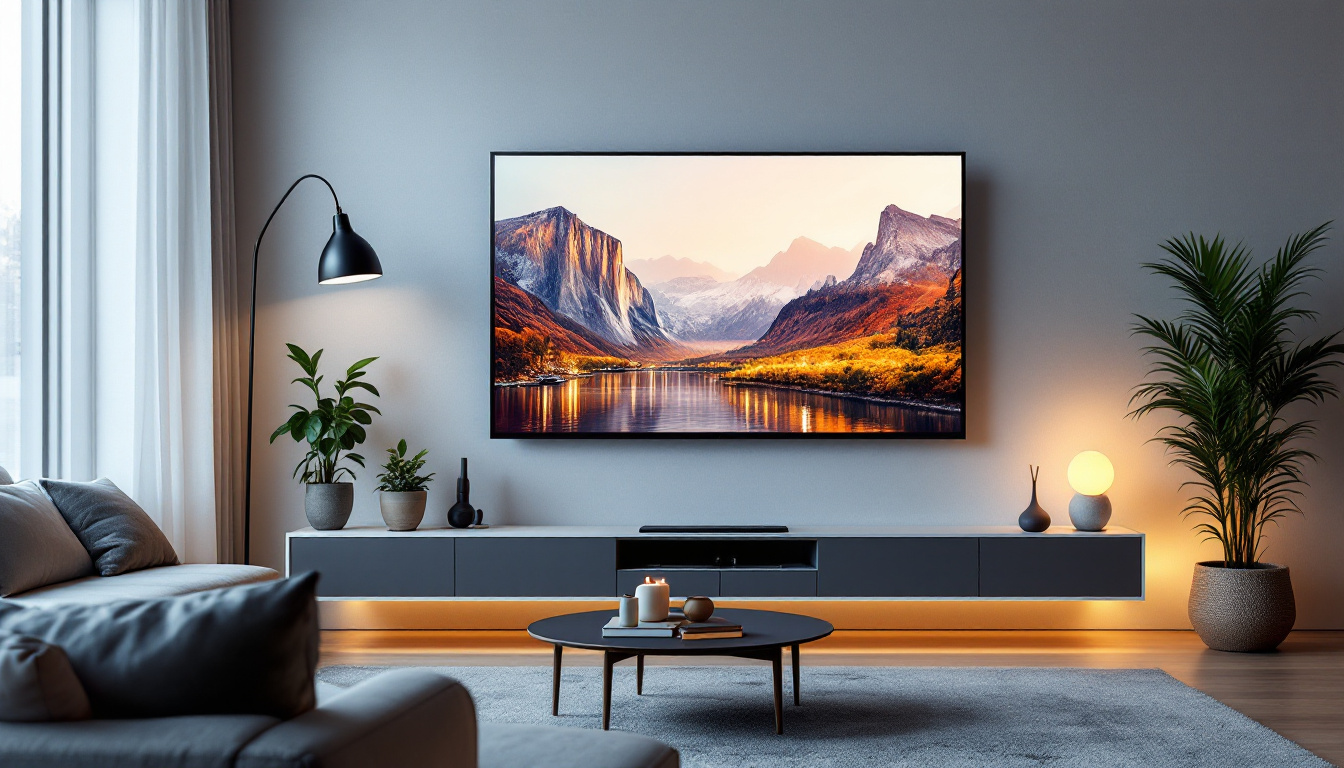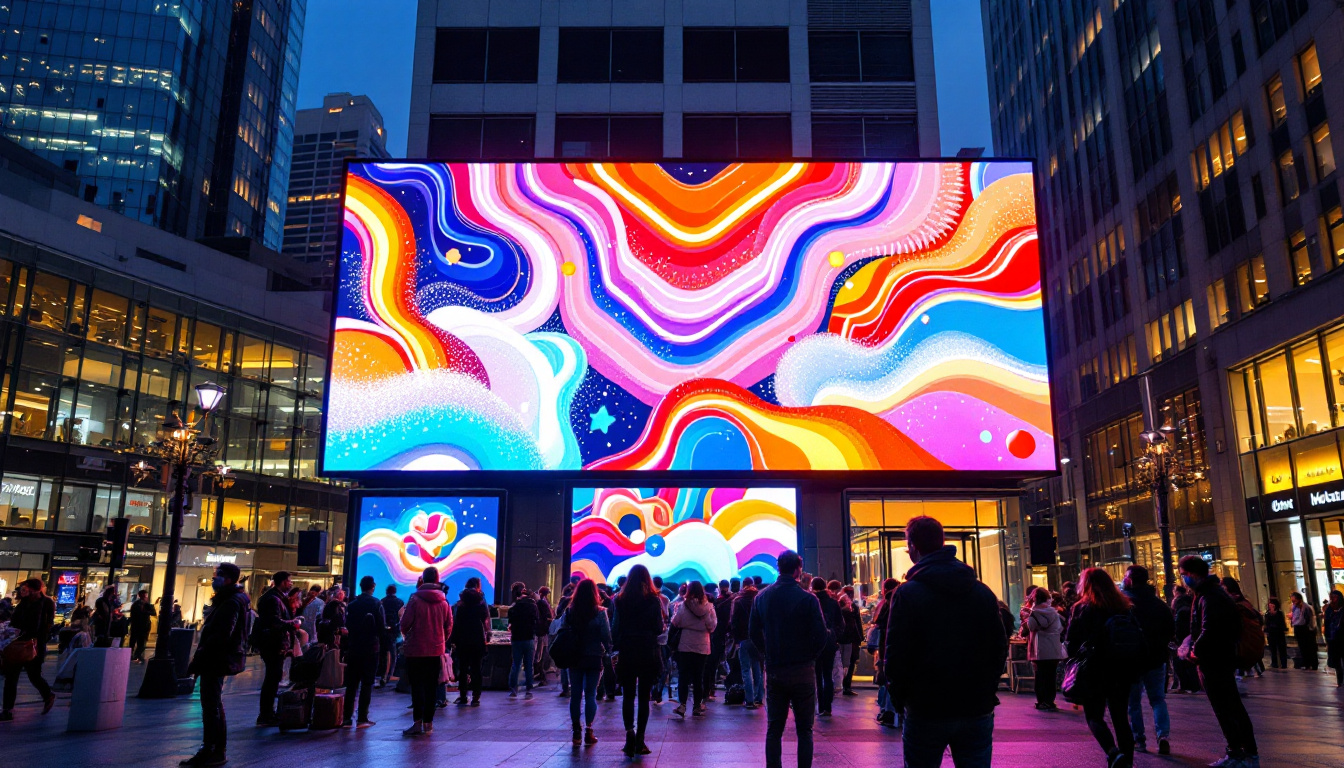
In today’s digital age, the term “LED display” has become ubiquitous, especially when discussing monitors. From office setups to gaming rigs and professional design studios, LED technology plays a crucial role in how images and videos are presented. But what exactly is an LED display? How does it differ from other types of screens, and why has it become the preferred choice for so many users worldwide? This comprehensive article unpacks the technology behind LED displays, explores their advantages and limitations, and offers insights into selecting the right LED monitor for various needs.
Understanding LED Display Technology
What Does LED Mean?
LED stands for Light Emitting Diode, a semiconductor device that emits light when an electric current passes through it. Unlike traditional LCD (Liquid Crystal Display) screens that rely on cold cathode fluorescent lamps (CCFL) for backlighting, LED displays use these tiny diodes as a light source. This fundamental difference in backlighting technology is what sets LED monitors apart. The efficiency of LEDs not only contributes to lower energy consumption but also enhances the lifespan of the display, making them a more sustainable option in the long run.
How LED Displays Work
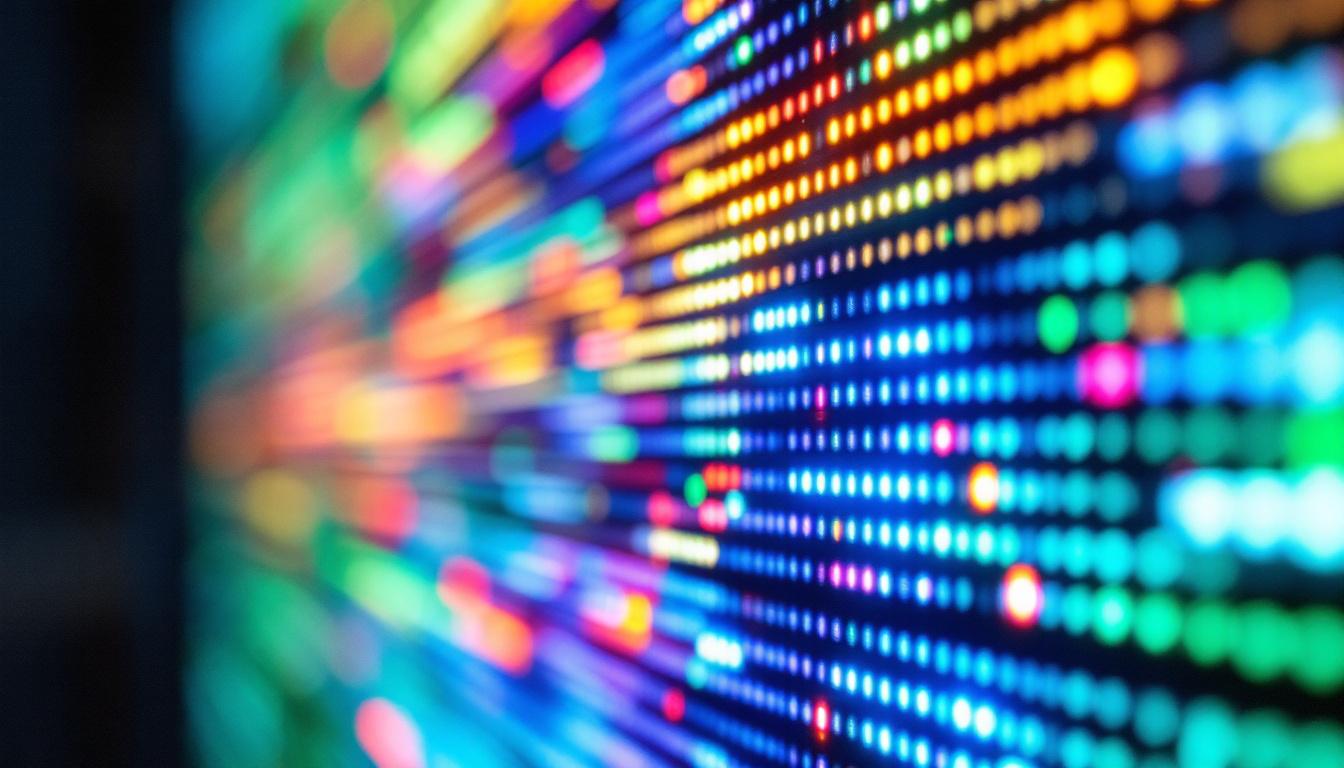
Most LED monitors are actually LCD panels illuminated by LEDs. The LCD panel itself doesn’t emit light; it manipulates light passing through it to create images. The LEDs serve as the backlight, shining through the liquid crystals and color filters to produce the final picture. This combination allows for thinner, more energy-efficient screens with better brightness and color accuracy compared to traditional LCDs with CCFL backlighting. Furthermore, the rapid response time of LEDs contributes to smoother motion rendering, which is particularly beneficial for fast-paced gaming and video playback.
There are two main types of LED backlighting used in monitors:
- Edge-lit LED: LEDs are placed along the edges of the screen, and light is spread across the display using light guides. This design allows for thinner panels but can sometimes result in uneven brightness or contrast.
- Direct-lit or Full-array LED: LEDs are arranged in a grid directly behind the screen. This method provides more uniform backlighting and enables local dimming, where specific sections of the screen can be dimmed independently to improve contrast and black levels.
OLED vs. LED: Clarifying the Difference
It’s important to distinguish LED displays from OLED (Organic Light Emitting Diode) displays, which are often confused due to similar acronyms. OLED technology uses organic compounds that emit light when electrically stimulated, eliminating the need for a backlight. This allows OLED screens to achieve perfect blacks and exceptional contrast ratios. However, OLED monitors tend to be more expensive and are less common in desktop monitors compared to LED-backlit LCDs. Additionally, OLED displays can suffer from burn-in issues, where static images can leave a permanent mark on the screen if displayed for prolonged periods, a concern that is less prevalent in LED technology.
Moreover, the color gamut and viewing angles of OLED displays are often superior, providing a more immersive experience for users, especially in creative fields such as graphic design and video editing. As technology continues to evolve, hybrid models that combine the strengths of both LED and OLED are emerging, promising even greater advancements in display quality. These innovations are paving the way for the next generation of monitors that cater to both casual users and professionals alike, ensuring that the future of display technology remains bright and exciting.
Advantages of LED Monitors
Energy Efficiency and Environmental Impact
One of the most significant benefits of LED monitors is their energy efficiency. According to the U.S. Department of Energy, LED-backlit LCDs consume up to 40% less power than CCFL-backlit LCDs. This reduction not only lowers electricity bills but also contributes to a smaller carbon footprint, aligning with growing environmental concerns and sustainability goals.
Improved Brightness and Color Accuracy
LED monitors typically offer higher brightness levels, often exceeding 300 nits, which makes them suitable for use in well-lit environments. Additionally, LED backlighting supports a wider color gamut and better color reproduction, especially when combined with technologies like quantum dots. This makes LED monitors a favorite choice among photographers, graphic designers, and video editors who require precise color accuracy.
Thinner and Lighter Designs
Because LEDs are smaller and more efficient than CCFL tubes, manufacturers can produce thinner and lighter monitors. This sleek design not only saves desk space but also enhances portability for users who need to move their setups frequently.
Longer Lifespan and Durability
LEDs generally have a longer operational life compared to CCFL backlights, often lasting upwards of 50,000 hours. They are also more resistant to shocks and vibrations, making LED monitors more durable and reliable over time.
Limitations and Considerations of LED Displays
Potential for Uneven Backlighting
Edge-lit LED monitors, while thin and affordable, can suffer from uneven backlighting issues such as “clouding” or “bleeding,” where light leaks around the edges or corners of the screen. This can be distracting, particularly in dark scenes or when viewing high-contrast content.
Contrast Ratio Limitations
Although LED monitors offer improved contrast ratios compared to older LCDs, they still cannot match the near-infinite contrast ratios of OLED displays. This means blacks may appear more like very dark gray, which can affect the viewing experience in cinematic or gaming applications that rely on deep blacks.
Blue Light Emission and Eye Strain
LED backlights emit blue light, which has been linked to eye strain and disrupted sleep patterns when exposed for prolonged periods. Many modern LED monitors incorporate blue light filters or “low blue light” modes to mitigate these effects, but users should remain mindful of screen time and take regular breaks.
Types of LED Monitors and Their Applications
Standard LED Monitors for Everyday Use
For general office work, web browsing, and media consumption, standard LED monitors with Full HD (1920×1080) resolution provide excellent value. These monitors balance performance and affordability, offering good brightness and color reproduction suitable for most users.
Gaming LED Monitors
Gaming monitors often feature LED backlighting combined with high refresh rates (120Hz, 144Hz, or higher) and low response times to reduce motion blur and input lag. Technologies such as NVIDIA G-SYNC or AMD FreeSync synchronize the monitor’s refresh rate with the graphics card to provide smooth gameplay. Additionally, gaming monitors may use full-array local dimming to enhance contrast and visual fidelity.
Professional and Creative Work Monitors
Professionals in photography, video production, and graphic design require monitors with exceptional color accuracy and wide color gamut support. LED monitors equipped with quantum dot technology or factory calibration to standards like AdobeRGB or DCI-P3 are favored in these fields. High-resolution displays (4K and above) are also common to provide detailed image clarity.
Curved and Ultrawide LED Monitors
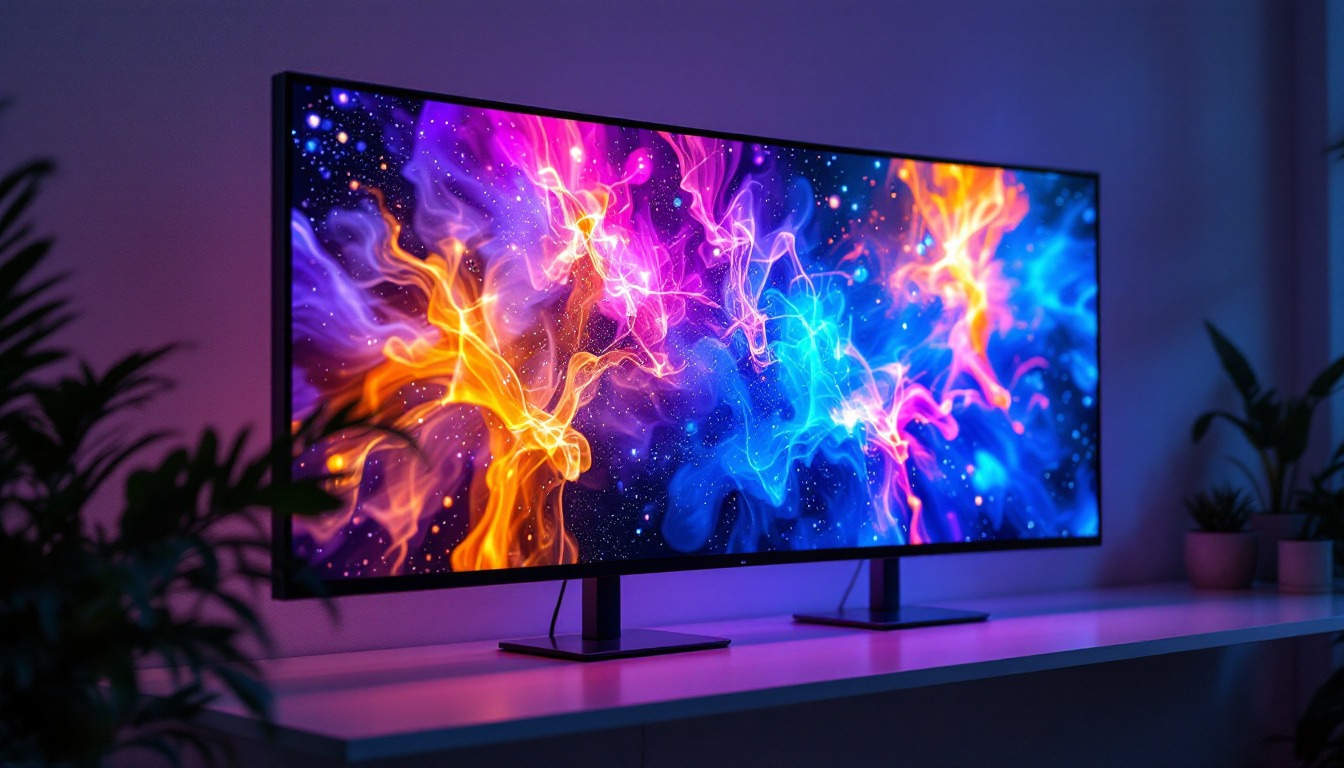
Curved LED monitors offer an immersive viewing experience by wrapping the screen around the user’s field of vision, reducing distortion and eye strain. Ultrawide monitors, often with aspect ratios of 21:9 or 32:9, provide expansive horizontal workspace, ideal for multitasking, video editing timelines, or immersive gaming.
Choosing the Right LED Monitor: Key Factors to Consider
Screen Size and Resolution
Screen size and resolution should be matched to the intended use and workspace. For general use, 24 to 27 inches with Full HD or QHD (2560×1440) resolution is common. Professionals and gamers often prefer 27 inches or larger with 4K resolution for enhanced detail. It’s important to balance screen size with pixel density to avoid pixelation or excessive scaling.
Refresh Rate and Response Time
Higher refresh rates (above 60Hz) and lower response times (under 5ms) are crucial for smooth motion rendering, especially in gaming or video editing. Casual users may not notice significant differences, but competitive gamers benefit greatly from faster displays.
Color Accuracy and Calibration
For creative professionals, color accuracy is paramount. Look for monitors that support wide color gamuts such as AdobeRGB or DCI-P3 and offer factory calibration or the ability to calibrate with tools like colorimeters. Some monitors also support HDR (High Dynamic Range) for enhanced color and brightness.
Connectivity and Ergonomics
Modern LED monitors come with a variety of ports including HDMI, DisplayPort, USB-C, and USB hubs. USB-C connectivity is increasingly popular for its ability to carry video, data, and power through a single cable. Ergonomic features such as adjustable height, tilt, swivel, and pivot help users maintain comfortable viewing angles and reduce strain during long sessions.
Future Trends in LED Monitor Technology
Mini-LED and Micro-LED Innovations
Emerging backlighting technologies like Mini-LED and Micro-LED promise to revolutionize LED displays. Mini-LED uses thousands of tiny LEDs for backlighting, enabling finer local dimming zones, improved contrast, and higher brightness levels. Micro-LED, still in early stages, offers self-emissive pixels similar to OLED but with greater brightness and longevity, potentially combining the best of both worlds.
Higher Refresh Rates and Adaptive Sync Technologies
As gaming and professional applications demand smoother visuals, LED monitors continue to push refresh rates beyond 240Hz. Adaptive sync technologies are becoming standard, reducing screen tearing and stuttering for a seamless experience.
Integration of AI and Smart Features
Future LED monitors may incorporate AI-driven features such as automatic brightness and color adjustments based on ambient lighting or content type. Smart monitors with built-in operating systems and apps are also gaining popularity, blurring the lines between traditional monitors and smart TVs.
Conclusion
LED displays have become the backbone of modern monitor technology, offering a compelling blend of energy efficiency, brightness, color accuracy, and design flexibility. Whether for everyday computing, immersive gaming, or professional creative work, LED monitors provide a versatile solution that continues to evolve with cutting-edge innovations. Understanding the nuances of LED technology empowers users to make informed decisions, ensuring they select the right monitor to meet their unique requirements and enjoy the best possible visual experience.
Discover the Future of LED Displays with LumenMatrix
As you consider upgrading your visual experience, whether for dynamic gaming, professional creative work, or impactful brand communication, LumenMatrix stands at the forefront of LED display innovation. With a comprehensive range of solutions including Indoor and Outdoor LED Wall Displays, Vehicle LED Displays, and specialized options like LED Sports and Floor Displays, LumenMatrix is committed to revolutionizing the way you engage with digital content. Experience the pinnacle of LED technology and let your message shine with unparalleled clarity and vibrancy. Check out LumenMatrix LED Display Solutions today and step into a world of vivid colors and stunning visuals.