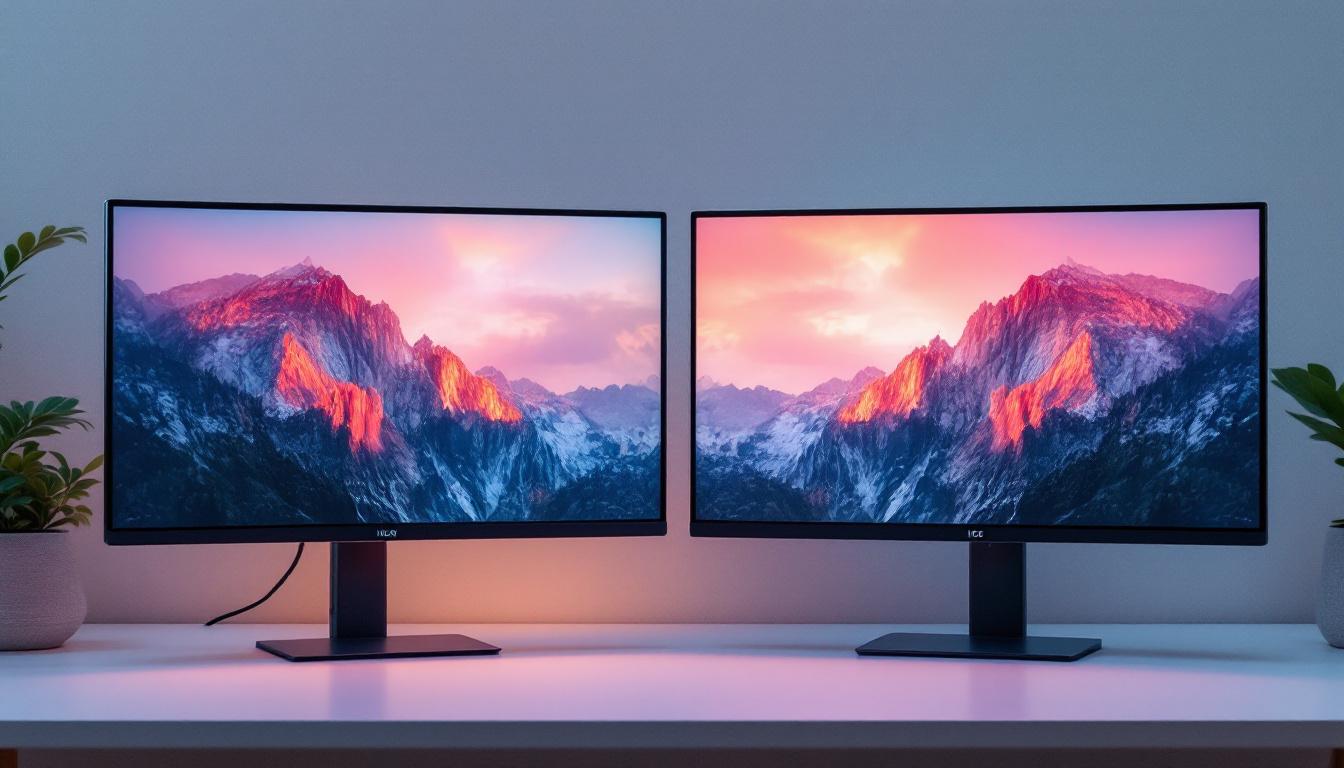
Choosing the right monitor can be a daunting task, especially with the variety of display technologies available today. Among the most common terms encountered are LED and LCD monitors. While these terms are often used interchangeably, understanding the distinctions between them is crucial for making an informed purchase that suits your needs—whether for gaming, professional work, or everyday use.
This comprehensive guide dives into the technology behind LED and LCD monitors, explains their differences, and explores the advantages and disadvantages of each. By the end, readers will have a clear understanding of how these displays work and which monitor type might be best for their specific requirements.
Understanding the Basics: What Are LCD and LED Monitors?
The Foundation: LCD Technology
LCD stands for Liquid Crystal Display, a technology that has been the backbone of flat-panel displays for decades. An LCD monitor uses liquid crystals sandwiched between two layers of glass or plastic. These crystals do not emit light on their own but manipulate light passing through them to create images.
To illuminate the display, LCDs require a backlight. This backlight shines through the liquid crystals, which adjust to block or allow light to pass, forming the images seen on the screen. The quality of the image depends heavily on how the backlight and liquid crystals interact. Additionally, the resolution of an LCD monitor, which is determined by the number of pixels it can display, plays a crucial role in the clarity and detail of the images. Higher resolutions, such as Full HD (1920×1080) or 4K (3840×2160), provide sharper images and a more immersive viewing experience, making them ideal for everything from gaming to professional graphic design.
Moreover, advancements in LCD technology have led to the development of various types of displays, such as IPS (In-Plane Switching) and TN (Twisted Nematic) panels. IPS panels are known for their superior color accuracy and wider viewing angles, making them a favorite among photographers and videographers. On the other hand, TN panels are often favored for their faster response times, which can be beneficial in fast-paced gaming scenarios. Understanding these nuances can help consumers make informed decisions based on their specific needs and preferences.
What Does LED Mean in Monitors?
LED stands for Light Emitting Diode. When it comes to monitors, the term “LED monitor” is somewhat of a misnomer because these displays are essentially LCD panels that use LEDs as their backlighting source instead of older technologies like CCFL (Cold Cathode Fluorescent Lamps).
In other words, LED monitors are a subset of LCD monitors that use LED backlighting. This distinction is important because it means that all LED monitors are LCDs, but not all LCDs use LED backlights. The transition from CCFL to LED backlighting has brought significant improvements in display quality, energy efficiency, and design. For instance, LED backlighting allows for thinner monitor designs, which not only saves space but also enhances the aesthetic appeal of modern workspaces. Furthermore, LED technology can offer better contrast ratios, resulting in deeper blacks and brighter whites, which are particularly beneficial for watching movies or playing games.
Additionally, there are two main types of LED backlighting: edge-lit and full-array. Edge-lit LED monitors have LEDs positioned along the edges of the screen, which can create a slimmer profile but may lead to uneven brightness. In contrast, full-array LED monitors feature a grid of LEDs behind the entire screen, allowing for more uniform lighting and the possibility of local dimming, which enhances contrast by dimming specific areas of the screen based on the content being displayed. This technology continues to evolve, pushing the boundaries of what is possible in visual displays and offering consumers a range of options to suit their viewing habits and environments.
Types of LED Backlighting: Edge-Lit vs. Full-Array
Edge-Lit LED Monitors
Edge-lit LED monitors place the LEDs along the edges of the screen. Light is then diffused across the display using light guides. This design allows manufacturers to produce thinner and lighter monitors, which are aesthetically pleasing and space-saving.
However, edge-lit displays can struggle with uniform brightness and contrast, especially in darker scenes. Because the light source is only at the edges, some areas of the screen may appear less bright or have uneven lighting, which can impact image quality.
Full-Array LED Monitors
Full-array LED monitors have LEDs distributed evenly behind the entire screen. This arrangement allows for better control over local dimming zones—regions of the screen that can be dimmed or brightened independently.
Local dimming enhances contrast ratios and black levels, resulting in deeper blacks and more vibrant colors. While full-array LED monitors tend to be thicker and more expensive than edge-lit models, they offer superior picture quality, making them a preferred choice for professionals and enthusiasts.
Comparing LED and LCD Monitors: Key Performance Factors
Brightness and Energy Efficiency
LED backlighting offers brighter displays compared to traditional CCFL-backlit LCDs. Modern LED monitors can achieve brightness levels exceeding 300 nits, with some high-end models reaching 600 nits or more, which is beneficial for use in brightly lit environments.
In terms of energy consumption, LED monitors are more efficient. According to the U.S. Department of Energy, LED backlighting can reduce power usage by up to 40% compared to CCFL backlighting. This efficiency not only lowers electricity bills but also reduces heat output, contributing to longer device lifespans.
Color Accuracy and Contrast Ratio
Color accuracy is critical for tasks like photo editing, video production, and design. LED monitors, especially those with full-array local dimming, tend to offer better contrast ratios—often exceeding 1000:1—compared to older LCD models.
Additionally, LED backlighting supports a wider color gamut, including standards like sRGB and Adobe RGB, enabling more vivid and lifelike images. Some professional-grade LED monitors even cover 99% or more of the Adobe RGB color space, making them indispensable for color-critical work.
Response Time and Refresh Rate
For gamers and users who require smooth motion rendering, response time and refresh rate are vital. While these specifications are more dependent on the panel technology (such as IPS, TN, or VA) than the backlighting method, LED monitors often incorporate faster panels.
Many LED monitors offer refresh rates of 75Hz, 144Hz, or even 240Hz, significantly reducing motion blur and input lag. This makes them ideal for competitive gaming and fast-paced video content.
Advantages and Disadvantages of LED and LCD Monitors
Advantages of LED Monitors
- Energy Efficiency: Consume less power than traditional LCDs with CCFL backlighting.
- Thinner and Lighter Design: Especially with edge-lit models, allowing for sleek, modern aesthetics.
- Better Brightness and Contrast: Full-array LED monitors provide superior black levels and contrast ratios.
- Improved Color Accuracy: Supports wider color gamuts, beneficial for creative professionals.
- Longer Lifespan: LEDs degrade slower than CCFLs, meaning longer-lasting displays.
Disadvantages of LED Monitors
- Cost: Full-array LED monitors with local dimming can be expensive.
- Potential for Uneven Lighting: Edge-lit models may suffer from brightness inconsistencies.
- Limited Viewing Angles: Depending on the panel type, some LED monitors may have narrower viewing angles.
Advantages of Traditional LCD Monitors (CCFL Backlit)
- Lower Initial Cost: Generally cheaper than LED-backlit models.
- Decent Color Accuracy: Suitable for basic office and home use.
- Reliable Performance: Proven technology with stable image quality.
Disadvantages of Traditional LCD Monitors
- Higher Power Consumption: CCFL backlights are less energy-efficient.
- Bulkier Design: Thicker panels due to CCFL tubes.
- Shorter Lifespan: CCFL backlights degrade faster, leading to dimmer displays over time.
- Lower Brightness and Contrast: Less capable of producing deep blacks and vibrant colors.
Choosing the Right Monitor: Factors to Consider
Purpose and Usage
Understanding your primary use case is the first step in selecting a monitor. For general office work, web browsing, and casual media consumption, a standard LED-backlit LCD monitor with decent resolution and refresh rate will suffice.
For professional photo and video editing, investing in a full-array LED monitor with high color accuracy and wide color gamut support is advisable. Gamers should prioritize monitors with high refresh rates (144Hz or above) and low response times, often found in LED-backlit models with IPS or TN panels.
Budget Constraints
Budget plays a significant role in monitor selection. While LED monitors with advanced features offer better performance, they come at a premium. Entry-level LED monitors are now widely affordable, often priced similarly to older CCFL-backlit LCDs, making them a practical choice for most users.
It is important to balance desired features with cost. For example, a mid-range LED monitor with an IPS panel and 75Hz refresh rate can provide excellent value for everyday use.
Screen Size and Resolution
Screen size and resolution impact user comfort and productivity. Common sizes range from 21 to 32 inches, with resolutions from Full HD (1920×1080) to 4K (3840×2160). Larger screens with higher resolutions benefit professionals and multitaskers by providing more screen real estate and sharper images.
LED monitors are available across all sizes and resolutions, but higher-resolution displays tend to be more expensive. Choosing the right combination depends on workspace constraints and intended use.
Future Trends in Monitor Technology
Mini-LED and Micro-LED Displays
Emerging technologies like Mini-LED and Micro-LED are pushing the boundaries of LED backlighting. Mini-LED uses thousands of tiny LEDs for backlighting, enabling even more precise local dimming and improved contrast ratios. This technology is already appearing in premium monitors and high-end laptops.
Micro-LED, still in early stages, promises self-emissive pixels similar to OLED but with higher brightness and longer lifespan. These advancements may eventually redefine what is considered an LED or LCD monitor.
OLED vs. LED LCD
Organic Light Emitting Diode (OLED) displays differ fundamentally from LED-backlit LCDs by emitting light at the pixel level without a backlight. OLED monitors offer exceptional contrast, color accuracy, and viewing angles but are currently more expensive and less common in desktop monitors.
For now, LED-backlit LCD monitors remain the mainstream choice, balancing performance, cost, and availability.
Conclusion
In summary, the term “LED monitor” refers to an LCD display that uses LED backlighting rather than older CCFL technology. This shift has led to thinner, brighter, and more energy-efficient monitors with better color accuracy and contrast. Understanding the types of LED backlighting—edge-lit and full-array—helps in evaluating monitor quality and performance.
When choosing between LED and traditional LCD monitors, LED-backlit models generally offer superior performance and longevity, making them the preferred option for most users today. However, budget, intended use, and specific feature requirements should guide the final decision.
As display technologies continue to evolve, staying informed about innovations like Mini-LED and Micro-LED will help consumers make future-proof choices. For now, LED-backlit LCD monitors represent the best balance of quality, efficiency, and affordability in the monitor market.
Discover Cutting-Edge LED Displays with LumenMatrix
Now that you understand the superior benefits of LED-backlit LCD monitors, it’s time to experience the future of display technology with LumenMatrix. As a pioneer in LED display innovation, LumenMatrix offers an extensive range of solutions tailored to meet your visual communication needs. From breathtaking Indoor LED Walls to dynamic Outdoor LED Displays, and from versatile Vehicle LED Displays to sleek LED Poster Displays, our products are designed to captivate and engage. Whether you’re looking to enhance your brand’s visibility or create immersive experiences with Sports Displays, Floor LEDs, or Custom Displays, LumenMatrix has you covered. Elevate your space with our All-in-One LED Displays or make a transparent statement with our LED Transparent Displays. Embrace the revolution in visual storytelling with LumenMatrix and let your message shine with unparalleled clarity. Check out LumenMatrix LED Display Solutions and transform your space today.