In the modern architectural and construction landscape, integrating digital signage into building designs has become increasingly important. LED displays, in particular, are revolutionizing how information is conveyed within and outside structures. Autodesk Revit, a leading Building Information Modeling (BIM) software, offers powerful tools for incorporating LED signage into digital building models. This article explores the nuances of Revit signage with a focus on LED displays, detailing their benefits, implementation strategies, and practical considerations for architects, engineers, and designers.
Understanding LED Displays in Architectural Design
LED (Light Emitting Diode) displays are digital screens made up of numerous tiny LEDs that emit light when an electric current passes through them. These displays are widely used for advertising, information dissemination, and wayfinding due to their brightness, energy efficiency, and versatility.
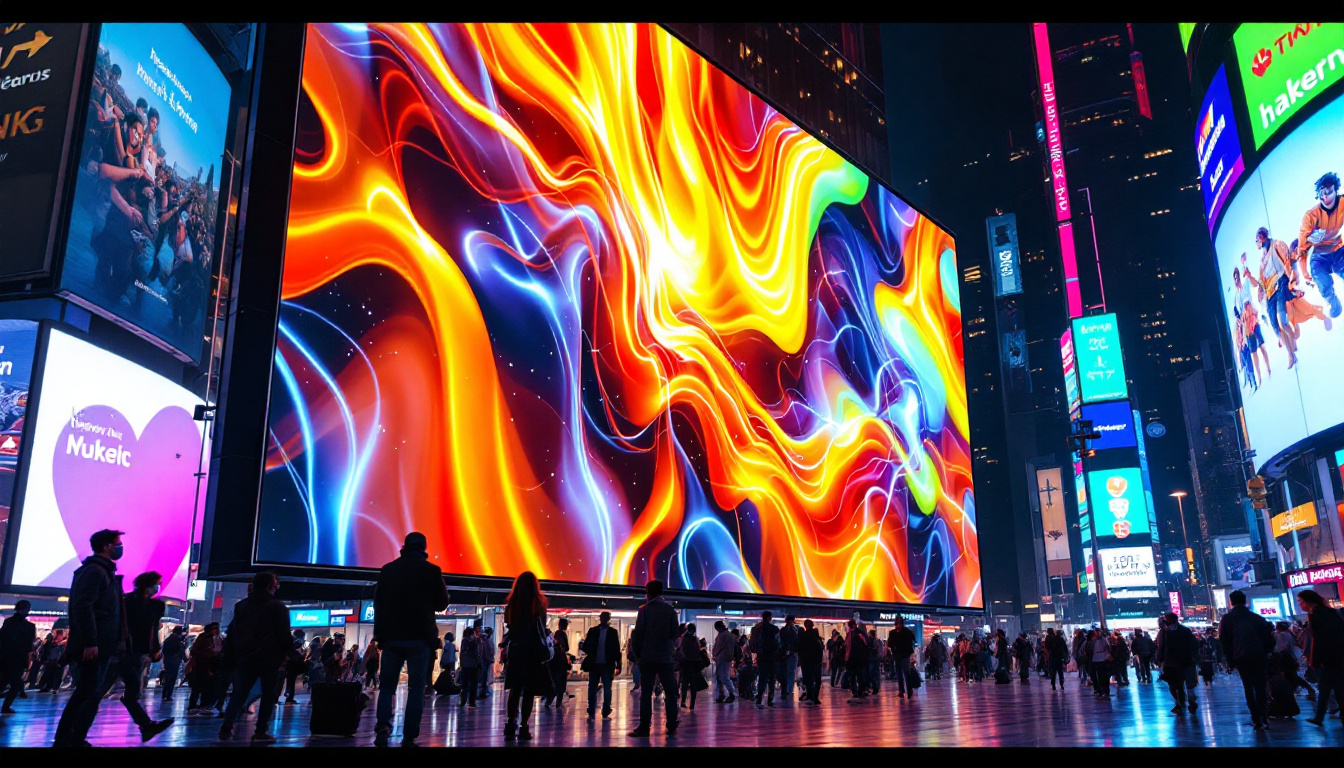
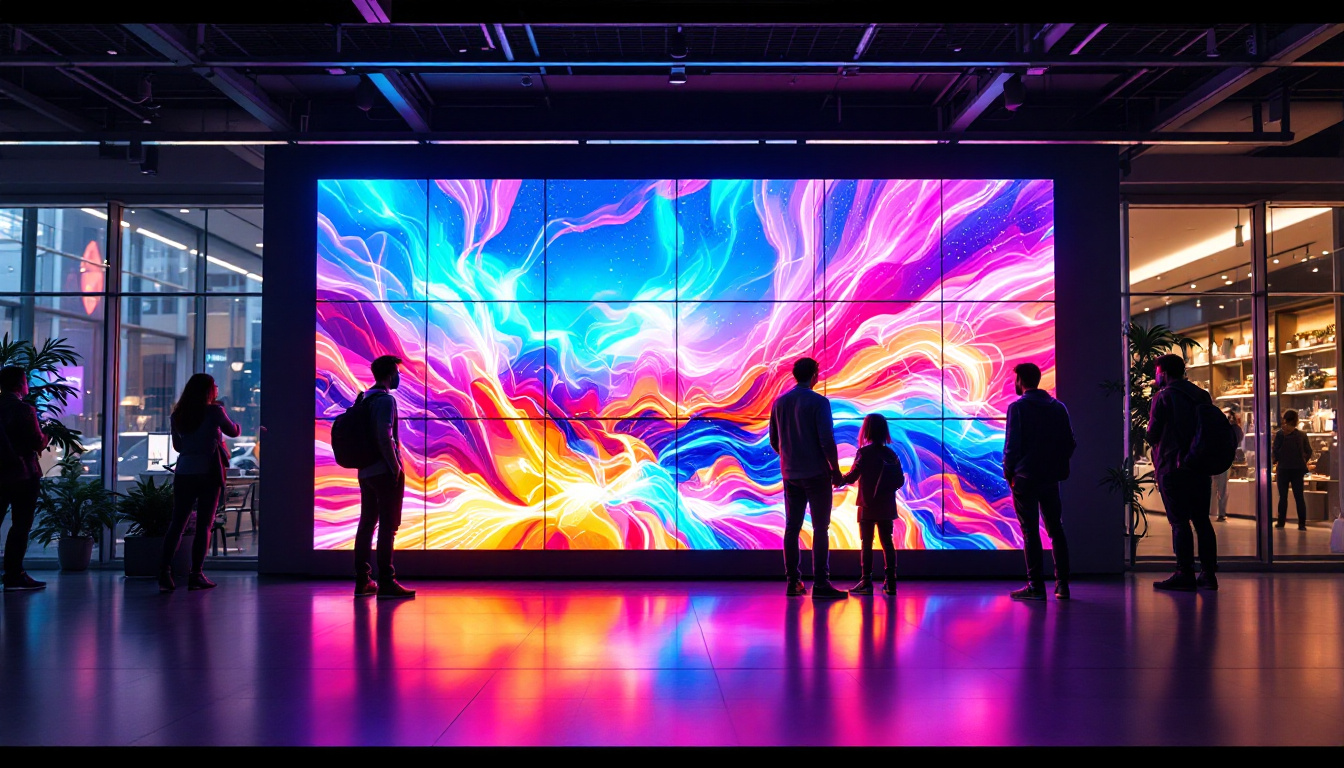
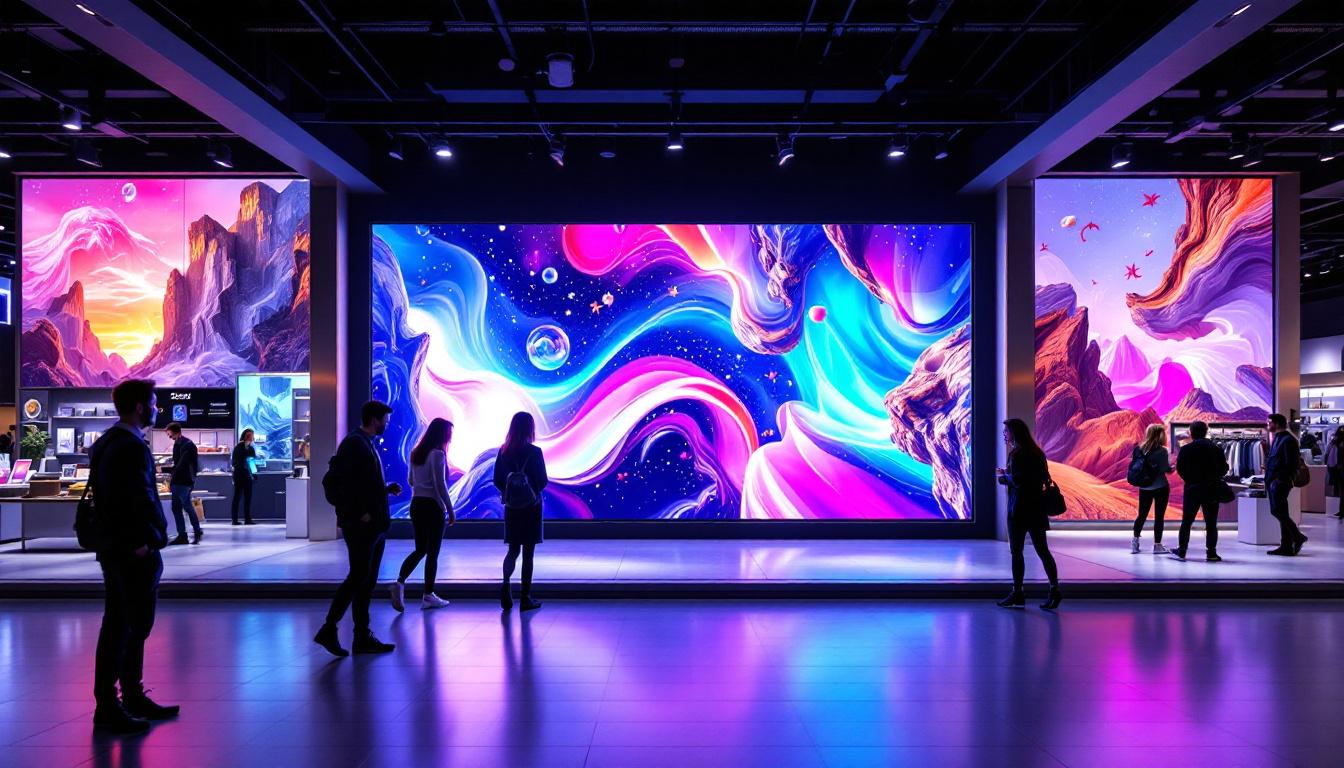
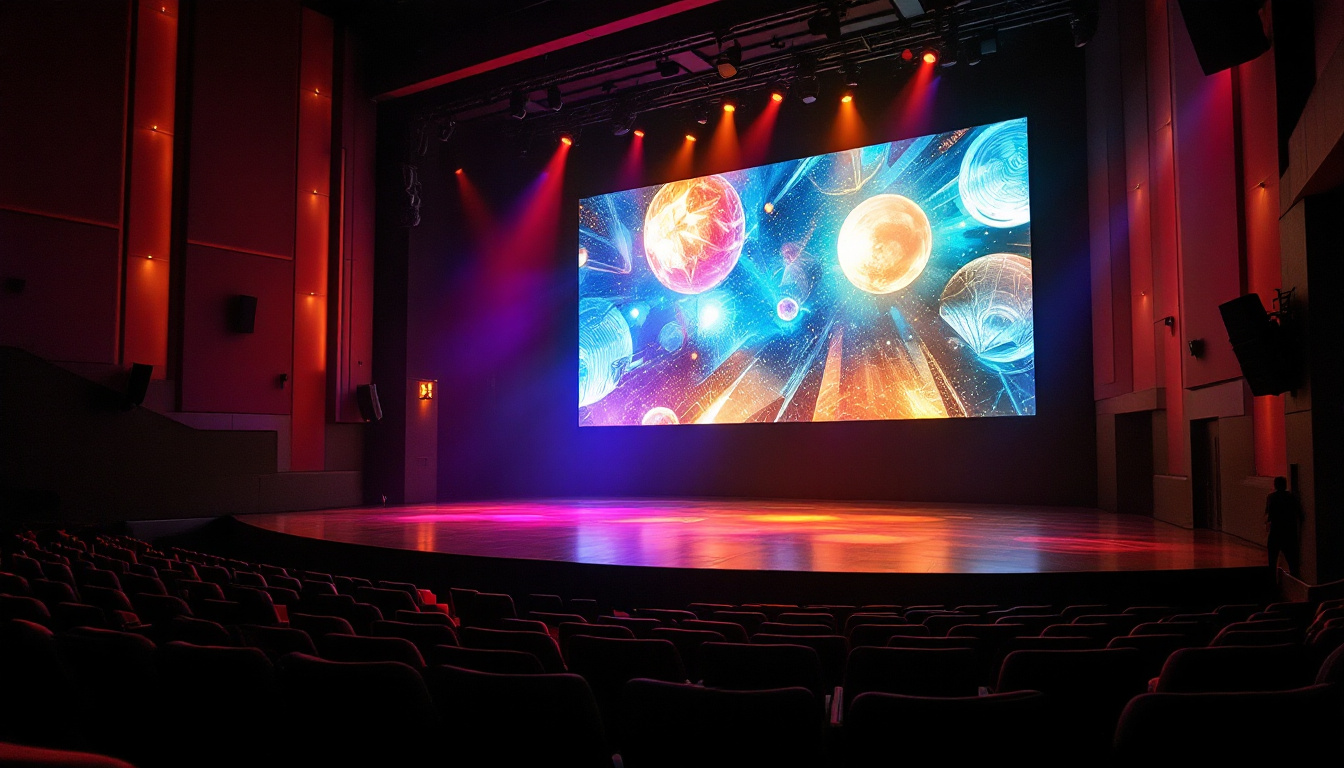
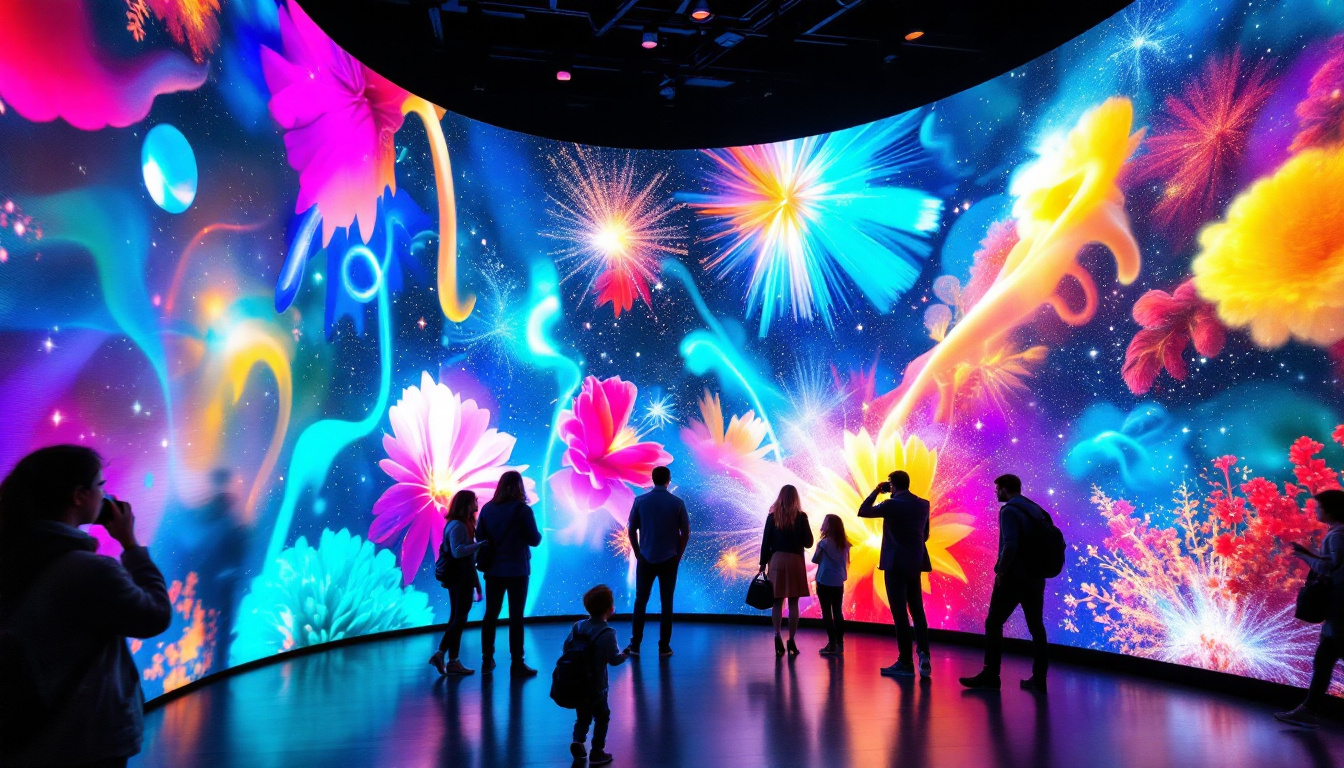
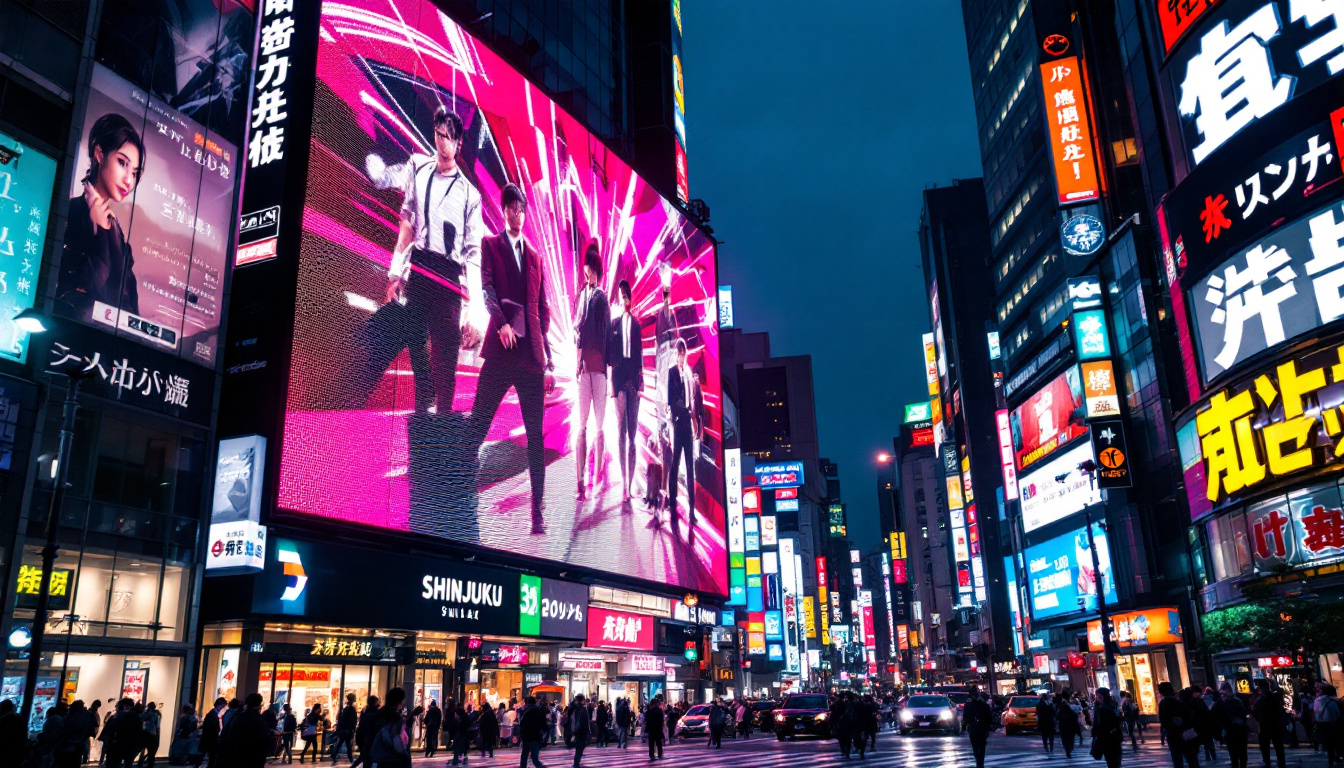
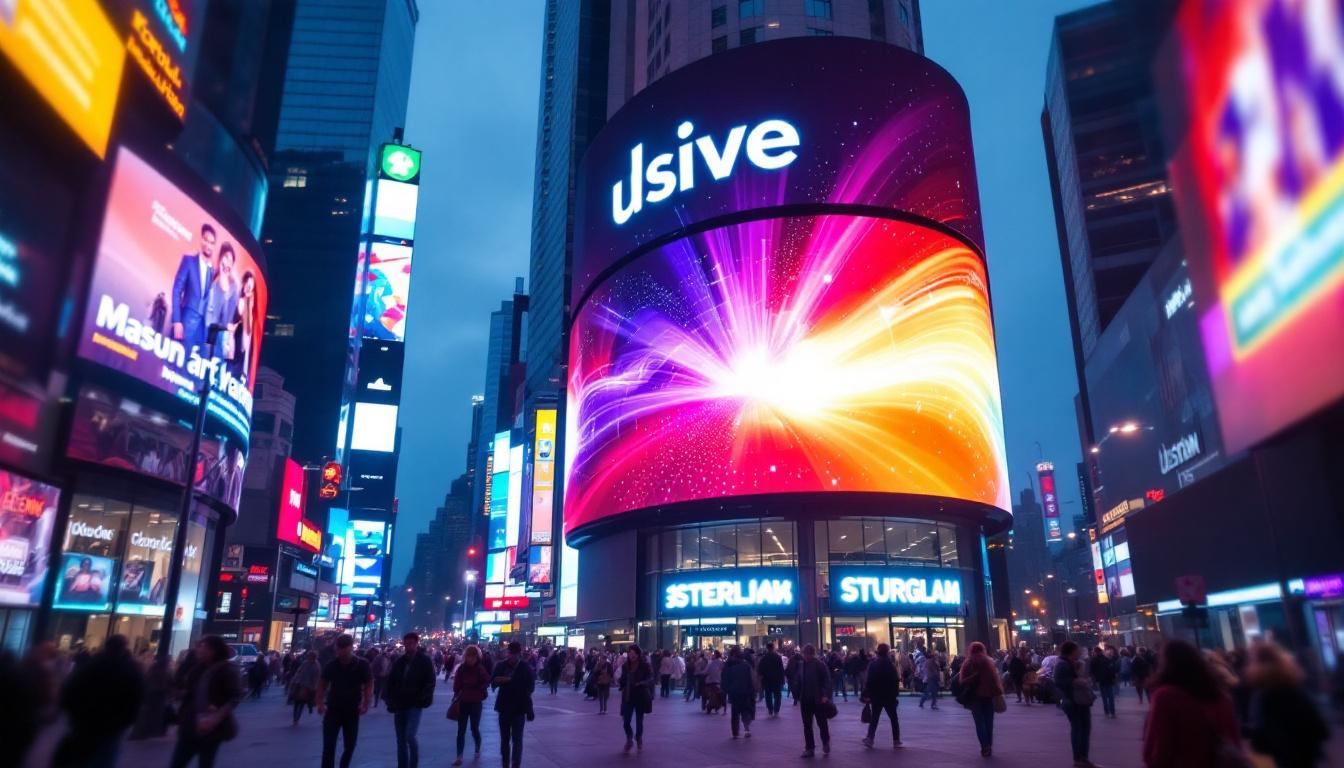
In architectural contexts, LED displays serve multiple purposes—from large exterior billboards and dynamic building facades to interior wayfinding systems and interactive kiosks. Their ability to display vibrant, dynamic content makes them a preferred choice for modern signage solutions. As cities evolve into smart environments, the integration of LED displays becomes increasingly essential, allowing for real-time communication and interaction with the public.
Why LED Displays Are Ideal for Building Signage
LED technology offers several advantages over traditional signage methods. Firstly, LEDs consume significantly less energy than incandescent or fluorescent lighting, which aligns with sustainable building practices. According to the U.S. Department of Energy, LED lighting uses at least 75% less energy and lasts 25 times longer than incandescent lighting.
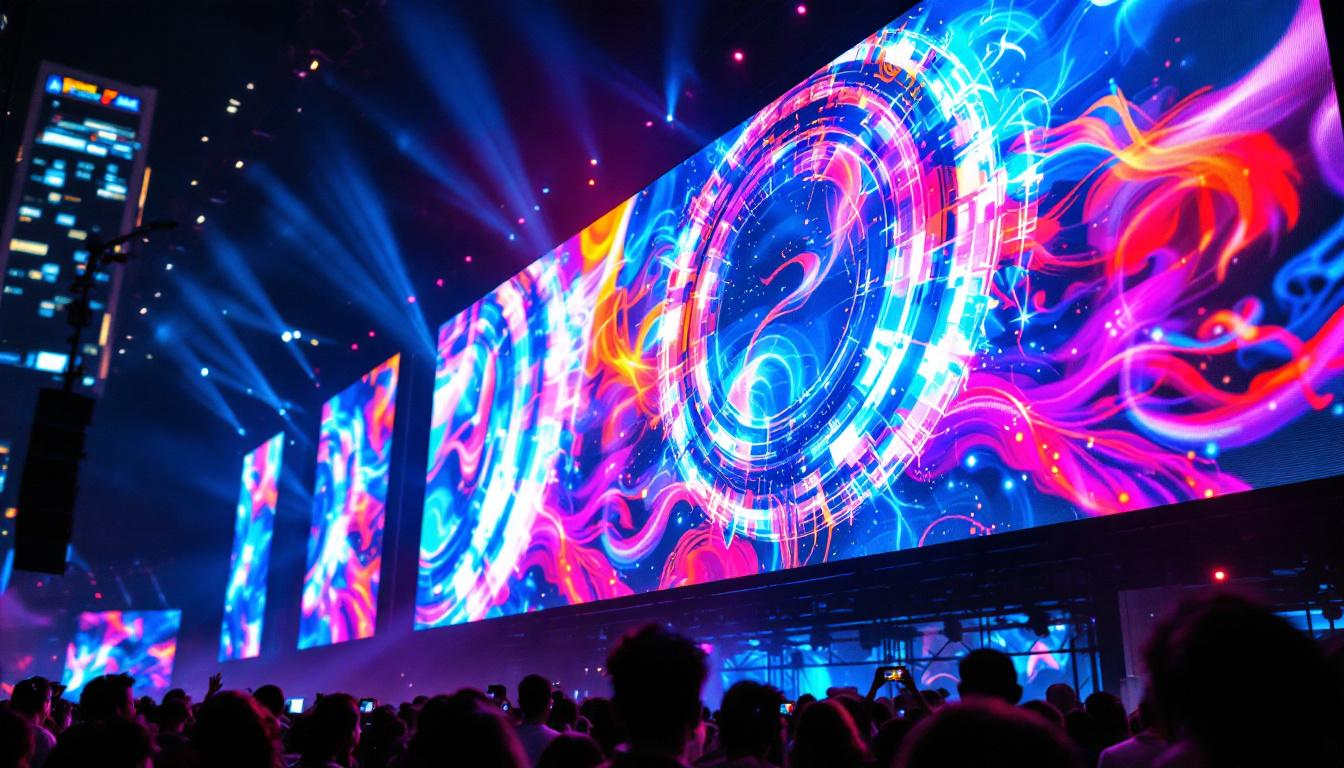
Secondly, LED displays provide high visibility even in direct sunlight, making them suitable for outdoor applications. Their modular nature allows for scalable signage solutions, from small informational panels to massive video walls. Additionally, LEDs support dynamic content, enabling real-time updates and interactive features that enhance user engagement. This adaptability is crucial in urban settings where information needs can change rapidly, such as during events or emergencies. Furthermore, the use of LED displays can contribute to the overall aesthetic of a building, allowing architects to incorporate light as a design element that complements the structure’s form and function.
Moreover, the longevity and durability of LED technology mean that maintenance costs are significantly reduced over time. Unlike traditional signage that may require frequent bulb replacements or repairs, LED displays are built to withstand various environmental conditions, making them a reliable choice for both indoor and outdoor applications. This resilience is particularly beneficial in areas with harsh weather, where traditional signage might fade or deteriorate quickly. As a result, investing in LED displays not only enhances visual communication but also aligns with the long-term sustainability goals of modern architectural projects.
Integrating LED Displays into Revit Models
Revit’s BIM environment allows designers to incorporate LED signage as part of the overall building model. This integration facilitates better coordination, visualization, and documentation throughout the project lifecycle. By embedding LED displays directly into the architectural framework, architects and engineers can ensure that these elements are not only aesthetically pleasing but also functionally integrated with other building systems.
Creating LED Signage Families in Revit
In Revit, signage elements are typically created as families—parametric components that can be customized and reused. Designing an LED display family involves defining its physical dimensions, materials, and electrical properties. This process ensures that the signage fits accurately within the architectural context and complies with technical requirements. The versatility of Revit allows designers to create multiple variations of a single family, accommodating different locations and purposes within the same project.
For example, a typical LED display family might include parameters for screen size, pixel pitch (the distance between individual LEDs), brightness levels, and mounting details. Including these parameters helps stakeholders understand the spatial and technical implications of the signage during design reviews. Additionally, designers can incorporate advanced features such as dynamic content capabilities, allowing the signage to display varying information based on time of day or specific events, thereby enhancing its functionality and relevance to the audience.
Visualizing LED Displays in 3D and Renderings
Revit supports realistic visualization techniques that help communicate the appearance and impact of LED signage within the building environment. By applying emissive materials and appropriate lighting settings, designers can simulate the glow and brightness of LED screens in renderings. This not only aids in visual communication but also helps in understanding how the signage will interact with natural and artificial light sources throughout the day.
Such visualizations are crucial for client presentations and stakeholder approvals, as they provide a tangible sense of how signage will look and function in situ. Moreover, they aid in assessing potential glare or light pollution issues, which are important considerations in urban settings. Furthermore, designers can leverage Revit’s rendering capabilities to create animated sequences that showcase how the LED displays will operate in real-time, providing a more dynamic representation of their functionality and enhancing the overall design narrative.
Technical Considerations for LED Signage in Revit
Implementing LED displays in Revit models requires attention to several technical factors to ensure accuracy and feasibility.
Electrical and Power Requirements
LED displays demand specific electrical inputs, including voltage, current, and power capacity. Accurately modeling these requirements in Revit helps coordinate with electrical engineers and avoid conflicts in the building’s power distribution system.
Revit’s MEP (Mechanical, Electrical, and Plumbing) tools enable designers to link signage families with electrical circuits, specify power loads, and plan conduit pathways. This integration supports compliance with building codes and facilitates efficient installation.
Thermal Management and Ventilation
LED displays generate heat during operation, necessitating proper thermal management to maintain performance and longevity. In Revit, designers can incorporate ventilation features or cooling systems into the signage assemblies.
Modeling these elements early in the design phase helps identify spatial requirements and potential impacts on adjacent building systems. It also supports coordination with HVAC engineers to ensure adequate airflow and temperature control.
Structural Support and Mounting
Because LED displays can be heavy and subject to wind loads, especially on building exteriors, structural considerations are paramount. Revit’s structural modeling capabilities allow engineers to design appropriate support frameworks and attachment points.
Integrating signage into the structural model ensures that load calculations, material specifications, and safety factors are accounted for, reducing the risk of costly modifications during construction.
Benefits of Using Revit for LED Signage Design
Adopting Revit for LED signage design offers numerous advantages that enhance project outcomes and collaboration.
Improved Coordination and Clash Detection
By embedding LED signage within the BIM model, all disciplines—architecture, structural, electrical, and mechanical—can coordinate more effectively. Revit’s clash detection tools identify conflicts early, such as interference between signage mounts and ductwork or electrical conduits.
This proactive approach minimizes costly rework and schedule delays, ensuring smoother project delivery.
Enhanced Documentation and Specification
Revit automates the generation of detailed schedules, material takeoffs, and installation instructions for LED signage components. This documentation supports procurement, fabrication, and onsite assembly processes.
Accurate specifications also facilitate compliance with regulatory standards and client requirements, contributing to higher quality outcomes.
Future-Proofing and Facility Management Integration
Because Revit models serve as digital twins of the built environment, incorporating LED signage data supports long-term facility management. Building operators can access information about signage locations, maintenance schedules, and component specifications within integrated FM systems.
This capability enhances operational efficiency and extends the lifespan of signage assets.
Case Studies: Successful LED Signage Integration in Revit
Several high-profile projects demonstrate the effective use of Revit for LED signage design and coordination.
Urban Transit Hub Digital Wayfinding
In a major metropolitan transit hub, designers used Revit to integrate LED wayfinding displays throughout the concourse. The signage families included parameters for screen size, brightness, and mounting height, enabling precise placement in crowded spaces.
Revit’s collaboration tools allowed architects, electrical engineers, and signage manufacturers to coordinate power supply routes and structural supports, resulting in a seamless installation that improved passenger navigation and reduced congestion.
Corporate Headquarters Dynamic Facade
A global technology company incorporated a dynamic LED facade into its new headquarters. Using Revit, the design team modeled the modular LED panels, including electrical and thermal management systems.
The BIM model facilitated detailed analysis of wind loads and structural support requirements, ensuring safety and durability. Visualization tools helped stakeholders visualize the facade’s appearance during day and night, securing approvals and refining the design.
Best Practices for Designing LED Signage in Revit
To maximize the benefits of Revit for LED signage projects, consider the following best practices:
Define Clear Parameters and Standards
Establish standardized family templates with consistent parameters such as pixel pitch, brightness, and power consumption. This approach streamlines design iterations and maintains quality control across projects.
Collaborate Early with Multidisciplinary Teams
Engage electrical, structural, and mechanical engineers early in the design process to address technical challenges and optimize signage integration. Use Revit’s collaboration features to share models and resolve issues in real time.
Leverage Visualization and Simulation Tools
Utilize Revit’s rendering capabilities and third-party plugins to simulate lighting effects, glare, and thermal performance. These insights inform design decisions and enhance stakeholder communication.
Maintain Up-to-Date Documentation
Keep signage families and project documentation current throughout the design and construction phases. Accurate data supports procurement, installation, and future maintenance activities.
Conclusion
LED displays are transforming architectural signage by offering dynamic, energy-efficient, and visually impactful solutions. Autodesk Revit provides a robust platform for integrating LED signage into building designs, supporting coordination, visualization, and technical accuracy.
By understanding the technical requirements, leveraging Revit’s BIM capabilities, and following best practices, design teams can deliver innovative signage solutions that enhance user experience and building performance. As digital signage continues to evolve, mastering its integration within Revit will remain an essential skill for architects, engineers, and designers aiming to create cutting-edge built environments.
Explore Cutting-Edge LED Signage with LumenMatrix
Ready to elevate your architectural projects with the latest in LED display technology? Discover LumenMatrix’s innovative solutions, from vibrant Indoor and Outdoor LED Wall Displays to dynamic Vehicle and Sports LED Displays. Whether you’re looking to create immersive environments with Floor LED Displays, captivate passersby with LED Poster Displays, or make a bold statement with Custom and All-in-One LED solutions, LumenMatrix is your partner in revolutionizing visual communication. Experience the future of digital signage and transform your space with our LED Transparent Displays. Check out LumenMatrix LED Display Solutions today and bring your designs to life with unparalleled clarity and impact.