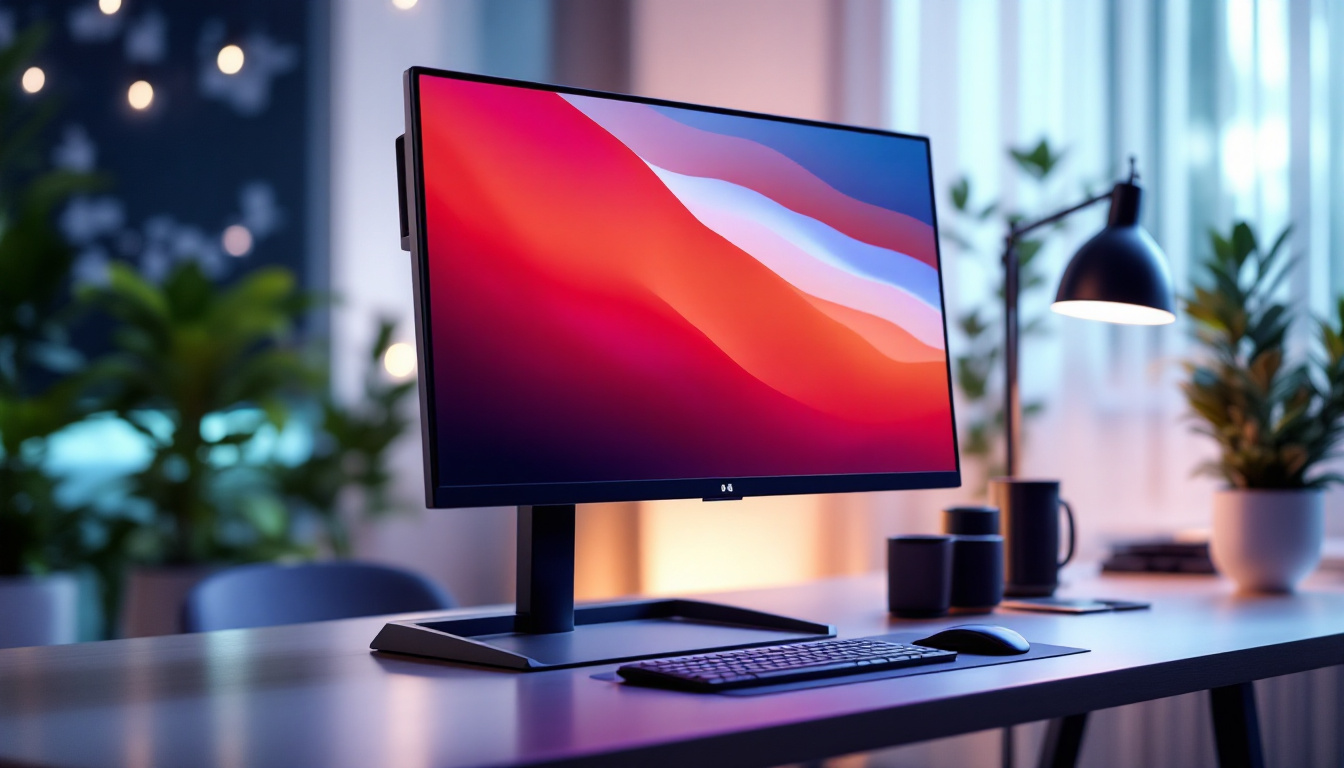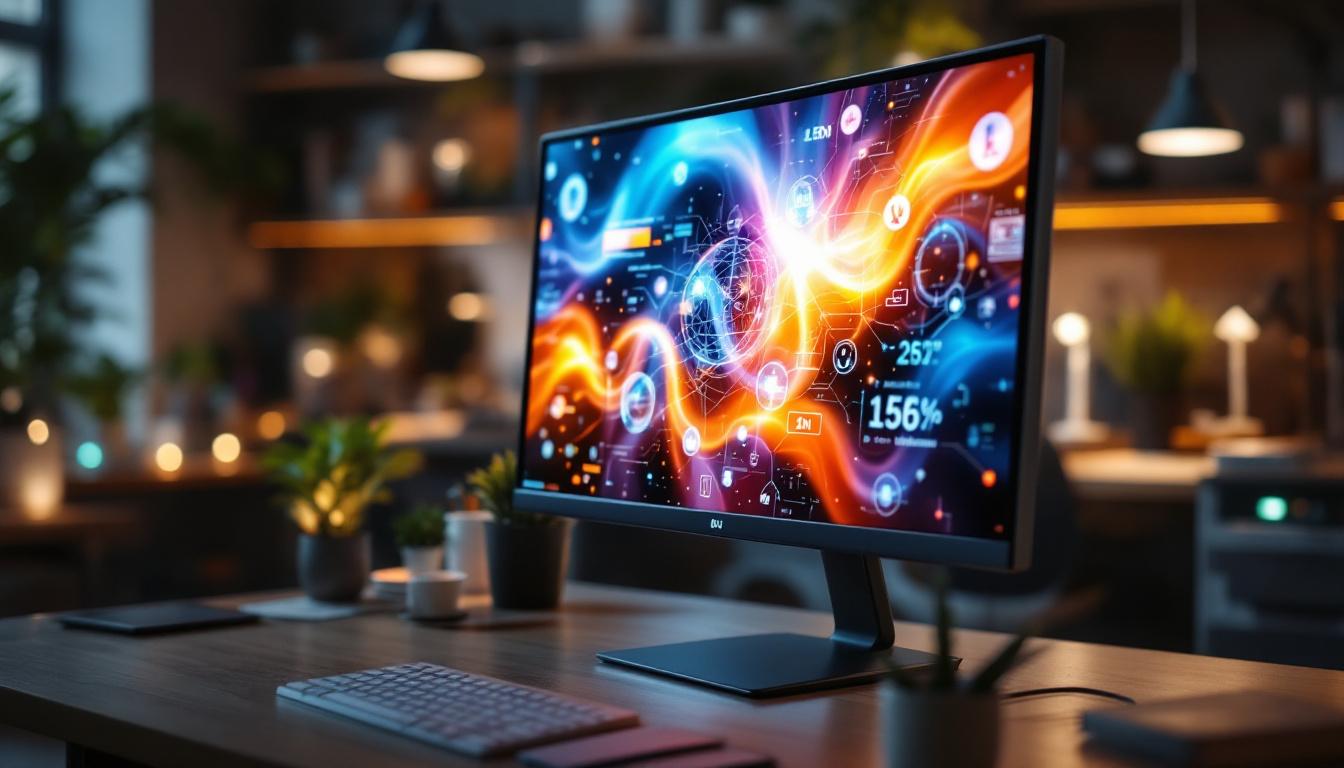
In today’s fast-evolving digital landscape, touch screen monitors have become an integral part of both professional and personal computing environments. From retail kiosks to home offices, these devices offer intuitive interaction and enhanced productivity. However, the market is flooded with options, and finding a cheap touch screen monitor that doesn’t compromise on quality can be challenging. This article delves into the world of LED touch screen monitors, explaining their technology, benefits, and what to look for when purchasing an affordable model.
Understanding LED Touch Screen Technology
Before diving into the specifics of cheap touch screen monitors, it’s essential to understand the underlying technology that powers them. LED, or Light Emitting Diode, displays have become the standard in modern monitors due to their energy efficiency, brightness, and color accuracy.
Touch screen monitors combine this LED display technology with touch-sensitive layers, allowing users to interact directly with the screen using fingers or styluses. The integration of these technologies creates a seamless user experience that is both responsive and visually appealing. As a result, these monitors have found their way into various applications, from retail environments to educational settings, enhancing interactivity and engagement.
How LED Displays Work
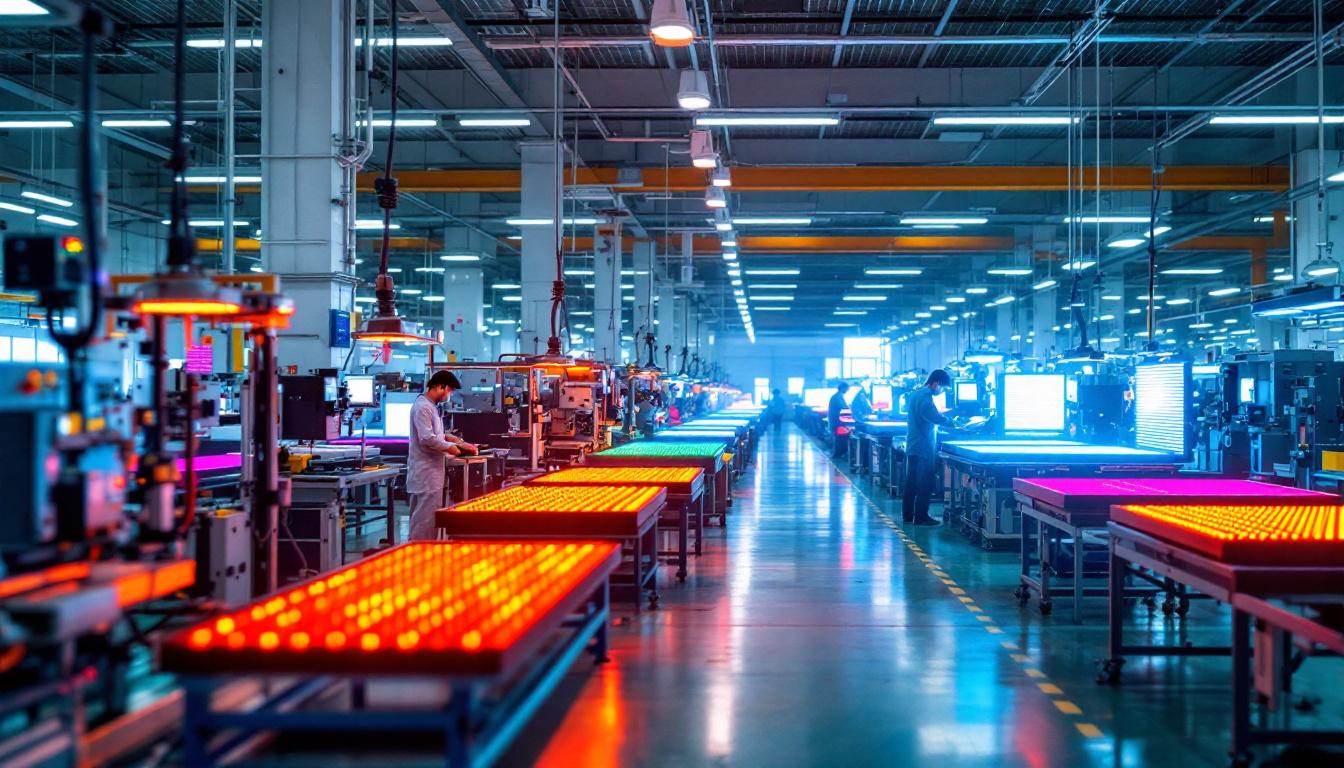
LED displays use an array of light-emitting diodes to illuminate pixels on the screen. Unlike traditional LCD monitors that rely on fluorescent backlighting, LED screens use these tiny diodes to provide backlight, resulting in better contrast ratios and thinner panel designs. This technology also consumes less power and offers longer lifespan, making it a popular choice for touch screen monitors. Moreover, advancements in LED technology, such as the introduction of OLED (Organic Light Emitting Diode), have further improved color vibrancy and viewing angles, pushing the boundaries of display quality.
Types of Touch Screen Technologies
When considering a touch screen monitor, it’s important to understand the different touch technologies available:
- Resistive Touch: Uses pressure applied by a finger or stylus to detect input. It is generally cheaper but less sensitive and offers lower clarity.
- Capacitive Touch: Detects touch through the electrical properties of the human body. It provides multi-touch capabilities, better sensitivity, and clearer displays.
- Infrared Touch: Uses an array of IR sensors around the screen to detect touch. It is durable and works with any input device but can be more expensive.
Most cheap touch screen monitors today utilize capacitive technology due to its balance of performance and cost. This technology not only supports gestures such as pinch-to-zoom and swipe but also enhances the overall user experience by allowing for more intuitive interactions. Additionally, capacitive touch screens are increasingly being integrated with advanced features like palm rejection and haptic feedback, making them ideal for applications requiring precision and responsiveness.
As the demand for touch screen technology continues to grow, manufacturers are also focusing on improving the durability and responsiveness of these screens. Innovations such as anti-glare coatings and strengthened glass surfaces are becoming standard features, ensuring that touch screen monitors can withstand the rigors of daily use in busy environments. Furthermore, the rise of smart devices has led to the development of larger touch screen monitors that cater to collaborative workspaces, allowing multiple users to interact simultaneously, thereby fostering teamwork and creativity.
Benefits of LED Touch Screen Monitors
LED touch screen monitors offer several advantages that make them attractive for both consumers and businesses, especially when budget constraints are a factor.
Energy Efficiency and Longevity
LED backlighting is significantly more energy-efficient compared to traditional CCFL (Cold Cathode Fluorescent Lamp) backlights. This efficiency translates into lower electricity bills and reduced environmental impact. Additionally, LED displays tend to have longer lifespans, often exceeding 50,000 hours of use, which means fewer replacements and maintenance costs over time. This longevity not only benefits businesses by minimizing downtime but also contributes to a more sustainable approach to technology consumption, as fewer devices end up in landfills.
Enhanced Visual Quality
LED technology provides superior brightness and contrast ratios, which are crucial for clear visibility in various lighting conditions. This is particularly important for touch screen monitors used in public spaces or brightly lit offices. The vibrant colors and sharp images enhance the user experience, making interactions more engaging and effective. Furthermore, many LED monitors come equipped with anti-glare coatings, which help to reduce reflections and improve visibility, making them ideal for use in environments with fluctuating light levels, such as conference rooms or retail settings.
Improved Responsiveness and Multi-Touch Support
Modern LED touch screen monitors often support multi-touch gestures, enabling more dynamic and intuitive interactions. Whether it’s pinching to zoom or swiping through menus, these features contribute to smoother workflows and better usability. For users on a budget, finding a monitor that supports at least 5-point multi-touch is a good benchmark. Additionally, the rapid response times of LED touch screens minimize lag, ensuring that every touch is registered instantly, which is particularly beneficial in fast-paced environments like classrooms or interactive kiosks where quick feedback is essential. The tactile feedback provided by these screens also enhances user confidence in their interactions, making technology more accessible to individuals of all skill levels.
What to Look for in a Cheap Touch Screen Monitor
When shopping for an affordable touch screen monitor, it’s crucial to balance cost with essential features to ensure you get the best value.
Screen Size and Resolution
Screen size directly affects usability. For general office work or point-of-sale systems, a 15 to 22-inch monitor is typically sufficient. Larger screens, such as 24 to 27 inches, provide more workspace but usually come at a higher price. Resolution is equally important; a minimum of Full HD (1920×1080) is recommended to ensure crisp images and text. Additionally, consider the aspect ratio; a 16:9 ratio is standard for most applications, but a 16:10 ratio can offer a bit more vertical space, which can be beneficial for tasks like document editing or web browsing.
Touch Technology and Accuracy
As mentioned earlier, capacitive touch is preferred for its responsiveness and clarity. Check the monitor’s touch accuracy and latency specifications. A delay or inaccuracy can hinder productivity and user satisfaction. Reading user reviews and professional tests can provide insight into real-world performance. Furthermore, consider the multi-touch capabilities; some applications benefit from gestures that require multiple touch points, such as pinch-to-zoom or rotating images. A monitor that supports at least 5-point touch can enhance user interaction and experience.
Connectivity Options
Versatile connectivity is essential for compatibility with various devices. Look for monitors that offer HDMI, DisplayPort, and USB ports. USB ports are particularly important for touch functionality as they often carry the touch data signal to the computer. Some monitors also include USB-C, which supports power delivery and data transfer through a single cable. Additionally, consider whether the monitor has built-in speakers or audio output options, which can be useful for presentations or multimedia applications without needing extra peripherals.
Build Quality and Ergonomics
Even budget monitors should have a sturdy build to withstand daily use, especially in commercial environments. Adjustable stands that allow tilting, swiveling, or height adjustments improve comfort and accessibility. VESA mount compatibility is a plus for flexible installation options. Moreover, a monitor with an anti-glare coating can significantly enhance usability in brightly lit environments, reducing eye strain and improving visibility. Look for features like edge-to-edge glass, which not only adds a sleek aesthetic but also makes cleaning the screen easier.
Operating System Compatibility
Ensure the monitor is compatible with your operating system, whether it’s Windows, macOS, or Linux. Some touch screen monitors require specific drivers or software for optimal performance. Compatibility with popular systems guarantees a smoother setup and fewer technical issues. Additionally, check for any firmware updates from the manufacturer, as these can enhance functionality and fix bugs. Some monitors may also offer customizable settings through software, allowing users to tailor touch sensitivity and other features to their preferences, further enhancing the user experience.
Popular Affordable LED Touch Screen Monitors in 2024
The market offers several budget-friendly LED touch screen monitors that balance price and performance effectively. Here are a few noteworthy options:
1. Dell P2418HT 24-Inch Touch Monitor
The Dell P2418HT features a 24-inch Full HD IPS display with 10-point multi-touch support. Its adjustable stand and anti-glare screen make it ideal for office and retail environments. Priced competitively, it offers reliable performance without breaking the bank.
2. ASUS VT168H 15.6-Inch Portable Touchscreen
For users needing portability, the ASUS VT168H is a compact 15.6-inch monitor with a responsive 10-point capacitive touch screen. It connects via USB and HDMI, making it versatile for on-the-go applications. Its affordability and lightweight design appeal to students and mobile professionals.
3. ViewSonic TD2230 22-Inch Touchscreen Monitor
The ViewSonic TD2230 offers a 22-inch Full HD display with 10-point multi-touch and robust connectivity options. Known for its accurate touch response and solid build, it is a favorite in educational and business settings where budget constraints exist.
Tips for Maintaining Your Touch Screen Monitor
Proper care can extend the life and maintain the performance of your touch screen monitor, especially when investing in a budget model.
Cleaning and Handling
Use a soft, lint-free cloth slightly dampened with water or a screen-safe cleaner to wipe the display. Avoid harsh chemicals or abrasive materials that can damage the screen or touch layer. Always power off the monitor before cleaning to prevent accidental inputs.
Software Updates and Calibration
Keep the monitor’s drivers and firmware updated to ensure compatibility and optimal touch performance. Some monitors offer calibration tools to adjust touch sensitivity and accuracy, which can be particularly useful if you notice any responsiveness issues.
Environmental Considerations
Avoid exposing the monitor to extreme temperatures, direct sunlight, or high humidity, as these conditions can degrade the screen and touch sensors. Position the monitor in a stable, well-ventilated area to prolong its lifespan.
Conclusion: Balancing Affordability and Quality
Choosing a cheap touch screen monitor with an LED display requires careful consideration of technology, features, and user needs. LED touch screens provide excellent energy efficiency, visual clarity, and responsiveness, making them a smart investment even on a budget.
By understanding the different touch technologies, prioritizing essential features like screen size, resolution, and connectivity, and opting for reputable models, users can find affordable monitors that deliver reliable performance. Whether for business applications, educational purposes, or personal use, a well-chosen LED touch screen monitor enhances interaction and productivity without compromising quality.
Discover LumenMatrix’s Advanced LED Display Solutions
Ready to elevate your interactive experiences with the latest in LED touch screen technology? LumenMatrix, a pioneer in LED display innovation, offers a comprehensive range of solutions tailored to meet your unique needs. From captivating Indoor LED Walls to dynamic Outdoor LED Displays, and from versatile Vehicle LED Displays to sleek LED Poster Displays, our products are designed to enhance engagement and convey your message with unparalleled clarity. Explore our cutting-edge LED Sports Displays, interactive Floor LED Displays, customizable Custom LED Displays, convenient All-in-One LED Displays, and transparent LED Transparent Displays. Embrace the future of visual communication with LumenMatrix and create memorable visual experiences that resonate with your audience. Check out LumenMatrix LED Display Solutions today and transform your space into a hub of innovation and interaction.