In today’s fast-paced digital world, the way we interact with technology is constantly evolving. One of the most significant changes in recent years is how desktop displays are mounted and utilized, especially with the rise of LED display technology. Whether you’re a professional seeking ergonomic workspace solutions or a tech enthusiast interested in display innovations, understanding desktop display mounts and LED displays is essential. This article delves into the key aspects of desktop display mounts, explains LED display technology, and explores how these elements come together to enhance productivity and visual experience.
Understanding Desktop Display Mounts
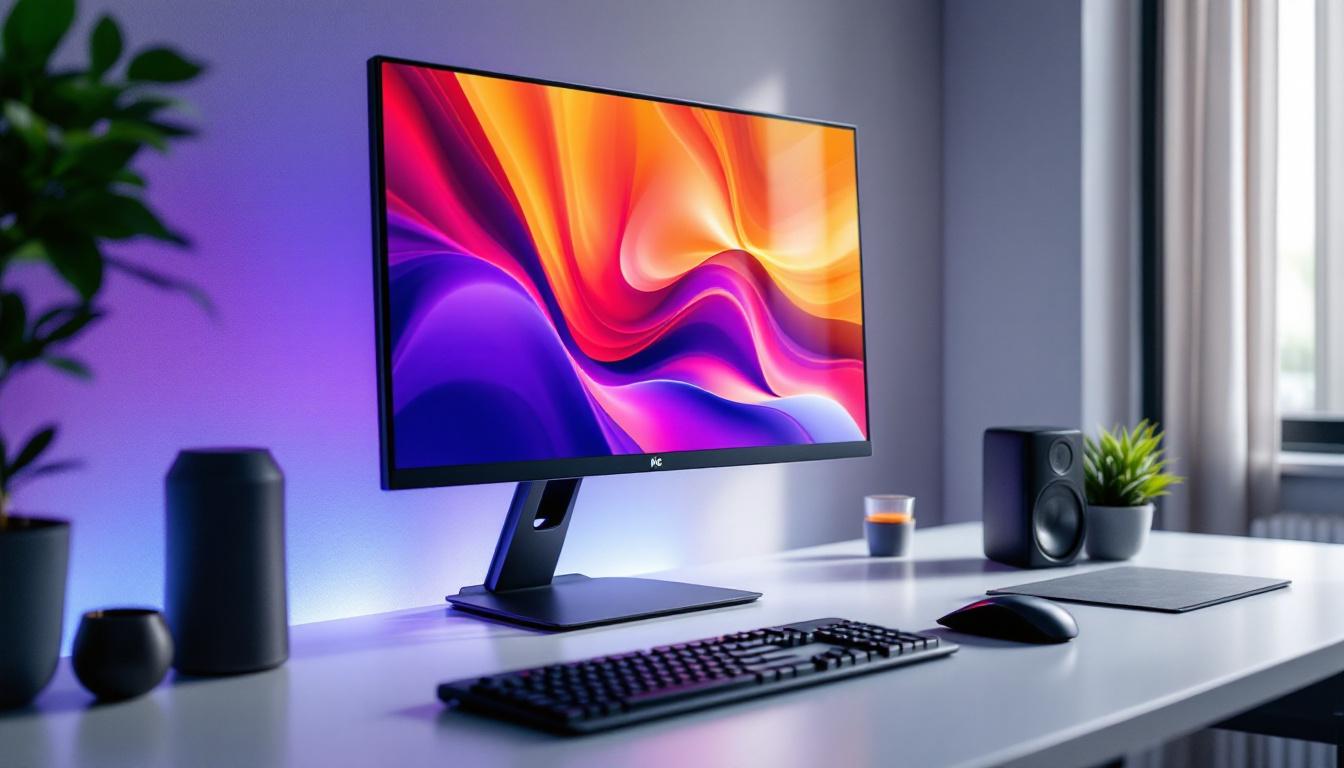
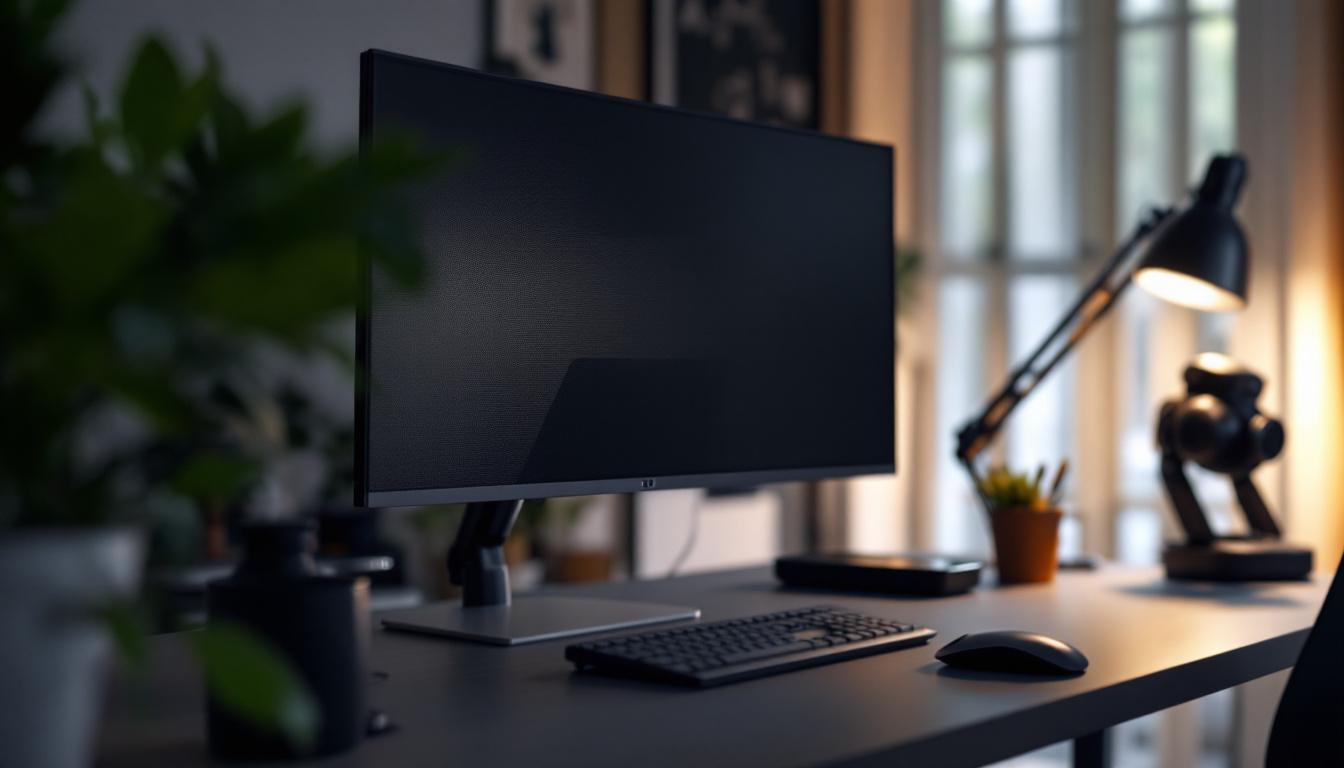
Desktop display mounts have become a staple in modern workspaces, offering flexibility, ergonomic benefits, and aesthetic appeal. These mounts are devices or hardware that securely hold computer monitors or displays on a desk, allowing users to adjust the position of their screens according to their needs.
Types of Desktop Display Mounts
There are several types of desktop display mounts designed to accommodate different setups and preferences. The most common include:
- Clamp Mounts: These mounts attach to the edge of a desk using a clamp mechanism, saving desk space and providing sturdy support.
- Grommet Mounts: Installed through a hole in the desk surface, grommet mounts offer a clean and secure way to mount displays, often used in professional office setups.
- Freestanding Mounts: These mounts have a weighted base and sit directly on the desk, offering portability and ease of installation without modifying the desk.
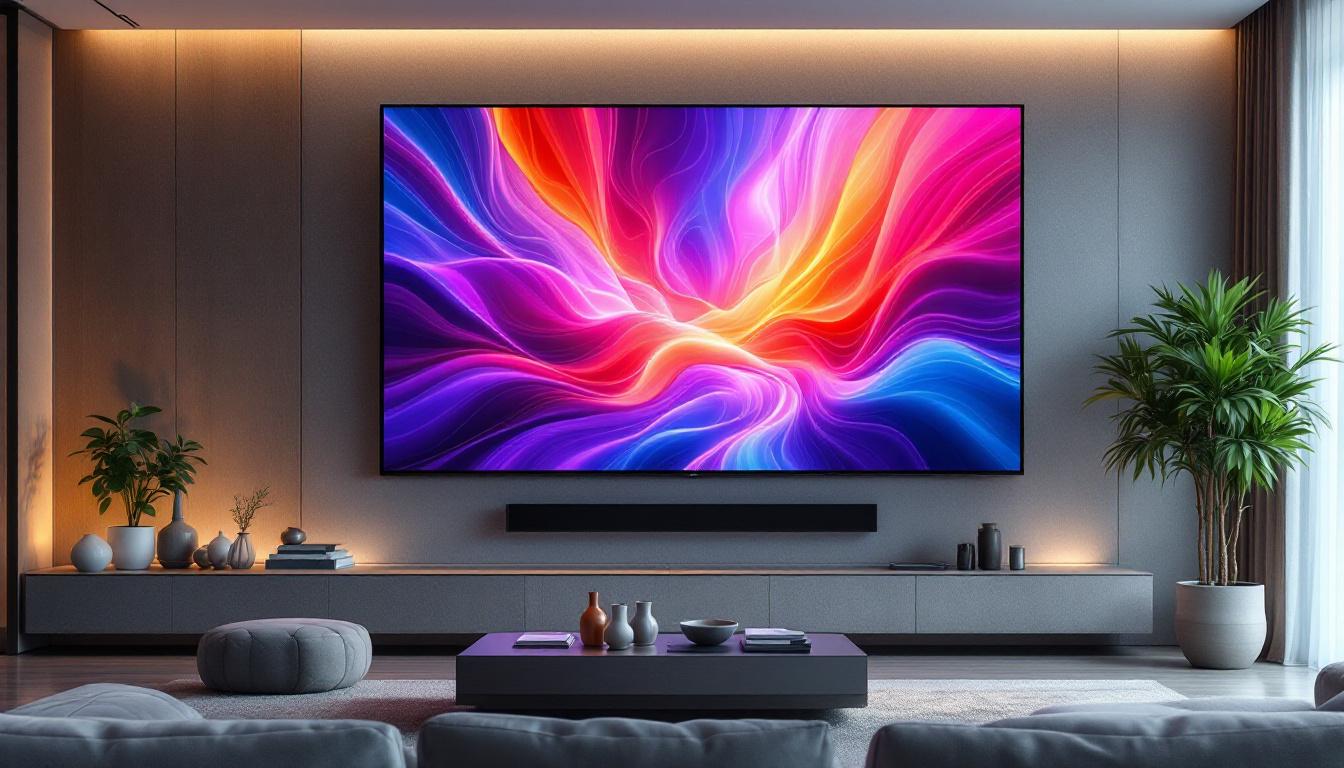
- Wall Mounts: Though not strictly desktop mounts, wall-mounted displays can complement desktop setups by freeing up desk space and providing a sleek look.
Each type of mount caters to different user needs, whether it’s maximizing desk space, improving ergonomics, or enhancing multi-monitor configurations. For instance, gamers may prefer clamp mounts for their stability during intense gaming sessions, while graphic designers might opt for grommet mounts to achieve precise color calibration and optimal viewing angles. Additionally, many mounts now come with integrated cable management systems, helping to keep workspaces tidy and organized.
Ergonomic Benefits of Using Desktop Display Mounts
Ergonomics plays a crucial role in workplace health and productivity. Poor monitor positioning can lead to neck strain, eye fatigue, and poor posture. Desktop display mounts allow users to adjust the height, tilt, swivel, and rotation of their monitors, promoting a comfortable viewing angle.
According to a study by the Occupational Safety and Health Administration (OSHA), ergonomic improvements, including proper monitor placement, can reduce musculoskeletal disorders by up to 60%. By elevating the display to eye level and adjusting the distance, users can maintain a natural posture, reducing the risk of long-term injuries. Furthermore, incorporating multiple monitors into a workspace can significantly enhance productivity, as studies have shown that dual-monitor setups can increase efficiency by up to 40%. With the right display mounts, users can seamlessly arrange their screens for optimal visibility and accessibility, allowing for a more dynamic workflow.
Moreover, the psychological impact of a well-organized and ergonomically sound workspace cannot be understated. A clutter-free environment fosters creativity and focus, while the ability to customize monitor positions can lead to a more personalized and enjoyable work experience. As remote work becomes increasingly prevalent, investing in quality desktop display mounts is not just a matter of comfort; it’s a strategic move towards enhancing overall work performance and satisfaction.
LED Display Technology: What Makes It Stand Out?
LED (Light Emitting Diode) technology has revolutionized the display industry, offering superior image quality, energy efficiency, and durability compared to traditional display types like LCD or CRT. Understanding the fundamentals of LED displays helps in appreciating why they are widely used in desktop monitors today.
How LED Displays Work
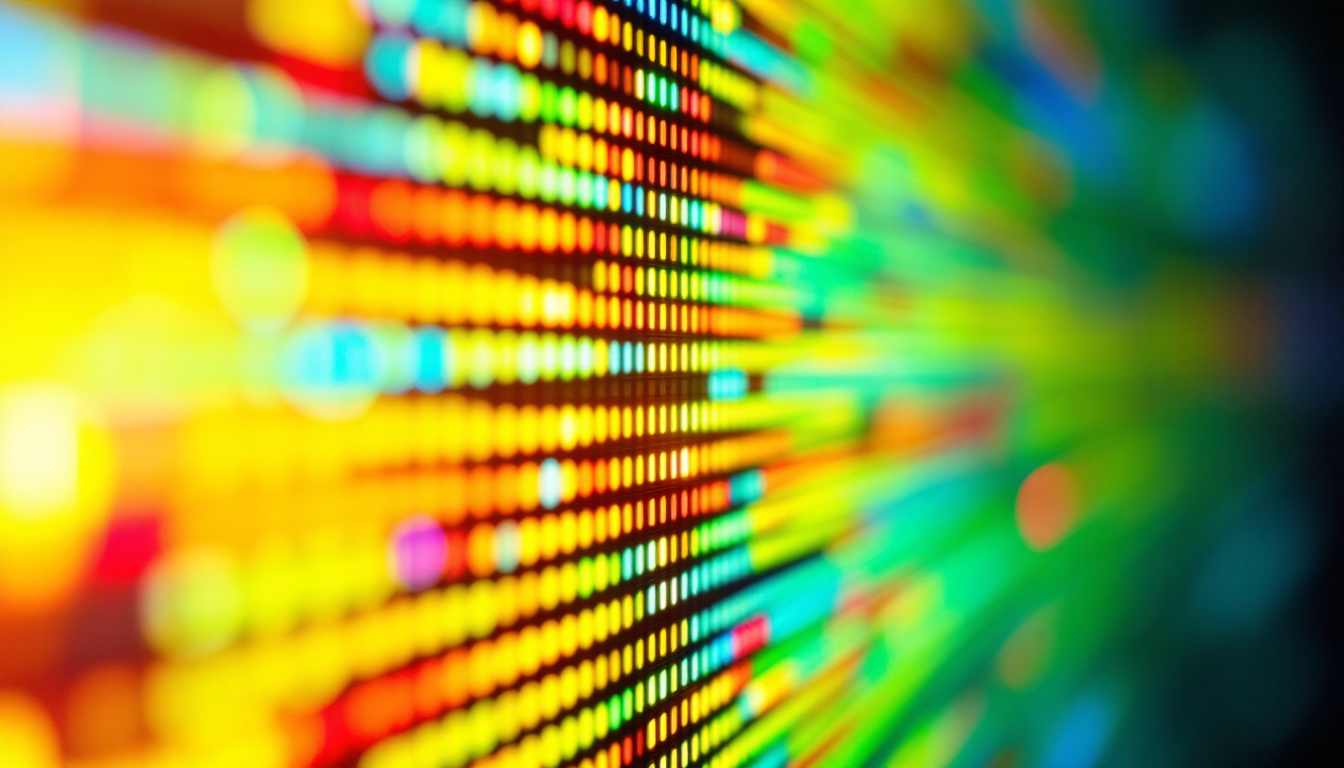
LED displays use light-emitting diodes as their light source. Unlike LCD displays, which rely on fluorescent backlighting, LED displays use an array of tiny LEDs to illuminate the screen. This allows for better control over brightness, contrast, and color accuracy.
There are two primary types of LED displays used in monitors:
- Edge-Lit LED: LEDs are positioned along the edges of the screen, distributing light across the display through a light guide panel. This design enables thinner monitors but may have less uniform brightness.
- Direct-Lit or Full-Array LED: LEDs are placed directly behind the screen in a grid pattern, allowing for localized dimming and improved contrast ratios.
Advantages of LED Displays
LED displays offer several benefits that make them ideal for desktop use:
- Energy Efficiency: LEDs consume less power than traditional backlighting methods, reducing electricity costs and environmental impact.
- Improved Brightness and Contrast: LED technology provides higher brightness levels and better contrast ratios, enhancing image clarity and color vibrancy.
- Longer Lifespan: LEDs typically last longer than fluorescent backlights, meaning displays maintain their quality over extended periods.
- Slimmer Designs: LED backlighting allows for thinner and lighter monitors, which complements modern ergonomic mounting solutions.
Integrating Desktop Display Mounts with LED Displays
Combining desktop display mounts with LED monitors results in a workspace that is both visually impressive and ergonomically optimized. This integration is particularly important for professionals who spend long hours in front of screens, such as graphic designers, software developers, and financial analysts.
Optimizing Workspace with Mounts and LED Displays
LED monitors mounted on adjustable arms or stands can be positioned precisely to reduce glare, minimize reflections, and ensure optimal viewing angles. This is especially beneficial in environments with variable lighting conditions, such as offices with large windows or mixed artificial lighting.
Furthermore, multi-monitor setups become more manageable with mounts, allowing users to arrange screens in configurations that suit their workflow. For example, a triple-monitor setup with LED displays mounted on adjustable arms can significantly enhance multitasking capabilities.
Considerations When Choosing Mounts for LED Displays
Not all mounts are created equal, and selecting the right one for an LED display involves considering several factors:
- Weight Capacity: LED monitors vary in weight, especially larger models with high resolutions. Ensure the mount supports the monitor’s weight to prevent damage or instability.
- VESA Compatibility: Most monitors and mounts adhere to the VESA (Video Electronics Standards Association) mounting standard, which specifies hole patterns on the back of displays. Confirm that the mount matches the monitor’s VESA pattern.
- Range of Motion: Depending on user needs, mounts with extensive tilt, swivel, and height adjustment capabilities provide greater flexibility.
- Build Quality and Materials: Durable materials such as steel or aluminum ensure longevity and stability, especially for heavier LED monitors.
Current Trends and Innovations in Desktop Display Mounts and LED Displays
The technology landscape for desktop displays and mounts is continually advancing, driven by user demand for better performance, comfort, and aesthetics.
Emergence of Ultra-Wide and Curved LED Displays
Ultra-wide and curved LED monitors have gained popularity for their immersive viewing experience. These displays often require specialized mounts that can support their unique dimensions and weight distribution. Manufacturers are now offering mounts designed specifically for these types of screens, ensuring stability and ease of adjustment.
Smart Mounts with Integrated Cable Management and USB Hubs
Modern desktop mounts increasingly incorporate smart features such as built-in cable management systems to keep workspaces tidy and USB hubs for convenient peripheral connections. These innovations simplify desk organization and enhance productivity by reducing clutter and improving accessibility.
Environmental Considerations and Sustainable Design
With growing awareness of environmental impact, both LED display manufacturers and mount producers are focusing on sustainability. LED displays are already energy-efficient, and mounts are now being designed with recyclable materials and minimal packaging. Additionally, some companies offer take-back programs to recycle old mounts and displays responsibly.
Practical Tips for Setting Up Your Desktop Display Mount with an LED Display
Proper setup is key to maximizing the benefits of your desktop display mount and LED monitor. Here are some practical guidelines:
Step 1: Assess Your Workspace
Measure your desk space and consider your typical seating position. Ensure there is enough room to accommodate the mount and allow for comfortable movement around your workspace.
Step 2: Choose the Right Mount
Based on your monitor’s size, weight, and VESA pattern, select a mount that fits your ergonomic needs and desk configuration. If you plan to use multiple monitors, look for mounts designed to support multi-display setups.
Step 3: Install the Mount Securely
Follow the manufacturer’s instructions carefully. Whether using a clamp or grommet mount, ensure the mount is firmly attached to avoid accidents. For wall mounts, verify that the wall can support the weight of the display and mount.
Step 4: Adjust for Comfort
Position the LED display so that the top of the screen is at or slightly below eye level. Maintain a viewing distance of about 20 to 30 inches (50 to 75 cm) to reduce eye strain. Adjust tilt and swivel to minimize glare from ambient lighting.
Step 5: Manage Cables
Use the mount’s cable management features or external clips to organize cables neatly. This not only improves aesthetics but also prevents cables from tangling or becoming damaged.
Conclusion
Desktop display mounts and LED displays together create an optimal environment for productivity, comfort, and visual excellence. Understanding the types of mounts available, the advantages of LED technology, and how to integrate these components effectively can transform any workspace. Whether outfitting a home office or a professional setting, investing in quality mounts and LED displays is a smart choice for enhancing user experience and long-term health.
As technology continues to advance, staying informed about the latest trends and innovations will help users make the best decisions for their display setups. With the right combination of ergonomic mounting solutions and cutting-edge LED displays, the future of desktop computing looks brighter and more comfortable than ever.
Explore Cutting-Edge LED Display Solutions with LumenMatrix
Ready to elevate your workspace and visual experience with the latest in LED display technology? LumenMatrix is at the forefront of innovation, offering a comprehensive range of LED display modules designed to bring your brand to life. From mesmerizing Indoor LED Wall Displays to dynamic Outdoor LED Wall Displays, and from versatile Vehicle LED Displays to sleek LED Poster Displays, our solutions are crafted to captivate and engage. Discover how our mission-driven approach to revolutionizing visual communication can transform your business. Check out LumenMatrix LED Display Solutions today and step into a world of vivid clarity and unparalleled performance.