In the world of digital displays and high-performance computing, the choice of connection interface plays a crucial role in determining the quality and capabilities of your LED display setup. DisplayPort, a widely adopted digital display interface, has undergone several revisions over the years, with DisplayPort 1.2 and 1.4 being two of the most significant versions in recent times. Understanding the differences between these standards is essential for professionals, gamers, content creators, and anyone invested in maximizing their display experience.
This article delves into the technical distinctions between DisplayPort 1.4 and 1.2, explaining how these differences impact LED display performance, resolution, refresh rates, and overall visual fidelity. Whether you’re upgrading your monitor, building a workstation, or simply curious about display technology, this comprehensive guide will clarify which DisplayPort version suits your needs best.
Overview of DisplayPort Technology
DisplayPort is a digital display interface developed by the Video Electronics Standards Association (VESA) to deliver high-definition video and audio from a source device to a display. It has become a standard in computer monitors, laptops, graphics cards, and other multimedia devices due to its versatility and high bandwidth capabilities.
Since its introduction in 2006, DisplayPort has evolved through multiple versions, each improving bandwidth, resolution support, and feature sets. The jump from DisplayPort 1.2 to 1.4 marked a significant enhancement in performance, enabling new possibilities for ultra-high-definition displays and advanced color technologies.
DisplayPort 1.2: A Foundation for High-Resolution Displays
Released in 2010, DisplayPort 1.2 brought substantial improvements over its predecessors. It introduced support for Multi-Stream Transport (MST), allowing multiple independent displays to connect through a single DisplayPort output. This was a game-changer for multi-monitor setups, enabling daisy-chaining of monitors without additional hardware.
Key specifications of DisplayPort 1.2 include a maximum bandwidth of 17.28 Gbps (gigabits per second) and support for resolutions up to 3840×2160 (4K) at 60 Hz. It also supported 3D video formats and higher color depths, making it suitable for professional and gaming applications at the time.
DisplayPort 1.4: Enhanced Capabilities for Modern Displays
Introduced in 2016, DisplayPort 1.4 built upon the foundation of 1.2, pushing the boundaries of what digital displays could achieve. It retained the same raw bandwidth of 17.28 Gbps but incorporated Display Stream Compression 1.2 (DSC), a visually lossless compression technology that effectively increased the data throughput.
This allowed DisplayPort 1.4 to support higher resolutions and refresh rates, such as 8K (7680×4320) at 60 Hz with HDR (High Dynamic Range) and 4K at 120 Hz with HDR. The inclusion of HDR support was particularly important as it enhanced color accuracy and contrast, delivering a more vivid and lifelike viewing experience.
Comparing DisplayPort 1.4 and 1.2: Technical Specifications
To appreciate the practical differences between DisplayPort 1.4 and 1.2, it is essential to examine their technical specifications side by side. These specifications directly influence the quality of the LED display output, especially in terms of resolution, refresh rate, color depth, and additional features.
Bandwidth and Data Rate
Both DisplayPort 1.2 and 1.4 offer a raw bandwidth of 17.28 Gbps. However, DisplayPort 1.4’s use of Display Stream Compression (DSC) 1.2 allows it to transmit up to 25.92 Gbps of effective data. This compression is visually lossless, meaning the image quality remains virtually indistinguishable from an uncompressed signal.
This higher effective bandwidth enables DisplayPort 1.4 to support more demanding display configurations without increasing the physical bandwidth, making it a more future-proof choice for high-end displays.
Resolution and Refresh Rate Support
| DisplayPort Version | Maximum Resolution | Maximum Refresh Rate | HDR Support |
|---|---|---|---|
| DisplayPort 1.2 | 3840×2160 (4K) | 60 Hz | No native HDR support |
| DisplayPort 1.4 | 7680×4320 (8K) with DSC | 60 Hz at 8K, 120 Hz at 4K with HDR | Yes (HDR10 and HDR metadata) |
DisplayPort 1.4’s ability to handle 8K resolution at 60 Hz is a significant leap from 1.2’s 4K at 60 Hz limit. Additionally, 1.4 supports higher refresh rates at 4K, which is vital for gamers and professionals who require smoother motion and reduced latency.
Color Depth and HDR
Color depth refers to the number of bits used to represent the color of a single pixel. Higher color depths allow for more precise color representation and smoother gradients. DisplayPort 1.2 supports up to 10-bit color depth, which was sufficient for many applications but limited in delivering true HDR content.
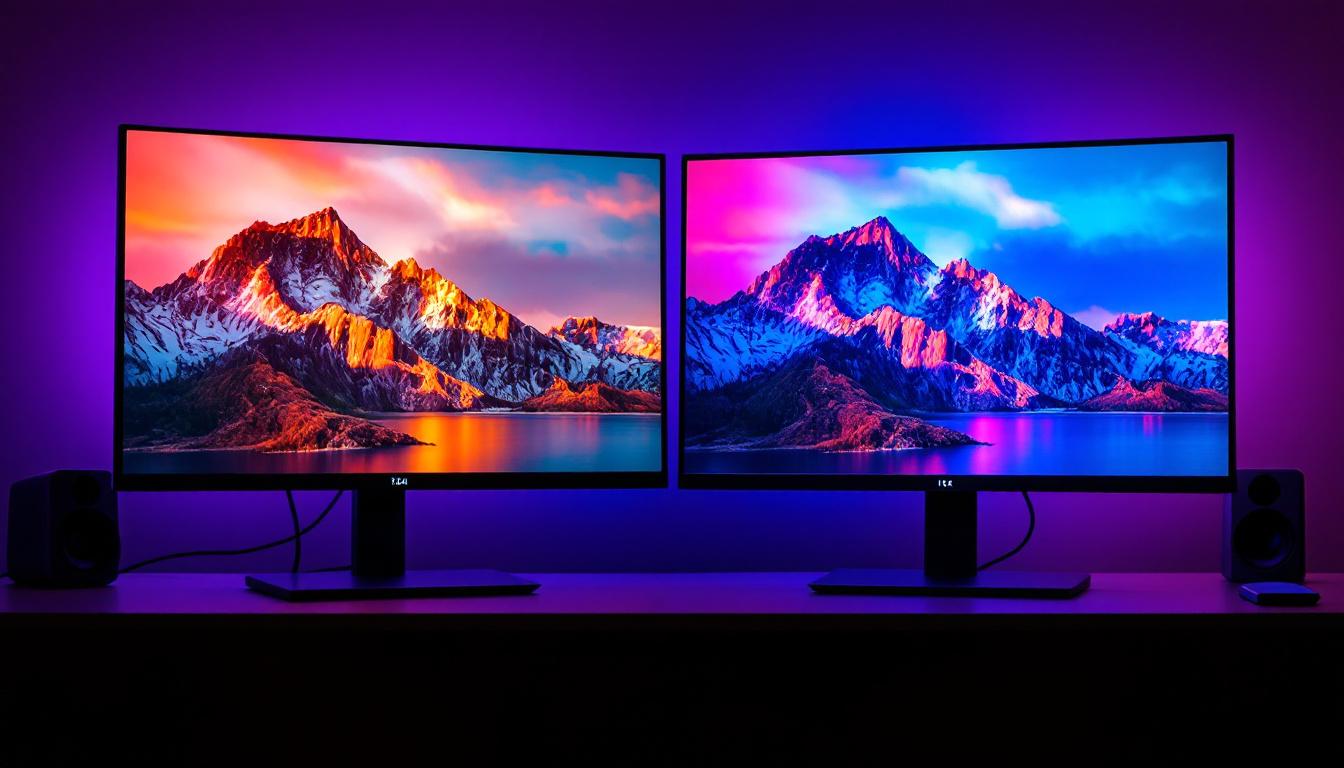
DisplayPort 1.4 supports 10-bit and 12-bit color depths and introduces native support for HDR10, enabling displays to show a wider color gamut and higher contrast ratios. This results in richer, more vibrant images that are especially noticeable in HDR-capable LED displays.
Impact on LED Display Performance
The technical improvements in DisplayPort 1.4 translate into tangible benefits for LED displays, influencing image quality, color accuracy, and overall user experience. Understanding these impacts helps users make informed decisions when selecting display hardware or upgrading their setups.
Enhanced Visual Fidelity with HDR
HDR technology enhances the dynamic range of images by increasing the contrast between the darkest and brightest parts of the screen. DisplayPort 1.4’s support for HDR10 means LED displays can render content with greater depth, detail, and realism.
This is particularly beneficial for content creators working in photography, video editing, and graphic design, where accurate color representation is critical. Gamers and movie enthusiasts also benefit from a more immersive visual experience with vibrant colors and lifelike scenes.
Higher Resolutions and Refresh Rates for Professional Use
Professionals in fields such as CAD (Computer-Aided Design), 3D modeling, and scientific visualization often require ultra-high-resolution displays to view intricate details. DisplayPort 1.4’s capability to drive 8K displays at 60 Hz ensures these users can work with larger canvases and more detailed imagery without compromising smoothness.
Similarly, higher refresh rates at 4K (up to 120 Hz) supported by DisplayPort 1.4 are crucial for reducing motion blur and input lag, enhancing productivity and comfort during extended use.
Multi-Stream Transport and Daisy-Chaining
While DisplayPort 1.2 introduced Multi-Stream Transport (MST), allowing multiple monitors to be connected in a daisy-chain configuration, DisplayPort 1.4 maintains this feature with added support for higher resolution and refresh rates on each connected display.
This is especially useful in multi-monitor workstations, trading floors, and gaming setups where multiple high-resolution displays are essential. DisplayPort 1.4 ensures that users can expand their screen real estate without sacrificing performance.
Compatibility and Practical Considerations
When deciding between DisplayPort 1.2 and 1.4, compatibility with existing hardware and the intended use case are critical factors. While newer devices increasingly support DisplayPort 1.4, many legacy systems still operate on 1.2 or earlier versions.
Backward Compatibility
DisplayPort standards are designed to be backward compatible. This means a DisplayPort 1.4 source can connect to a DisplayPort 1.2 display and vice versa. However, the connection will operate at the capabilities of the lowest version in the chain.
For example, connecting a DisplayPort 1.4 graphics card to a DisplayPort 1.2 monitor will limit the output to 1.2 specifications, such as 4K at 60 Hz without HDR. Users should verify the specifications of both their source device and display to ensure optimal performance.
Cable Quality and Length
Cable quality is an often-overlooked aspect that can impact the effective performance of DisplayPort connections. DisplayPort 1.4’s higher bandwidth and DSC capabilities require cables that meet the DisplayPort High Bit Rate 3 (HBR3) standard to maintain signal integrity.
Using certified DisplayPort 1.4 cables ensures stable transmission of high-resolution, high-refresh-rate signals, especially over longer cable lengths. In contrast, older or lower-quality cables may cause signal degradation, resulting in flickering, reduced resolution, or loss of HDR functionality.
Device Support and Market Adoption
As of 2024, most modern GPUs and monitors support DisplayPort 1.4 or higher. The adoption of DisplayPort 1.4 has accelerated due to the increasing demand for 4K and 8K displays, HDR content, and higher refresh rates in gaming and professional environments.
DisplayPort 1.2 remains prevalent in budget and mid-range devices, offering solid performance for standard 4K displays at 60 Hz. However, users planning to invest in cutting-edge displays or future-proof their setups should consider devices with DisplayPort 1.4 support.
Real-World Applications and Use Cases
Understanding how DisplayPort 1.4 and 1.2 perform in practical scenarios helps users align their hardware choices with their specific needs.
Gaming
Competitive and enthusiast gamers benefit significantly from DisplayPort 1.4’s higher refresh rates at 4K resolution. Smooth gameplay with minimal input lag and motion blur is crucial for fast-paced titles. Additionally, HDR support enhances visual immersion, making games more vibrant and realistic.
While DisplayPort 1.2 can handle 4K gaming at 60 Hz, it falls short for gamers seeking 120 Hz or higher refresh rates and HDR capabilities, which are increasingly common in modern gaming monitors.
Professional Content Creation
Photographers, video editors, and graphic designers require precise color accuracy and high resolutions to work effectively. DisplayPort 1.4’s support for 10-bit and 12-bit color depths, HDR, and 8K resolution enables professionals to view and edit content with exceptional detail and color fidelity.
Multi-monitor setups facilitated by MST and daisy-chaining further enhance productivity by providing expansive digital workspaces.
Home Entertainment and Media Consumption
For users focused on watching movies, streaming, or general computer use, DisplayPort 1.4 offers the advantage of HDR support and compatibility with the latest 4K and 8K TVs and monitors. This ensures access to the best available picture quality for HDR-enabled content.
DisplayPort 1.2 remains adequate for standard HD and 4K content without HDR, making it a cost-effective option for casual users.
Conclusion: Which DisplayPort Version Should You Choose?
Choosing between DisplayPort 1.4 and 1.2 depends largely on your specific requirements, budget, and future plans for your display setup. DisplayPort 1.4 offers substantial advantages in terms of resolution, refresh rate, color depth, and HDR support, making it the preferred choice for high-end gaming, professional workstations, and cutting-edge media consumption.
DisplayPort 1.2, while older, still serves well for many users with standard 4K displays and typical refresh rates. It remains a reliable and widely supported standard, particularly in budget-conscious environments.
For those investing in new hardware or seeking to future-proof their setups, DisplayPort 1.4 is the recommended standard. Its enhanced capabilities ensure compatibility with the latest display technologies and deliver a superior visual experience on LED displays.
Additional Resources
For readers interested in diving deeper into DisplayPort technology and its applications, the following resources provide detailed technical specifications and industry insights:
- VESA DisplayPort Standards – Official documentation and updates from the Video Electronics Standards Association.
- DisplayPort vs HDMI: Which is Better? – A comparative analysis of display interfaces.
- DisplayPort FAQ – Frequently asked questions about DisplayPort technology and compatibility.
Explore Advanced LED Display Solutions with LumenMatrix
Ready to elevate your visual experience with the latest in LED display technology? LumenMatrix offers a comprehensive range of cutting-edge LED display solutions tailored to meet your needs. From captivating Indoor and Outdoor LED Wall Displays to dynamic Vehicle and Sports LED Displays, our products are designed to enhance engagement and bring your content to life. Whether you’re looking to create immersive environments with Floor LED Displays or make a bold statement with Custom and All-in-One LED solutions, LumenMatrix is your partner in revolutionizing visual communication. Don’t miss out on the opportunity to transform your space with our LED Transparent Displays and other innovative offerings. Check out LumenMatrix LED Display Solutions today and see the difference that high-quality, state-of-the-art displays can make.