In today’s fast-paced digital environment, many professionals and enthusiasts rely on multiple monitor setups to enhance productivity, creativity, and entertainment experiences. Whether you’re a graphic designer, stock trader, programmer, or gamer, having several screens arranged efficiently can make a significant difference. However, the key to an effective multi-monitor setup isn’t just the monitors themselves—it’s also the monitor stand that supports them. This article explores the nuances of monitor stands designed for multiple monitors, with a particular focus on LED displays, to help you make informed decisions for your workspace.
Why Choose a Monitor Stand for Multiple Monitors?
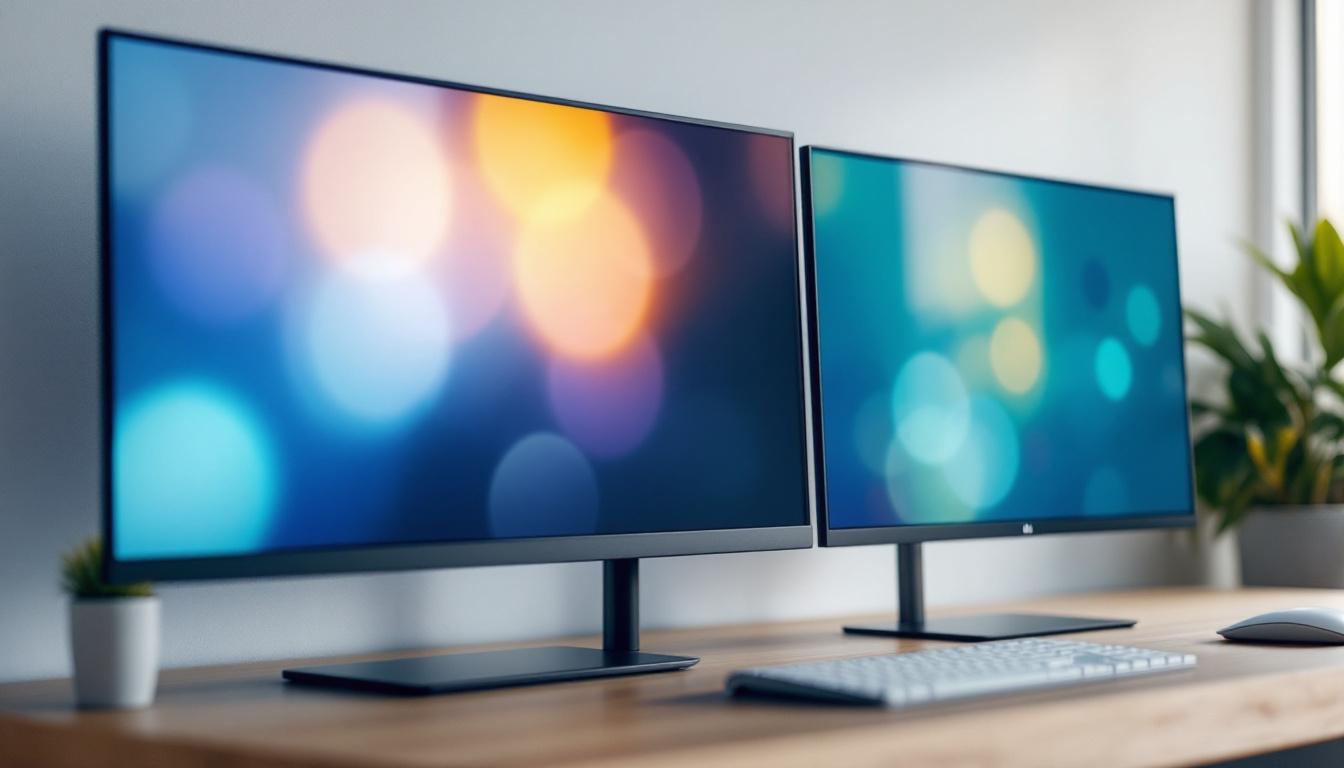
Multiple monitors offer undeniable benefits, including increased screen real estate, better multitasking, and improved workflow. However, simply placing several monitors on a desk can lead to clutter, ergonomic issues, and potential damage to your equipment. This is where a dedicated monitor stand comes into play.
A multi-monitor stand is designed to securely hold two or more screens, allowing you to adjust their height, tilt, and orientation. This flexibility not only optimizes your viewing angles but also helps maintain a clean and organized workspace. According to a 2023 survey by the Human Factors and Ergonomics Society, workers using adjustable monitor stands reported a 25% reduction in neck and eye strain compared to those using standard desk setups.
Moreover, a well-designed stand can improve posture by positioning monitors at eye level, reducing the risk of musculoskeletal disorders. For those using LED displays, which tend to be slimmer and lighter than older LCD or CRT models, choosing the right stand ensures stability without compromising aesthetics.
In addition to the ergonomic benefits, monitor stands can also enhance your productivity. By allowing you to position your monitors in a way that suits your workflow, you can easily switch between tasks without the need to constantly adjust your seating position or strain your neck. Many stands come with integrated cable management systems, which help keep cords organized and out of sight, further contributing to a tidy workspace. This organization not only looks better but also makes it easier to troubleshoot any connectivity issues that may arise.
Furthermore, investing in a quality monitor stand can be a long-term solution for your workspace needs. Many models are adjustable and can accommodate future upgrades, such as larger monitors or additional screens, making them a versatile choice for anyone looking to enhance their setup. Some stands even offer additional features such as built-in USB hubs or storage solutions for office supplies, adding even more functionality to your workspace. With the right monitor stand, you can create a customized environment that caters to your specific work habits and preferences, ultimately leading to a more efficient and enjoyable work experience.
Understanding LED Displays in Multi-Monitor Setups
What Makes LED Displays Ideal for Multi-Monitor Use?
LED (Light Emitting Diode) displays have become the standard for modern monitors due to their energy efficiency, superior color accuracy, and slim profiles. These characteristics make them particularly suitable for multi-monitor configurations.
LED monitors typically consume up to 30% less power than traditional LCDs with CCFL backlighting, which is beneficial when running multiple screens simultaneously. Additionally, their thin bezels allow for a more seamless visual experience when monitors are placed side by side. This minimizes distractions caused by thick borders and creates an almost continuous display area.
Key Features of LED Monitors for Multi-Monitor Stands
When selecting LED monitors for a multi-monitor setup, several features should be considered:
- Bezel Size: Ultra-thin bezels enhance the immersive experience and reduce visual breaks between screens.
- Resolution and Refresh Rate: Matching resolution and refresh rates across monitors ensures consistent image quality and smooth transitions when moving windows between screens.
- VESA Compatibility: Most multi-monitor stands require monitors to have VESA mounting holes (typically 75x75mm or 100x100mm). Ensuring your LED displays support this standard is crucial for compatibility.
- Weight: LED monitors are generally lightweight, but confirming the weight capacity of your monitor stand is essential to avoid damage or instability.
Types of Monitor Stands for Multiple Monitors
There are several types of monitor stands designed to accommodate multiple screens, each with unique advantages depending on your workspace and usage needs.
Desk-Mounted Multi-Arm Stands
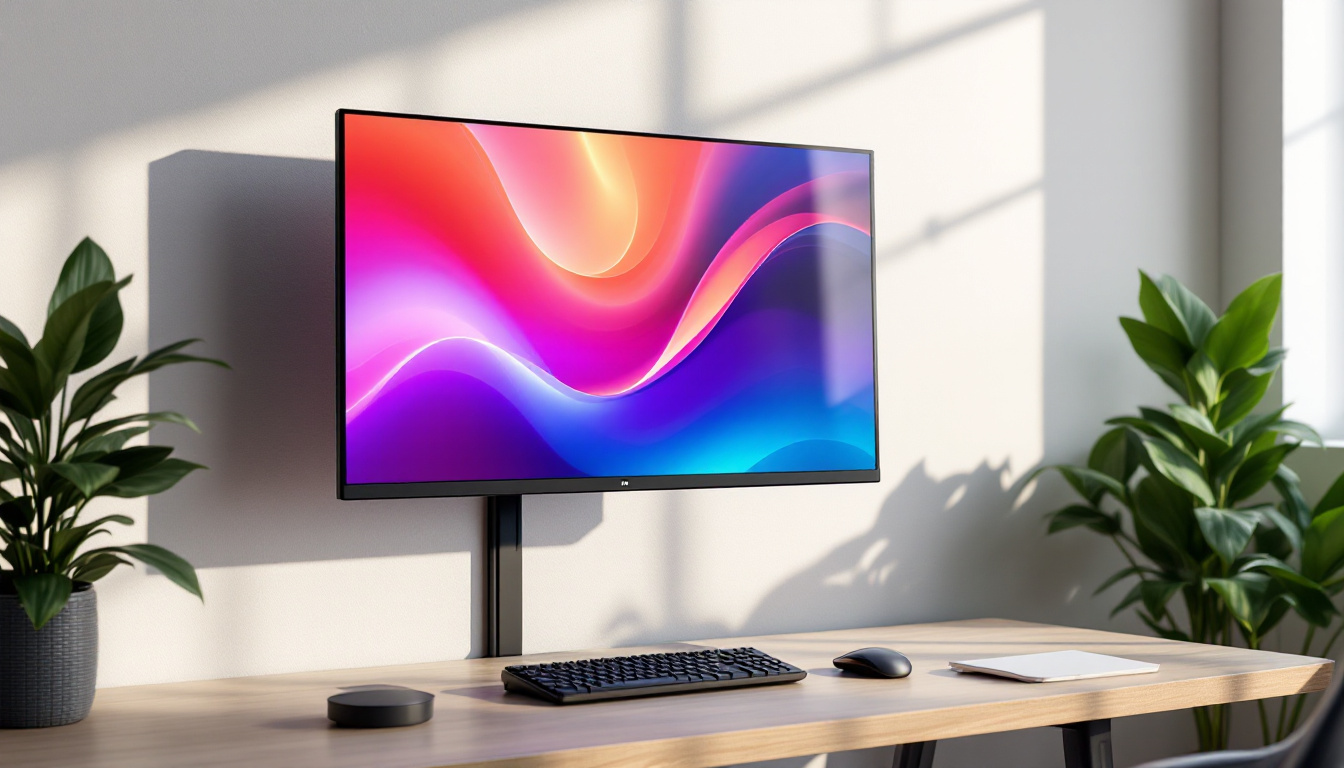
Desk-mounted multi-arm stands are among the most popular choices for multi-monitor setups. These stands clamp onto the edge of your desk or use a grommet mount, freeing up desk space and offering extensive adjustability. Each arm can usually be adjusted independently, allowing for precise positioning of each monitor.
These stands are ideal for users who require frequent adjustments or have varying monitor sizes. For example, a financial analyst might use a triple-arm stand to arrange three LED monitors at different angles for quick data comparison.
Freestanding Multi-Monitor Stands
Freestanding stands rest on your desk without requiring clamps or drilling. They often have a solid base and can support two or more monitors. These stands are easier to install and move but typically offer less adjustability than desk-mounted arms.
Freestanding stands are suitable for users with limited desk edge space or those who prefer a portable setup. However, it’s important to ensure the base is sturdy enough to support the combined weight of your LED monitors.
Wall-Mounted Monitor Stands
For those with limited desk space or who prefer a minimalist setup, wall-mounted stands offer an excellent solution. These mounts attach directly to the wall and can hold multiple monitors arranged vertically or horizontally.
Wall mounts free up desk space entirely and can be adjusted for height and tilt. This option is popular in professional environments such as control rooms or design studios, where multiple LED displays are essential.
Choosing the Right Monitor Stand for Your LED Displays
Consider Your Workspace and Ergonomics
Before purchasing a monitor stand, assess your workspace dimensions and ergonomic needs. The ideal stand should allow you to position your monitors at eye level, about an arm’s length away, to reduce strain.
For example, if you work long hours coding or editing videos, a stand with height adjustment and tilt control is crucial. Additionally, consider how much desk space you have; a clamping stand might be best for small desks, while a freestanding option suits larger surfaces.
Compatibility and Weight Capacity
Always verify that your LED monitors are VESA compatible and check the weight limits of the stand. Overloading a stand can lead to instability and potential damage. For instance, if each of your LED monitors weighs around 6 pounds, a triple-arm stand rated for 8 pounds per arm offers a safe margin.
Cable Management Features
Multi-monitor setups often involve numerous cables for power, video, and peripherals. Many modern monitor stands include integrated cable management systems to keep cords organized and out of sight, contributing to a cleaner workspace and reducing the risk of accidental disconnections.
Practical Examples of Multi-Monitor Setups with LED Displays
Professional Trading Desk
Traders often require multiple screens to monitor markets, news feeds, and trading platforms simultaneously. A typical setup might include four or more LED monitors mounted on a multi-arm desk stand. The slim bezels and high refresh rates of LED displays help traders track fast-moving data with minimal distraction.
Ergonomics are critical here, as traders spend long hours in front of their screens. Adjustable monitor stands allow for quick repositioning to reduce fatigue and maintain focus.
Creative Workstation for Designers and Video Editors
Graphic designers and video editors benefit from expansive screen real estate to manage timelines, palettes, and preview windows. Using three ultra-thin bezel LED monitors on a freestanding stand can create an immersive workspace that enhances creativity and efficiency.
Color accuracy is paramount, so choosing LED monitors with high color gamut coverage and uniform brightness is essential. A monitor stand that supports precise alignment ensures a seamless visual experience across screens.
Gaming and Streaming Setup
Gamers and streamers often use dual or triple LED monitor setups to game on one screen while monitoring chat, streaming software, or system stats on others. A desk-mounted multi-arm stand offers the flexibility to adjust screens quickly during intense sessions.
LED displays with high refresh rates and low response times improve gaming performance, while the monitor stand keeps the setup organized and ergonomic, reducing neck strain during extended play.
Maintenance and Installation Tips for Multi-Monitor Stands
Proper Installation
Installing a multi-monitor stand requires careful attention to ensure stability and safety. Always follow manufacturer instructions, particularly regarding weight limits and mounting procedures. Using a level during installation helps align monitors evenly, preventing awkward viewing angles.
Regular Cleaning and Inspection
LED monitors and stands should be cleaned regularly to maintain optimal performance and appearance. Use a microfiber cloth and appropriate screen cleaner for the LED panels, and wipe down the stand to prevent dust buildup.
Periodic inspection of screws, clamps, and joints ensures the stand remains secure. Tighten any loose components to avoid accidents or damage.
Future Trends in Multi-Monitor Stands and LED Displays
As technology evolves, so do the options for multi-monitor setups. Emerging trends include:
- Integrated USB Hubs and Charging Ports: Monitor stands increasingly incorporate USB ports and wireless charging pads to streamline connectivity.
- Height-Adjustable Desks with Built-In Monitor Mounts: Combining sit-stand desks with integrated monitor arms promotes better ergonomics and flexibility.
- Curved and Ultrawide LED Displays: Stands designed to support curved or ultrawide monitors are becoming more common, offering immersive viewing experiences.
- Smart Stands: Future stands may include sensors and automation to adjust monitor positions based on user posture or lighting conditions.
Staying informed about these innovations can help users future-proof their setups and maximize productivity.
Conclusion
Choosing the right monitor stand for multiple LED monitors is a critical step toward creating an efficient, ergonomic, and visually appealing workspace. Understanding the benefits of LED displays, the types of stands available, and key considerations such as compatibility and ergonomics ensures a setup tailored to your needs.
Whether you’re a professional trader, creative specialist, or avid gamer, investing in a quality multi-monitor stand enhances comfort, productivity, and the overall user experience. With the rapid advancements in LED technology and monitor stand designs, the future promises even more versatile and innovative solutions for multi-monitor setups.
Explore Cutting-Edge Multi-Monitor Solutions with LumenMatrix
Ready to elevate your multi-monitor setup to the next level? Discover LumenMatrix’s innovative LED display technology, designed to bring unparalleled clarity and vibrancy to your workspace. Whether you’re in need of an Indoor LED Wall Display for your creative studio, an Outdoor LED Wall Display for impactful advertising, or any of our specialized solutions like Vehicle, Sports, or Floor LED Displays, LumenMatrix has you covered. Embrace the future of visual communication and check out LumenMatrix LED Display Solutions today to create a truly captivating multi-monitor environment.