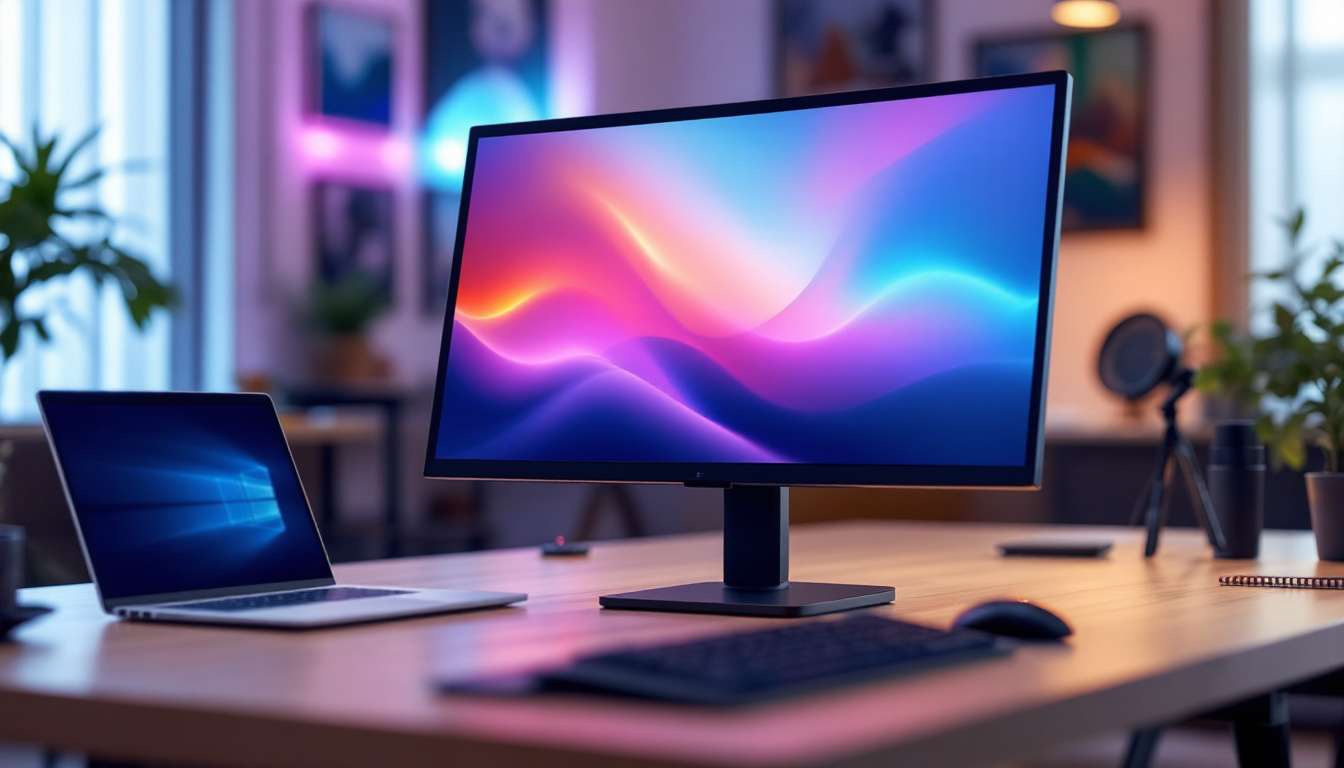
In today’s fast-evolving technology landscape, touch screen monitors have become a staple in both personal computing and professional environments. Combining the intuitive interaction of touch input with the clarity and efficiency of LED display technology, PCs equipped with touch screen monitors offer a versatile and engaging user experience. This article delves into the fundamentals of LED displays, explores the integration of touch screen technology, and examines why this combination is becoming increasingly popular across various sectors.
Understanding LED Display Technology
What Is an LED Display?
LED, or Light Emitting Diode, displays represent a significant advancement over traditional LCD (Liquid Crystal Display) screens. Unlike older displays that rely on fluorescent backlighting, LED displays use light-emitting diodes to illuminate the screen. This results in brighter images, higher contrast ratios, and improved energy efficiency.
LED displays can be categorized into two primary types: edge-lit and direct-lit. Edge-lit LED displays position LEDs along the edges of the screen, using light guides to distribute illumination evenly. Direct-lit LED displays, on the other hand, have LEDs placed directly behind the screen, allowing for better control of brightness and contrast, especially in high-end monitors.
Advantages of LED Displays
The benefits of LED technology over older display types are numerous. First, LED displays offer superior color accuracy and brightness, which enhances visual clarity whether users are working on detailed graphic design projects or watching high-definition videos. Additionally, LED monitors consume less power, which not only reduces electricity bills but also contributes to a smaller carbon footprint—an important consideration in today’s environmentally conscious world.
Another key advantage is the thinner and lighter form factor enabled by LED technology. This makes LED monitors more portable and easier to integrate into sleek PC setups. Moreover, LEDs have a longer lifespan compared to fluorescent backlights, meaning users can expect their displays to maintain performance over several years without significant degradation.
The Rise of Touch Screen Monitors in PCs
How Touch Screen Technology Works
Touch screen monitors use sensors embedded within the screen to detect and respond to user inputs such as taps, swipes, and pinches. The most common touch technologies include capacitive and resistive touchscreens. Capacitive touchscreens, widely used in modern PCs and smartphones, rely on the electrical properties of the human body to detect touch. They are highly responsive and support multi-touch gestures, making them ideal for complex interactions.
Resistive touchscreens, while less common in consumer PCs today, use pressure sensitivity to register input. These are often found in industrial or specialized environments where users might wear gloves or use a stylus. The choice of touch technology influences the monitor’s responsiveness, durability, and overall user experience.
Benefits of Touch Screen Monitors on PCs
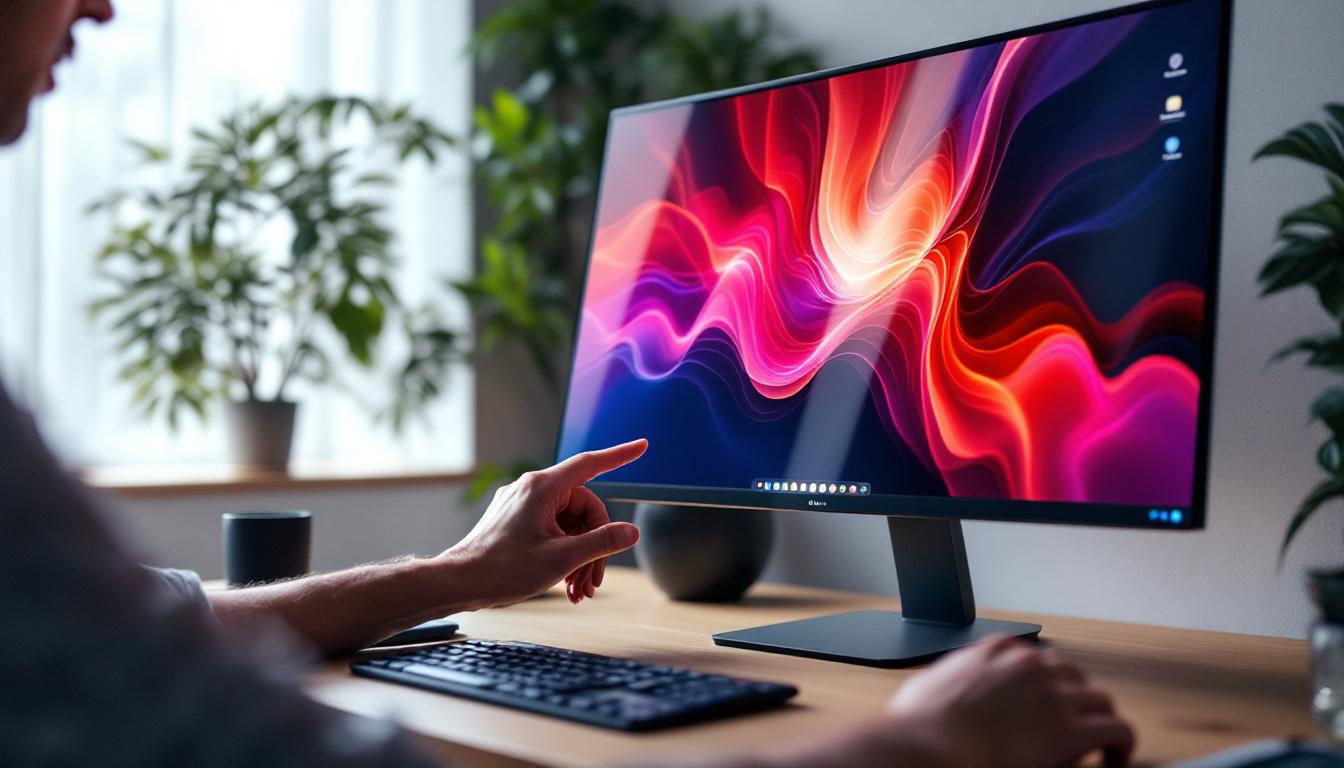
Integrating touch screen monitors with PCs transforms the way users interact with their devices. For one, touch screens enable more natural and direct manipulation of on-screen elements, reducing reliance on traditional input devices like mice and keyboards. This can significantly improve productivity in creative fields such as digital art, 3D modeling, and photo editing.
Touch screen PCs also enhance accessibility, providing alternative input methods for users with mobility impairments. In educational settings, touch screens foster interactive learning experiences, allowing students to engage more actively with digital content. Furthermore, touch-enabled PCs are increasingly popular in business environments, from retail point-of-sale systems to collaborative office tools, where quick and intuitive input is essential.
Combining LED Displays with Touch Screen Technology
Why LED is the Preferred Display for Touch Screens
LED displays are particularly well-suited for touch screen monitors due to their brightness, durability, and energy efficiency. Touch screens often require a robust surface that can withstand repeated contact and pressure. LED panels, especially those with hardened glass layers, meet these demands without compromising display quality.
Moreover, the high brightness and contrast of LED displays ensure that touch screen content remains visible and vibrant even in brightly lit environments. This is crucial for users working outdoors or in well-lit office spaces. The fast response times of LED displays also complement the instant feedback expected from touch inputs, creating a seamless interaction experience.
Technological Innovations Enhancing the Experience
Recent advancements have further improved the synergy between LED displays and touch technology. For example, in-cell touch technology integrates touch sensors directly within the LED display panel, reducing screen thickness and enhancing responsiveness. This integration also minimizes parallax errors—the slight offset between the touch point and the actual display—which can improve precision, especially in professional applications.
Additionally, innovations such as anti-reflective coatings and blue light filters have been incorporated into LED touch screen monitors to reduce eye strain during prolonged use. These features are particularly important as remote work and digital learning continue to increase screen time for many users.
Applications and Use Cases of PCs with Touch Screen LED Monitors
Professional and Creative Work
Creative professionals benefit immensely from PCs equipped with touch screen LED monitors. Graphic designers, illustrators, and video editors can use touch gestures to zoom, rotate, and manipulate images more intuitively than with a mouse. The high resolution and color accuracy of LED displays ensure that their work is represented faithfully on screen.
Architects and engineers also leverage touch screen PCs for 3D modeling and CAD applications, where direct manipulation of models can speed up workflows and improve accuracy. The combination of touch input and LED clarity allows for more immersive and productive design sessions.
Education and Training
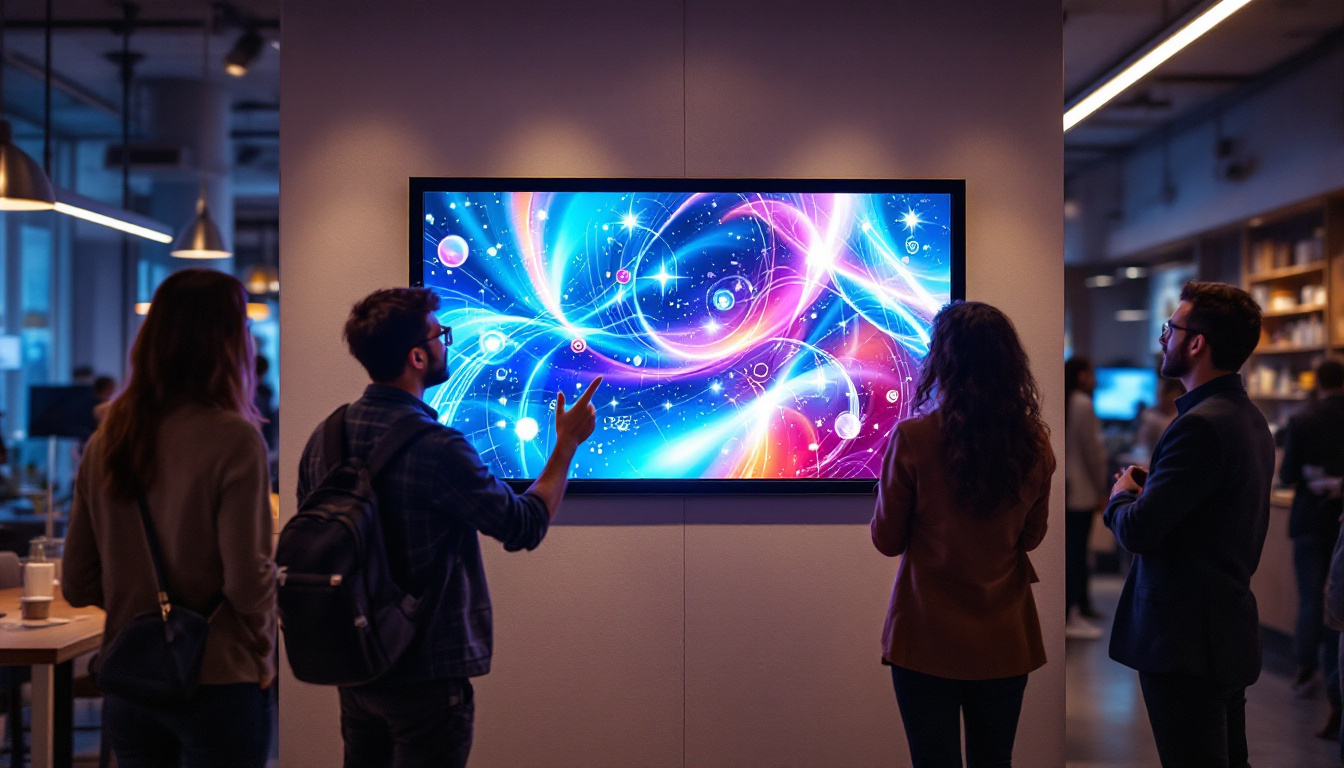
In educational environments, touch screen PCs with LED displays facilitate interactive learning. Teachers can use touch gestures to navigate presentations, annotate documents in real time, and engage students with interactive quizzes and games. Students, in turn, benefit from hands-on learning experiences that accommodate diverse learning styles.
Training programs in corporate or technical fields also utilize touch screen PCs to simulate real-world scenarios. The vivid LED displays enhance visual comprehension, while touch input allows trainees to interact with simulations directly, improving retention and skill acquisition.
Business and Retail
Touch screen PCs with LED monitors are increasingly common in retail and customer service settings. Point-of-sale systems, self-service kiosks, and digital signage all rely on the durability and clarity of LED touch screens. These systems streamline transactions, reduce wait times, and provide customers with engaging, interactive experiences.
In office environments, touch screen monitors support collaborative work by enabling multiple users to interact with shared content on large displays. This fosters creativity and communication, essential components of modern business workflows.
Choosing the Right PC with Touch Screen LED Monitor
Key Specifications to Consider
When selecting a PC with a touch screen LED monitor, several specifications should guide the decision. Screen size and resolution are paramount; larger screens with higher resolutions (such as 4K UHD) provide more workspace and sharper images, which are critical for detailed tasks.
Touch technology type is another important factor. Capacitive touchscreens are preferred for their responsiveness and multi-touch capabilities, but resistive screens may be necessary in specialized environments. Additionally, consider the monitor’s refresh rate and response time, as these affect the smoothness of touch interactions and overall display performance.
Ergonomics and Build Quality
Ergonomics play a vital role in ensuring comfort during extended use. Adjustable stands that allow tilting, swiveling, and height modification help users find the optimal viewing angle. Some touch screen monitors also support stylus input, which can be beneficial for precision work.
Build quality is equally important, especially for touch screens that will experience frequent contact. Look for monitors with durable glass surfaces, preferably with scratch-resistant coatings. Additionally, water and dust resistance can be advantageous in certain work environments.
Compatibility and Connectivity
Ensure that the PC and touch screen monitor are compatible with the operating system and software applications you intend to use. Windows 11, for example, offers enhanced touch support and gesture recognition, making it a popular choice for touch-enabled PCs.
Connectivity options such as USB-C, HDMI, and DisplayPort should be considered to ensure seamless integration with other peripherals and devices. Wireless connectivity features like Bluetooth and Wi-Fi also add flexibility, particularly in collaborative settings.
Future Trends in Touch Screen LED Monitors for PCs
Flexible and Foldable Displays
Emerging technologies are pushing the boundaries of traditional display design. Flexible and foldable LED touch screen monitors are on the horizon, promising greater portability and new form factors. These innovations could revolutionize how users interact with PCs, enabling devices that adapt to different use cases and environments.
Enhanced AI and Gesture Recognition
Artificial intelligence is increasingly integrated into touch screen technology to enhance user interaction. Advanced gesture recognition systems can interpret complex hand movements, allowing for touchless control. This not only improves hygiene in public or shared devices but also opens new possibilities for accessibility and productivity.
Improved Energy Efficiency and Sustainability
As environmental concerns grow, manufacturers are focusing on making LED touch screen monitors more energy-efficient and sustainable. Innovations in low-power LEDs, recyclable materials, and eco-friendly manufacturing processes are expected to become standard features, aligning technology with global sustainability goals.
Conclusion
PCs with touch screen LED monitors represent a powerful fusion of display technology and user interface innovation. The clarity, responsiveness, and energy efficiency of LED displays combined with intuitive touch input create versatile devices suited for a wide range of applications—from creative work and education to business and retail. As technology continues to advance, these systems will become even more integral to how people interact with digital content, offering enhanced functionality, accessibility, and sustainability.
Understanding the underlying technology and carefully considering specifications can help users choose the right touch screen LED monitor PC to meet their needs. With ongoing innovations on the horizon, the future of touch-enabled computing looks bright and full of possibilities.
Discover the Future of Touch Screen LED Displays with LumenMatrix
Ready to experience the ultimate in display technology and user interface? LumenMatrix is at the forefront of LED innovation, offering a wide array of solutions that bring your digital interactions to life. Whether you’re looking to enhance your creative workspace, elevate educational tools, or revolutionize your business’s customer engagement, our cutting-edge LED display modules are designed to meet your needs. From Indoor and Outdoor LED Walls to Custom and All-in-One LED Displays, our products are built to captivate and communicate with unparalleled clarity. Don’t just read about the possibilities—see them for yourself. Check out LumenMatrix LED Display Solutions today and step into a brighter, more interactive future.