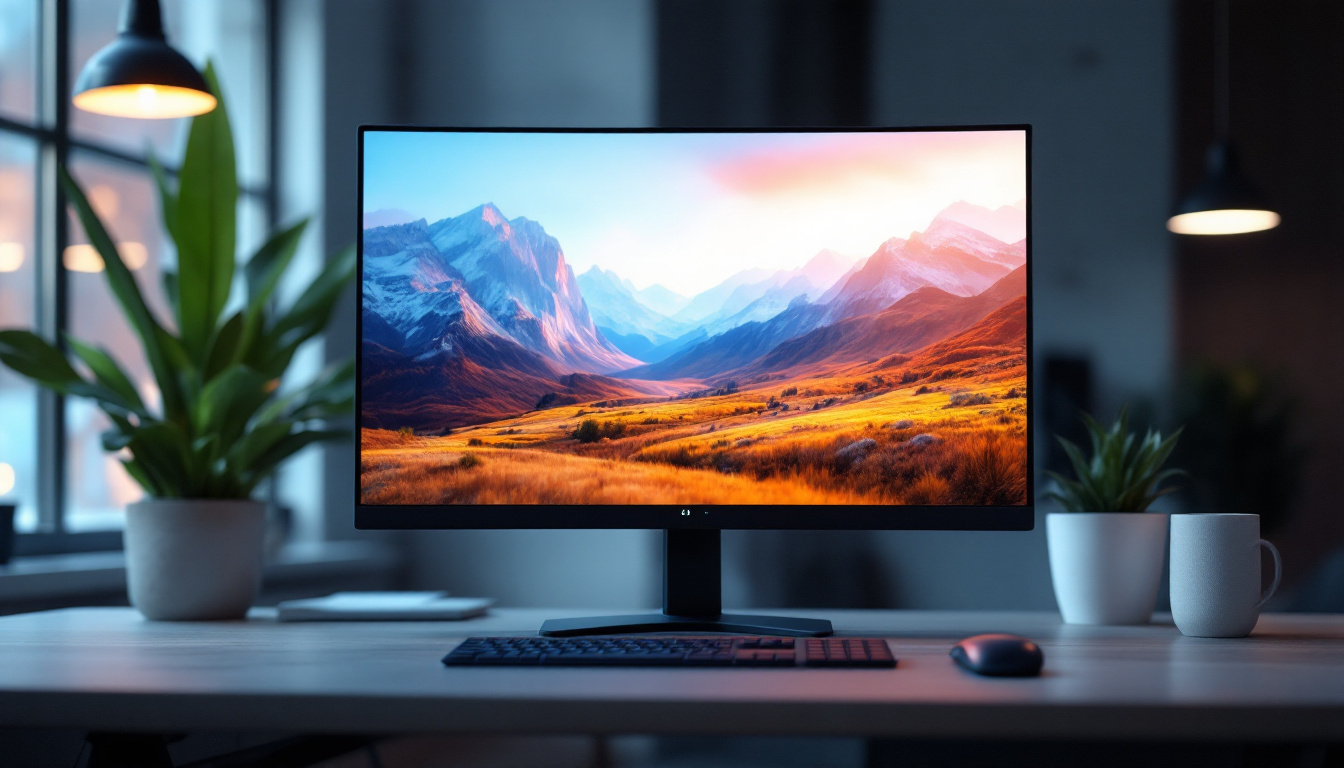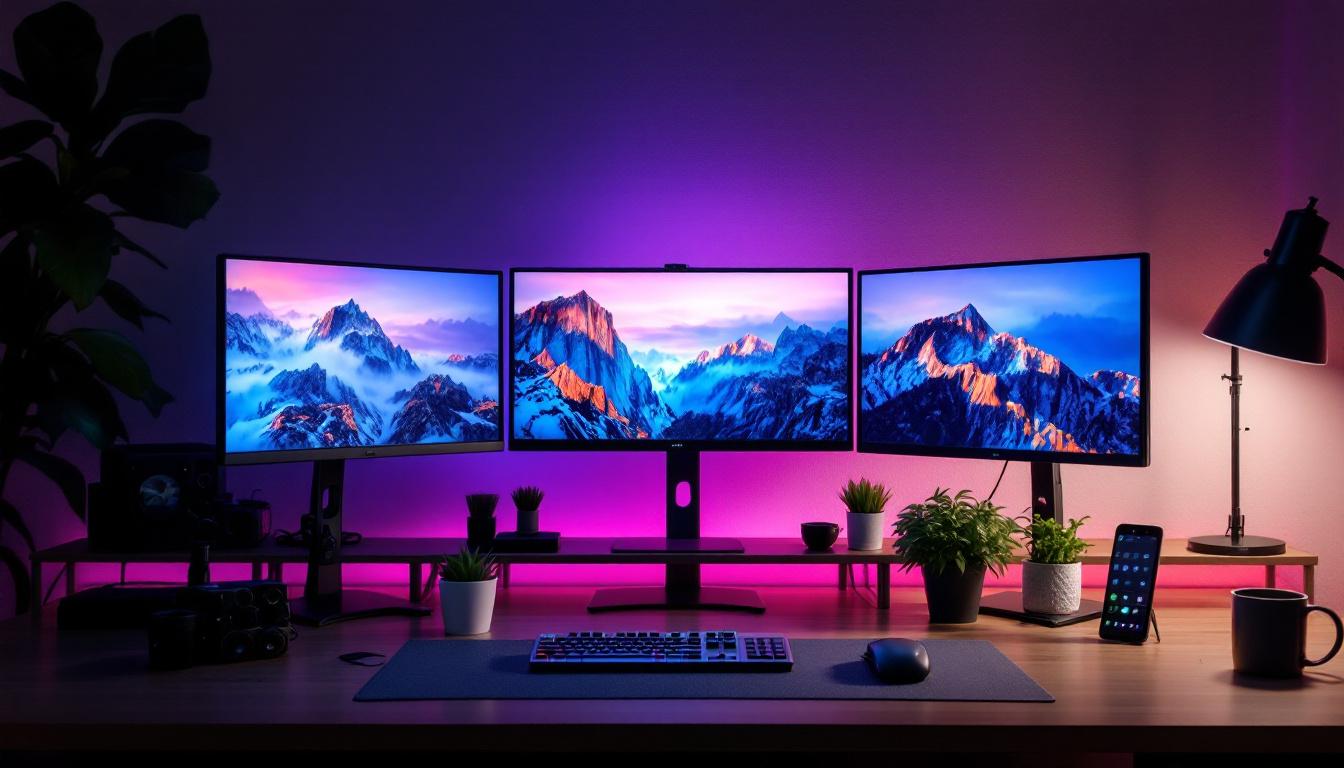
In the evolving landscape of digital workspaces and immersive entertainment, multi-monitor setups have become increasingly popular. Among these, the configuration of three 32-inch LED monitors mounted on a single stand offers a compelling blend of productivity, aesthetics, and ergonomic benefits. This article explores the intricacies of 3 monitor stands designed for 32-inch LED displays, breaking down their features, advantages, and considerations to help users make informed decisions.
Understanding the Appeal of a 3 Monitor Setup with 32-Inch LED Displays
Multi-monitor setups have surged in popularity, especially among professionals in fields such as graphic design, video editing, stock trading, and software development. The use of three 32-inch LED monitors is particularly favored due to the balance between screen real estate and manageable desk space.
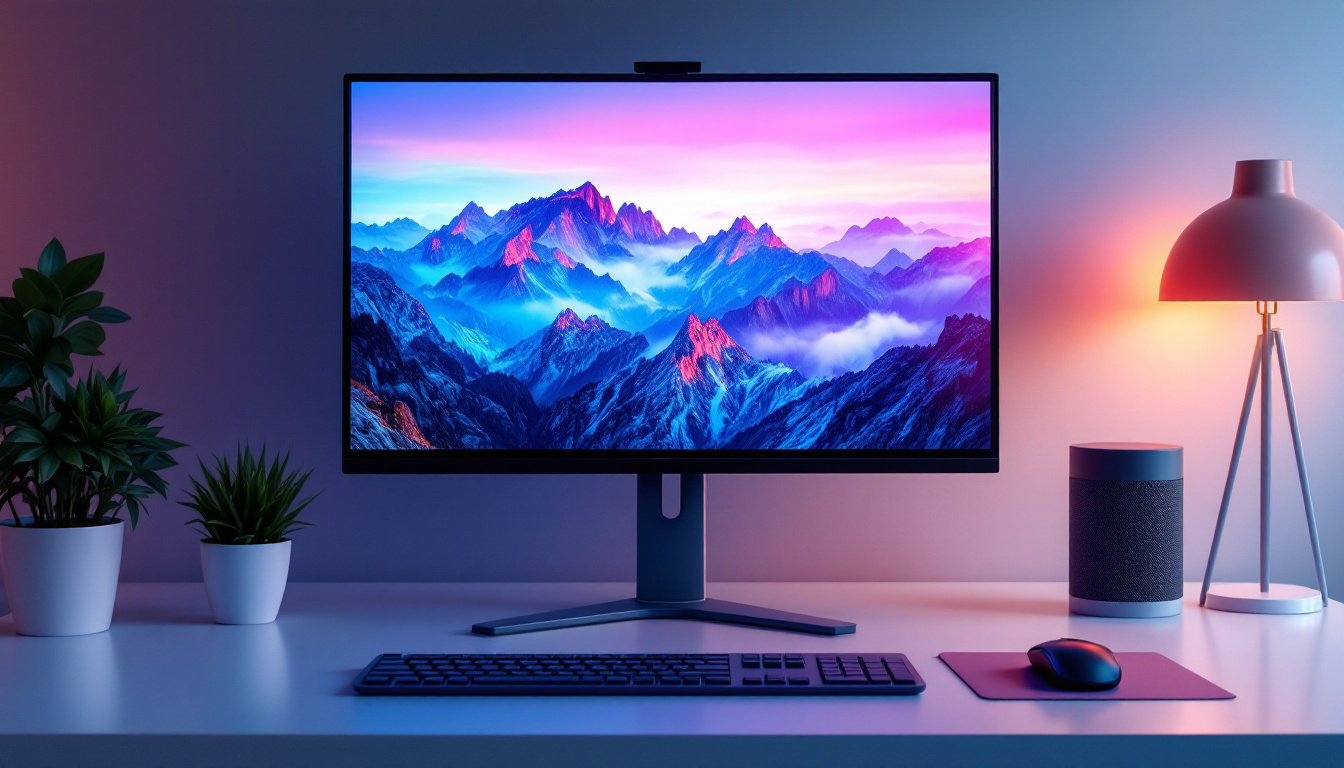
LED displays have revolutionized the monitor market by offering vibrant colors, energy efficiency, and slim designs. When combined with a triple monitor stand, these displays create an expansive, seamless visual workspace that enhances multitasking and immersion.
Why Choose 32-Inch Monitors?
The 32-inch size hits a sweet spot for many users. It provides ample screen area to view multiple windows side-by-side without the need for excessive head movement. This size is large enough to deliver detailed visuals but not so large as to overwhelm the desk or cause discomfort during extended use.
Moreover, 32-inch monitors often come with high resolutions, such as 2560×1440 (QHD) or even 4K UHD, delivering crisp images and sharp text. This clarity is essential for professionals who require precision, such as photographers and CAD designers. The larger screen also allows for better color accuracy and detail, which is crucial when editing high-resolution images or working on intricate designs.
Benefits of Using Three Monitors
Employing three monitors instead of one or two can dramatically increase productivity. Research indicates that multi-monitor users can experience up to a 42% increase in productivity due to reduced time switching between applications and better organization of workflows.
For gamers and content creators, a triple monitor setup offers an immersive experience. The wide field of view enhances gaming realism and allows for expansive timelines and tool palettes in creative software. Additionally, the ability to dedicate one monitor to communication tools, such as chat applications or video calls, while keeping the other two focused on the primary tasks, can streamline collaboration and enhance the overall workflow.
Furthermore, the versatility of a three-monitor setup extends beyond just productivity and gaming. It can also be beneficial for data analysis and financial trading, where real-time data feeds and charts can be displayed simultaneously. Traders can monitor multiple stocks, news feeds, and analytical tools without losing sight of any critical information, which can be the difference between a profitable trade and a missed opportunity. This adaptability makes the three-monitor configuration a valuable asset across various professional domains.
Features and Advantages of 3 Monitor Stands for 32-Inch LED Displays
Choosing the right monitor stand is crucial to fully leverage the benefits of a triple 32-inch LED setup. A well-designed stand not only supports the monitors securely but also offers ergonomic adjustability and aesthetic appeal.
Sturdy Construction and Weight Capacity
32-inch monitors tend to be heavier than smaller models, especially if they include features such as built-in speakers or curved screens. A quality 3 monitor stand must be constructed from durable materials like steel or aluminum to support the combined weight safely.
Typical weight capacities for triple monitor stands range from 15 to 25 kilograms (33 to 55 pounds) per arm. Users should verify their monitors’ weights and choose a stand that provides a comfortable margin to ensure stability and longevity. Moreover, the design of the stand should also consider the distribution of weight; a well-engineered stand will have a low center of gravity, preventing tipping and enhancing overall stability, even during adjustments.
Ergonomic Adjustability
Ergonomics plays a pivotal role in reducing strain and improving comfort during long hours of use. Many 3 monitor stands offer adjustable height, tilt, swivel, and rotation for each monitor arm independently. This flexibility allows users to align screens perfectly at eye level and angle them to minimize glare and neck strain.
Some stands also feature quick-release mechanisms for easy monitor installation and removal, which is particularly useful for users who frequently reconfigure their setups. Furthermore, the ability to adjust the monitors not only caters to individual preferences but also accommodates different tasks—whether it’s gaming, graphic design, or office work—making it easier to switch between activities without compromising comfort.
Space-Saving and Cable Management
Desk space is often at a premium, especially in home offices or compact work environments. A triple monitor stand with a clamp or grommet mount frees up valuable desk surface area by elevating the monitors off the desk.
Additionally, integrated cable management systems help keep power cords, HDMI cables, and USB connections organized and out of sight. This not only improves aesthetics but also reduces clutter that could interfere with workflow. Some advanced models even come with built-in USB hubs, allowing for easy access to ports without having to reach behind the monitors. This thoughtful design feature enhances connectivity and ensures that essential devices like keyboards, mice, and external drives remain easily accessible, further streamlining the user experience.
Technical Considerations When Setting Up Three 32-Inch LED Monitors
Beyond the physical stand, several technical factors influence the performance and usability of a triple 32-inch LED monitor setup.
Resolution and Refresh Rate Compatibility
To achieve a seamless visual experience, it’s important that all three monitors share similar resolution and refresh rate specifications. Mismatched resolutions can lead to inconsistent image quality and alignment issues, while differing refresh rates may cause screen tearing or stuttering during fast-moving visuals.
For example, pairing three 2560×1440 QHD monitors running at 75Hz or higher ensures smooth transitions and uniform clarity. Gamers might prioritize higher refresh rates (120Hz or 144Hz), while professionals focused on color accuracy might emphasize resolution and color gamut. It’s also worth noting that some monitors offer adaptive sync technologies, like NVIDIA G-Sync or AMD FreeSync, which can further enhance the gaming experience by synchronizing the refresh rate of the monitor with the frame rate of the graphics card, reducing lag and improving overall responsiveness.
Graphics Card and Connectivity
Driving three 32-inch LED monitors simultaneously requires a capable graphics card with multiple output ports. Modern GPUs often support three or more displays via HDMI, DisplayPort, or USB-C connections.
Users should confirm that their computer’s graphics card can handle the combined resolution and refresh rates without performance degradation. Additionally, using high-quality cables and adapters ensures stable signal transmission. It’s advisable to check the specifications of both the graphics card and the monitors to ensure compatibility, especially when considering features like daisy chaining with DisplayPort, which can simplify connections and reduce cable clutter. Furthermore, users should be aware of the potential need for additional power, as some high-performance graphics cards may require supplemental power connectors to function optimally when driving multiple displays.
Color Calibration and Uniformity
For creative professionals, color accuracy across all three monitors is paramount. Differences in panel types or manufacturing batches can cause color shifts, which may affect design work.
Calibration tools and software can help synchronize color profiles across the monitors, ensuring consistent brightness, contrast, and color reproduction. Some high-end 32-inch LED monitors come factory-calibrated to meet professional standards such as sRGB or AdobeRGB. Moreover, utilizing hardware calibration devices can provide even more precise adjustments, allowing users to tailor their displays to specific workflows, whether it be graphic design, video editing, or photography. It’s also beneficial to regularly recalibrate monitors to account for any drift in color accuracy over time, ensuring that the visual output remains true to the creator’s intent.
Popular Use Cases and Practical Tips for 3 Monitor Stands with 32-Inch LED Displays
The versatility of a triple 32-inch LED monitor setup makes it suitable for a wide range of applications. Understanding these use cases can guide users in optimizing their setups.
Professional Workstations
In professions like software development, data analysis, and financial trading, having multiple screens allows users to monitor code, datasets, and market trends simultaneously. A 3 monitor stand helps arrange displays ergonomically, reducing neck and eye strain during long work sessions.
For architects and engineers, the expansive screen area facilitates detailed CAD drawings and 3D modeling, improving precision and workflow efficiency.
Creative and Multimedia Production
Video editors and graphic designers benefit from the additional screen space to manage timelines, preview windows, and tool palettes without constantly switching tabs. The high resolution and color accuracy of 32-inch LED monitors enhance the quality of visual content.
Musicians and podcasters can also use multiple screens to control recording software, audio mixers, and reference materials simultaneously.
Gaming and Entertainment
Triple 32-inch LED monitors mounted on a stand offer an immersive panoramic gaming experience. Many games support multi-monitor setups, extending the field of view and increasing situational awareness.
For movie enthusiasts, the setup can simulate a mini home theater environment, providing a cinematic experience with minimal bezels disrupting the visuals.
Practical Setup Tips
- Measure Desk Space: Ensure your desk can accommodate the stand and monitors comfortably, leaving room for peripherals.
- Positioning: Arrange monitors in a slight curve to match natural eye movement and reduce distortion.
- Lighting: Use adjustable lighting to minimize glare and reflections on LED screens.
- Regular Breaks: Follow the 20-20-20 rule—every 20 minutes, look at something 20 feet away for 20 seconds to reduce eye strain.
Conclusion: Maximizing Productivity and Comfort with 3 Monitor Stands for 32-Inch LED Displays
Investing in a triple 32-inch LED monitor setup mounted on a quality stand can transform both professional and personal computing experiences. The combination of expansive screen real estate, ergonomic adjustability, and sleek design supports productivity, creativity, and immersive entertainment.
By carefully considering factors such as monitor specifications, stand durability, and workspace ergonomics, users can create an efficient and visually stunning environment tailored to their needs. Whether for work, gaming, or multimedia production, a 3 monitor stand designed for 32-inch LED displays is a powerful tool in the modern digital arsenal.
Discover the Future of Visual Displays with LumenMatrix
Ready to elevate your digital experience with a cutting-edge 3 monitor setup? LumenMatrix is at the forefront of LED display technology, offering a wide array of solutions that bring your content to life. From immersive Indoor LED Wall Displays to dynamic Outdoor LED Wall Displays, our products are designed to maximize your productivity and enhance your entertainment. Experience the revolution in visual communication with LumenMatrix’s innovative LED displays. Check out LumenMatrix LED Display Solutions today and transform your space into a hub of creativity and efficiency.