In the world of digital displays, the quality and clarity of an image depend heavily on the size and arrangement of pixels. When it comes to LED monitors, understanding pixel size is essential for anyone looking to optimize their viewing experience, whether for professional work, gaming, or everyday use. This article delves into the concept of monitor pixel size, focusing on LED displays, and explains why it matters, how it affects image quality, and what consumers should consider when choosing a display.
What Is Pixel Size in LED Monitors?
Pixels are the smallest units of a digital image displayed on a screen. Each pixel emits light and color, collectively forming the images we see. The term “pixel size” refers to the physical dimensions of these individual pixels on the screen, typically measured in micrometers (µm) or millimeters (mm).
In LED monitors, pixels are composed of tiny light-emitting diodes that produce red, green, and blue subpixels. These subpixels combine to create the wide range of colors displayed on the screen. The size of each pixel directly influences the display’s resolution, sharpness, and overall image quality. A smaller pixel size allows for a higher resolution, meaning more pixels can fit in the same area, resulting in finer detail and smoother images. This is particularly important in applications such as graphic design, gaming, and video editing, where clarity and precision are paramount.
Moreover, advancements in technology have led to the development of high-density displays, such as 4K and 8K monitors, which feature incredibly small pixel sizes. These displays not only provide more detail but also enhance the viewing experience by allowing for closer viewing distances without noticeable pixelation. As a result, users can enjoy a more immersive experience, whether they are watching movies, playing games, or working on intricate design projects.
Pixel Pitch vs. Pixel Size: Understanding the Difference
While pixel size refers to the physical size of a single pixel, pixel pitch is the distance from the center of one pixel to the center of the adjacent pixel. Pixel pitch includes the pixel size plus the space between pixels, often called the gap or bezel. This distinction is crucial because pixel pitch impacts the perceived sharpness and clarity of the display.
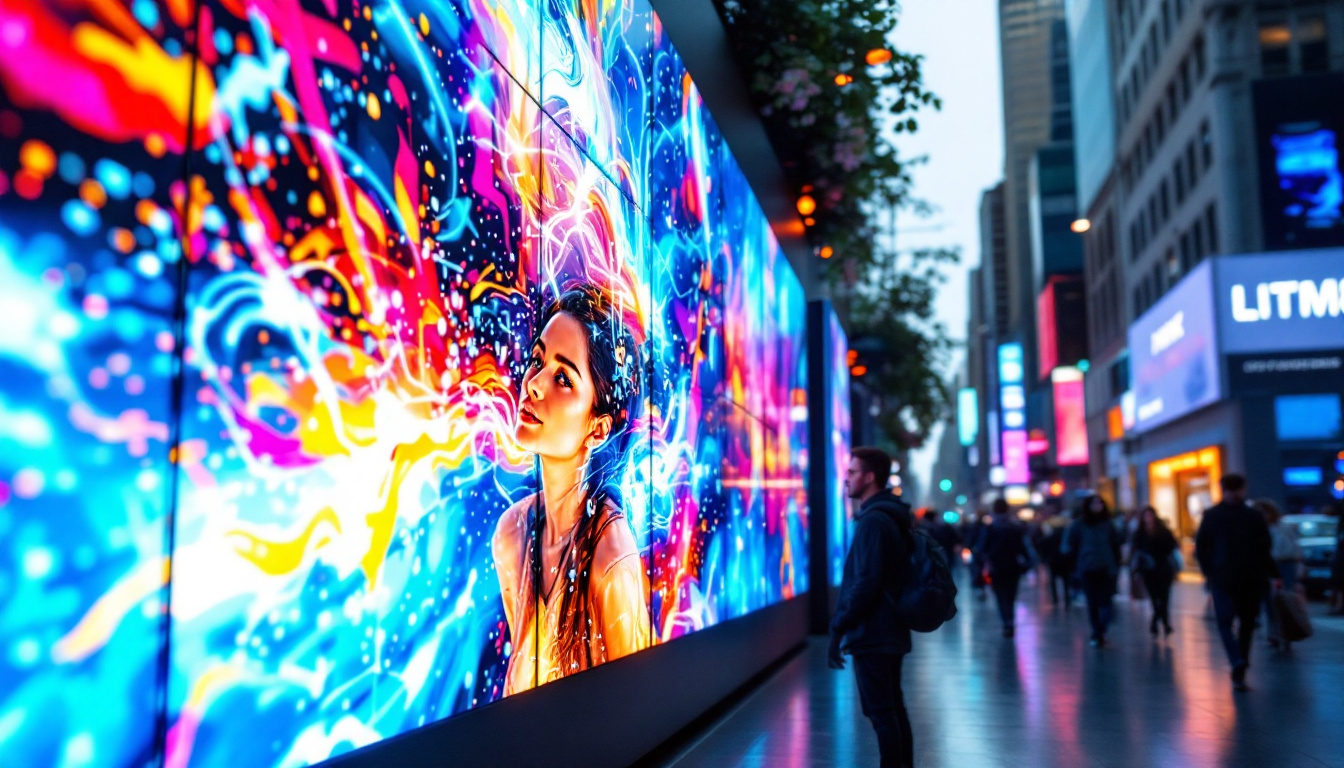
For example, a monitor with a pixel size of 0.25 mm and a pixel pitch of 0.27 mm means there is a 0.02 mm gap between pixels. Smaller pixel pitch values generally indicate higher pixel density and sharper images. This is especially relevant in large displays, such as those used in digital signage or public displays, where viewers may be positioned at varying distances. A smaller pixel pitch ensures that the image remains crisp and clear, even when viewed from afar.
Additionally, understanding pixel pitch is vital for selecting the right display for specific environments. For instance, in a corporate setting where presentations are made to large audiences, a monitor with a smaller pixel pitch can enhance visibility and comprehension from the back of the room. Conversely, in smaller spaces or for personal use, a larger pixel pitch may suffice, balancing cost with the necessary image quality. Ultimately, the choice of pixel size and pitch is a critical factor in achieving the desired visual performance and user experience.
How Pixel Size Affects Display Quality
The size of pixels plays a significant role in determining the visual experience on an LED monitor. Several factors influenced by pixel size include resolution, pixel density, viewing distance, and color accuracy.
Resolution and Pixel Density
Resolution is the total number of pixels displayed on the screen, typically expressed as width × height (e.g., 1920 × 1080 pixels). Pixel density, measured in pixels per inch (PPI), indicates how many pixels are packed into each inch of the display.
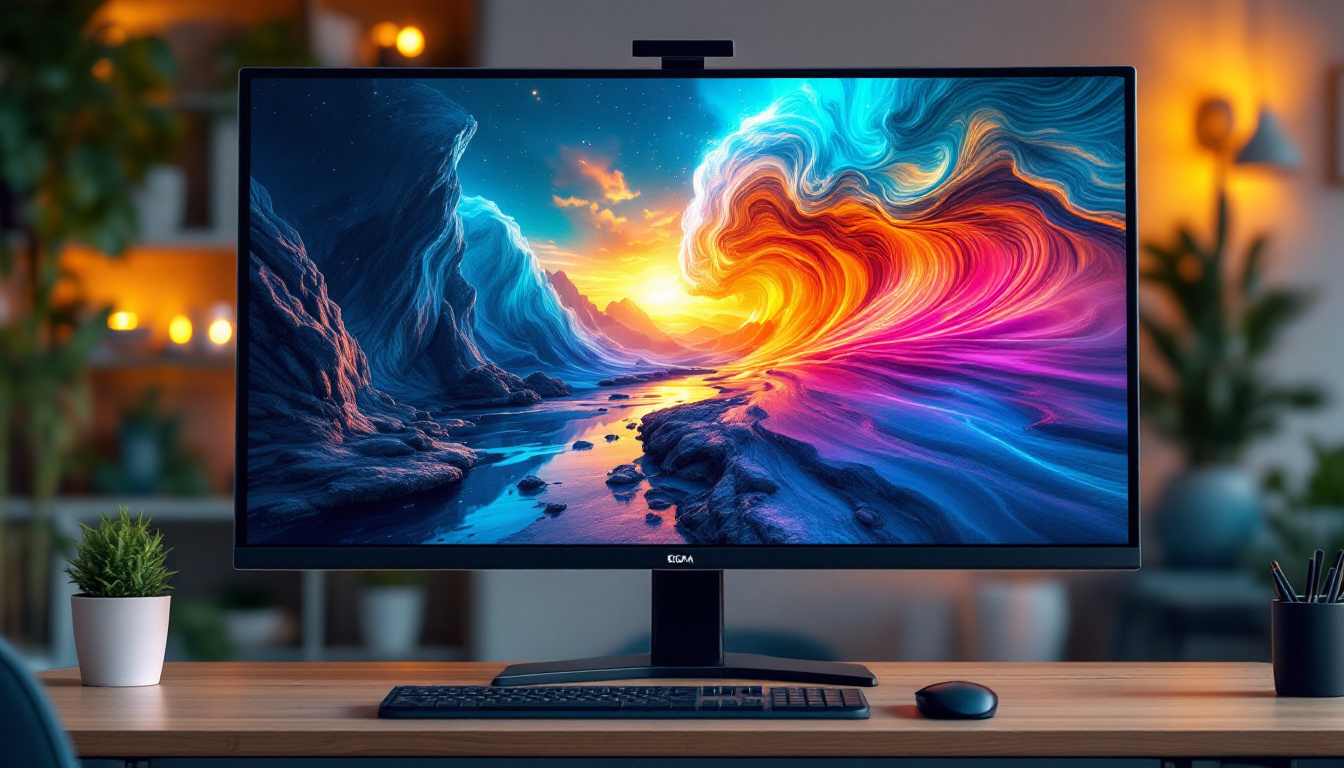
Smaller pixel sizes allow for more pixels to fit within the same screen size, resulting in higher resolution and pixel density. This leads to crisper images, finer details, and smoother text rendering. For instance, a 24-inch LED monitor with a pixel size of 0.27 mm will have a lower PPI compared to a 24-inch monitor with a pixel size of 0.23 mm, assuming the resolution is the same.
Viewing Distance and Visual Comfort
The optimal viewing distance depends on pixel size and resolution. Larger pixels are easier to see individually at close distances, which may cause a “screen door effect,” where the gaps between pixels become visible. Conversely, smaller pixels packed closely together reduce this effect, providing a more seamless image.
For professional applications such as graphic design or video editing, smaller pixel sizes and higher pixel densities are preferable to ensure precision and color fidelity. Meanwhile, for casual use or gaming, slightly larger pixels may be acceptable, especially on larger screens viewed from a distance.
Color Accuracy and Brightness
Pixel size also influences the brightness and color accuracy of LED displays. Larger pixels can emit more light, potentially resulting in brighter displays. However, advancements in LED technology have allowed smaller pixels to achieve high brightness levels without sacrificing color accuracy.
Manufacturers often balance pixel size with other factors such as LED type, backlighting, and panel technology to optimize color reproduction and brightness. For example, OLED and Mini-LED displays use different approaches to pixel construction and lighting, affecting the overall visual performance.
Types of LED Displays and Their Pixel Characteristics
LED monitors come in various types, each with distinct pixel structures and technologies. Understanding these differences helps in selecting the right display based on pixel size and intended use.
Standard LED LCD Monitors
Most consumer-grade LED monitors are actually LCD panels with LED backlighting. The pixels themselves are liquid crystal cells that modulate light from the LEDs behind them. Pixel size in these monitors is determined by the LCD panel’s design and manufacturing precision.
Standard LED LCD monitors typically have pixel sizes ranging from 0.23 mm to 0.30 mm, depending on screen size and resolution. These displays offer good brightness and color performance for everyday tasks and gaming.
OLED Displays
Organic Light Emitting Diode (OLED) displays differ fundamentally from LED LCDs because each pixel emits its own light. This allows for true blacks and exceptional contrast ratios. OLED pixels are generally smaller and more densely packed, enabling ultra-high resolutions in compact form factors.
Pixel sizes in OLED monitors can be as small as 0.1 mm or less, contributing to their superior image quality. However, OLED displays are often more expensive and have different longevity characteristics compared to LED LCDs.
Mini-LED and Micro-LED Displays
Mini-LED and Micro-LED technologies represent the latest advancements in LED display engineering. Mini-LEDs use thousands of tiny LEDs for backlighting, allowing for better local dimming and contrast. Micro-LEDs, on the other hand, consist of microscopic LEDs that act as individual pixels, similar to OLED but with inorganic materials.
These technologies enable smaller pixel sizes and higher pixel densities, pushing the boundaries of brightness, color accuracy, and energy efficiency. Mini-LED monitors often feature pixel pitches below 0.2 mm, while Micro-LED displays can achieve even finer pixel structures.
Choosing the Right Pixel Size for Your Needs
When selecting an LED monitor, understanding pixel size helps balance resolution, screen size, and viewing distance to achieve the best visual experience.
Professional Use: Design, Photography, and Video Editing
Professionals require monitors with high pixel density and small pixel sizes to ensure precise detail and color accuracy. A pixel size below 0.25 mm is often recommended, especially for displays between 24 and 32 inches. Monitors with 4K resolution or higher typically have smaller pixels, providing the clarity needed for detailed work.
Gaming and Entertainment
Gamers benefit from a balance between resolution, refresh rate, and pixel size. While smaller pixels offer sharper images, extremely high resolutions can strain graphics hardware and impact performance. Many gamers prefer 24- to 27-inch monitors with pixel sizes around 0.23 to 0.27 mm, which deliver sharp visuals without compromising frame rates.
General Use and Office Work
For everyday computing tasks, pixel size is less critical but still impacts comfort and readability. Monitors with pixel sizes between 0.25 and 0.30 mm provide clear text and images suitable for browsing, document editing, and video streaming.
How to Measure and Calculate Pixel Size
Understanding how to determine pixel size can help consumers make informed decisions when comparing monitors.
Using Screen Size and Resolution
Pixel size can be estimated using the screen’s physical dimensions and its resolution. The formula to calculate pixel size (P) in millimeters is:
P = (Screen Width in mm) / (Number of Horizontal Pixels)
For example, a 24-inch monitor with a 16:9 aspect ratio has a screen width of approximately 531 mm. If the resolution is 1920 × 1080 pixels, then:
P = 531 mm / 1920 ≈ 0.277 mm
This means each pixel is about 0.277 mm wide.
Pixel Density (PPI) Calculation
Pixel density is another useful metric, calculated as:
PPI = √(Horizontal Pixels² + Vertical Pixels²) / Screen Diagonal in inches
Higher PPI values indicate smaller pixels and sharper images. For the same 24-inch, 1920 × 1080 monitor:
PPI = √(1920² + 1080²) / 24 ≈ 92 PPI
Comparatively, a 24-inch 4K (3840 × 2160) monitor has a PPI of approximately 184, meaning pixels are much smaller and images are significantly sharper.
Future Trends in Pixel Size and LED Display Technology
Display technology continues to evolve rapidly, with ongoing research focused on reducing pixel size while enhancing brightness, color accuracy, and energy efficiency.
Higher Resolutions and Smaller Pixels
As 8K and beyond become more mainstream, pixel sizes will shrink further to accommodate the increased number of pixels on similar screen sizes. This will benefit applications requiring ultra-high detail, such as medical imaging, professional content creation, and immersive virtual reality.
Advancements in Micro-LED and Quantum Dot Technologies
Micro-LED displays promise to deliver smaller pixel sizes with superior brightness and longevity compared to OLED. Quantum dot technology enhances color accuracy and brightness, often used in conjunction with LED backlighting to improve image quality without increasing pixel size.
Flexible and Transparent Displays
Emerging technologies are enabling flexible, foldable, and transparent LED displays. These innovations require precise control over pixel size and arrangement to maintain image quality on unconventional surfaces and form factors.
Conclusion
Pixel size is a fundamental aspect of LED monitor technology that directly impacts image clarity, color accuracy, and viewing comfort. Understanding the relationship between pixel size, resolution, and pixel density empowers consumers to choose displays that best suit their needs, whether for professional work, gaming, or general use.
As LED display technology advances, smaller pixel sizes and higher pixel densities will become increasingly accessible, offering richer visual experiences. Staying informed about these developments ensures that users can make the most of their monitors and enjoy vibrant, detailed images for years to come.
Discover the Future of LED Displays with LumenMatrix
Ready to elevate your visual experience with the latest in LED display technology? LumenMatrix is at the forefront of innovation, offering a wide range of LED display solutions tailored to meet your needs. From captivating Indoor LED Wall Displays to dynamic Outdoor LED Wall Displays, and from versatile Vehicle LED Displays to sleek LED Poster Displays, our products are designed to revolutionize visual communication. Experience the difference in color accuracy, brightness, and clarity with LumenMatrix’s cutting-edge technology. Check out LumenMatrix LED Display Solutions today and transform the way you share your message with the world.