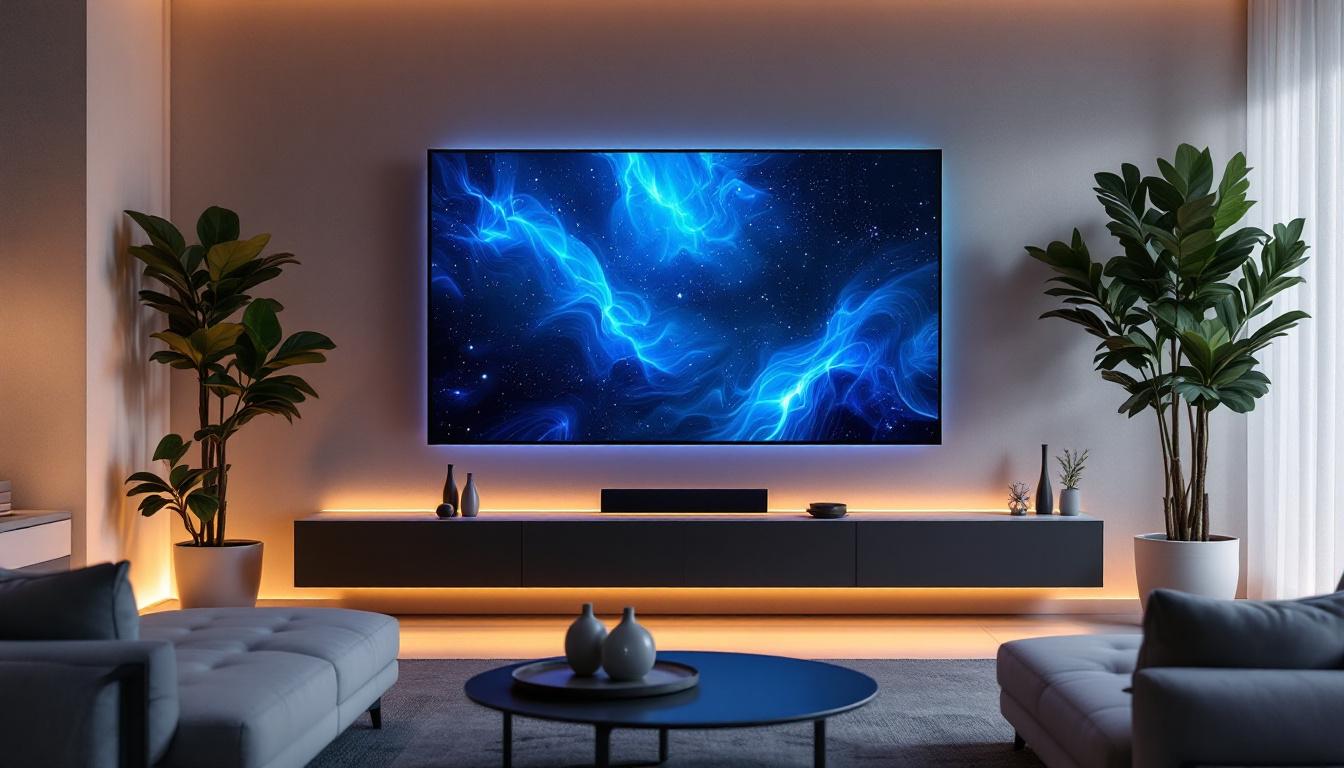
In the world of modern television technology, LED displays have become the dominant choice for consumers seeking vibrant picture quality and sleek designs. However, one common issue that viewers sometimes encounter is the appearance of lines on the TV screen. These lines can be distracting and may indicate underlying problems with the display or signal processing. Understanding why these lines appear, how LED displays function, and what can be done to address these issues is essential for anyone looking to optimize their viewing experience.
Understanding LED Display Technology
What Is an LED TV?
LED TVs, commonly referred to as LED-backlit LCD TVs, use Light Emitting Diodes (LEDs) as a backlight source for the liquid crystal display (LCD) panel. Unlike older CCFL (cold cathode fluorescent lamp) backlit TVs, LED backlighting offers enhanced brightness, better energy efficiency, and the ability to produce thinner screens.
The LED backlight shines through the LCD panel, which controls the color and brightness of each pixel by adjusting the liquid crystals. This combination allows for sharp images with high contrast ratios and vivid colors, making LED TVs a popular choice worldwide. Additionally, many LED TVs now support high dynamic range (HDR) content, which further enhances the viewing experience by providing a wider range of colors and improved detail in both bright and dark scenes. This capability has made LED TVs particularly appealing for movie enthusiasts and gamers who seek a more immersive experience.
Types of LED Backlighting
There are primarily two types of LED backlighting used in TVs: edge-lit and full-array. Edge-lit LED TVs have LEDs positioned around the edges of the screen, which allows for thinner designs but can sometimes lead to uneven lighting. Full-array LED TVs have LEDs distributed evenly behind the entire screen, enabling better local dimming and improved contrast.
Understanding these differences is important because the backlighting method can influence the appearance of lines or other display artifacts. For example, edge-lit models may be more susceptible to uneven brightness, which can sometimes be perceived as lines or bands on the screen. Furthermore, full-array backlighting often includes advanced features such as local dimming, where specific areas of the screen can be dimmed independently to enhance contrast and depth. This results in deeper blacks and brighter highlights, making it ideal for watching movies in dark environments. As technology continues to evolve, hybrid models that combine features of both edge-lit and full-array designs are also emerging, offering consumers even more options to suit their viewing preferences.
Common Causes of Lines on LED TV Screens
Signal and Connection Issues
One of the most frequent reasons for lines appearing on an LED TV screen is a problem with the signal or connections. Loose HDMI cables, damaged connectors, or interference in the signal path can cause horizontal or vertical lines to appear intermittently or persistently.
For instance, a frayed HDMI cable might result in partial image data loss, causing thin lines or flickering bands. Similarly, if the input source (such as a cable box or streaming device) is malfunctioning, lines may appear during playback. Checking and securing all connections is a simple first step in troubleshooting. Additionally, using high-quality cables can make a significant difference, as inferior cables may not transmit signals effectively, leading to visual artifacts on the screen. It’s also worth considering the distance between the TV and the source device; longer cable runs can introduce signal degradation, so using signal boosters or shorter cables may help maintain a clear picture.
Panel and Hardware Defects
Lines on the screen can also be indicative of hardware issues within the TV itself. The LCD panel may have dead pixels or damaged rows of pixels, which manifest as lines. Additionally, problems with the display driver circuitry, which controls the activation of pixels, can cause persistent lines.
In some cases, the problem may stem from the T-Con (timing control) board, a critical component that processes the video signal and synchronizes the image display. If the T-Con board malfunctions, it can cause horizontal or vertical lines, flickering, or other image distortions. Furthermore, physical damage to the screen, such as cracks or pressure points, can exacerbate these issues, leading to more pronounced lines. Regular maintenance, such as keeping the TV clean and avoiding placing heavy objects on top of it, can help prevent such damage and prolong the lifespan of the hardware.
Software and Firmware Glitches
While less common, software-related issues can also cause display anomalies. Firmware bugs or corrupted software within the TV can lead to improper image rendering, including the appearance of lines. Manufacturers periodically release firmware updates to address such bugs and improve performance.
Ensuring that the TV’s firmware is up to date can sometimes resolve unexplained display problems without the need for hardware repairs. Additionally, performing a factory reset can help eliminate any software conflicts that may have arisen from previous settings or configurations. Users should also be aware of the potential for third-party applications to interfere with the TV’s native software, particularly in smart TVs that support various streaming services. Keeping the operating system streamlined and removing unused apps can contribute to a smoother viewing experience.
Diagnosing Lines on an LED TV Screen
Step-by-Step Troubleshooting
When lines appear on an LED TV screen, a systematic approach to diagnosis can help identify the root cause:
- Check all cable connections: Ensure HDMI, power, and other cables are securely connected and undamaged.
- Test different sources: Switch between cable boxes, streaming devices, or built-in apps to see if the lines persist across all inputs.
- Run a built-in pixel test: Many modern TVs have diagnostic tools accessible via the settings menu to check for dead or stuck pixels.
- Update firmware: Check for and install any available software updates from the manufacturer.
- Perform a factory reset: Resetting the TV to factory settings can eliminate software glitches causing display issues.
When to Call a Professional
If lines remain after basic troubleshooting, it may be time to consult a professional technician. Persistent lines caused by hardware failures such as panel damage or T-Con board faults typically require expert diagnostics and repair. Attempting to fix these issues without proper knowledge can risk further damage.
Additionally, if the TV is still under warranty, contacting the manufacturer or retailer is advisable to explore repair or replacement options. Many manufacturers offer customer support hotlines where trained representatives can guide you through troubleshooting steps or arrange for service. It’s also worth noting that some retailers have in-house repair services, which can sometimes expedite the process of getting your TV back to optimal working condition.
In cases where the warranty has expired, weighing the cost of repair against the price of a new TV is essential. Depending on the age and model of your LED TV, repairs can sometimes be more expensive than purchasing a newer, more advanced model. Furthermore, newer TVs often come with enhanced features such as improved resolution, better energy efficiency, and advanced smart capabilities, which can provide a more enjoyable viewing experience.
Preventing and Minimizing Lines on LED Screens
Proper Handling and Installation
Many hardware-related screen issues stem from physical damage or improper handling. Avoid placing the TV in environments with excessive heat, moisture, or direct sunlight, as these conditions can degrade the panel and internal components over time.
During installation, ensure the TV is mounted securely and avoid applying pressure to the screen, which can cause pixel damage or internal cracks leading to lines.
Using Quality Cables and Accessories
Investing in high-quality HDMI cables and compatible accessories can reduce signal interference and connection issues that cause display anomalies. Certified cables with shielding and robust connectors are less likely to degrade or cause image artifacts.
Regular Firmware Updates
Keeping the TV’s firmware up to date ensures that any software-related bugs affecting image quality are addressed promptly. Many manufacturers provide update notifications directly on the TV or via their support websites.
Advances in LED Display Technology and Their Impact
Mini-LED and Micro-LED Innovations
Recent advancements in LED technology, such as Mini-LED and Micro-LED displays, are pushing the boundaries of picture quality and screen durability. Mini-LED TVs use thousands of tiny LEDs for backlighting, enabling more precise local dimming and reducing the likelihood of uneven brightness or lines.
Micro-LED technology, although still emerging in consumer markets, offers self-emissive pixels similar to OLED but with higher brightness and longer lifespan. These innovations promise fewer display artifacts and improved reliability.
Impact on Screen Reliability
As LED technology evolves, the incidence of lines and other screen defects is expected to decrease. Enhanced manufacturing processes and more robust components contribute to longer-lasting displays with fewer issues. Consumers can anticipate better performance and reduced maintenance costs with newer LED models.
Conclusion
Lines on an LED TV screen can be caused by a variety of factors, ranging from simple connection problems to complex hardware failures. Understanding the fundamentals of LED display technology and the common causes of screen lines is essential for effective troubleshooting and maintenance.
By following systematic diagnostic steps, updating firmware, and ensuring proper handling and installation, many issues can be resolved or prevented. As LED technology continues to advance with innovations like Mini-LED and Micro-LED, viewers can look forward to even clearer, more reliable displays in the future.
For persistent or severe problems, professional repair services and manufacturer support remain the best options to restore optimal picture quality and extend the life of the TV.
Explore Cutting-Edge LED Display Solutions
Don’t let lines on your screen diminish your viewing experience. LumenMatrix is at the forefront of LED display innovation, offering a wide array of solutions that promise not only to eliminate common display issues but also to transform your visual encounters. From captivating Indoor LED Wall Displays to dynamic Outdoor LED Wall Displays, and from versatile Vehicle LED Displays to stunning LED Sports Displays, our products are designed to elevate your visual communication to new heights. Experience the future of LED technology with LumenMatrix’s advanced display modules. Check out LumenMatrix LED Display Solutions today and see the difference for yourself.