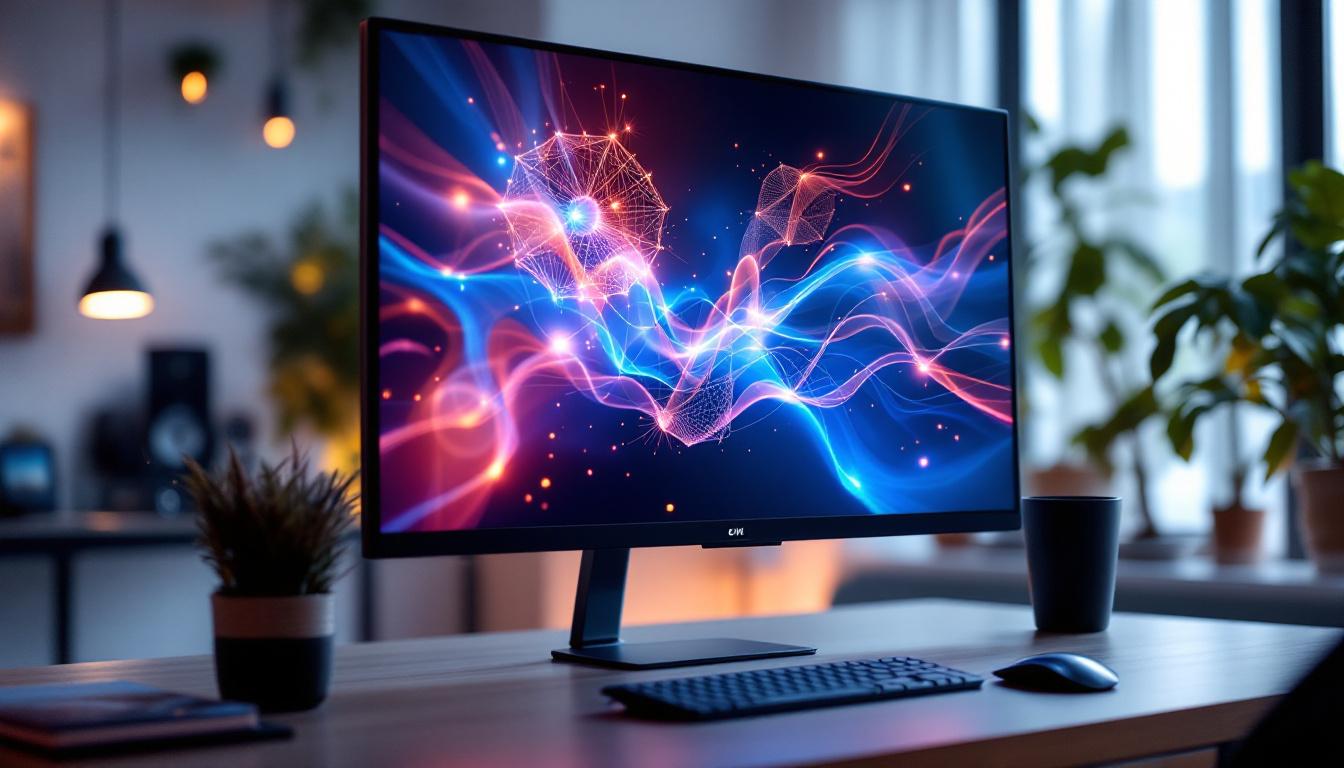
In today’s fast-evolving digital landscape, touch screen monitors have become an essential component across various industries—from retail and healthcare to education and corporate environments. Among the many options available, the 21 inch touch screen monitor with LED display stands out due to its balance of size, functionality, and visual clarity. This article delves into the key features, benefits, and technology behind these monitors, helping consumers and professionals make informed decisions when selecting their next display device.
Understanding the Basics: What Is a 21 Inch Touch Screen Monitor?
A 21 inch touch screen monitor is a display device that measures approximately 21 inches diagonally and incorporates touch-sensitive technology, allowing users to interact directly with the screen using fingers or a stylus. Unlike traditional monitors, which rely solely on peripheral input devices such as a mouse or keyboard, touch screen monitors provide an intuitive, hands-on interface.
The 21 inch size is particularly popular because it strikes a practical balance: large enough to provide ample screen real estate for multitasking and detailed visuals, yet compact enough to fit comfortably on most desks or kiosks. This size is especially favored in environments where space is limited but user interaction remains critical.
Common Uses of 21 Inch Touch Screen Monitors
These monitors are widely used in point-of-sale (POS) systems, interactive kiosks, medical equipment, and office workstations. For example, retail environments benefit from quick and efficient customer checkouts, while healthcare professionals use them for accessing patient records with ease. Additionally, educational institutions employ these monitors for interactive learning modules, enhancing student engagement.
LED Display Technology: What Makes It Stand Out?
The term “LED display” refers to a screen that uses Light Emitting Diodes (LEDs) as its light source. This technology has revolutionized monitor displays by offering superior brightness, energy efficiency, and color accuracy compared to older display technologies such as CCFL (Cold Cathode Fluorescent Lamp) backlighting.
How LED Backlighting Works
In an LED display, a matrix of LEDs is placed behind or along the edges of the LCD panel to illuminate the screen. This backlighting method enables thinner, lighter monitors with better brightness control. Edge-lit LED displays position LEDs along the screen’s edges, whereas direct-lit LED displays place LEDs directly behind the screen for more uniform lighting.
Compared to CCFL backlighting, LED displays consume up to 40% less power, contributing to lower operational costs and environmental benefits. Additionally, LEDs have a longer lifespan, often exceeding 50,000 hours, which reduces maintenance and replacement frequency.
Advantages of LED Displays in Touch Screen Monitors
LED displays provide vibrant colors and high contrast ratios, which are critical for applications requiring precise visual details. For instance, in graphic design or medical imaging, accurate color representation can impact outcomes significantly. The fast response times of LED displays also reduce motion blur, enhancing the user experience during interactive tasks.
Touch Screen Technologies Used in 21 Inch Monitors
Touch screen monitors employ different technologies to detect user input. Understanding these technologies is crucial for selecting a monitor that suits specific needs, as each has its strengths and limitations.
Resistive Touch Screens
Resistive touch screens consist of multiple layers that register touch when pressure causes the layers to make contact. They are typically more affordable and can be used with any pointing device, including gloved fingers or styluses. However, resistive screens tend to have lower clarity and are less responsive compared to other technologies.
Capacitive Touch Screens
Capacitive touch screens detect touch through changes in the electrical field caused by the conductive properties of the human finger. These screens offer higher clarity, multi-touch capabilities, and faster response times. They are commonly found in smartphones and tablets, as well as high-end touch monitors. The downside is that capacitive screens generally do not work with non-conductive objects like regular gloves unless specialized gloves are used.
Infrared and Optical Touch Screens
Infrared and optical touch technologies use light sensors around the screen edges to detect touch by interruption of the light beams. These monitors provide excellent image clarity since they do not require additional layers on the display surface. They also support multi-touch and can be used with any input method. However, they may be more vulnerable to dust and dirt interference and are often more expensive.
Key Features to Consider When Choosing a 21 Inch Touch Screen Monitor
Choosing the right 21 inch touch screen monitor involves evaluating several critical features that affect performance, usability, and durability.
Resolution and Display Quality
Resolution determines the sharpness and detail of the images displayed. Full HD (1920×1080 pixels) is the most common resolution for 21 inch monitors, providing crisp visuals suitable for most applications. Higher resolutions, such as 2560×1440 pixels (QHD), are available but less common in this size range and typically come at a premium.
Other display quality factors include brightness (measured in nits), contrast ratio, and color gamut. A brightness level of 250 to 350 nits is generally sufficient for indoor use, while higher brightness may be necessary in brightly lit environments.
Touch Responsiveness and Accuracy
For interactive applications, touch responsiveness—the speed at which the screen registers input—is vital. Monitors with low latency and high touch accuracy improve user experience, especially in fast-paced settings like retail or gaming. Multi-touch support is also important for gestures such as pinch-to-zoom or rotating images.
Durability and Build Quality
Durability is a major consideration, particularly in public or industrial environments. Monitors with ruggedized designs, such as reinforced glass (e.g., Gorilla Glass), and water or dust resistance ratings (IP ratings) ensure longevity and reliability. Some models also feature anti-glare coatings to reduce reflections and improve visibility.
Connectivity Options
Modern touch screen monitors offer a variety of connectivity options, including HDMI, DisplayPort, USB-C, and legacy VGA or DVI ports. USB ports are particularly important for connecting touch input signals and peripheral devices. Ensuring compatibility with existing hardware and future-proofing connectivity is essential for seamless integration.
Benefits of Using a 21 Inch Touch Screen Monitor with LED Display
The combination of a 21 inch size, touch functionality, and LED display technology offers several tangible benefits across different use cases.
Enhanced User Interaction and Productivity
Touch screen monitors facilitate direct interaction with digital content, reducing the need for intermediary devices and streamlining workflows. This immediacy can boost productivity in environments such as offices, warehouses, and healthcare facilities. For example, clinicians can quickly navigate patient records or imaging results with a simple tap or swipe, saving valuable time.
Improved Visual Experience
LED displays provide bright, vibrant images with excellent color accuracy, enhancing the visual experience for both users and customers. Whether displaying promotional content in retail or detailed schematics in engineering, the clarity and brightness of LED screens ensure information is conveyed effectively.
Energy Efficiency and Cost Savings
LED backlighting consumes significantly less power than older technologies, leading to reduced electricity costs and a smaller environmental footprint. For businesses operating multiple monitors or running displays continuously, these savings can be substantial over time.
Space-Saving and Versatile Design
The 21 inch form factor is compact yet functional, making these monitors suitable for a variety of settings—from desktop use to wall-mounted kiosks. Their slim profiles and lightweight designs facilitate flexible installation options, including VESA mounting standards.
Potential Drawbacks and Considerations
While 21 inch touch screen monitors with LED displays offer many advantages, it is important to be aware of potential limitations.
Screen Size Limitations
Although 21 inches is a versatile size, it may not be adequate for users requiring extensive screen space for multitasking or detailed design work. In such cases, larger monitors or multi-monitor setups might be preferable.
Touch Screen Sensitivity Issues
Touch screens can sometimes suffer from calibration drift or reduced sensitivity over time, especially in high-use environments. Regular maintenance and quality hardware selection can mitigate these issues.
Cost Considerations
Touch screen monitors generally cost more than non-touch equivalents. Additionally, higher resolution or specialized touch technologies may increase the price. Budget constraints should be balanced against the required features and performance.
Current Market Trends and Innovations
The touch screen monitor market continues to evolve rapidly, driven by advances in display technology and user interface design.
Integration with IoT and Smart Systems
Modern 21 inch touch screen monitors are increasingly integrated with Internet of Things (IoT) platforms, enabling smarter, connected environments. For example, retail kiosks can update content dynamically based on customer behavior, while healthcare monitors can sync with electronic health records in real time.
Improved Touch Technologies
Emerging touch technologies such as projected capacitive (PCAP) and in-cell touch panels offer thinner, more responsive screens with enhanced durability. These innovations improve the tactile experience and reduce manufacturing costs.
Flexible and Curved Displays
Although not yet widespread in the 21 inch category, flexible and curved touch screen displays are gaining traction. These designs aim to provide more ergonomic viewing angles and immersive experiences, particularly in gaming and design applications.
How to Choose the Right 21 Inch Touch Screen Monitor for Your Needs
Selecting the ideal monitor requires careful assessment of your specific requirements and environment.
Identify Your Primary Use Case
Determine whether the monitor will be used for general office work, retail POS, industrial control, healthcare, or creative tasks. Each application may prioritize different features such as touch technology, resolution, or durability.
Evaluate Environmental Factors
Consider the lighting conditions, space constraints, and potential exposure to dust or moisture. For example, a monitor used outdoors or in a factory setting might require higher brightness and rugged construction.
Set a Realistic Budget
Balance desired features with available funds. It is often worthwhile to invest in a reliable, high-quality monitor to avoid frequent replacements and downtime.
Check Compatibility and Support
Ensure the monitor supports your operating system and hardware interfaces. Additionally, consider the availability of manufacturer support, warranty, and software updates.
Conclusion
The 21 inch touch screen monitor with LED display represents a versatile and efficient solution for a wide range of interactive computing needs. Its optimal size, combined with the advantages of LED technology and responsive touch interfaces, makes it a compelling choice for businesses and individuals alike. By understanding the underlying technologies, key features, and market trends, users can select the best monitor to enhance productivity, engagement, and visual experience.
As technology continues to advance, these monitors will likely become even more capable, affordable, and integrated into smart environments, further solidifying their role in the future of digital interaction.
Discover LumenMatrix’s Advanced LED Display Solutions
Ready to elevate your interactive computing experience with the latest in LED display technology? LumenMatrix is at the forefront of innovation, offering a diverse range of LED display modules designed to bring your brand to life and captivate your audience. From dynamic Indoor and Outdoor LED Wall Displays to specialized solutions like Vehicle LED Displays and LED Sports Displays, our products are crafted to enhance engagement and deliver your message with unparalleled clarity. Experience the future of visual communication with LumenMatrix’s cutting-edge digital signage and LED display solutions. Check out LumenMatrix LED Display Solutions today and transform the way you connect with your audience.