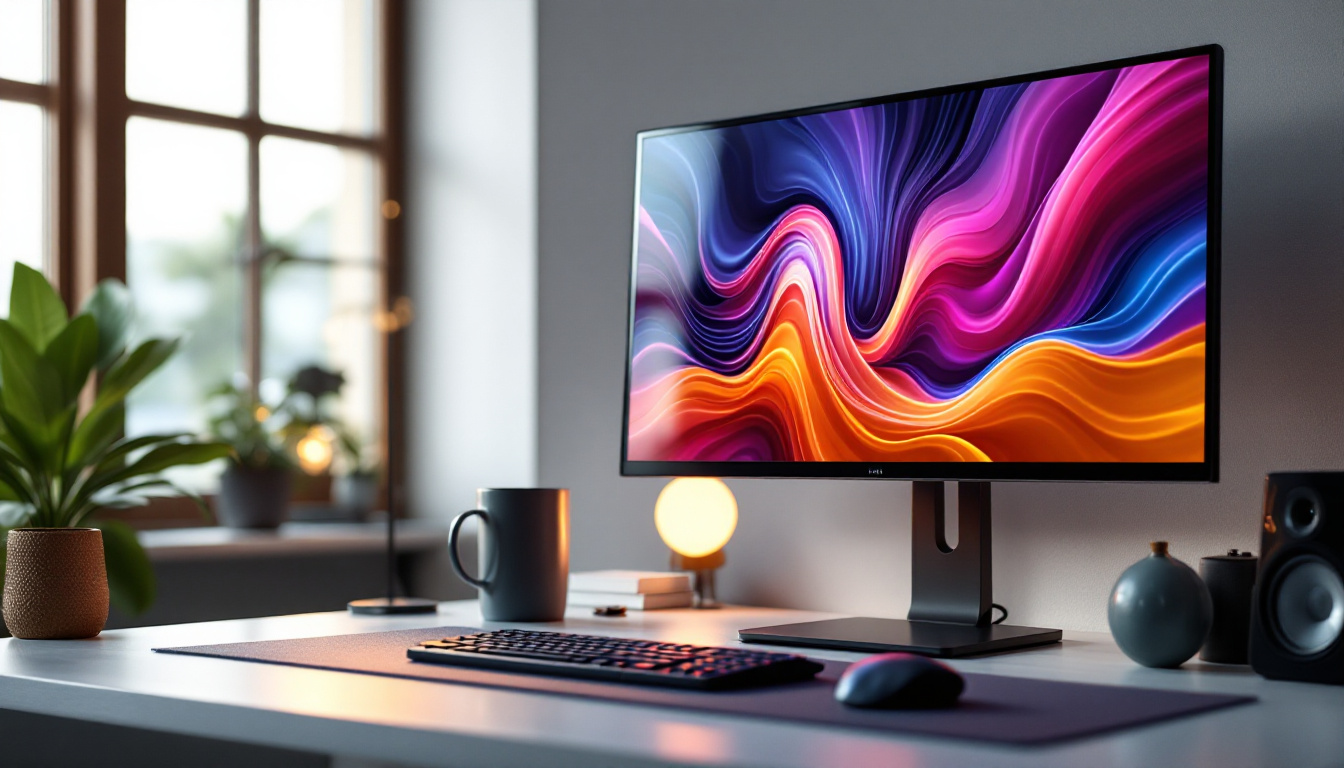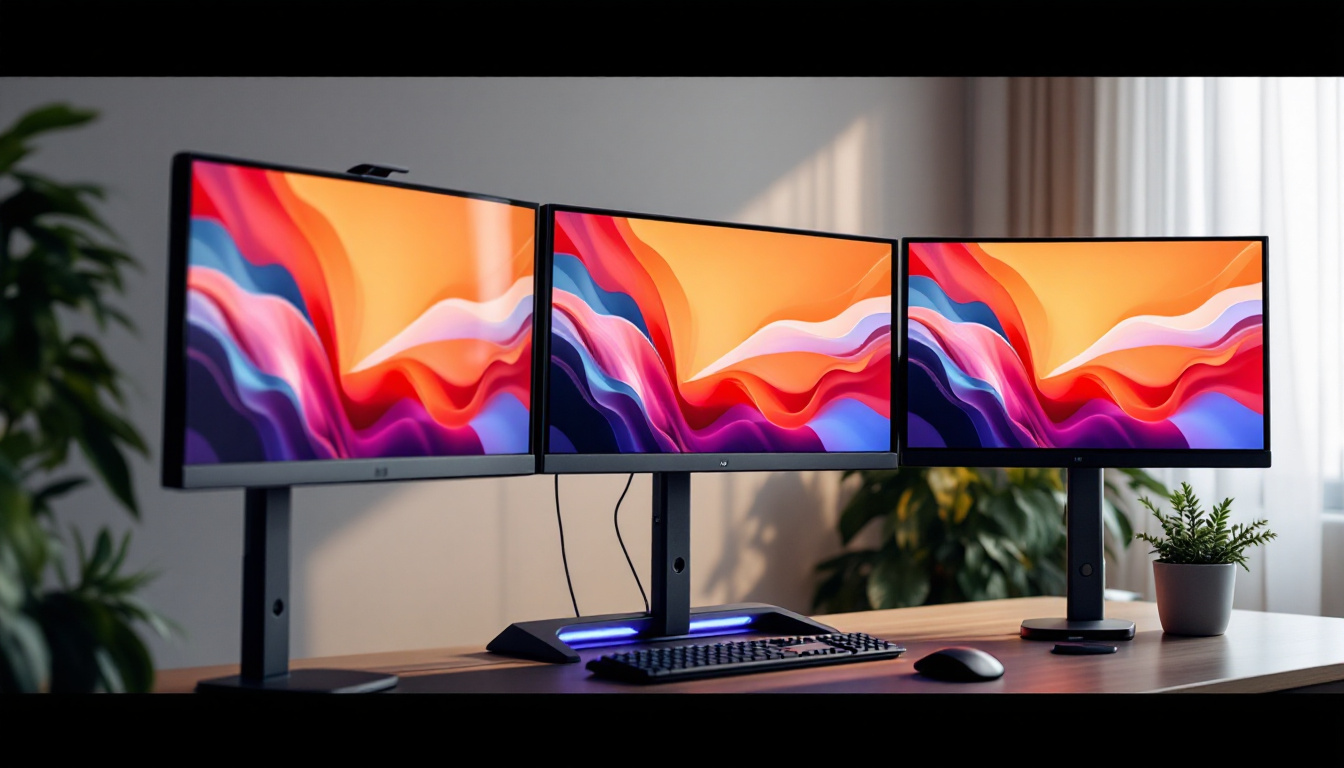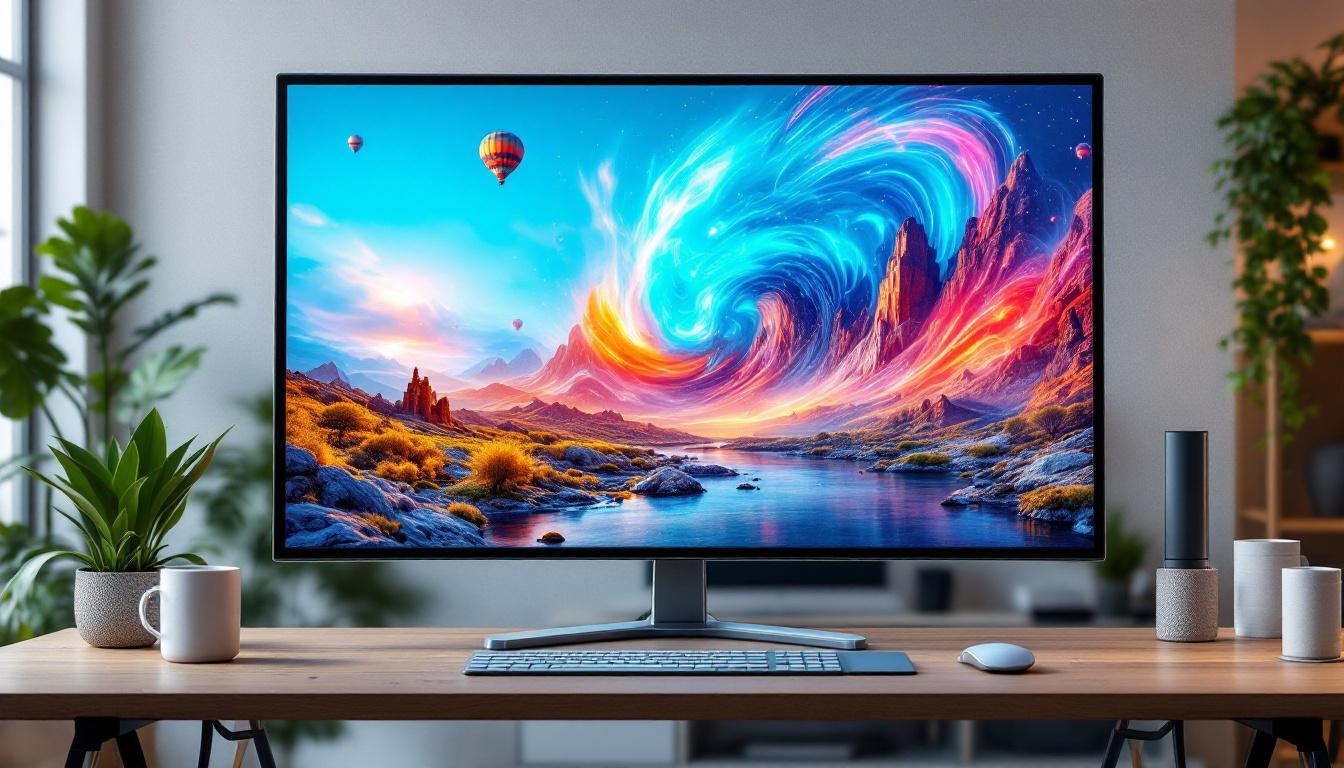
In today’s digital landscape, touch screen monitors have become indispensable tools across various industries—from retail and education to healthcare and corporate environments. Among the many options available, the 43 inch touch screen monitor stands out as a versatile and powerful display solution. Combining ample screen real estate with responsive touch capabilities, these monitors are designed to enhance user interaction and productivity.
This article delves into the intricacies of 43 inch touch screen monitors with LED displays, explaining their technology, benefits, and practical applications. Whether you’re considering a purchase for your business or simply curious about the technology, this comprehensive guide will provide valuable insights.
Understanding the Technology Behind 43 Inch LED Touch Screen Monitors
What is an LED Display?
LED, or Light Emitting Diode, displays have revolutionized the way screens are designed and used. Unlike traditional LCDs that use cold cathode fluorescent lamps (CCFL) for backlighting, LED displays utilize light-emitting diodes. This shift brings several advantages including improved brightness, energy efficiency, and color accuracy.
In a 43 inch LED touch screen monitor, the LED backlighting ensures that the screen is bright enough to be visible even in well-lit environments, making it suitable for public spaces and conference rooms. The LED technology also contributes to a slimmer and lighter design, which is essential for wall-mounted or portable setups.
How Does Touch Screen Technology Work?
Touch screen monitors integrate a touch-sensitive layer on top of the display that detects user input via fingers or a stylus. There are several types of touch technologies, but the most common in large-format monitors include:
- Projected Capacitive (PCAP): Uses an electrostatic field to detect touch points. It supports multi-touch gestures and is highly responsive, making it ideal for interactive applications.
- Infrared (IR): Employs an array of infrared LEDs and sensors around the screen’s edges to detect touch by interruption of light beams. It is durable and works with any input method, including gloves or stylus.
- Surface Acoustic Wave (SAW): Uses ultrasonic waves across the screen surface, detecting touch when waves are absorbed or reflected. It offers excellent image clarity but is less common in large monitors.
Most 43 inch touch screen monitors use PCAP or IR technology due to their balance of accuracy, durability, and multi-touch support.
Key Features and Benefits of a 43 Inch Touch Screen Monitor
Optimal Screen Size for Interaction and Visibility
The 43 inch size hits a sweet spot between portability and visibility. It’s large enough to display detailed content clearly, yet compact enough to fit comfortably in various environments such as meeting rooms, kiosks, or classrooms. This size supports multiple users interacting simultaneously without crowding the screen.
For example, in collaborative workspaces, a 43 inch touch screen monitor can serve as a digital whiteboard, allowing team members to annotate, brainstorm, and share ideas in real time. In retail, it can act as an interactive product catalog or self-service kiosk, enhancing customer engagement.
High Resolution and Image Quality
Most 43 inch touch screen monitors come with Full HD (1920×1080) or 4K UHD (3840×2160) resolution options. Higher resolution means sharper images and better clarity, which is crucial for detailed presentations, graphic design, or video playback.
LED technology further enhances image quality by providing higher contrast ratios and better color reproduction compared to older backlighting methods. This ensures that visuals are vibrant and easy to read, even from a distance.
Multi-Touch Capability
Multi-touch support allows multiple points of contact to be registered simultaneously. This feature is essential for intuitive gestures like pinch-to-zoom, rotate, and swipe, which are common in modern user interfaces.
In educational settings, multi-touch enables interactive learning experiences where several students can engage with the screen at once. In corporate environments, it facilitates dynamic presentations and collaborative problem-solving.
Connectivity and Compatibility
Modern 43 inch touch screen monitors offer a variety of connectivity options including HDMI, DisplayPort, USB, and sometimes wireless interfaces like Bluetooth or Wi-Fi. This flexibility ensures compatibility with a wide range of devices such as laptops, desktops, media players, and even mobile devices.
USB ports often serve dual purposes: connecting the touch interface to the host device and powering peripheral devices. Some monitors also feature integrated speakers, cameras, and microphones, transforming them into all-in-one communication hubs for video conferencing and multimedia applications.
Applications of 43 Inch Touch Screen Monitors
Business and Corporate Use
In corporate environments, 43 inch touch screen monitors are increasingly popular for conference rooms and huddle spaces. They facilitate interactive presentations, video conferencing, and collaborative work sessions. The ability to annotate documents directly on the screen streamlines workflows and reduces the need for printed materials.
According to recent market research, over 60% of businesses adopting interactive displays report improved meeting efficiency and employee engagement. The 43 inch size is particularly favored for small to medium-sized rooms, balancing visibility with space constraints.
Education and Training
Interactive learning is transforming education, and 43 inch touch screen monitors play a pivotal role in this shift. They enable teachers to present multimedia content, conduct quizzes, and engage students through hands-on interaction. The large screen size supports group activities and makes content accessible to all students in the classroom.
Studies have shown that interactive displays can increase student participation by up to 40%, fostering a more dynamic and inclusive learning environment. Furthermore, the durability and ease of use of these monitors make them suitable for daily classroom use.
Retail and Hospitality
Retailers leverage 43 inch touch screen monitors as digital signage, product catalogs, and self-service kiosks. These interactive displays enhance the customer experience by providing detailed product information, enabling easy navigation through services, and facilitating contactless transactions.
In hospitality, such monitors serve as concierge stations, check-in terminals, or interactive menus. Their bright LED displays ensure visibility in brightly lit lobbies and public areas, while the touch interface simplifies user interaction.
Healthcare
Healthcare providers utilize 43 inch touch screen monitors for patient check-in, information kiosks, and collaborative diagnostics. The large, clear display helps medical professionals review images and data efficiently, while the touch functionality supports quick navigation through patient records and applications.
Hygiene is critical in healthcare settings; many touch screen monitors feature antimicrobial coatings and are compatible with cleaning agents, ensuring safety without compromising performance.
Choosing the Right 43 Inch Touch Screen Monitor
Consider the Intended Use
Before purchasing, it’s essential to identify the primary application of the monitor. For instance, a retail kiosk may prioritize ruggedness and ease of cleaning, while a corporate display might focus on resolution and connectivity options.
Understanding the environment—whether it’s a bright public space or a controlled office setting—will influence the choice of brightness levels and anti-glare coatings.
Touch Technology Selection
Projected capacitive touch technology is generally preferred for its responsiveness and multi-touch support, especially in environments where users interact with fingers. Infrared touch screens offer durability and flexibility with input methods, making them suitable for industrial or public use.
It’s important to evaluate the pros and cons of each technology in relation to your specific needs to ensure optimal performance.
Resolution and Display Quality
Higher resolution monitors provide sharper images but may come at a higher cost. For applications requiring detailed visuals, such as graphic design or video editing, 4K UHD displays are advantageous. For general business use, Full HD often suffices.
Additionally, consider the monitor’s refresh rate and response time if the display will be used for dynamic content or interactive gaming.
Connectivity and Integration
Ensure the monitor supports the necessary input and output ports compatible with your existing hardware. Some monitors also offer software integration features, such as compatibility with popular operating systems and collaboration platforms, which can streamline deployment.
Ergonomics and Mounting Options
Given the size and weight of a 43 inch monitor, consider how it will be mounted or positioned. Many models support VESA mounts for wall or stand installation. Adjustable stands that allow tilting or height adjustment can improve user comfort and accessibility.
Maintenance and Longevity of LED Touch Screen Monitors
Cleaning and Care
Maintaining the clarity and responsiveness of a touch screen monitor requires regular cleaning. Use microfiber cloths and manufacturer-recommended cleaning solutions to avoid damaging the screen’s surface or touch sensors.
For public or healthcare environments, disinfecting protocols are critical. Many modern monitors are designed to withstand frequent cleaning with alcohol-based wipes without degrading the screen or touch functionality.
Software Updates and Calibration
Touch screen monitors often come with firmware or driver updates that improve performance and compatibility. Regularly checking for updates ensures the device operates smoothly and supports new features.
Calibration may be necessary periodically to maintain touch accuracy, especially in high-use environments. Some monitors include built-in calibration tools or software to simplify this process.
Expected Lifespan and Warranty
LED backlighting typically offers a long lifespan, often exceeding 50,000 hours of use. However, the overall longevity depends on usage patterns, environmental conditions, and build quality.
Most manufacturers provide warranties ranging from one to three years, covering defects and sometimes accidental damage. Investing in a reputable brand with strong support can safeguard your investment.
Conclusion
The 43 inch touch screen monitor with LED display technology represents a powerful convergence of size, clarity, and interactivity. Its versatility across industries—from business and education to retail and healthcare—makes it a compelling choice for organizations seeking to enhance user engagement and operational efficiency.
Understanding the underlying technologies, key features, and application-specific requirements is crucial to selecting the right monitor. With careful consideration of factors such as touch technology, resolution, connectivity, and ergonomics, users can maximize the benefits of this dynamic display solution.
As touch screen technology continues to evolve, the 43 inch LED monitor remains a robust and future-proof investment, capable of adapting to diverse needs and delivering an intuitive, immersive user experience.
Discover LumenMatrix’s Innovative Touch Screen Solutions
Ready to elevate your interactive display capabilities? Explore LumenMatrix’s comprehensive range of LED display modules, designed to bring your content to life with unparalleled brightness and clarity. From engaging Indoor LED Wall Displays to dynamic Outdoor LED Wall Displays, and from versatile Vehicle LED Displays to sleek LED Poster Displays, LumenMatrix has the perfect solution to meet your needs. Embrace the future of visual communication with our cutting-edge LED Sports Displays, interactive Floor LED Displays, and customizable LED solutions. Experience the transformative power of our All-in-One and Transparent LED Displays. Check out LumenMatrix LED Display Solutions today and start creating immersive experiences that captivate your audience.