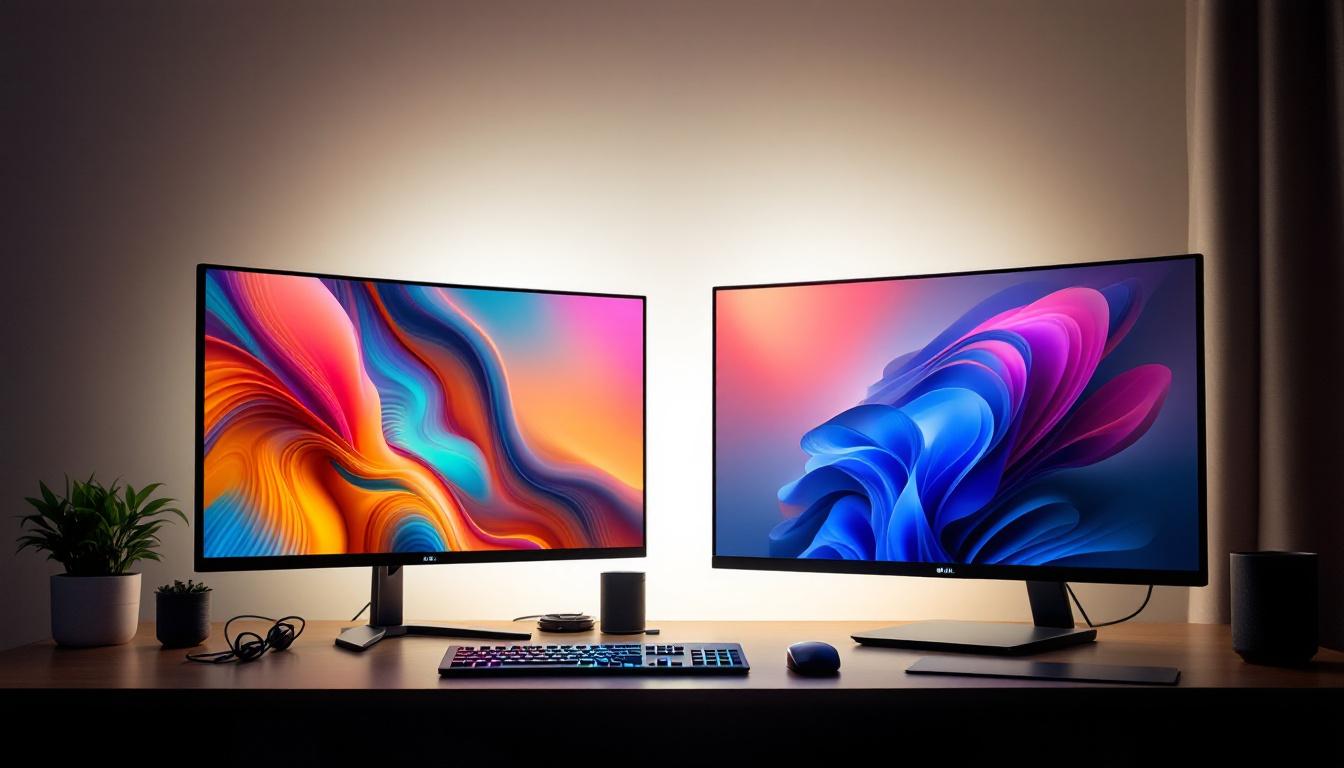
In today’s digital age, choosing the right display device is crucial for an optimal viewing experience, whether for work, gaming, or entertainment. The debate between using a TV or a monitor, especially LED displays, is more relevant than ever. Both TVs and monitors have evolved significantly, incorporating advanced technologies that blur the lines between them. However, understanding their differences, strengths, and limitations is essential to make an informed decision tailored to your needs.
Understanding LED Displays: The Basics
Before diving into the comparison between TVs and monitors, it’s important to understand what LED displays are and how they function. LED, or Light Emitting Diode, refers to the technology used for backlighting LCD panels. Unlike older LCDs that used cold cathode fluorescent lamps (CCFLs), LED displays use LEDs to illuminate the screen, resulting in better brightness, contrast, and energy efficiency.
LED displays come in various types, including edge-lit and full-array backlighting. Edge-lit LEDs place the diodes around the screen’s edges, allowing for thinner designs but sometimes uneven brightness. Full-array LED backlighting distributes LEDs evenly behind the screen, offering superior contrast and local dimming capabilities. Both TVs and monitors use these LED technologies, but their implementations and optimizations differ based on intended use.
In addition to backlighting methods, the color accuracy and range of LED displays are also noteworthy. Many modern LED screens support a wide color gamut, which means they can reproduce a broader spectrum of colors, making images appear more vibrant and lifelike. This is particularly beneficial for content creators and graphic designers who rely on precise color representation. Furthermore, advancements in technology have led to the development of Quantum Dot displays, which enhance color output even further, providing a richer viewing experience.
Another essential aspect of LED displays is their refresh rate and response time, which play a critical role in how smooth motion appears on the screen. Higher refresh rates, such as 120Hz or even 240Hz, are particularly advantageous for gaming and fast-paced video content, as they reduce motion blur and provide a more fluid experience. On the other hand, response time, measured in milliseconds, indicates how quickly a pixel can change from one color to another. A lower response time is crucial for minimizing ghosting effects, especially in high-speed scenarios. Understanding these specifications can help consumers choose the right display for their specific needs, whether for gaming, professional work, or casual viewing.
Key Differences Between TVs and Monitors
Purpose and Usage Scenarios
Monitors are primarily designed for close-up use, such as desktop computing, gaming, and professional tasks like photo and video editing. TVs, on the other hand, are optimized for viewing from a distance, focusing on delivering a cinematic experience for movies, shows, and casual gaming.
This fundamental difference influences many aspects of their design, including resolution, refresh rates, input lag, and color accuracy. For instance, while monitors are often calibrated for precise color reproduction, making them ideal for graphic design and content creation, TVs may prioritize vibrant colors and contrast ratios to enhance the viewing experience in a living room setting. This means that while a monitor might excel in tasks requiring color fidelity, a TV can provide a more visually engaging experience for family movie nights or sports events.
Resolution and Screen Size
Monitors typically range from 21 to 32 inches, with resolutions commonly at Full HD (1920×1080), Quad HD (2560×1440), and 4K UHD (3840×2160). TVs generally start at 32 inches and can go well beyond 75 inches, with 4K becoming the standard resolution for most modern models.
While larger screen sizes on TVs provide immersive viewing, the pixel density (pixels per inch) tends to be lower compared to monitors. This means that at typical viewing distances, monitors offer sharper images and text clarity, which is critical for productivity and detailed work. Additionally, the aspect ratios can differ; monitors often utilize a 16:9 or even 21:9 ultrawide format, which is beneficial for multitasking and gaming, whereas TVs usually stick to the standard 16:9 ratio, optimizing them for cinematic presentations.
Refresh Rates and Response Times
Refresh rate, measured in Hertz (Hz), indicates how many times per second the screen updates its image. Monitors often support higher refresh rates, such as 120Hz, 144Hz, or even 240Hz, catering to gamers who benefit from smoother motion and reduced blur.
TVs usually operate at 60Hz or 120Hz, with some high-end models featuring variable refresh rate technologies like VRR (Variable Refresh Rate) to enhance gaming performance. However, the response times on TVs are generally slower than monitors, which can result in ghosting or motion blur during fast-paced scenes. This difference is particularly noticeable in competitive gaming scenarios where every millisecond counts, making monitors the preferred choice for serious gamers who demand the best performance.
Input Lag and Connectivity
Input lag is the delay between a command (like a mouse click or controller button press) and the corresponding action displayed on the screen. Monitors are engineered to minimize input lag, often achieving figures below 10 milliseconds, which is essential for competitive gaming and precise work.
TVs, designed primarily for video playback, tend to have higher input lag, often around 30-50 milliseconds or more. Some modern TVs include a “Game Mode” to reduce this lag, but it rarely matches the responsiveness of dedicated gaming monitors. Moreover, the connectivity options also reflect their intended use; monitors typically offer a variety of ports to cater to different computing needs, while TVs emphasize HDMI connections for easy integration with streaming devices and gaming consoles. This distinction can affect user experience significantly, as gamers may find themselves needing to switch cables or adapt their setups to accommodate the limitations of a TV’s connectivity.
In addition to standard ports, many modern monitors come equipped with features like built-in KVM switches, allowing users to control multiple computers with a single keyboard and mouse setup. This is particularly advantageous for professionals who work with multiple systems simultaneously. On the other hand, TVs often incorporate smart features, enabling users to access streaming services directly, which can enhance the overall entertainment experience but may not be as beneficial for productivity-focused tasks.
Image Quality: Color Accuracy and HDR Support
Color Accuracy and Calibration
For professionals in photography, design, and video editing, color accuracy is paramount. Monitors often come factory-calibrated or allow for easy calibration to achieve precise color reproduction. They support wider color gamuts such as AdobeRGB and DCI-P3, essential for accurate editing workflows.
TVs are generally tuned for vibrant, eye-catching colors suited for entertainment rather than precision. While many high-end TVs support wide color gamuts and advanced calibration options, they may not match the consistency and accuracy required by professionals.
High Dynamic Range (HDR)
HDR enhances the contrast and color range of displays, making bright areas brighter and dark areas deeper, thereby improving realism. Both TVs and monitors now commonly support HDR standards like HDR10 and Dolby Vision.
However, TVs usually have higher peak brightness levels and better local dimming capabilities, which contribute to superior HDR performance. Monitors with HDR support often have lower brightness and fewer dimming zones, limiting their HDR impact.
Smart Features and User Experience
Smart TV Capabilities
Modern TVs often include smart features such as built-in streaming apps (Netflix, Hulu, Disney+, etc.), voice assistants, and integration with smart home ecosystems. These features make TVs versatile entertainment hubs without the need for external devices.
Monitors typically lack these smart functionalities, focusing instead on delivering a clean, distraction-free display environment optimized for productivity and gaming.
User Interface and Controls
TVs come with remote controls and on-screen menus designed for ease of use from a distance. Monitors rely on physical buttons or on-screen displays controlled by buttons or joysticks, optimized for close-up interaction.
For users who switch frequently between work and entertainment, this difference can influence convenience and overall satisfaction.
Price and Value Considerations
Price is a significant factor when choosing between a TV and a monitor. Generally, TVs offer more screen real estate at a lower cost per inch, making them attractive for budget-conscious buyers seeking large displays.
Monitors, especially those with high refresh rates, color accuracy, and professional-grade features, tend to be more expensive per inch. However, the investment pays off in performance, responsiveness, and image quality for specific use cases.
It is also worth noting that some manufacturers now produce hybrid devices—large monitors with TV-like features or smart TVs with enhanced gaming capabilities—blurring traditional distinctions and offering more options.
Which One Should You Choose?
For Productivity and Professional Use
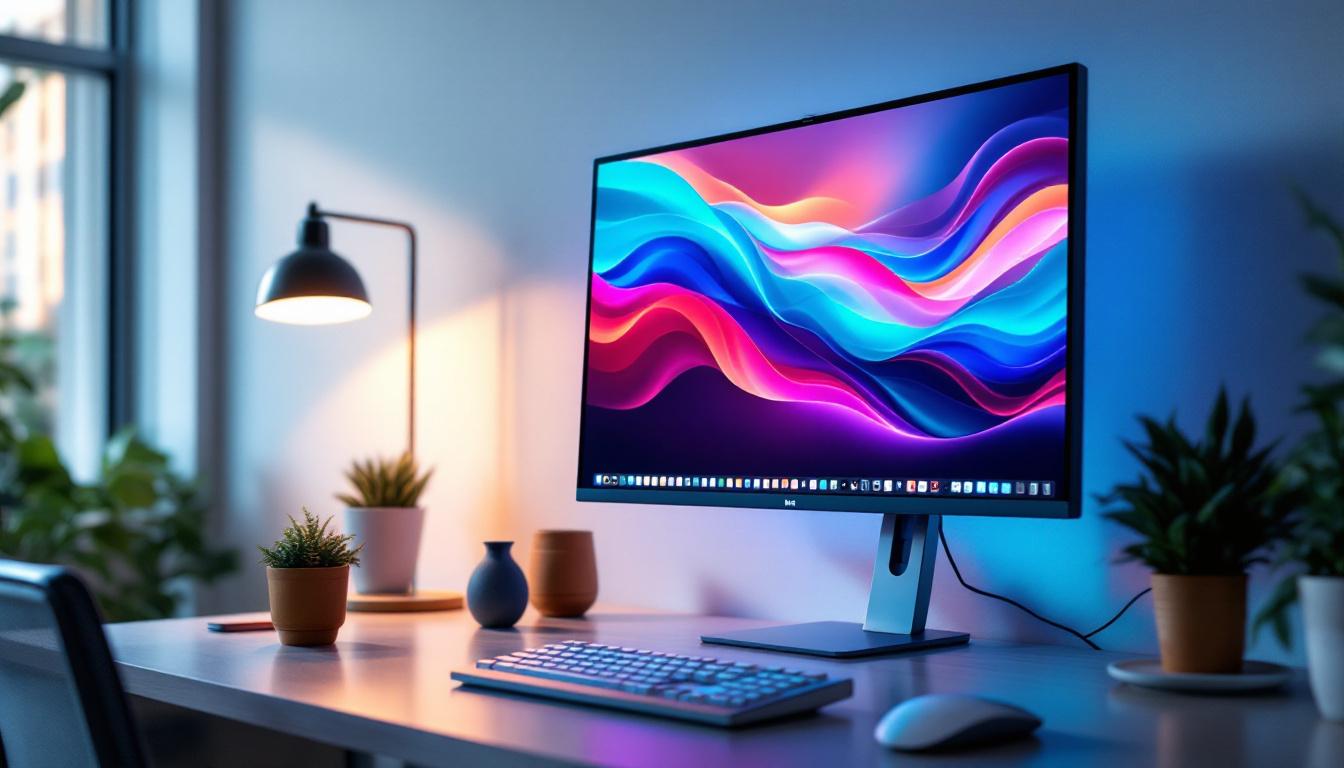
Monitors are the clear choice for office work, programming, graphic design, video editing, and any task requiring sharp text, precise colors, and low input lag. Their ergonomic designs, adjustable stands, and connectivity options further support prolonged use and multitasking.
For Gaming
The decision depends on the type of gaming experience desired. Competitive gamers benefit from high-refresh-rate monitors with minimal input lag and fast response times. Console gamers or casual PC gamers might prefer larger TVs with immersive visuals and HDR support, provided the TV’s input lag is acceptable.
For Entertainment and Casual Use
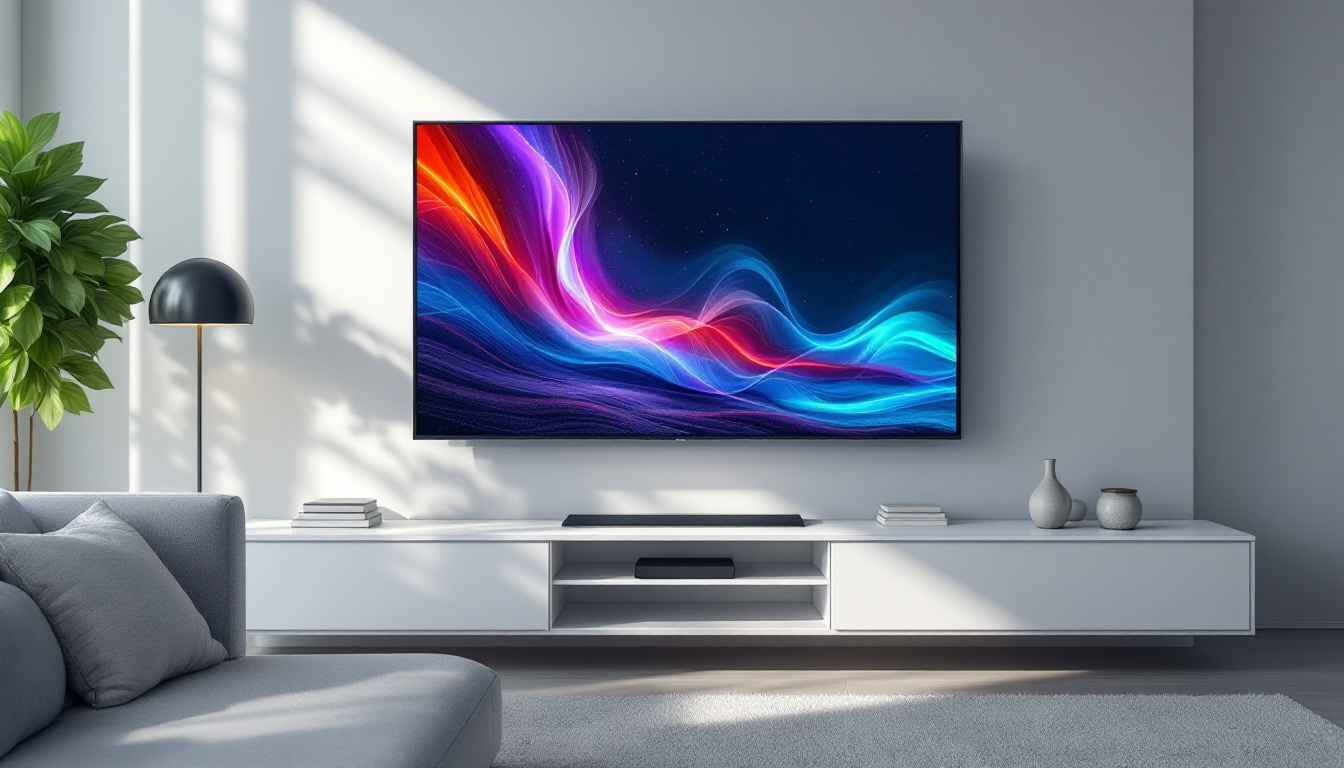
TVs excel in delivering cinematic experiences with larger screens, vibrant colors, and integrated smart features. They are ideal for watching movies, streaming shows, and casual gaming from a distance.
Conclusion
The choice between a TV and a monitor, particularly when considering LED displays, hinges on individual needs and usage scenarios. Monitors offer superior sharpness, responsiveness, and color accuracy for close-up, detail-oriented tasks. TVs provide larger screens, better HDR performance, and smart features suited for entertainment and relaxed viewing.
Understanding these differences helps consumers invest wisely, ensuring their display device enhances their digital experience rather than limiting it. As technology continues to evolve, the gap between TVs and monitors narrows, offering more versatile options for every user.
Discover the Perfect LED Display with LumenMatrix
Whether you’re looking to elevate your gaming setup, enhance your professional workspace, or create an unforgettable entertainment experience, LumenMatrix has the cutting-edge LED display solutions tailored to your unique needs. As a leader in LED display technology, our extensive range of products, from Indoor and Outdoor LED Wall Displays to innovative LED Sports and Floor Displays, is designed to deliver unparalleled visual quality and performance. Don’t compromise on your digital experience. Check out LumenMatrix LED Display Solutions today and see the difference for yourself.