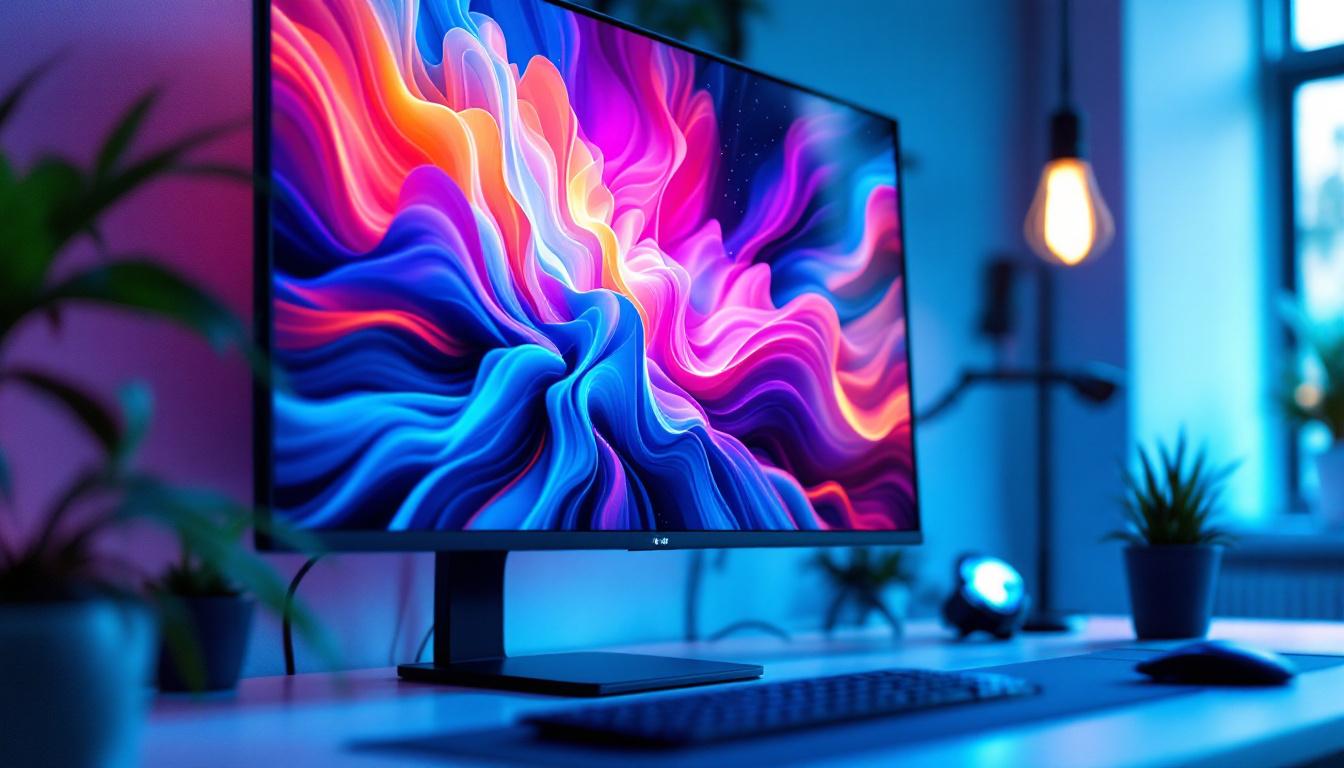
In the world of digital displays, 32-inch LED monitors have become a popular choice for a wide range of users—from gamers and creative professionals to office workers and casual viewers. With sales and promotions frequently highlighting these monitors, it’s important to understand what makes LED displays unique, how they compare to other display technologies, and what to look for when shopping during a 32 monitor sale. This comprehensive guide will explain the essentials of LED displays, their advantages, and how to select the best 32-inch monitor for your needs.
Understanding LED Display Technology
What is an LED Monitor?
LED stands for Light Emitting Diode, and an LED monitor uses these diodes as a backlighting source for the display panel. Unlike older LCD monitors that used cold cathode fluorescent lamps (CCFLs) for backlighting, LED monitors utilize an array of tiny LEDs to illuminate the screen. This technology allows for thinner panels, improved energy efficiency, and better color accuracy.
It’s important to clarify that LED monitors are essentially LCD monitors with LED backlighting. The actual image is produced by liquid crystals that control the light passing through color filters. The LED backlight shines through these crystals, making the image visible. This advancement in technology has not only improved the aesthetics of monitors, making them sleeker and more modern, but it has also significantly enhanced the viewing experience for users, providing sharper images and more vibrant colors that are particularly noticeable in high-definition content.
Types of LED Backlighting
There are two main types of LED backlighting used in monitors:
- Edge-lit LED: LEDs are placed along the edges of the screen, and light is distributed across the display using light guides. This design allows for very thin monitors but may have uneven brightness or contrast in some cases.
- Direct-lit or Full-array LED: LEDs are placed directly behind the screen in a grid pattern. This allows for more uniform brightness and the possibility of local dimming, which enhances contrast by dimming parts of the screen independently.
Full-array LED monitors generally offer better picture quality but tend to be more expensive and thicker than edge-lit models. Additionally, the local dimming feature in full-array monitors can significantly improve the viewing experience during darker scenes in movies or games, as it allows for deeper blacks and more pronounced highlights. This capability is particularly beneficial for graphic designers and video editors who require precise color representation and contrast for their work. As a result, many professionals in creative fields are increasingly opting for full-array LED monitors to enhance their productivity and ensure that their work meets the highest standards of visual fidelity.
Advantages of 32-Inch LED Monitors
Ideal Screen Size for Versatility
The 32-inch size strikes a balance between screen real estate and desk space. It’s large enough to provide an immersive viewing experience for gaming, video editing, or multitasking with multiple windows, yet not so large that it overwhelms a typical workspace.
According to recent market trends, 32-inch monitors have seen a surge in popularity, especially among professionals who require detailed visuals and gamers who want a more immersive experience without moving to ultra-wide or curved displays.
Energy Efficiency and Longevity
LED monitors consume significantly less power compared to older CCFL-backlit LCDs or plasma displays. This efficiency translates to lower electricity bills and a smaller environmental footprint. Additionally, LEDs tend to have a longer lifespan, often rated at 30,000 to 50,000 hours of use, which means fewer replacements and better long-term value.
Improved Picture Quality
LED backlighting enables better brightness and contrast ratios. Many 32-inch LED monitors support high dynamic range (HDR), which enhances color depth and detail in both bright and dark areas of the image. This is particularly beneficial for video editors, photographers, and gamers seeking vivid and accurate visuals.
Moreover, LED monitors often offer faster response times and higher refresh rates, which reduce motion blur and screen tearing—critical factors for competitive gaming.
Key Features to Consider During a 32 Monitor Sale
Resolution and Pixel Density
Resolution is a crucial factor in determining image clarity. Common resolutions for 32-inch monitors include Full HD (1920×1080), Quad HD (2560×1440), and 4K Ultra HD (3840×2160). While Full HD may suffice for general office work and casual use, professionals working with high-resolution content or gamers seeking sharp visuals often prefer 1440p or 4K displays.
Pixel density, measured in pixels per inch (PPI), affects how crisp images and text appear. For a 32-inch screen, 4K resolution provides a PPI of approximately 138, delivering exceptionally sharp visuals, while 1080p results in a lower PPI around 69, which may appear less detailed at close viewing distances.
Panel Type: IPS, VA, or TN?
The panel technology influences color reproduction, viewing angles, and response times:
- IPS (In-Plane Switching): Offers the best color accuracy and wide viewing angles, ideal for creative professionals and general users who value image quality.
- VA (Vertical Alignment): Provides higher contrast ratios and deeper blacks, making it suitable for watching movies or gaming in dark environments.
- TN (Twisted Nematic): Typically has the fastest response times but poorer color accuracy and viewing angles. TN panels are often favored by competitive gamers on a budget.
For a 32-inch LED monitor, IPS panels are generally recommended for balanced performance, especially when color fidelity is important.
Refresh Rate and Response Time
Refresh rate, measured in hertz (Hz), indicates how many times the screen updates per second. A higher refresh rate (such as 120Hz, 144Hz, or even 240Hz) results in smoother motion, which is particularly beneficial for gaming and fast-paced video content.
Response time refers to how quickly a pixel can change color, usually measured in milliseconds (ms). Lower response times reduce motion blur and ghosting effects. Gamers should look for monitors with response times of 5ms or less for optimal performance.
Connectivity Options
Modern 32-inch LED monitors come with a variety of input ports, including HDMI, DisplayPort, USB-C, and sometimes legacy VGA or DVI ports. USB-C is increasingly popular due to its ability to carry video, audio, and power simultaneously, simplifying cable management.
When shopping during a 32 monitor sale, consider your computer’s available ports and whether the monitor supports multiple inputs for easy switching between devices.
Ergonomics and Design
A well-designed monitor stand with height adjustment, tilt, swivel, and pivot capabilities can significantly improve comfort during extended use. Some 32-inch monitors also support VESA mounting, allowing users to attach the display to adjustable arms or wall mounts.
Additionally, features such as blue light filters and flicker-free technology help reduce eye strain, which is important for users who spend long hours in front of the screen.
Popular Use Cases for 32-Inch LED Monitors
Professional and Creative Work
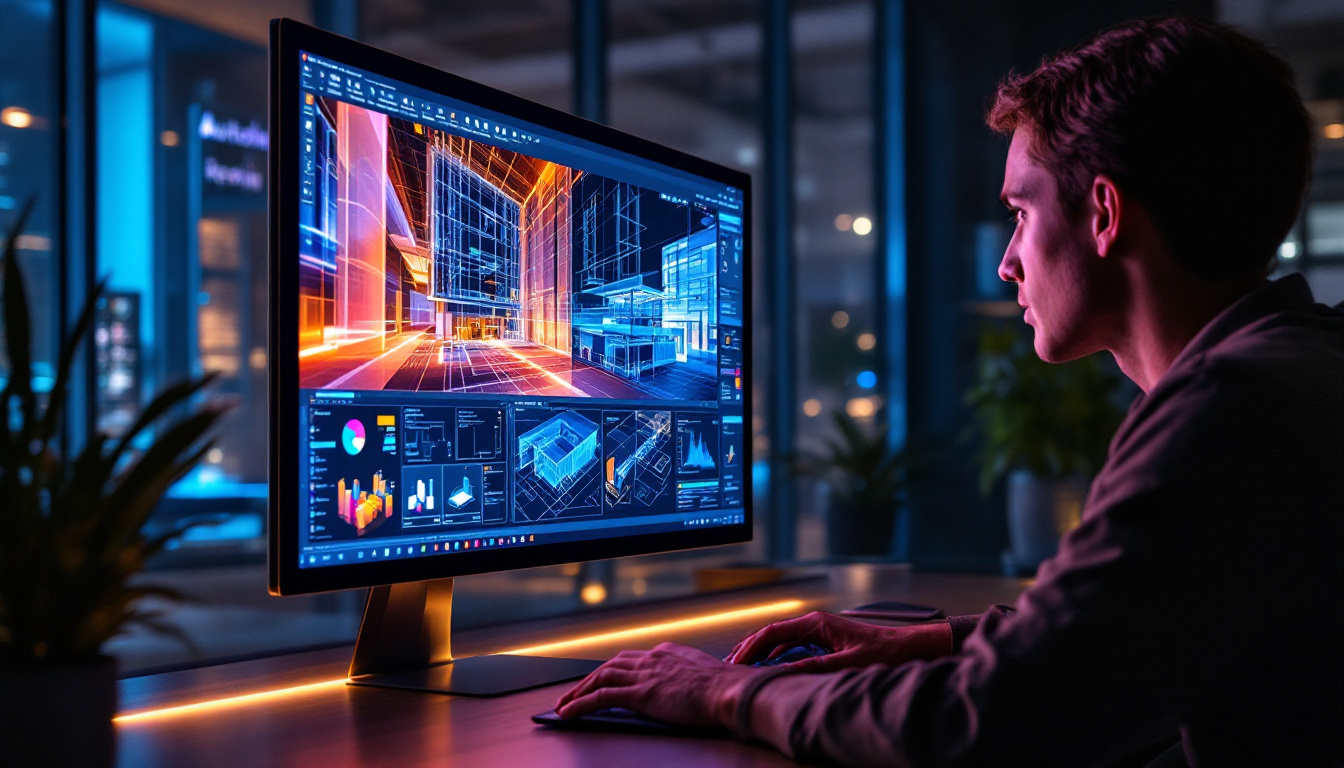
Graphic designers, video editors, and photographers benefit from the larger screen size and superior color accuracy of 32-inch LED monitors. The ability to view high-resolution images and timelines in greater detail enhances productivity and precision.
Monitors with wide color gamut support (such as AdobeRGB or DCI-P3) and hardware calibration options are especially valuable in professional environments where color fidelity is critical.
Gaming and Entertainment
Gamers appreciate 32-inch monitors for their immersive experience, especially when paired with high refresh rates and low response times. Many models also support adaptive sync technologies like NVIDIA G-SYNC or AMD FreeSync, which synchronize the monitor’s refresh rate with the graphics card to eliminate screen tearing.
For movie enthusiasts, the larger screen size combined with high contrast ratios and HDR support delivers a cinematic viewing experience at home.
Office and Productivity
In office settings, a 32-inch monitor provides ample space for multitasking, allowing users to have multiple application windows open simultaneously without the need for multiple monitors. This can improve workflow efficiency and reduce the clutter of multiple screens.
Features like blue light reduction and flicker-free technology also contribute to user comfort during long workdays.
Tips for Buying During a 32 Monitor Sale
Research and Compare Models
Sales often feature a wide range of monitors with varying specifications and prices. Before making a purchase, compare models based on key features such as resolution, panel type, refresh rate, and connectivity. Reading professional reviews and user feedback can help identify reliable brands and models.
Check for Warranty and Support
Purchasing a monitor from a reputable manufacturer that offers a solid warranty and customer support is crucial. Many brands provide extended warranties or on-site service options, which can be valuable for protecting your investment.
Consider Your Use Case and Budget
While high-end 32-inch monitors with 4K resolution and advanced features are appealing, they may not be necessary for all users. Determine your primary use case—whether it’s gaming, professional work, or general use—and select a monitor that balances features with your budget.
Look for Additional Perks
Some sales include bundled offers such as free calibration tools, extended cables, or software licenses. These extras can add value and enhance your overall experience.
Conclusion
32-inch LED monitors offer an excellent combination of size, picture quality, and versatility, making them a popular choice across various user groups. Understanding the underlying LED technology, key specifications, and how these factors align with your needs is essential when shopping during a 32 monitor sale.
Whether you’re a professional seeking color accuracy, a gamer craving smooth visuals, or an office worker wanting more screen space, there’s a 32-inch LED monitor tailored for you. By considering resolution, panel type, refresh rate, and ergonomic features, you can make an informed decision that maximizes both value and performance.
Keep an eye on sales and promotions, research thoroughly, and choose wisely to enjoy the benefits of a high-quality 32-inch LED display.
Discover the Future of Visuals with LumenMatrix
Ready to elevate your visual experience with a 32-inch LED monitor that embodies innovation and quality? Look no further than LumenMatrix, a pioneer in LED display technology. Our extensive range of solutions, including Indoor and Outdoor LED Wall Displays, Vehicle LED Displays, and more, are designed to bring your content to life with unparalleled clarity and vibrancy. Whether for professional use, gaming, or enhancing your workspace, LumenMatrix has the cutting-edge technology to meet your needs. Check out LumenMatrix LED Display Solutions today and transform the way you see the world.