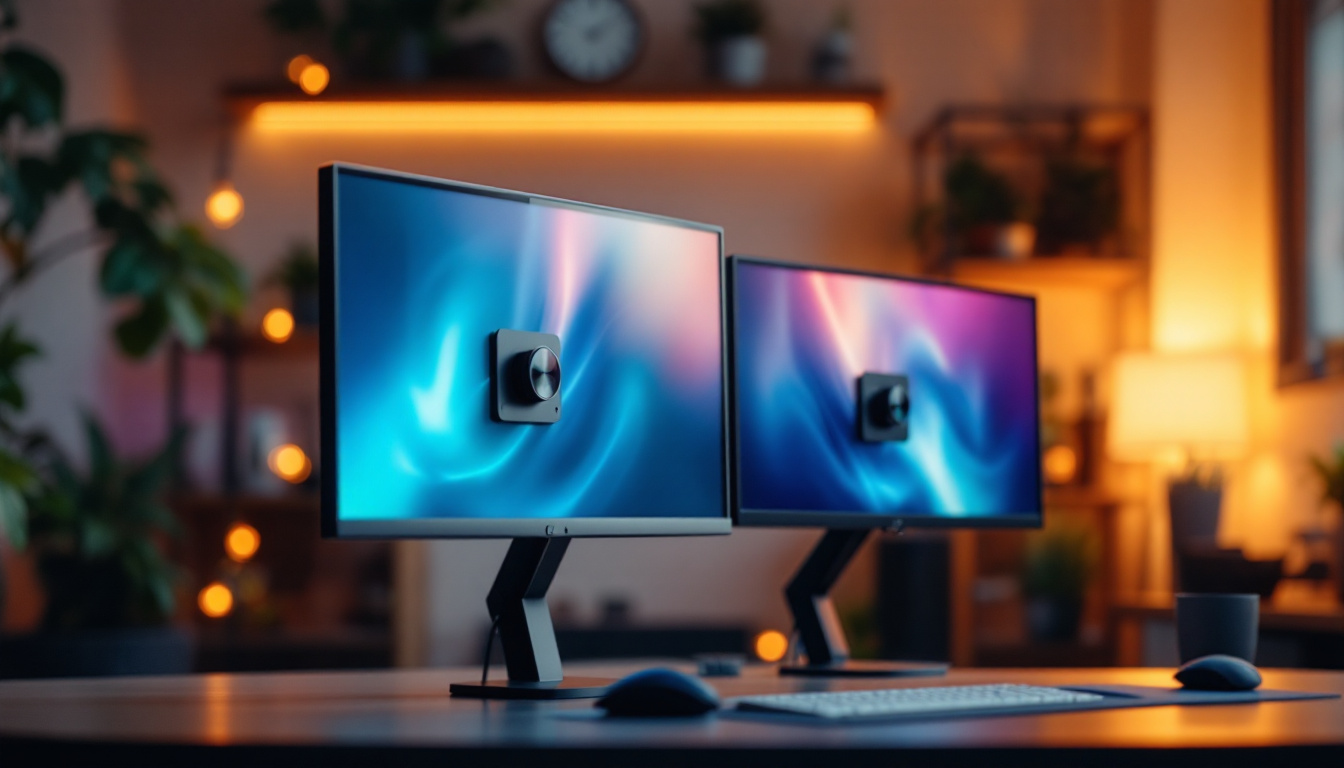
In recent years, curved LCD monitors with LED displays have gained significant popularity among consumers, gamers, and professionals alike. These displays offer a unique combination of immersive viewing experiences, enhanced visual comfort, and modern aesthetics. However, understanding the technology behind curved LCD monitors and LED displays can be complex, especially with the rapid advancements in display technology. This comprehensive guide aims to demystify curved LCD monitors with LED backlighting, exploring their design, benefits, and practical applications.
Understanding the Basics: What is a Curved LCD Monitor?
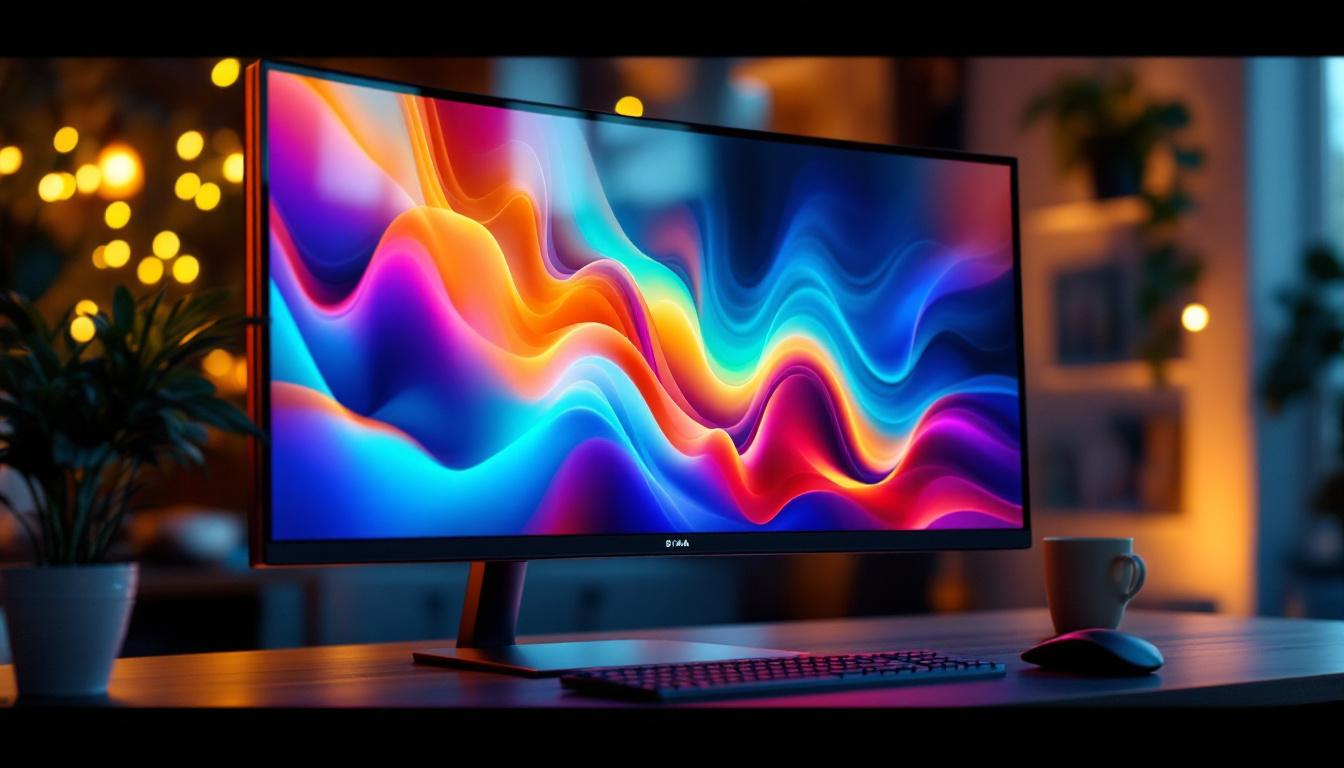
A curved LCD monitor is a type of flat-panel display that features a slight curvature across its screen surface. Unlike traditional flat monitors, the curved design aims to provide a more immersive and natural viewing experience by matching the human eye’s natural field of view. This curvature is measured by the radius of the circle that the curve would form if extended into a full circle, commonly expressed in millimeters such as 1500R, 1800R, or 3000R.
The “LCD” part stands for Liquid Crystal Display, a technology that uses liquid crystals to modulate light and produce images. LCD panels are typically backlit by LEDs (Light Emitting Diodes), which provide the necessary illumination for the display. Combining the curved screen with LED backlighting results in a monitor that not only enhances visual engagement but also offers superior brightness and energy efficiency. This combination has made curved LCD monitors increasingly popular among gamers, graphic designers, and professionals who require high-quality visuals for their work.
How Curvature Affects Viewing Experience
The curvature of a monitor is designed to reduce visual distortion and minimize glare, especially on larger screens. When sitting at an optimal distance, the curved screen helps maintain a consistent focal distance across the entire display. This reduces eye strain and creates a more comfortable viewing experience during extended use.
For example, a 27-inch monitor with a 1500R curvature means the screen is part of a circle with a 1500mm radius. This curvature is more pronounced than a 3000R curve, offering a more immersive feel. The closer the radius number, the more curved the screen. Curved monitors are especially beneficial for wide-screen formats, such as ultrawide 21:9 aspect ratios, where the curve helps wrap the image around the viewer’s field of vision. This design not only enhances the depth perception but also allows for a more engaging experience when watching movies or playing video games, as it draws the viewer into the action on screen.
Moreover, the curved design can also improve collaboration in professional settings. When multiple people are viewing the monitor from different angles, the curvature helps maintain image clarity and color accuracy, making it easier for teams to discuss projects or presentations without the need for everyone to be positioned directly in front of the screen. This feature is particularly advantageous in creative fields, where color precision is crucial, and can lead to more effective teamwork and brainstorming sessions. As technology advances, the integration of features like adaptive refresh rates and enhanced color gamuts in curved LCD monitors continues to elevate the viewing experience, catering to both entertainment and professional needs.
LED Display Technology in LCD Monitors
LED displays in LCD monitors refer to the type of backlighting used to illuminate the liquid crystal panel. Unlike older LCDs that used cold cathode fluorescent lamps (CCFLs), modern LCD monitors use LED backlights, which offer several advantages in terms of brightness, color accuracy, and energy consumption.
Types of LED Backlighting
There are primarily two types of LED backlighting used in LCD monitors:
- Edge-Lit LED: LEDs are placed along the edges of the screen, and light is distributed across the panel using light guides. This design allows for thinner monitors but can sometimes lead to uneven brightness.
- Direct-Lit or Full-Array LED: LEDs are placed directly behind the screen in a grid pattern, allowing for more uniform lighting and the ability to implement local dimming. Local dimming improves contrast by dimming parts of the screen that should be dark while keeping bright areas illuminated.
Full-array LED monitors typically offer better picture quality, especially in terms of contrast and black levels, making them popular among professional users and gamers.
Benefits of LED Backlighting
LED backlighting has revolutionized LCD monitors by providing:
- Improved Energy Efficiency: LEDs consume less power compared to CCFLs, which translates to lower electricity bills and longer device lifespan.
- Thinner and Lighter Designs: LED backlighting allows manufacturers to create slimmer monitors without sacrificing brightness.
- Better Color Accuracy and Brightness: LEDs can produce a wider color gamut and higher brightness levels, enhancing image quality.
- Faster Response Times: LED backlighting supports quicker pixel response, which is crucial for gaming and fast-moving visuals.
Advantages of Curved LCD Monitors with LED Displays
Combining curved screens with LED-backlit LCD technology offers several unique advantages that cater to different user needs, from immersive entertainment to professional productivity.
Enhanced Immersion and Visual Comfort
The curved design naturally wraps the display around the viewer’s field of vision, creating a more immersive experience. This is particularly noticeable in gaming and multimedia consumption, where the sense of depth and peripheral vision engagement enhances realism.
Moreover, curved monitors reduce reflections and glare from ambient light sources by directing reflected light away from the viewer’s eyes. This reduces eye fatigue during prolonged use, which is a significant benefit for professionals who spend hours in front of the screen.
Improved Field of View and Reduced Distortion
Flat monitors can suffer from image distortion and color shifting at the edges, especially on larger screens or ultrawide formats. Curved monitors help mitigate these issues by maintaining a consistent viewing angle across the screen. This results in less geometric distortion and more accurate color reproduction, which is critical for graphic designers, video editors, and photographers.
Better Multitasking and Productivity
Ultrawide curved monitors provide ample screen real estate, allowing users to open multiple windows side-by-side without the need for multiple monitors. The curved design makes it easier to view all parts of the screen without excessive head movement, improving workflow efficiency.
For example, a 34-inch ultrawide curved monitor with a 3440×1440 resolution can replace dual 24-inch monitors, reducing desk clutter and cable management issues.
Potential Drawbacks and Considerations
While curved LCD monitors with LED displays offer many benefits, they are not without limitations. Understanding these can help consumers make informed purchasing decisions.
Viewing Angle Limitations
Curved monitors are optimized for a single, central viewing position. If multiple people are viewing the screen simultaneously from different angles, the curvature can cause image distortion or color shifts. This makes curved monitors less ideal for collaborative environments or presentations.
Price and Availability
Curved monitors, especially those with high refresh rates, ultrawide resolutions, and full-array LED backlighting, tend to be more expensive than their flat counterparts. However, prices have been steadily decreasing as the technology becomes more mainstream.
Desk Space and Mounting
Curved monitors, particularly ultrawide models, require more desk space due to their width and depth. Additionally, mounting options may be limited compared to flat monitors because of the curvature, so users should check compatibility with monitor arms or stands.
Applications and Use Cases
Curved LCD monitors with LED displays are versatile and cater to various user groups, each benefiting from the technology in different ways.
Gaming
Gamers benefit greatly from curved monitors due to the immersive experience and reduced eye strain. High refresh rates (120Hz and above), low response times, and adaptive sync technologies such as G-Sync or FreeSync are often integrated into curved gaming monitors to deliver smooth, tear-free gameplay.
Popular models like the Samsung Odyssey G7 and ASUS ROG Swift series showcase how curved LED-backlit LCDs can elevate the gaming experience.
Professional Work
Professionals in graphic design, video editing, and software development appreciate the wide color gamut, high resolution, and reduced distortion of curved monitors. The ability to view multiple application windows side-by-side without bezels improves productivity and workflow.
Entertainment and Multimedia
Watching movies and streaming content on curved ultrawide monitors provides a cinematic feel that flat screens struggle to match. The curvature helps fill peripheral vision, enhancing immersion without the need for multiple screens or VR headsets.
Choosing the Right Curved LCD Monitor with LED Display
When selecting a curved monitor, several factors should be considered to ensure the display meets individual needs and preferences.
Screen Size and Curvature Radius
Larger screens benefit more from curvature, with ultrawide monitors (34 inches and above) often featuring 1500R to 1800R curves. Smaller monitors may have subtler curves or none at all, as the benefits diminish with size.
Resolution and Aspect Ratio
Higher resolutions such as 2560×1440 (QHD) or 3440×1440 (ultrawide QHD) provide sharper images and more workspace. The aspect ratio also matters; ultrawide monitors (21:9) offer more horizontal space compared to the traditional 16:9.
Refresh Rate and Response Time
Gamers should prioritize monitors with high refresh rates (120Hz or higher) and low response times (1-4 ms) to ensure smooth gameplay. Professionals may prioritize color accuracy and resolution over refresh rate.
Panel Type
Most curved monitors use VA (Vertical Alignment) panels, which offer better contrast ratios and deeper blacks compared to IPS (In-Plane Switching) or TN (Twisted Nematic) panels. However, IPS panels provide superior color accuracy and wider viewing angles, which might be preferred by creative professionals.
Connectivity and Ergonomics
Ensure the monitor has the necessary ports, such as HDMI, DisplayPort, and USB hubs. Adjustable stands with tilt, swivel, and height options improve ergonomics and comfort.
Conclusion
Curved LCD monitors with LED displays represent a significant advancement in display technology, combining immersion, visual comfort, and energy efficiency. Whether for gaming, professional work, or entertainment, these monitors offer tangible benefits that enhance the user experience. Understanding the underlying technology, advantages, and potential drawbacks allows consumers to make informed choices tailored to their specific needs.
As LED backlighting continues to evolve and curved screen technology becomes more accessible, the future of monitors looks increasingly immersive and vibrant. For those seeking a blend of performance and comfort, curved LCD monitors with LED displays are an excellent investment.
Discover the Future of Visual Experience with LumenMatrix
Ready to elevate your visual experience with the latest in curved LCD monitor technology? LumenMatrix is at the forefront of LED display innovation, offering a wide array of solutions that bring your content to life. From immersive indoor LED walls to dynamic outdoor displays and beyond, our products are designed to captivate and engage. Embrace the future of digital signage and discover how our LED solutions can transform your professional workspace, gaming setup, or entertainment area. Check out LumenMatrix LED Display Solutions today and step into a world of unparalleled visual clarity and impact.