In the world of digital displays and multimedia devices, understanding the various connection standards and display technologies is crucial for both consumers and professionals. Among the most common interfaces for transmitting video and audio signals are HDMI 1.4 and DisplayPort, while LED displays have become the dominant technology for screens ranging from smartphones to large-scale digital signage. This article delves into the technical specifications and practical applications of HDMI 1.4 and DisplayPort, alongside an explanation of LED display technology, to provide a comprehensive overview for anyone looking to optimize their visual experience.
Understanding HDMI 1.4: Features and Capabilities
High-Definition Multimedia Interface (HDMI) has been the standard for connecting high-definition video and audio devices since its introduction in 2003. HDMI 1.4, released in 2009, marked a significant evolution in the HDMI standard, introducing features that supported emerging display technologies and enhanced multimedia experiences.
Key Specifications of HDMI 1.4
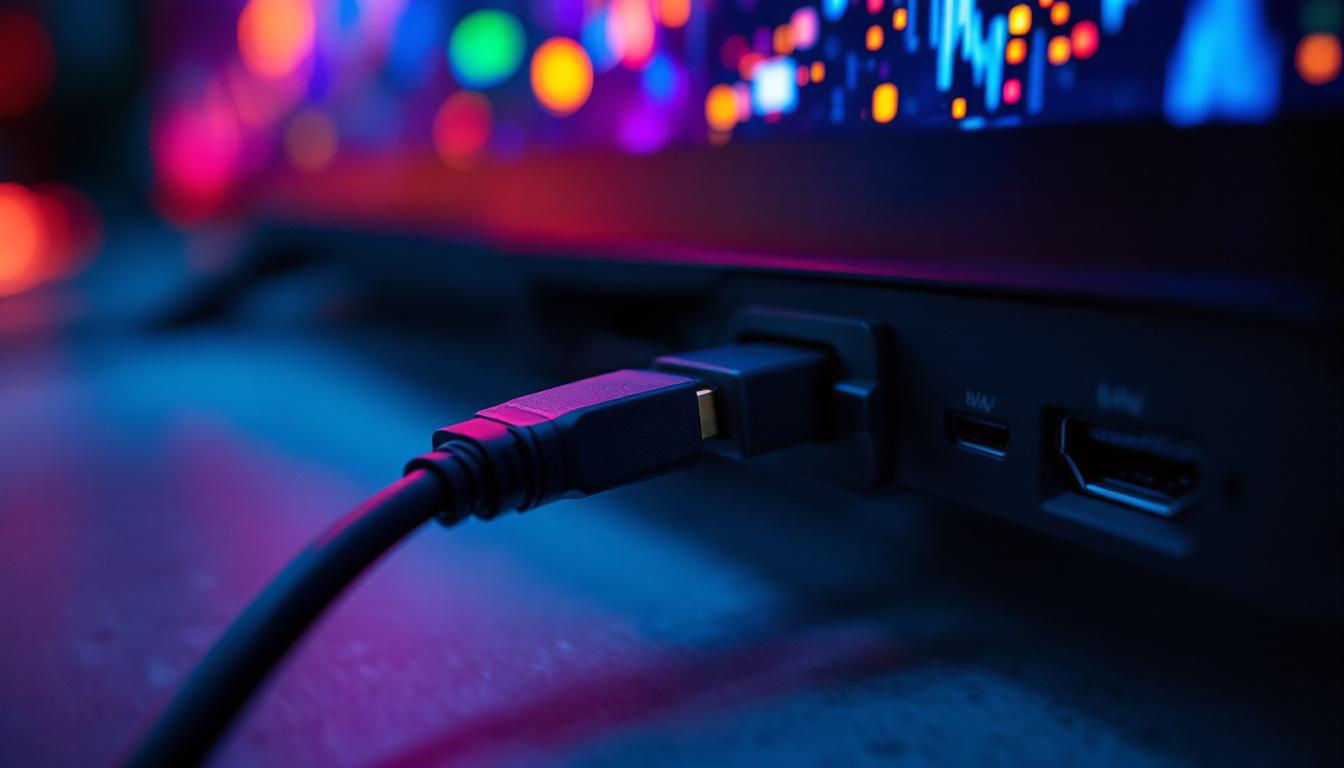
HDMI 1.4 supports a maximum bandwidth of 10.2 Gbps, which allows it to handle video resolutions up to 4K at 30Hz (3840×2160 pixels). This was a considerable upgrade from previous versions, which typically maxed out at 1080p resolution. Additionally, HDMI 1.4 introduced support for 3D video formats, enabling stereoscopic 3D content delivery, which was particularly relevant during the rise of 3D TVs and gaming.
Another notable feature is the inclusion of an Audio Return Channel (ARC), which allows audio signals to travel both ways between a TV and an audio receiver, simplifying home theater setups by reducing the number of cables required. HDMI 1.4 also added an Ethernet channel, enabling devices to share an internet connection through the HDMI cable, although this feature has seen limited adoption.
Why HDMI 1.4 Still Matters Today
Despite newer HDMI versions like 2.0 and 2.1 offering higher bandwidth and advanced features, HDMI 1.4 remains widely used because of its compatibility with many existing devices. For example, many monitors, projectors, and HDTVs still rely on HDMI 1.4 for 1080p and basic 4K content. Its support for 3D and ARC also keeps it relevant in certain home entertainment systems.
For users aiming to connect devices such as Blu-ray players, gaming consoles, or streaming boxes to displays without requiring ultra-high refresh rates or advanced HDR formats, HDMI 1.4 offers a reliable and cost-effective solution. Furthermore, the standard’s ability to support deep color and expanded color spaces, such as sRGB and Adobe RGB, enhances the visual experience, making it suitable for graphic designers and video editors who require accurate color reproduction in their work. This versatility ensures that HDMI 1.4 continues to meet the needs of a diverse range of users, from casual viewers to professionals in creative fields.
Moreover, the introduction of HDMI 1.4 paved the way for innovations in the industry, influencing the development of future HDMI standards. The features that were introduced, such as the support for 4K video and 3D content, set a foundation that manufacturers built upon in subsequent versions. As a result, HDMI 1.4 not only serves as a bridge between older and newer technologies but also reflects the ongoing evolution of multimedia connectivity, ensuring that users can enjoy a seamless experience across a variety of devices and formats.
DisplayPort: A Professional’s Choice for High-Performance Displays
DisplayPort is another digital display interface developed by the Video Electronics Standards Association (VESA) and is often favored in professional and computing environments. Unlike HDMI, which is primarily designed for consumer electronics, DisplayPort targets high-resolution computer monitors and multi-display setups.
Technical Advantages of DisplayPort
DisplayPort 1.2, which is commonly found in many devices, supports bandwidths up to 17.28 Gbps, allowing for 4K resolution at 60Hz with 24-bit color depth. Newer versions, such as DisplayPort 1.4 and 2.0, push these limits even further, supporting 8K resolution and higher refresh rates, which are essential for gaming, video editing, and professional graphics work.
One of DisplayPort’s standout features is its support for Multi-Stream Transport (MST), which enables daisy-chaining multiple monitors from a single output port. This capability is invaluable in multi-monitor workstations, offering a cleaner setup without the need for multiple cables or ports.
DisplayPort vs. HDMI: Which to Choose?
Choosing between HDMI and DisplayPort depends largely on the use case. HDMI is ubiquitous in consumer electronics, offering broad compatibility with TVs, projectors, and home theater equipment. DisplayPort, on the other hand, is preferred in computing environments due to its higher bandwidth, support for multiple monitors, and better handling of high refresh rates.
For example, gamers and creative professionals often opt for DisplayPort to take advantage of 144Hz or higher refresh rates at 1440p or 4K resolutions, which HDMI 1.4 cannot fully support. Conversely, for watching movies or streaming on a standard 4K TV, HDMI 1.4 or newer versions are typically sufficient.
LED Displays: The Technology Behind the Screens
LED (Light Emitting Diode) displays have revolutionized the way images and videos are presented, offering brighter colors, higher contrast ratios, and improved energy efficiency compared to older technologies like LCD with CCFL backlighting.
What is an LED Display?
At its core, an LED display uses an array of light-emitting diodes to illuminate pixels on the screen. In most consumer displays, LEDs serve as backlighting for LCD panels, providing a more uniform and efficient light source compared to traditional fluorescent lamps.
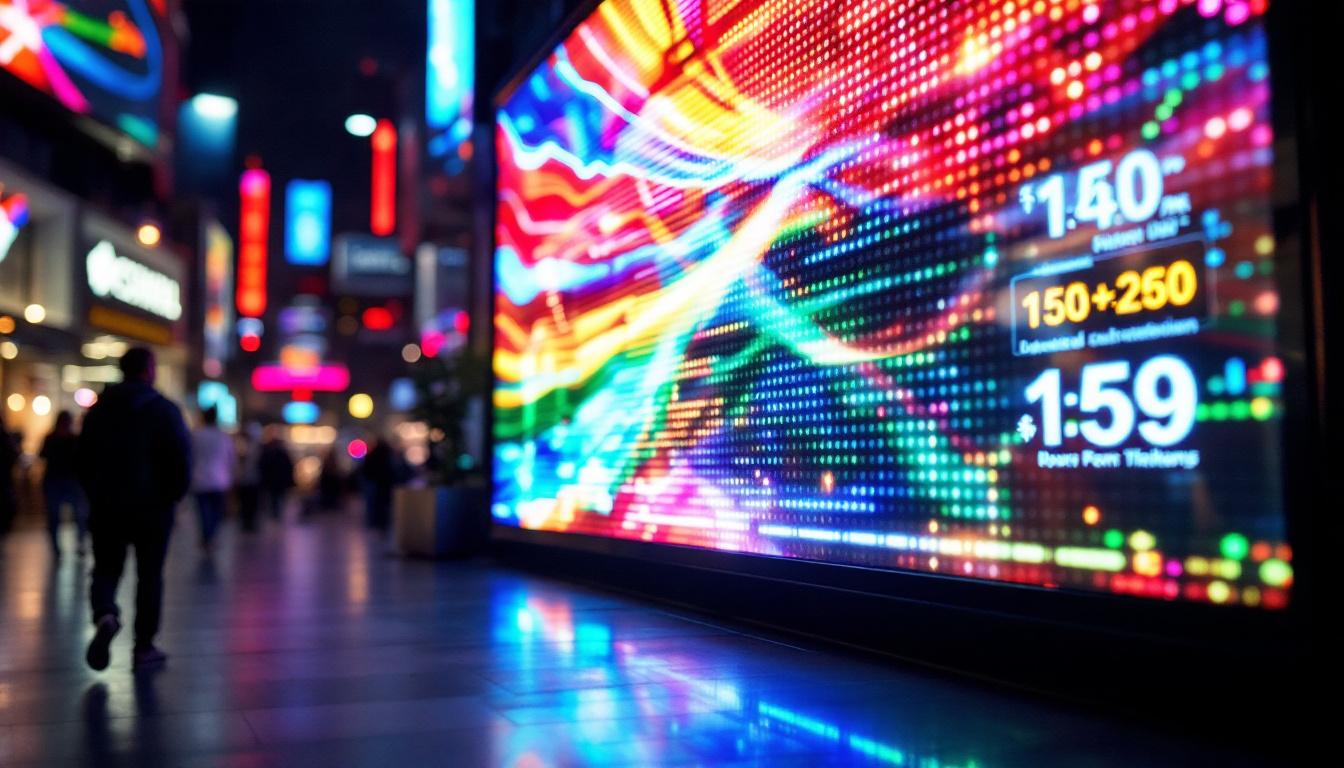
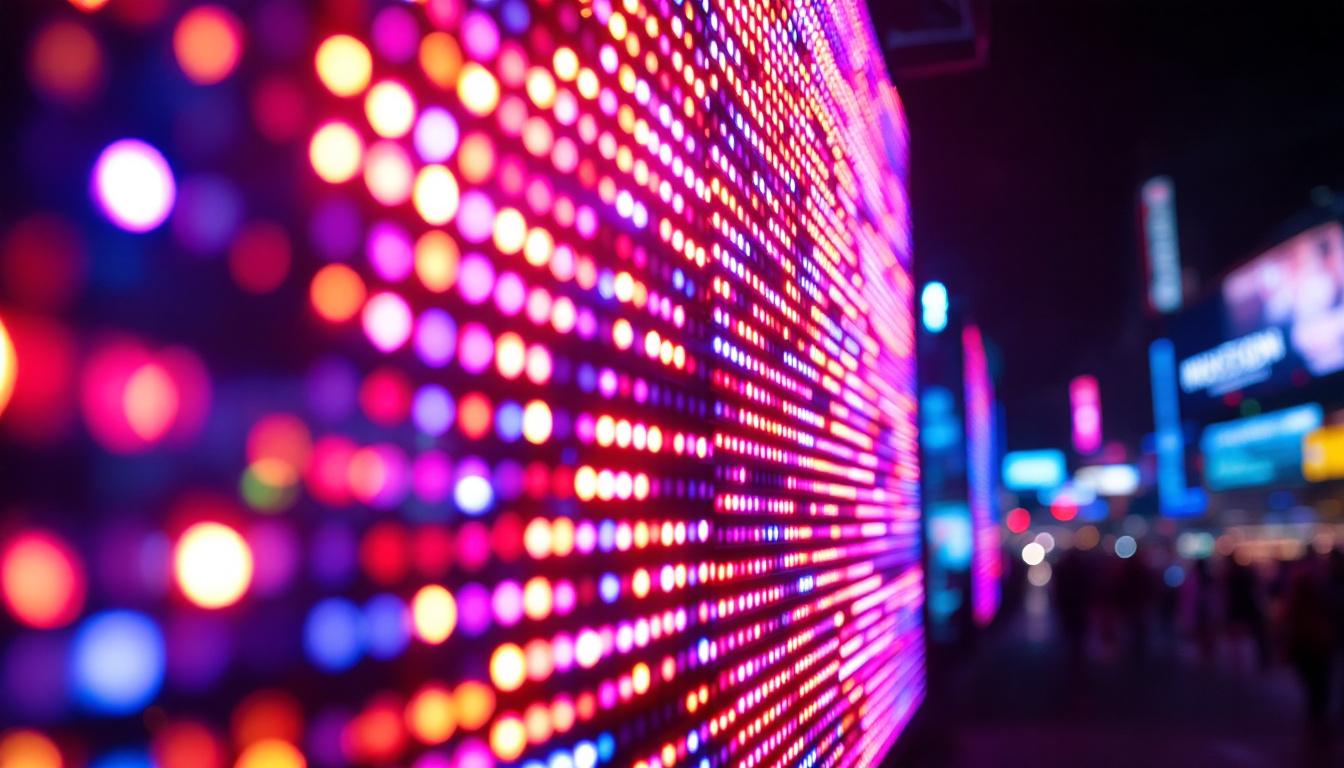
There are also direct-view LED displays, where each pixel is an individual LED or cluster of LEDs. These are commonly used in large-scale outdoor screens, digital billboards, and stadium displays due to their high brightness and visibility in daylight.
Advantages of LED Displays
LED technology offers several advantages:
- Brightness and Contrast: LEDs provide higher brightness levels and better contrast ratios, resulting in vibrant images and deeper blacks.
- Energy Efficiency: LED backlighting consumes less power than older CCFL backlights, reducing energy costs and heat generation.
- Slim Design: LED backlights allow for thinner and lighter display panels, which is beneficial for modern flat-screen TVs and monitors.
- Longevity: LEDs have a longer lifespan and maintain brightness over time better than other backlighting methods.
LED Displays and Connection Interfaces
The performance of an LED display is closely tied to the quality and type of connection interface used. HDMI 1.4 and DisplayPort both transmit digital signals that preserve the integrity of the image, but their capabilities differ, especially when dealing with high resolutions and refresh rates.
For instance, an LED display capable of 4K resolution at 60Hz will perform optimally when paired with a DisplayPort 1.2 or HDMI 2.0 connection, as HDMI 1.4’s 30Hz limit at 4K may result in less smooth motion. Similarly, professional LED monitors designed for color-critical work benefit from DisplayPort’s support for higher color depths and multiple displays.
Practical Considerations When Choosing HDMI 1.4 or DisplayPort for LED Displays
When setting up an LED display system, it’s important to consider the intended application, device compatibility, and desired performance to select the appropriate connection interface.
Compatibility and Device Support
Many consumer devices such as TVs, gaming consoles, and media players predominantly use HDMI ports, often limited to HDMI 1.4 or 2.0 standards. On the other hand, desktop computers, laptops, and professional monitors frequently include DisplayPort outputs, sometimes alongside HDMI.
Adapters and converters exist to bridge HDMI and DisplayPort connections, but they can introduce latency or limit functionality, especially when converting from DisplayPort to HDMI or vice versa. Therefore, using a native connection is generally recommended for optimal performance.
Resolution and Refresh Rate Requirements
For users interested in high-resolution content or fast refresh rates, such as gamers or video editors, DisplayPort is often the better choice. Its higher bandwidth supports smoother motion and more detailed images without compression.
Conversely, for casual viewing or standard office work, HDMI 1.4 is sufficient and widely supported. However, if planning to upgrade to 4K at 60Hz or higher refresh rates, HDMI 2.0 or DisplayPort 1.2 and above should be considered.
Audio and Additional Features
HDMI 1.4 includes audio support and features like ARC, which simplifies audio routing in home theater setups. DisplayPort also carries audio signals but does not support ARC.
For setups where audio return or Ethernet over HDMI is necessary, HDMI 1.4 offers advantages. In contrast, DisplayPort’s MST feature is invaluable for multi-monitor configurations, a common requirement in professional environments.
Future Trends: HDMI 2.1, DisplayPort 2.0, and Advancements in LED Displays
As display technology continues to evolve, newer standards like HDMI 2.1 and DisplayPort 2.0 are pushing the boundaries of resolution, refresh rate, and color depth. HDMI 2.1 supports bandwidths up to 48 Gbps, enabling 8K resolution at 60Hz and 4K at 120Hz, while DisplayPort 2.0 can handle up to 80 Gbps, supporting multiple 8K displays simultaneously.
LED display technology is also advancing, with innovations such as Mini-LED and Micro-LED offering even greater brightness, contrast, and energy efficiency. These technologies promise improved HDR performance and longer lifespans, further enhancing the viewing experience.
Understanding the capabilities and limitations of HDMI 1.4 and DisplayPort in the context of LED displays helps users make informed decisions about their multimedia setups today, while preparing for future upgrades.
Conclusion
HDMI 1.4 and DisplayPort serve distinct yet overlapping roles in the transmission of video and audio signals to LED displays. HDMI 1.4 remains relevant for many consumer applications, offering sufficient bandwidth for 1080p and basic 4K content with added features like ARC and 3D support. DisplayPort, with its higher bandwidth and multi-monitor capabilities, is preferred in professional and gaming environments where performance is paramount.
LED display technology, whether as backlighting for LCD panels or as direct-view displays, benefits greatly from the quality and capabilities of these interfaces. Selecting the right connection standard depends on the specific requirements of resolution, refresh rate, audio needs, and device compatibility.
As technology progresses, staying informed about emerging standards and display innovations will ensure users can maximize the potential of their LED displays for years to come.
Explore Cutting-Edge LED Display Solutions with LumenMatrix
As you consider the optimal interface for your LED display needs, whether it’s HDMI 1.4 or DisplayPort, remember that the display technology itself plays a crucial role in your visual experience. LumenMatrix, a pioneer in LED display innovation, offers a wide array of advanced LED display modules designed to elevate your brand’s presence and captivate your audience. From Indoor and Outdoor LED Wall Displays to specialized solutions like Vehicle, Sports, and Floor LED Displays, as well as versatile options like Custom, All-in-One, and Transparent LED Displays, LumenMatrix is committed to transforming visual communication. To discover how LumenMatrix can enhance your engagement and deliver your message with unparalleled clarity, check out LumenMatrix LED Display Solutions today.