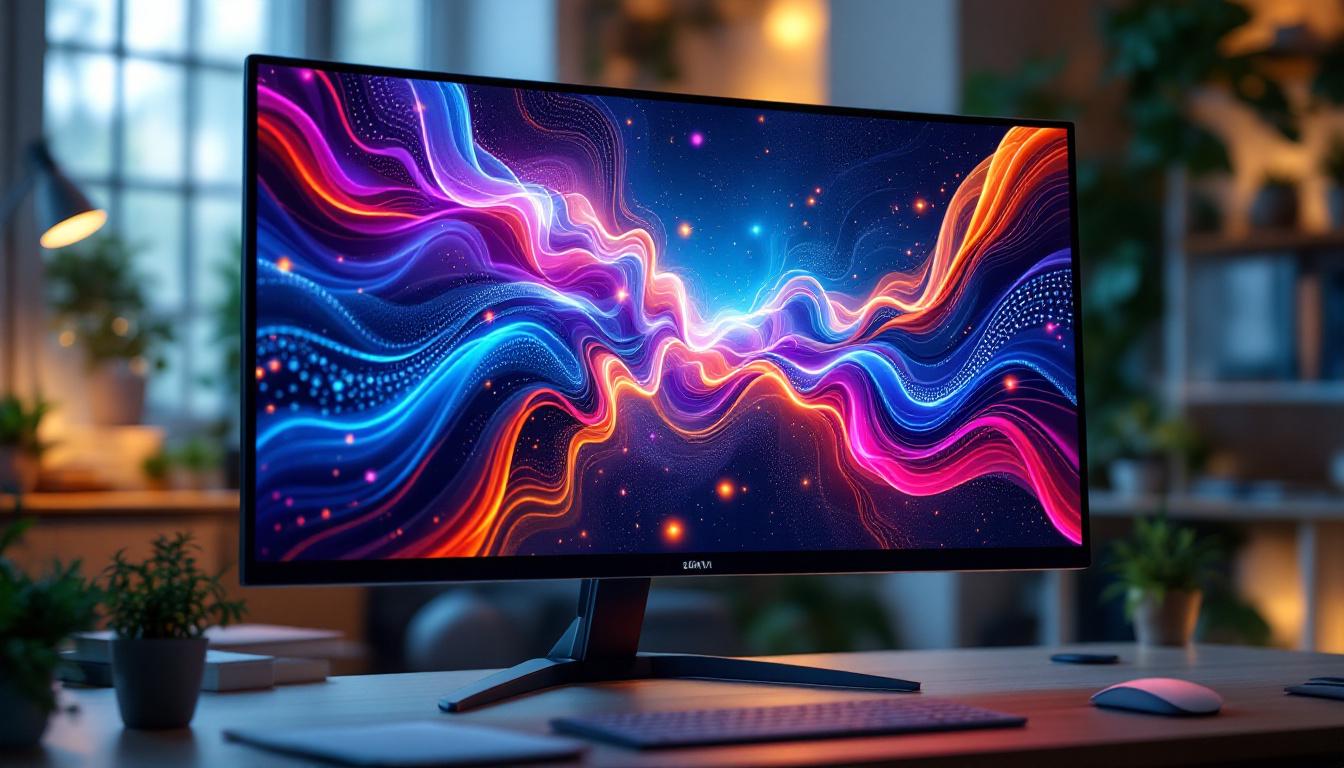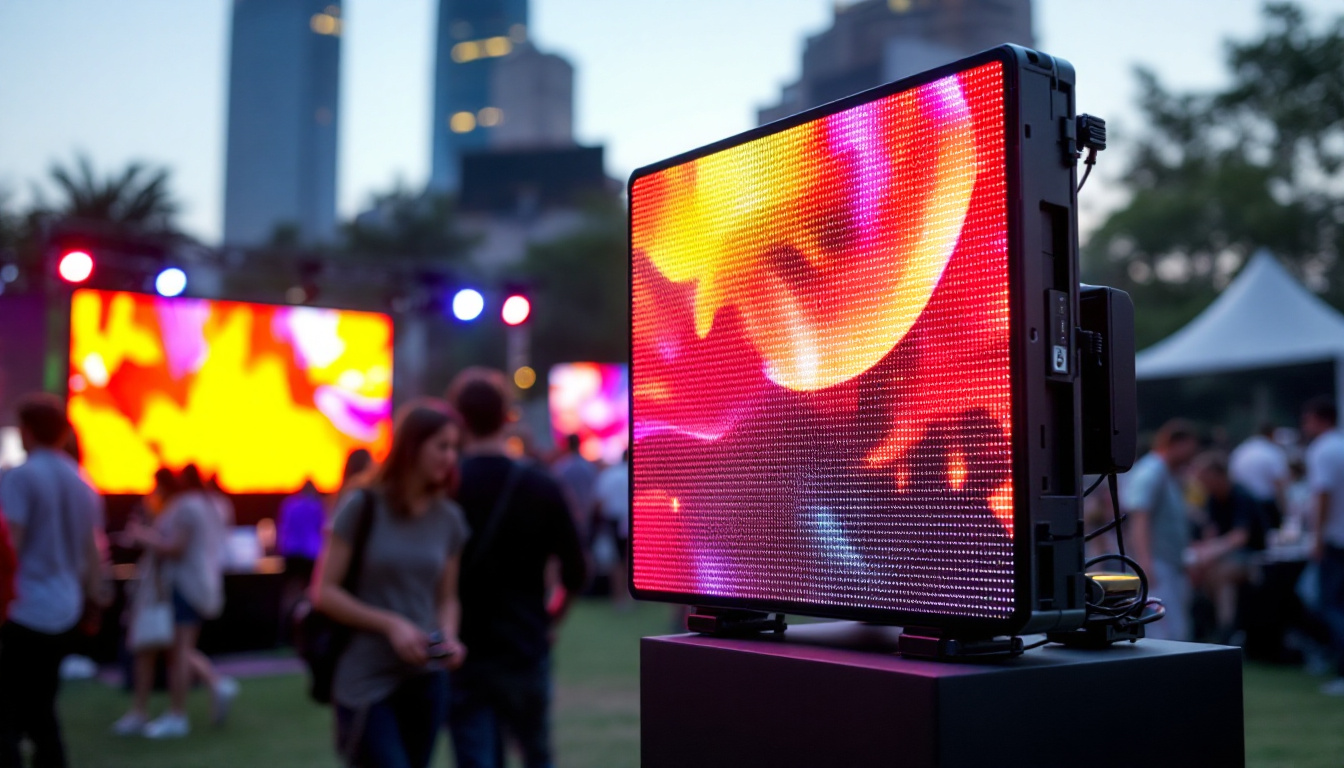
In today’s digital age, the quality and comfort of our screen viewing experience have become more important than ever. Whether for work, gaming, or casual browsing, the brightness and clarity of your monitor can significantly impact eye health, productivity, and overall user satisfaction. This article explores the role of monitor brightness apps in managing LED displays, explaining how LED technology works, and why controlling brightness effectively matters.
Understanding LED Displays: The Foundation of Modern Monitors
Light Emitting Diode (LED) displays have become the standard for most computer monitors, televisions, and mobile devices. Unlike older technologies such as CRT or CCFL backlit LCDs, LED displays use an array of tiny light-emitting diodes to illuminate the screen, offering several advantages.
How LED Technology Works
LED monitors are essentially LCD panels that use LEDs as the backlight source. The LCD (liquid crystal display) itself does not emit light; instead, it modulates the light passing through it to create images. The LEDs provide a bright, energy-efficient, and long-lasting light source behind the LCD layer.
There are two main types of LED backlighting: edge-lit and full-array. Edge-lit LEDs are positioned around the edges of the screen and use light guides to distribute light evenly. Full-array LED displays have LEDs placed directly behind the entire screen, allowing for more precise local dimming and better contrast ratios. This technology enables full-array displays to deliver a more dynamic range of colors and deeper blacks, making them particularly appealing for high-definition content like movies and video games.
Advantages of LED Displays
LED displays offer several key benefits:
- Energy Efficiency: LEDs consume less power compared to older backlighting methods, reducing electricity costs and environmental impact.
- Brightness and Contrast: LED backlights can achieve higher brightness levels and deeper blacks, improving image quality.
- Longevity: LEDs have longer lifespans, often exceeding 50,000 hours of use.
- Thin and Lightweight Designs: LED technology enables slimmer monitors, which are both aesthetically pleasing and space-saving.
In addition to these advantages, LED displays also support a wider color gamut, which means they can produce a broader range of colors than traditional displays. This is particularly important for professionals in fields such as graphic design and photography, where color accuracy is critical. Furthermore, many LED displays now incorporate advanced technologies like High Dynamic Range (HDR), which enhances the viewing experience by providing more vivid colors and improved contrast, making images appear more lifelike.
Another significant aspect of LED technology is its adaptability. With the rise of smart displays, LED technology has been integrated into various devices, enabling features like touch sensitivity and interactive capabilities. This evolution has opened new avenues for user engagement, allowing for innovative applications in education, advertising, and entertainment. As technology continues to advance, we can expect even more enhancements in LED display technology, pushing the boundaries of visual experiences even further.
The Importance of Monitor Brightness Control
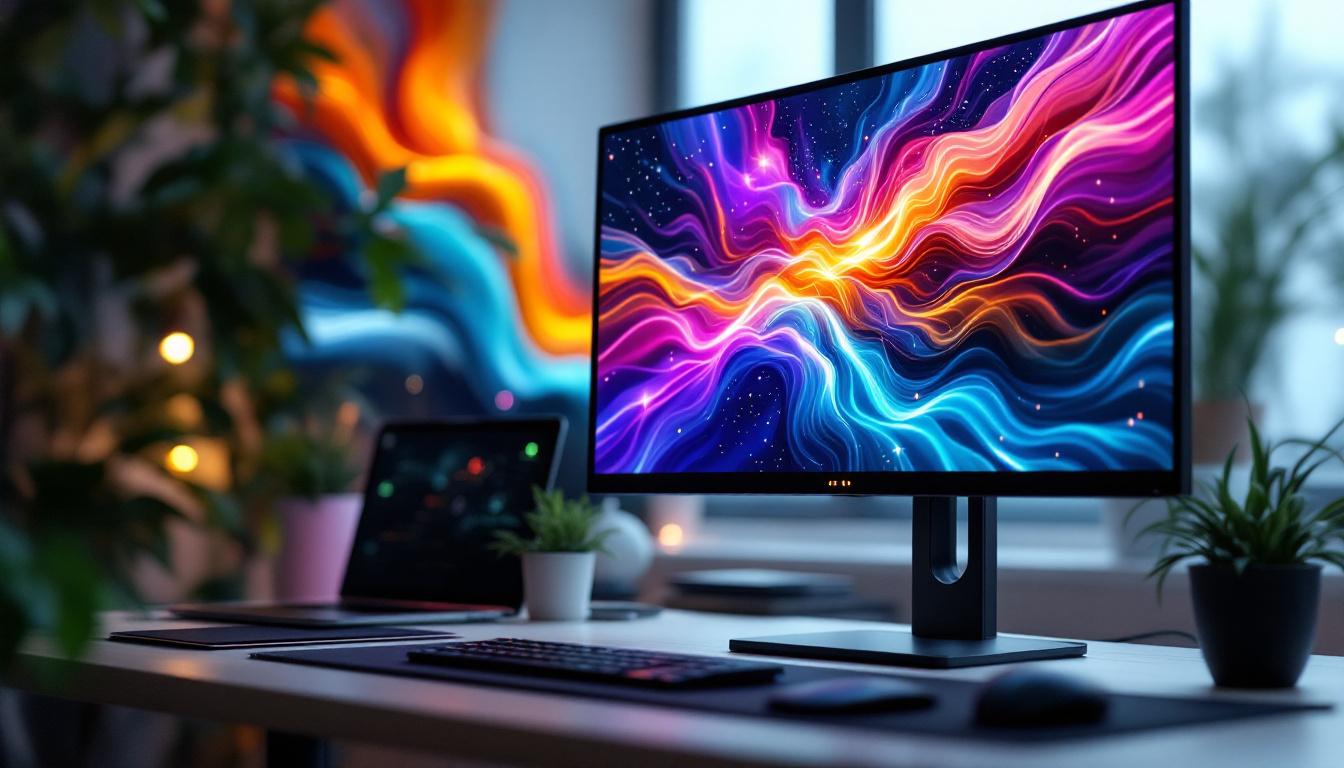
Brightness is one of the most critical factors affecting how comfortable and effective a monitor is for everyday use. Too bright or too dim screens can cause eye strain, headaches, and reduce productivity. This is where monitor brightness apps come into play.
Eye Health and Comfort
Extended exposure to screens at improper brightness levels can lead to digital eye strain, also known as computer vision syndrome. Symptoms include dryness, irritation, blurred vision, and fatigue. According to the American Optometric Association, adjusting screen brightness to match ambient lighting conditions is essential to minimize discomfort.
For example, a screen that is too bright in a dark room forces the eyes to constantly adjust, leading to quicker fatigue. Conversely, a screen that is too dim in a bright environment can cause squinting and strain. Proper brightness adjustment helps maintain a natural balance, reducing the risk of long-term damage.
Energy Savings and Device Longevity
Lowering screen brightness not only benefits eye health but also conserves energy. Studies estimate that reducing monitor brightness by 50% can save up to 30% of the energy consumed by the display. This is particularly relevant for laptops and portable devices where battery life is a concern.
Moreover, operating a display at excessively high brightness levels can accelerate wear and tear, potentially shortening the lifespan of the LEDs. Proper brightness management helps prolong device longevity.
How Monitor Brightness Apps Work
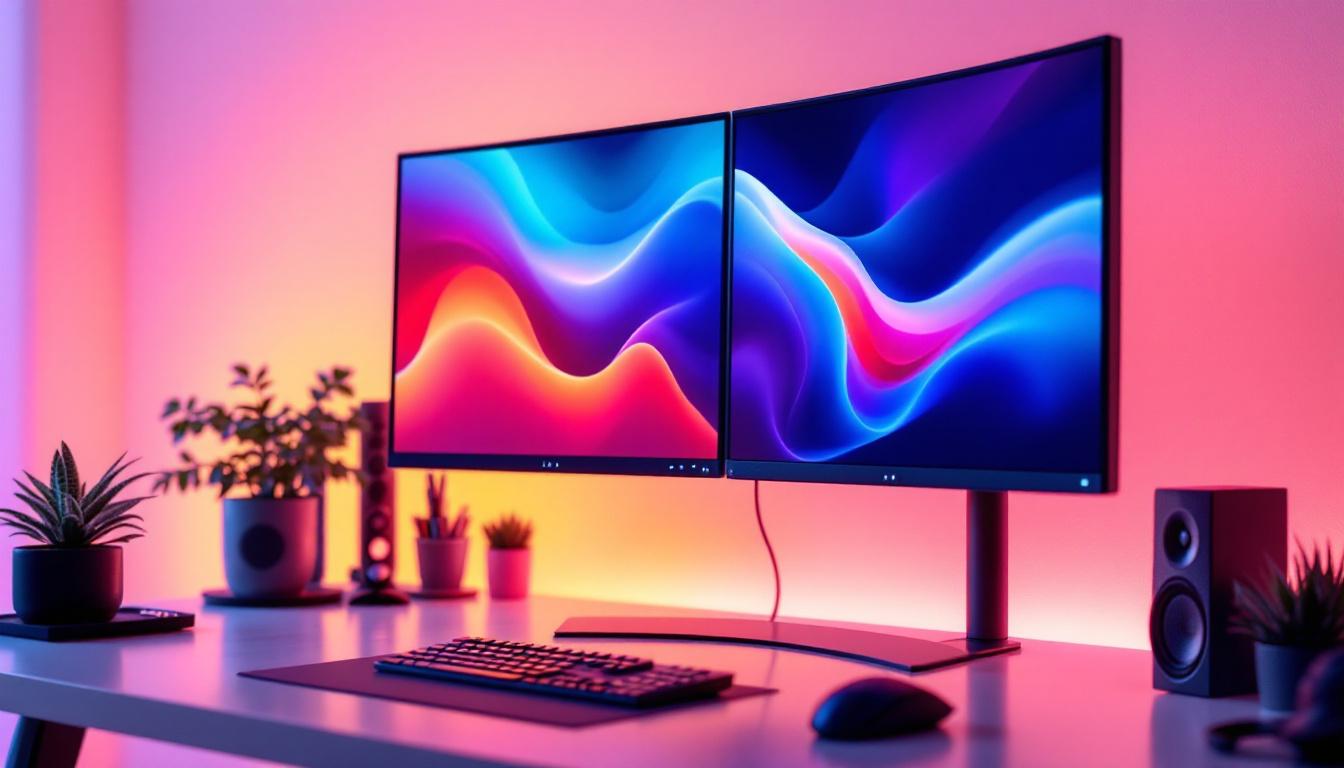
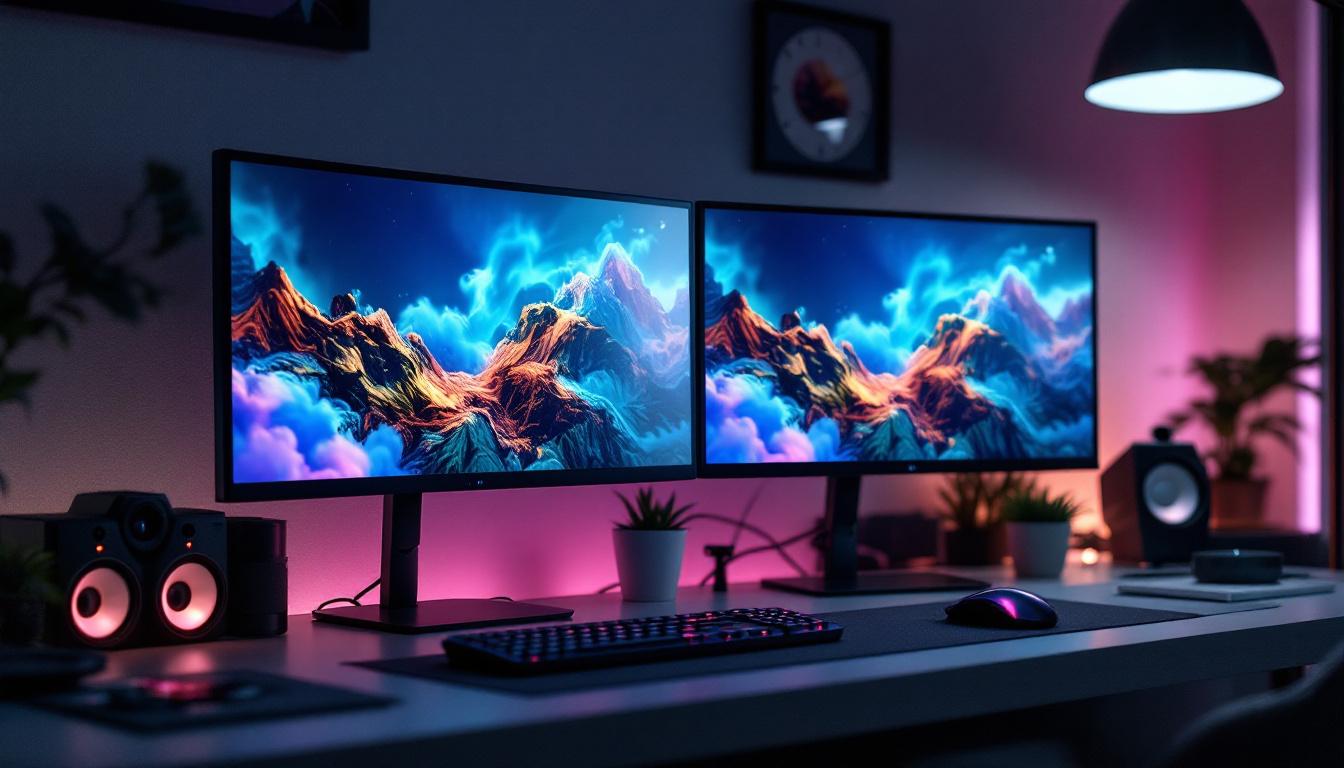
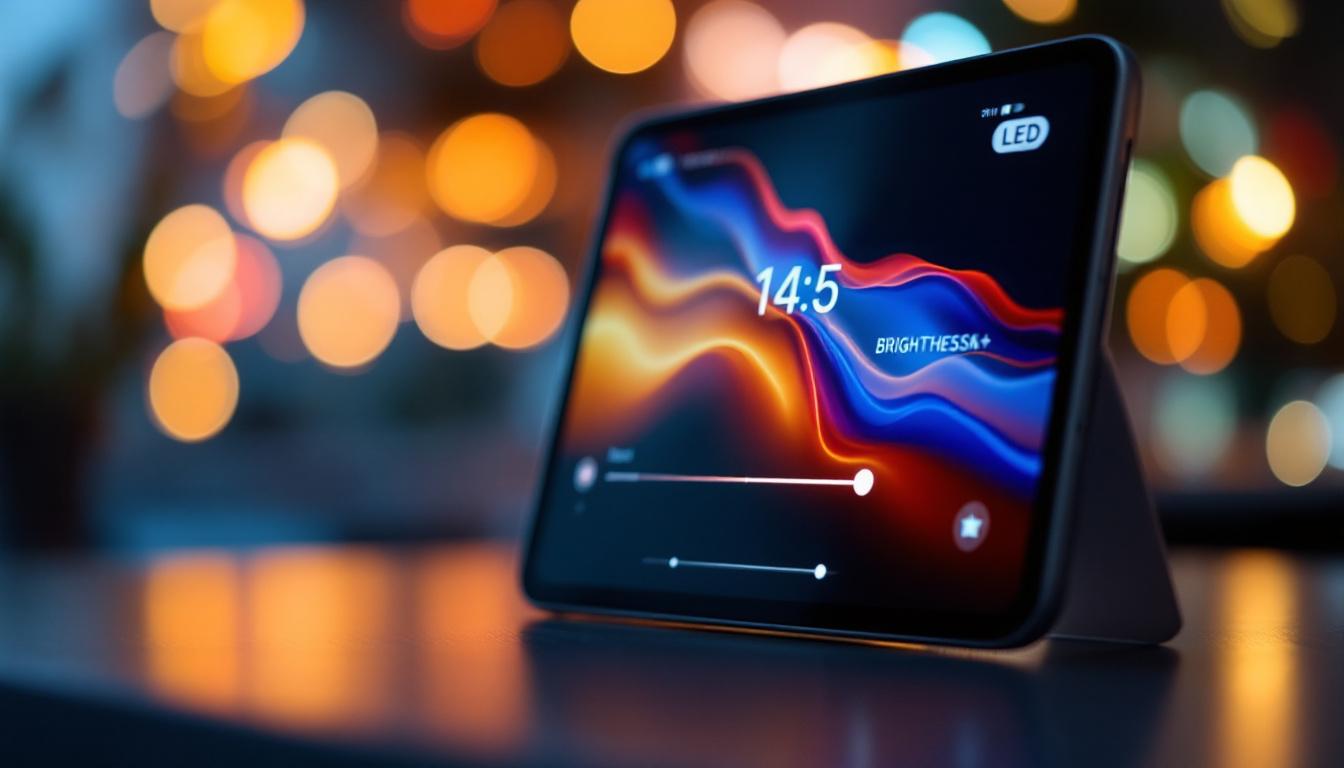
Monitor brightness apps provide users with intuitive control over their screen’s luminance beyond the standard hardware buttons or operating system settings. These apps are especially useful for multi-monitor setups or when the built-in controls are limited or inconvenient.
Features of Brightness Control Apps
Modern brightness apps come with a variety of features designed to enhance user experience:
- Fine-Tuned Brightness Adjustment: Allows users to set brightness levels in smaller increments than hardware controls typically allow.
- Automatic Brightness Adjustment: Uses ambient light sensors or time-based schedules to adjust brightness dynamically throughout the day.
- Color Temperature Control: Some apps also adjust color temperature to reduce blue light exposure, which can disrupt sleep patterns.
- Multi-Monitor Support: Enables independent brightness control for each connected display.
- Hotkeys and Shortcuts: Users can quickly change brightness without navigating through menus.
Examples of Popular Monitor Brightness Apps
Several well-regarded apps have gained popularity for their ease of use and robust features:
- f.lux: Primarily known for adjusting color temperature based on time of day, f.lux also offers brightness control and is widely used for reducing eye strain.
- Dimmer: A lightweight Windows app that allows quick adjustment of screen brightness and supports multiple monitors.
- Display Tuner: Provides advanced control over brightness, contrast, and color calibration, ideal for users seeking precise adjustments.
- Twilight (for Android): Adjusts screen brightness and color temperature on mobile devices, helping reduce blue light exposure in the evenings.
Integrating Brightness Apps with LED Display Technology
The effectiveness of brightness control apps depends heavily on the underlying LED display technology. Understanding this relationship can help users choose the right tools and settings for optimal results.
Local Dimming and Dynamic Brightness
Full-array LED displays with local dimming capabilities can adjust brightness in specific screen areas independently. This feature enhances contrast and reduces power consumption by dimming darker parts of the screen while keeping bright areas illuminated.
Brightness apps that can interface with these advanced features provide a more nuanced control experience. For example, some professional-grade software can manipulate local dimming zones to optimize image quality and reduce eye strain further.
Limitations of Software Brightness Control
It’s important to note that software-based brightness adjustments often work by modifying the display’s gamma or color output rather than changing the actual backlight intensity. This can lead to reduced image quality or color accuracy if pushed too far.
Hardware-level brightness control, such as that performed by the monitor’s internal settings or via the graphics card’s driver, generally provides better results. However, software apps remain invaluable for quick adjustments and for monitors lacking physical controls.
Best Practices for Using Monitor Brightness Apps
To maximize the benefits of brightness control apps, users should follow some best practices tailored to their environment and usage patterns.
Match Brightness to Ambient Lighting
The most effective way to reduce eye strain is to ensure the monitor brightness complements the surrounding light. Brightness apps with ambient light sensors or integration with smart home systems can automate this process, adjusting settings seamlessly as conditions change.
Use Blue Light Filters in the Evening
Exposure to blue light from LED screens can interfere with melatonin production, disrupting sleep cycles. Many brightness apps include blue light filtering features or “night mode” settings that reduce blue light emission during evening hours.
Calibrate Your Monitor Regularly
Regular calibration using hardware tools or software solutions ensures that brightness and color settings remain accurate. This is especially important for professionals in photography, design, or video editing who require color fidelity.
Avoid Extreme Brightness Settings
Setting the brightness too high or too low can degrade image quality and cause discomfort. Aim for a balanced level that allows clear visibility without glare or excessive darkness.
The Future of Monitor Brightness Control
As display technology continues to evolve, so too will the methods for managing brightness and eye comfort. Emerging trends promise even more sophisticated solutions.
Adaptive and AI-Powered Brightness Adjustment
Artificial intelligence and machine learning are being integrated into display management systems to provide smarter, context-aware brightness adjustments. These systems can analyze user habits, ambient conditions, and content type to optimize brightness and color settings in real-time.
MicroLED and OLED Technologies
Newer display technologies like MicroLED and OLED offer self-emissive pixels, allowing individual pixel brightness control without a backlight. This capability enables unparalleled contrast ratios and dynamic brightness adjustments, which software apps will increasingly leverage for enhanced user experience.
Integration with Wearable Devices
Future brightness control may also incorporate data from wearable devices that monitor eye strain, fatigue, and ambient light exposure, enabling personalized screen settings tailored to individual health needs.
Conclusion
Monitor brightness apps play a crucial role in optimizing the viewing experience on LED displays. By understanding how LED technology works and the importance of proper brightness control, users can enhance eye comfort, improve productivity, and extend device lifespan. With ongoing advancements in display technology and intelligent software solutions, the future promises even more refined and user-friendly brightness management options.
Whether you are a casual user, a professional, or a gamer, leveraging brightness control tools tailored to your LED monitor can make a significant difference in your daily screen time comfort and health.
Discover LumenMatrix’s Advanced LED Display Solutions
As you consider the importance of monitor brightness and the impact it has on your daily life, take the next step with LumenMatrix’s innovative LED display technology. LumenMatrix is at the forefront of creating immersive visual experiences with a wide range of LED display solutions, from vibrant Indoor and Outdoor LED Wall Displays to dynamic Vehicle and Sports LED Displays. Embrace the future of visual communication with our Custom, All-in-One, and Transparent LED Displays that promise to captivate your audience and amplify your message. Check out LumenMatrix LED Display Solutions today and see how we can transform your space into a canvas of endless possibilities.