In the rapidly evolving world of digital displays, understanding the fundamental components that make up these technologies is essential. One such fundamental element is the pixel, especially in the context of LED displays. This article delves into the definition of a pixel, its role within LED displays, and how this tiny unit influences the quality and performance of modern screens. Whether you are a technology enthusiast, a professional in the display industry, or simply curious about how your favorite devices work, this comprehensive guide will provide valuable insights.
What Is a Pixel? The Basic Building Block of Digital Displays
The term “pixel” is short for “picture element,” and it represents the smallest controllable unit of a digital image or display. Think of pixels as tiny dots that collectively form the images you see on screens, from smartphones and televisions to billboards and computer monitors.
Each pixel can emit or reflect light in different colors and intensities, allowing the display to render images with varying shades, hues, and brightness levels. The resolution of any digital display is typically measured by the number of pixels it contains, often expressed as width × height (e.g., 1920×1080 pixels for a Full HD display).
Pixels are arranged in a grid, and the more pixels packed into a given area, the higher the display’s resolution and sharpness. This is why modern devices boast increasingly higher pixel densities, measured in pixels per inch (PPI), to deliver crisper and more detailed images. For instance, the latest smartphones can achieve pixel densities exceeding 400 PPI, making it nearly impossible for the human eye to discern individual pixels at a normal viewing distance.
Pixels in Different Display Technologies
While the concept of a pixel is universal across display technologies, the way pixels are implemented varies. In LCD (Liquid Crystal Display) screens, pixels are formed by liquid crystals that modulate light passing through them. In OLED (Organic Light Emitting Diode) displays, each pixel emits its own light. LED displays, the focus of this article, use light-emitting diodes as pixels or subpixels, depending on the specific technology.
Moreover, advancements in pixel technology have led to innovations such as MicroLED and MiniLED displays, which offer even greater control over brightness and color accuracy. MicroLED technology, for example, utilizes microscopic LEDs to create individual pixels that can turn on and off independently, resulting in stunning contrast ratios and vibrant colors. This level of precision not only enhances the viewing experience but also allows for thinner and more flexible display designs, paving the way for new applications in everything from augmented reality to large-scale digital signage.
In addition to their role in visual quality, pixels also play a crucial part in the performance of gaming and multimedia applications. High refresh rates and low response times are essential for a smooth gaming experience, and these factors are closely tied to how quickly pixels can change colors. As gaming technology continues to evolve, the demand for displays with faster pixel response times and higher refresh rates has surged, leading manufacturers to develop screens that can keep up with the fast-paced action of modern video games.
Understanding LED Displays: How Pixels Come to Life
LED displays have become increasingly popular in recent years due to their brightness, energy efficiency, and versatility. But what exactly is an LED display, and how do pixels function within it?
LED stands for Light Emitting Diode, a semiconductor device that emits light when an electric current passes through it. In LED displays, these diodes serve as the light sources for pixels, either directly or indirectly.
Types of LED Displays
There are primarily two types of LED displays: direct-view LED displays and LED-backlit LCD displays.
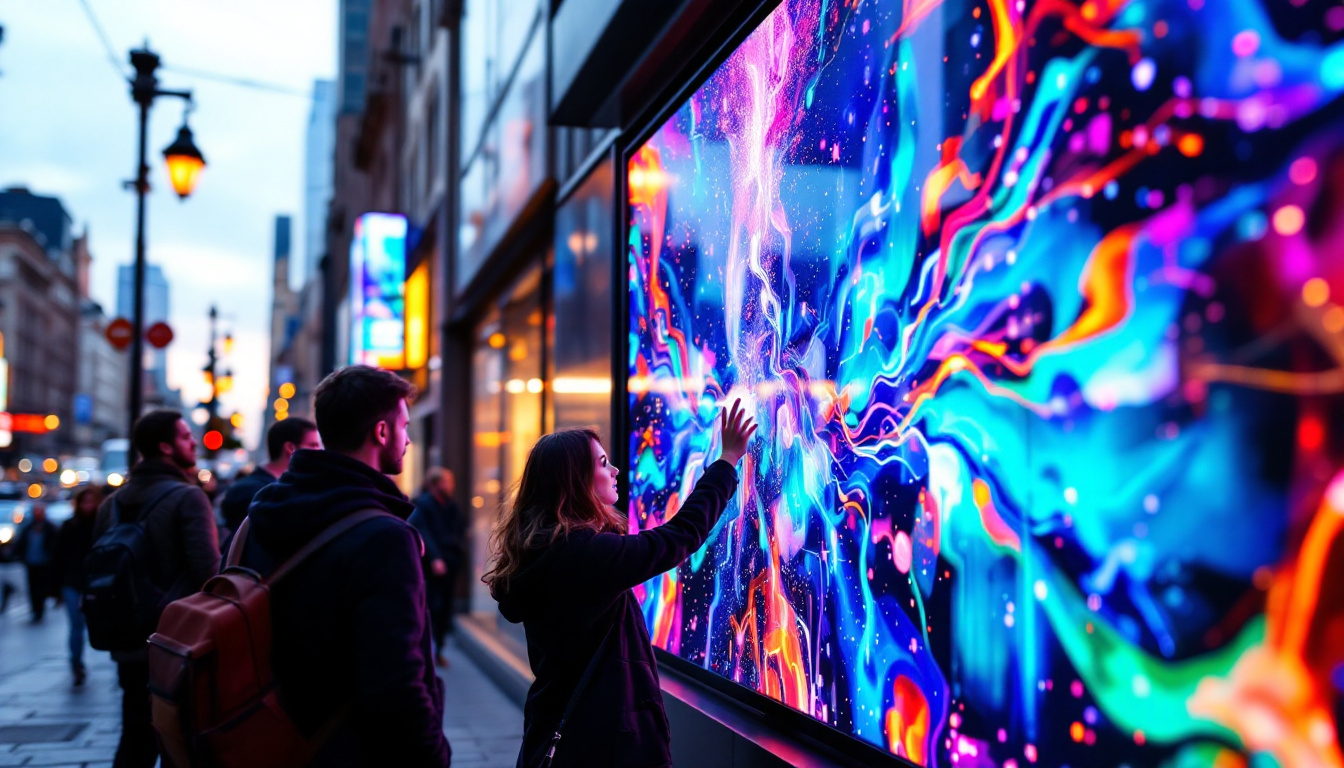
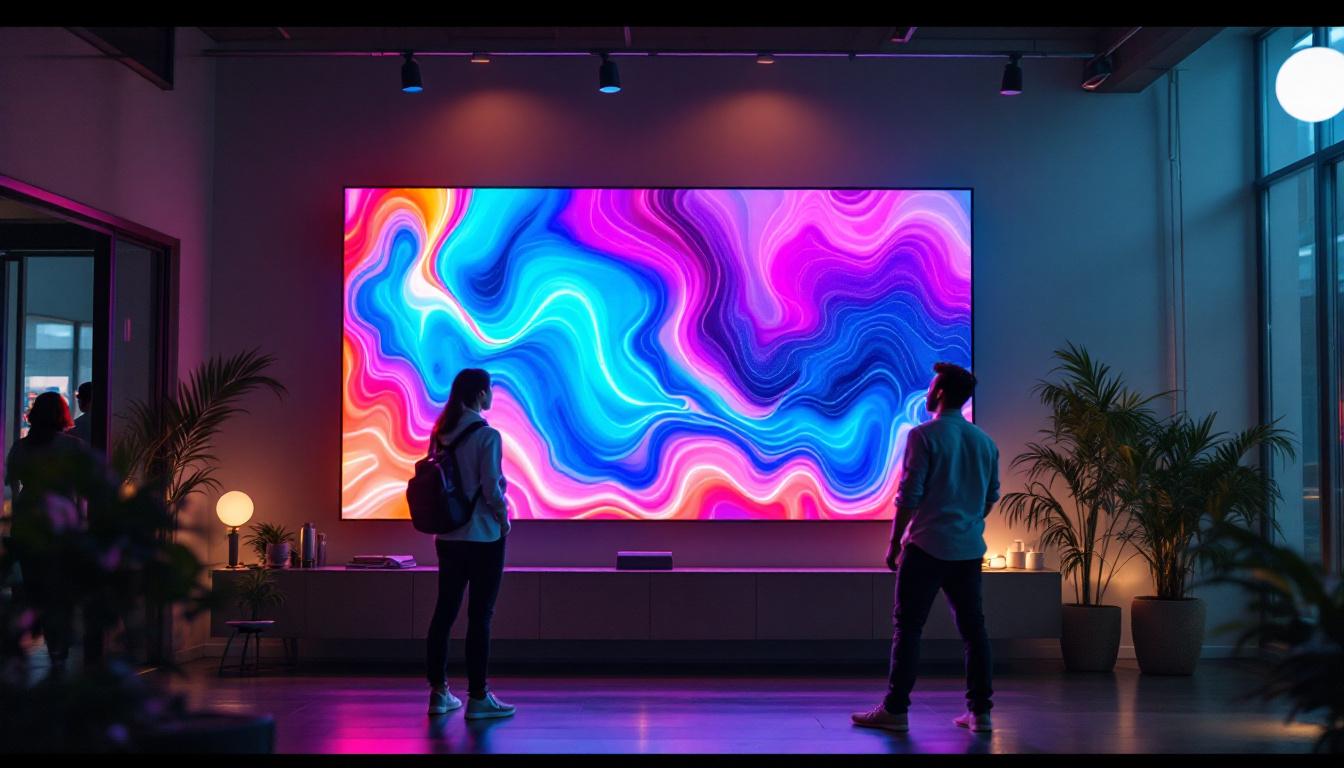
- Direct-View LED Displays: In these displays, each pixel is made up of one or more tiny LEDs that emit light directly. These are commonly used in large outdoor screens, digital billboards, stadium displays, and increasingly in indoor video walls. The pixels can be composed of red, green, and blue LEDs, which combine to produce a full spectrum of colors.
- LED-Backlit LCD Displays: These displays use LEDs as a backlight behind an LCD panel. The LCD layer controls the light passing through each pixel, while the LEDs provide the illumination. This technology is widely used in televisions, computer monitors, and mobile devices.
Understanding the distinction is crucial because the pixel structure and behavior differ between these two types.
Pixel Structure in Direct-View LED Displays
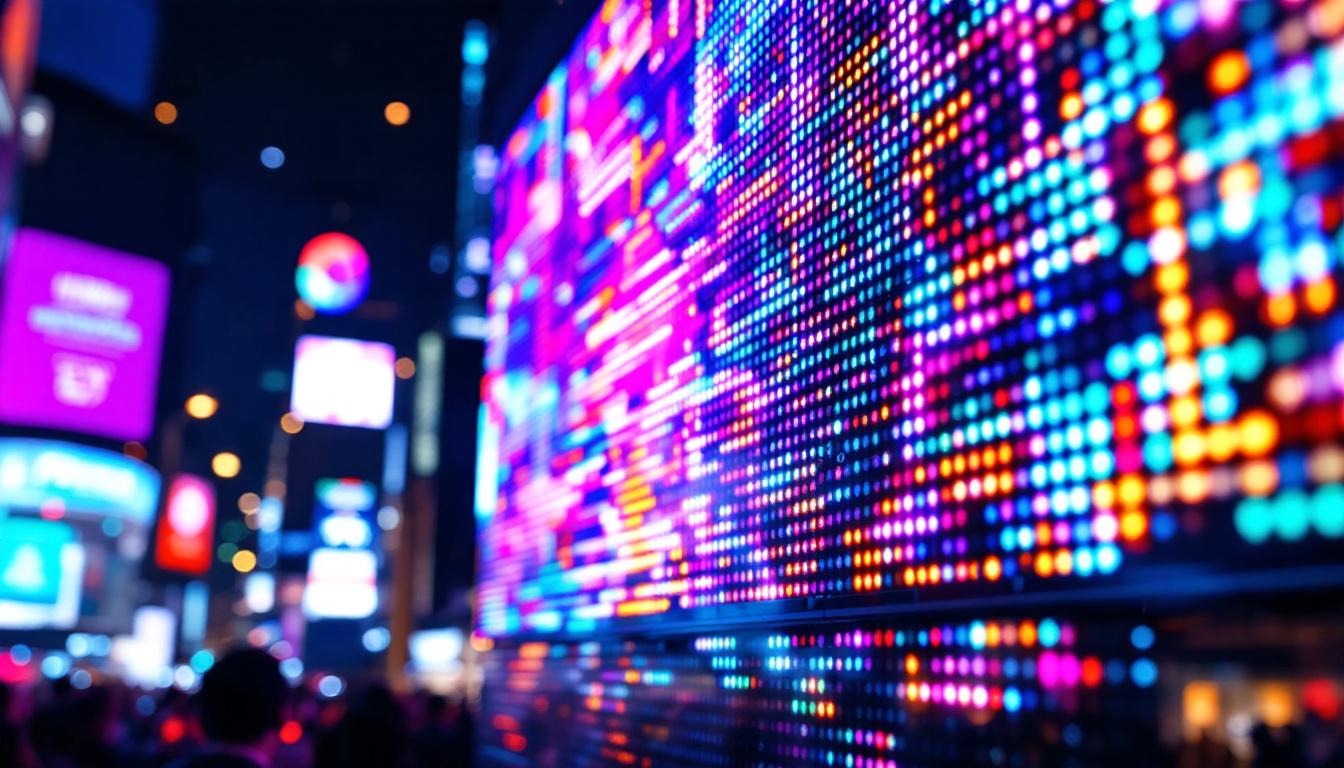
In direct-view LED displays, each pixel typically consists of three subpixels: red, green, and blue LEDs. By varying the intensity of each subpixel, the display can produce millions of colors through additive color mixing. This is similar to how pixels work in other color displays but with the advantage of self-emissive light sources, which can achieve higher brightness and contrast.
The size and density of these pixels determine the display’s resolution and viewing distance. For example, a large outdoor billboard with a pixel pitch (distance between pixels) of 10 millimeters is suitable for viewing from hundreds of feet away, whereas an indoor display might have a pixel pitch as small as 1 millimeter for close-up viewing.
Pixel Pitch and Resolution: Key Metrics for LED Displays
When evaluating LED displays, two critical metrics related to pixels are pixel pitch and resolution. Both have a significant impact on the visual quality and suitability of the display for different applications.
What Is Pixel Pitch?
Pixel pitch refers to the distance from the center of one pixel to the center of the adjacent pixel, usually measured in millimeters. It essentially defines the density of pixels on the display surface. A smaller pixel pitch means more pixels per unit area, resulting in higher resolution and finer image detail.
For example, a display with a pixel pitch of 1.5 mm has pixels spaced closer together than one with a 10 mm pitch. This difference is crucial when considering the intended viewing distance. A smaller pixel pitch is necessary for displays viewed up close, such as indoor video walls or retail signage, to avoid visible pixelation.
Resolution and Its Relationship to Pixel Pitch
Resolution is the total number of pixels in a display, usually expressed as width × height. While resolution is a function of pixel count, pixel pitch determines how densely these pixels are packed. Two displays of the same physical size can have vastly different resolutions depending on their pixel pitch.
For instance, a 55-inch LED display with a 1.2 mm pixel pitch will have a much higher resolution than one with a 5 mm pitch. The higher resolution display will deliver sharper images and text, suitable for close viewing, whereas the lower resolution display is better suited for distant viewing.
How Pixels Affect LED Display Performance
The quality and behavior of pixels directly influence the overall performance of LED displays. Several factors related to pixels determine the viewing experience, including color accuracy, brightness, contrast, and refresh rate.
Color Accuracy and Pixel Calibration
Each pixel’s subpixels (red, green, and blue) must be precisely controlled to produce accurate colors. Calibration ensures that the LEDs emit the correct intensity and color temperature. Advanced LED displays use sophisticated processing techniques to adjust pixel output dynamically, compensating for environmental factors such as ambient light and temperature variations.
Accurate pixel calibration is especially important in professional applications such as broadcast studios, digital signage, and medical imaging, where color fidelity is critical.
Brightness and Contrast Ratio
Because LED pixels are self-emissive, they can achieve very high brightness levels compared to other display technologies. This makes LED displays ideal for outdoor environments where sunlight can wash out less bright screens.
The contrast ratio, which is the difference between the brightest white and the darkest black a display can produce, is also influenced by pixel performance. High-quality LEDs can switch off completely to produce true blacks, enhancing contrast and image depth.
Refresh Rate and Pixel Response Time
The refresh rate, measured in hertz (Hz), indicates how many times per second the display updates its image. Pixels must respond quickly to changes in color and brightness to avoid motion blur and ghosting effects, especially in fast-moving content such as sports or gaming.
LED displays typically have fast pixel response times, contributing to smooth and clear motion rendering.
Applications of LED Displays and the Importance of Pixel Definition
LED displays are ubiquitous across various industries, each with unique requirements for pixel density and performance. Understanding pixel definition helps in selecting the right display for specific applications.
Outdoor Advertising and Large-Scale Displays
Outdoor LED billboards and stadium screens prioritize brightness and durability. They often use larger pixel pitches (between 6 mm and 20 mm) because viewers are typically far away. The pixel definition here balances cost and visual clarity at distance.
Indoor Displays and Retail Environments
Indoor LED displays require finer pixel pitches (as low as 0.9 mm) to ensure images look sharp at close range. These are common in shopping malls, airports, and conference centers where viewers can approach the screen closely.
Broadcast and Control Rooms
High-resolution LED video walls with precise pixel control are essential in broadcast studios and control rooms. The ability to display detailed, color-accurate images enhances decision-making and viewer engagement.
Emerging Technologies: MicroLED and Beyond
MicroLED technology represents the next evolution in LED displays, featuring even smaller pixels and higher pixel densities. This technology promises superior brightness, contrast, and energy efficiency, potentially revolutionizing consumer electronics and large-scale displays alike.
Conclusion: The Pixel’s Pivotal Role in LED Display Technology
Pixels are the fundamental units that define the quality and capabilities of LED displays. From the basic concept of a picture element to the complex interplay of subpixels in direct-view LED panels, understanding pixels is key to appreciating how modern displays deliver stunning visuals.
As LED technology continues to advance, pixel design and control will remain at the forefront of innovation, enabling brighter, sharper, and more immersive viewing experiences across countless applications. Whether for advertising, entertainment, or professional use, the pixel remains the cornerstone of digital display excellence.
Explore Cutting-Edge LED Displays with LumenMatrix
Ready to experience the pinnacle of LED display technology? LumenMatrix invites you to discover our comprehensive range of innovative LED solutions, designed to bring your visual communications to life. From vibrant Indoor and Outdoor LED Wall Displays to dynamic Vehicle and Sports LED Displays, and from sleek LED Poster Displays to immersive Floor and Custom LED options, we have the perfect fit for every need. Embrace the future with our All-in-One and Transparent LED Displays, crafted to captivate and engage your audience. Don’t just share your message—make it resonate with clarity and impact. Check out LumenMatrix LED Display Solutions today and transform your space into a visual spectacle.