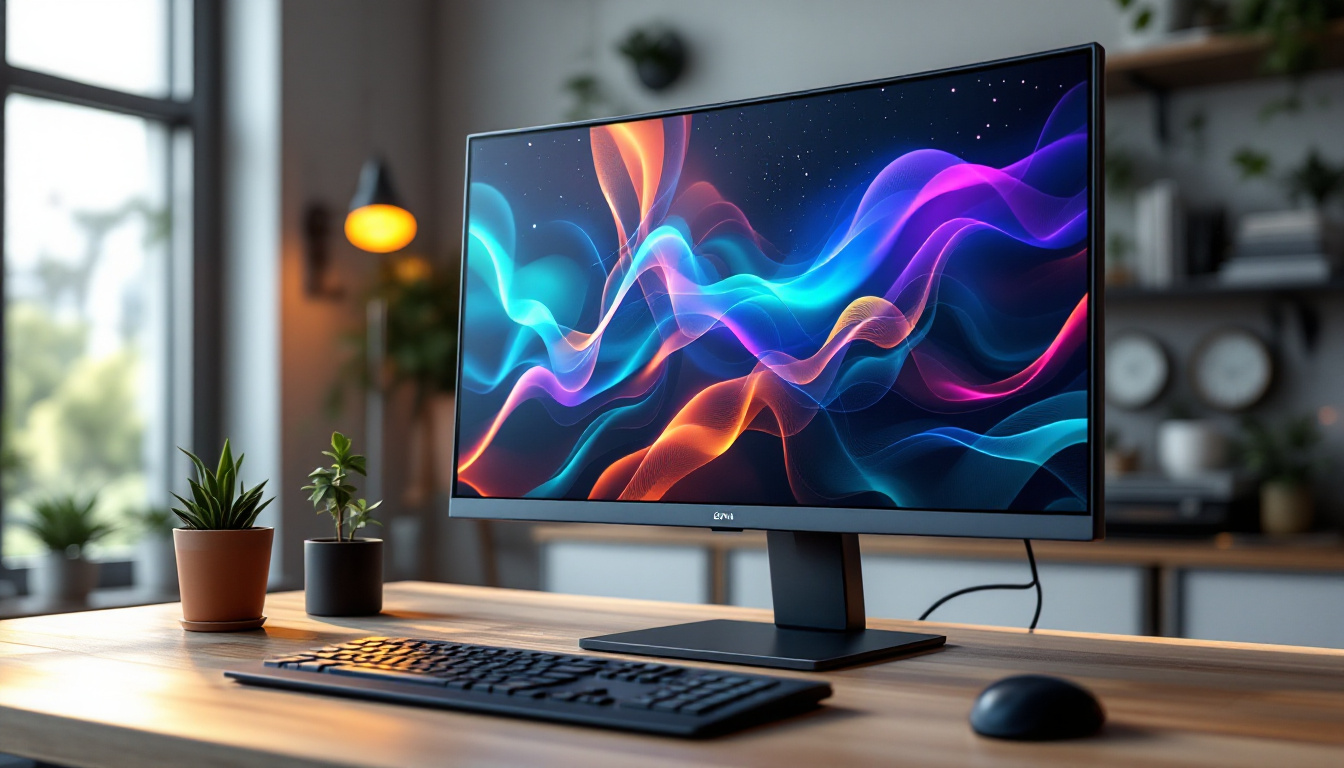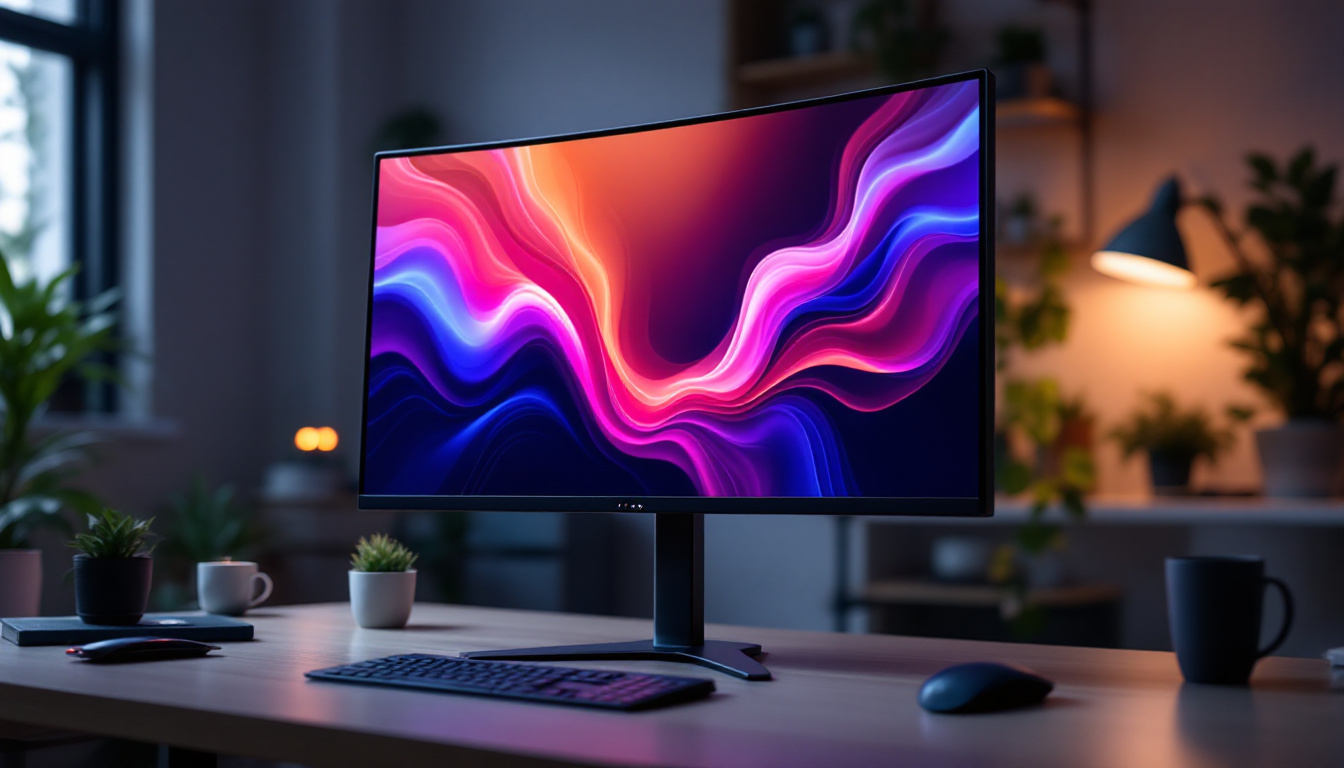
In today’s fast-paced digital landscape, touch screen monitors have become essential tools across various industries—from education and healthcare to retail and corporate environments. Among these, the 22-inch touch screen monitor with LED display stands out as a popular choice, offering a balanced combination of size, clarity, and responsiveness. This article delves into the technology behind 22-inch LED touch screen monitors, exploring their features, benefits, and considerations to help you make an informed decision.
Understanding the Basics of 22-Inch Touch Screen Monitors
What Defines a 22-Inch Touch Screen Monitor?
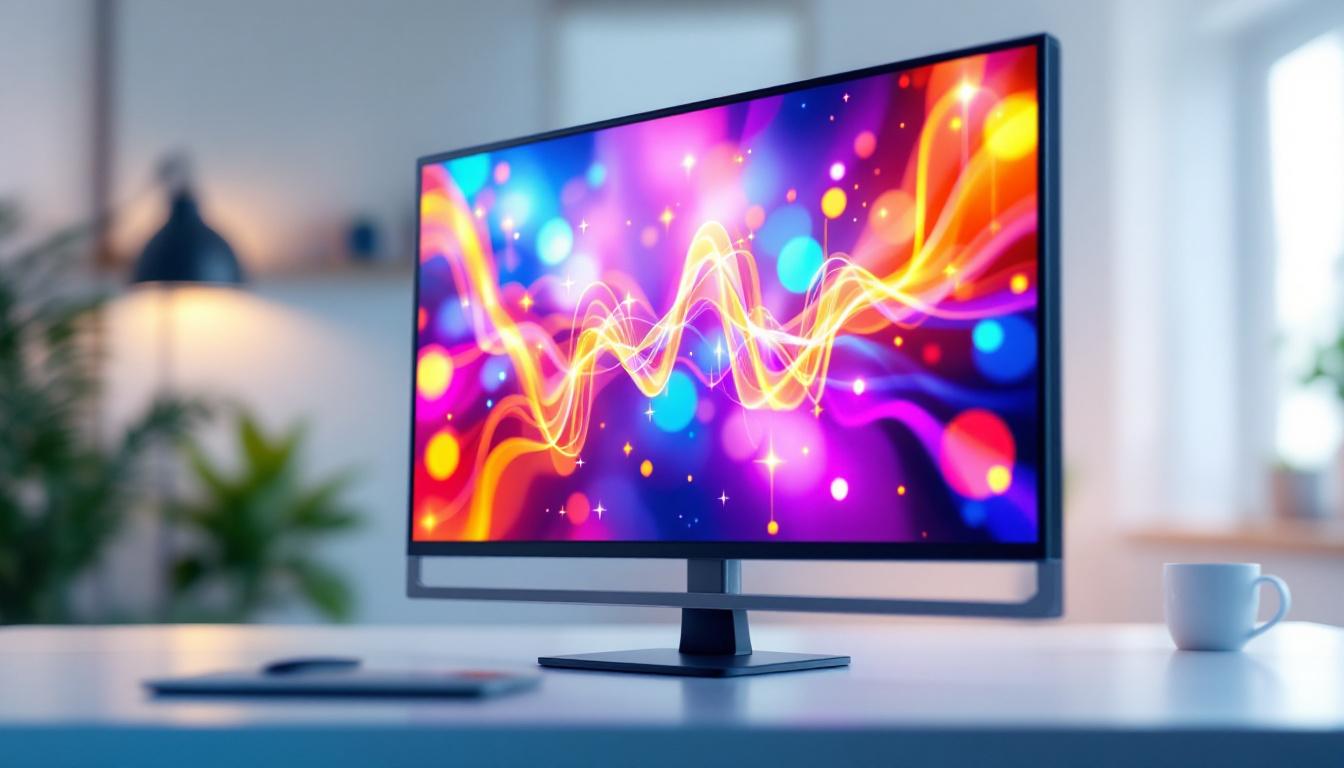
A 22-inch touch screen monitor refers to a display device with a diagonal screen measurement of 22 inches that supports touch input. This size is widely regarded as a sweet spot for many users, providing ample screen real estate without occupying excessive desk space. The touch functionality allows users to interact directly with the screen using fingers or styluses, eliminating the need for peripheral input devices like a mouse or keyboard in certain applications.
These monitors are commonly used in point-of-sale (POS) systems, kiosks, interactive displays, and professional workstations. The integration of LED (Light Emitting Diode) technology in the display panel enhances image quality and energy efficiency, which we will explore further in the next sections. Additionally, the 22-inch size is particularly advantageous for environments where space is at a premium, such as small retail shops or compact office setups. The versatility of these monitors means they can serve a multitude of purposes, from displaying information to facilitating interactive experiences, making them a valuable asset in various industries.
Types of Touch Technologies in 22-Inch Monitors
Touch screen monitors employ various technologies to detect input. The most prevalent types include:
- Capacitive Touch: Utilizes the electrical properties of the human body to detect touch. Known for its high sensitivity and multi-touch capabilities, capacitive touch screens are common in smartphones and tablets, and increasingly in monitors.
- Resistive Touch: Consists of multiple layers that respond to pressure. While less sensitive than capacitive, resistive screens work well with gloves or styluses and are often used in industrial environments.
- Infrared Touch: Uses an array of IR LEDs and sensors around the screen edges to detect touch by interruption of the infrared beams. This technology supports multi-touch and is durable but can be affected by external light sources.
- Optical Imaging: Employs cameras and infrared light to detect touch points. It supports large screen sizes and multi-touch but is less common in smaller 22-inch monitors.
Choosing the right touch technology depends on the intended use, environment, and budget. For instance, capacitive screens are often favored in retail settings due to their responsiveness and ability to handle multiple touches simultaneously, which can enhance customer interactions. Conversely, resistive screens might be the preferred choice in industrial applications where users may need to wear gloves or where the environment is more rugged. Understanding these distinctions can significantly impact the user experience and the overall effectiveness of the touch screen monitor in its designated role.
Furthermore, the choice of touch technology can also influence maintenance and durability. Capacitive screens, while highly responsive, may require more careful handling to avoid scratches, whereas resistive screens, with their robust construction, can endure harsher conditions. As technology continues to evolve, manufacturers are also exploring hybrid systems that combine the advantages of different touch technologies, potentially offering users the best of both worlds. This ongoing innovation in touch screen technology promises to enhance usability and accessibility across a wide range of applications.
LED Display Technology: How It Enhances the 22-Inch Monitor Experience
What is LED Display Technology?
LED display technology refers to the use of light-emitting diodes as the backlighting source for LCD (Liquid Crystal Display) panels. Unlike older CCFL (Cold Cathode Fluorescent Lamp) backlighting, LEDs offer several advantages including improved brightness, contrast, color accuracy, and energy efficiency.
In a 22-inch touch screen monitor, the LED backlight ensures vivid images and sharp text, which is crucial for tasks requiring precision and clarity. The technology also allows for thinner and lighter monitor designs, making them easier to mount or transport.
Types of LED Backlighting
There are two primary LED backlighting methods used in monitors:
- Edge-Lit LED: LEDs are positioned along the edges of the screen, and light is distributed across the panel using light guides. This approach enables ultra-slim designs but may sometimes result in uneven brightness.
- Direct-Lit LED: LEDs are placed directly behind the screen in a grid pattern. This method provides more uniform brightness and better contrast but can increase the thickness of the monitor.
Many 22-inch monitors use edge-lit LED backlighting to balance design aesthetics and performance.
Benefits of LED Displays in Touch Screen Monitors
LED displays offer several key benefits for 22-inch touch screen monitors:
- Energy Efficiency: LEDs consume less power than CCFL backlights, reducing operational costs and environmental impact.
- Longer Lifespan: LED backlights typically last longer, often exceeding 50,000 hours of use.
- Improved Image Quality: Higher brightness and better contrast ratios enhance visibility in various lighting conditions.
- Thin and Lightweight Design: Enables sleek monitor profiles that fit modern workspaces.
These advantages make LED displays the preferred choice for most modern touch screen monitors.
Key Features to Consider When Choosing a 22-Inch Touch Screen Monitor
Resolution and Display Quality
The resolution of a 22-inch monitor significantly impacts the clarity and detail of images and text. Common resolutions for this size include:
- Full HD (1920 x 1080): The most prevalent resolution, offering sharp visuals suitable for most professional and entertainment purposes.
- QHD (2560 x 1440): Provides higher pixel density and more screen real estate, beneficial for detailed graphic work and multitasking.
While 4K monitors exist at this size, they are less common and generally more expensive. For most users, Full HD strikes the right balance between image quality and cost.
Touch Responsiveness and Multi-Touch Support
Responsiveness is critical for a smooth user experience. Capacitive touch screens typically offer the fastest and most accurate response times. Multi-touch support, allowing multiple simultaneous touch points, enhances functionality for gestures such as pinch-to-zoom and rotation.
When selecting a 22-inch touch screen monitor, verify the touch response time and the maximum number of touch points supported. For interactive applications like digital signage or collaborative workstations, multi-touch is often essential.
Connectivity Options
Modern 22-inch touch screen monitors come equipped with a variety of input options to ensure compatibility with different devices:
- HDMI: The standard for high-definition video and audio transmission.
- DisplayPort: Offers higher bandwidth for better video quality and supports daisy-chaining multiple monitors.
- USB Ports: Often used for touch input data transmission and peripheral connections.
- VGA/DVI: Legacy connections still found in some environments.
Choosing a monitor with versatile connectivity ensures future-proofing and ease of integration.
Durability and Build Quality
In commercial or industrial settings, durability is paramount. Look for monitors with reinforced glass, such as tempered or chemically strengthened glass, to withstand frequent touch and potential impacts. Some models also feature IP-rated enclosures for dust and water resistance, which is critical in harsh environments.
Ergonomic design elements like adjustable stands, VESA mount compatibility, and anti-glare coatings further enhance usability and comfort.
Applications and Use Cases for 22-Inch Touch Screen LED Monitors
Retail and Point-of-Sale Systems
In retail environments, 22-inch touch screen monitors serve as intuitive POS terminals. Their size is ideal for counter spaces, and the responsive touch interface speeds up transactions. LED displays ensure clear visibility under various lighting conditions, including bright store environments.
Healthcare and Medical Settings
Healthcare professionals benefit from touch screen monitors for patient check-ins, electronic medical records, and diagnostic imaging. The hygiene factor is critical; many 22-inch touch screens feature antimicrobial coatings and easy-to-clean surfaces. The LED display’s clarity supports detailed image analysis.
Education and Training
Interactive learning environments leverage 22-inch touch screen monitors for engaging lessons and hands-on training. Multi-touch capabilities enable collaborative activities, while the LED display ensures vibrant content presentation.
Industrial and Manufacturing
In industrial settings, touch screen monitors act as human-machine interfaces (HMIs) for controlling machinery and monitoring processes. Durability, resistance to environmental factors, and precise touch input are essential features in these applications.
Maintenance Tips and Longevity of 22-Inch LED Touch Screen Monitors
Cleaning and Care
Maintaining the screen’s cleanliness is vital for optimal touch responsiveness and display quality. Use a soft, lint-free microfiber cloth and avoid abrasive cleaners or solvents. Specialized screen cleaning solutions designed for LED displays help remove fingerprints and smudges without damaging the surface.
Software and Firmware Updates
Manufacturers occasionally release updates to improve touch accuracy, compatibility, and security. Regularly check for and install these updates to keep the monitor performing at its best.
Environmental Considerations
Protect the monitor from extreme temperatures, humidity, and direct sunlight exposure, which can degrade components over time. Ensure proper ventilation around the device to prevent overheating.
Future Trends in Touch Screen and LED Display Technology
Advancements in Touch Sensitivity and Accuracy
Emerging technologies like in-cell and on-cell touch panels integrate touch sensors directly into the LCD layers, reducing thickness and improving responsiveness. These innovations will likely trickle down to mid-sized monitors, including 22-inch models.
Mini-LED and Micro-LED Displays
Next-generation LED technologies such as Mini-LED and Micro-LED promise even better contrast ratios, brightness, and energy efficiency. While currently more prevalent in premium large-screen TVs and smartphones, these technologies are expected to become more accessible for monitors in the near future.
Enhanced Durability and Environmental Sustainability
Manufacturers are increasingly focusing on eco-friendly materials and energy-saving features. Touch screen monitors with recyclable components and certifications like ENERGY STAR or EPEAT are becoming standard, aligning with global sustainability goals.
Conclusion
The 22-inch touch screen monitor with LED display offers a compelling combination of size, performance, and versatility. Understanding the underlying touch technologies and LED display advantages helps users select the right monitor tailored to their specific needs. Whether for retail, healthcare, education, or industrial applications, these monitors provide intuitive interaction and vibrant visuals that enhance productivity and user experience.
As technology continues to evolve, 22-inch touch screen monitors will benefit from innovations in display quality, touch responsiveness, and sustainability, ensuring they remain relevant in an increasingly interactive digital world.
Discover LumenMatrix’s Advanced LED Display Solutions
Ready to elevate your interactive digital experience with the latest in touch screen technology? Look no further than LumenMatrix, a pioneer in LED display innovation. Our extensive range of products, from Indoor and Outdoor LED Wall Displays to specialized solutions like Vehicle and Sports LED Displays, is designed to bring your visual communication to life. Embrace the future with our All-in-One LED Displays, LED Posters, and even Custom LED solutions that promise to transform your space and captivate your audience. Don’t miss out on the opportunity to enhance your brand’s presence and engage with your customers like never before. Check out LumenMatrix LED Display Solutions today and see the difference for yourself!