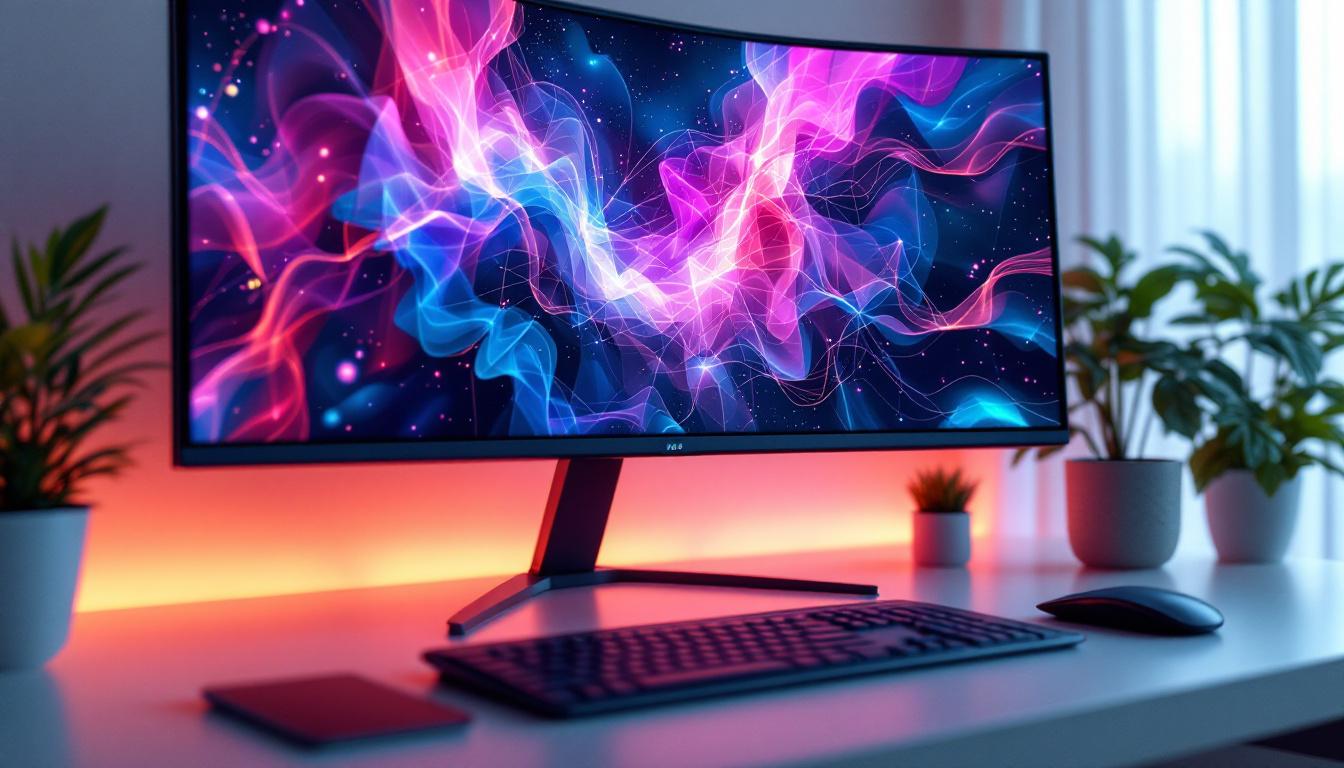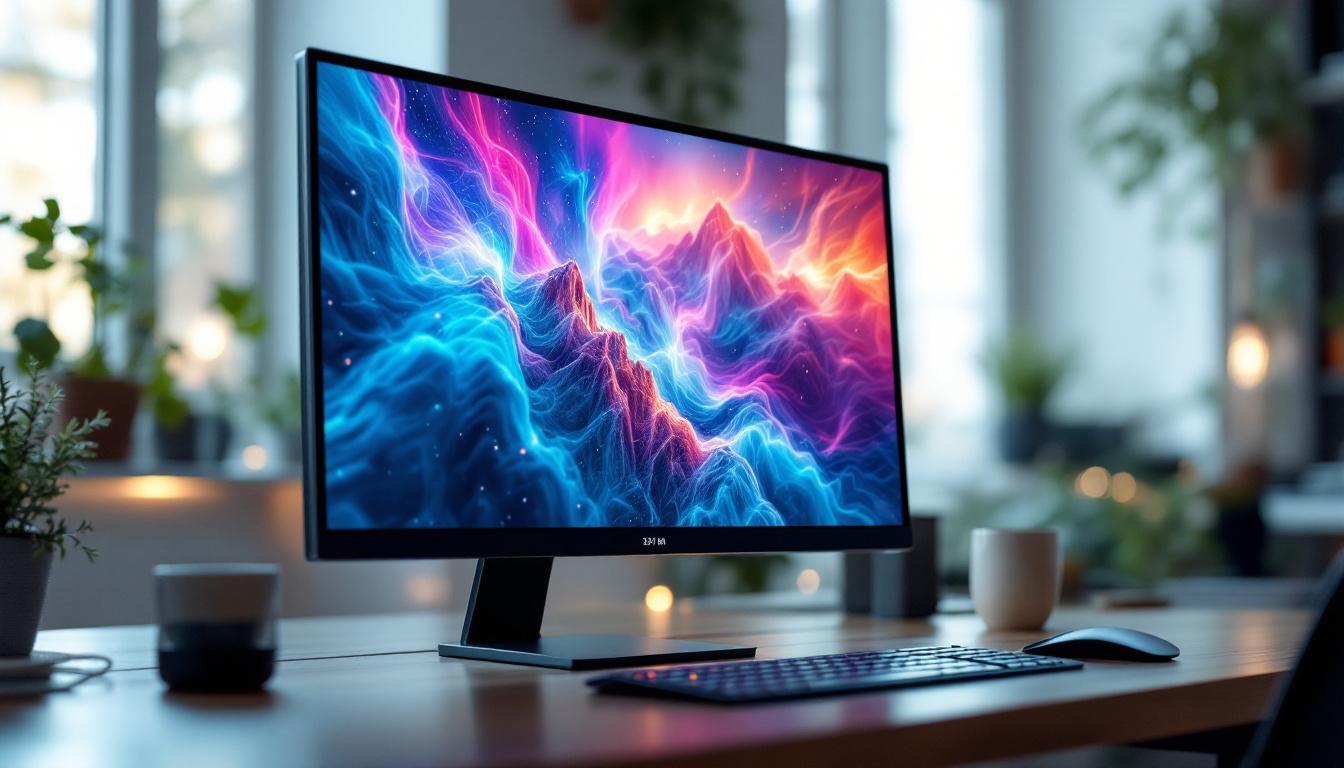
In today’s digital era, the desktop monitor is an essential tool for work, entertainment, and creative pursuits. Among the various monitor sizes available, the 24-inch desktop monitor has emerged as one of the most popular choices for both professionals and casual users. This popularity is largely due to its perfect balance between screen real estate and desk space, making it versatile for a wide range of applications.
One of the most common types of displays used in these monitors is the LED display. Despite the term “LED” being widely used, many users find themselves confused about what it actually means and how it compares to other display technologies. This article aims to provide a comprehensive explanation of 24-inch desktop monitors with LED displays, covering the technology behind LED panels, their advantages, and what to consider when choosing one.
Understanding the 24-Inch Desktop Monitor Market
Why 24 Inches is the Sweet Spot
The 24-inch monitor size has become a standard for many users because it strikes an ideal balance between usability and comfort. It offers enough screen space for multitasking, gaming, and media consumption without overwhelming the user or requiring excessive desk space. According to recent market analysis, 24-inch monitors account for nearly 30% of all desktop monitor sales worldwide, reflecting their widespread appeal.
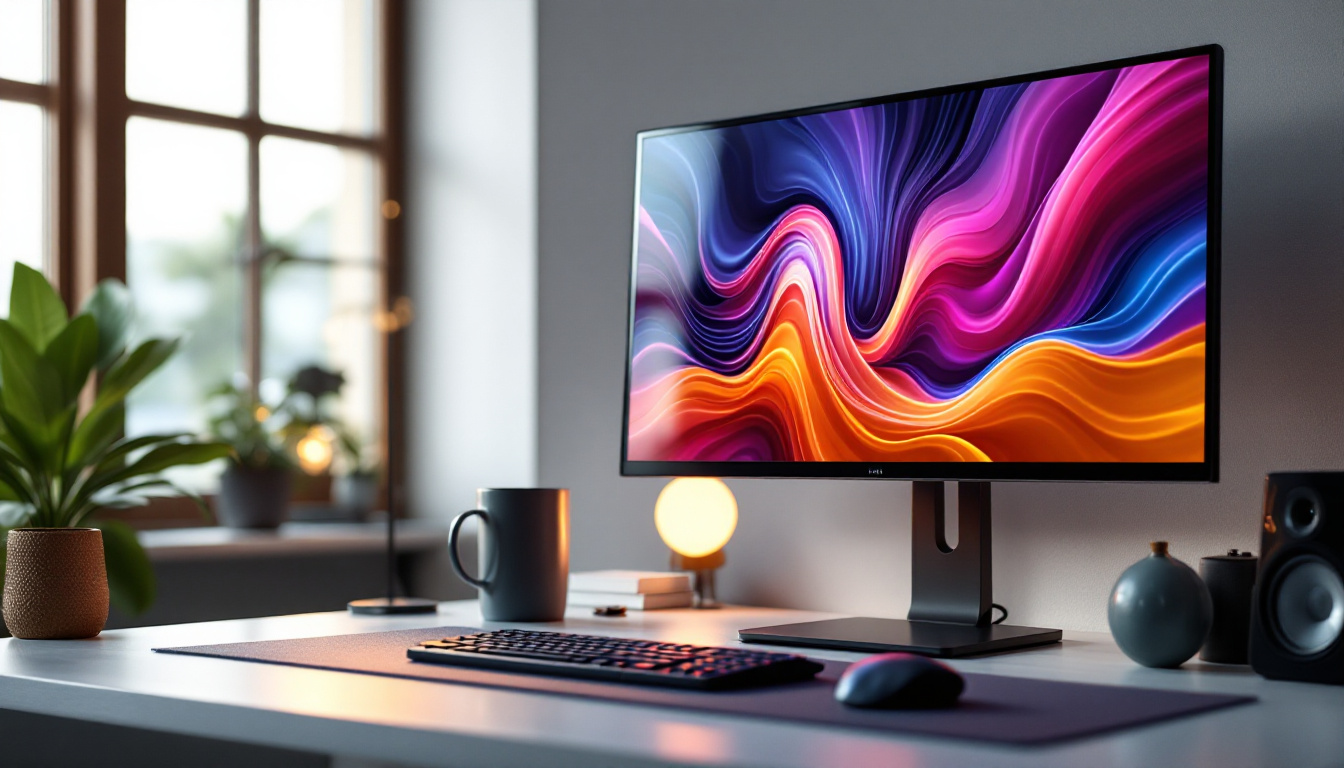
For office environments, a 24-inch screen allows for multiple windows to be open simultaneously, improving productivity. For gamers and creatives, it provides a detailed and immersive experience without the high cost or space requirements of larger monitors. Additionally, the 24-inch size is compatible with most ergonomic setups, including adjustable stands and monitor arms, enhancing user comfort during extended use.
Common Use Cases for 24-Inch Monitors
24-inch monitors are versatile and serve a variety of purposes:
- Professional Work: Ideal for office work, programming, graphic design, and video editing.
- Gaming: Popular among gamers who want a balance between performance and screen size.
- Home Entertainment: Suitable for streaming movies, browsing, and casual gaming.
- Education: Used by students and educators for online classes and assignments.
This versatility is one reason why LED technology is often paired with 24-inch monitors, offering a combination of quality, efficiency, and affordability.
What is an LED Display?
The Basics of LED Technology
LED stands for Light Emitting Diode. In the context of desktop monitors, an LED display refers to an LCD (Liquid Crystal Display) panel that uses LEDs as its backlighting source. This is a crucial distinction: the screen itself is still an LCD panel, but the illumination behind it comes from LEDs instead of older technologies like CCFL (Cold Cathode Fluorescent Lamps).
The use of LEDs for backlighting has revolutionized monitor technology by providing several benefits over CCFL backlights, including improved energy efficiency, thinner designs, better color accuracy, and longer lifespan. Modern LED-backlit monitors can produce brighter images with more vivid colors and deeper blacks, enhancing the overall visual experience.
Types of LED Backlighting
There are two primary types of LED backlighting used in 24-inch monitors:
- Edge-Lit LED: LEDs are placed along the edges of the screen. Light is diffused across the panel to illuminate the display. This allows for ultra-thin monitor designs but can sometimes lead to uneven brightness or light bleed.
- Full-Array LED: LEDs are distributed evenly behind the entire screen. This provides more uniform brightness and better local dimming capabilities, improving contrast and black levels. However, full-array monitors tend to be thicker and more expensive.
Choosing between edge-lit and full-array LED backlighting depends on user priorities such as price, design, and image quality.
Advantages of 24-Inch LED Monitors
Energy Efficiency and Environmental Impact
One of the most significant advantages of LED-backlit monitors is their energy efficiency. Compared to older CCFL-backlit LCD monitors, LED monitors consume up to 30-50% less power. This reduction in energy consumption not only lowers electricity bills but also reduces the carbon footprint associated with monitor usage.
Given the increasing emphasis on sustainable technology, many manufacturers now highlight the energy efficiency of their LED monitors as a key selling point. Additionally, LED monitors contain fewer toxic materials, making them more environmentally friendly when it comes to disposal or recycling.
Superior Image Quality
LED backlighting enhances image quality by enabling brighter displays and better contrast ratios. Many 24-inch LED monitors offer vibrant color reproduction, making them suitable for tasks that require color accuracy such as photo editing or graphic design. Some models support wide color gamuts like sRGB, Adobe RGB, or DCI-P3, which are essential for professional creatives.
Moreover, LED technology supports higher refresh rates and faster response times, which are particularly beneficial for gaming and video playback. For example, a 24-inch LED monitor with a 144Hz refresh rate and 1ms response time can deliver smooth and fluid visuals, reducing motion blur and input lag.
Design and Form Factor Benefits
LED backlighting allows manufacturers to produce thinner and lighter monitors. A sleek design not only looks modern but also saves valuable desk space. Some 24-inch LED monitors come with ultra-thin bezels, which are ideal for multi-monitor setups, creating a nearly seamless viewing experience.
Additionally, LED monitors often feature adjustable stands with tilt, swivel, and height options, improving ergonomics. VESA compatibility is common, enabling users to mount their monitors on arms or wall mounts for customized setups.
Key Features to Consider When Choosing a 24-Inch LED Monitor
Resolution and Display Panel Type
Resolution is a critical factor in monitor selection. The most common resolution for 24-inch monitors is Full HD (1920×1080 pixels), which provides sharp and clear images for most users. However, higher resolutions such as 2560×1440 (QHD) are becoming more accessible and offer greater detail, especially useful for professionals working with detailed visuals.
Regarding panel types, the three main options are:
- IPS (In-Plane Switching): Known for excellent color accuracy and wide viewing angles, making it ideal for creative work and general use.
- TN (Twisted Nematic): Offers faster response times and higher refresh rates but with narrower viewing angles and less accurate colors, often preferred by competitive gamers.
- VA (Vertical Alignment): Provides better contrast and deeper blacks than IPS and TN, suitable for multimedia consumption.
Choosing the right panel depends on the primary use case and budget.
Refresh Rate and Response Time
The refresh rate, measured in hertz (Hz), indicates how many times per second the monitor updates its image. A higher refresh rate results in smoother motion, which is particularly important for gaming and fast-paced video content. While 60Hz is standard for most office and casual use monitors, 75Hz, 120Hz, or 144Hz models are increasingly common in the 24-inch segment.
Response time refers to how quickly a pixel can change from one color to another, typically measured in milliseconds (ms). Lower response times reduce motion blur and ghosting effects. For gaming, a response time of 1-5ms is ideal.
Connectivity Options
Modern 24-inch LED monitors come with a variety of input ports to ensure compatibility with different devices. Common connections include:
- HDMI: Standard for most computers, gaming consoles, and media devices.
- DisplayPort: Preferred for higher resolutions and refresh rates, especially in gaming and professional setups.
- USB-C: Increasingly popular for its ability to transmit video, data, and power over a single cable, ideal for laptops and streamlined workstations.
- VGA and DVI: Older standards still present on some monitors for legacy device support.
Additional features like built-in USB hubs, audio out, and adjustable stands can enhance the user experience.
Comparing LED Monitors to Other Display Technologies
LED vs. OLED
While LED monitors use LED backlighting behind an LCD panel, OLED (Organic Light Emitting Diode) monitors have self-emissive pixels that produce their own light. This allows OLED displays to achieve perfect blacks and exceptional contrast ratios. However, OLED monitors are still relatively expensive and less common in the desktop monitor market, especially at the 24-inch size.
For most users, LED monitors provide a more affordable and practical solution with excellent performance, while OLED remains a premium option primarily for enthusiasts and professionals who demand the highest image quality.
LED vs. Traditional LCD (CCFL Backlit)
Traditional LCD monitors use CCFL backlighting, which is bulkier, less energy-efficient, and offers lower brightness and color accuracy compared to LED backlighting. LED monitors have largely replaced CCFL models due to these advantages, making LED the standard for modern desktop monitors.
Tips for Maintaining Your 24-Inch LED Monitor
Proper Cleaning and Care
Maintaining the clarity and longevity of your LED monitor involves regular cleaning with appropriate materials. Use a microfiber cloth and a gentle screen cleaner designed for electronics to avoid scratches or damage. Avoid harsh chemicals or abrasive materials.
Optimizing Display Settings
Adjusting brightness, contrast, and color settings can enhance your viewing experience and reduce eye strain. Many monitors include presets for gaming, reading, or movie watching. Calibrating your monitor with software tools can also improve color accuracy, especially for creative work.
Ergonomics and Usage Habits
Position your monitor at eye level and at a comfortable distance (typically 20-30 inches) to minimize neck and eye strain. Taking regular breaks during extended use is also recommended to maintain eye health.
Conclusion
The 24-inch desktop monitor with LED display technology offers an excellent combination of performance, design, and value. Whether for professional work, gaming, or everyday use, these monitors provide vibrant visuals, energy efficiency, and ergonomic benefits that make them a top choice for many users.
Understanding the nuances of LED technology, panel types, and key features can help buyers make informed decisions tailored to their specific needs. As technology continues to evolve, 24-inch LED monitors remain a reliable and versatile solution in the dynamic world of desktop computing.
Discover LumenMatrix’s Advanced LED Display Solutions
Ready to elevate your visual experience with the latest in LED technology? LumenMatrix, a pioneer in innovative LED display solutions, offers a diverse range of products designed to bring your content to life. From immersive Indoor LED Wall Displays to dynamic Outdoor LED Wall Displays, and from versatile Vehicle LED Displays to sleek LED Poster Displays, LumenMatrix has the perfect solution to meet your needs. Embrace the future of visual communication with our LED Sports Displays, interactive Floor LED Displays, and customizable Custom LED Displays. Experience the convenience of our All-in-One LED Displays and the stunning clarity of LED Transparent Displays. Don’t miss the opportunity to transform your space with LumenMatrix’s cutting-edge displays. Check out LumenMatrix LED Display Solutions today and see the difference for yourself.