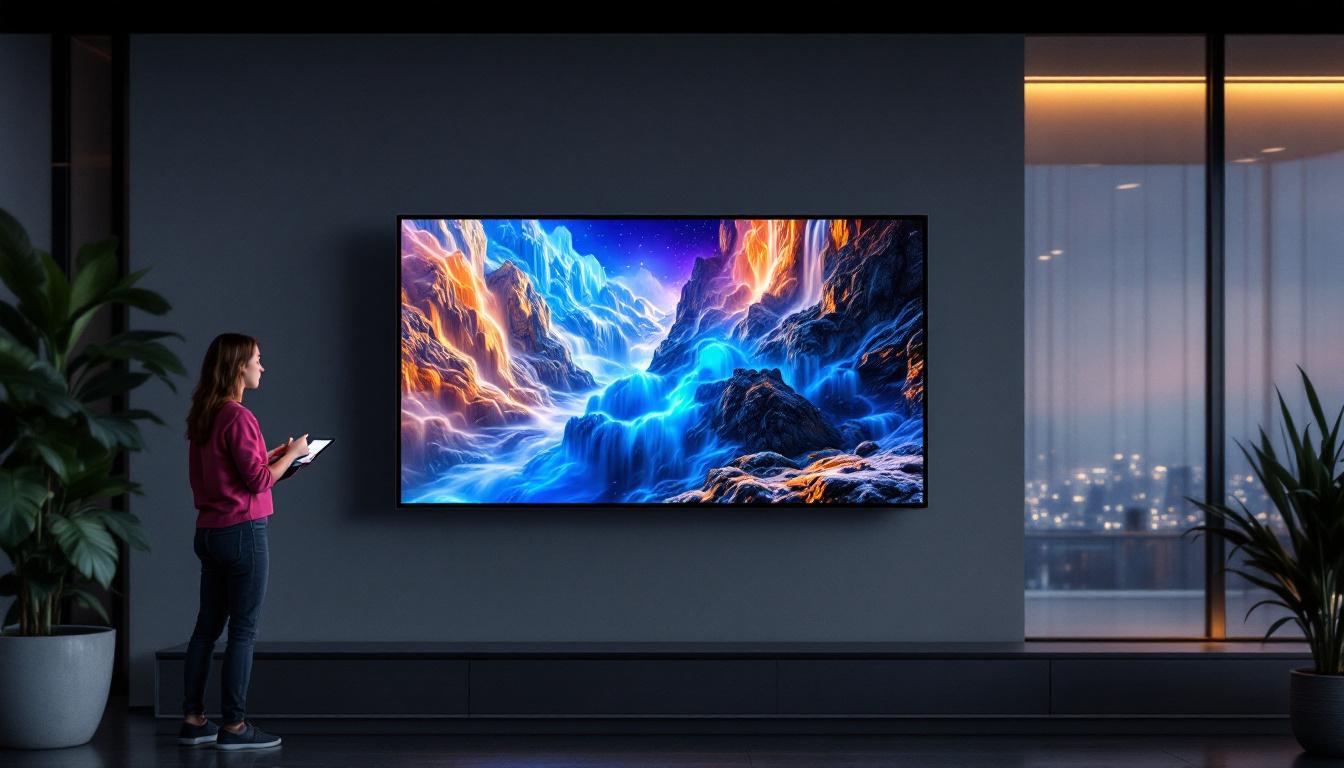
In the world of digital displays, size matters. Whether you’re considering a television, a computer monitor, or an advertising screen, understanding the dimensions of a display relative to human scale is essential. A 25-inch LED display, for example, might seem straightforward at first glance, but when compared to human dimensions, its impact and usability become clearer. This article explores the nuances of a 25-inch LED display, breaking down its size, practical applications, and how it fits into everyday human interaction.
Understanding the 25-Inch Measurement
When manufacturers specify a display as 25 inches, they are referring to the diagonal length of the screen. This measurement runs from one corner of the display to the opposite corner. Unlike width or height alone, the diagonal gives a standardized way to compare screens of different aspect ratios.
For instance, a 25-inch LED display typically has a 16:9 aspect ratio, which is the standard for most modern screens. This means the width and height can be calculated using the Pythagorean theorem, resulting in approximate dimensions of 21.8 inches wide by 12.3 inches tall. To put this in perspective, the width is roughly the length of a standard sheet of A4 paper turned sideways, and the height is about the length of a standard ruler plus a few extra inches.
Why Diagonal Measurement Matters
Using the diagonal measurement allows consumers and professionals to compare screen sizes without confusion. For example, a 25-inch display is smaller than a 32-inch display but larger than a 21-inch display, regardless of the exact width and height. This consistency helps when choosing devices for specific environments, such as offices, homes, or public spaces.
However, diagonal size alone doesn’t tell the whole story. The actual physical footprint, resolution, and pixel density also influence how the display performs and how it is perceived by users. A 25-inch display with a 4K resolution will provide a much sharper and clearer image than a lower-resolution display of the same size, making it more suitable for tasks like graphic design or video editing. Furthermore, as technology advances, manufacturers are increasingly focusing on bezel-less designs, which can make a 25-inch display feel larger and more immersive, enhancing the overall viewing experience.
Additionally, the type of panel technology used in the display—such as IPS, VA, or TN—can significantly affect color accuracy, viewing angles, and response times. For instance, an IPS panel typically offers better color reproduction and wider viewing angles compared to a TN panel, making it a preferred choice for creative professionals. Therefore, when considering a 25-inch display, it’s essential to look beyond the diagonal measurement and evaluate these other critical factors to ensure it meets your specific needs and preferences.
25-Inch LED Display in Relation to Human Dimensions
To better grasp the size of a 25-inch LED display, it’s useful to compare it to average human body parts and everyday objects. This comparison helps visualize how the display fits into personal and professional environments.
Comparing to Human Face and Hands
The average adult human face is approximately 9 inches long from chin to hairline and about 6 inches wide across the cheeks. A 25-inch display, being over twice as wide as the average face, can comfortably display multiple windows or applications side by side without feeling cramped.
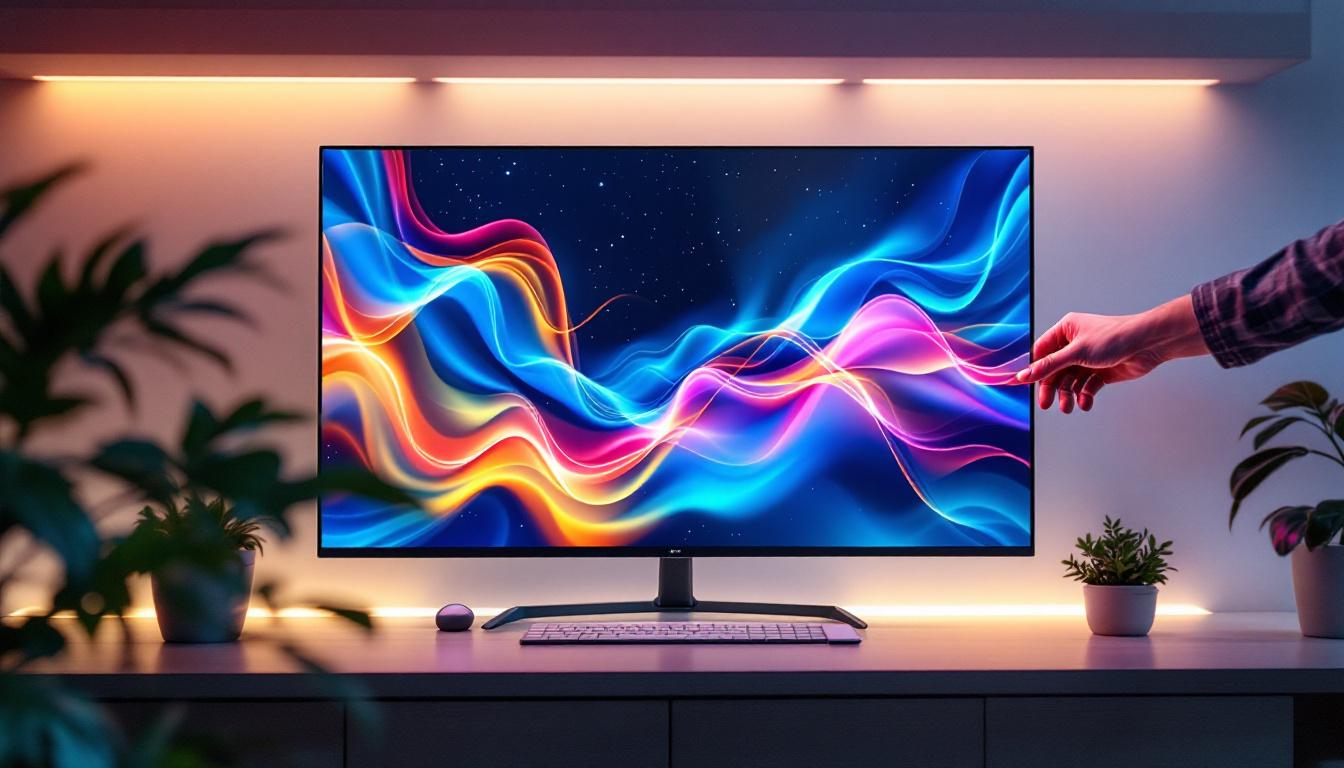
Similarly, the average adult hand spans about 7.6 inches from the wrist to the tip of the middle finger. The 21.8-inch width of the display is nearly three times the length of a hand, making it easy to interact with touch-enabled 25-inch LED screens. This size is ideal for tasks requiring precision and detail, such as graphic design or video editing, where hand movements translate directly to screen inputs.
Viewing Distance and Comfort
Ergonomics play a critical role in how a 25-inch display is used. The recommended viewing distance for a screen of this size is typically between 20 to 30 inches, roughly the distance from a person’s eyes to their fingertips when typing. This proximity allows users to comfortably view details without straining their eyes or neck.
For comparison, a smartphone screen, which might be 6 to 7 inches diagonally, is usually held 10 to 12 inches from the eyes, while large TVs (50 inches and above) are viewed from several feet away. The 25-inch display fits neatly into the personal workspace category, balancing screen real estate with ergonomic comfort.
Applications of 25-Inch LED Displays
The 25-inch LED display size is versatile and popular across various sectors. Its balance between portability and visibility makes it suitable for both personal and professional use.
Computer Monitors and Workstations
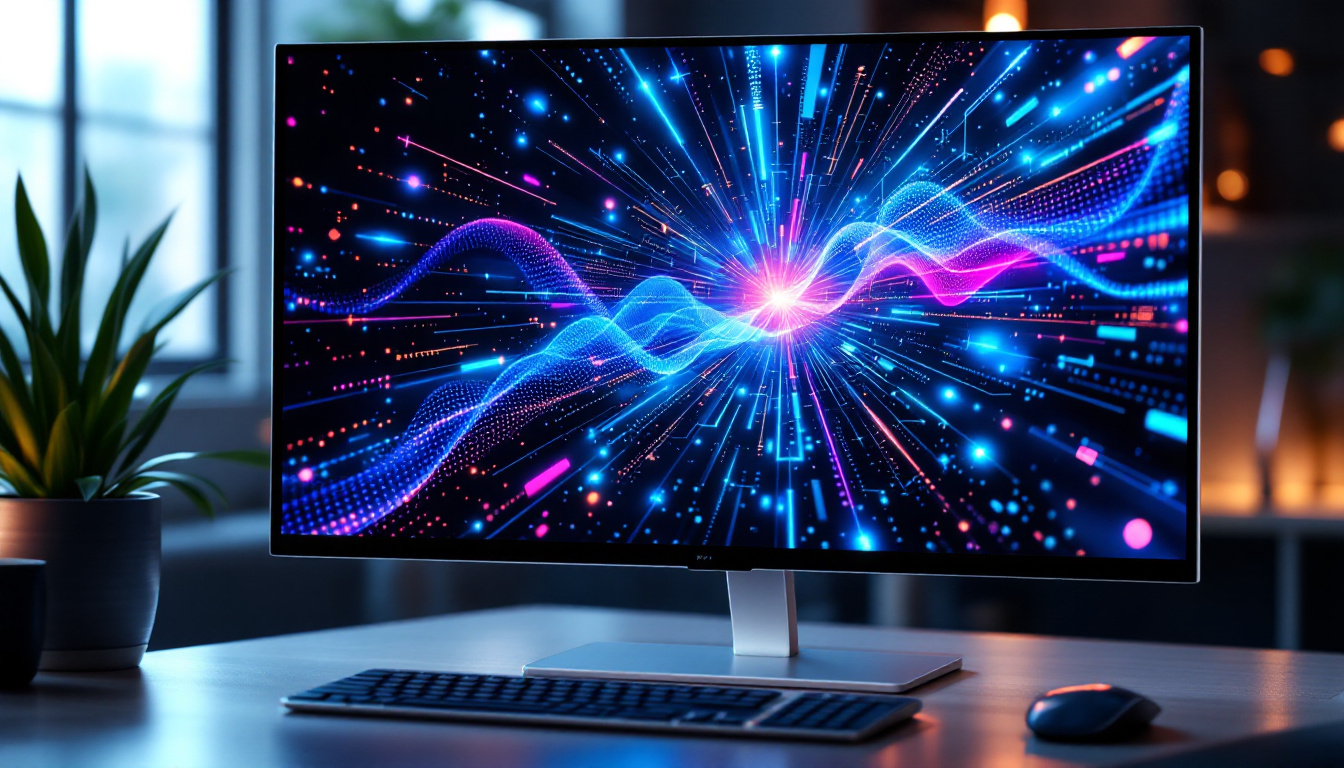
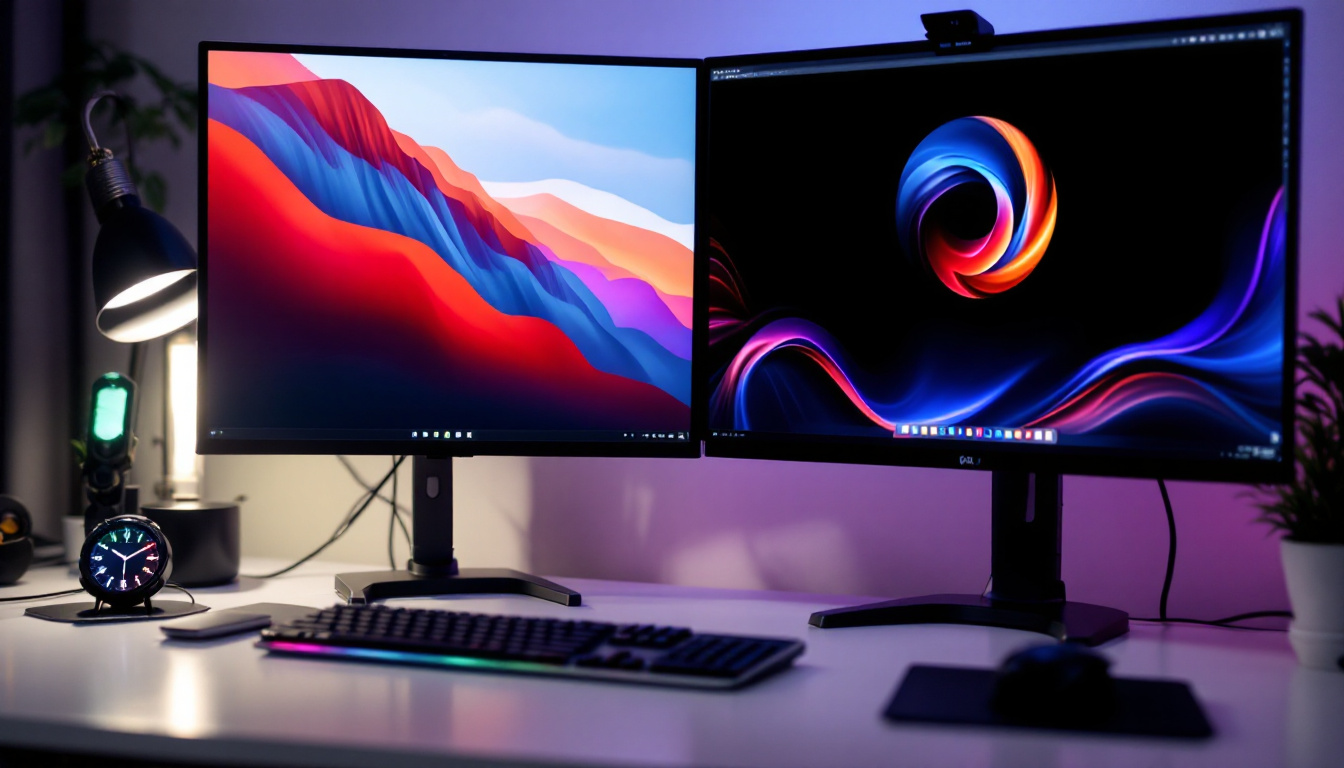
One of the most common uses for a 25-inch LED display is as a computer monitor. This size is large enough to provide ample workspace for multitasking, coding, or content creation, while still fitting comfortably on most desks. Many professionals prefer 25-inch monitors for their ability to display full HD or even 4K resolution, enhancing clarity and reducing eye strain.
In office environments, 25-inch displays can improve productivity by allowing users to open multiple documents or applications simultaneously. Studies show that increasing screen size can reduce the time spent switching between windows, improving workflow efficiency.
Digital Signage and Advertising
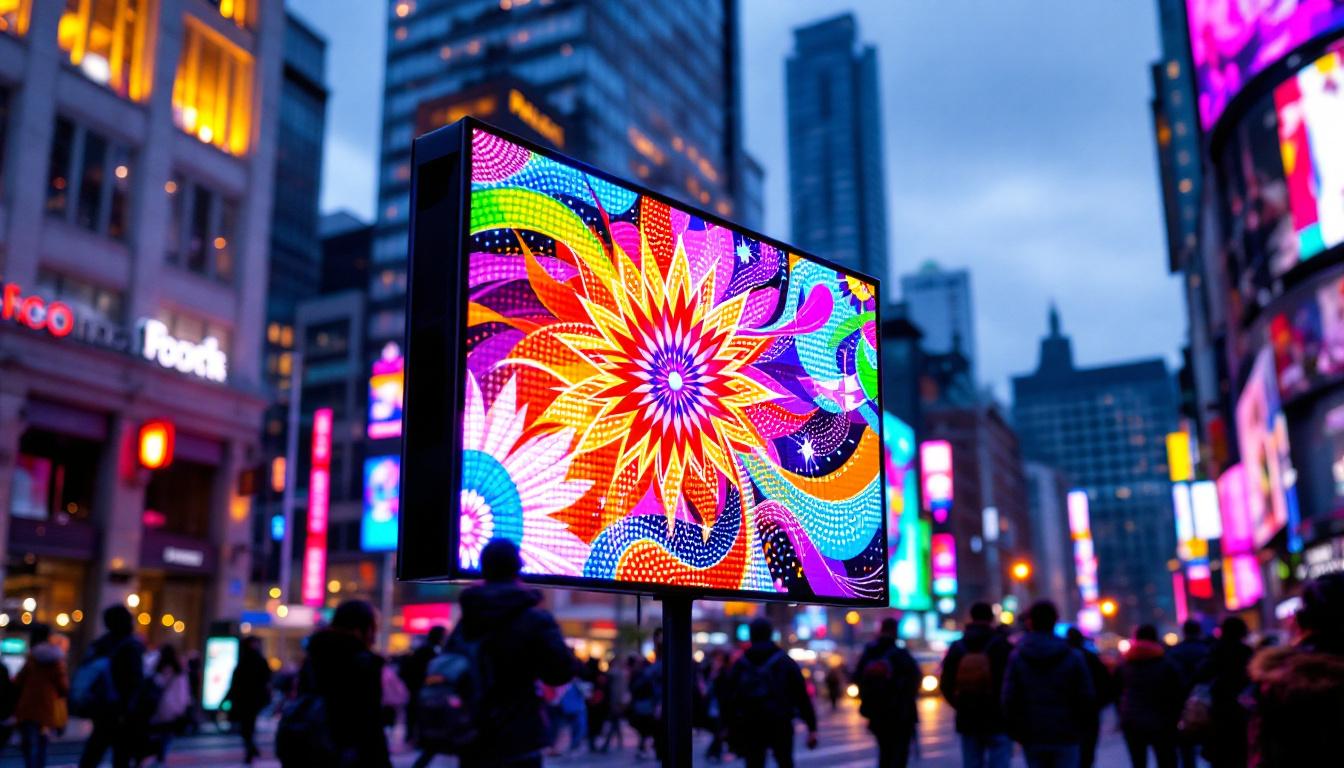
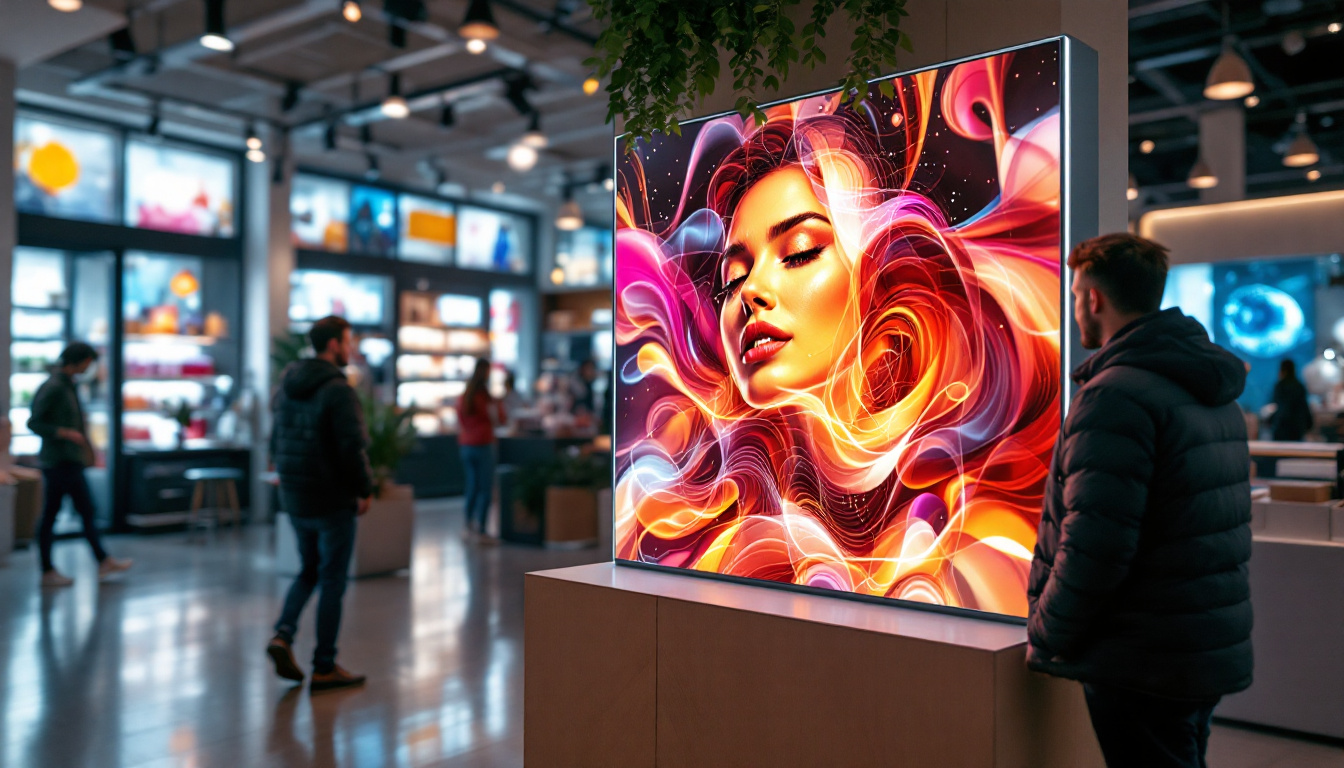
In retail and public spaces, 25-inch LED displays are often used for digital signage. Their size is ideal for point-of-sale advertising, interactive kiosks, and informational displays. Because they are not too large, they can be positioned at eye level without overwhelming the environment, making the content easily readable for passersby.
Additionally, the brightness and color accuracy of LED technology ensure that advertisements remain vibrant and attention-grabbing even in well-lit areas.
Entertainment and Gaming
For gamers and entertainment enthusiasts, a 25-inch LED display offers a sweet spot between immersion and practicality. It provides a sufficiently large screen for detailed graphics and fast response times without requiring excessive desk space.
Many gaming monitors in this size range come with high refresh rates and low input lag, enhancing the gaming experience. The display’s size also supports split-screen multiplayer games, allowing two players to share the screen comfortably.
Technical Considerations: Resolution, Pixel Density, and Brightness
While size is a critical factor, other technical specifications significantly affect the performance and user experience of a 25-inch LED display.
Resolution and Pixel Density
Resolution refers to the number of pixels displayed on the screen, typically measured in width by height (e.g., 1920×1080 for Full HD). Pixel density, measured in pixels per inch (PPI), indicates how sharp the image appears. For a 25-inch screen, common resolutions include Full HD (1080p) and Quad HD (1440p).
A 25-inch Full HD display has a pixel density of around 88 PPI, which is sufficient for most everyday tasks. However, professionals working with high-resolution images or video may prefer higher resolutions to ensure finer detail and smoother visuals.
Brightness and Contrast
LED displays use light-emitting diodes to illuminate the screen, allowing for bright and vivid images. Typical brightness levels for 25-inch LED displays range from 250 to 350 nits, which is adequate for indoor use. Higher brightness levels are beneficial in environments with strong ambient light, such as offices with large windows or retail spaces.
Contrast ratio, the difference between the darkest black and brightest white, also impacts image quality. A higher contrast ratio enhances depth perception and color accuracy, making the display more comfortable to view for extended periods.
Ergonomics and Placement of a 25-Inch LED Display
Proper placement of a 25-inch LED display is crucial to maximize comfort and productivity. Understanding how this size fits into human ergonomics can prevent strain and improve user satisfaction.
Optimal Height and Angle
The ideal height for a 25-inch display is such that the top of the screen is at or slightly below eye level when seated. This positioning reduces neck strain and promotes a natural posture. Tilting the screen slightly backward, around 10 to 20 degrees, can also enhance viewing comfort by minimizing glare and reflections.
Desk Space and Mounting Options
A 25-inch display occupies a moderate amount of desk space, typically around 22 inches wide and 14 inches deep including the stand. This footprint is manageable for most workstations, leaving room for keyboards, mice, and other accessories.
Many users opt for adjustable monitor arms or wall mounts to free up desk space and customize positioning. These options are particularly useful in multi-monitor setups or in tight office environments.
Comparing 25-Inch LED Displays to Other Sizes
Understanding how a 25-inch display compares to other common sizes can help consumers make informed decisions based on their needs.
Smaller Displays: 19 to 22 Inches
Displays in the 19 to 22-inch range are often used for secondary monitors or compact workspaces. While they save space, they offer less screen real estate, which can limit multitasking capabilities. Compared to these, a 25-inch display provides a noticeable increase in usable area without a significant jump in desk space requirements.
Larger Displays: 27 Inches and Above
Displays 27 inches and larger are favored by professionals who require extensive workspace or immersive viewing experiences. However, these displays may require more desk space and can be overwhelming in small rooms. A 25-inch display strikes a balance, offering ample screen size while maintaining a manageable footprint.
Conclusion: The Practicality of a 25-Inch LED Display
A 25-inch LED display is a versatile and practical choice for a wide range of users. Its size is well-suited to personal computing, professional workstations, digital signage, and entertainment. When compared to human dimensions, it fits comfortably within the natural range of interaction and viewing distances, promoting ergonomic use.
Technical specifications such as resolution, brightness, and contrast further enhance the utility of a 25-inch display, ensuring clear and vibrant visuals. Whether for work or leisure, understanding the scale and capabilities of a 25-inch LED display helps users select the right device for their environment and needs.
Ultimately, the 25-inch LED display remains a popular and effective choice, balancing size, performance, and human factors to deliver an optimal viewing experience.
Explore the Future of Visual Display with LumenMatrix
Ready to elevate your visual experience with a display that balances size, performance, and ergonomic design? LumenMatrix is at the forefront of LED display innovation, offering a wide array of solutions tailored to meet your needs. From immersive Indoor LED Walls to dynamic Outdoor Displays and beyond, our cutting-edge technology is designed to captivate and engage. Discover how LumenMatrix can transform your space and bring your vision to life. Check out LumenMatrix LED Display Solutions today and step into the future of visual communication.