In today’s fast-evolving digital workspace, selecting the right desktop monitor is crucial for productivity, comfort, and visual experience. Among the myriad of options available, the 30 inch desktop monitor with LED display stands out as a popular choice for professionals, gamers, and creative enthusiasts alike. This article delves deep into what makes the 30 inch LED monitor a compelling option, its technical aspects, benefits, and how it compares to other display technologies.
Understanding the 30 Inch Desktop Monitor
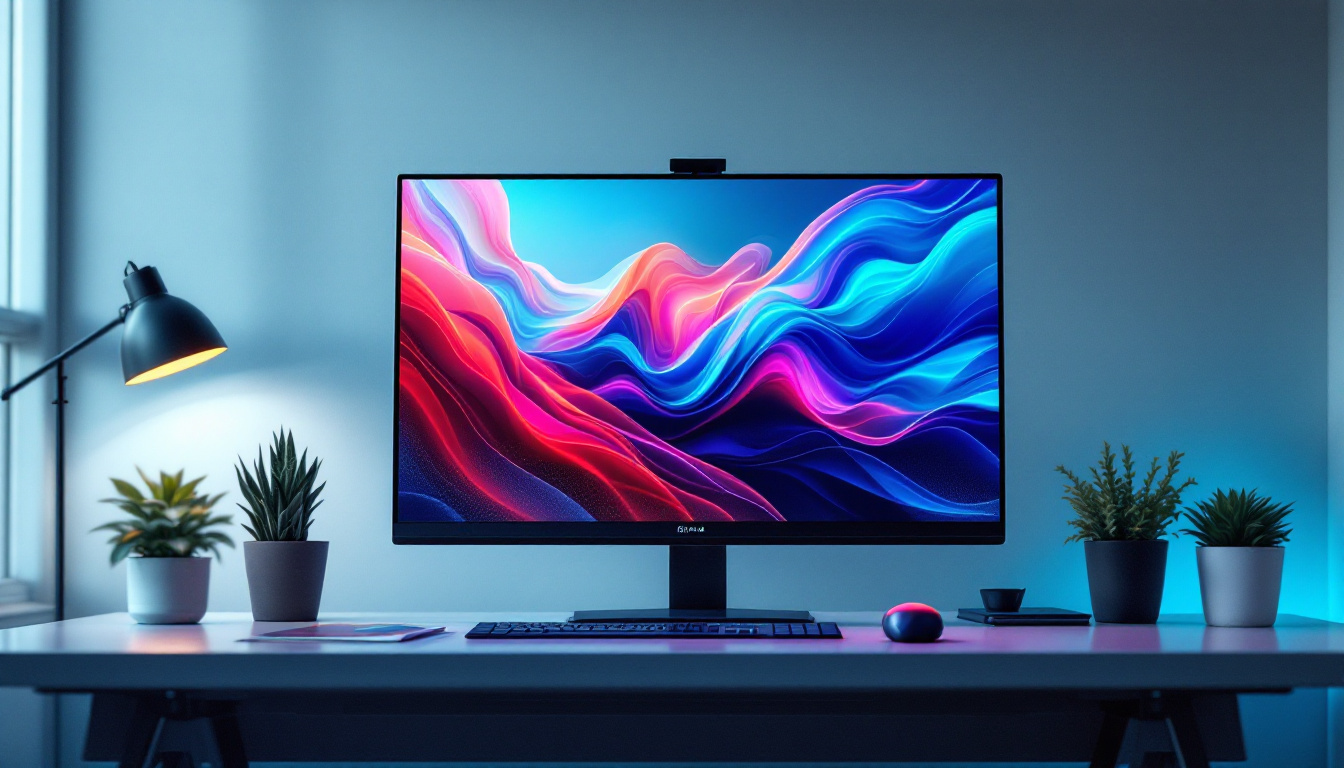
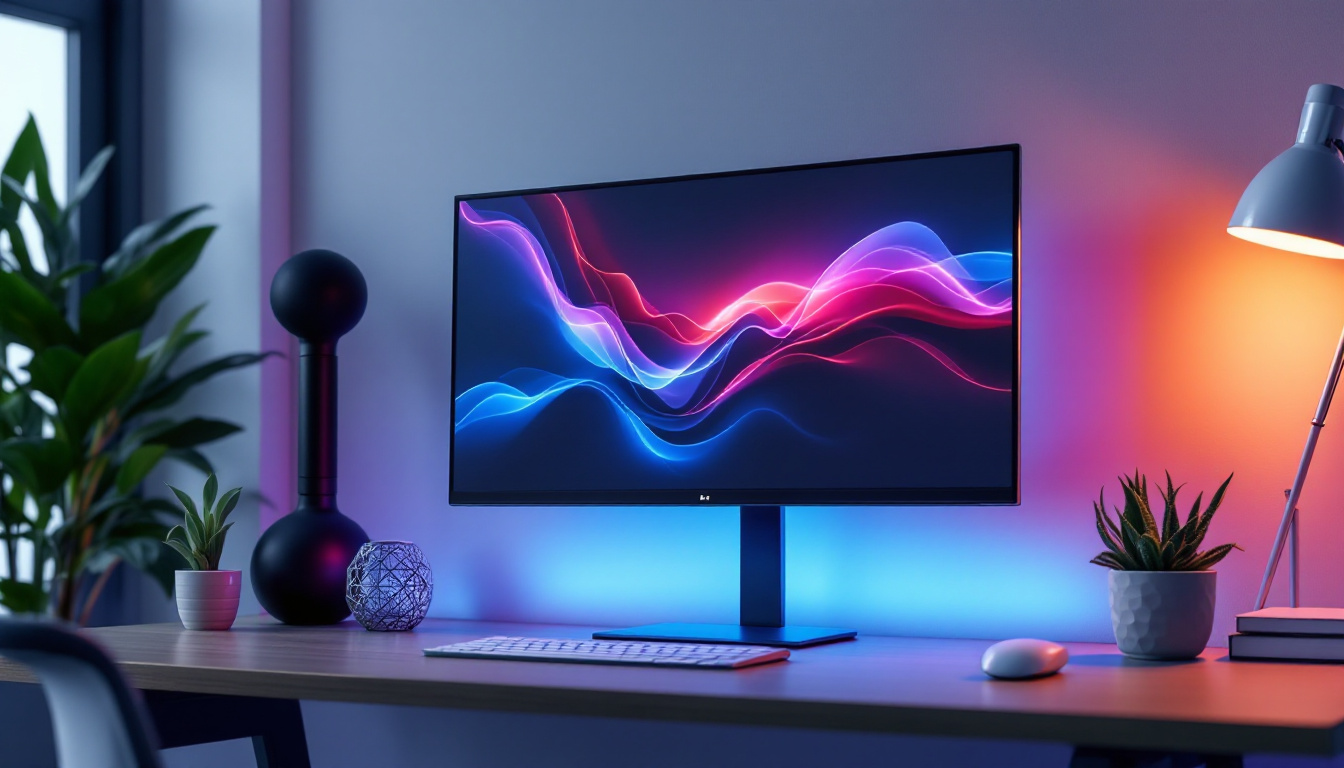
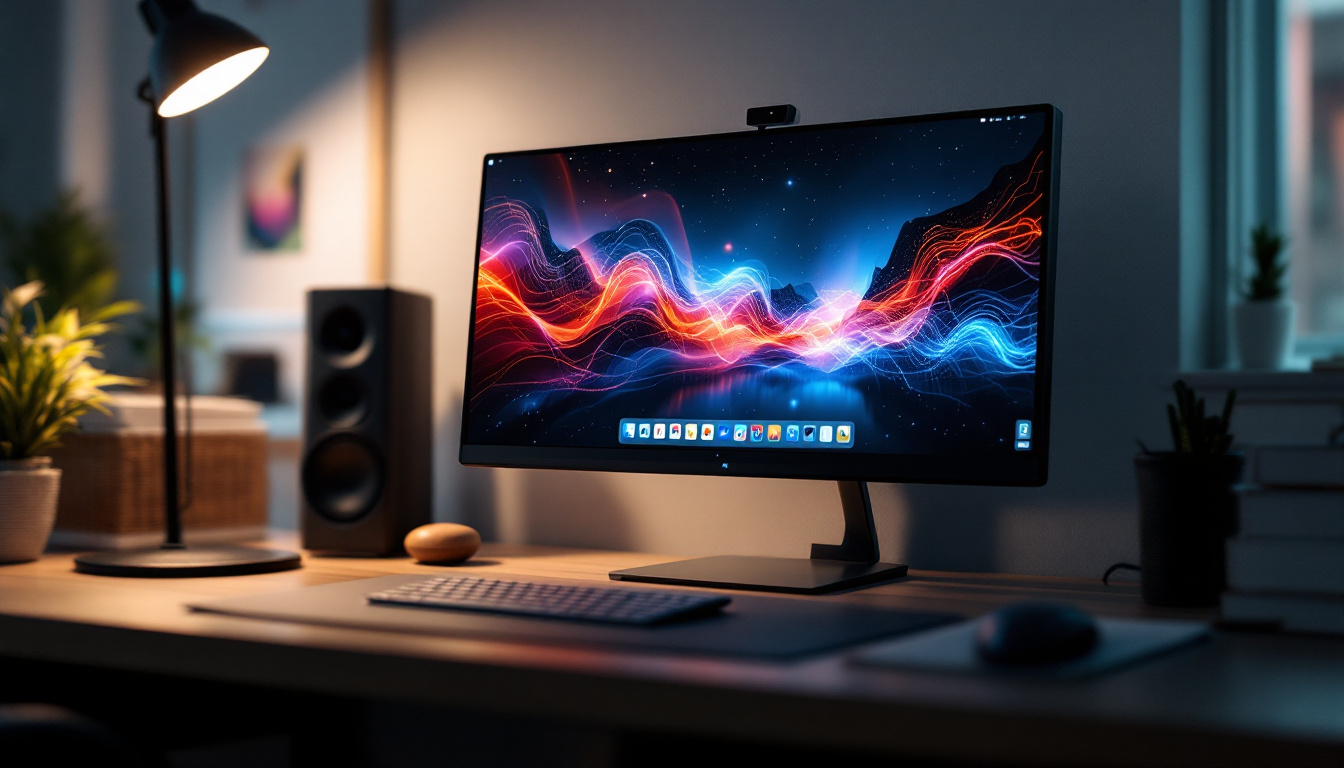
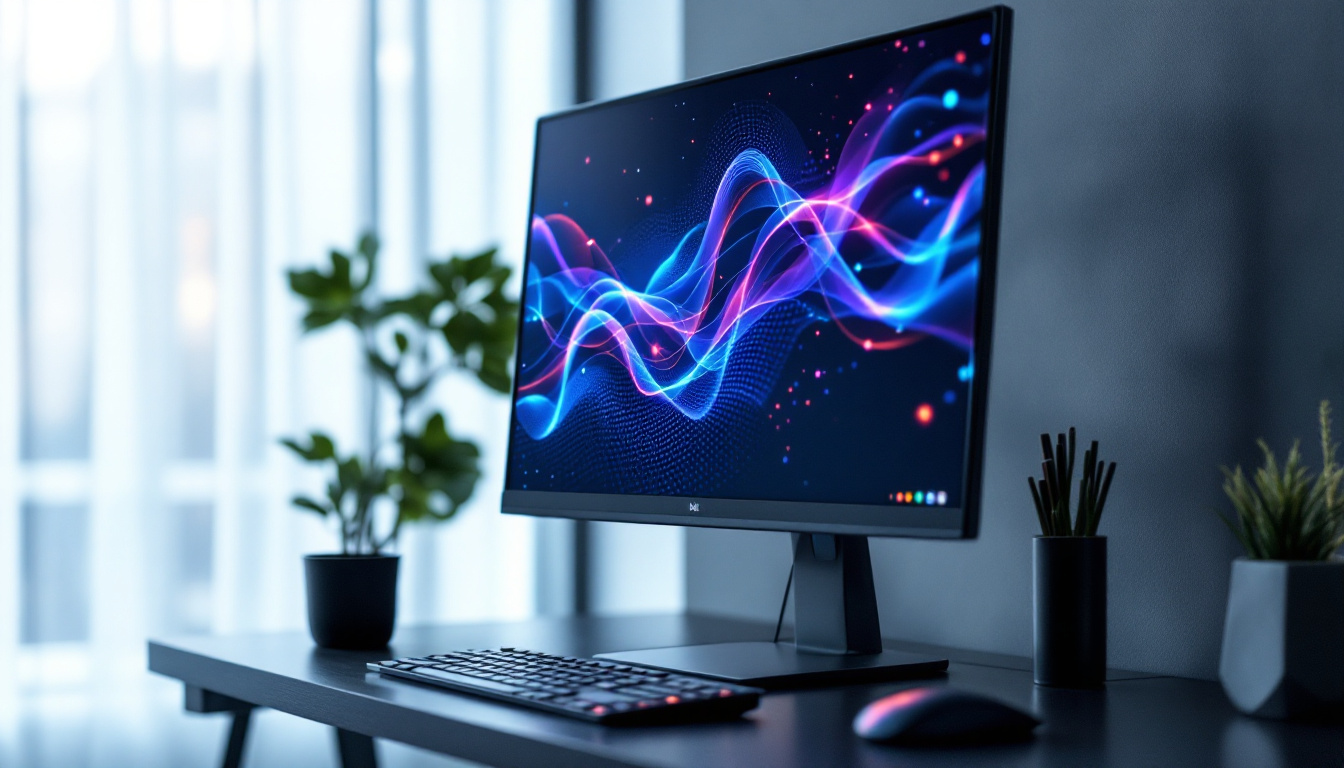
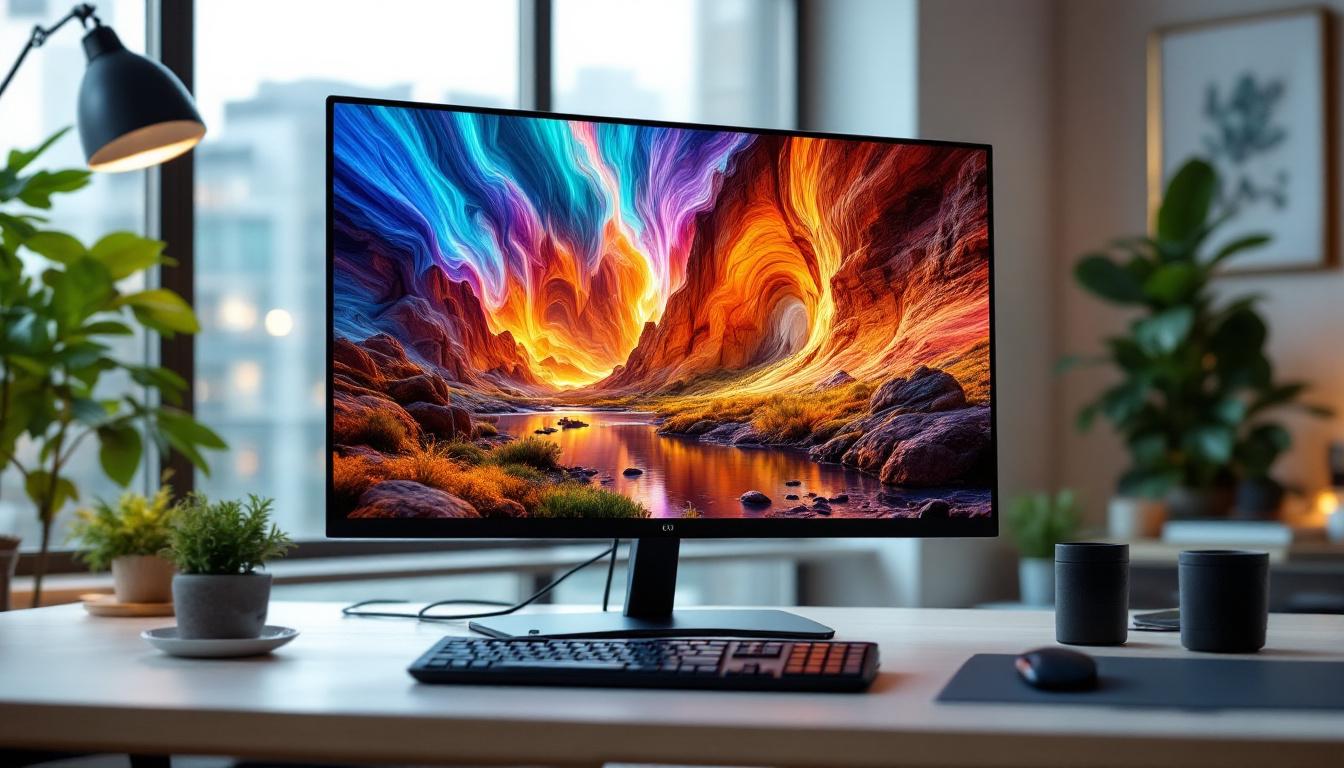
The size of a monitor is a significant factor in determining how comfortable and efficient your workspace will be. A 30 inch desktop monitor offers a generous screen real estate that balances immersive viewing without overwhelming your desk space.
Compared to smaller monitors, a 30 inch screen provides more room for multitasking, detailed design work, and enhanced gaming experiences. It is particularly favored in professions where screen clarity and workspace are paramount, such as graphic design, video editing, and software development.
Why 30 Inches?
The 30 inch diagonal measurement translates roughly to 76 centimeters, which is considered a sweet spot for many users. It’s large enough to display multiple windows side by side, reducing the need for constant alt-tabbing or switching between applications. At the same time, it is not so large as to require excessive head movement, which can cause fatigue.
For comparison, 24 inch monitors are often seen as entry-level or budget options, while 34 inch ultrawide monitors cater to niche users who need panoramic views. The 30 inch size offers a middle ground that suits a broad range of tasks and users.
Moreover, the resolution of a 30 inch monitor often complements its size, with many models supporting 2560×1600 or even 4K resolutions. This high pixel density ensures that images and text appear sharp and detailed, which is essential for creative professionals who rely on color accuracy and clarity. Additionally, many 30 inch monitors come equipped with advanced display technologies such as IPS panels, which provide wider viewing angles and better color reproduction compared to traditional TN panels.
Another advantage of a 30 inch monitor is its ability to enhance productivity through features like Picture-in-Picture (PiP) and Picture-by-Picture (PbP). These functionalities allow users to view content from multiple sources simultaneously, making it easier to reference materials or conduct research while working on a project. This is particularly beneficial for professionals who need to keep an eye on real-time data or communications while engaged in other tasks, ultimately streamlining workflow and improving efficiency.
What is an LED Display?
LED stands for Light Emitting Diode, a technology that has revolutionized how monitors display images. Understanding LED displays is essential to appreciating the benefits of a 30 inch LED monitor.
How LED Displays Work
LED monitors use a series of light-emitting diodes as the backlight behind an LCD (Liquid Crystal Display) panel. Unlike older CCFL (Cold Cathode Fluorescent Lamp) backlighting, LEDs are more energy-efficient, produce less heat, and allow for thinner screen designs.
The LCD layer controls the pixels that form the image, while the LED backlight provides the illumination necessary to make those pixels visible. This combination results in sharper images, better contrast, and more vibrant colors compared to traditional LCD monitors.
Types of LED Backlighting
There are primarily two types of LED backlighting used in monitors:
- Edge-Lit LED: LEDs are placed around the edges of the screen, and light is diffused across the panel. This design allows for thinner monitors but can sometimes lead to uneven brightness.
- Direct-Lit or Full-Array LED: LEDs are placed directly behind the screen in a grid pattern. This allows for better control of brightness zones, enhancing contrast and black levels.
Many high-end 30 inch monitors utilize full-array LED backlighting to deliver superior picture quality, especially for tasks requiring color accuracy.
Advantages of a 30 Inch LED Monitor
Choosing a 30 inch LED monitor comes with several benefits that make it an attractive option for various users.
Enhanced Visual Clarity and Color Accuracy
LED displays typically offer higher brightness levels and improved color reproduction compared to older LCD technologies. This is particularly important for creative professionals who rely on accurate color representation for photo editing, video production, and design work.
Many 30 inch LED monitors support wide color gamuts such as AdobeRGB or DCI-P3, ensuring that colors are vivid and true to life. Additionally, features like HDR (High Dynamic Range) support further enhance the dynamic range of images, making visuals more immersive.
Energy Efficiency and Longevity
LED backlighting consumes less power than traditional CCFL backlights, which translates into energy savings over time. This is not only beneficial for reducing electricity bills but also aligns with environmentally conscious practices.
Moreover, LEDs have a longer lifespan, often exceeding 50,000 hours of use, meaning the monitor will maintain brightness and color quality for many years.
Better Ergonomics and Design
The thin profile enabled by LED technology allows manufacturers to create sleek, lightweight monitors that take up less desk space. This is advantageous for users who want a clean, modern aesthetic without sacrificing screen size.
Many 30 inch LED monitors come with adjustable stands that support height, tilt, swivel, and pivot functions, promoting better posture and reducing neck or eye strain during extended use.
Key Features to Consider When Choosing a 30 Inch LED Monitor
While size and LED technology are important, several other features should be evaluated to ensure the monitor meets your specific needs.
Resolution and Pixel Density
Resolution determines how sharp and detailed the image appears on the screen. Common resolutions for 30 inch monitors include:
- 2560 x 1600 (WQXGA): Offers excellent clarity and is popular among professionals for its balance between screen size and pixel density.
- 3840 x 2160 (4K UHD): Provides ultra-high resolution for the sharpest images, ideal for detailed work and future-proofing.
Higher resolution means more pixels per inch (PPI), which results in crisper text and images. However, it also requires more powerful graphics hardware to drive the display effectively.
Refresh Rate and Response Time
Refresh rate, measured in hertz (Hz), indicates how many times per second the monitor updates the image. A higher refresh rate (e.g., 120Hz or 144Hz) is beneficial for gaming and fast-paced video content, reducing motion blur and providing smoother visuals.
Response time, measured in milliseconds (ms), refers to how quickly a pixel can change from one color to another. Lower response times reduce ghosting and improve overall image clarity during motion.
For general office work and creative tasks, a standard 60Hz refresh rate and 5ms response time are sufficient. Gamers and video editors may prefer monitors with faster specifications.
Connectivity Options
Modern 30 inch LED monitors typically include a variety of ports such as HDMI, DisplayPort, USB-C, and USB hubs. USB-C ports are especially useful for connecting laptops and transferring power, video, and data through a single cable.
Ensure the monitor supports the necessary inputs for your devices to avoid compatibility issues. Some monitors also offer daisy-chaining capabilities, allowing multiple monitors to be connected in series for an extended workspace.
Comparing LED Monitors to Other Display Technologies
While LED displays are currently the mainstream choice, it’s useful to understand how they compare to other technologies like OLED and traditional LCDs.
LED vs. OLED
OLED (Organic Light Emitting Diode) displays differ fundamentally from LED LCDs in that each pixel emits its own light, eliminating the need for backlighting. This results in superior contrast ratios, true blacks, and faster response times.
However, OLED monitors are generally more expensive and less common in larger desktop sizes like 30 inches. They can also suffer from burn-in issues if static images are displayed for prolonged periods.
LED monitors remain the more practical and cost-effective choice for most users, especially in professional and gaming environments.
LED vs. Traditional LCD
Traditional LCD monitors use fluorescent backlighting, which is less energy-efficient and bulkier. LED backlighting offers better brightness control, thinner designs, and improved color accuracy, making it the preferred technology in modern monitors.
Popular Use Cases for 30 Inch LED Monitors
The versatility of 30 inch LED monitors makes them suitable for a wide range of applications.
Professional Workstations
Graphic designers, video editors, and photographers benefit immensely from the large screen size and accurate color reproduction of 30 inch LED monitors. The ability to view large timelines, detailed images, and multiple toolbars simultaneously enhances workflow efficiency.
Gaming Setups
Gamers appreciate the immersive experience provided by a 30 inch display, especially when paired with high refresh rates and low response times. The larger screen size allows for better peripheral vision in games, which can improve performance.
Office Productivity
For office professionals, the increased screen space reduces the need for multiple monitors, simplifying desk setups. Tasks such as spreadsheet management, coding, and document editing become more manageable with a larger display.
Tips for Optimizing Your 30 Inch LED Monitor Experience
To get the most out of a 30 inch LED monitor, consider the following best practices:
Calibrate Your Display
Regular calibration ensures color accuracy and consistent brightness levels. Tools like colorimeters can help maintain optimal display settings, especially important for creative professionals.
Adjust Ergonomics
Position the monitor at eye level and about an arm’s length away to reduce strain. Utilize adjustable stands or monitor arms to customize height and angle.
Manage Screen Real Estate
Use software tools to organize windows and virtual desktops efficiently. Many operating systems offer built-in features for snapping windows and managing multiple applications on large screens.
Conclusion
The 30 inch desktop monitor with LED display represents a balanced choice for users seeking a large, high-quality screen without the bulk or cost of ultrawide or OLED alternatives. Its combination of size, energy efficiency, and visual performance makes it suitable for a broad audience, from creative professionals to gamers and office workers.
Understanding the technical aspects of LED technology, resolution, refresh rates, and connectivity options will help users select the monitor that best fits their needs. With proper setup and calibration, a 30 inch LED monitor can significantly enhance productivity, comfort, and enjoyment in digital tasks.
Discover LumenMatrix’s Advanced LED Display Solutions
Ready to elevate your visual experience with a 30 inch LED monitor that embodies the perfect blend of size, performance, and energy efficiency? Look no further than LumenMatrix, a pioneer in LED display technology. Our extensive range of products, from Indoor and Outdoor LED Wall Displays to innovative solutions like Vehicle LED Displays and Custom LED Displays, is designed to meet the diverse needs of professionals, gamers, and businesses alike. Embrace the future of visual communication with LumenMatrix and transform your digital workspace today. Check out LumenMatrix LED Display Solutions and see the difference for yourself.