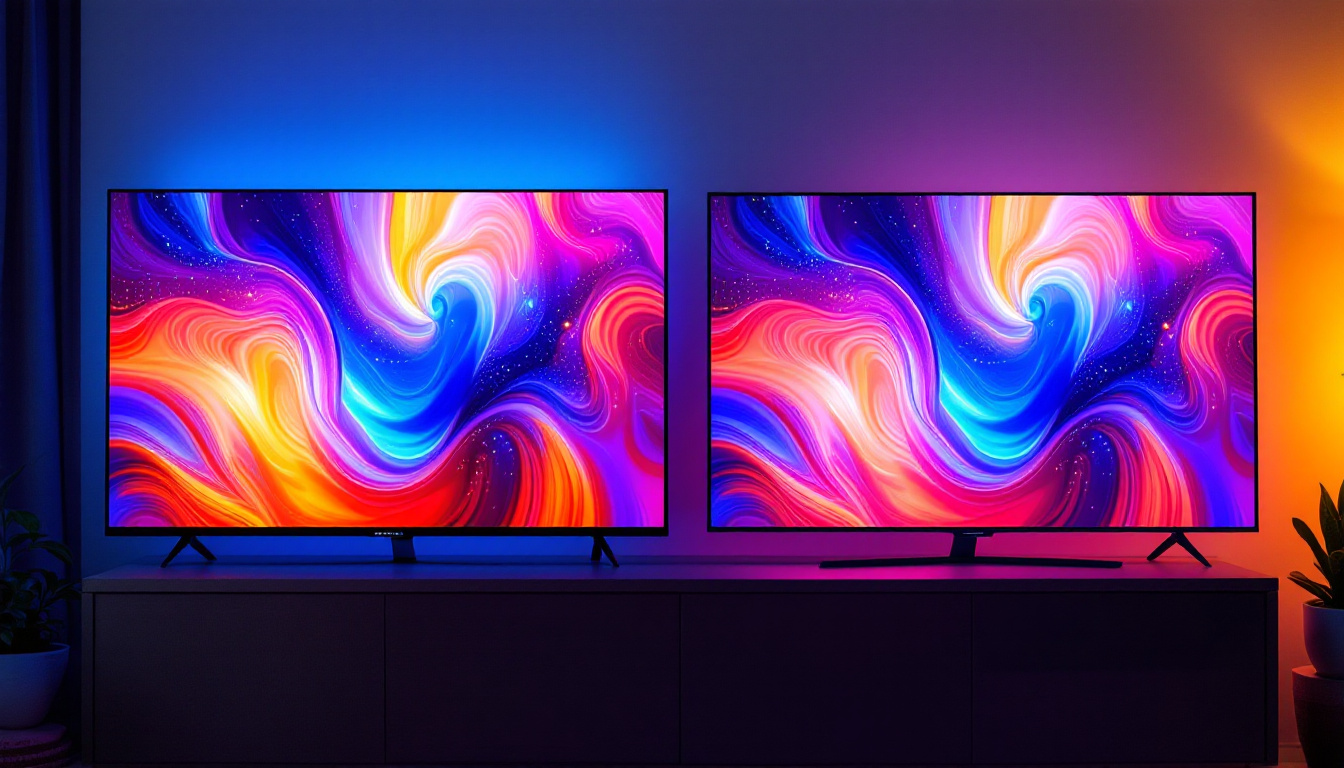
In today’s fast-evolving digital landscape, the demand for larger, more interactive computer displays is on the rise. Among these, the 30 inch touch screen computer monitor with LED display technology stands out as a versatile and powerful tool for professionals, creatives, and everyday users alike. This article delves into the intricacies of these monitors, explaining their key features, benefits, and the technology that powers them.
Understanding the Basics: What is a 30 Inch Touch Screen Monitor?
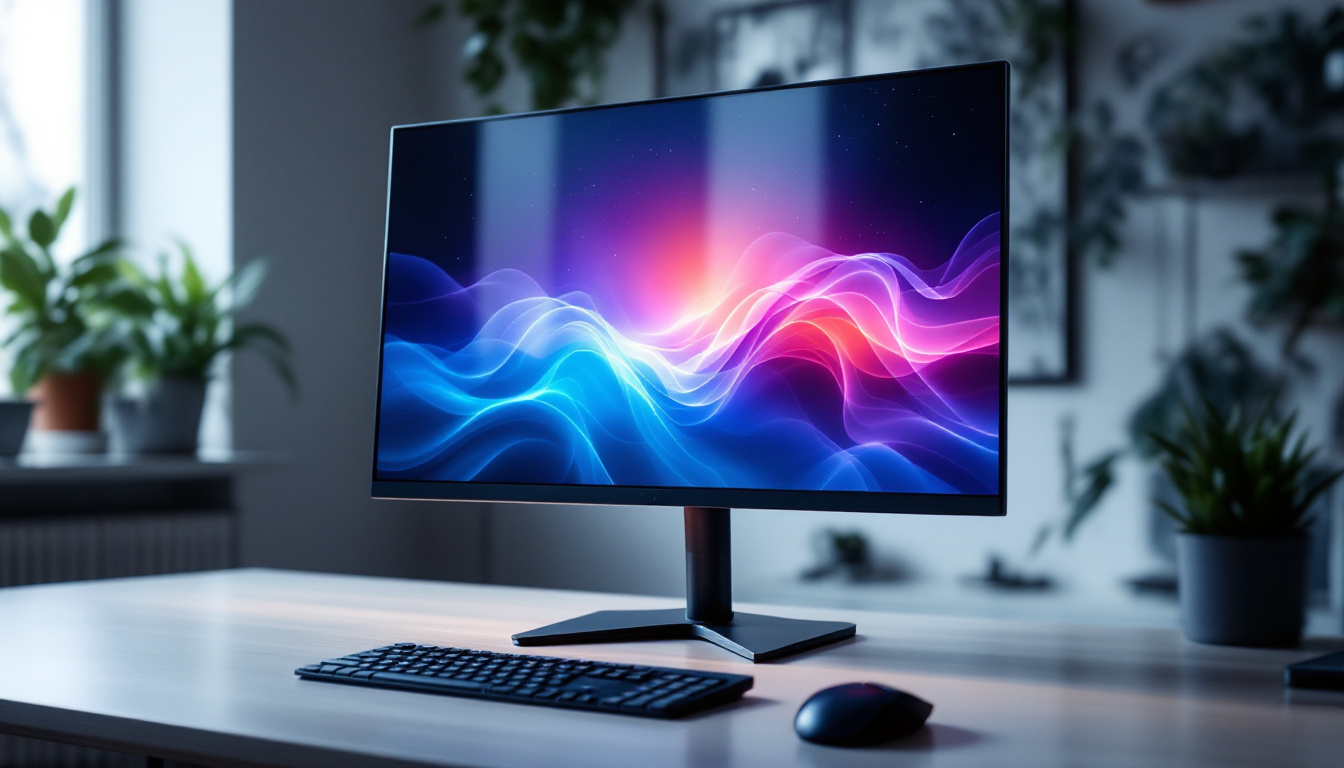
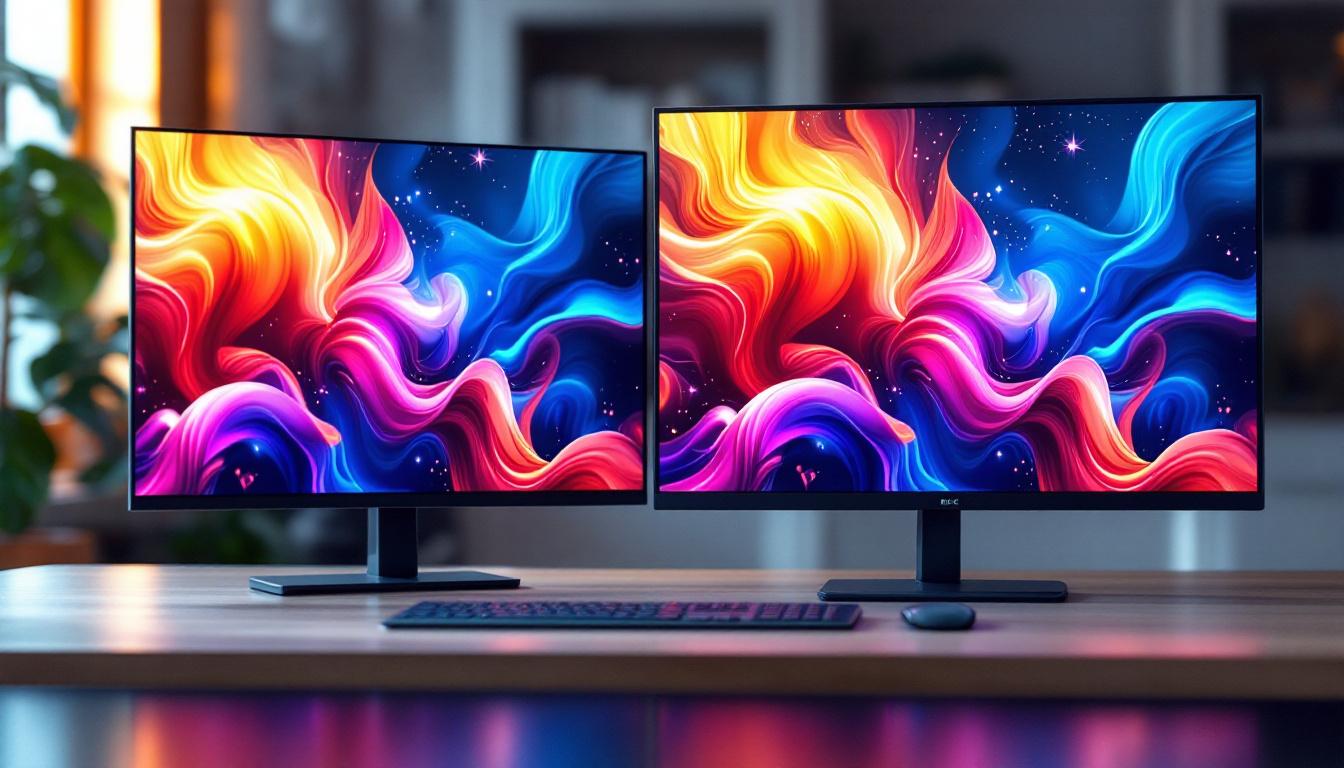
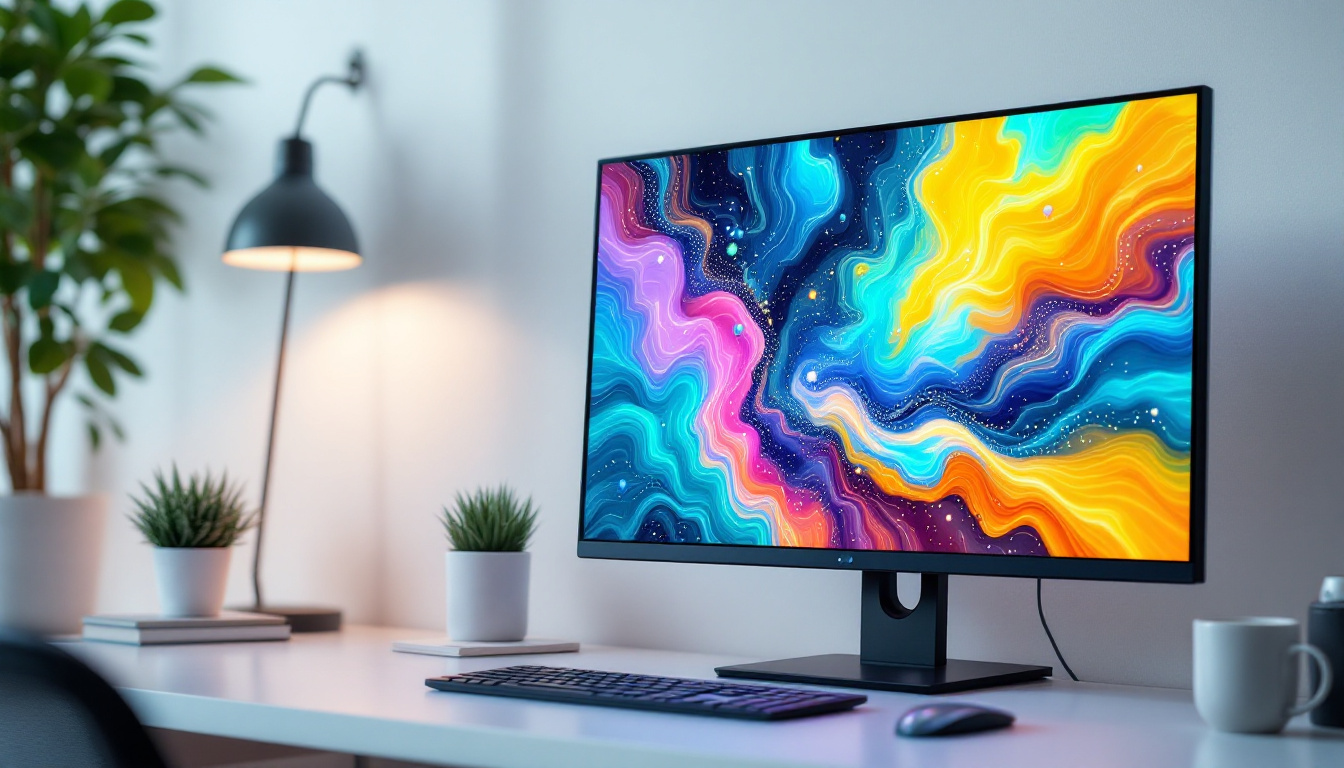
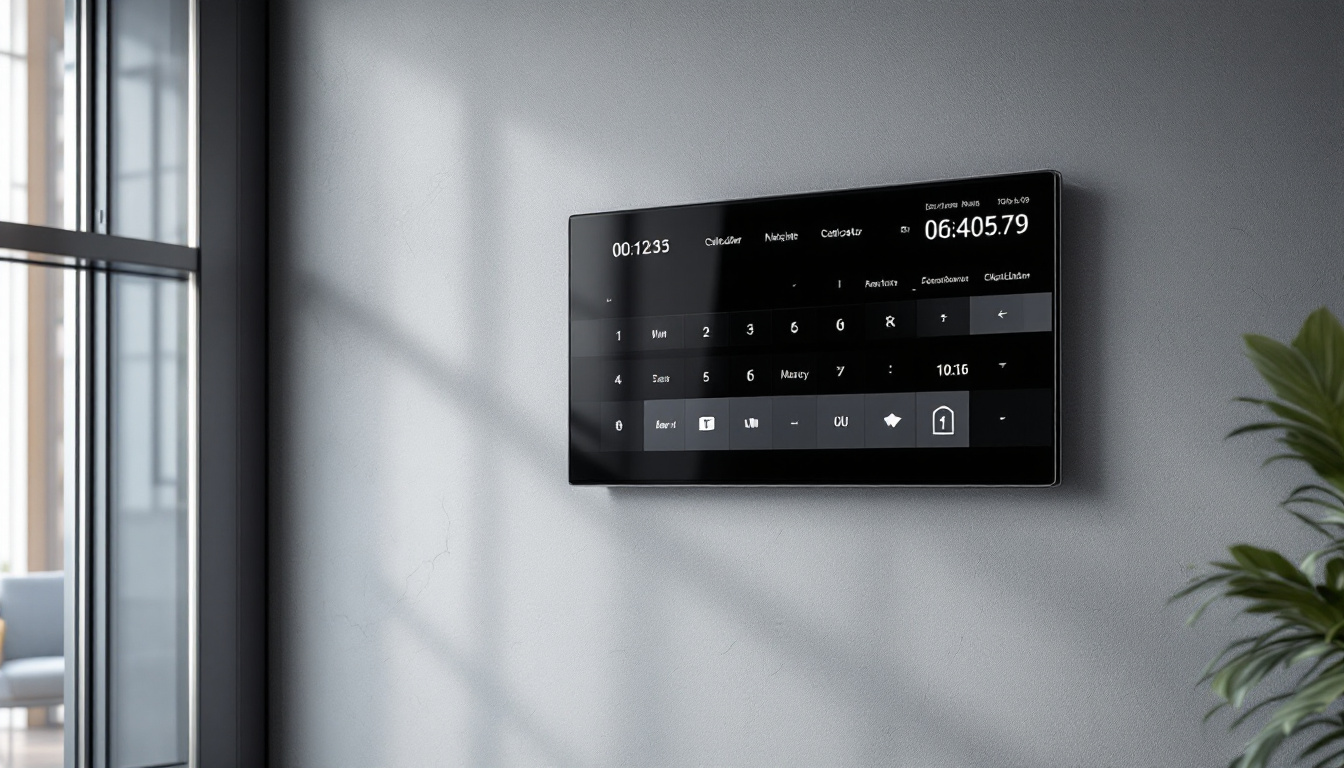
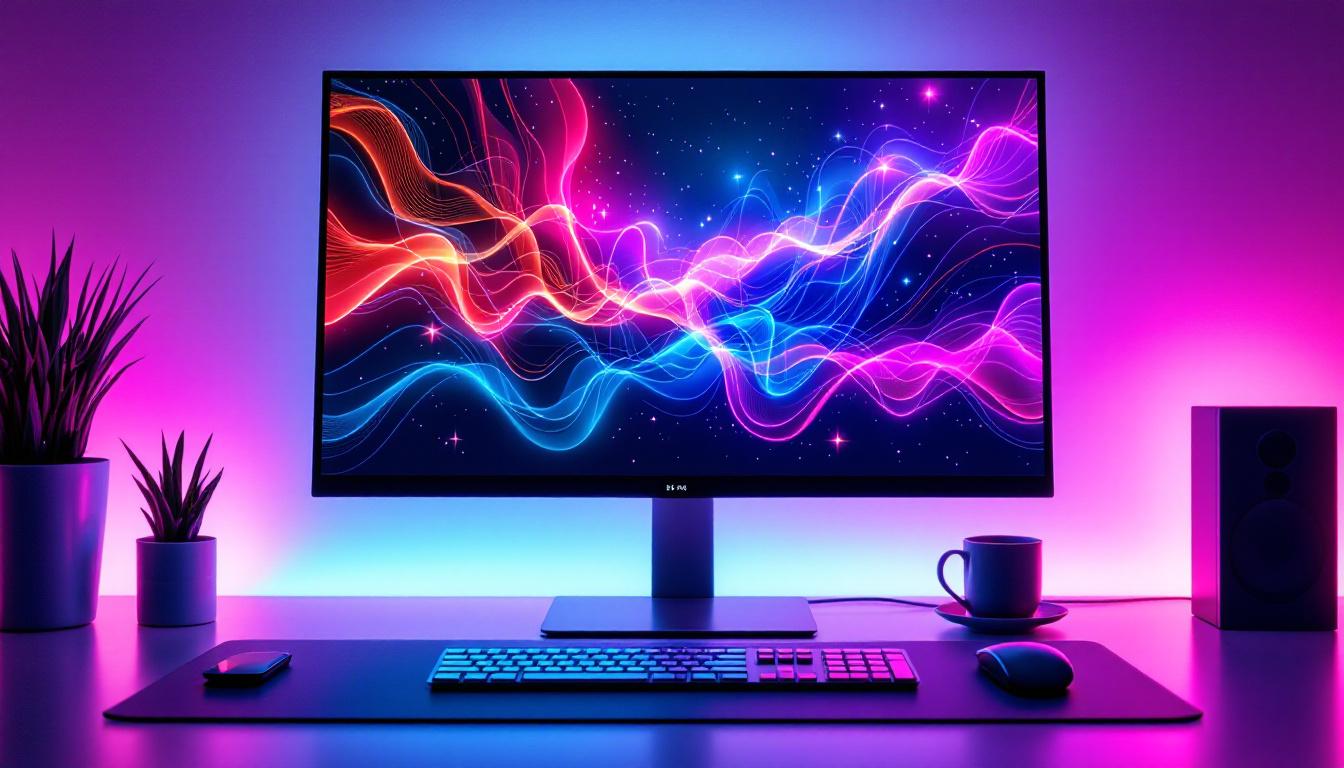
A 30 inch touch screen monitor is a sizable computer display that measures approximately 30 inches diagonally. This size strikes a balance between offering expansive screen real estate and maintaining a manageable footprint for desktop setups. The touch screen functionality allows users to interact directly with the display using their fingers or a stylus, providing a more intuitive and engaging experience compared to traditional monitors.
Touch screen monitors have become increasingly popular across various industries, from graphic design and video editing to retail and education. The 30 inch size is particularly favored because it offers ample space for multitasking, detailed work, and immersive media consumption without overwhelming the user or requiring excessive desk space.
Why Choose a Touch Screen?
Touch screen technology enhances productivity by enabling direct manipulation of on-screen elements. For example, designers can draw or edit images directly on the screen, while business professionals can navigate presentations or spreadsheets more fluidly. Additionally, touch screens support multi-touch gestures, such as pinch-to-zoom and swipe, which improve navigation and control.
Moreover, touch screens can reduce reliance on peripherals like a mouse or keyboard, making them ideal for kiosks, point-of-sale systems, and collaborative work environments where multiple users interact with the display.
LED Display Technology: The Heart of Modern Monitors
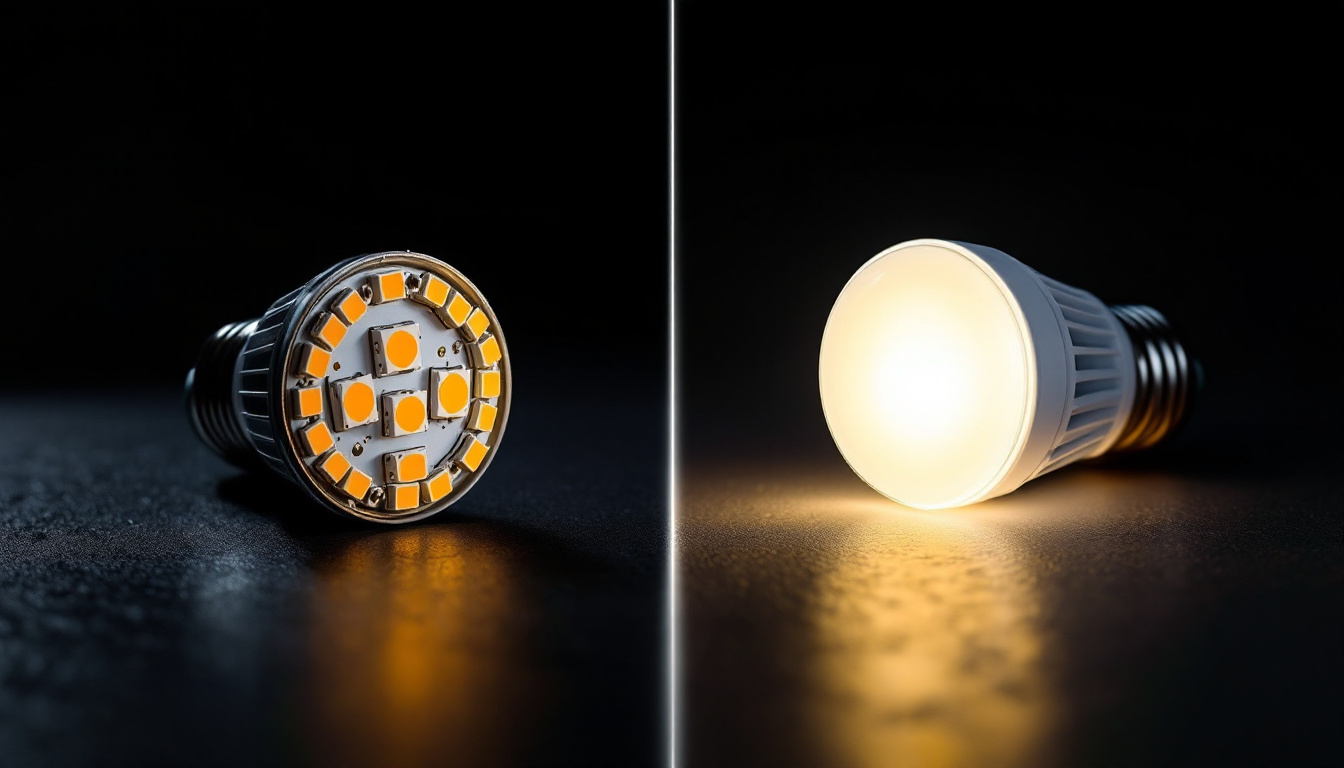
At the core of these monitors lies the LED (Light Emitting Diode) display technology. LED monitors use an array of tiny LEDs to illuminate the screen, either as a backlight behind an LCD panel or as individual pixels in OLED configurations. This technology has largely replaced older CCFL (Cold Cathode Fluorescent Lamp) backlighting due to its superior performance and efficiency.
Advantages of LED Displays
LED displays offer several key benefits that make them the preferred choice for 30 inch touch screen monitors:
- Energy Efficiency: LEDs consume significantly less power than traditional backlighting methods, reducing electricity costs and environmental impact.
- Improved Brightness and Contrast: LED technology delivers brighter images with deeper blacks and higher contrast ratios, enhancing visual clarity and color accuracy.
- Thin and Lightweight Design: The compact nature of LEDs allows manufacturers to produce slimmer and lighter monitors, improving aesthetics and ergonomics.
- Longer Lifespan: LEDs have a longer operational life compared to CCFLs, meaning fewer replacements and lower maintenance costs.
These advantages translate into a better user experience, whether for professional tasks requiring color precision or for casual use like gaming and streaming.
Types of LED Displays in Touch Screen Monitors
Understanding the types of LED displays used in touch screen monitors helps in making informed purchasing decisions:
- Edge-Lit LED: LEDs are positioned along the edges of the screen, providing backlighting that is diffused across the panel. This design enables ultra-thin monitors but may suffer from uneven brightness in some cases.
- Direct-Lit LED: LEDs are placed directly behind the LCD panel, offering more uniform brightness and better contrast. These monitors tend to be thicker but provide superior image quality.
- Full-Array Local Dimming (FALD): A sophisticated form of direct-lit LED where the backlight is divided into zones that can be dimmed independently. This enhances contrast and reduces halo effects around bright objects on dark backgrounds.
- OLED (Organic LED): Unlike traditional LED-backlit LCDs, OLED displays use organic compounds that emit light individually. This technology offers perfect blacks and outstanding color accuracy but is less common in large touch screen monitors due to cost and lifespan considerations.
Key Features to Look for in a 30 Inch Touch Screen Monitor
When selecting a 30 inch touch screen monitor, several features should be carefully evaluated to ensure the device meets your specific needs.
Resolution and Image Quality
Resolution determines the sharpness and detail of the display. For a 30 inch monitor, Full HD (1920×1080 pixels) is the minimum standard, but many users prefer higher resolutions such as Quad HD (2560×1440) or 4K UHD (3840×2160) for enhanced clarity. Higher resolution is particularly important for tasks involving detailed graphics, video editing, or multitasking with multiple windows.
Additionally, consider color accuracy and gamut coverage. Monitors that support wide color gamuts like Adobe RGB or DCI-P3 are essential for professional photo and video work, ensuring colors are rendered faithfully.
Touch Technology Types
Touch screens use various technologies to detect input, each with its own advantages:
- Capacitive Touch: The most common technology in modern monitors and smartphones, it offers high sensitivity and supports multi-touch gestures. It requires conductive input, such as a finger or specialized stylus.
- Resistive Touch: Works by pressure applied to the screen, allowing use with any object, including gloves or standard styluses. However, it generally offers lower clarity and responsiveness.
- Infrared Touch: Uses an array of IR sensors around the screen edges to detect touch. It provides excellent durability and can detect any input type but may be more expensive.
For most users, capacitive touch is preferred due to its responsiveness and multi-touch capabilities.
Connectivity Options
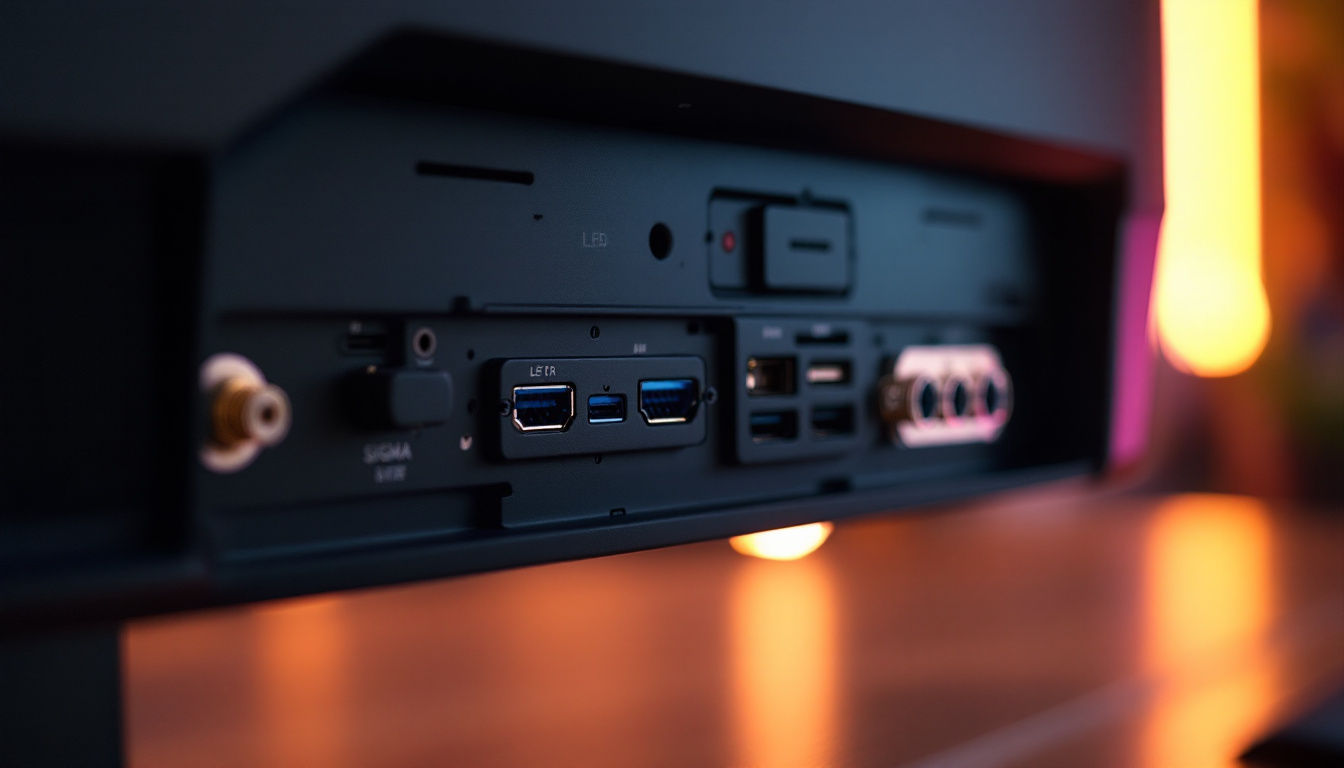
Modern 30 inch touch screen monitors come equipped with a variety of ports to ensure compatibility with different devices:
- HDMI: Standard for video and audio transmission from computers, gaming consoles, and media players.
- DisplayPort: Offers higher bandwidth than HDMI, supporting higher resolutions and refresh rates, favored by professionals.
- USB-C: Increasingly popular for its ability to transmit video, data, and power through a single cable, simplifying desk setup.
- USB Ports: Enable connection of peripherals such as keyboards, mice, or external storage.
- Audio Jacks: For headphones or external speakers.
Having multiple connectivity options ensures flexibility and future-proofs the monitor for evolving technology needs.
Ergonomics and Build Quality
A monitor’s adjustability can significantly impact user comfort, especially during long hours of use. Look for features such as height adjustment, tilt, swivel, and pivot capabilities. A sturdy stand and durable materials contribute to the overall longevity and stability of the device.
Some monitors also offer VESA mount compatibility, allowing users to attach the display to custom arms or wall mounts for optimized workspace ergonomics.
Applications and Use Cases for 30 Inch Touch Screen LED Monitors
The versatility of 30 inch touch screen LED monitors makes them suitable for a wide range of applications across different sectors.
Professional and Creative Work
Graphic designers, video editors, and digital artists benefit greatly from the large, high-resolution touch screen. The ability to interact directly with images and timelines enhances precision and speeds up workflows. Color-accurate LED displays ensure that work looks consistent across various output devices.
Business and Productivity
In office environments, these monitors facilitate multitasking by allowing users to manage multiple applications simultaneously. Touch capabilities streamline navigation through presentations, spreadsheets, and collaborative tools, improving efficiency during meetings and brainstorming sessions.
Education and Training
Interactive touch screens foster engagement in classrooms and training centers. Teachers can annotate directly on the screen, and students can participate actively through touch-based activities. The large display size ensures visibility for groups, making it ideal for shared learning experiences.
Retail and Hospitality
Touch screen monitors are widely used in point-of-sale systems, self-service kiosks, and information terminals. The 30 inch size provides enough space for clear menus and options, while the LED display ensures visibility even in brightly lit environments.
Healthcare
Medical professionals use touch screen monitors for reviewing patient records, imaging, and telemedicine consultations. The combination of size, clarity, and touch interaction supports accurate diagnostics and efficient workflows.
Tips for Maintaining and Optimizing Your Touch Screen LED Monitor
Proper care and optimal settings can extend the lifespan of your monitor and enhance your user experience.
Cleaning and Handling
Use a soft, lint-free microfiber cloth to clean the screen. Avoid harsh chemicals or abrasive materials that can damage the surface. When cleaning, power off the monitor and gently wipe the screen to remove fingerprints and dust.
Calibration and Settings
Regularly calibrate your monitor to maintain accurate color reproduction, especially if you use it for professional work. Many monitors come with built-in calibration tools or support third-party calibration devices.
Adjust brightness and contrast settings to comfortable levels to reduce eye strain. Enabling blue light filters or “night mode” can also help during extended use.
Software and Driver Updates
Keep your monitor’s firmware and drivers up to date to ensure compatibility with your operating system and to benefit from performance improvements or new features.
Conclusion: Is a 30 Inch Touch Screen LED Monitor Right for You?
The 30 inch touch screen computer monitor with LED display technology offers a compelling combination of size, interactivity, and visual quality. Whether for professional creative work, business productivity, educational purposes, or customer-facing applications, these monitors provide a versatile and efficient solution.
When choosing a monitor, consider your specific needs regarding resolution, touch technology, connectivity, and ergonomics. Investing in a high-quality LED display ensures vibrant visuals, energy efficiency, and long-term reliability. As technology continues to advance, touch screen monitors will play an increasingly important role in how users interact with digital content.
Ultimately, a 30 inch touch screen LED monitor can transform your computing experience by making it more immersive, intuitive, and productive.
Discover LumenMatrix’s Advanced LED Display Solutions
Ready to elevate your visual experience with a touch screen monitor that embodies innovation and quality? LumenMatrix, a pioneer in LED display technology, offers an extensive range of solutions designed to bring your content to life. From dynamic indoor and outdoor LED walls to specialized displays for vehicles, sports, and custom installations, LumenMatrix is committed to transforming how you connect with your audience. Don’t just take our word for it; check out LumenMatrix LED Display Solutions today and see the difference for yourself!