All In One PC Touch Screen 32 Inch: LED Display Explained
In today’s fast-evolving technological landscape, the All In One (AIO) PC has carved a niche for itself by combining power, convenience, and sleek design into a single unit. Among the various features that define these machines, the 32-inch touch screen LED display stands out as a game-changer, offering both immersive visuals and intuitive interaction. This article delves deep into the nuances of the 32-inch LED touch screen displays in AIO PCs, exploring their technology, benefits, and practical applications.
Understanding the All In One PC: A Modern Computing Solution
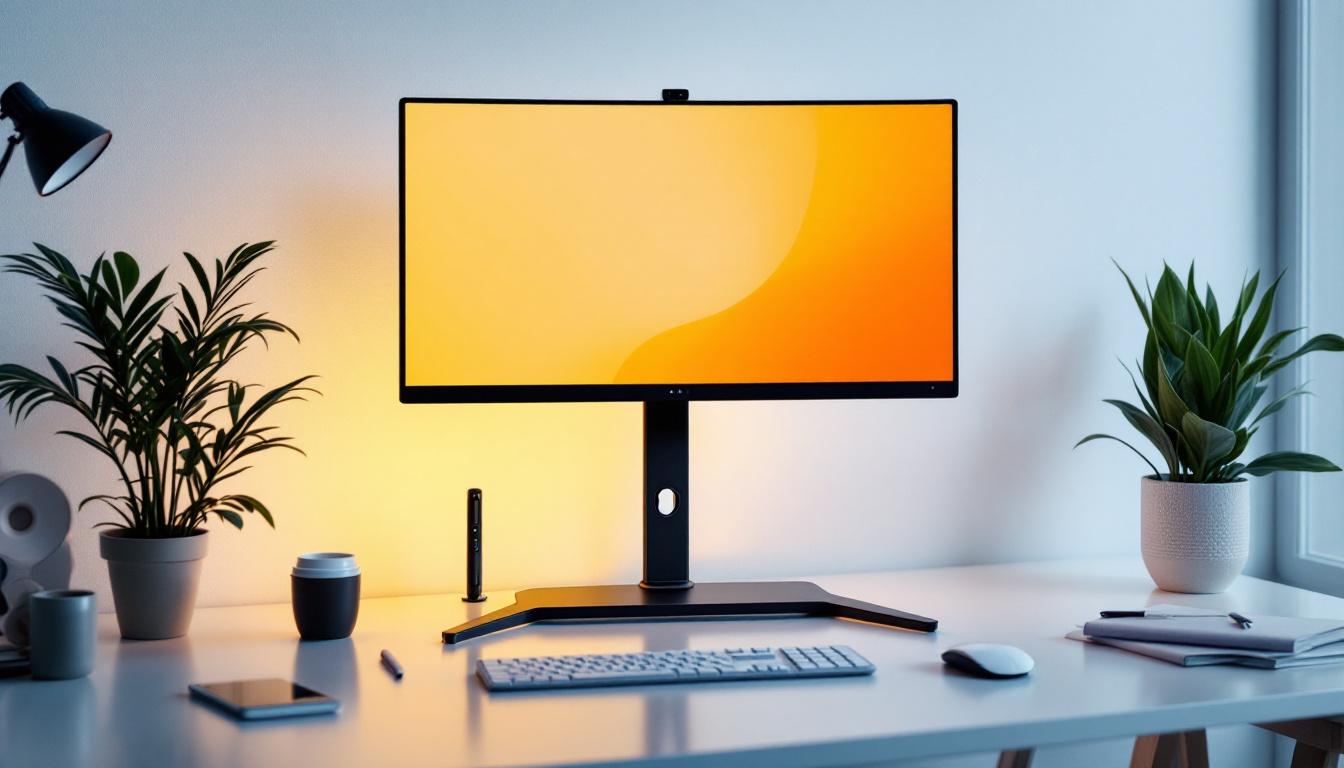
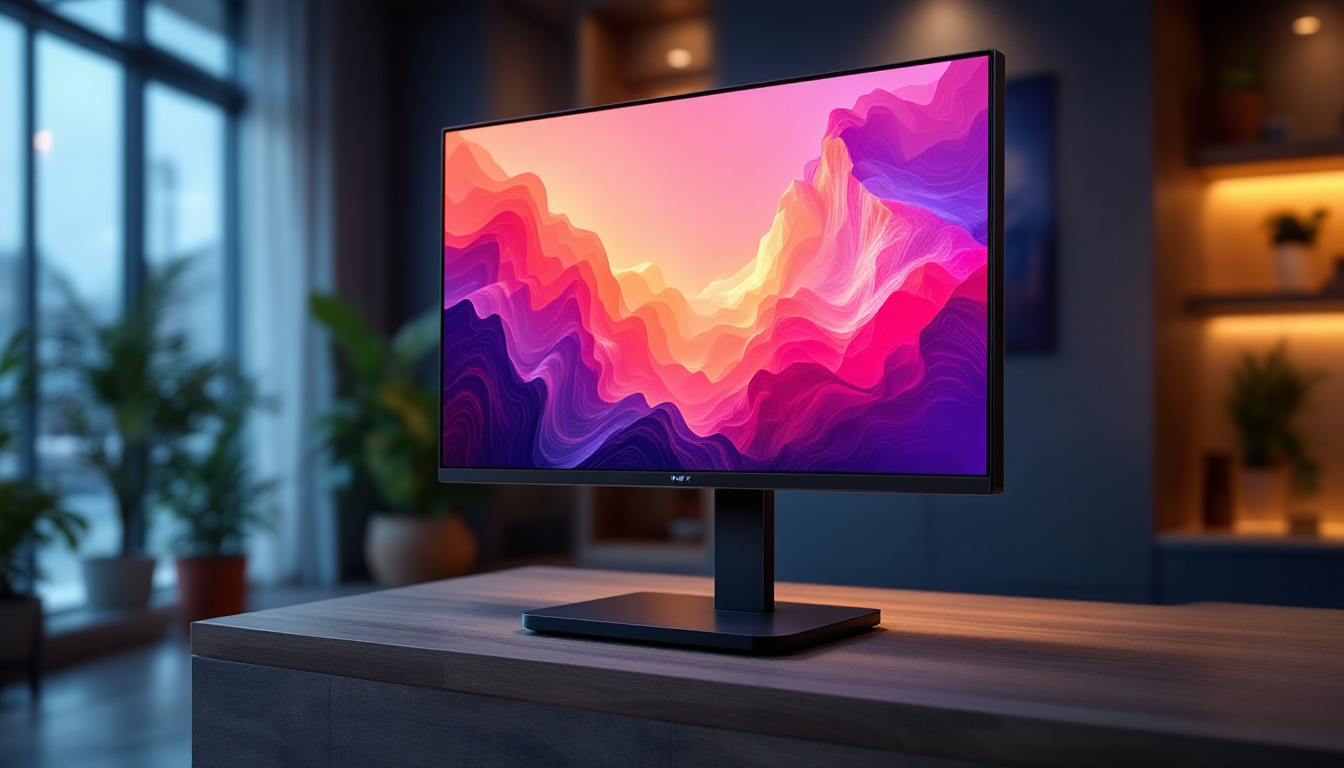
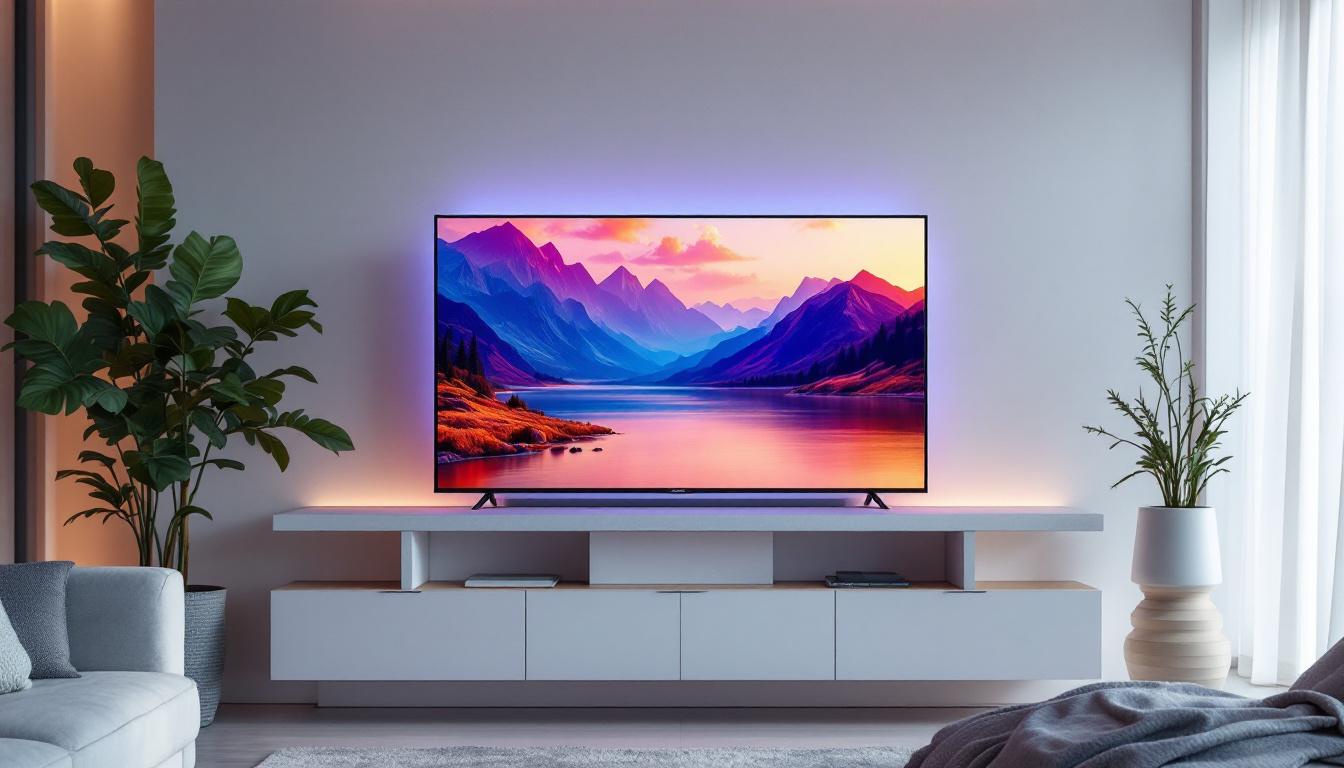
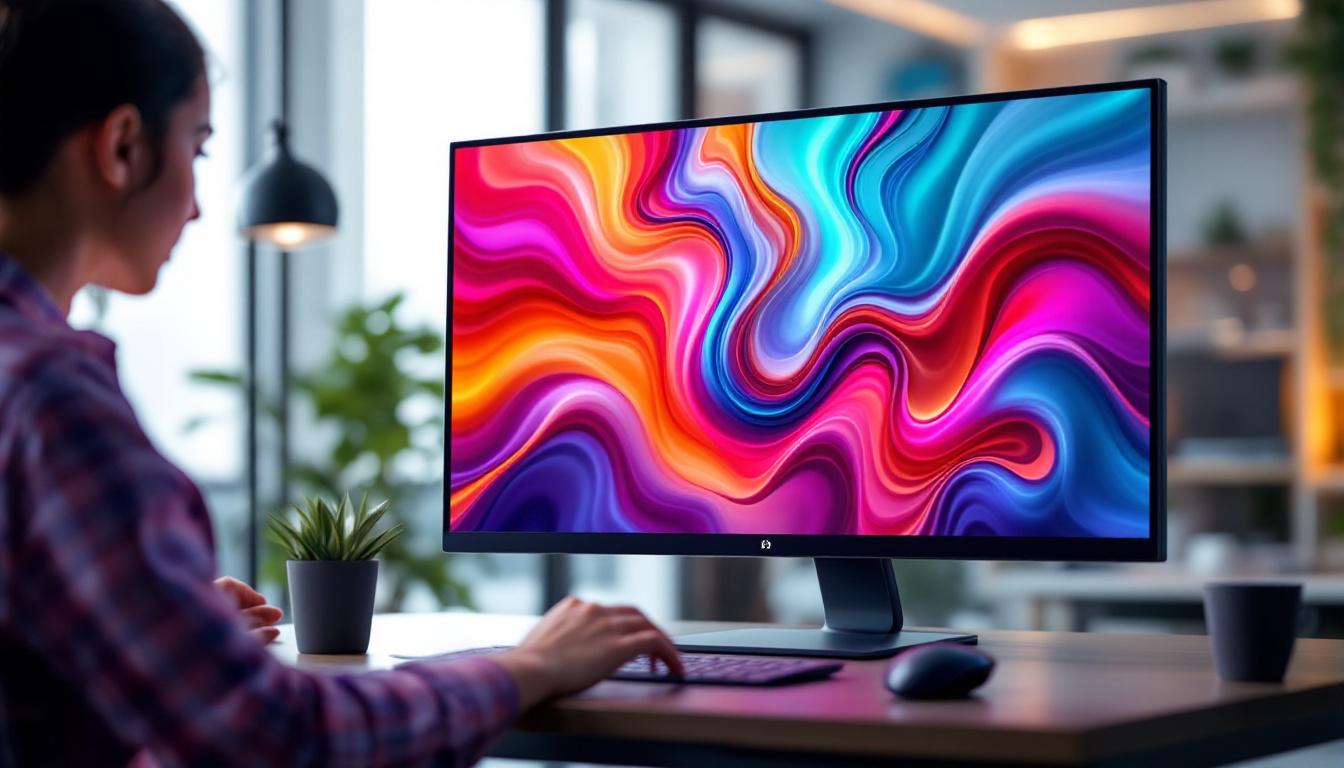
All In One PCs integrate the computer’s internal components directly into the monitor, eliminating the need for a separate tower. This design not only saves space but also simplifies setup and reduces cable clutter. The 32-inch variant strikes a balance between screen real estate and desk footprint, making it a popular choice for both professional and personal use.
These systems typically come equipped with powerful processors, ample RAM, and high-capacity storage options, making them capable of handling demanding tasks such as video editing, graphic design, and multitasking. The inclusion of a touch screen further enhances the user experience, allowing for more natural and direct interaction with applications and content.
Why Choose a 32-Inch Display?
The 32-inch screen size offers a sweet spot for users who desire a large viewing area without overwhelming their workspace. It provides enough screen real estate to comfortably run multiple windows side by side, which is particularly beneficial for professionals involved in data analysis, creative work, or software development.
Moreover, a larger display enhances multimedia consumption, gaming, and virtual meetings by delivering more immersive visuals. When combined with touch capabilities, the 32-inch display transforms into an interactive canvas, fostering creativity and productivity.
LED Display Technology: What Makes It Stand Out?
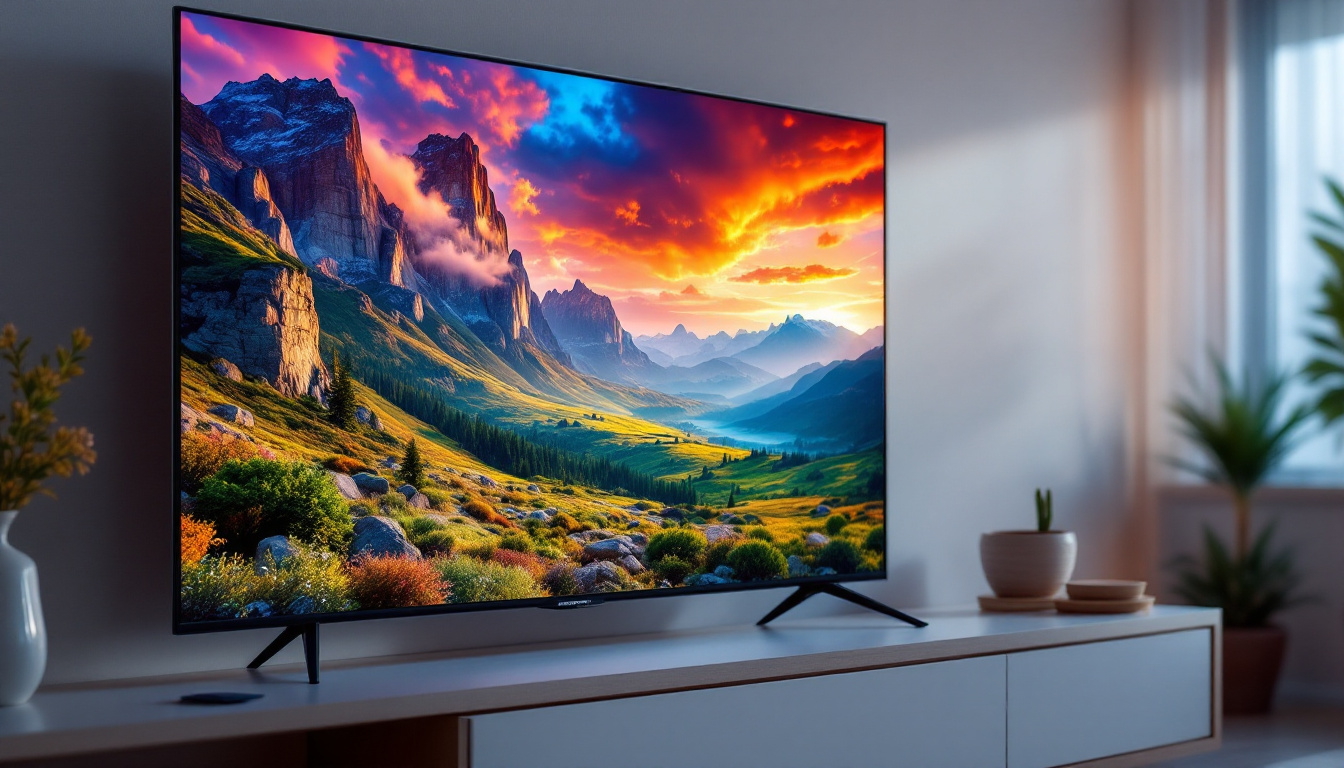
LED, or Light Emitting Diode, technology has revolutionized display screens over the past decade. Unlike traditional LCDs that rely on fluorescent backlighting, LED displays use light-emitting diodes for backlighting, resulting in several advantages.
Key Advantages of LED Displays
1. Superior Brightness and Contrast: LED displays can achieve higher brightness levels and better contrast ratios compared to conventional LCDs. This means images appear more vibrant, with deeper blacks and brighter whites, enhancing overall picture quality.
2. Energy Efficiency: LEDs consume less power, which translates into lower energy bills and reduced environmental impact. This efficiency is particularly important for devices like AIO PCs that are often used for extended periods.
3. Slimmer Design: The compact nature of LED backlighting allows manufacturers to create thinner and lighter displays. This contributes to the sleek aesthetics of modern AIO PCs, making them ideal for minimalist workspaces.
4. Longer Lifespan: LED displays generally have a longer operational life compared to older technologies, ensuring that the device remains functional and visually appealing for years.
Types of LED Backlighting in AIO PCs
There are primarily two types of LED backlighting used in displays:
- Edge-Lit LED: LEDs are placed along the edges of the screen, and light is diffused across the display. This allows for ultra-thin panels but may result in uneven brightness in some cases.
- Full-Array LED: LEDs are distributed evenly behind the entire screen, offering better brightness uniformity and local dimming capabilities for improved contrast.
Many high-end 32-inch AIO PCs utilize full-array LED backlighting to deliver superior image quality, especially important for professionals working with color-sensitive content.
Touch Screen Technology: Enhancing User Interaction
The integration of touch screen functionality into AIO PCs has transformed how users engage with their devices. Instead of relying solely on traditional input devices like a mouse and keyboard, touch screens enable direct manipulation of on-screen elements, fostering a more intuitive and efficient workflow.
Types of Touch Screen Technologies
The most common touch screen technologies used in 32-inch AIO PCs include:
- Capacitive Touch: This technology uses the electrical properties of the human body to detect touch. It supports multi-touch gestures, offers high responsiveness, and is widely used in consumer electronics.
- Resistive Touch: This involves two flexible layers that register input when pressed together. While it supports stylus input and works with gloves, it generally offers lower clarity and responsiveness than capacitive screens.
- Infrared Touch: Uses an array of infrared LEDs and sensors around the screen edges to detect touch. It allows for high durability and can detect any input object but may be more expensive.
Most modern 32-inch AIO PCs favor capacitive touch technology due to its precision and multi-touch capabilities, which are essential for advanced applications and gestures.
Benefits of Touch Screen in AIO PCs
Touch screens offer several advantages that enhance productivity and user experience:
- Natural Interaction: Users can directly manipulate objects on the screen, making tasks like drawing, annotating, and navigating more intuitive.
- Improved Accessibility: Touch interfaces can be easier for individuals with motor impairments or those unfamiliar with traditional input devices.
- Enhanced Collaboration: In office or educational settings, multiple users can interact with the screen simultaneously, fostering teamwork and engagement.
- Space Saving: Eliminates the need for peripheral input devices, maintaining a clean and organized workspace.
Display Resolution and Color Accuracy: Critical Factors for Professionals
When selecting a 32-inch AIO PC with a touch screen LED display, resolution and color accuracy are paramount, especially for users engaged in graphic design, video editing, or any visual-centric work.
Understanding Resolution
Resolution refers to the number of pixels displayed on the screen, typically denoted as width × height (e.g., 3840 × 2160). A higher resolution means more pixels, resulting in sharper images and finer detail.
For a 32-inch display, common resolutions include:
- Full HD (1920 × 1080): Adequate for general use but may appear less sharp on larger screens.
- Quad HD (2560 × 1440): Offers a noticeable improvement in clarity and workspace area.
- 4K Ultra HD (3840 × 2160): Provides exceptional detail and is ideal for professional applications requiring precision.
Many premium 32-inch AIO PCs now come with 4K displays to meet the demands of creative professionals and power users.
Color Accuracy and Gamut
Color accuracy is the ability of a display to reproduce colors faithfully as intended. This is crucial for photographers, designers, and video editors. The color gamut represents the range of colors a display can produce.
Key metrics to consider include:
- sRGB Coverage: Most standard displays cover around 100% of the sRGB color space, suitable for web content and general use.
- Adobe RGB and DCI-P3: Wider gamuts preferred by professionals for print and digital cinema work.
- Delta E Value: Measures color accuracy; values below 2 are considered excellent.
Manufacturers often calibrate displays at the factory to ensure optimal color fidelity, and some AIO PCs offer hardware calibration support for ongoing accuracy.
Practical Applications of 32-Inch Touch Screen AIO PCs
The versatility of 32-inch touch screen AIO PCs makes them suitable for a broad range of environments and tasks.
Creative and Design Workstations
Graphic designers, illustrators, and video editors benefit immensely from large, high-resolution touch screens that allow for precise control and detailed visualization. The ability to draw directly on the screen using a stylus or finger streamlines workflows and enhances creativity.
Business and Productivity
In corporate environments, AIO PCs with touch screens facilitate interactive presentations, video conferencing, and multitasking. The large display supports complex spreadsheets and data visualization, while touch input can speed up navigation and annotation during meetings.
Education and Training
Educational institutions leverage these devices for interactive learning, enabling students and teachers to engage dynamically with digital content. The touch interface supports collaborative activities and can accommodate multiple users simultaneously.
Healthcare and Retail
In healthcare, 32-inch touch screen AIO PCs serve as efficient tools for patient data management and diagnostic imaging review. Retail environments use them for point-of-sale systems and customer interaction kiosks, benefiting from their compact design and ease of use.
Choosing the Right 32-Inch Touch Screen AIO PC: Key Considerations
Selecting the ideal AIO PC involves balancing performance, display quality, and usability features.
Performance Specifications
Ensure the device is equipped with a modern multi-core processor, sufficient RAM (at least 16GB for demanding tasks), and fast storage options like SSDs. These components guarantee smooth operation and responsiveness.
Display Quality
Look for high resolution (preferably 4K), excellent color accuracy, and a reliable touch screen technology. Also, consider anti-glare coatings and adjustable brightness for comfortable viewing in various lighting conditions.
Connectivity and Expandability
Multiple USB ports, HDMI outputs, and wireless connectivity options such as Wi-Fi 6 and Bluetooth 5.0 enhance versatility. Some models offer additional features like integrated webcams, microphones, and speakers optimized for video calls.
Ergonomics and Design
A flexible stand that allows tilt, swivel, and height adjustments can improve comfort during prolonged use. The overall aesthetic should complement the workspace while maintaining functionality.
Future Trends in AIO PC Displays
The evolution of display technology continues to push the boundaries of what is possible with AIO PCs. Emerging trends include:
- OLED Displays: Offering superior contrast and color vibrancy, OLEDs may soon become standard in high-end AIO PCs.
- Higher Refresh Rates: Displays with refresh rates above 120Hz are gaining popularity, providing smoother visuals for gaming and video editing.
- Advanced Touch Features: Incorporation of haptic feedback and pressure sensitivity to enhance interaction fidelity.
- AI-Powered Display Optimization: Adaptive brightness, color calibration, and eye strain reduction powered by artificial intelligence.
These advancements promise to make 32-inch touch screen AIO PCs even more powerful and user-friendly in the coming years.
Conclusion
The 32-inch touch screen LED display in All In One PCs represents a harmonious blend of cutting-edge technology and practical design. Its large, vibrant screen coupled with responsive touch capabilities caters to a wide spectrum of users—from creative professionals to business executives and educators. Understanding the underlying LED technology, touch screen types, and display specifications empowers consumers to make informed decisions tailored to their needs.
As technology continues to advance, these devices will only become more integral to modern workflows, offering enhanced productivity, collaboration, and immersive experiences. Whether for work, study, or entertainment, the 32-inch touch screen AIO PC stands as a versatile and future-ready computing solution.
Discover the Future of Visual Technology with LumenMatrix
Ready to elevate your visual experience with the latest in LED display technology? LumenMatrix invites you to explore our comprehensive range of LED display solutions, designed to bring your content to life. From immersive Indoor LED Wall Displays to dynamic Outdoor LED Wall Displays, and from versatile All-in-One LED Displays to innovative LED Transparent Displays, we have the cutting-edge technology to enhance your brand’s visibility and captivate your audience. Experience the revolution in visual communication and check out LumenMatrix LED Display Solutions today.