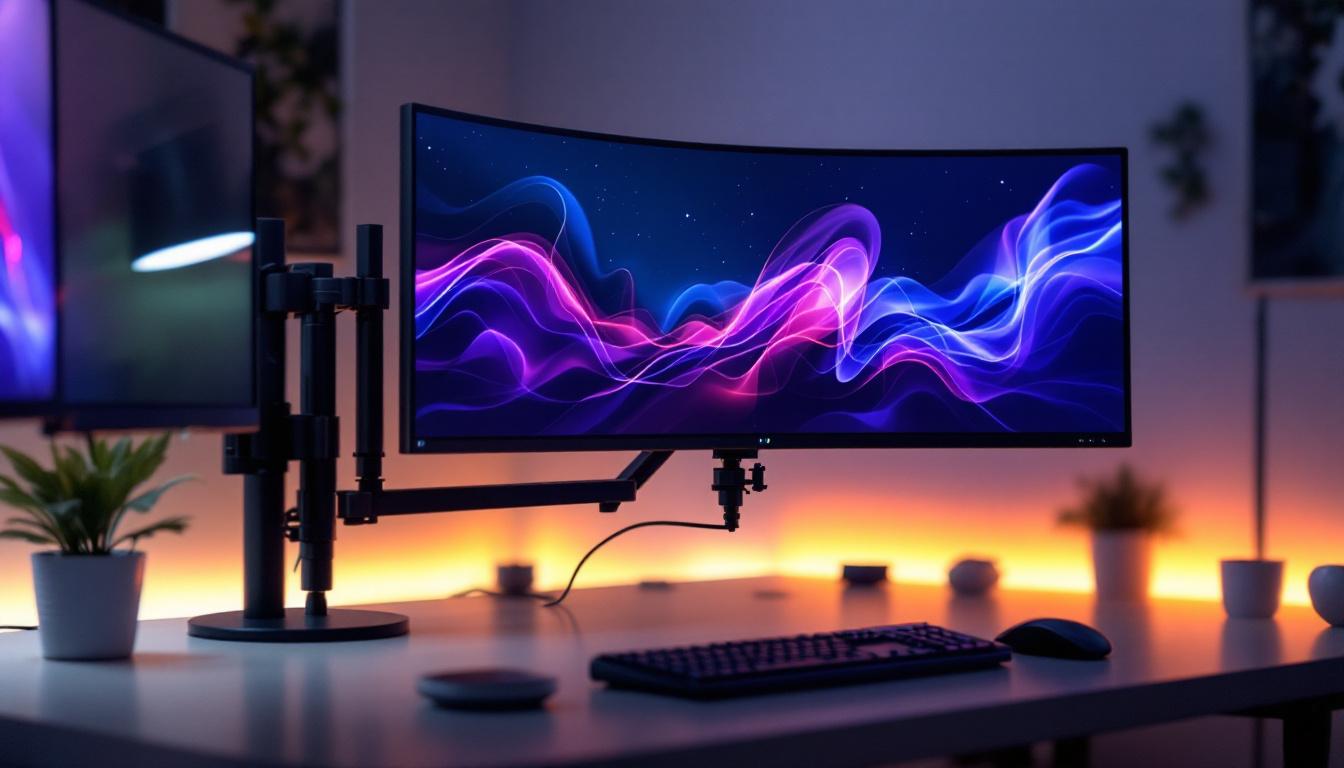
In today’s digital workspace and entertainment setups, LED monitors have become the standard for vibrant, sharp displays. As users upgrade or customize their workstations, the question often arises: are monitor stands universal? Understanding the compatibility of monitor stands with LED displays is crucial for ensuring ergonomic comfort, aesthetic appeal, and functional efficiency. This article delves into the nuances of monitor stand universality, explores LED display characteristics, and offers practical guidance for selecting the right stand for your monitor.
Understanding Monitor Stand Compatibility
The Role of VESA Mount Standards
One of the most significant factors influencing monitor stand compatibility is the VESA (Video Electronics Standards Association) mounting standard. Established to create uniformity in mounting interfaces, VESA standards specify the distance between mounting holes on the back of monitors, measured in millimeters. These mounting patterns typically include 75×75 mm and 100×100 mm for smaller monitors, and larger sizes such as 200×200 mm or 400×400 mm for bigger displays.
Most modern LED monitors adhere to VESA standards, making it easier to find compatible stands or wall mounts. However, not all monitors come with VESA mounting holes, especially ultra-thin or curved displays, which may require proprietary stands or adapters. Checking the VESA compatibility of your monitor is the first step toward ensuring that a stand will fit properly. Additionally, some manufacturers may provide their own unique mounting solutions that, while aesthetically pleasing, can limit your options for future upgrades or replacements. Therefore, keeping an eye on the VESA compliance when purchasing a new monitor can save you from potential headaches down the line.
Weight and Size Considerations
Even if a monitor and stand share the same VESA mount pattern, weight and size can affect compatibility. Monitor stands are designed to support specific weight ranges and screen sizes. For example, a stand rated for a 24-inch monitor weighing up to 10 pounds might not safely support a 32-inch LED display that weighs 15 pounds.
Manufacturers typically provide guidelines on the maximum supported screen size and weight for their stands. Ignoring these specifications can result in instability, damage to the monitor, or even injury. Thus, it’s essential to verify that the stand can accommodate both the physical dimensions and weight of your LED display. Additionally, the center of gravity plays a crucial role; a top-heavy monitor might require a more robust stand to prevent tipping. Users should also consider the distribution of weight when mounting multiple monitors, as uneven weight distribution can lead to unforeseen complications.
Types of Monitor Stands and Their Universality
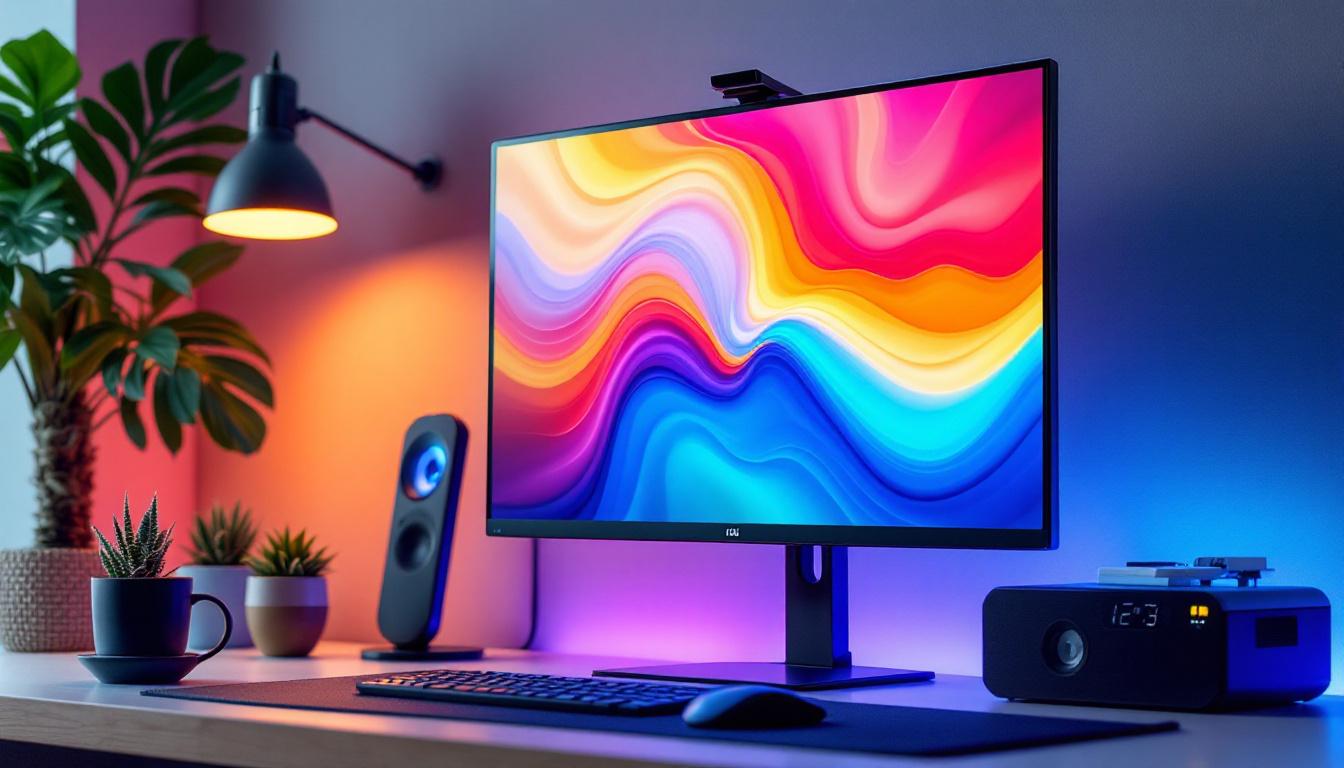
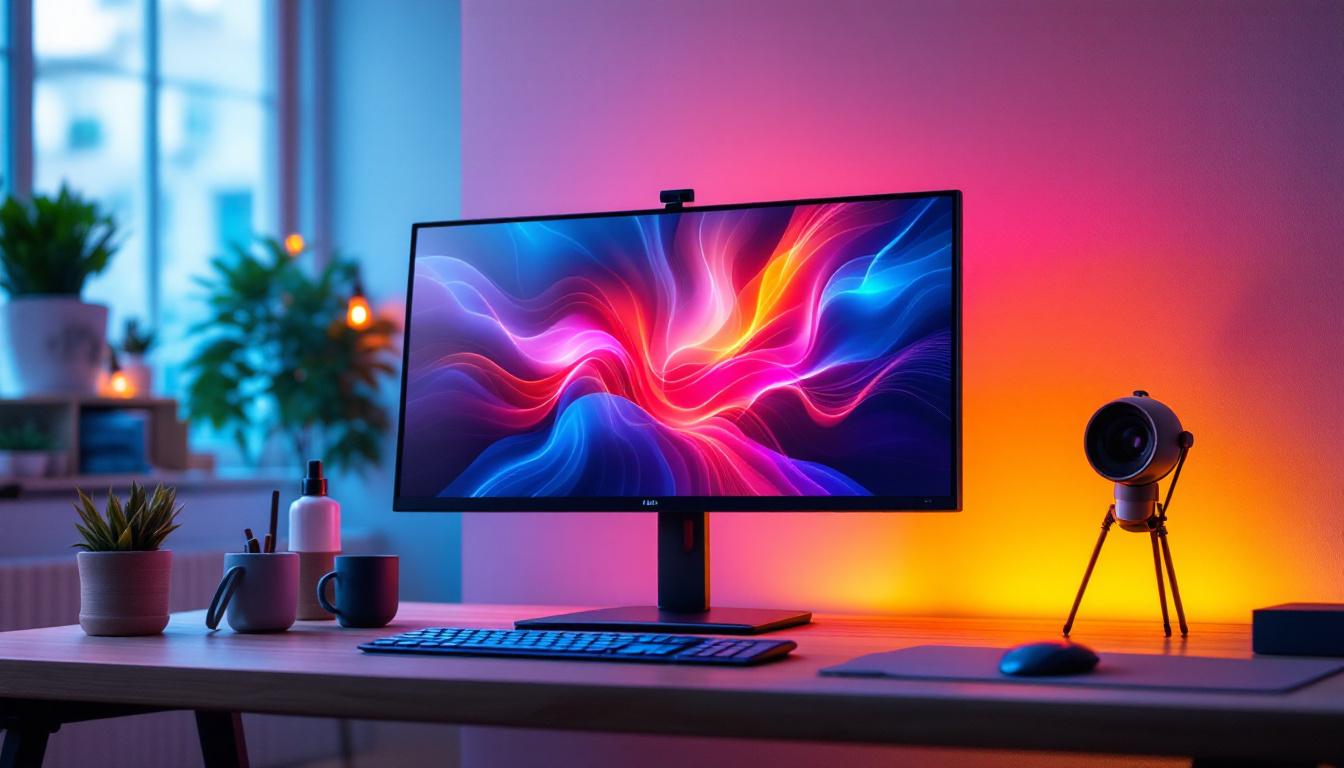
Monitor stands come in various forms, including fixed stands, adjustable arms, dual-monitor mounts, and desk clamps. Fixed stands often come bundled with the monitor and may not be interchangeable. Adjustable arms and desk mounts, especially those designed with VESA compatibility, tend to offer greater universality, allowing users to customize height, tilt, swivel, and rotation.
Dual or multi-monitor stands add another layer of complexity, as they must support multiple monitors simultaneously. These stands usually specify compatible monitor sizes and weights for each arm, so users should ensure that their LED displays fall within these limits. Furthermore, the ergonomic benefits of adjustable stands cannot be overstated; they allow users to position their monitors at eye level, reducing neck strain and promoting better posture during long hours of work. Some advanced models even feature integrated cable management systems, helping to keep your workspace tidy and organized. As the demand for multi-screen setups continues to rise, selecting the right stand becomes increasingly important for both functionality and aesthetics.
LED Display Characteristics Impacting Stand Choice
Design Trends in LED Monitors
LED monitors have evolved significantly in design, with manufacturers focusing on ultra-thin bezels, curved screens, and lightweight materials. These innovations enhance visual appeal and user experience but can influence stand compatibility. For instance, curved LED monitors may require specialized stands to maintain stability and proper viewing angles.
Moreover, some LED monitors integrate unique stand designs that incorporate cable management, RGB lighting, or additional USB ports. While these features add value, they often mean that the original stand is not interchangeable with generic options. The aesthetic appeal of these designs also plays a crucial role in modern workspaces, where visual harmony is increasingly important. As a result, many users are now looking for stands that not only support their monitors but also complement their overall decor, leading to a rise in customizable stand options that cater to individual tastes and preferences.
Ergonomics and Adjustability
Ergonomic considerations are paramount when selecting a monitor stand. Proper height, tilt, and swivel adjustments reduce neck and eye strain, promoting better posture during extended use. LED monitors with adjustable stands provide these features out of the box, but if a user opts for a third-party stand, it’s critical to ensure it offers similar or better adjustability.
Adjustable arms and mounts are particularly beneficial for users who require flexible positioning, such as graphic designers, programmers, or gamers. These stands allow for easy repositioning of the LED display to suit different tasks or lighting conditions. Additionally, some advanced stands feature gas spring mechanisms that enable effortless height adjustments with minimal effort, making them ideal for shared workspaces where multiple users might need to adjust the monitor height frequently. This adaptability not only enhances comfort but also contributes to productivity by allowing users to maintain an optimal viewing angle throughout their workday.
Connectivity and Cable Management
LED monitors often feature multiple input ports, including HDMI, DisplayPort, USB-C, and audio jacks. A well-designed monitor stand or mount can facilitate cable management, keeping cables organized and out of sight. Some stands include integrated channels or clips for this purpose.
When selecting a stand, consider how it will affect access to the monitor’s ports. For example, a stand that places the monitor flush against a wall might restrict access to rear ports, necessitating the use of extension cables or adapters. Furthermore, as technology advances, the need for efficient cable management becomes even more critical. With the increasing prevalence of multi-monitor setups, users often find themselves dealing with a tangled web of cables. Stands that offer enhanced cable management solutions not only improve aesthetics but also help in maintaining a clean and organized workspace, which can significantly reduce distractions and enhance focus.
Practical Tips for Choosing the Right Monitor Stand
Assess Your Monitor’s Specifications
Start by gathering detailed information about your LED monitor, including its VESA mount pattern, weight, dimensions, and any unique design features. This data is often available in the product manual or manufacturer’s website.
Knowing these specifications helps narrow down compatible stands and prevents costly mistakes. For example, if your monitor lacks VESA holes, you might need a stand with a clamp mechanism or a proprietary mounting solution.
Consider Your Workspace and Usage Needs
Evaluate your workspace layout and how you intend to use the monitor. If you have limited desk space, a clamp-mounted adjustable arm can free up surface area. For multi-monitor setups, look for stands that support multiple screens with independent adjustments.
Also, consider whether you need portability or fixed positioning. Some stands are designed for easy disassembly and transport, which is useful for mobile professionals or frequent reconfigurations.
Check Reviews and Manufacturer Recommendations
Before purchasing a monitor stand, consult user reviews and expert opinions. Real-world feedback can reveal compatibility issues, build quality concerns, or unexpected benefits. Manufacturer recommendations also provide valuable insights into which stands pair best with specific monitor models.
Additionally, some manufacturers offer official accessories designed to complement their monitors, ensuring perfect fit and functionality.
Common Misconceptions About Monitor Stand Universality
“All VESA Mounts Are Interchangeable”
While VESA standards promote compatibility, not all VESA mounts are created equal. Variations in mounting hole depth, screw type, and bracket design can affect interchangeability. Some monitors use proprietary screws or require specific adapters to fit standard VESA mounts.
Therefore, assuming that any VESA-compatible stand will fit any VESA-compatible monitor can lead to frustration and additional expenses.
“Weight Doesn’t Matter if the Stand Fits”
Physical fit is only part of the equation. The stand must also support the monitor’s weight safely. Using an under-rated stand can cause wobbling, tipping, or even damage to the monitor and desk.
Always verify the weight capacity of the stand and compare it against your monitor’s weight, including any accessories like screen protectors or webcams.
“Curved Monitors Use the Same Stands as Flat Ones”
Curved monitors often have different balance and support requirements. While many curved monitors use standard VESA mounts, the stand’s design must accommodate the curvature to maintain stability and optimal viewing angles.
Some stands are specifically engineered for curved displays, offering enhanced support and ergonomic positioning.
Future Trends in Monitor Stand Design
Increased Modularity and Customization
As work environments become more dynamic, monitor stands are evolving toward modular designs that allow users to customize configurations easily. This includes interchangeable arms, adjustable heights, and multi-monitor setups that can be expanded or reconfigured without replacing the entire stand.
Such flexibility is particularly valuable in hybrid workspaces where users may switch between sitting and standing desks or share workstations.
Integration with Smart Technologies
Emerging monitor stands are incorporating smart features such as built-in USB hubs, wireless charging pads, and even IoT connectivity for environmental adjustments. These innovations aim to streamline desk setups and enhance productivity.
LED monitors paired with smart stands can offer seamless control over display settings, lighting, and ergonomics through software interfaces.
Sustainability and Eco-Friendly Materials
With growing environmental awareness, manufacturers are increasingly using recycled and sustainable materials in monitor stand production. Additionally, designs that promote durability and repairability help reduce electronic waste.
Consumers are encouraged to consider the environmental impact of their accessories alongside functionality and aesthetics.
Conclusion: Are Monitor Stands Universal?
Monitor stands are not universally interchangeable, especially when it comes to LED displays. While VESA mounting standards provide a baseline for compatibility, factors such as monitor size, weight, design features, and ergonomic needs significantly influence stand selection. Understanding these variables is essential for choosing a stand that ensures stability, comfort, and optimal performance.
By carefully assessing your monitor’s specifications, workspace requirements, and available stand options, you can find a solution that enhances your LED display experience. As technology advances, monitor stands will continue to evolve, offering greater flexibility, smart features, and sustainability—making it more important than ever to stay informed about the best practices for your setup.
Enhance Your Visual Experience with LumenMatrix
Ready to take your LED display to the next level? LumenMatrix is at the forefront of LED display technology, offering a wide array of innovative solutions that cater to your unique needs. Whether you’re looking to boost brand visibility with an Indoor LED Wall Display, captivate passersby with an Outdoor LED Wall Display, or create a dynamic environment with a Custom LED Display, LumenMatrix has the expertise to bring your vision to life. Don’t settle for less—check out LumenMatrix LED Display Solutions today and transform your space into a visually stunning experience.