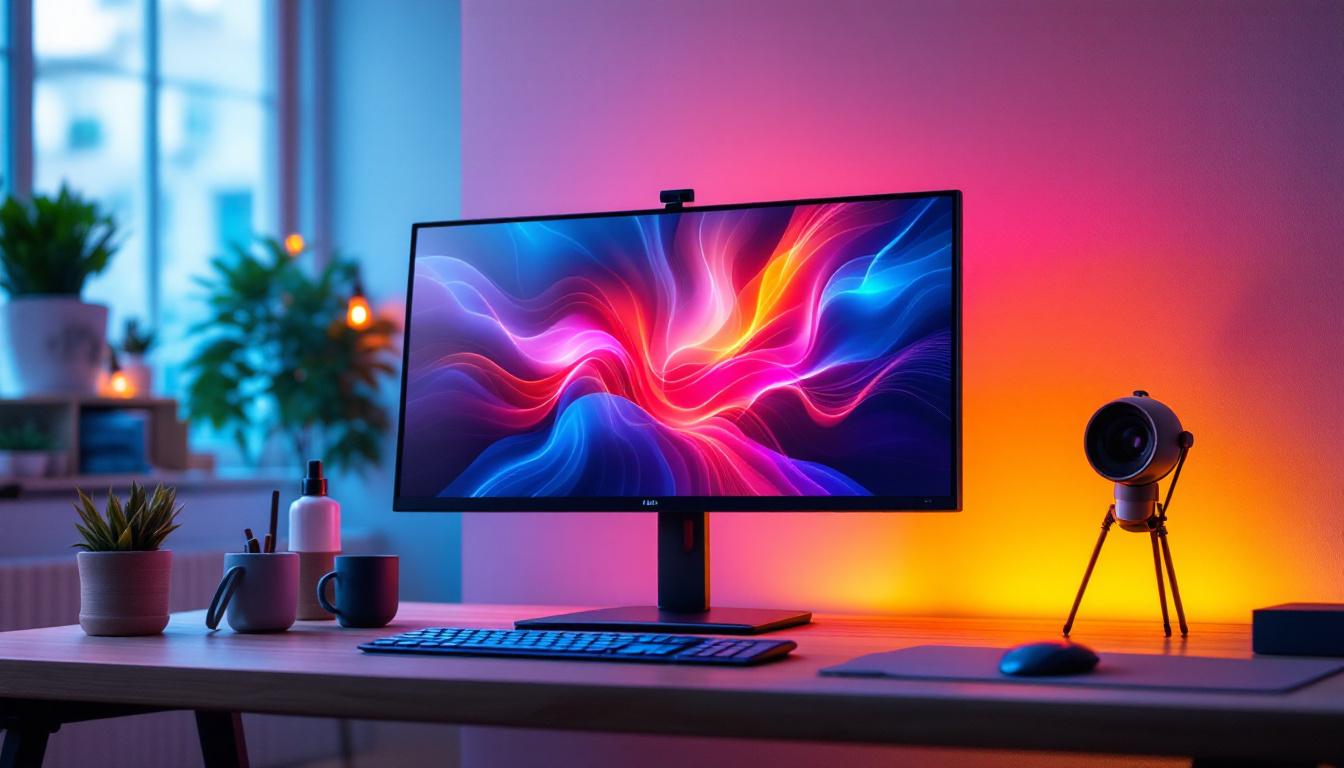
Choosing the right desktop monitor stand is essential for creating an ergonomic, efficient, and visually appealing workspace. With the increasing prevalence of LED displays, understanding how to optimize their placement and support can significantly enhance your viewing experience and productivity. This comprehensive guide explores the best desktop monitor stands designed specifically for LED displays, explaining their features, benefits, and how to select the perfect one for your setup.
Why a Monitor Stand Matters for LED Displays
LED (Light Emitting Diode) displays have become the standard for desktop monitors due to their superior brightness, energy efficiency, and color accuracy. However, the advantages of LED technology can only be fully realized when the monitor is positioned correctly. A monitor stand plays a critical role in this by providing adjustable height, tilt, and rotation options that help reduce eye strain, neck pain, and improve overall posture.
According to a study published by the American Optometric Association, improper monitor height and distance can lead to digital eye strain in over 50% of computer users. A well-designed monitor stand can mitigate these issues by allowing users to customize the display position according to their unique ergonomic needs.
Ergonomics and Health Benefits
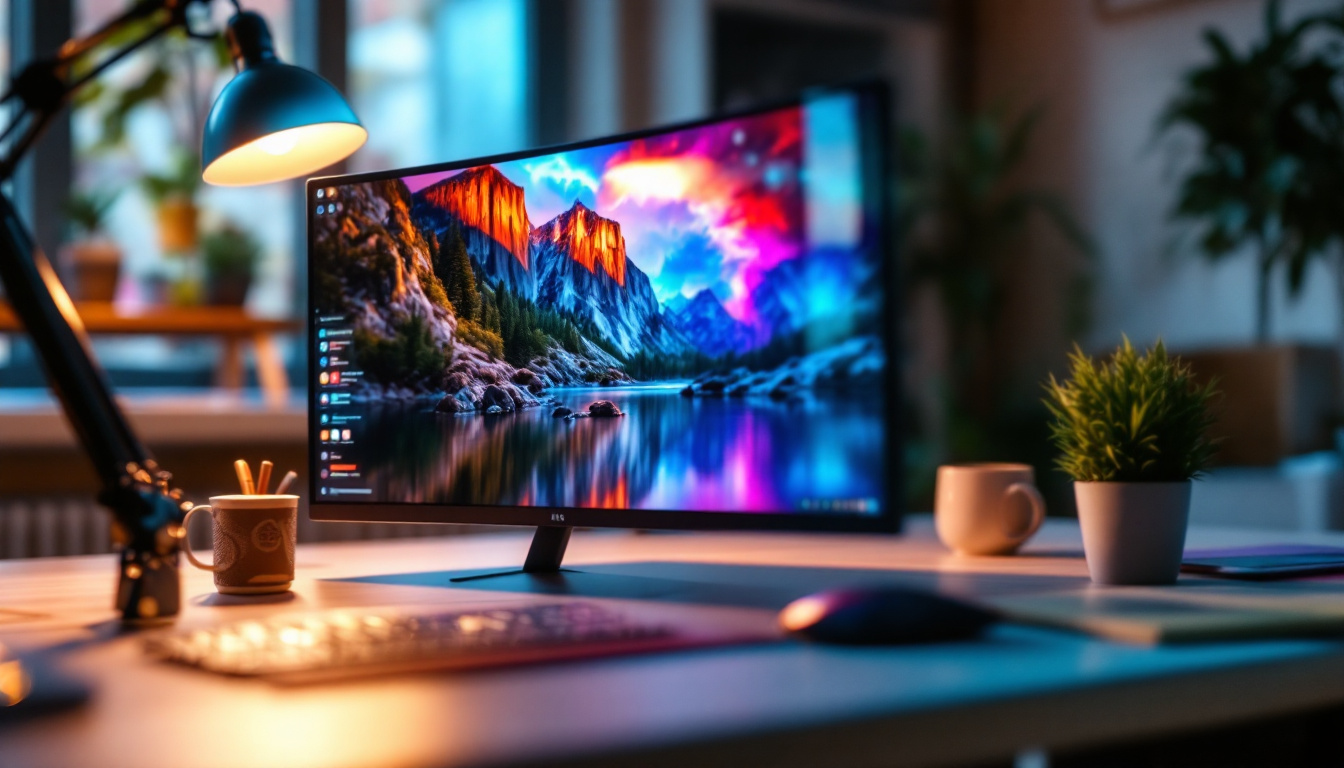
Ergonomics is the science of designing a workspace that fits the user’s needs, minimizing discomfort and risk of injury. Using a desktop monitor stand with an LED display helps maintain an ideal viewing angle—typically, the top of the screen should be at or slightly below eye level, and the monitor should be about an arm’s length away. This positioning reduces neck and shoulder strain, which is common among office workers and gamers who spend long hours in front of screens. Moreover, a well-structured workspace can significantly enhance productivity; when users are comfortable, they can focus better on tasks without the distraction of physical discomfort.
Additionally, monitor stands can help create a more organized workspace. By elevating the monitor, users can utilize the space underneath for storage or to place other essential tools, such as notebooks or stationery. This not only keeps the desk clutter-free but also promotes a more efficient workflow, allowing users to access their materials without unnecessary strain or movement.
Enhancing Visual Performance
LED displays are known for their crisp images and vibrant colors. However, glare and reflections can diminish visual quality. Many monitor stands offer swivel and tilt functions, enabling users to adjust the screen to minimize glare from overhead lighting or windows. This flexibility ensures that the LED display’s superior brightness and contrast are fully leveraged, improving both work efficiency and entertainment experiences. Furthermore, the ability to rotate the monitor to a vertical position can be particularly beneficial for tasks such as coding or reading long documents, where a taller screen can provide a better view of content without the need for excessive scrolling.
In addition to these functional benefits, many modern monitor stands are designed with aesthetics in mind, complementing the sleek look of LED displays. They come in various materials and finishes, allowing users to choose a stand that matches their personal style or office decor. This attention to design not only enhances the visual appeal of the workspace but can also contribute to a more enjoyable and motivating environment, encouraging users to spend more time in their productive zones.
Types of Desktop Monitor Stands for LED Displays
Monitor stands come in various designs, each catering to different needs and preferences. Understanding the types available can help you make an informed choice that complements your workspace and maximizes the benefits of your LED display.
Fixed Monitor Stands
Fixed stands are the simplest type, usually included with the monitor itself. They offer a stable base but limited adjustability. While they support the monitor securely, they lack height adjustment, tilt, or swivel features. Fixed stands are suitable for users with minimal ergonomic needs or those who already have an adjustable desk setup.
Adjustable Monitor Stands
Adjustable stands provide flexibility in height, tilt, and sometimes swivel. These stands are ideal for users who frequently switch between sitting and standing or share a workstation with others. Many adjustable stands also include cable management systems to keep cords organized, which is particularly beneficial for maintaining a clean desk environment.
Monitor Arms
Monitor arms are highly versatile and attach to the desk or wall, allowing for extensive movement and adjustment. They can support one or multiple LED displays and free up valuable desk space. Monitor arms are perfect for professionals who require precise positioning, such as graphic designers, video editors, and gamers. Their ergonomic benefits are unmatched, as they enable users to position the screen at the perfect height, distance, and angle.
Dual and Multi-Monitor Stands
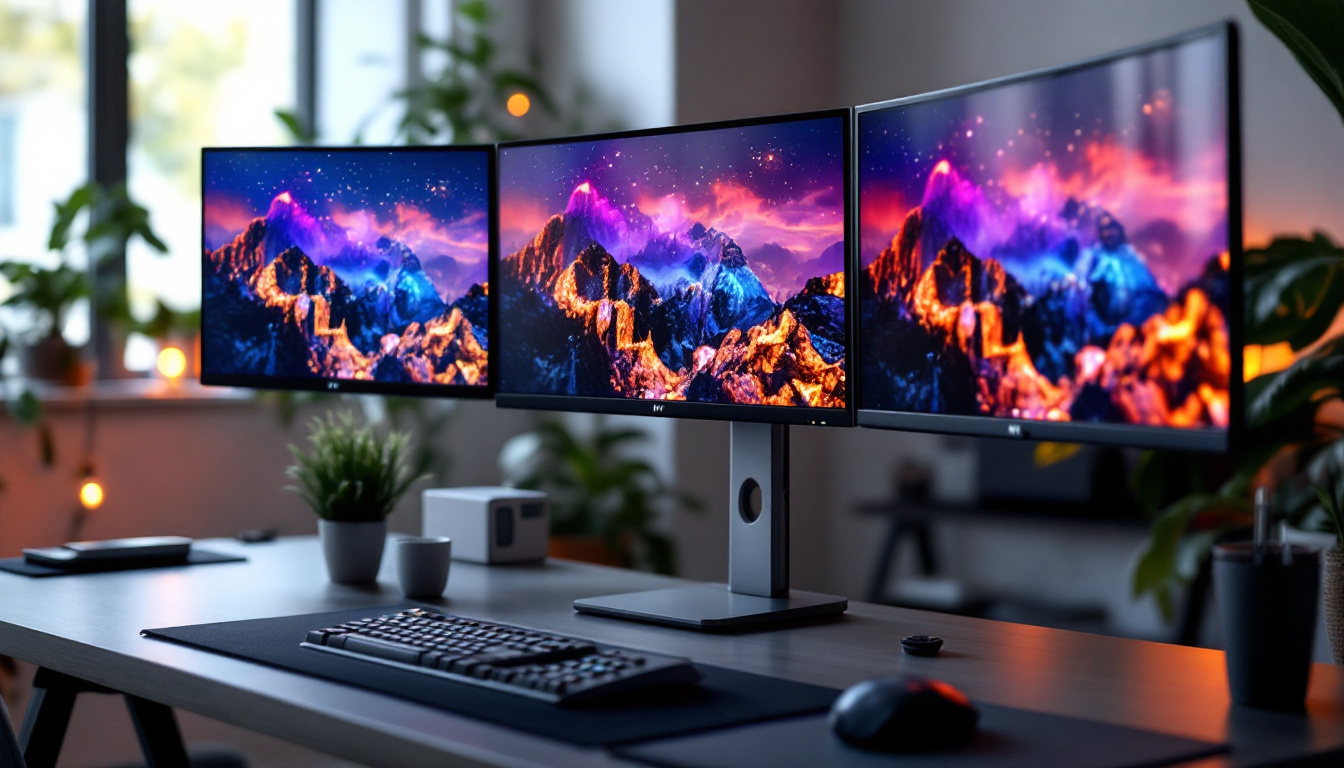
For users with more than one LED display, dual or multi-monitor stands are essential. These stands keep multiple monitors aligned and adjustable, creating a seamless viewing experience. They help reduce neck and eye strain by allowing users to position screens at consistent heights and angles. Multi-monitor setups are increasingly common in trading, programming, and multimedia production environments.
Key Features to Look for in a Monitor Stand for LED Displays
When selecting a monitor stand for your LED display, several features can enhance usability, comfort, and aesthetics. Prioritizing these attributes ensures that your investment supports your work habits and health.
Weight Capacity and Compatibility
LED monitors vary in size and weight, so it’s crucial to choose a stand that can support your specific model safely. Most stands list their maximum weight capacity and compatible screen sizes. For example, a stand rated for up to 15 pounds and 27-inch monitors will not be suitable for a larger 32-inch LED display weighing 20 pounds.
Adjustability
Height adjustment is the most critical ergonomic feature, but tilt, swivel, and rotation capabilities also contribute to a comfortable viewing experience. Some stands offer 360-degree rotation, allowing users to switch between landscape and portrait modes, which is useful for coding, reading, or design work.
Build Quality and Materials
Durability is essential for a monitor stand that will be used daily. High-quality materials such as steel or aluminum provide sturdy support and longevity. Additionally, stands with a solid base or clamp mechanism ensure stability, preventing wobbling or tipping, especially for larger LED monitors.
Cable Management
LED monitors often come with multiple cables for power, data, and peripherals. A monitor stand with integrated cable management helps keep these cords organized and out of sight, reducing clutter and potential hazards. This feature also simplifies cleaning and maintenance of your workspace.
Ease of Installation
Some monitor stands require tools and assembly, while others offer tool-free installation. Depending on your comfort level and time constraints, ease of setup can be a deciding factor. Monitor arms, in particular, may require mounting to the desk or wall, so ensure your workspace can accommodate this.
Top Recommended Monitor Stands for LED Displays in 2024
Based on current market trends, user reviews, and expert evaluations, several monitor stands stand out for their compatibility with LED displays and ergonomic benefits. Here are some top choices to consider:
Ergotron LX Desk Monitor Arm
The Ergotron LX is renowned for its robust build and extensive adjustability. It supports monitors up to 34 inches and 25 pounds, making it ideal for most LED displays. Its gas spring technology allows smooth height and angle adjustments, and the integrated cable management keeps cords tidy. The clamp and grommet mounting options provide flexibility for different desk types.
VIVO Height Adjustable Monitor Stand
For those seeking a freestanding adjustable stand, the VIVO model offers height, tilt, and swivel adjustments with a sleek design. It supports monitors up to 27 inches and 22 pounds. Its sturdy steel construction ensures stability, and the base includes rubber pads to protect desk surfaces. This stand is a great option for users who prefer minimal installation hassle.
AmazonBasics Dual Monitor Stand
The AmazonBasics dual monitor stand is an excellent choice for multi-display setups. It supports two monitors up to 27 inches each and offers height, tilt, swivel, and rotation adjustments. Its heavy-duty steel construction and wide base provide stability, while the cable management clips keep wires organized. This stand is budget-friendly without sacrificing quality.
HUANUO Monitor Arm with Gas Spring
HUANUO’s gas spring monitor arm is a versatile and affordable option that supports monitors up to 32 inches and 19.8 pounds. It features full motion adjustability, including 360-degree rotation, and comes with both clamp and grommet mounting options. The arm’s sleek black finish complements modern office setups, and its integrated cable management system helps maintain a clean workspace.
How to Set Up Your LED Display with a Monitor Stand for Optimal Performance
Proper setup is crucial to fully benefit from your monitor stand and LED display. Follow these guidelines to create an ergonomic and visually comfortable workstation.
Positioning the Monitor
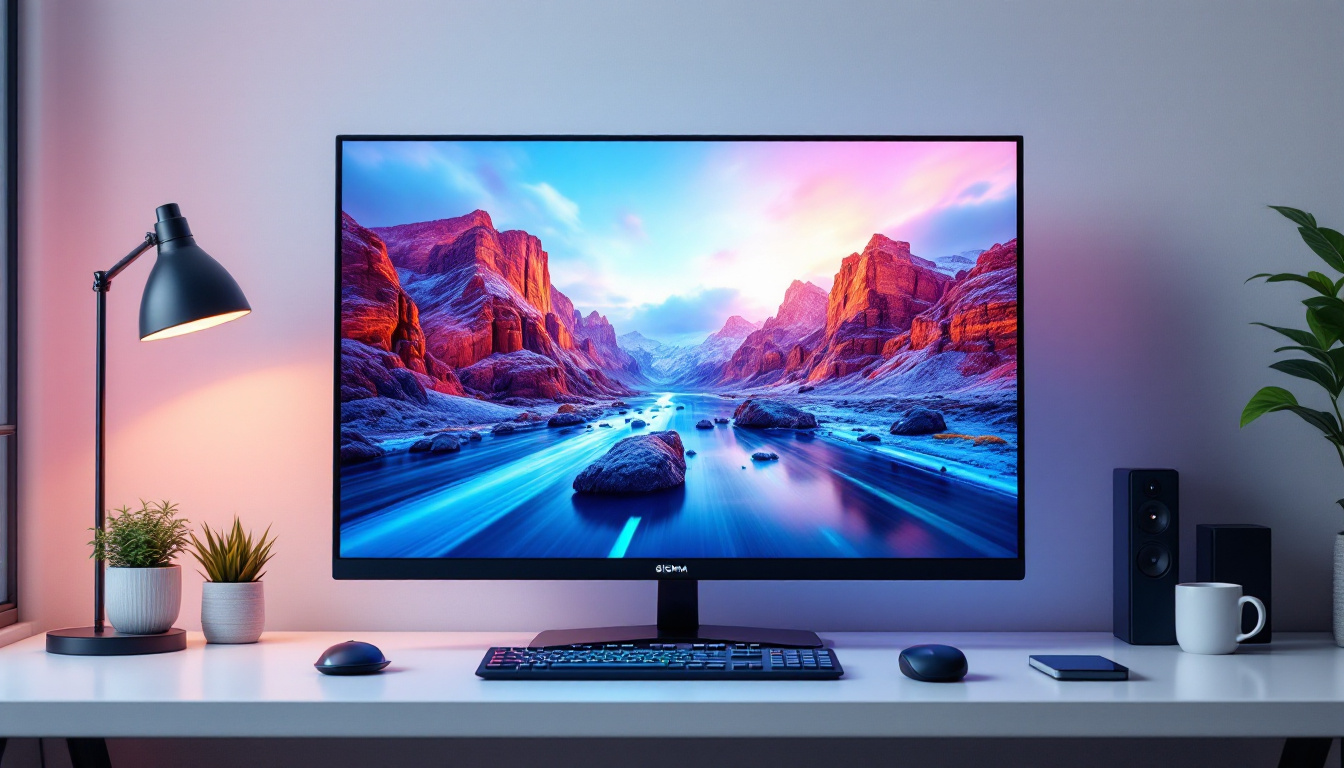
Place the monitor so that the top of the screen is at or slightly below eye level. This position encourages a natural neck posture. The screen should be approximately 20 to 30 inches away from your eyes, roughly an arm’s length. Adjust the tilt to minimize glare and reflections, generally between 10 to 20 degrees backward.
Adjusting for Multiple Displays
If using dual or multiple monitors, align them so that the primary display is directly in front of you. Secondary monitors should be angled inward to reduce excessive head turning. Ensure all screens are at the same height to prevent neck strain.
Managing Cables
Use the cable management features of your monitor stand to route power and data cables neatly. Avoid tangling and ensure cables have enough slack to accommodate adjustments without pulling or disconnecting.
Lighting Considerations
Position your monitor away from direct light sources that cause glare. Use adjustable blinds or curtains to control natural light, and consider an anti-glare screen protector if necessary. Proper lighting enhances the LED display’s clarity and reduces eye fatigue.
Conclusion: Investing in the Right Monitor Stand for Your LED Display
The right desktop monitor stand is more than just a support for your LED display—it’s a critical component of a healthy, productive workspace. By understanding the ergonomic benefits, types of stands available, and key features to consider, users can make informed decisions that improve comfort and visual performance.
Whether opting for a fixed stand, an adjustable model, or a versatile monitor arm, prioritizing quality, compatibility, and adjustability will ensure that your LED display performs at its best. Investing time and resources into the proper monitor stand not only enhances your immediate work experience but also contributes to long-term health and efficiency in an increasingly screen-centric world.
Discover the Perfect Match for Your Monitor Stand
Now that you’ve explored the importance of the right desktop monitor stand for your LED display, it’s time to elevate your visual experience with LumenMatrix. As a pioneer in LED display technology, LumenMatrix offers an array of innovative solutions that complement any workspace. From Indoor and Outdoor LED Wall Displays to specialized options like Vehicle, Sports, and Floor LED Displays, our products are designed to bring your content to life with unparalleled clarity and impact. Don’t just enhance your monitor setup; revolutionize your visual communication. Check out LumenMatrix LED Display Solutions and see the difference for yourself.