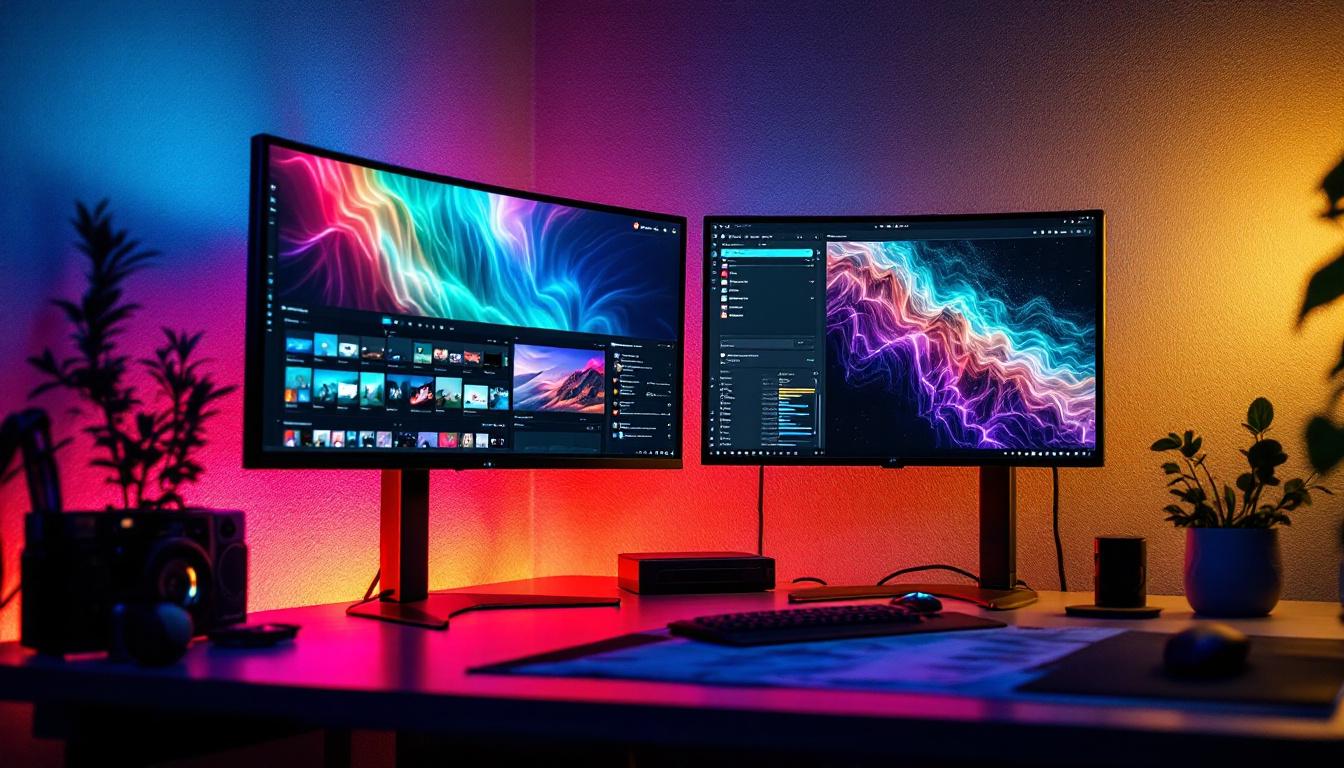
In today’s fast-paced digital environment, maximizing screen real estate is crucial for productivity, entertainment, and professional work. Dual monitor setups have become increasingly popular, offering users the ability to multitask efficiently and enjoy immersive viewing experiences. Among the various mounting solutions available, bracket dual monitors stand out as a versatile and ergonomic option, especially when paired with LED displays.
Understanding Dual Monitor Brackets
Dual monitor brackets are mounting devices designed to hold two monitors simultaneously, freeing up desk space and allowing for customizable positioning. Unlike traditional monitor stands, these brackets attach to desks or walls, providing flexibility in height, angle, and orientation adjustments.
The primary purpose of a dual monitor bracket is to enhance ergonomics and workspace organization. By elevating monitors off the desk surface, users can reduce neck and eye strain, maintain better posture, and create a cleaner, more efficient workspace. This is particularly beneficial for professionals who spend long hours in front of screens, as it can lead to improved productivity and comfort throughout the day.
Moreover, dual monitor setups can significantly boost multitasking capabilities. With two screens, users can easily compare documents, reference materials, or run applications side by side, which streamlines workflow and minimizes the time spent switching between tabs or windows. This increased efficiency is not only advantageous for office workers but also for gamers and content creators who often require multiple displays for optimal performance.
Types of Dual Monitor Brackets
There are several types of dual monitor brackets, each catering to different needs and setups:
- Clamp-mounted brackets: These attach to the edge of a desk using a clamp mechanism, ideal for those who want a non-permanent solution without drilling. They are particularly useful in shared workspaces where flexibility is key.
- Grommet-mounted brackets: These require a hole in the desk surface to secure the mount, offering a stable and secure installation. This type is often favored by users seeking a clean aesthetic and a robust setup that can withstand frequent adjustments.
- Wall-mounted brackets: Perfect for saving desk space entirely, these brackets fix monitors directly to a wall. This option is excellent for creating a minimalist workspace and can also help in achieving the ideal viewing height.
- Freestanding dual monitor stands: These do not require mounting and sit on the desk, but often take up more space. They can be a great choice for those who may want to move their monitors frequently or do not have the option to drill into their desks.
Choosing the right bracket depends on desk type, monitor size, and user preferences for adjustability. Additionally, it’s important to consider the weight capacity of the bracket, as well as the VESA compatibility of the monitors, to ensure a secure and stable setup. Many modern brackets also come equipped with cable management systems, which help to keep cords organized and out of sight, further enhancing the overall appearance of the workspace.
Why Choose LED Displays for Dual Monitor Setups?
LED (Light Emitting Diode) displays have become the industry standard for monitors due to their superior image quality, energy efficiency, and slim design. When paired with dual monitor brackets, LED displays offer several advantages that enhance the overall user experience.
Advantages of LED Displays
LED monitors use LED backlighting instead of traditional CCFL (Cold Cathode Fluorescent Lamp) backlights, resulting in:
- Improved brightness and contrast: LED displays provide vibrant colors and deeper blacks, making images and text clearer and more comfortable to view for extended periods.
- Energy efficiency: LED backlights consume less power, reducing electricity bills and environmental impact.
- Thinner and lighter design: The slim profile of LED monitors complements bracket mounts, allowing for sleek and space-saving setups.
- Longer lifespan: LEDs tend to last longer than traditional backlights, ensuring durability and reliability.
These benefits make LED displays a perfect match for dual monitor brackets, especially in professional and gaming environments where display quality and ergonomics are paramount. Additionally, the rapid response time of LED technology minimizes motion blur, which is particularly advantageous for fast-paced gaming or video editing tasks. Users can enjoy a smoother experience with less ghosting, allowing for more precise movements and clearer visuals.
Moreover, many LED monitors come equipped with advanced features such as high refresh rates and adaptive sync technologies, which further enhance the viewing experience. These features are especially beneficial for gamers who demand high performance, as they help eliminate screen tearing and stuttering. Furthermore, the availability of various screen sizes and resolutions, including 4K options, allows users to customize their dual monitor setups to suit their specific needs, whether for multitasking, creative work, or immersive gaming.
Ergonomics and Productivity Benefits of Bracket Dual Monitor Setups
Integrating dual monitors with adjustable brackets can significantly impact user comfort and efficiency. Research shows that workers using dual monitors can experience up to a 20-30% increase in productivity by reducing the time spent switching between applications and windows.
Ergonomically, dual monitor brackets allow users to position screens at eye level and at optimal viewing distances, minimizing strain on the neck, shoulders, and eyes. This setup is particularly beneficial for professions requiring extensive screen time, such as software development, graphic design, financial analysis, and content creation.
Customizable Viewing Angles and Positions
Most dual monitor brackets offer tilt, swivel, and rotation adjustments. This flexibility enables users to:
- Align monitors seamlessly: Creating a continuous visual workspace without gaps or misalignment.
- Switch between landscape and portrait modes: Useful for coding, reading long documents, or social media management.
- Reduce glare: By adjusting angles to avoid reflections from windows or overhead lights.
These ergonomic features contribute to a healthier workspace and reduce the risk of repetitive strain injuries.
Choosing the Right Dual Monitor Bracket for LED Displays
Selecting the appropriate bracket involves considering several factors to ensure compatibility, durability, and ease of use.
Monitor Size and Weight Compatibility
Dual monitor brackets come with specified weight and size limits. LED monitors vary widely, from compact 21-inch models to large 32-inch or even ultrawide displays. It’s essential to check the bracket’s maximum supported weight and VESA (Video Electronics Standards Association) mount compatibility to ensure a secure fit.
Material and Build Quality
Durability is crucial for long-term use. Brackets made from high-quality steel or aluminum provide better stability and longevity compared to plastic alternatives. Additionally, look for models with robust joints and smooth adjustment mechanisms to facilitate easy repositioning.
Adjustability Features
Consider the range of motion offered by the bracket:
- Height adjustment: Allows for raising or lowering the monitors to eye level.
- Swivel and tilt: Enables side-to-side movement and angle changes.
- Rotation: Useful for switching between landscape and portrait orientations.
Greater adjustability translates to better ergonomic customization.
Installation Requirements
Evaluate your desk setup before purchasing:
- Does your desk support clamp or grommet mounting?
- Is wall mounting a viable option?
- Are there any space constraints or cable management needs?
Some brackets include integrated cable management systems, helping to keep cords organized and out of sight.
Popular Use Cases for Bracket Dual Monitor LED Displays
Dual monitor setups with LED displays and mounting brackets are prevalent across various sectors, each benefiting uniquely from the configuration.
Professional Workstations
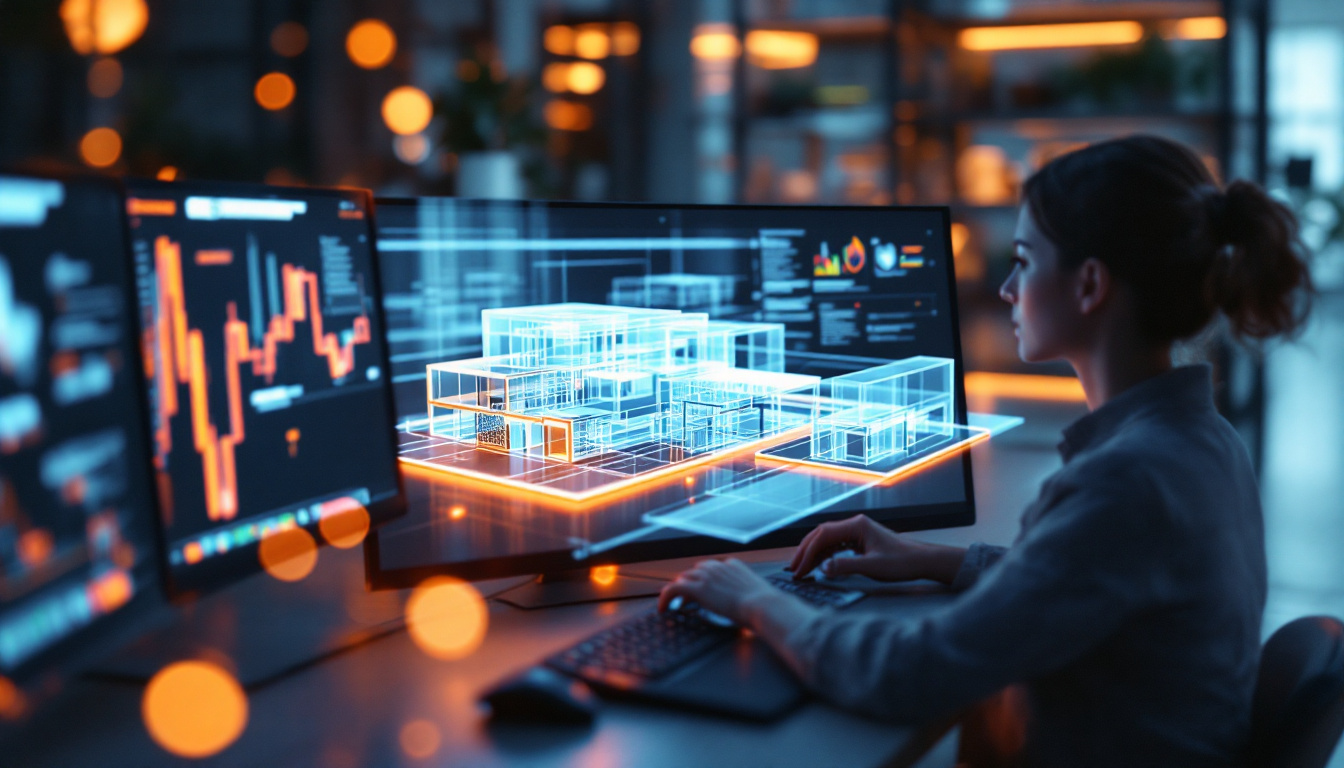
In corporate environments, dual monitors enable multitasking across spreadsheets, emails, video conferencing, and design software. LED displays ensure sharp visuals for detailed work, while brackets maintain an ergonomic posture during long hours.
Creative Industries
Graphic designers, video editors, and photographers rely on accurate color representation and high resolution. Dual LED monitors mounted on adjustable brackets allow for seamless workflow, with one screen dedicated to tools and the other to the canvas or timeline.
Gaming and Streaming
Gamers and live streamers often use dual monitors to play on one screen while monitoring chat, streaming software, or system performance on the other. LED displays provide fast response times and vivid colors, enhancing the gaming experience. Brackets help position screens optimally for comfort during extended sessions.
Home Offices and Remote Work
The rise of remote work has increased demand for efficient home office setups. Dual monitor brackets help create professional-grade workspaces in limited spaces, improving productivity and reducing clutter.
Maintenance and Care for Bracket Dual Monitor LED Displays
Maintaining both the bracket and LED monitors ensures longevity and consistent performance.
Cleaning and Dusting
Regularly clean the monitors with a microfiber cloth and appropriate screen cleaner to avoid scratches and maintain image clarity. Dust the bracket and mounting points to prevent buildup that could affect movement or stability.
Checking Mounting Hardware
Periodically inspect screws, clamps, and joints to ensure they remain tight and secure. Loose hardware can lead to monitor instability or damage.
Cable Management
Organize cables using clips or integrated bracket channels to prevent tangling and accidental disconnections. Proper cable management also improves airflow around the monitors, helping to avoid overheating.
The Future of Dual Monitor Brackets and LED Displays
As technology advances, dual monitor setups continue to evolve. Innovations in LED display technology, such as OLED and mini-LED, promise even better image quality with higher contrast ratios and energy efficiency. Meanwhile, mounting solutions are becoming more sophisticated, incorporating motorized adjustments, wireless charging pads, and integrated USB hubs.
Moreover, the increasing adoption of ultrawide and curved LED monitors is influencing bracket designs to accommodate these new form factors, ensuring users can enjoy immersive and ergonomic multi-screen environments.
Conclusion
Bracket dual monitor setups paired with LED displays offer a compelling combination of ergonomic benefits, enhanced productivity, and superior visual quality. By understanding the types of brackets available, the advantages of LED technology, and the factors to consider when choosing mounting solutions, users can create efficient and comfortable workspaces tailored to their specific needs.
Whether for professional use, creative endeavors, gaming, or remote work, investing in the right dual monitor bracket and LED display can transform the way users interact with digital content, leading to improved performance and a healthier work environment.
Enhance Your Workspace with LumenMatrix LED Displays
Ready to elevate your dual monitor setup to the next level? Discover the innovative world of LumenMatrix, where cutting-edge LED display technology meets ergonomic design. With a wide range of solutions from Indoor LED Wall Displays to Custom and All-in-One LED Displays, LumenMatrix is committed to transforming your professional and creative environments. Experience the difference in brand visibility and audience engagement with our captivating visual solutions. Check out LumenMatrix LED Display Solutions today and step into the future of visual communication.