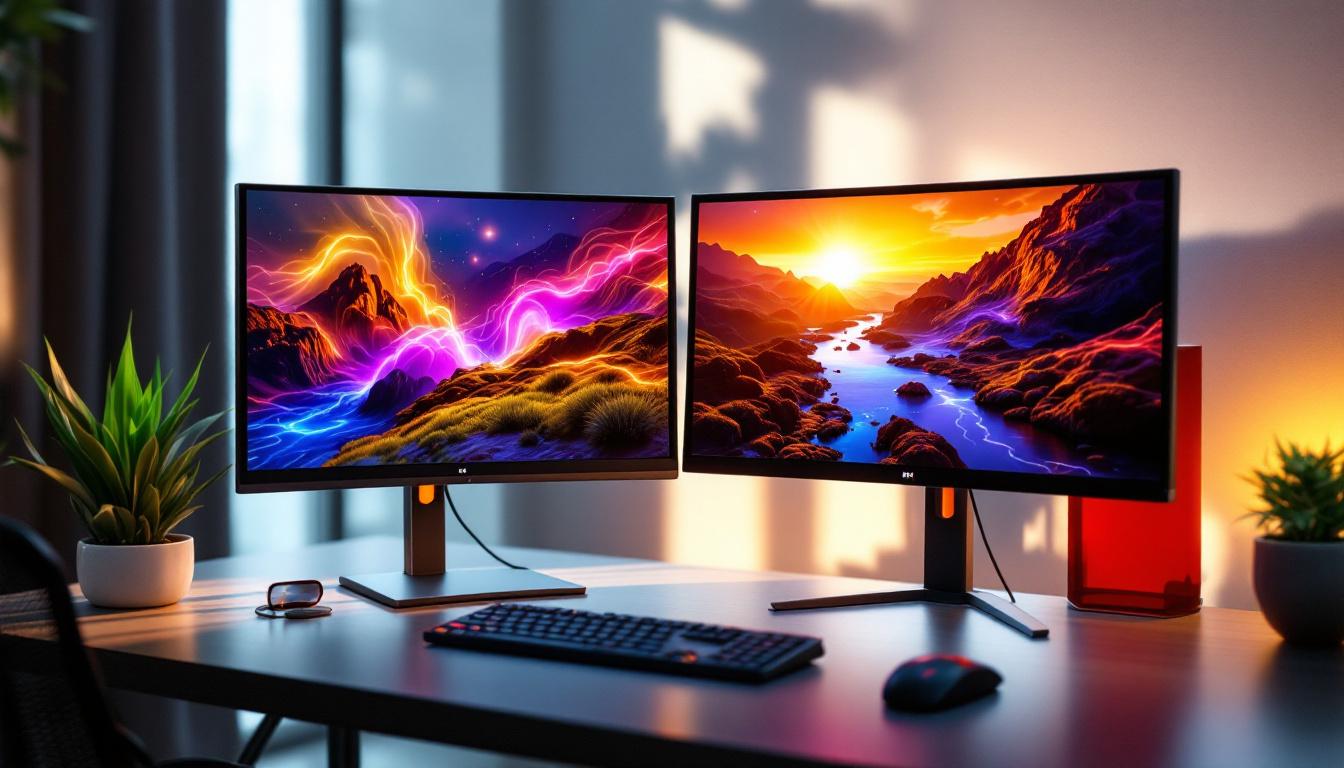
In today’s fast-paced digital world, productivity and efficiency are paramount. One of the most effective ways to enhance both is through the use of dual monitor setups. Whether for professional work, gaming, or creative projects, having two screens can significantly improve multitasking and workflow. However, the benefits of dual monitors are maximized only when paired with the right hardware—enter the computer dual monitor stand. This article delves into the essentials of dual monitor stands, with a special focus on LED displays, helping you understand how to optimize your workspace for comfort, performance, and aesthetics.
Understanding Dual Monitor Stands
What Are Dual Monitor Stands?
Dual monitor stands are mounting solutions designed to hold two monitors side by side or in various configurations. Unlike traditional monitor bases, these stands free up valuable desk space, provide ergonomic benefits, and allow for greater flexibility in adjusting monitor height, angle, and orientation. They come in several designs, including freestanding models, clamp mounts, and wall mounts, each catering to different workspace setups and user preferences. Many dual monitor stands also feature integrated cable management systems, which help keep cords organized and out of sight, further enhancing the aesthetic appeal of your workspace. This attention to detail not only contributes to a more professional appearance but also minimizes the risk of tangling and accidental disconnections.
Why Use a Dual Monitor Stand?
Using a dual monitor stand offers several advantages over simply placing two monitors on a desk with their original stands. First, it improves ergonomics by allowing users to position screens at eye level, reducing neck and eye strain. Second, it declutters the desk, creating a cleaner and more organized workspace. Third, it enhances productivity by enabling seamless transitions between applications and windows across two displays. According to a study by Jon Peddie Research, multi-monitor setups can increase productivity by up to 42%, making the investment in a good dual monitor stand worthwhile. Furthermore, many users find that having multiple screens allows for more effective multitasking; for instance, one monitor can be dedicated to communication tools like email or chat applications, while the other can display documents or design software. This setup not only streamlines workflow but also fosters a more dynamic and interactive work environment, where users can engage with their tasks more efficiently.
LED Displays in Dual Monitor Setups
What Are LED Displays?
LED (Light Emitting Diode) displays are a type of LCD screen that uses LED backlighting instead of traditional fluorescent lights. This technology offers several advantages, including better brightness, improved color accuracy, and thinner panel designs. LED displays have become the standard for computer monitors due to their energy efficiency and superior image quality. The transition from older display technologies to LED has revolutionized how we interact with screens, providing sharper images and more vibrant colors that enhance the overall viewing experience. Furthermore, the advancements in LED technology have led to the development of various types of displays, such as OLED and QLED, which push the boundaries of color depth and contrast ratios even further.
Benefits of LED Displays for Dual Monitors
When paired with a dual monitor stand, LED displays provide a visually seamless experience. Their slim profiles make it easier to align two screens closely, reducing the bezel gap and creating an almost continuous viewing area. Additionally, LED monitors typically consume less power and have longer lifespans compared to older display technologies, making them cost-effective in the long run. For professionals in graphic design, video editing, or any color-critical work, LED displays often come with enhanced color calibration options, ensuring consistent and vibrant visuals across both screens. The ability to adjust settings such as brightness, contrast, and color temperature independently on each monitor allows users to create a tailored workspace that meets their specific needs, enhancing productivity and comfort during long hours of use.
Moreover, the versatility of LED displays extends beyond just their visual capabilities. Many modern LED monitors come equipped with features such as built-in speakers, USB hubs, and adjustable stands, which can further streamline the workspace. This integration of technology not only reduces clutter but also enhances the overall user experience by providing easy access to ports and controls. Additionally, with the rise of remote work and online collaboration, dual monitor setups equipped with LED displays can significantly improve multitasking efficiency. Users can have video calls on one screen while referencing documents or conducting research on the other, making it an invaluable asset for anyone looking to maximize their productivity in a digital environment.
Choosing the Right Dual Monitor Stand for LED Displays
Weight and Size Compatibility
One of the first considerations when selecting a dual monitor stand is ensuring it can support the weight and size of your LED monitors. LED screens vary widely—from compact 21-inch models to expansive 34-inch ultrawide displays. Check the stand’s specifications for maximum weight capacity and screen size compatibility. Overloading a stand can lead to instability and potential damage to your monitors.
Adjustability and Ergonomics
Ergonomic adjustability is vital for comfort and health, especially for users who spend long hours in front of their screens. Look for stands that offer height adjustment, tilt, swivel, and rotation capabilities. This flexibility allows you to position each monitor at the optimal angle and height, reducing strain on your neck, shoulders, and eyes. Some advanced models even support portrait mode rotation, which is useful for coding, reading, or document editing.
Mounting Options and Desk Compatibility
Dual monitor stands come with different mounting mechanisms. Freestanding stands are easy to set up and move but take up some desk space. Clamp mounts attach to the edge of the desk, saving surface area but requiring a suitable desk thickness. Wall mounts are ideal for permanent setups and offer maximum desk clearance but need proper wall support. Consider your desk’s material, thickness, and available space when choosing the mounting style.
Cable Management Features
Good cable management is often overlooked but plays a crucial role in maintaining a tidy workspace. Many dual monitor stands include built-in cable channels or clips to route power and data cables neatly along the stand’s arms or base. This not only improves aesthetics but also prevents cables from tangling or getting damaged.
Popular Dual Monitor Stand Configurations
Side-by-Side Setup
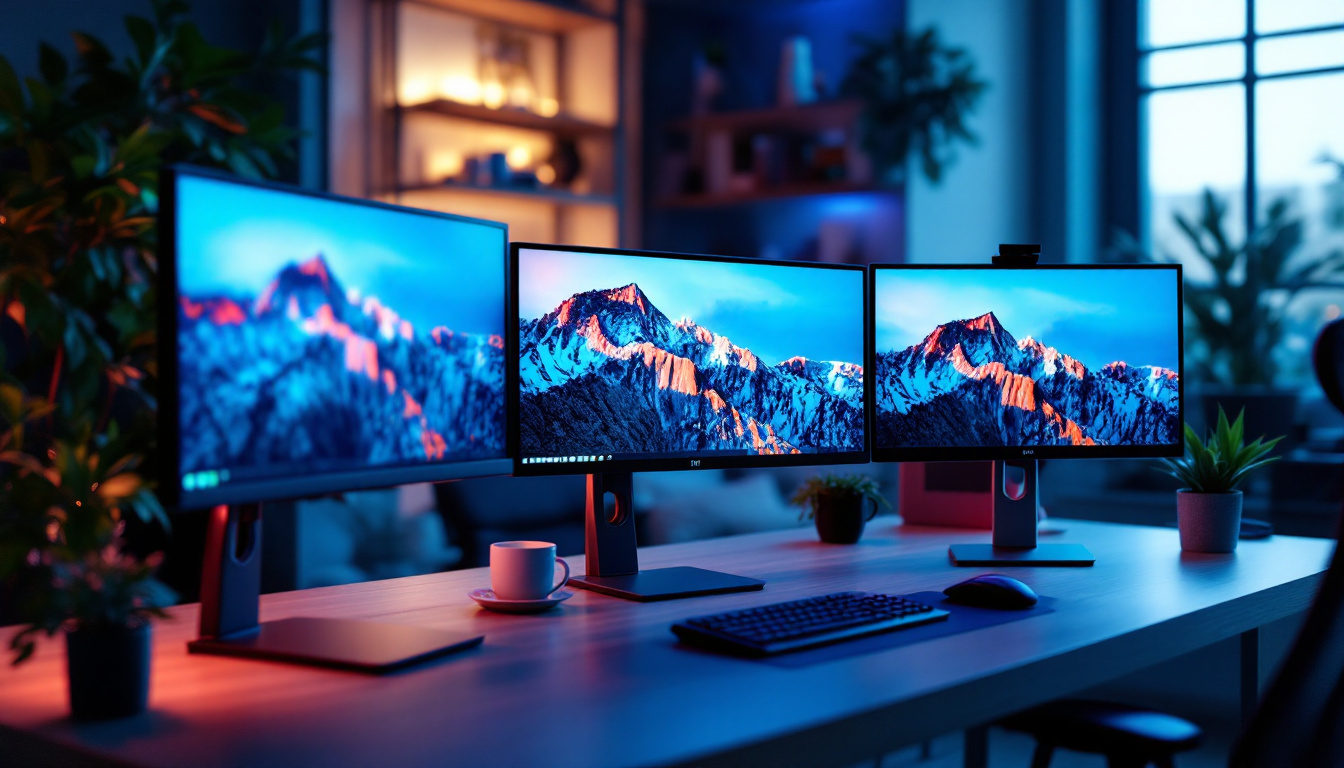
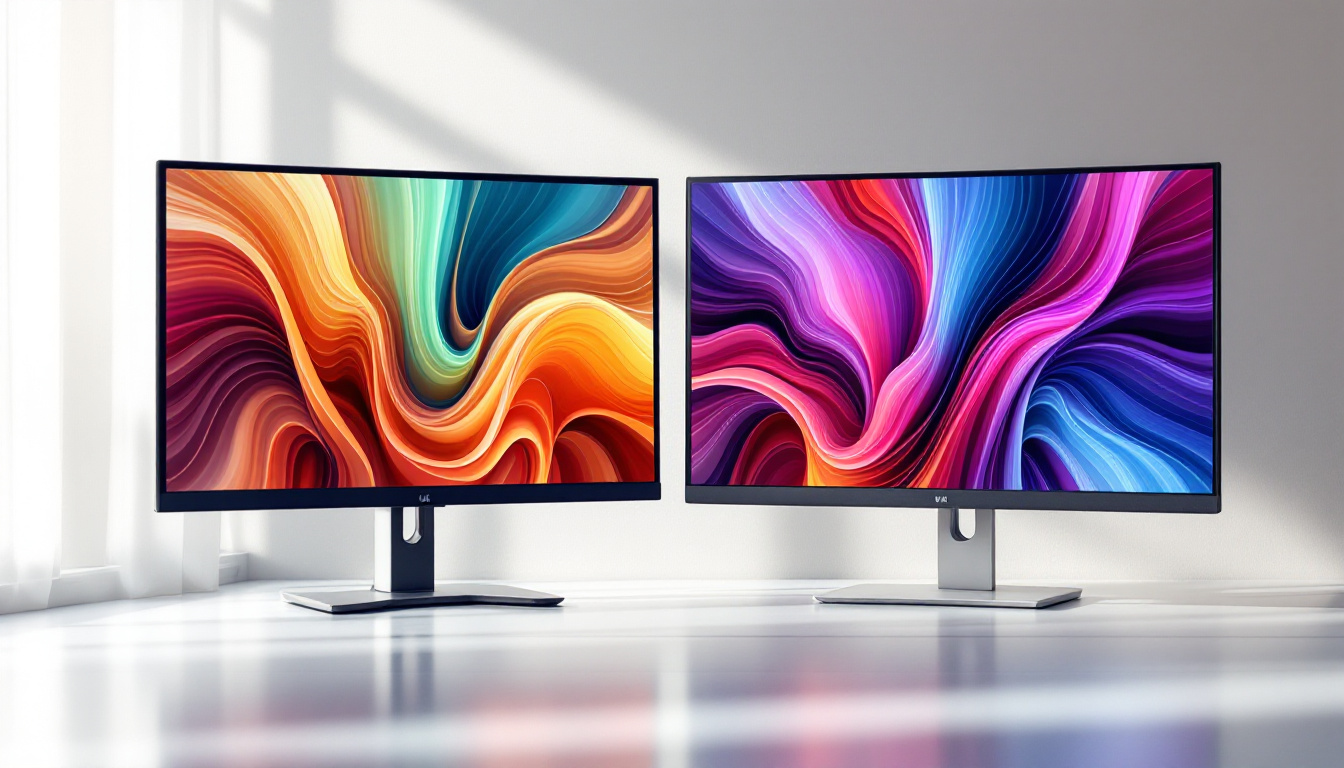
The most common dual monitor configuration places two screens horizontally next to each other. This setup is ideal for general productivity, gaming, and multimedia tasks. It allows users to view both screens simultaneously with minimal head movement. Dual monitor stands designed for side-by-side setups often feature adjustable arms that can be extended or retracted to accommodate different screen sizes and viewing distances.
Stacked Vertical Setup
For users with limited desk width or those who prefer a vertical workflow, stacking monitors one above the other is an effective configuration. This arrangement is popular among programmers, traders, and content creators who benefit from having multiple windows open in a vertical layout. Dual monitor stands that support vertical stacking usually have robust vertical poles and adjustable arms to securely hold the monitors in place.
Angled or Curved Setup
Some dual monitor stands allow the screens to be angled inward, creating a curved or wrap-around effect. This immersive setup reduces peripheral distractions and enhances focus, particularly in gaming or simulation environments. It also mimics the natural curvature of human vision, providing a more comfortable viewing experience over extended periods.
Installation and Maintenance Tips
Proper Installation for Stability and Safety
Installing a dual monitor stand requires careful attention to ensure stability and safety. Begin by assembling the stand according to the manufacturer’s instructions, making sure all screws and bolts are securely tightened. When attaching the monitors, verify that the VESA mount holes on the back of your LED displays are compatible with the stand’s mounting plates. Always lift monitors carefully to avoid damage, and double-check that the stand is firmly anchored to the desk or wall.
Regular Maintenance for Longevity
Maintaining your dual monitor stand is essential to prolong its lifespan and ensure continued performance. Periodically inspect all joints and screws for signs of loosening, and tighten them as needed. Clean the stand with a soft cloth to remove dust and debris, avoiding harsh chemicals that could damage the finish. Additionally, keep cables organized and check for any wear or damage to prevent electrical issues.
Enhancing Your Dual Monitor Experience
Calibration and Color Matching
For users working with LED displays in color-sensitive fields such as photography, design, or video production, calibrating dual monitors is crucial. Even identical models can have slight variations in color temperature and brightness. Using calibration tools and software ensures that both screens display consistent colors, improving accuracy and reducing eye fatigue.
Software Tools for Multi-Monitor Management
Beyond hardware, software solutions can optimize the dual monitor experience. Operating systems like Windows and macOS offer built-in features to manage multiple displays, such as extending or mirroring screens, adjusting resolution, and setting primary monitors. Third-party applications provide additional capabilities like window snapping, virtual desktops, and customized hotkeys, enhancing workflow efficiency.
Ergonomic Accessories
Complement your dual monitor stand with ergonomic accessories to create a holistic workspace. Adjustable keyboard trays, monitor light bars, and wrist rests can reduce strain and improve comfort. Additionally, investing in a quality office chair and maintaining proper posture are essential to prevent musculoskeletal issues associated with prolonged computer use.
Conclusion
Computer dual monitor stands are indispensable tools for anyone looking to maximize the benefits of a multi-display setup, especially when using LED displays. By understanding the different types of stands, their features, and how they interact with LED technology, users can create an efficient, ergonomic, and visually appealing workspace. Whether for professional productivity, creative endeavors, or immersive gaming, the right dual monitor stand enhances both comfort and performance, making it a smart investment for the modern user.
As technology continues to evolve, so too will the designs and functionalities of dual monitor stands and LED displays. Staying informed about the latest trends and best practices ensures that your setup remains cutting-edge and tailored to your specific needs.
Discover LumenMatrix’s Advanced LED Display Solutions
Ready to elevate your workspace and enhance your dual monitor experience? LumenMatrix offers a wide range of innovative LED display solutions tailored to meet your needs. From immersive gaming to professional productivity, our cutting-edge technology is designed to captivate your audience and communicate your message with unparalleled clarity. Explore our Indoor and Outdoor LED Wall Displays, Vehicle LED Displays, and more to find the perfect fit for your setup. Check out LumenMatrix LED Display Solutions today and transform your visual engagement.