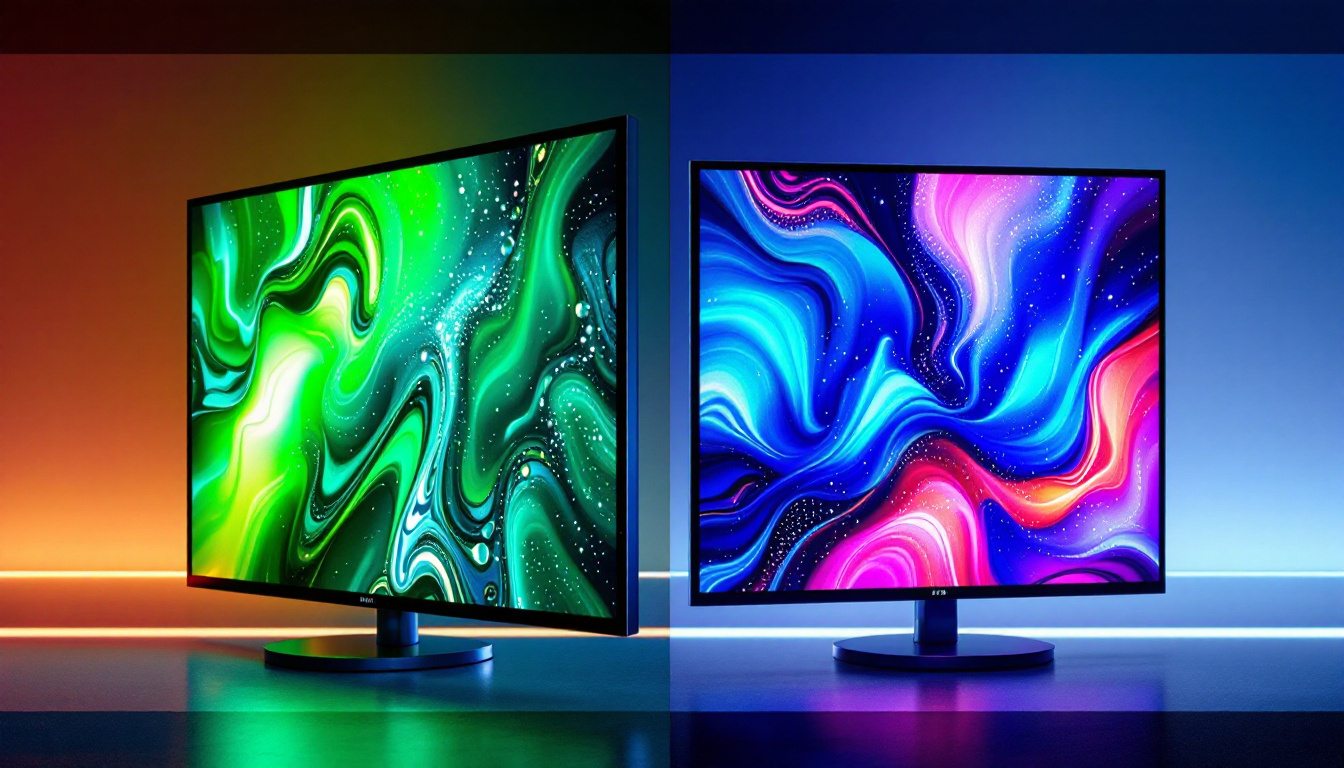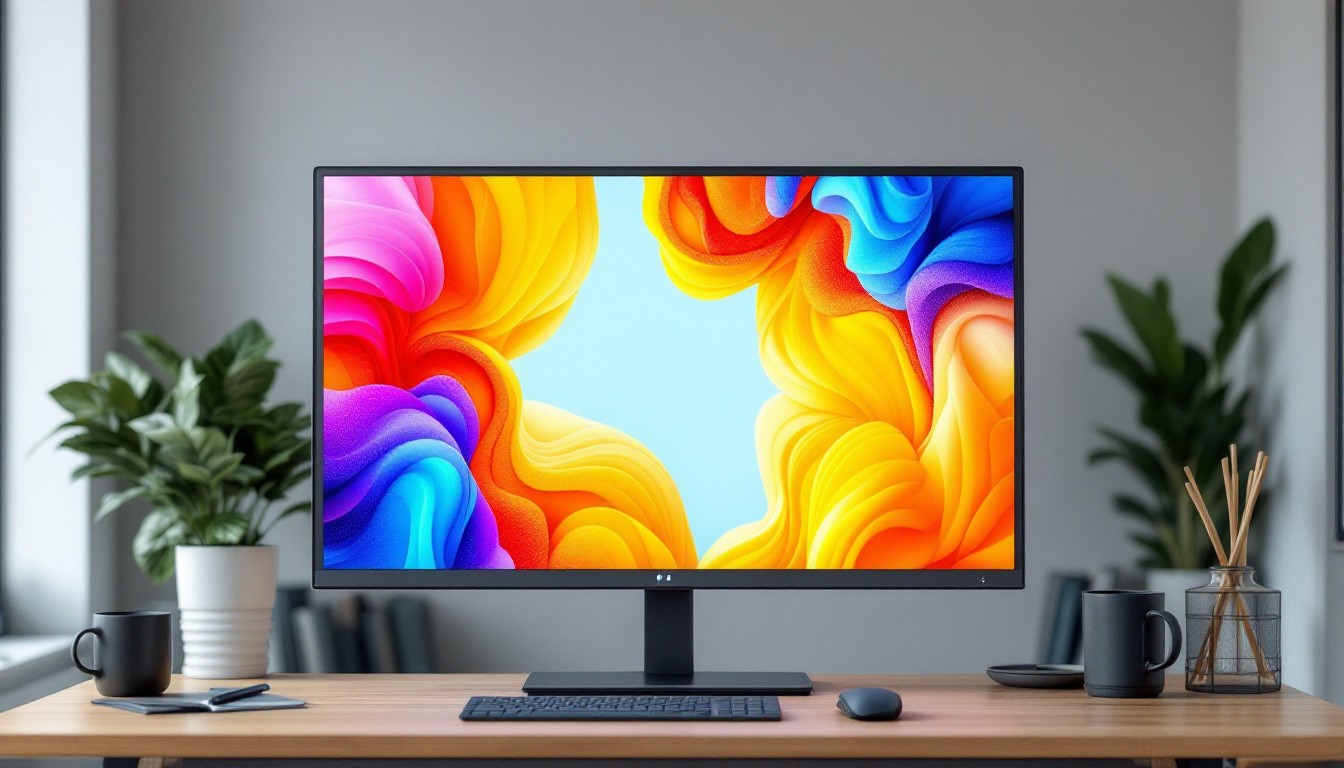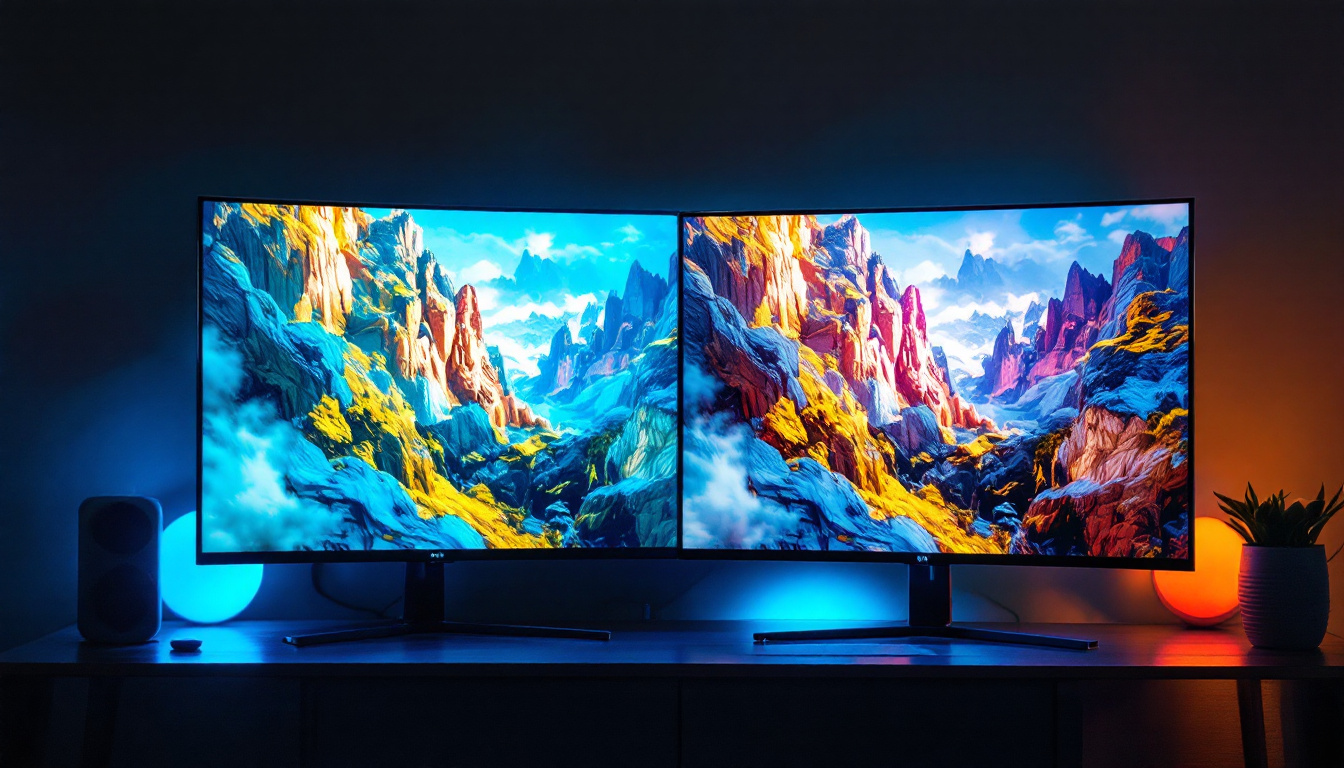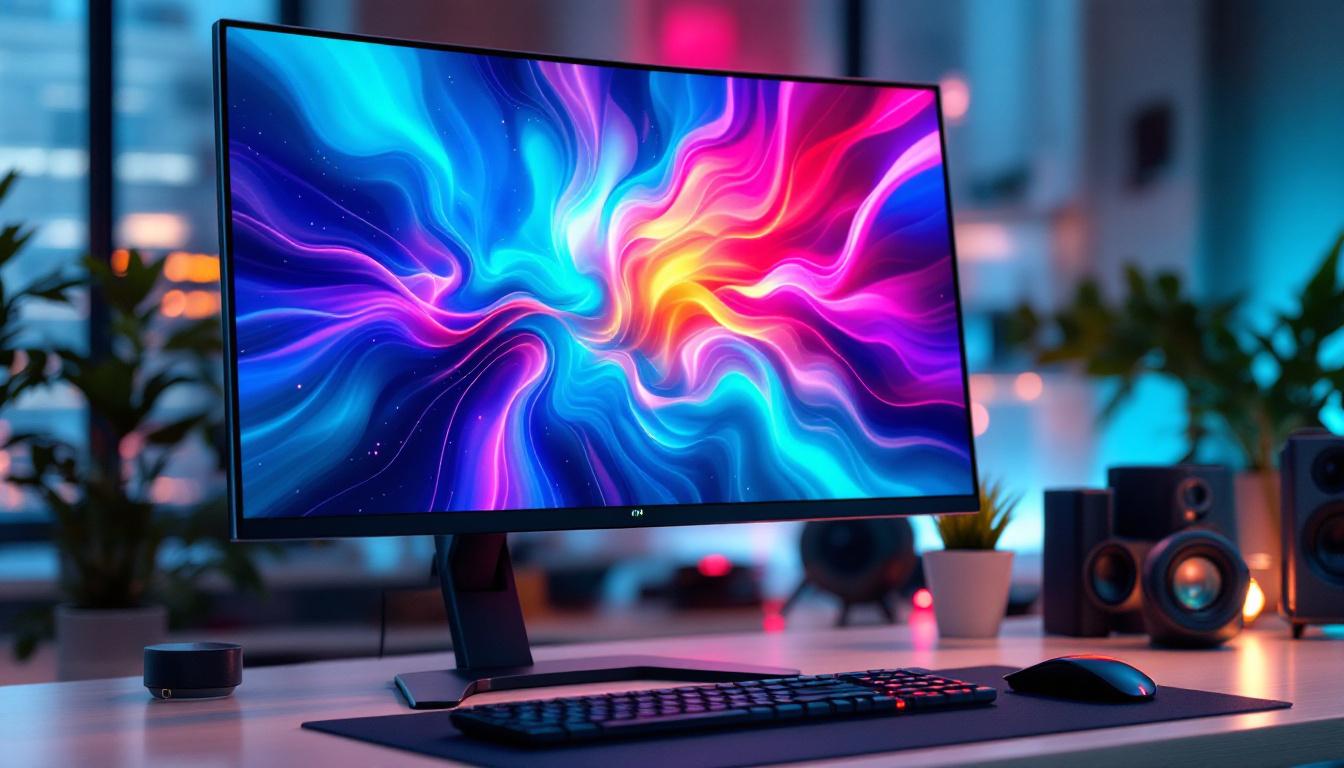
In today’s digital age, the computer monitor is an essential component of any workstation, whether for professional use, gaming, or casual browsing. Among the various types of displays available, LED monitors have become the industry standard due to their superior image quality, energy efficiency, and sleek design. Understanding the technology behind LED displays, as well as the importance of a proper monitor stand, is crucial for anyone looking to optimize their workspace.
Understanding LED Display Technology
What is an LED Monitor?
LED stands for Light Emitting Diode, a technology that has revolutionized display screens. Unlike older LCD monitors that used cold cathode fluorescent lamps (CCFL) for backlighting, LED monitors use tiny light-emitting diodes to illuminate the screen. This shift has brought numerous benefits, including improved brightness, contrast, and color accuracy.
LED monitors are essentially LCD panels with LED backlighting. The diodes can be arranged either along the edges of the screen (edge-lit) or directly behind the panel (direct-lit or full-array). Full-array LED monitors typically provide better uniformity and local dimming capabilities, which enhance contrast ratios and black levels. This technology allows for a more immersive viewing experience, making LED monitors popular among gamers and graphic designers who require precise color representation and detail in their work.
Moreover, the rapid advancements in LED technology have led to innovations such as quantum dot displays, which further enhance color reproduction and brightness. These developments ensure that LED monitors remain at the forefront of display technology, catering to a wide range of applications from casual viewing to professional use in creative fields.
Advantages of LED Displays Over Other Technologies
LED monitors offer several advantages compared to older display technologies such as CCFL-backlit LCDs and even some OLEDs in specific contexts. For one, LED displays consume less power, making them more energy-efficient and environmentally friendly. According to the U.S. Department of Energy, LED-backlit LCDs can use up to 40% less energy than CCFL-backlit models.
Additionally, LED monitors tend to have longer lifespans and generate less heat. Their ability to produce brighter images with sharper contrast makes them ideal for environments with ambient light. Moreover, LED technology supports thinner and lighter monitor designs, which contributes to ergonomic and aesthetic improvements in workspaces. This is particularly beneficial for users who may need to transport their monitors frequently or those who prefer a minimalist setup that maximizes desk space.
Another notable advantage is the reduced flicker rate in LED displays, which can significantly lessen eye strain during prolonged use. Many manufacturers have incorporated features like blue light filters and adaptive brightness settings to further enhance user comfort, making LED monitors a popular choice for both home and office environments.
Types of LED Backlighting
Understanding the different LED backlighting methods can help consumers make informed decisions based on their needs and budget:
- Edge-Lit LED: LEDs are placed along the edges of the screen, allowing for thinner monitors but sometimes resulting in uneven brightness.
- Direct-Lit LED: LEDs are placed directly behind the screen, providing more uniform lighting but with a thicker panel.
- Full-Array LED: A grid of LEDs behind the screen allows for precise local dimming, leading to better contrast and deeper blacks.
In addition to these primary types, some monitors incorporate advanced technologies such as HDR (High Dynamic Range), which takes advantage of full-array backlighting to deliver a wider range of colors and brightness levels. This is particularly beneficial for content creators and gamers who seek the most vivid and realistic visuals. Furthermore, as the demand for high-resolution displays continues to grow, many LED monitors now support 4K and even 8K resolutions, providing crystal-clear images that enhance the viewing experience across various media.
As consumers become more discerning about display quality, the evolution of LED technology will likely continue to shape the landscape of visual media. With ongoing research and development, we can expect to see even more innovative features and improvements that cater to the diverse needs of users, from casual viewers to professional content creators.
Key Features to Consider in LED Monitors
Resolution and Screen Size
Resolution remains a critical factor when selecting a monitor. Common resolutions include Full HD (1920×1080), Quad HD (2560×1440), and 4K UHD (3840×2160). Higher resolutions provide sharper images and more workspace, which is particularly beneficial for professionals in graphic design, video editing, and software development.
Screen size also plays a role in user comfort and productivity. Typical monitor sizes range from 21 to 32 inches for desktop setups, with ultrawide options offering expanded horizontal workspace. The choice depends on desk space, viewing distance, and intended use.
Refresh Rate and Response Time
For gamers and video editors, refresh rate and response time are vital specifications. The refresh rate, measured in hertz (Hz), indicates how many times the screen updates per second. Standard monitors operate at 60Hz, but gaming monitors often offer 120Hz, 144Hz, or even 240Hz for smoother motion.
Response time, usually measured in milliseconds (ms), refers to how quickly a pixel can change from one color to another. Lower response times reduce motion blur and ghosting effects, enhancing the viewing experience during fast-paced action.
Color Accuracy and HDR Support
Color accuracy is paramount for professionals who rely on precise color reproduction. Monitors with wide color gamut coverage, such as 99% AdobeRGB or 100% sRGB, provide more vibrant and true-to-life colors. Calibration tools and factory calibration reports can further guarantee color fidelity.
High Dynamic Range (HDR) support is becoming more common in LED monitors, offering improved contrast and color depth by allowing a broader range of luminance. HDR enhances the viewing experience for multimedia consumption and content creation.
The Importance of a Quality Monitor Stand
Ergonomics and Health Benefits
A monitor stand is not just a simple accessory; it plays a significant role in creating an ergonomic workspace. Proper monitor height, tilt, and distance can reduce eye strain, neck pain, and posture-related issues. According to the Occupational Safety and Health Administration (OSHA), the top of the monitor screen should be at or slightly below eye level and about 20 to 30 inches away from the eyes.
Adjustable stands allow users to customize the monitor position to their body dimensions and work habits. This flexibility can lead to increased comfort, reduced fatigue, and enhanced productivity during long working hours.
Types of Monitor Stands
There are several types of monitor stands available, each catering to different needs and setups:
- Fixed Stands: These come attached to the monitor and offer minimal or no adjustability. They are suitable for basic setups but may not provide optimal ergonomics.
- Height-Adjustable Stands: Allow vertical movement to adjust the monitor height, improving posture and comfort.
- Articulating Arms: Mounted to the desk or wall, these arms offer extensive adjustability, including height, tilt, swivel, and rotation. They are ideal for multi-monitor setups or limited desk space.
- VESA Mounts: Standardized mounting interfaces that enable compatibility with a wide range of stands and arms, providing flexibility and customization.
Material and Build Quality
Monitor stands should be sturdy and stable to prevent wobbling or tipping, especially for larger or heavier LED monitors. Materials such as metal and high-grade plastic are common, with metal stands generally offering superior durability.
Some stands incorporate cable management features to maintain a clean and organized workspace. This not only improves aesthetics but also reduces clutter and potential hazards.
Choosing the Right LED Monitor and Stand for Your Needs
Assessing Your Use Case
When selecting an LED monitor and stand, it is essential to consider the primary use case. For example, a graphic designer will prioritize color accuracy and resolution, while a gamer will focus on refresh rate and response time. Office workers might value ergonomic stands and eye-care technologies such as blue light filters and flicker-free screens.
Understanding these requirements helps narrow down options and ensures that the investment delivers maximum value and satisfaction.
Budget Considerations
LED monitors and stands come in a wide price range, from budget-friendly models to premium professional-grade equipment. While it might be tempting to opt for the cheapest option, investing in quality components can save money in the long run by reducing the need for replacements and improving comfort and productivity.
It is advisable to set a budget that balances features, performance, and durability. Reading reviews and consulting expert recommendations can aid in making an informed decision.
Future-Proofing Your Setup
Technology evolves rapidly, and choosing a monitor and stand that can adapt to future needs is wise. Features like USB-C connectivity, support for higher resolutions, and compatibility with mounting standards ensure longevity and versatility.
Additionally, modular stands or arms that accommodate different monitor sizes and weights offer flexibility as work requirements change or new equipment is acquired.
Maintaining and Caring for Your LED Monitor and Stand
Cleaning and Handling
Proper cleaning extends the lifespan of LED monitors and maintains image quality. It is recommended to use a soft, lint-free microfiber cloth and avoid harsh chemicals. Specialized screen cleaning solutions or a mixture of distilled water and isopropyl alcohol can safely remove smudges and dust.
Monitor stands should be checked periodically for loose screws or instability. Tightening and cleaning the stand ensures safety and prevents damage to the monitor.
Optimizing Monitor Settings
Calibrating the monitor’s brightness, contrast, and color settings can enhance viewing comfort and accuracy. Many operating systems include built-in calibration tools, and third-party software or hardware calibrators offer more precise adjustments.
Adjusting the refresh rate and resolution to match the monitor’s native specifications prevents image distortion and flickering.
Environmental Considerations
Placing the monitor in an environment with controlled lighting reduces glare and reflections, which can cause eye strain. Using anti-glare screen protectors or positioning the monitor perpendicular to windows can improve visibility.
Ensuring proper ventilation around the monitor and stand prevents overheating and prolongs component life.
Conclusion
LED computer monitors combined with ergonomic stands represent a significant advancement in display technology and workspace design. Their superior image quality, energy efficiency, and sleek profiles make them suitable for a wide range of applications, from professional work to entertainment.
Choosing the right LED monitor involves understanding display technologies, key features, and ergonomic considerations. Equally important is selecting a quality monitor stand that supports healthy posture and workspace organization. With thoughtful selection and proper maintenance, an LED monitor and stand setup can greatly enhance productivity, comfort, and overall user experience.
Discover the Future of Visual Display with LumenMatrix
Ready to elevate your visual experience and workspace design with cutting-edge LED technology? LumenMatrix offers a wide array of innovative LED display solutions tailored to your needs. From captivating Indoor LED Walls to dynamic Outdoor LED Displays, and from versatile Vehicle LED Displays to sleek LED Posters, our products are designed to revolutionize visual communication. Embrace the power of LED Sports Displays, immersive Floor LED Displays, and the customization possibilities with our Custom LED Displays. Experience the convenience of All-in-One LED Displays and the innovation of LED Transparent Displays. Don’t miss out on the opportunity to enhance engagement and captivate your audience. Check out LumenMatrix LED Display Solutions today and transform your space into a hub of productivity and inspiration.