In today’s digital age, the importance of a well-optimized workspace cannot be overstated. Whether you’re a professional designer, a developer, or simply someone who spends hours in front of a computer, the setup of your monitor plays a crucial role in productivity, comfort, and even health. Among the many components that influence this setup, the computer monitor stand mount and the LED display technology stand out as key elements.
This article delves into the intricacies of computer monitor stand mounts and LED displays, explaining their features, benefits, and how they contribute to an efficient and ergonomic workstation. Understanding these components will empower you to make informed decisions when upgrading or assembling your workspace.
The Evolution of Computer Monitor Stands
Computer monitor stands have come a long way from the bulky, fixed-height designs of the early 2000s. Initially, most monitors were equipped with simple, non-adjustable stands that offered minimal flexibility. Users often had to resort to stacking books or other objects to achieve a comfortable viewing height, which was neither practical nor ergonomic.
With the growing awareness of workplace ergonomics and the rise of multi-monitor setups, manufacturers began innovating adjustable stands and mounts. Today, the market offers a wide range of options, including height-adjustable stands, swivel mounts, tilt mechanisms, and fully articulating arms that allow for precise positioning of the display.
Why Adjustable Monitor Stands Matter
Ergonomics research consistently highlights the importance of proper monitor positioning to reduce eye strain, neck pain, and musculoskeletal issues. Adjustable monitor stands enable users to align their screens at eye level, maintain an appropriate viewing distance, and reduce glare by adjusting the angle. This flexibility is particularly important for professionals who spend extended hours in front of screens.
Moreover, adjustable stands contribute to a cleaner and more organized workspace. By elevating monitors, they free up desk space, allowing for better cable management and the placement of other essential tools within easy reach.
Understanding Monitor Stand Mount Types
When selecting a monitor stand mount, it is essential to understand the different types available and their respective advantages. The choice depends largely on user needs, desk space, and the type of monitor being used.
1. Fixed Stands
Fixed stands are the simplest type, usually included with basic monitors. They offer no height or angle adjustments and are best suited for casual users or setups where the monitor position does not need frequent changes. While affordable, they lack ergonomic benefits and may not fit well in dynamic work environments.
2. Adjustable Stands
These stands allow users to adjust height, tilt, and sometimes swivel the monitor. They are common in mid-range monitors and provide a good balance between cost and functionality. Adjustable stands improve comfort and can accommodate different seating positions and desk heights.
3. Monitor Arms and Mounts
Monitor arms are external mounts that attach to the desk or wall, offering the highest degree of adjustability. They often support multiple monitors and can be extended, retracted, tilted, rotated, and swiveled with ease. These mounts use the VESA (Video Electronics Standards Association) mounting standard, which is compatible with most modern monitors.
Monitor arms are ideal for users who need to frequently reposition their screens or have limited desk space. They also contribute to a sleek, minimalist aesthetic and can improve cable management by routing wires along the arm.
4. Dual and Multi-Monitor Mounts
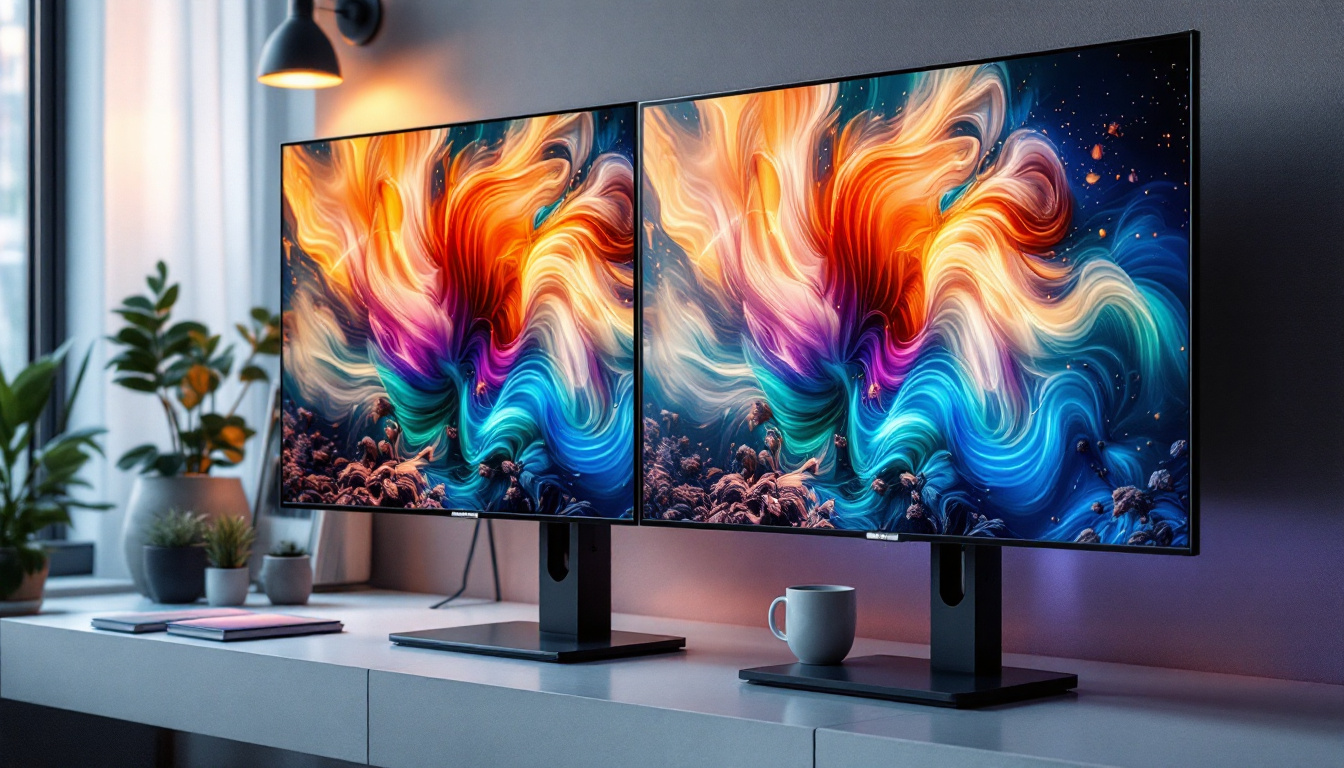
For professionals who rely on multiple displays, dual or multi-monitor mounts are invaluable. These mounts can hold two or more monitors simultaneously, allowing users to customize the arrangement to suit their workflow. Such setups are common in trading, programming, graphic design, and video editing environments.
LED Display Technology: A Closer Look
LED (Light Emitting Diode) displays have become the standard in computer monitors, replacing older LCD and CCFL backlit technologies. Understanding how LED displays work and their benefits is crucial when choosing a monitor that complements your stand mount setup.
What is an LED Display?
An LED display is essentially an LCD screen that uses LED backlighting instead of the traditional cold cathode fluorescent lamps (CCFL). This technology provides brighter, more energy-efficient, and thinner displays. LED backlighting can be implemented in two primary ways: edge-lit and full-array.
Edge-lit LED displays position LEDs along the edges of the screen, allowing for thinner panels but sometimes resulting in uneven brightness. Full-array LED displays place LEDs directly behind the screen in a grid, offering better brightness uniformity and contrast.
Benefits of LED Displays
LED technology offers several advantages over older display types:
- Energy Efficiency: LED backlighting consumes less power, reducing electricity costs and environmental impact.
- Improved Brightness and Contrast: LEDs provide higher brightness levels and better contrast ratios, enhancing image quality and color accuracy.
- Thinner and Lighter Design: LED technology enables slimmer monitor profiles, which complement modern ergonomic stands and mounts.
- Longer Lifespan: LEDs generally last longer than CCFLs, reducing the need for replacements.
- Better Color Reproduction: Many LED monitors support wider color gamuts, which is essential for creative professionals.
Advanced LED Technologies: OLED and Mini-LED
Beyond standard LED displays, newer technologies such as OLED (Organic LED) and Mini-LED are making waves in the monitor industry. OLED displays offer superior contrast ratios and true blacks by individually lighting each pixel, but they tend to be more expensive and have potential burn-in issues.
Mini-LED technology uses thousands of tiny LEDs for backlighting, allowing for even more precise local dimming and improved HDR (High Dynamic Range) performance. This results in vibrant images with deep blacks and bright highlights, ideal for professional photo and video editing.
Integrating Monitor Stands with LED Displays for Optimal Use
Choosing the right monitor stand mount is just as important as selecting a high-quality LED display. The synergy between these two components can significantly enhance user experience and productivity.
Compatibility Considerations
One of the first things to check is the compatibility between your monitor and the stand or mount. Most modern monitors follow the VESA mounting standard, which specifies the screw hole pattern on the back of the display. Common sizes include 75×75 mm and 100×100 mm.
If your LED monitor supports VESA mounting, you have a wide range of stand and arm options. If not, you may need to use an adapter or stick with the included stand, which may limit adjustability.
Weight and Size Limitations
Monitor stands and mounts have weight and size limits. LED monitors, especially larger ones with advanced technologies like Mini-LED or OLED, can be heavier or more fragile. Always verify that the stand or arm can support the weight and size of your monitor to ensure safety and stability.
Ergonomic Setup Tips
To maximize comfort and reduce strain, position your LED monitor so that the top of the screen is at or slightly below eye level. The ideal viewing distance is typically between 20 to 30 inches (50 to 75 cm), depending on screen size and resolution.
Using an adjustable monitor arm or stand allows you to fine-tune these parameters easily. Additionally, consider the angle of the screen to minimize glare from ambient lighting. Many LED displays feature anti-glare coatings, but physical positioning remains crucial.
Practical Benefits of Combining Adjustable Stands with LED Monitors
The combination of adjustable monitor stands and LED displays offers tangible benefits that go beyond aesthetics.
Enhanced Productivity
Studies have shown that ergonomic workstations can boost productivity by reducing discomfort and fatigue. Adjustable stands enable users to maintain optimal posture, which helps sustain focus during long working sessions. Meanwhile, LED displays provide crisp, clear visuals that reduce eye strain and improve task accuracy.
Health and Comfort
Prolonged computer use without proper ergonomics can lead to repetitive strain injuries, headaches, and vision problems. Adjustable monitor mounts help mitigate these risks by allowing users to customize their setup to their body dimensions and preferences. Coupled with the superior display quality of LED monitors, this creates a healthier working environment.
Space Efficiency and Aesthetics
Adjustable mounts, especially monitor arms, free up valuable desk space by elevating the monitor off the surface. This creates a cleaner, more organized workspace that can contribute to mental clarity and creativity. The slim profiles of LED monitors complement these mounts, resulting in a modern, professional look.
Choosing the Right Combination: What to Look For
When selecting a computer monitor stand mount for your LED display, consider the following factors to ensure a perfect match:
1. Purpose and Usage
Identify your primary use case. For gaming, you might prioritize fast refresh rates and adjustable mounts that allow quick repositioning. For office work, ergonomic adjustability and multi-monitor setups might be more important.
2. Monitor Specifications
Check your monitor’s size, weight, and VESA compatibility. Larger monitors (27 inches and above) require sturdier mounts with higher weight capacities.
3. Desk Space and Layout
Evaluate your desk dimensions and layout. Clamp mounts save space but require a desk edge, while freestanding stands offer portability but take up surface area.
4. Budget
Prices vary widely. Fixed stands are inexpensive, while high-end multi-monitor arms with advanced features can be costly. Balance your needs with your budget for the best value.
Conclusion
The integration of a quality computer monitor stand mount with an advanced LED display is a cornerstone of modern, ergonomic workspaces. Adjustable stands and mounts not only enhance comfort and productivity but also contribute to a cleaner, more efficient desk environment. Meanwhile, LED display technology ensures vibrant visuals, energy efficiency, and long-term reliability.
By understanding the types of monitor stands and the benefits of LED displays, users can make informed choices that improve their daily computing experience. Whether upgrading an existing setup or building a new workstation, investing in the right combination will pay dividends in comfort, health, and performance.
Discover the Future of Visual Display with LumenMatrix
Ready to elevate your workspace and visual experience? LumenMatrix is at the forefront of LED display innovation, offering a wide array of solutions that seamlessly integrate with your ergonomic setup. From captivating Indoor LED Walls to dynamic Outdoor LED Displays and beyond, our products are designed to revolutionize your visual communication. Embrace the cutting-edge technology that enhances engagement and brings your content to life. Check out LumenMatrix LED Display Solutions today and transform your space into a hub of productivity and creativity.