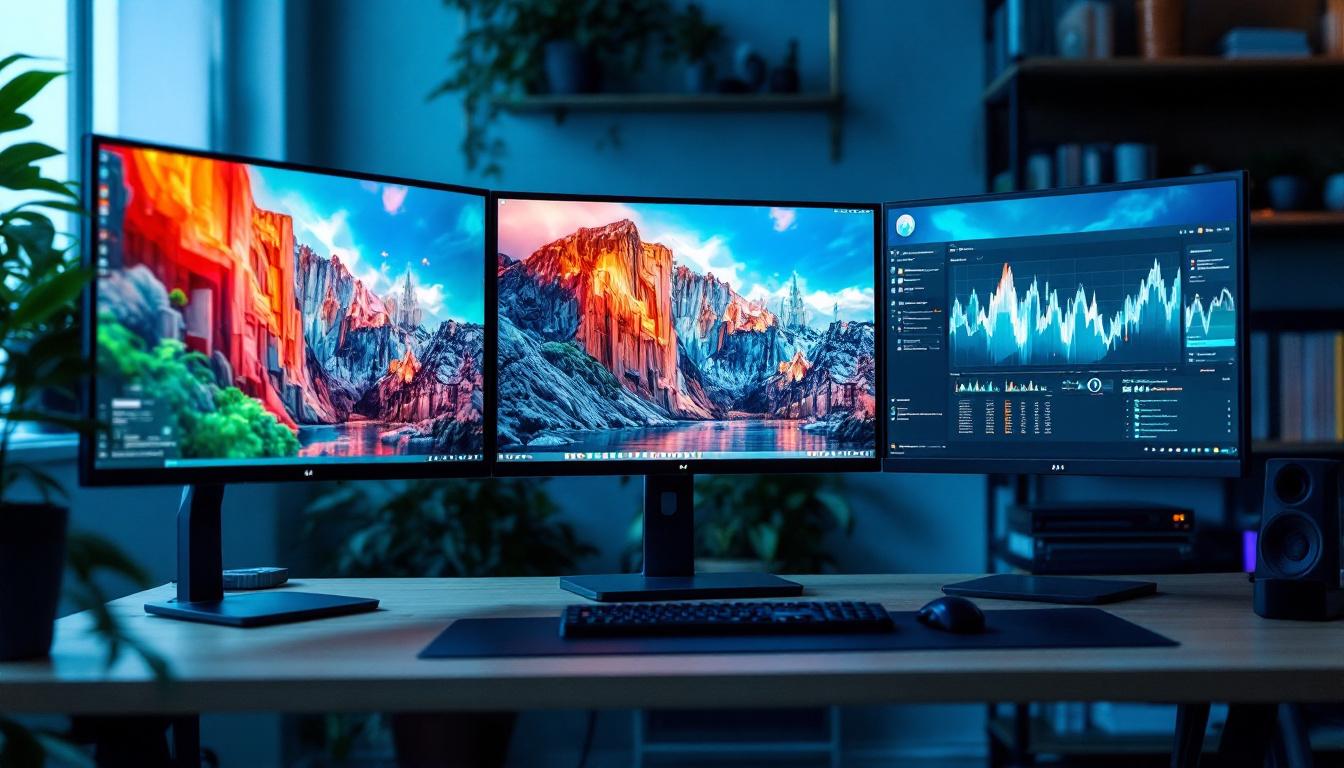
In today’s fast-paced digital world, productivity and comfort at the workstation have become paramount. Whether you’re a professional trader, graphic designer, gamer, or multitasking enthusiast, having multiple monitors can significantly enhance your workflow. Among the various configurations, using three monitors is increasingly popular for its balance between screen real estate and desk space. However, setting up three monitors effectively requires the right hardware, and that’s where computer monitor stands designed for three monitors come into play.
This article delves into the essentials of computer monitor stands for three monitors, with a special focus on LED displays. It will explore the benefits of multi-monitor setups, the types of stands available, key considerations when choosing a stand, and the advantages of LED technology in displays. By the end, you’ll have a comprehensive understanding of how to optimize your triple-monitor setup for maximum productivity and ergonomic comfort.
Why Choose a Triple Monitor Setup?
Multi-monitor setups have grown exponentially in popularity over the past decade. According to a 2023 survey by Statista, approximately 27% of office workers use more than one monitor, with triple monitor setups becoming a preferred choice for many professionals. But what makes three monitors so appealing?
Enhanced Productivity and Multitasking
One of the primary reasons for adopting a triple monitor setup is the boost in productivity. Research from the University of Utah found that users with multiple monitors can increase productivity by up to 30-40%. Having three screens allows users to spread out their applications, reducing the need to constantly switch between tabs or windows.
For example, a financial analyst can have real-time market data on one screen, trading software on another, and communication tools on the third. Similarly, software developers can code on one monitor, test applications on another, and keep documentation or chat apps open on the third. This setup not only streamlines workflows but also fosters a more organized approach to handling complex projects, making it easier to track progress and deadlines.
Immersive Gaming and Creative Work
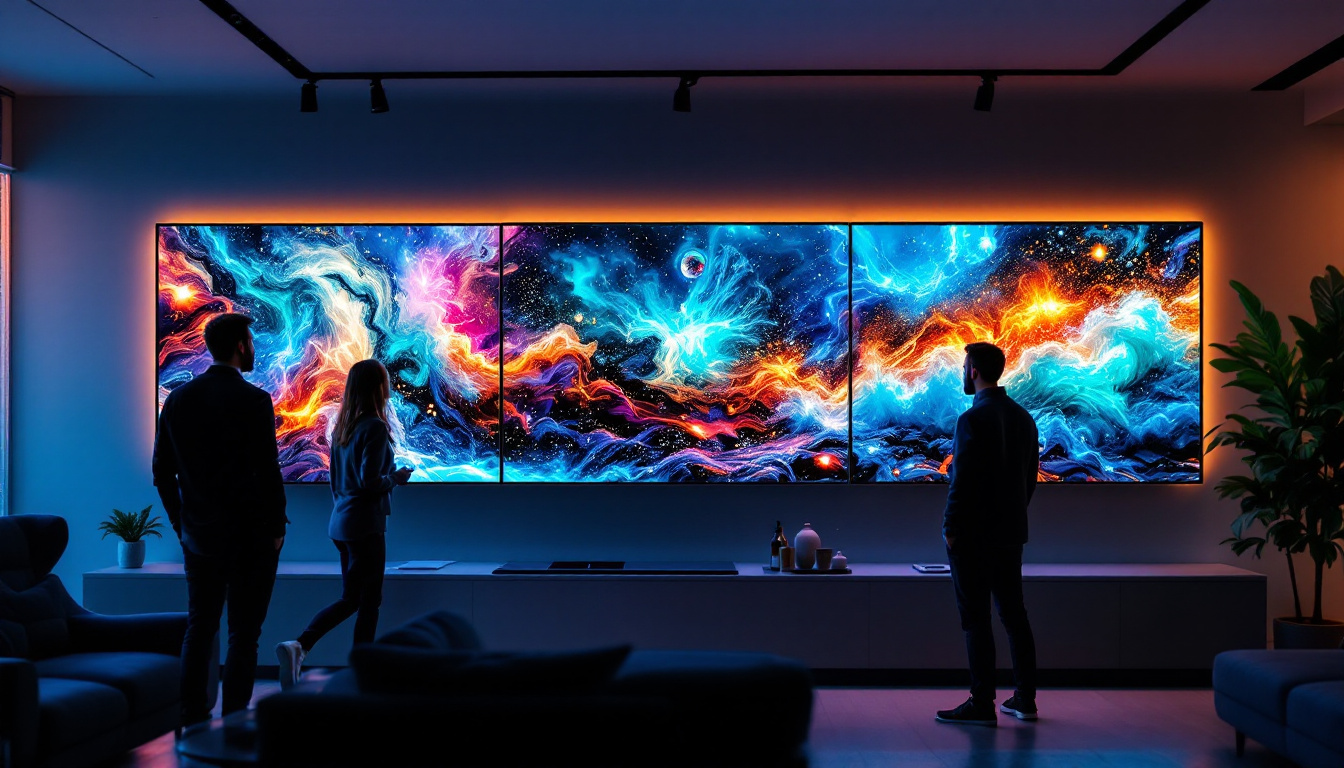
Gamers and creative professionals also benefit from triple monitor setups. For gaming, three monitors can create an immersive panoramic view, enhancing the experience in simulation and racing games. The wide field of vision can make players feel as though they are truly inside the game, providing a competitive edge in fast-paced environments. Creative professionals such as video editors and graphic designers can use the extra screens to manage timelines, tool palettes, and preview windows simultaneously, allowing for a more fluid creative process.
In addition, artists can dedicate one monitor to reference images, another for their canvas, and a third for color palettes and tools, enabling a seamless workflow that can inspire creativity and innovation. The ability to see multiple aspects of a project at once can lead to quicker decision-making and higher-quality output.
Better Organization and Ergonomics
Using three monitors can help organize your workspace more effectively. Instead of stacking windows on a single screen, you can dedicate each monitor to specific tasks. This organization reduces cognitive load and can improve focus. The visual separation of tasks allows for a clearer mental framework, making it easier to prioritize and tackle responsibilities without feeling overwhelmed.
Moreover, with the right monitor stand, the screens can be positioned ergonomically to reduce neck and eye strain, which is crucial for long hours of use. Adjustable stands can allow users to tilt, swivel, and heighten their monitors to achieve the most comfortable viewing angles. Additionally, incorporating blue light filters and anti-glare screens can further enhance comfort, making it easier to maintain productivity without the fatigue that often accompanies extended screen time. This attention to ergonomic design not only promotes better health but also contributes to sustained performance over long work sessions.
Understanding Computer Monitor Stands for Three Monitors
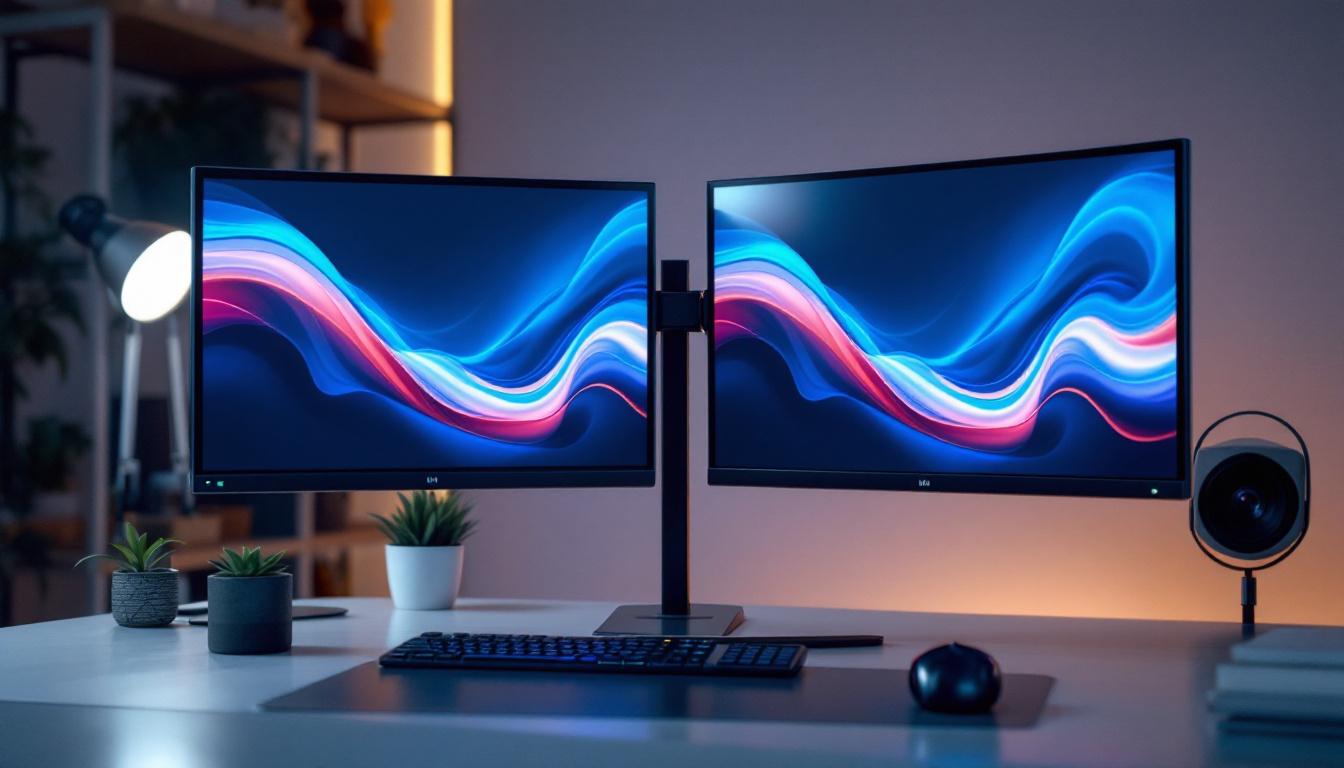
Setting up three monitors requires more than just placing them side by side on your desk. A dedicated monitor stand designed to hold three displays ensures stability, adjustability, and a cleaner workspace.
Types of Triple Monitor Stands
There are several types of stands available for three monitors, each with its own advantages and considerations:
- Desk-mounted stands: These clamp onto the edge of the desk, saving surface space and offering height and tilt adjustments. They are ideal for those with limited desk space.
- Freestanding stands: These have a weighted base and sit directly on the desk. They are easier to install and move but take up more desk space.
- Wall-mounted stands: These attach to the wall, freeing up desk space entirely. However, they require proper wall support and installation.
- Adjustable arms: Many triple monitor stands come with adjustable arms that allow independent movement of each monitor, enabling customized positioning.
Key Features to Look For
When choosing a triple monitor stand, consider the following features:
- Weight capacity: Ensure the stand can support the combined weight of your three monitors.
- VESA compatibility: Most monitors use VESA mounting patterns (usually 75x75mm or 100x100mm). Confirm that the stand supports your monitors’ VESA specifications.
- Adjustability: Look for stands that offer height adjustment, tilt, swivel, and rotation to customize your viewing angles.
- Build quality: Durable materials like steel or aluminum provide stability and longevity.
- Cable management: Integrated cable routing helps keep your workspace tidy.
- Desk compatibility: Check the thickness and type of your desk to ensure the stand can be securely mounted.
Installation and Setup Tips
Proper installation is crucial for safety and ergonomics. Here are some tips:
- Follow the manufacturer’s instructions carefully.
- Measure your desk space and monitor dimensions before purchasing.
- Position the center monitor directly in front of you, with the side monitors angled inward for comfortable viewing.
- Adjust the height so that the top of the screens is at or slightly below eye level.
- Use cable ties or clips to manage cables and prevent clutter.
The Role of LED Displays in Triple Monitor Setups
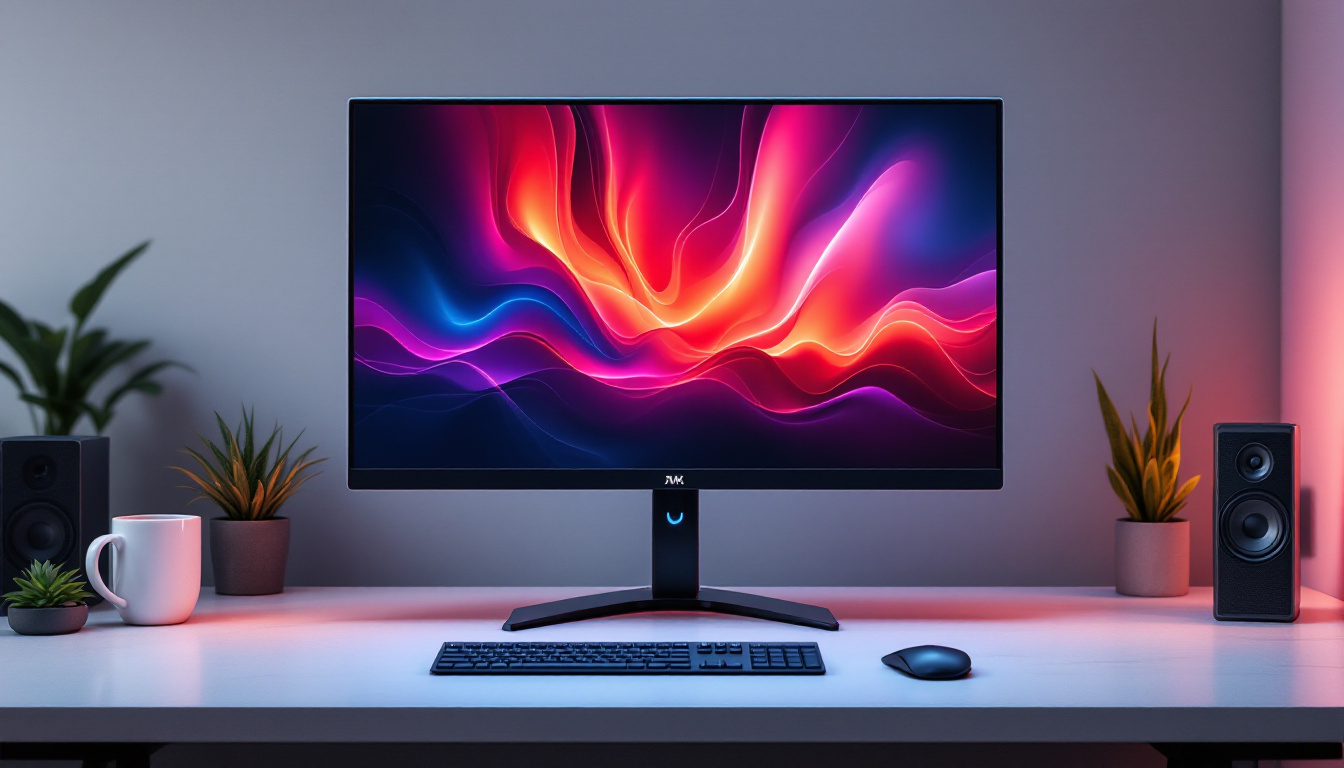
While the stand is essential for physical support and positioning, the quality of the monitors themselves profoundly impacts the overall experience. LED (Light Emitting Diode) displays have become the standard in modern monitors due to their superior performance and efficiency.
What is an LED Display?
LED displays use light-emitting diodes as backlighting for LCD (Liquid Crystal Display) panels. Unlike older CCFL (Cold Cathode Fluorescent Lamp) backlights, LEDs are more energy-efficient, provide better brightness, and allow for thinner screen designs.
There are two main types of LED backlighting:
- Edge-lit LED: LEDs are placed along the edges of the screen, allowing for thinner panels but sometimes uneven brightness.
- Full-array LED: LEDs are distributed evenly behind the screen, offering better uniformity and contrast, especially when paired with local dimming technology.
Benefits of LED Monitors in a Triple Setup
Choosing LED monitors for your triple setup offers several advantages:
- Energy efficiency: LED monitors consume less power, reducing electricity costs and heat output.
- Brightness and color accuracy: LEDs provide higher brightness levels and better color reproduction, essential for creative work and gaming.
- Thin and lightweight design: Makes mounting on stands easier and allows for sleeker setups.
- Longer lifespan: LEDs generally last longer than CCFL backlights, offering better value over time.
Choosing the Right LED Monitors for Three-Monitor Use
When selecting LED monitors for a triple setup, consider the following:
- Screen size and resolution: For seamless multi-monitor use, matching screen sizes and resolutions helps maintain visual consistency. Popular sizes range from 24 to 27 inches with resolutions of 1080p (Full HD) or 1440p (QHD).
- Panel type: IPS (In-Plane Switching) panels offer better color accuracy and viewing angles compared to TN (Twisted Nematic) panels, making them ideal for professional use.
- Refresh rate: Higher refresh rates (75Hz or above) benefit gamers and users working with fast-moving visuals.
- Connectivity: Ensure the monitors have compatible input ports (HDMI, DisplayPort, USB-C) with your computer and stand setup.
Optimizing Your Triple Monitor Setup for Comfort and Performance
Having three monitors and a sturdy stand is just the beginning. To fully leverage the benefits of your setup, it’s important to optimize ergonomics and performance.
Ergonomic Positioning
Improper monitor placement can lead to neck strain, eye fatigue, and poor posture. Follow these ergonomic guidelines:
- Center monitor: Position directly in front at eye level.
- Side monitors: Angle inward at approximately 15-30 degrees.
- Distance: Keep monitors about an arm’s length away (20-30 inches).
- Height: The top of the screen should be at or just below eye level to reduce neck strain.
Color Calibration and Consistency
For users involved in color-sensitive tasks, calibrating all three monitors to the same color profile is critical. This ensures consistency across screens, preventing color mismatches that can affect work quality.
Many monitors come with built-in calibration tools or support third-party calibration devices. Software solutions like DisplayCAL can also help achieve uniformity.
Software Tools for Managing Multiple Monitors
Operating systems like Windows and macOS offer built-in multi-monitor management features, such as extending or duplicating displays, arranging monitor order, and adjusting resolutions.
Additionally, third-party software like DisplayFusion or UltraMon provides enhanced features like taskbars on each screen, window snapping, and customized profiles, improving workflow efficiency.
Conclusion: Creating the Ideal Triple Monitor Workspace
A triple monitor setup supported by a quality computer monitor stand and equipped with LED displays can transform your workspace. Whether your goal is heightened productivity, immersive gaming, or creative precision, the right combination of hardware and configuration is essential.
Investing in a sturdy, adjustable triple monitor stand not only saves desk space but also promotes ergonomic health by allowing customized positioning. Pairing this with LED monitors ensures vibrant visuals, energy efficiency, and a sleek aesthetic.
As technology advances, multi-monitor setups continue to evolve, offering even greater flexibility and performance. Staying informed about the latest trends and best practices will help you build a workspace that meets your needs today and adapts to the demands of tomorrow.
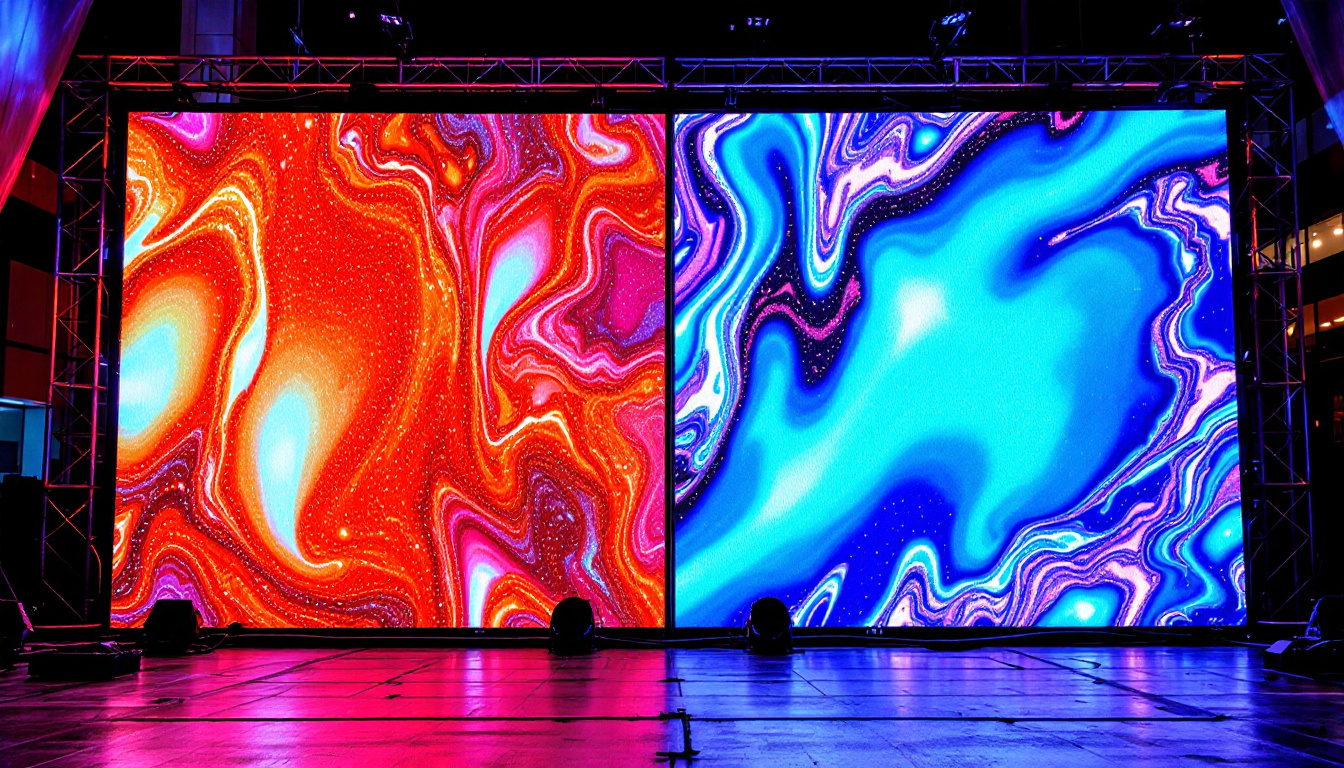
Discover the Future of Visual Display with LumenMatrix
Ready to elevate your triple monitor workspace to new heights of clarity, color, and performance? LumenMatrix is at the forefront of LED display innovation, offering a wide range of solutions tailored to your unique needs. From immersive Indoor LED Walls to dynamic Outdoor LED Displays, and from sleek LED Posters to vibrant Custom LED Displays, our technology is designed to transform your environment and captivate your audience. Experience the pinnacle of digital signage and take the first step towards a revolutionary visual setup. Check out LumenMatrix LED Display Solutions today and see your world in a whole new light.