In today’s digital age, the computer monitor is more than just a screen—it’s the gateway to work, entertainment, and communication. As technology advances, so do the accessories that complement these devices, with monitor stands becoming an essential component of desktop setups. Particularly for LED displays, which dominate the market due to their clarity and energy efficiency, the choice of a monitor stand can significantly impact both ergonomics and aesthetics.
This comprehensive guide explores the role of computer monitor stands for desktops, focusing on LED displays. It delves into the benefits of using stands, the types available, ergonomic considerations, and how to select the right stand to enhance your workspace productivity and comfort.
Understanding LED Displays and Their Importance
LED (Light Emitting Diode) displays have become the standard for computer monitors, replacing older technologies like CCFL-backlit LCDs and CRTs. Their popularity stems from several key advantages:
- Energy Efficiency: LED monitors consume significantly less power compared to traditional LCDs, reducing electricity costs and environmental impact.
- Improved Brightness and Contrast: LED backlighting offers sharper images with better contrast ratios, enhancing visual clarity for both work and entertainment.
- Slim Design: The compact nature of LED technology allows for thinner, lighter monitors, which in turn influences the design and functionality of monitor stands.
According to a 2023 report by Statista, over 85% of desktop monitors sold worldwide utilize LED technology, underscoring the widespread adoption of this display type. As LED monitors continue to evolve with features like HDR support and higher refresh rates, ensuring they are properly positioned becomes crucial for maximizing their benefits.
In addition to their technical advantages, LED displays have also made significant strides in terms of color accuracy and representation. Modern LED monitors often come equipped with advanced color calibration technologies, allowing users to experience a broader spectrum of colors. This is particularly beneficial for graphic designers, photographers, and video editors who rely on precise color reproduction for their work. Furthermore, many LED displays now support wide color gamuts, such as Adobe RGB and DCI-P3, which are essential for professional-grade visual content creation.
Moreover, the versatility of LED technology extends beyond traditional desktop monitors. LED displays are increasingly being integrated into various applications, including digital signage, televisions, and mobile devices. The rise of OLED (Organic LED) technology has further pushed the boundaries of display capabilities, offering deeper blacks and more vibrant colors. As the market continues to innovate, we can expect to see even more advancements, such as flexible displays and transparent screens, which will open up new possibilities for both consumers and industries alike.
The Role of Monitor Stands in Desktop Setups
Why Use a Monitor Stand?
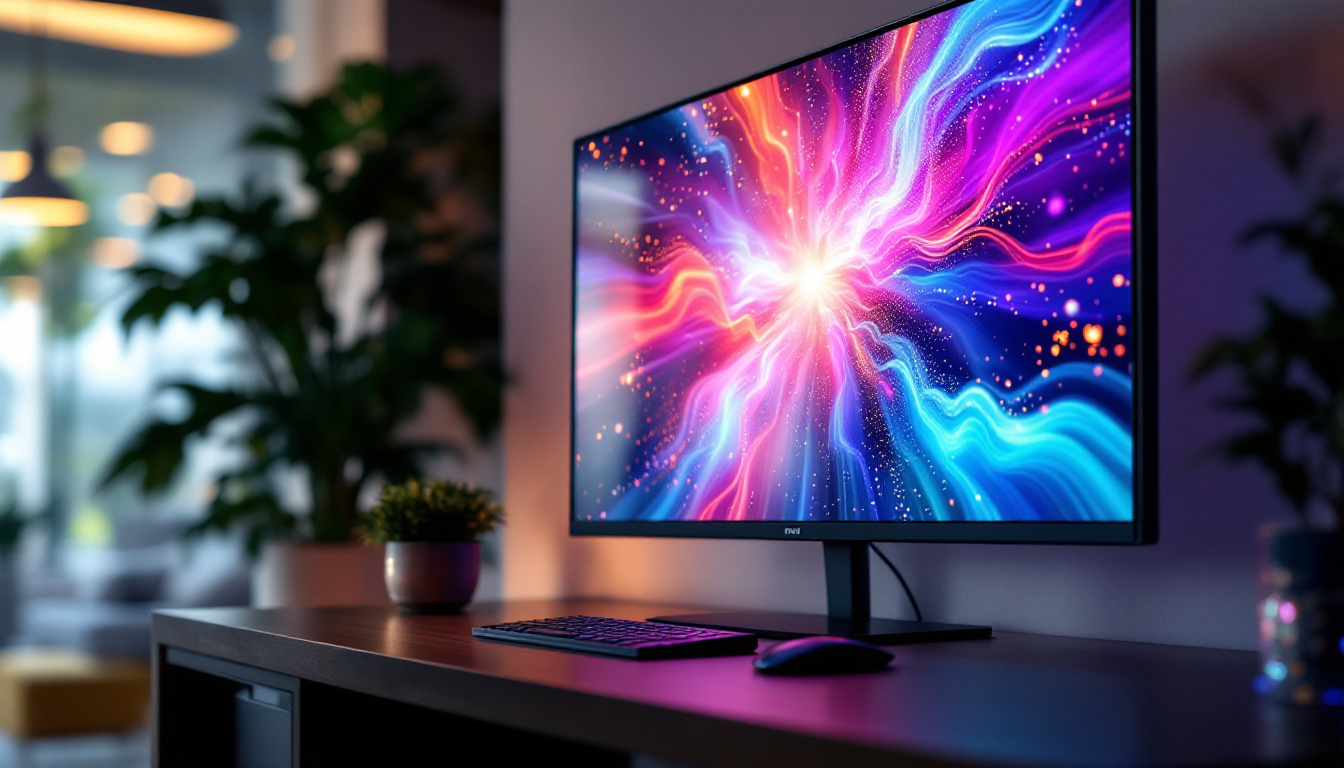
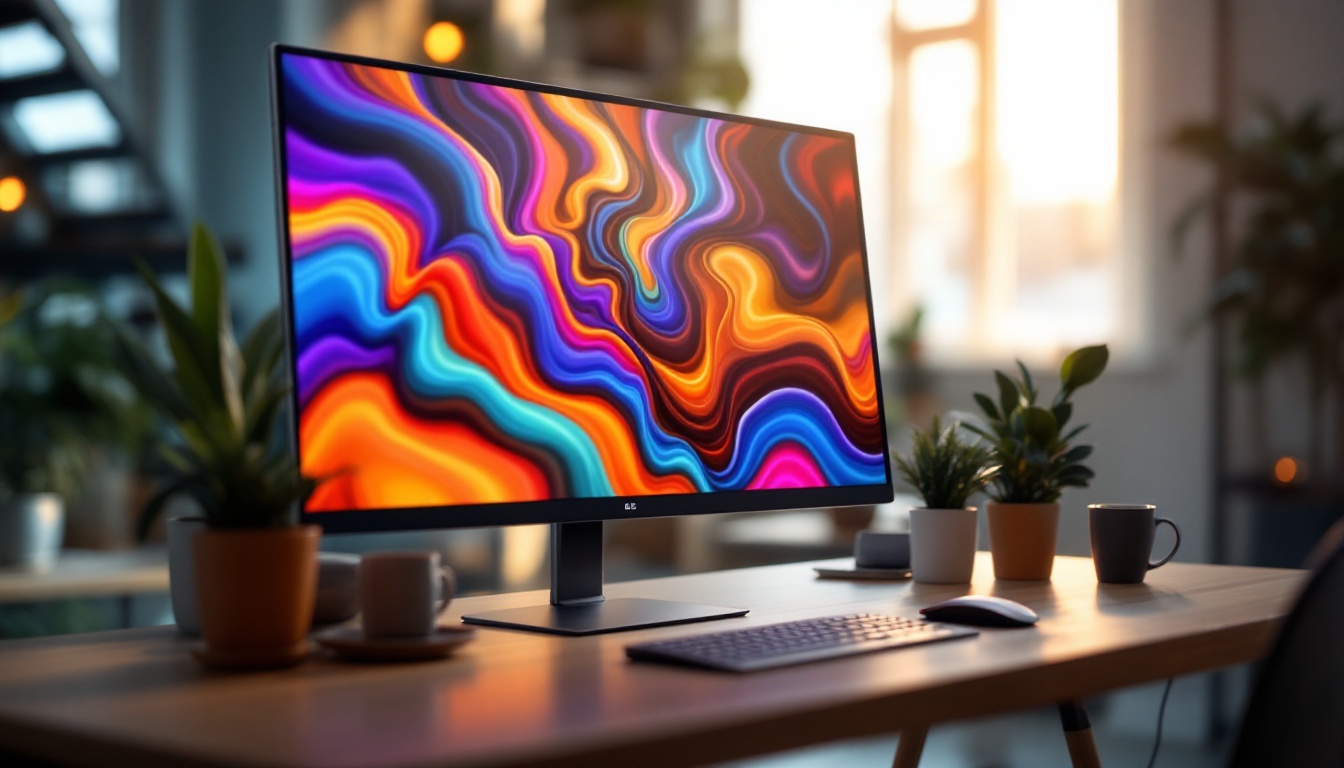
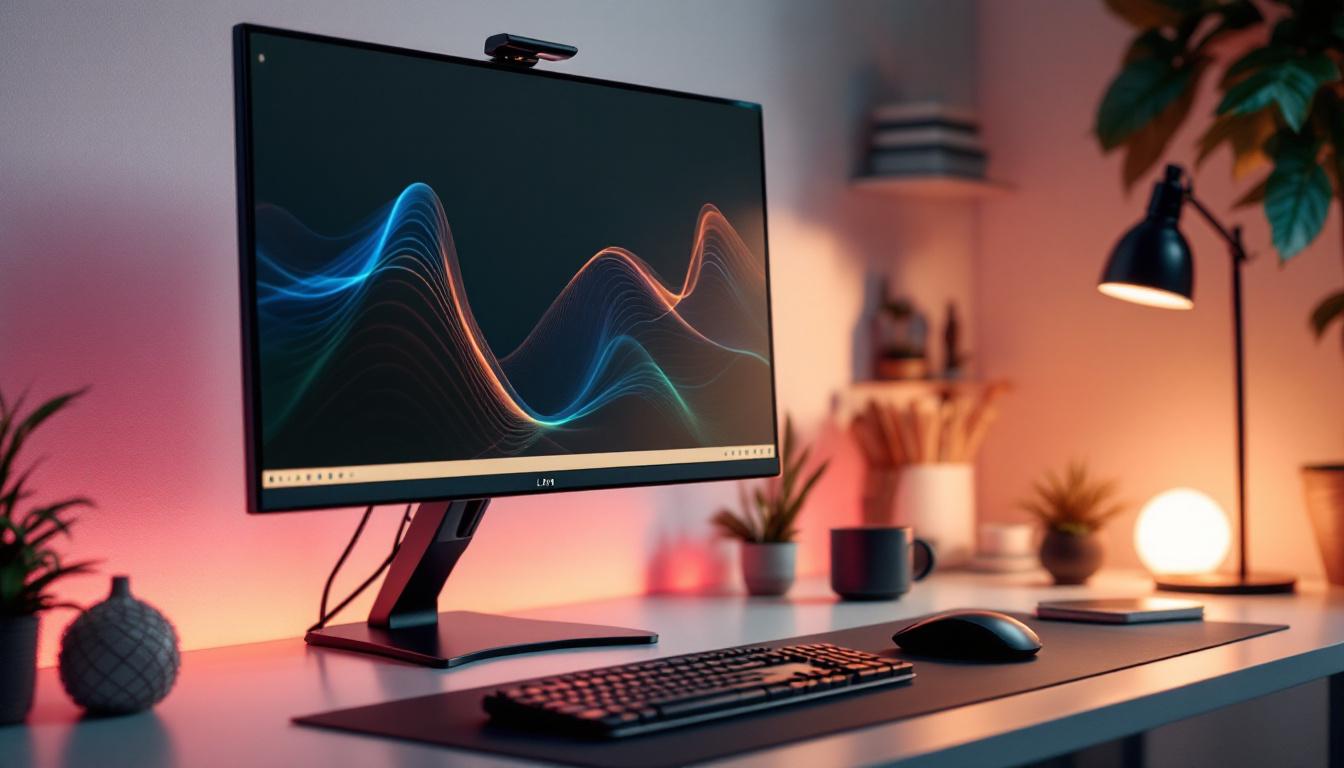
Monitor stands serve multiple purposes beyond simply holding a screen. They are integral to creating an ergonomic and organized workspace. Here are some reasons why investing in a quality monitor stand is important:
- Ergonomic Alignment: Proper monitor height and angle reduce neck, shoulder, and eye strain, which are common issues for individuals working long hours at a computer.
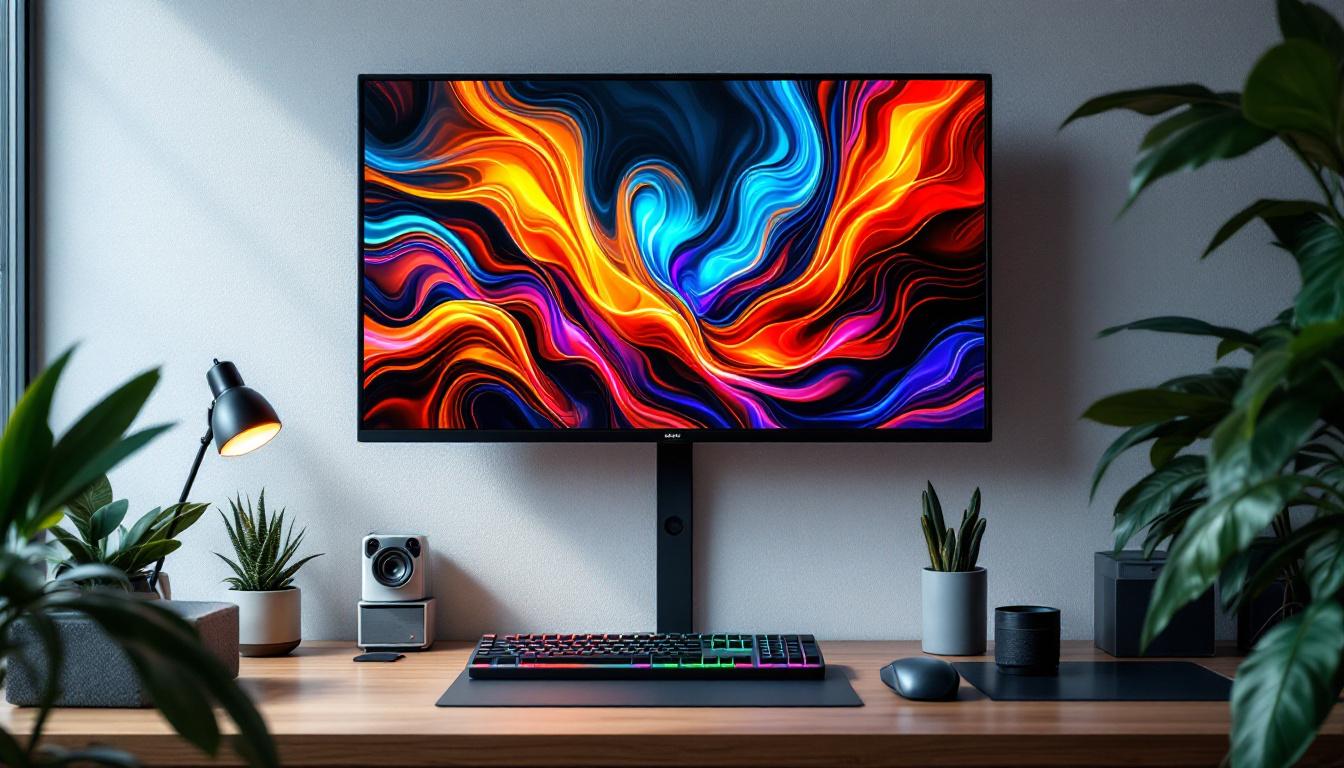
- Desk Space Optimization: Many stands elevate the monitor, freeing up valuable desk space underneath for keyboards, documents, or other accessories.
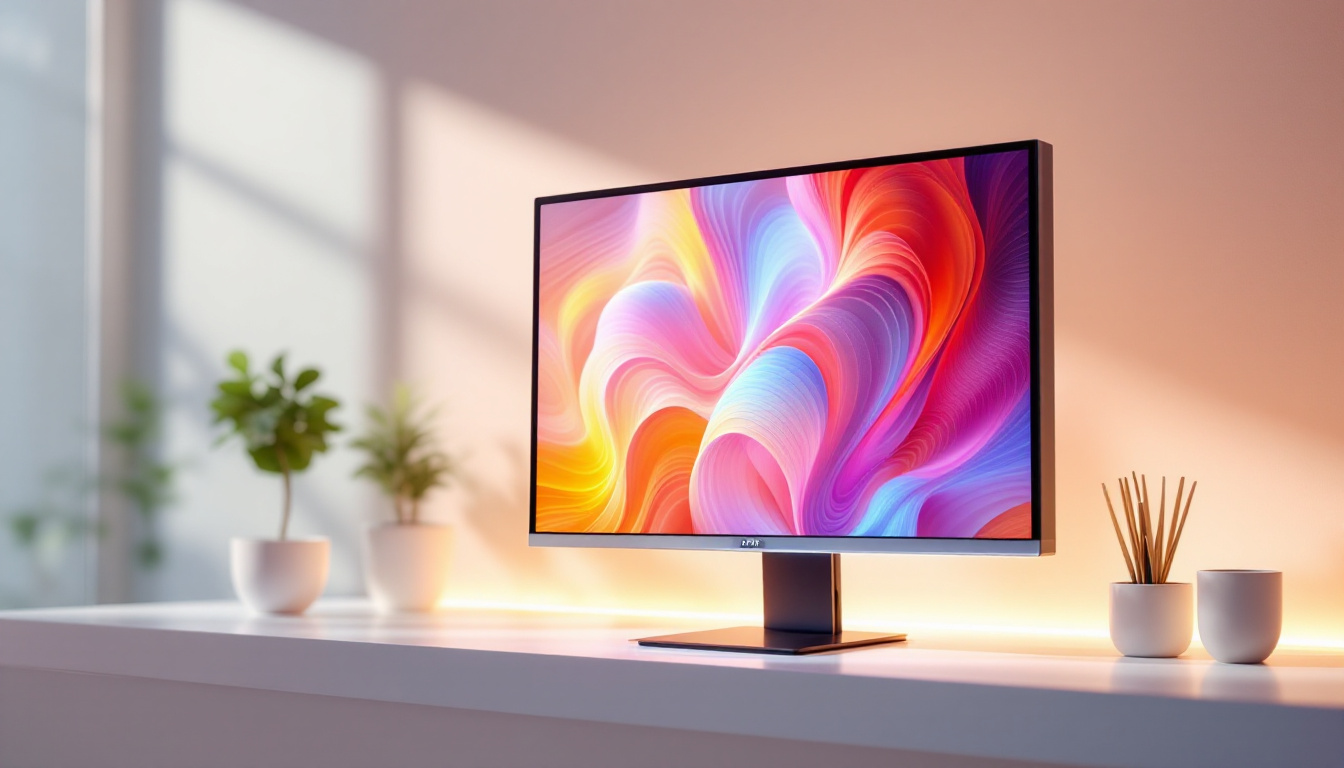
- Aesthetic Appeal: A sleek, well-designed stand complements the modern look of LED monitors, contributing to a clean and professional workspace.
- Flexibility and Adjustability: Adjustable stands allow users to customize their viewing experience, accommodating different tasks and preferences.
Ergonomics and Health Benefits
Ergonomics plays a vital role in workplace productivity and health. According to the Occupational Safety and Health Administration (OSHA), improper monitor height and positioning can lead to musculoskeletal disorders and vision problems. A monitor stand that allows for height adjustment, tilt, swivel, and rotation helps maintain a neutral posture, minimizing the risk of repetitive strain injuries.
For example, the ideal monitor height positions the top of the screen at or slightly below eye level, allowing the user to look slightly downward at the display. Monitor stands that facilitate this alignment contribute to better posture and reduce fatigue, particularly in office environments where employees spend upwards of eight hours daily in front of screens.
Types of Computer Monitor Stands for LED Displays
Choosing the right monitor stand depends on several factors including desk size, monitor weight, and user preferences. Below are the most common types of monitor stands designed for LED displays:
1. Fixed Monitor Stands
Fixed stands come pre-attached to the monitor or as separate units that provide a stable, non-adjustable base. They are typically included with budget monitors and offer minimal flexibility.
While fixed stands are simple and cost-effective, they may not provide the ergonomic benefits of adjustable models. Users with specific posture needs or multiple monitors often find fixed stands limiting.
2. Adjustable Monitor Stands
Adjustable stands allow users to modify the height, tilt, and sometimes swivel or rotation of the monitor. These stands are ideal for creating a customized viewing experience and are widely recommended for office and home workstations.
Some adjustable stands use gas springs or mechanical arms to facilitate smooth movement. These are especially useful for users who frequently switch between sitting and standing positions or who share workspaces.
3. Monitor Arms
Monitor arms are versatile mounting solutions that clamp to the desk or attach via grommets. They offer the highest degree of adjustability, including height, tilt, swivel, rotation, and even extension away from the desk.
These arms are perfect for multi-monitor setups or compact workspaces where maximizing desk area is crucial. Additionally, many monitor arms support cable management systems, helping to reduce clutter.
4. Riser Stands and Stacking Solutions
Riser stands elevate the monitor to a fixed height, often doubling as storage space underneath. These are simple solutions for users who want to raise their screens without investing in adjustable mechanisms.
Stacking solutions, such as risers combined with keyboard trays, can help organize the desktop more efficiently. However, they lack the flexibility of adjustable stands or arms.
Key Features to Consider When Choosing a Monitor Stand
Selecting the right monitor stand involves evaluating several critical features to ensure compatibility and usability with your LED display and workspace environment.
Weight Capacity and Compatibility
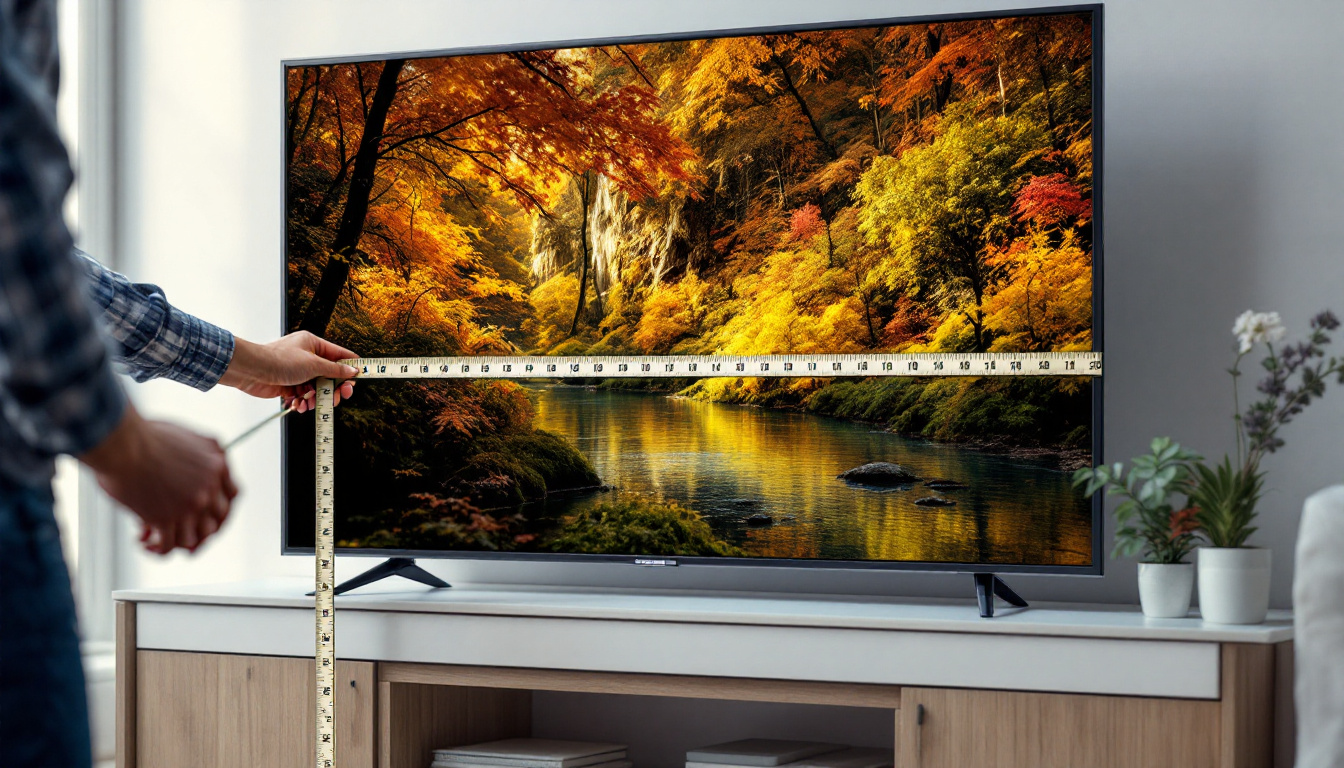
LED monitors vary widely in size and weight, from compact 21-inch models to large 32-inch or ultrawide displays. It’s essential to choose a stand that supports the weight and size of your monitor. Most manufacturers specify the maximum weight capacity, so checking these details prevents potential damage or instability.
Adjustability Options
Consider which adjustments are most important for your use case. Height adjustment is fundamental, but tilt and swivel can also enhance comfort. Rotation (pivot) is useful for switching between landscape and portrait modes, especially for tasks like coding or document editing.
Build Quality and Materials
Durability matters, particularly if the monitor stand will be moved or adjusted frequently. Stands made from robust materials like steel or aluminum tend to last longer and provide better stability than plastic alternatives.
Desk Mounting Method
Monitor stands can be freestanding or desk-mounted. Desk-mounted arms typically use clamps or grommet mounts, saving desk space and providing greater flexibility. Freestanding stands are easier to set up but may occupy more surface area.
Cable Management
Integrated cable management features help keep cords organized and out of sight, improving the overall tidiness of the workspace. This is particularly beneficial for users with multiple peripherals connected to their monitors.
Ergonomic Setup Tips for LED Monitors
Once the appropriate monitor stand is selected, proper setup is essential to reap ergonomic benefits. Here are some expert tips to optimize your LED display arrangement:
Positioning the Monitor
Place the monitor about an arm’s length away (roughly 20-30 inches) from your eyes. The top edge of the screen should be at or just below eye level, enabling a natural downward gaze of about 15 degrees.
Adjusting Tilt and Angle
Tilt the monitor slightly upward or downward to reduce glare and reflections, which can cause eye strain. Adjusting the angle also ensures the screen is perpendicular to your line of sight, improving clarity.
Lighting Considerations
LED monitors are bright and vivid, but ambient lighting plays a role in comfort. Avoid placing the monitor directly opposite windows or bright light sources to minimize reflections. Using adjustable stands helps reposition the screen to optimal lighting conditions.
Multi-Monitor Ergonomics
For users with dual or multiple monitors, stands or arms that allow side-by-side alignment and synchronized adjustments are invaluable. Position monitors so that the primary screen is directly in front, with secondary displays angled inward.
Popular Monitor Stand Brands and Models for LED Displays
The market offers a wide range of monitor stands catering to different needs and budgets. Some reputable brands known for quality and innovation include:
- Ergotron: Renowned for their durable and highly adjustable monitor arms, Ergotron products are favored in professional environments.
- AmazonBasics: Offering affordable fixed and adjustable stands, AmazonBasics is a popular choice for budget-conscious consumers.
- VIVO: Known for versatile and ergonomic monitor mounts and stands, VIVO provides solutions for single and multi-monitor setups.
- Humanscale: Specializing in premium ergonomic office accessories, Humanscale monitor arms are designed for maximum comfort and durability.
- Loctek: Loctek offers a variety of gas spring monitor arms and risers, combining flexibility with ease of use.
When selecting a stand, reviewing user feedback and professional reviews can provide insights into real-world performance and durability.
Conclusion: Enhancing Your Desktop Experience With the Right Monitor Stand
LED displays have transformed the computing experience with their superior image quality and sleek designs. However, to fully benefit from these advancements, proper monitor positioning through the use of an appropriate stand is essential. Whether for a home office, gaming setup, or professional workstation, the right monitor stand improves ergonomics, maximizes desk space, and contributes to a more organized and comfortable environment.
Investing time in understanding the types of stands available, ergonomic principles, and key features ensures that your LED monitor setup supports productivity and well-being. As technology continues to evolve, integrating adjustable and flexible monitor stands will remain a cornerstone of effective desktop design.
Discover the Perfect Stand for Your LumenMatrix LED Display
As you seek to enhance your desktop experience with the right monitor stand, don’t forget the heart of your setup: the LED display itself. LumenMatrix, a leader in LED display technology, offers a wide array of innovative solutions to complement your space. From captivating Indoor LED Walls to dynamic Outdoor LED Displays, and even specialized options like Vehicle and Sports LED Displays, LumenMatrix is dedicated to revolutionizing your visual communication. Elevate your workspace and engage your audience with unparalleled clarity and impact. Check out LumenMatrix LED Display Solutions today and transform your environment with state-of-the-art visual technology.