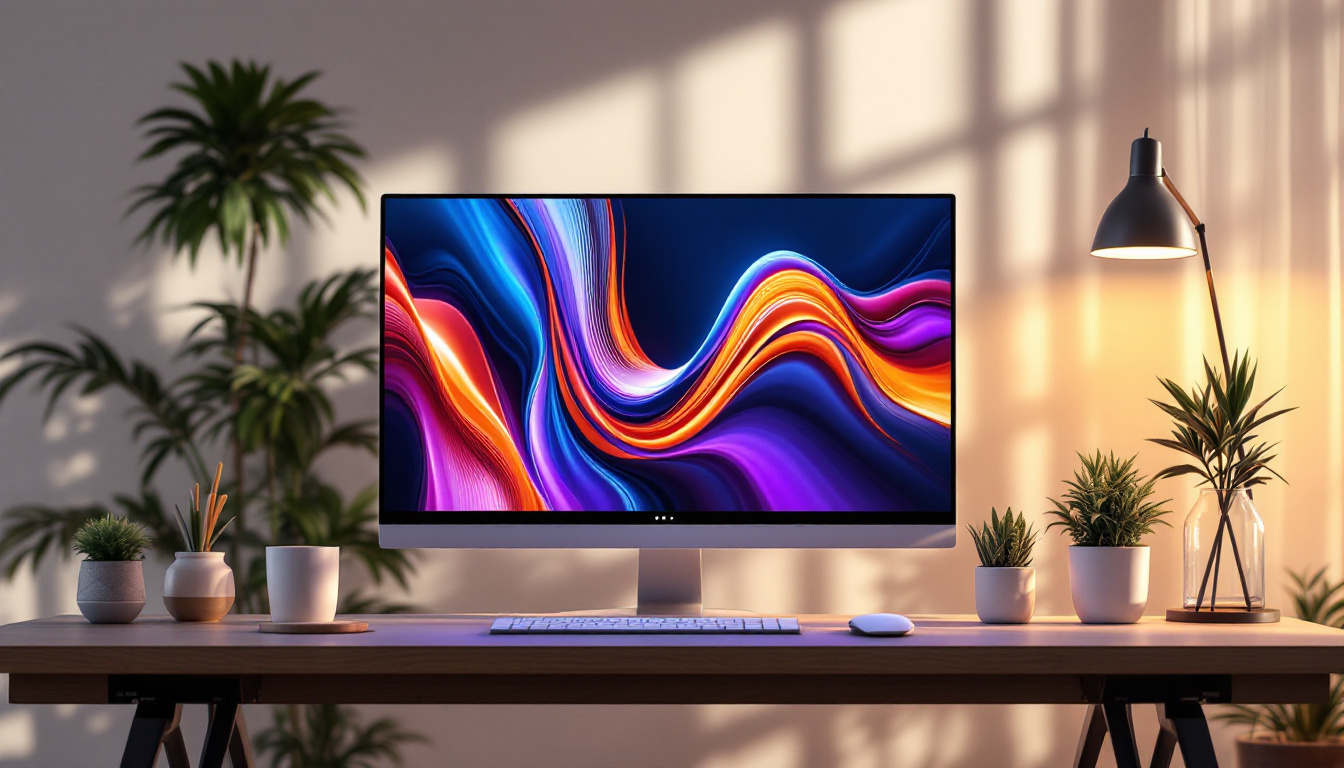
In today’s fast-paced digital environment, optimizing workspace and enhancing visual display quality have become essential priorities for both professionals and casual users. One of the most effective ways to achieve this is by using a computer screen wall mount paired with an LED display. This combination not only saves desk space but also improves ergonomics and viewing experience. This article explores the fundamentals of computer screen wall mounts and LED displays, providing a comprehensive guide to help you make informed decisions for your setup.
Understanding Computer Screen Wall Mounts
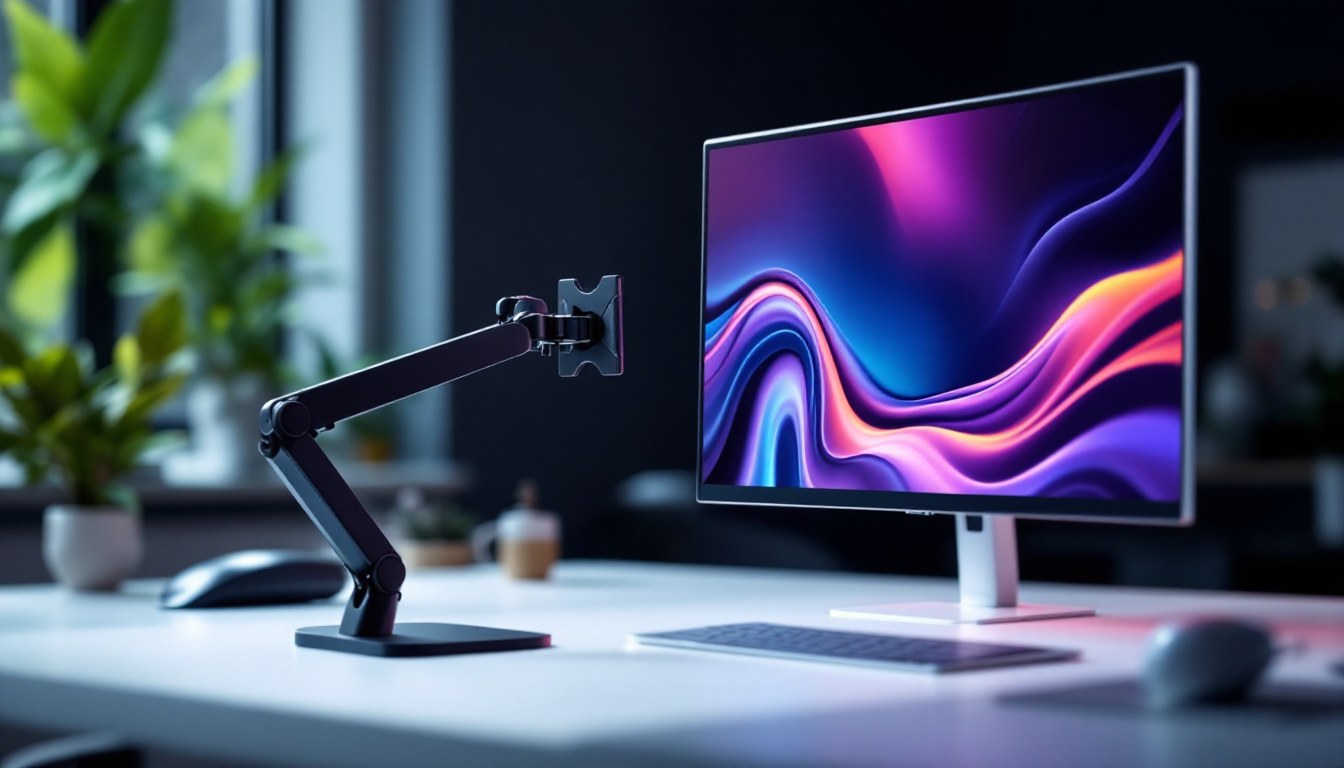
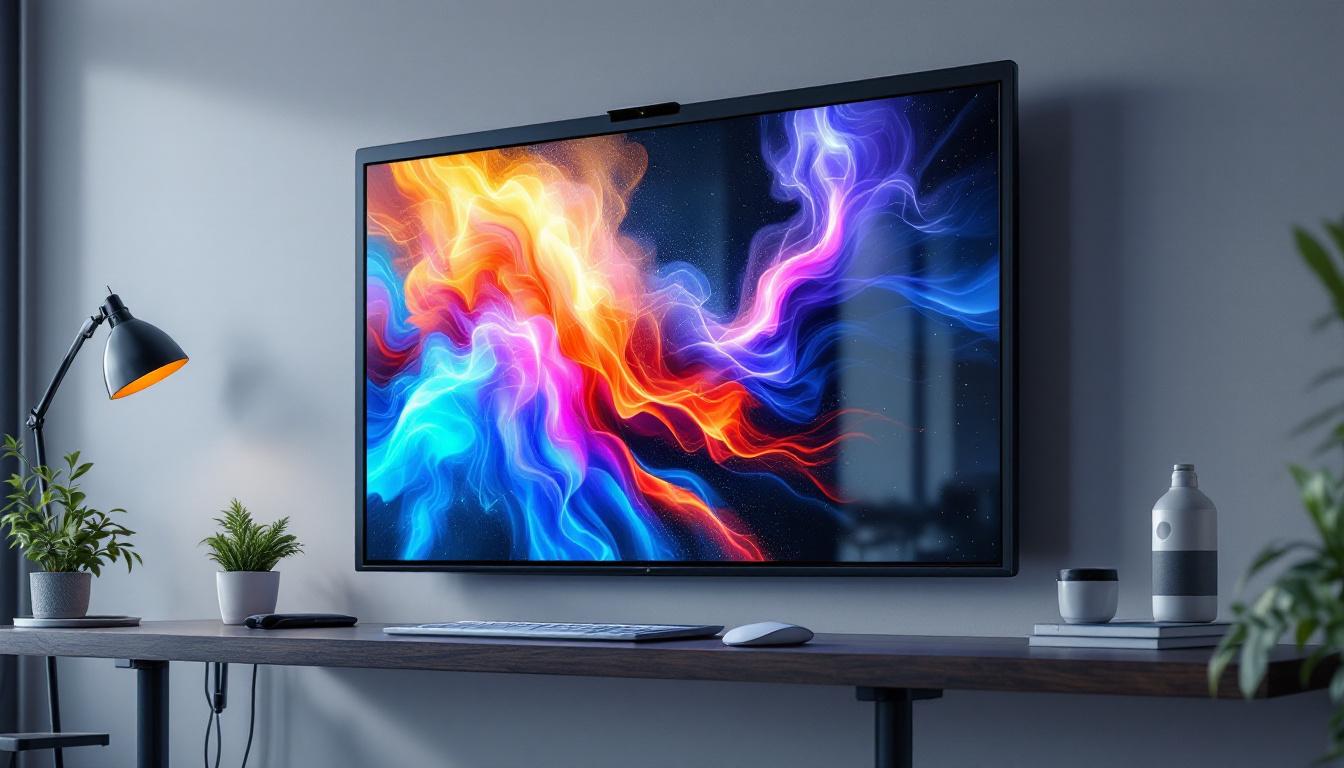
Computer screen wall mounts are specialized brackets designed to secure monitors directly to a wall, freeing up valuable desk space and providing more flexible viewing options. These mounts come in various designs, materials, and functionalities to suit different needs and monitor types. By utilizing a wall mount, users can create a more organized and efficient workspace, allowing for a better focus on tasks without the clutter that often accompanies traditional desk setups.
Types of Wall Mounts
There are primarily three types of wall mounts for computer screens: fixed, tilting, and full-motion mounts.
- Fixed mounts hold the screen flat against the wall without any movement. They are ideal for setups where the viewing angle does not need adjustment, such as in a dedicated gaming room or a home office where the primary user has a consistent seating position.
- Tilting mounts allow the screen to tilt up or down, helping reduce glare and improve ergonomic comfort. This feature is particularly beneficial in rooms with windows or bright lighting, as it enables users to adjust the screen to minimize reflections and enhance visibility.
- Full-motion mounts offer the most flexibility, enabling tilt, swivel, and extension away from the wall. These are perfect for multi-user environments or dynamic workspaces, where different users may require varying angles or distances from the screen for optimal viewing.
Choosing the right mount depends on your workspace layout, monitor size, and how frequently you need to adjust the screen position. Additionally, it’s essential to consider the wall material and the weight capacity of the mount to ensure a secure installation.
Benefits of Using a Wall Mount
Wall mounting your computer screen offers several advantages:
- Space-saving: By removing the monitor from the desk, you gain more room for other essential items or a cleaner workspace. This is particularly advantageous in smaller offices or home environments where every inch counts.
- Ergonomic improvement: Properly positioning the screen at eye level reduces neck and eye strain, promoting better posture. This is crucial for individuals who spend long hours in front of a computer, as it can lead to increased productivity and comfort throughout the day.
- Enhanced aesthetics: Wall-mounted screens create a modern, minimalist look that can elevate the overall appearance of your office or home setup. This sleek design not only looks professional but can also contribute to a more inspiring and motivating work environment.
- Flexibility: Adjustable mounts allow users to customize viewing angles, which is especially useful in collaborative environments. This adaptability makes it easier to share screens during meetings or presentations, fostering better communication and teamwork.
Moreover, wall mounts can also help in better cable management. Many mounts come with built-in cable management systems that conceal wires and cords, reducing visual clutter and preventing tangling. This not only enhances the overall look of your workspace but also makes it easier to clean and maintain. Additionally, investing in a quality wall mount can increase the lifespan of your monitor by providing a stable and secure installation, minimizing the risk of accidental falls or damage.
LED Displays: The Modern Standard for Computer Screens
LED (Light Emitting Diode) displays have become the dominant technology for computer monitors due to their superior image quality, energy efficiency, and slim design. Understanding how LED displays work and their benefits is crucial when selecting a screen to mount on your wall.
How LED Displays Work
LED displays use an array of light-emitting diodes to illuminate the pixels on the screen. Unlike older LCD monitors that rely on cold cathode fluorescent lamps (CCFLs) for backlighting, LED monitors use LEDs, which offer several advantages:
- Improved brightness and contrast: LEDs can produce brighter images with deeper blacks, enhancing overall picture quality.
- Energy efficiency: LEDs consume less power than CCFL-backlit displays, reducing electricity usage and heat output.
- Thinner panels: The compact size of LEDs allows for slimmer and lighter monitors, which are easier to mount on walls.
Types of LED Displays
There are different types of LED display technologies used in computer monitors:
- Edge-lit LED: LEDs are placed along the edges of the screen, and light is distributed across the display. This design allows for very thin monitors but may have less uniform brightness.
- Direct-lit LED: LEDs are positioned directly behind the screen, providing more consistent brightness and better contrast.
- Full-array LED: A more advanced form of direct-lit LED with local dimming zones, offering superior contrast and black levels.
- OLED (Organic LED): Although technically a different technology, OLED displays use organic compounds that emit light when electrified, resulting in exceptional color accuracy and contrast. However, OLED monitors are still relatively expensive and less common for computer use.
Combining Wall Mounts with LED Displays: Key Considerations
When integrating a wall mount with an LED display, several factors must be considered to ensure a safe, functional, and visually pleasing setup.
Monitor Size and Weight Compatibility
Wall mounts are rated for specific weight ranges and screen sizes. It is essential to verify that your chosen mount can support the LED display’s dimensions and weight. An LED monitor typically weighs less than older LCD models, but larger screens can still be heavy. Installing a mount that cannot handle the load may result in damage or safety hazards.
VESA Mounting Standards
Most monitors and mounts adhere to the VESA (Video Electronics Standards Association) mounting standard, which specifies the hole pattern on the back of the monitor for mounting purposes. Common VESA patterns include 75×75 mm and 100×100 mm, but larger monitors may use 200×200 mm or more.
Before purchasing a mount, check the VESA compatibility of your LED display to ensure a proper fit. Some mounts come with adapters to accommodate different VESA sizes.
Viewing Distance and Angle
Optimal viewing distance depends on the screen size and resolution. For example, a 27-inch 4K LED monitor is best viewed from about 20 to 30 inches away to appreciate the detail without straining the eyes. Wall mounts that allow tilt and swivel adjustments help maintain comfortable viewing angles and reduce glare from ambient lighting.
Cable Management
Wall mounting a monitor often requires careful cable management to maintain a clean appearance and prevent damage. Many mounts include integrated cable channels or clips to route power, HDMI, DisplayPort, and USB cables neatly along the arm or behind the wall.
Installation Best Practices for Wall Mounting LED Displays
Proper installation is critical to ensuring the safety and longevity of your wall-mounted LED display. Here are essential tips to follow during setup:
Choose the Right Wall Type
Mounting on drywall alone is not recommended unless you use appropriate anchors designed for heavy loads. Ideally, mounts should be secured into wall studs or solid surfaces like concrete or brick. Use a stud finder to locate studs behind drywall, and use heavy-duty screws or bolts for secure installation.
Use a Level and Measure Precisely
To avoid a crooked monitor, use a spirit level during installation. Measure the height carefully to position the screen at eye level when seated. This height typically ranges from 42 to 48 inches from the floor to the center of the screen, depending on user height and seating preferences.
Follow Manufacturer Instructions
Each mount and monitor may have specific installation requirements. Always read and follow the manufacturer’s guidelines to prevent voiding warranties or causing damage.
Consider Professional Installation
If unsure about mounting, especially for large or heavy LED displays, hiring a professional installer can ensure the job is done safely and correctly. This is particularly important in commercial environments or where wall integrity is uncertain.
Advantages of Wall-Mounted LED Displays in Different Settings
The combination of wall-mounted screens and LED technology offers benefits across various environments, from home offices to corporate spaces and public displays.
Home Office and Personal Use
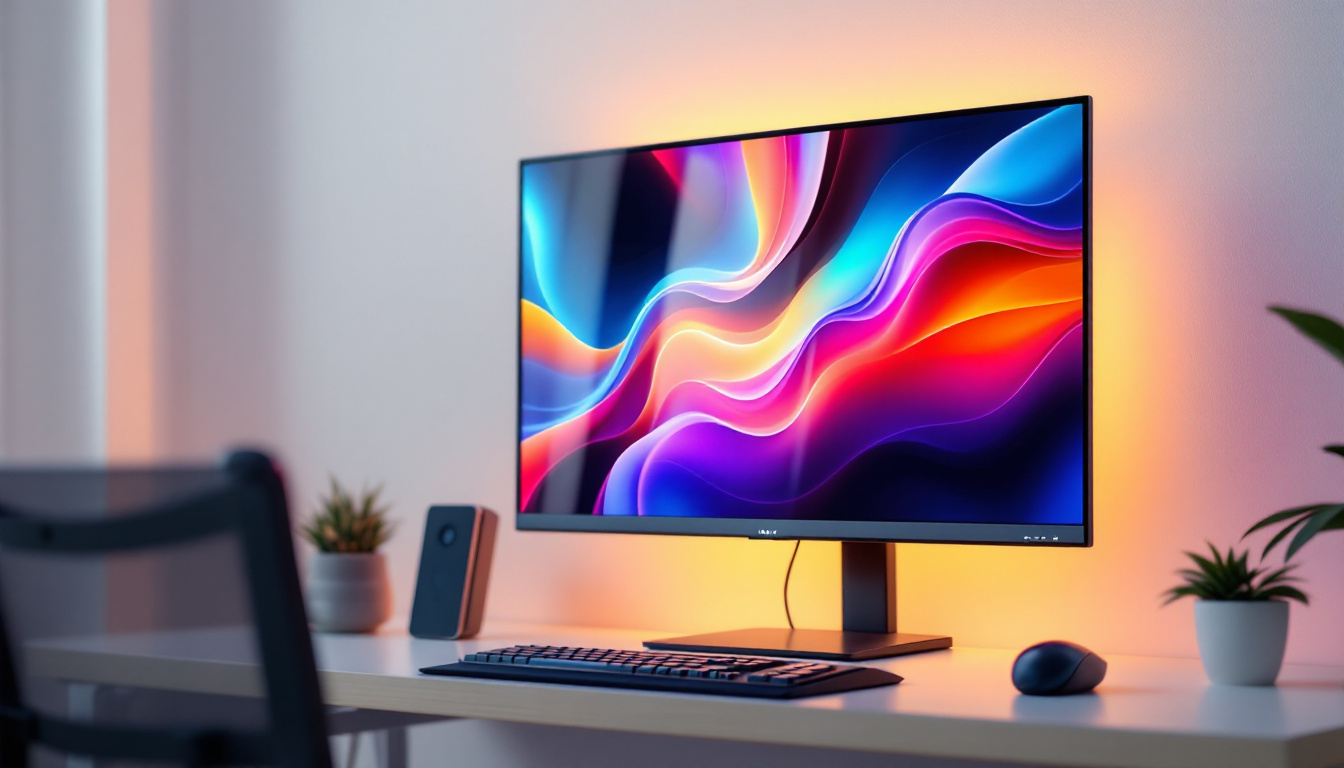
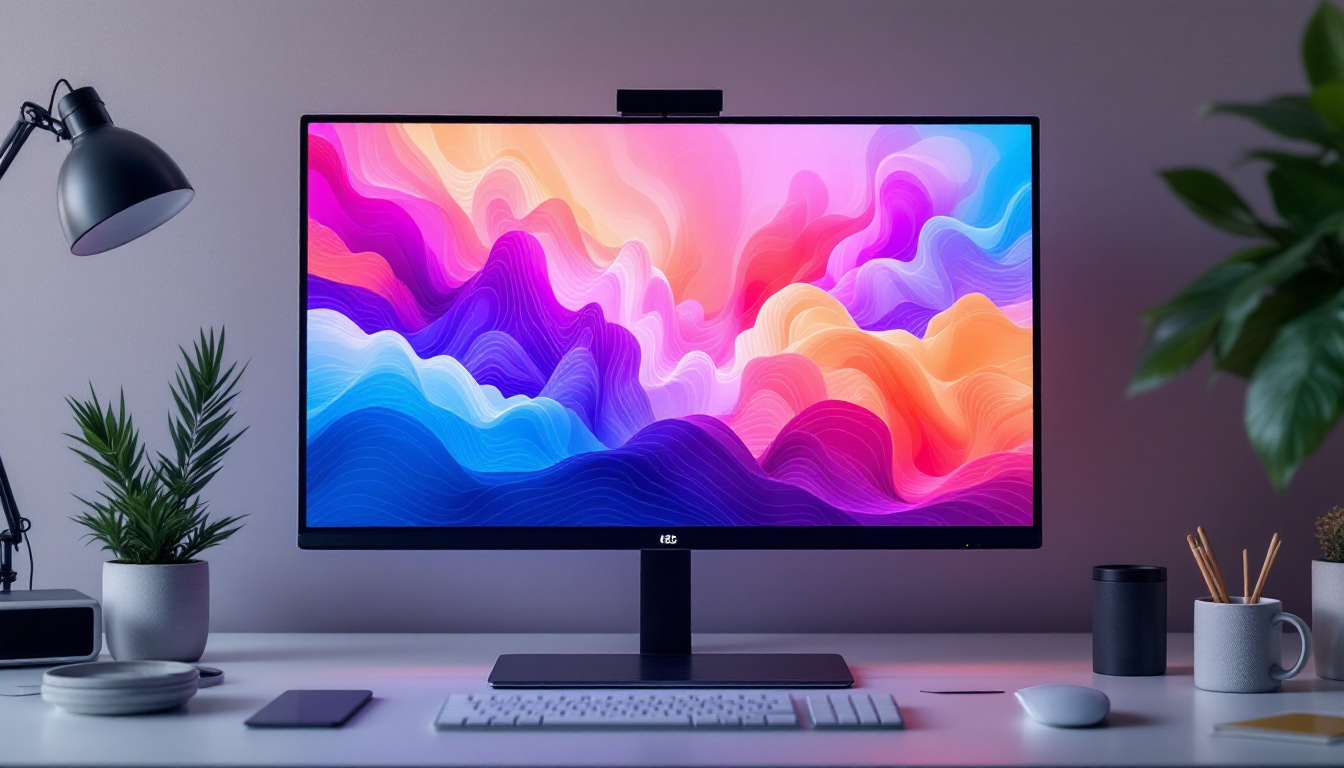
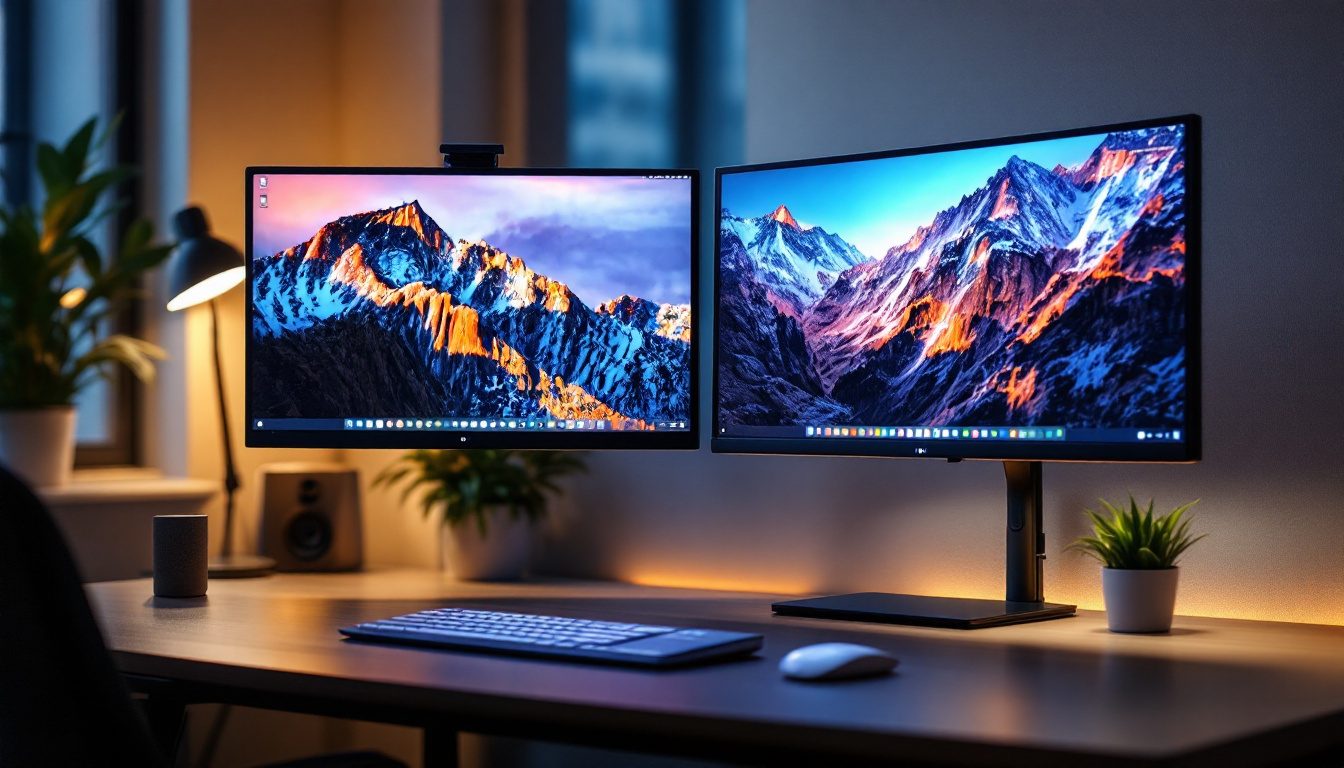
With remote work becoming more prevalent, many individuals seek efficient home office setups. Wall-mounted LED monitors save desk space, allowing for larger screens without clutter. Adjustable mounts help maintain ergonomic posture, reducing fatigue during long work sessions.
Corporate and Collaborative Environments
In conference rooms and collaborative workspaces, wall-mounted LED displays serve as central communication hubs. Their large size and excellent image quality make them ideal for presentations, video conferencing, and data visualization. Full-motion mounts allow multiple viewers to adjust the screen for optimal viewing angles.
Retail and Public Spaces
LED displays mounted on walls in retail stores, airports, and other public venues provide dynamic digital signage. Their brightness and clarity attract attention, while wall mounting keeps the displays secure and out of reach from tampering or accidental damage.
Future Trends in Wall-Mounted LED Displays
As display technology continues to evolve, several trends are shaping the future of wall-mounted LED monitors:
Ultra-Thin and Flexible Displays
Advances in OLED and micro-LED technologies are enabling ultra-thin, lightweight, and even flexible displays. These innovations will make wall mounting easier and allow for creative installation designs, such as curved or wrap-around screens.
Higher Resolutions and Refresh Rates
4K and even 8K displays are becoming more accessible, offering stunning detail for professional and entertainment use. Higher refresh rates (120Hz and above) improve motion clarity, benefiting gamers and video editors.
Smart and Interactive Displays
Integration of touch capabilities, voice control, and AI-driven features will transform wall-mounted LED displays into interactive hubs. This will enhance collaboration and user engagement in both personal and professional settings.
Conclusion
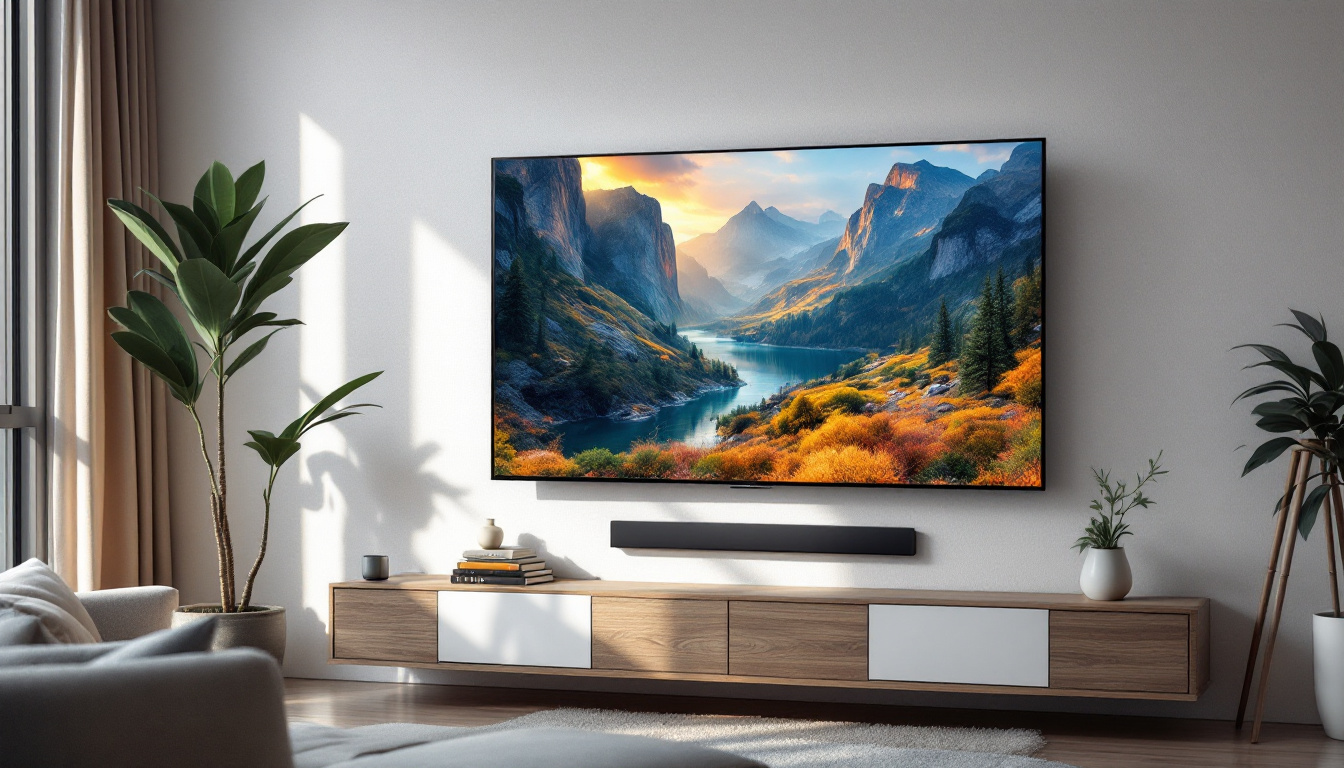
Wall mounting a computer screen, especially an LED display, is a practical and stylish way to optimize workspace and improve viewing comfort. Understanding the types of mounts, LED display technologies, and installation requirements ensures a successful setup tailored to your needs. Whether for home, office, or public use, the combination of wall mounts and LED screens offers enhanced ergonomics, aesthetics, and functionality that meet the demands of modern digital environments.
Explore Cutting-Edge LED Display Solutions with LumenMatrix
Ready to elevate your space with the latest in LED display technology? LumenMatrix is at the forefront of innovation, offering a wide range of LED display solutions that transform any environment. From captivating Indoor LED Wall Displays to dynamic Outdoor LED Wall Displays, and from versatile Vehicle LED Displays to engaging LED Sports Displays, our products are designed to make a lasting impression. Discover how LumenMatrix can enhance your visual communication and create unforgettable experiences. Check out LumenMatrix LED Display Solutions today and take the first step towards a brighter, more engaging future.