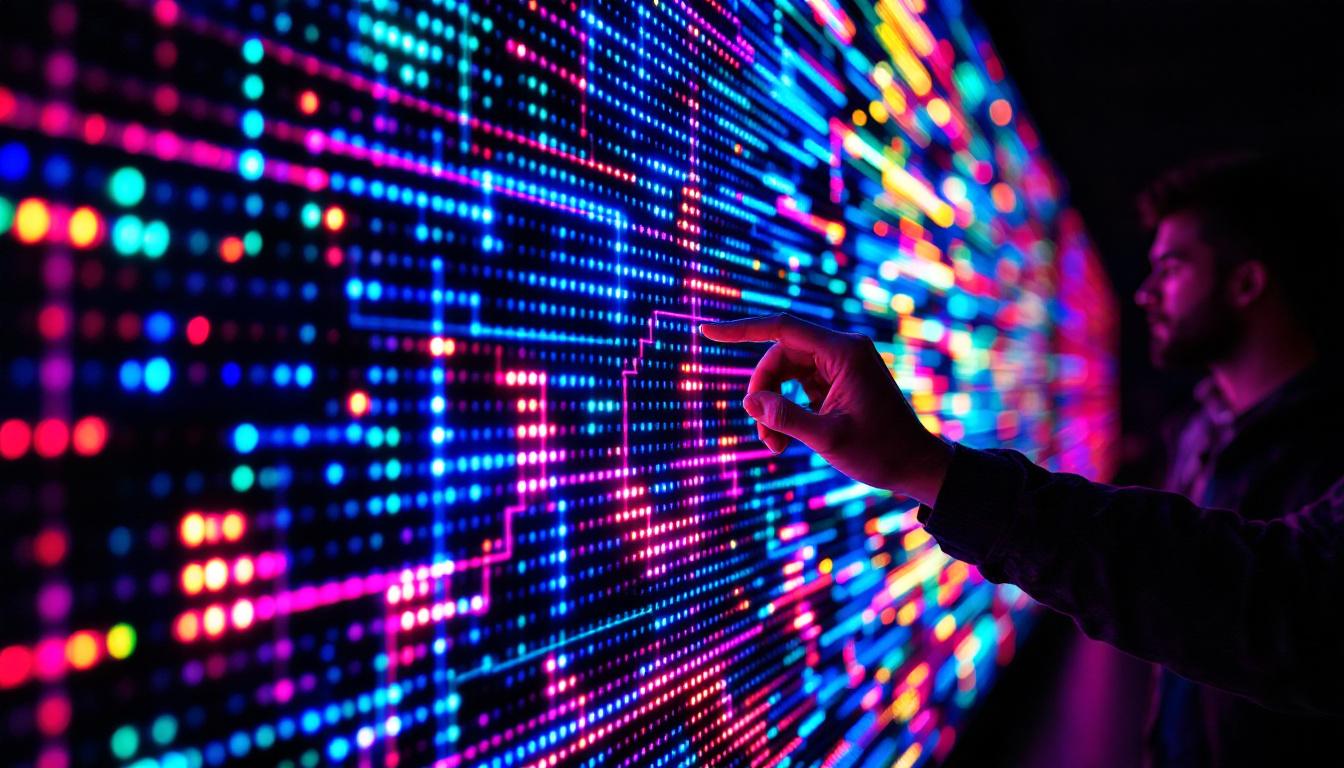
In today’s fast-evolving digital landscape, LED displays have become a cornerstone technology for advertising, information dissemination, and entertainment. From towering billboards in city centers to intricate indoor screens in conference halls, LED displays offer unparalleled brightness, flexibility, and visual impact. However, behind the vibrant visuals lies a complex configuration process that ensures optimal performance and longevity. This article delves into the essentials of configuring LED displays, demystifying the technical aspects and providing a comprehensive guide for professionals and enthusiasts alike.
Understanding LED Display Technology
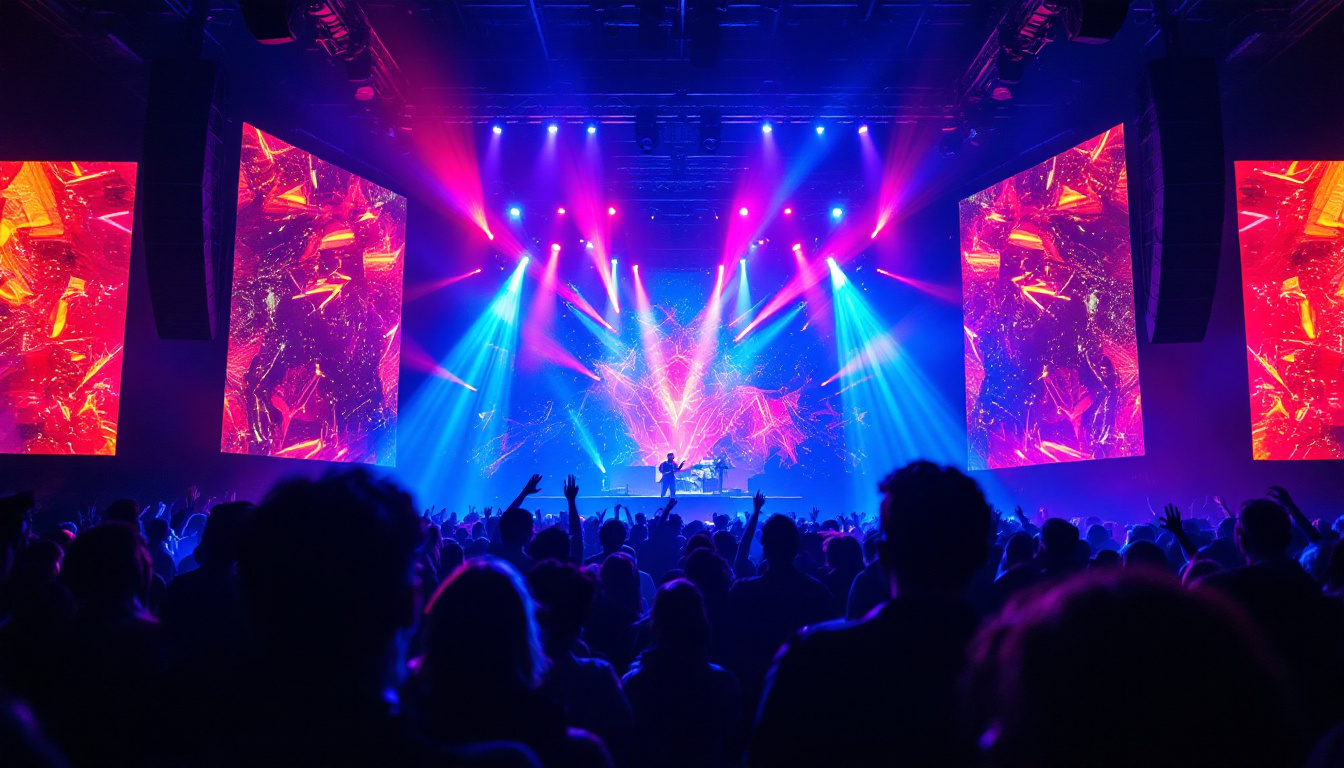
LED, or Light Emitting Diode, technology has revolutionized digital displays by offering energy-efficient, high-brightness solutions that outperform traditional display methods. Unlike LCD or projection displays, LEDs emit their own light, which allows for superior contrast ratios and visibility even under direct sunlight. This characteristic makes LED displays particularly popular for outdoor advertising, sports arenas, and large-scale events, where ambient light can often interfere with visibility.
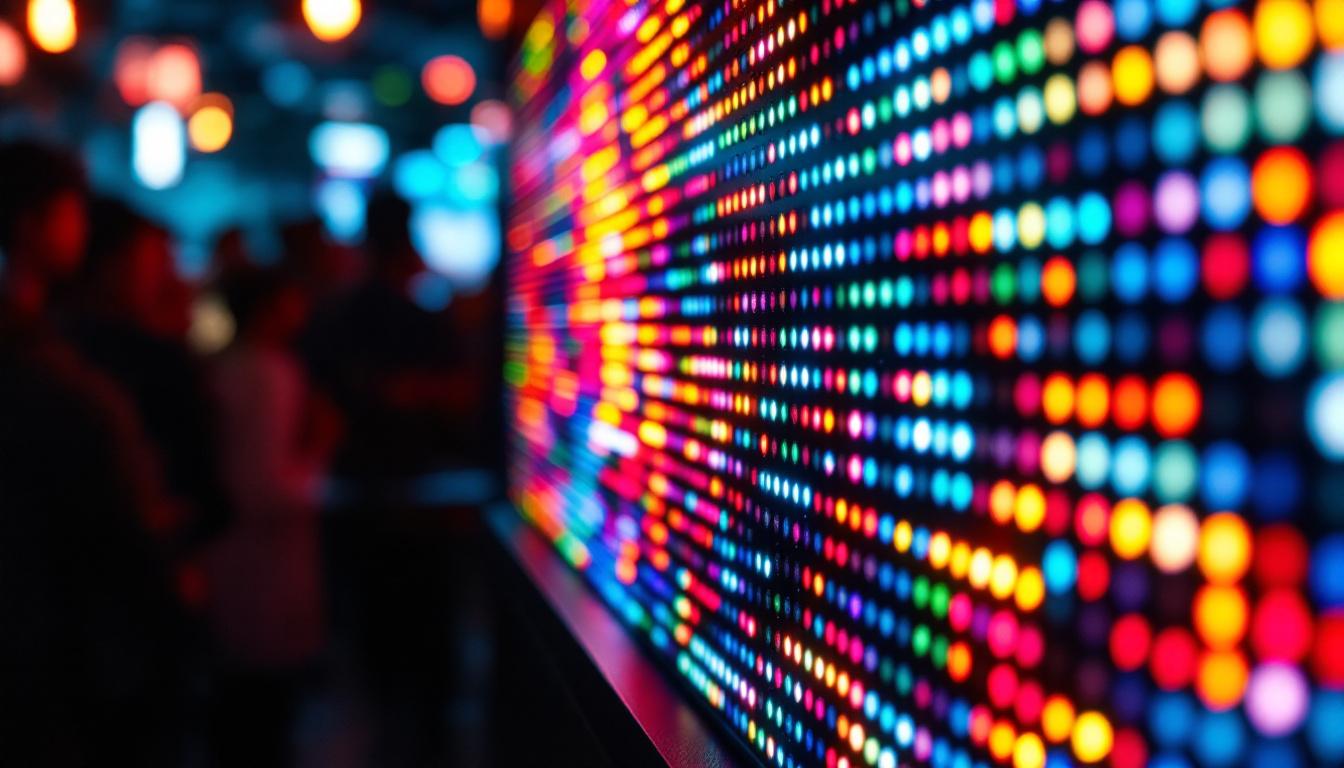
Modern LED displays consist of thousands to millions of tiny LEDs arranged in a matrix. These LEDs can be monochrome or full-color, depending on the application. The configuration of these LEDs, including pixel pitch, refresh rate, and color calibration, directly affects the display’s clarity and effectiveness. For instance, a smaller pixel pitch results in a higher resolution, making it suitable for close viewing distances, while a larger pitch is more appropriate for larger venues where viewers are further away.
Key Components of an LED Display
To understand configuration, it’s essential to know the main components:
- LED Modules: These are the building blocks of the display, containing a grid of LEDs. The density of LEDs per module influences resolution.
- Control System: The brain of the display, managing data input, processing, and output to the LED modules. Advanced control systems can even allow for real-time content updates, making it easier to display dynamic advertisements or live event information.
- Power Supply: LEDs require stable power to maintain brightness and prevent flickering. High-quality power supplies can enhance the longevity of the display, ensuring consistent performance over time.
- Cabinet Structure: The physical frame that houses the modules, ensuring durability and alignment. These cabinets are often designed for easy installation and maintenance, allowing for quick repairs in case of module failure.
In addition to these components, the software that drives LED displays plays a crucial role. Content management systems (CMS) are used to schedule and manage the display of graphics, videos, and animations. This software can integrate with various data sources, allowing for the display of real-time information such as weather updates, social media feeds, or news headlines. Furthermore, advancements in LED technology have led to the development of flexible and transparent displays, opening up new possibilities for creative applications in architecture and design.
The Importance of Configuration in LED Displays
Configuring an LED display is not just about plugging in and turning it on. Proper configuration ensures that the display performs optimally, maintains image quality, and extends its operational lifespan. Incorrect settings can lead to issues such as flickering, color distortion, and uneven brightness, which degrade the viewer experience and can damage the hardware.
Why Configuration Matters
LED displays are often used in critical applications such as public safety alerts, live event broadcasting, and advertising campaigns where clarity and reliability are paramount. Configuration impacts:
- Image Quality: Adjusting pixel mapping and color calibration ensures sharp, vibrant images.
- Energy Efficiency: Proper power management reduces electricity consumption and heat generation.
- Longevity: Balanced settings prevent premature wear of LEDs and electronic components.
- Compatibility: Ensures seamless integration with various input sources and control software.
Moreover, the configuration process also involves understanding the specific environment in which the LED display will be used. For instance, displays installed in outdoor settings must be configured to counteract the effects of sunlight and weather conditions, which can significantly affect visibility. This may include adjusting brightness levels to ensure that images remain clear even in direct sunlight, as well as implementing protective measures against moisture and dust. Additionally, for indoor displays, factors such as ambient lighting and viewing distance must be considered to optimize the display settings for the best possible viewer experience.
Furthermore, the technological advancements in LED displays have introduced features such as dynamic content management and real-time adjustments based on environmental feedback. This means that configuration is not a one-time task but rather an ongoing process that adapts to changing conditions and content requirements. For instance, some modern LED displays can automatically adjust their brightness based on the time of day or the presence of nearby light sources, ensuring that the content remains legible and visually appealing at all times. This level of sophistication in configuration not only enhances the display’s performance but also contributes to a more engaging and effective communication tool for businesses and organizations.
Step-by-Step Guide to Configuring an LED Display
Configuring an LED display involves several stages, from initial setup to fine-tuning. Each step requires attention to detail and an understanding of the display’s specifications.
1. Physical Installation and Alignment
The foundation of any LED display configuration is proper physical installation. This includes securely mounting the cabinets, ensuring modules are flush and aligned to avoid visible seams or gaps. Misalignment can cause image distortion and reduce the overall aesthetic appeal.
Environmental factors such as wind load, temperature fluctuations, and humidity should be considered during installation to protect the display from damage.
2. Connecting the Control System
The control system acts as the interface between the content source and the LED modules. It typically includes a sending card, receiving cards, and control software. Correctly connecting these components ensures that data flows smoothly and images are rendered accurately.
Network configuration is crucial here, especially for large-scale displays that use multiple receiving cards. IP addressing, signal routing, and synchronization settings must be carefully set to avoid latency or signal loss.
3. Pixel Mapping and Resolution Setup
Pixel mapping defines how the input video signal corresponds to the physical LEDs on the display. This step ensures that the image is displayed correctly without distortion or cropping.
Resolution settings should match the native pixel pitch and module arrangement. For example, a display with a 4mm pixel pitch and 64×64 LED modules will have a different resolution than one with a 10mm pitch. Configuring the software to recognize these parameters prevents image scaling issues.
4. Color Calibration and Brightness Adjustment
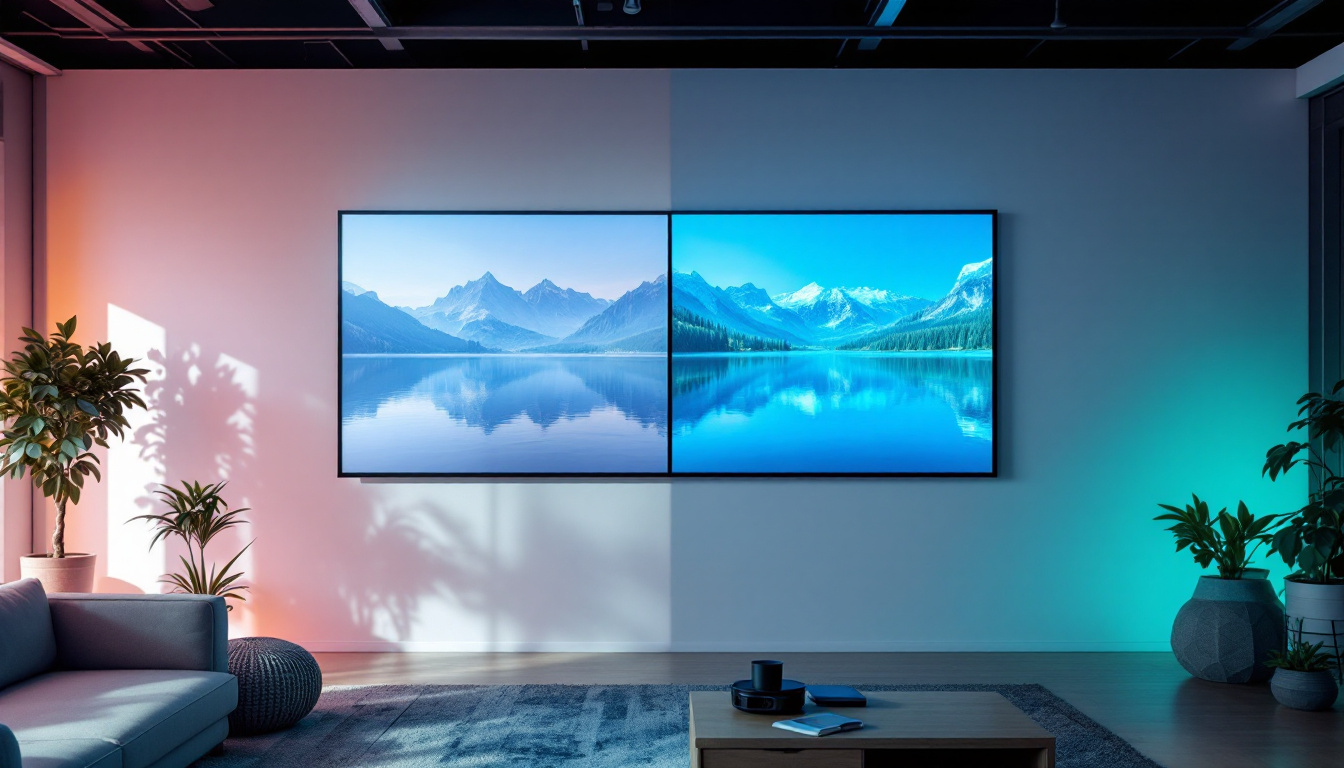
Color calibration is essential for achieving accurate and consistent colors across the entire display. This process often involves measuring color output using specialized tools and adjusting the display’s color profile accordingly.
Brightness settings must balance visibility and power consumption. Overly bright displays can cause eye strain and increase energy costs, while insufficient brightness reduces readability, especially outdoors.
5. Refresh Rate and Gray Scale Configuration
The refresh rate determines how often the image on the display is updated per second. Higher refresh rates reduce flicker and improve the smoothness of motion, which is particularly important for video content.
Gray scale settings influence the display’s ability to render subtle color gradations and detail. Proper gray scale configuration enhances image depth and realism.
6. Testing and Troubleshooting
After configuration, rigorous testing is necessary to identify issues such as dead pixels, color inconsistencies, or synchronization errors. Many control systems offer diagnostic tools to facilitate this process.
Common troubleshooting steps include recalibrating color, checking cable connections, and updating firmware to the latest versions.
Advanced Configuration Techniques
For complex installations, advanced configuration techniques can optimize performance further. These include:
Multi-Screen Synchronization
When multiple LED displays operate in tandem, synchronization ensures that content displays seamlessly across all screens. This is critical for large-scale video walls or stadium displays where timing discrepancies can disrupt the viewer experience.
Dynamic Brightness Control
Some LED displays incorporate sensors that adjust brightness dynamically based on ambient light conditions. Configuring these sensors correctly enhances visibility while conserving energy.
Content Management Integration
Integrating LED displays with content management systems (CMS) allows for remote control, scheduling, and real-time updates. Proper configuration ensures that content delivery is smooth and responsive to changing needs.
Common Challenges and How to Overcome Them
Despite careful configuration, LED displays may encounter challenges that affect performance. Understanding these issues and their solutions is vital for maintaining optimal operation.
Flickering and Ghosting
Flickering often results from incorrect refresh rate settings or unstable power supply. Ghosting, where a trailing image appears, can be caused by slow response times or improper pixel mapping. Adjusting refresh rates and ensuring stable power can mitigate these problems.
Color Inconsistency
Uneven color across the display can stem from module aging, temperature variations, or calibration errors. Regular maintenance and recalibration help maintain uniformity.
Signal Loss and Latency
Signal interruptions may occur due to faulty cables, incorrect network settings, or hardware failures. Using high-quality cables, verifying network configurations, and performing routine hardware checks are essential preventative measures.
Future Trends in LED Display Configuration
As LED technology advances, configuration processes are becoming more sophisticated and automated. Emerging trends include:
AI-Driven Calibration
Artificial intelligence is being integrated into calibration tools to automatically adjust color, brightness, and other parameters in real-time, reducing manual intervention and improving accuracy.
Higher Resolution and Smaller Pixel Pitch
With pixel pitches shrinking below 1mm, ultra-high-definition LED displays are becoming feasible, demanding more precise configuration and control systems capable of handling massive data throughput.
IoT and Remote Monitoring
Internet of Things (IoT) technology enables remote monitoring and diagnostics of LED displays, allowing operators to detect and resolve issues proactively, minimizing downtime.
Conclusion
Configuring an LED display is a multifaceted process that requires technical expertise, attention to detail, and an understanding of the display’s intended use. Proper configuration not only enhances visual performance but also ensures energy efficiency and extends the lifespan of the hardware.
Whether for advertising, entertainment, or information dissemination, mastering the configuration of LED displays is essential for maximizing their impact and reliability in today’s digital environment. As technology continues to evolve, staying informed about the latest configuration techniques and tools will remain a critical aspect of successful LED display management.
Discover LumenMatrix’s Advanced LED Solutions
Ready to take your visual displays to the next level? Explore LumenMatrix’s comprehensive range of LED display solutions, designed to meet the diverse needs of any application. Whether you’re looking to captivate audiences with an Indoor LED Wall Display, make a bold statement with an Outdoor LED Wall Display, or innovate with a Custom LED Display, LumenMatrix has the technology to bring your vision to life. Experience the future of visual communication with our cutting-edge digital signage and LED displays. Check out LumenMatrix LED Display Solutions today and transform your space into a dynamic visual experience.