In today’s fast-paced digital world, the demand for enhanced visual experiences on desktop setups has never been higher. Whether for professional use, gaming, or multimedia consumption, dual LED displays have become a popular solution to boost productivity and immersion. This article delves into the intricacies of desktop dual LED displays, exploring their technology, benefits, setup considerations, and how they compare to other display types.
Understanding LED Display Technology
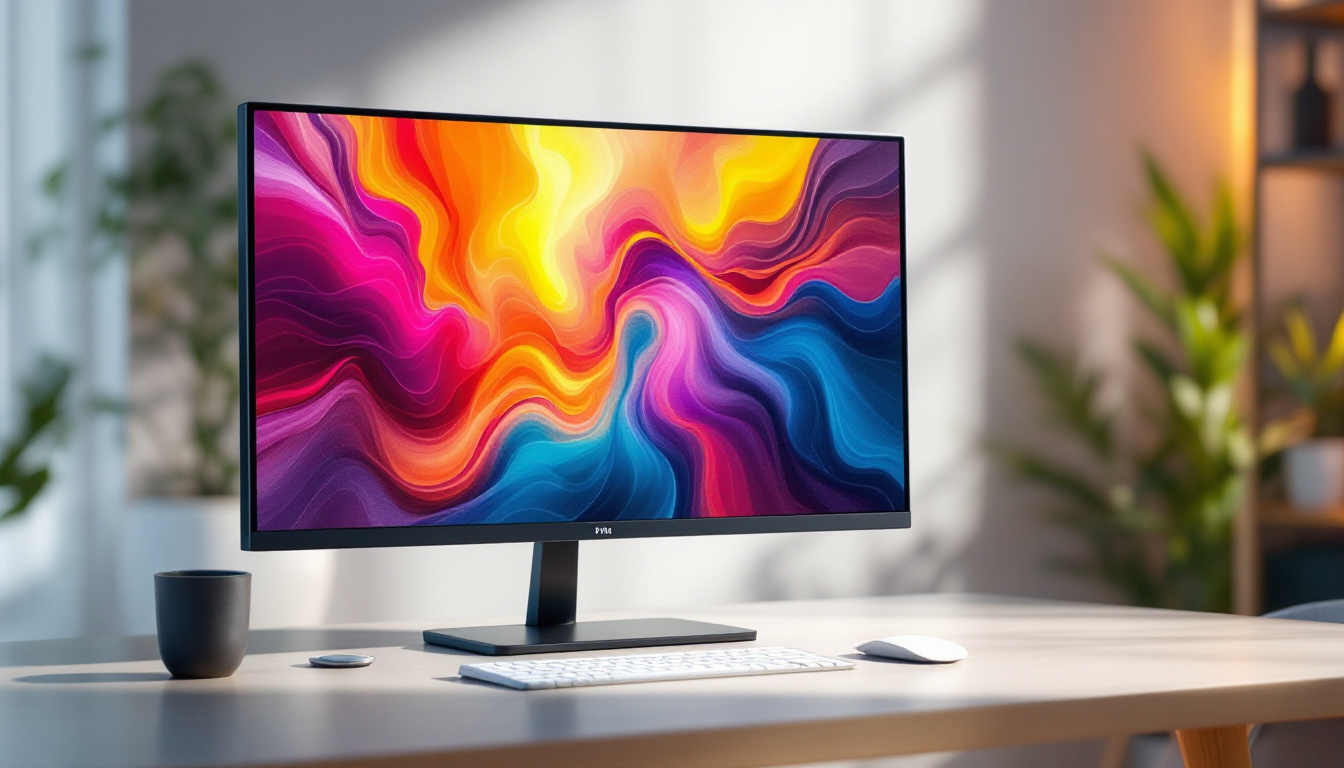
LED, or Light Emitting Diode, technology has revolutionized the way screens deliver images. Unlike traditional LCDs that rely on cold cathode fluorescent lamps (CCFL) for backlighting, LED displays use light-emitting diodes to illuminate the screen. This fundamental difference results in several advantages that have made LED displays the standard for modern monitors.
LED displays come in various forms, including edge-lit and full-array backlighting. Edge-lit LED displays position diodes along the edges of the screen, allowing for thinner panels and lower power consumption. Full-array LED displays, on the other hand, place diodes directly behind the screen, enabling more precise local dimming and better contrast ratios. This capability allows for deeper blacks and brighter whites, enhancing the viewing experience, especially in darker environments where contrast is crucial.
When it comes to desktop dual setups, the quality and type of LED display can significantly impact the overall experience. Understanding these nuances helps users make informed choices tailored to their needs. For instance, professionals in fields such as video editing or graphic design may benefit from full-array displays that offer superior color accuracy and dynamic range, while casual users might find edge-lit displays sufficient for everyday tasks like browsing and document editing.
Key Advantages of LED Displays
LED displays offer several compelling benefits over older technologies:
- Improved Energy Efficiency: LED backlighting consumes less power, reducing electricity costs and environmental impact.
- Better Color Accuracy and Brightness: LEDs provide brighter screens with more vivid colors, essential for graphic design and media editing.
- Thinner and Lighter Panels: The compact nature of LEDs allows for sleek, lightweight monitors that save desk space.
- Longer Lifespan: LEDs tend to last longer than CCFL backlights, ensuring durability over time.
In addition to these advantages, LED technology also supports a wider range of color gamuts, which is particularly beneficial for creative professionals who require precise color reproduction. With advancements in technology, many LED displays now support HDR (High Dynamic Range), which enhances the contrast and color accuracy even further, allowing users to experience images as they were intended to be seen. Furthermore, the rapid response time of LED displays minimizes motion blur, making them ideal for fast-paced gaming and video playback.
Another noteworthy aspect of LED displays is their adaptability to various environments. Many modern LED screens come equipped with features that allow for adjustments based on ambient lighting conditions, ensuring optimal viewing experiences whether in a brightly lit office or a dimly lit home theater. This versatility, combined with the aesthetic appeal of ultra-slim designs, makes LED displays not only functional but also a stylish addition to any workspace or entertainment setup.
The Rise of Dual Monitor Setups
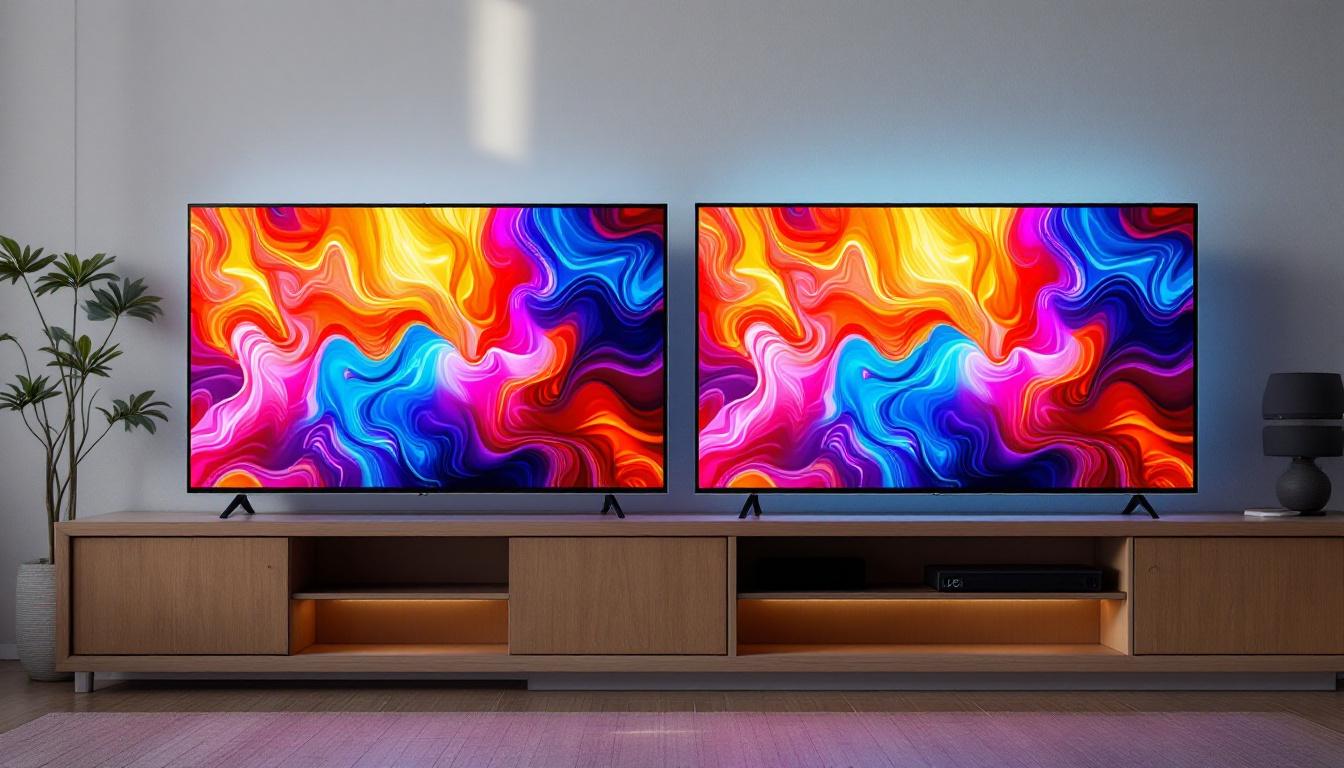
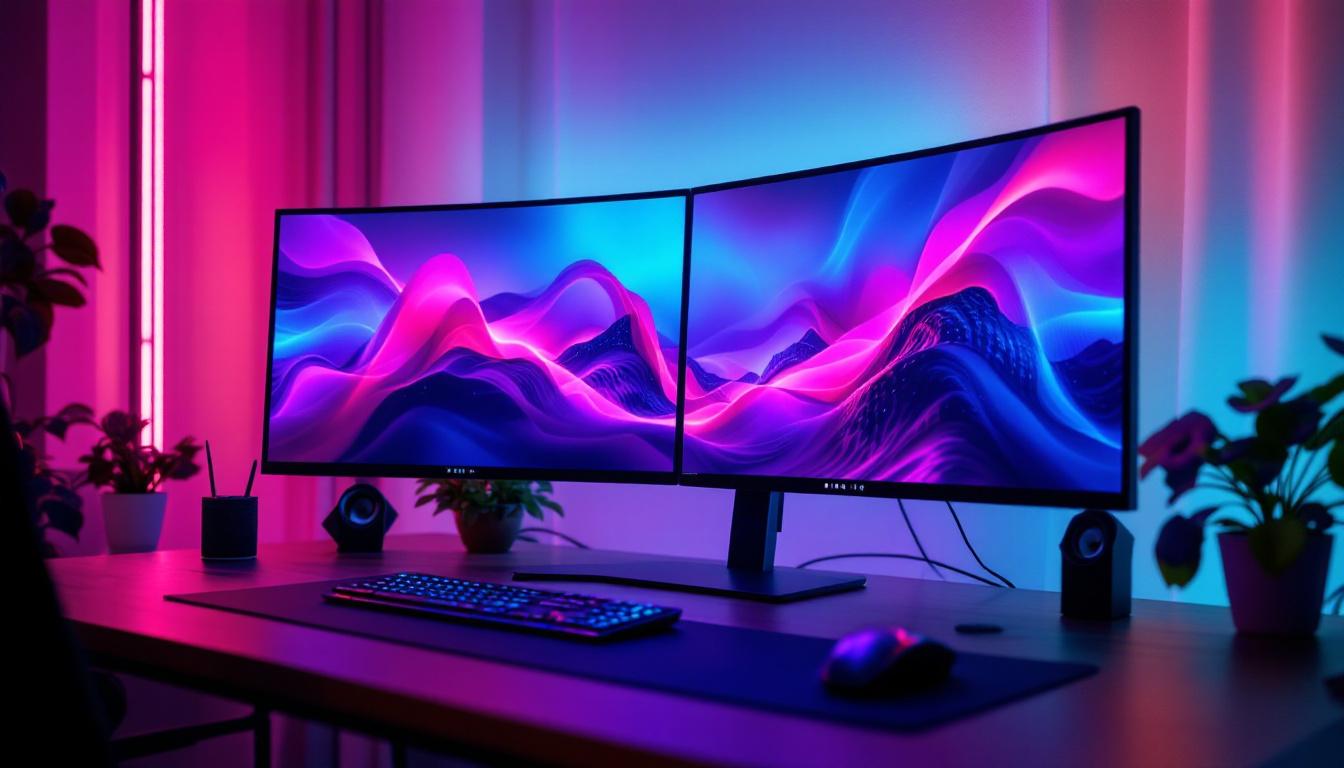
Dual monitor setups have gained popularity across various sectors, from corporate offices to gaming enthusiasts. Having two screens side by side can dramatically increase productivity by allowing users to multitask more efficiently and manage multiple applications simultaneously.
According to a study by the University of Utah, users with dual monitors can increase productivity by up to 20-30%. This improvement stems from reduced time switching between windows and better organization of workflow. In addition to the tangible productivity benefits, many users report a more satisfying and engaging work experience, as they can keep essential information visible while working on different tasks. This seamless integration of information can lead to a more fluid thought process and enhanced creativity.
Why Choose Dual LED Displays for Your Desktop?
Pairing two LED monitors offers several unique advantages:
- Consistent Visual Quality: Using two LED displays ensures uniform brightness, color, and contrast across both screens.
- Enhanced Workspace: Dual displays provide ample screen real estate, ideal for complex tasks like video editing, data analysis, or coding.
- Improved Ergonomics: Properly positioned dual monitors can reduce neck and eye strain by allowing natural head movement and better viewing angles.
- Flexibility and Customization: Users can configure each display for specific tasks, such as dedicating one screen to communication tools and the other to primary work.
Moreover, the versatility of dual monitor setups extends beyond just productivity; they can also enhance the gaming experience. Gamers can utilize one monitor for gameplay while keeping a second screen for chat applications, game guides, or streaming software. This setup not only allows for a more immersive experience but also enables players to stay connected with their gaming community without interrupting their gameplay. Additionally, creative professionals, such as graphic designers and photographers, benefit from the ability to view their work on one screen while referencing resources or tutorials on the other, streamlining their creative process.
As technology continues to advance, the integration of dual monitor setups is becoming increasingly user-friendly. Many modern operating systems now offer built-in features that facilitate the management of multiple displays, such as snapping windows to specific areas of the screens or easily switching between different display modes. This evolution in software capabilities, combined with the decreasing prices of high-quality LED monitors, makes dual setups more accessible than ever for both casual users and professionals alike.
Setting Up Your Desktop Dual LED Display
Setting up a dual LED display system requires careful planning and consideration to maximize the benefits. The process involves selecting compatible monitors, configuring hardware connections, and optimizing software settings.
Choosing the Right Monitors
When selecting monitors for a dual setup, several factors should be considered:
- Size and Resolution: Matching screen sizes and resolutions ensures a seamless visual transition between displays. Popular combinations include two 24-inch 1080p monitors or two 27-inch 1440p monitors.
- Panel Type: IPS (In-Plane Switching) panels are favored for their superior color accuracy and viewing angles, making them ideal for professional use.
- Refresh Rate and Response Time: Gamers may prioritize higher refresh rates (120Hz or above) and lower response times for smoother gameplay.
- Connectivity Options: Ensure the monitors support the necessary ports (HDMI, DisplayPort, USB-C) compatible with your computer.
Hardware and Software Configuration
Once the monitors are chosen, the next step involves connecting and configuring them:
- Connecting the Displays: Use high-quality cables to connect each monitor to the computer’s graphics card. Many modern GPUs support multiple outputs, but verifying compatibility is crucial.
- Adjusting Display Settings: Operating systems like Windows and macOS offer built-in tools to arrange displays, set resolutions, and configure primary and secondary screens.
- Color Calibration: For professionals working with color-sensitive projects, calibrating each monitor using hardware tools or software ensures consistent color reproduction.
- Ergonomic Positioning: Position monitors at eye level and at an appropriate distance to reduce strain and maximize comfort during extended use.
Comparing LED Displays to Other Technologies
While LED displays dominate the market, it’s important to understand how they compare to alternative technologies such as OLED and traditional LCDs with CCFL backlighting.
LED vs. OLED
OLED (Organic Light Emitting Diode) technology represents a newer display innovation where each pixel emits its own light. This results in perfect blacks and exceptional contrast ratios, making OLEDs highly desirable for high-end applications.
However, OLED monitors are generally more expensive and less common in desktop setups. Additionally, they can suffer from burn-in issues with static images, which may be a concern for office environments.
LED vs. Traditional LCD (CCFL)
Traditional LCD monitors use CCFL backlighting, which tends to be bulkier, less energy-efficient, and offers lower color accuracy compared to LED displays. The transition to LED backlighting has largely phased out CCFL monitors due to these disadvantages.
Practical Applications of Dual LED Displays
Dual LED displays cater to a wide range of users, each benefiting from the expanded screen real estate and improved visual quality.
Professional Workflows
In fields such as graphic design, video editing, software development, and financial analysis, dual monitors enable multitasking and detailed work. Designers can keep tool palettes open on one screen while focusing on the canvas on the other. Developers often use one monitor for coding and the other for testing or documentation.
Gaming and Entertainment
Gamers use dual setups to enhance immersion or manage communication tools alongside gameplay. Streamers benefit from having their game on one screen and streaming software, chat, or alerts on the other, facilitating smoother broadcasts.
General Productivity
For everyday users, dual LED displays simplify tasks such as web browsing, email management, and document editing. Having multiple windows visible simultaneously reduces the need to constantly switch between tabs or applications.
Future Trends in Desktop Dual LED Displays
The evolution of display technology continues to push the boundaries of what dual monitor setups can achieve. Emerging trends include ultra-wide curved LED monitors that offer a panoramic experience without the bezel gap between screens.
Additionally, advancements in HDR (High Dynamic Range) support and higher refresh rates are becoming more accessible, even in mid-range monitors. These improvements promise richer colors, deeper contrasts, and smoother motion, further enhancing dual display setups.
Integration with USB-C and Thunderbolt ports also simplifies connectivity by enabling power delivery, video, and data transfer through a single cable, reducing desk clutter and setup complexity.
Conclusion
Desktop dual LED displays represent a powerful combination of technology and practicality, offering users enhanced productivity, superior visual quality, and ergonomic benefits. Understanding the underlying LED technology, selecting the right monitors, and configuring them properly can transform any desktop environment into a versatile and efficient workspace.
As technology advances, dual LED setups will continue to evolve, providing even more immersive and flexible solutions for professionals, gamers, and everyday users alike. Investing in quality LED displays today ensures a future-proof setup capable of meeting diverse computing demands.
Discover LumenMatrix’s Advanced LED Solutions
Ready to elevate your desktop experience with cutting-edge LED technology? LumenMatrix offers a diverse range of innovative LED display modules designed to bring your visual communication to life. From immersive Indoor LED Wall Displays to dynamic Outdoor LED Wall Displays, and from versatile Vehicle LED Displays to sleek LED Poster Displays, our solutions cater to every need. Embrace the future of desktop dual LED displays with LumenMatrix’s commitment to quality, engagement, and clarity. Check out LumenMatrix LED Display Solutions today and transform your workspace into a hub of productivity and creativity.