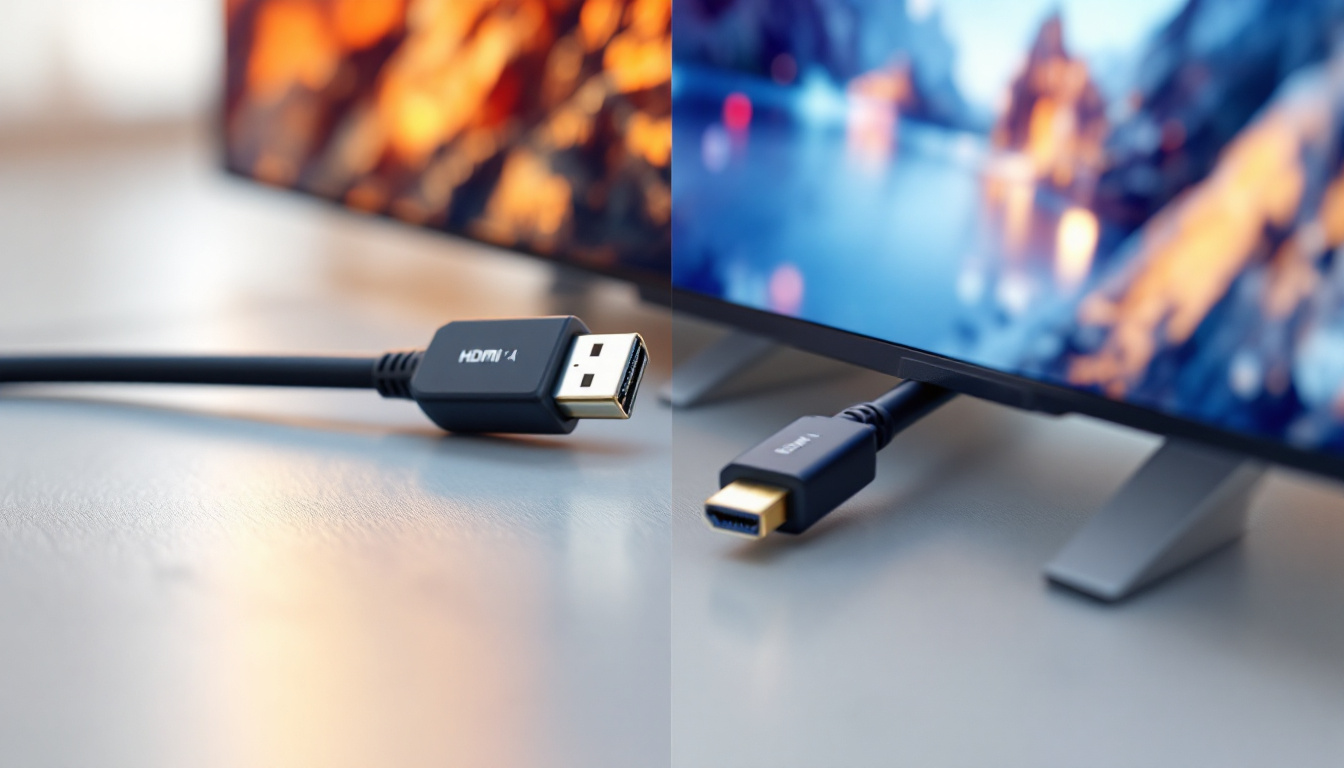
In the ever-evolving world of digital displays and connectivity, DisplayPort remains one of the most critical interfaces for delivering high-quality video and audio signals. With advancements in display technology, understanding the nuances between different versions of DisplayPort is essential, especially for professionals and enthusiasts working with LED displays. This article explores the differences between DisplayPort 1.4 and 1.4a, focusing on their impact on LED display performance and capabilities.
Understanding DisplayPort: A Brief Overview
DisplayPort is a digital display interface developed by the Video Electronics Standards Association (VESA) to connect a video source to a display device such as a computer monitor, television, or projector. Since its introduction in 2006, DisplayPort has undergone several revisions, each enhancing bandwidth, resolution support, and feature sets.
The interface is widely used in professional environments, gaming setups, and multimedia systems due to its ability to support high resolutions, refresh rates, and multiple monitors through daisy-chaining. DisplayPort’s versatility makes it a preferred choice for LED displays, which demand precise color accuracy and high refresh rates.
One of the standout features of DisplayPort is its support for Adaptive Sync technology, which allows for smoother gameplay by synchronizing the refresh rate of the display with the frame rate of the graphics card. This technology is particularly beneficial in gaming, where screen tearing and stuttering can detract from the user experience. Additionally, DisplayPort can carry audio signals along with video, simplifying the connection process and reducing cable clutter, making it an efficient solution for setups that require both audio and visual output.
Moreover, DisplayPort supports a wide range of resolutions, including 8K at 60Hz and even 16K at lower refresh rates, which is essential for future-proofing high-end displays. The ability to transmit multiple streams of video and audio over a single cable is another advantage, allowing users to connect multiple monitors to a single output without sacrificing quality. This capability is particularly useful in professional settings where multitasking and expansive visual real estate are crucial for productivity.
DisplayPort 1.4: Features and Capabilities
Released in March 2016, DisplayPort 1.4 brought significant improvements over its predecessor, DisplayPort 1.3. It supports a maximum bandwidth of 32.4 Gbps (25.92 Gbps effective data rate), enabling higher resolutions and refresh rates.
Key Specifications of DisplayPort 1.4
- Maximum Resolution: Supports up to 8K (7680 x 4320) at 60Hz with Display Stream Compression (DSC) 1.2.
- HDR Support: Includes support for High Dynamic Range (HDR10), offering better contrast and color depth for enhanced image quality.
- Display Stream Compression (DSC): DSC 1.2 allows visually lossless compression, enabling higher resolutions and refresh rates without requiring more bandwidth.
- Forward Error Correction (FEC): Improves signal integrity, reducing errors in data transmission.
- Multi-Stream Transport (MST): Supports multiple displays from a single output through daisy-chaining.
DisplayPort 1.4’s introduction of DSC and HDR support was a game-changer for LED displays, allowing for richer visuals and smoother performance at ultra-high resolutions. This advancement not only enhances the viewing experience for gamers and content creators but also opens new avenues for industries that rely on high-fidelity visuals, such as film production and medical imaging.
Real-World Applications
DisplayPort 1.4 has been widely adopted in high-end gaming monitors, professional content creation displays, and LED video walls. For instance, many 4K monitors running at 120Hz or 144Hz utilize DisplayPort 1.4 to achieve these specifications without compromising image quality. The technology is particularly beneficial in environments where precision and detail are critical, such as graphic design studios and video editing suites, where the ability to display vibrant colors and sharp images can significantly impact the final output.
Moreover, the versatility of DisplayPort 1.4 extends beyond just gaming and professional use; it has also found its way into consumer electronics. Many modern televisions and home theater systems now incorporate DisplayPort 1.4, allowing users to experience cinematic-quality visuals at home. With the rise of 8K content and the increasing availability of HDR media, DisplayPort 1.4 is positioned to remain relevant as a key technology for delivering high-quality audio-visual experiences across various platforms.
DisplayPort 1.4a: What’s New?
DisplayPort 1.4a was introduced in 2018 as a minor revision to the 1.4 standard. It does not dramatically change bandwidth or resolution capabilities but focuses on improving the standard’s robustness and compatibility.
Enhancements in DisplayPort 1.4a
- Improved Link Training: DisplayPort 1.4a refines the link training algorithm, which helps establish a more stable and reliable connection between the source and the display.
- Better Compliance Testing: The revision includes updates that facilitate better compliance testing for manufacturers, ensuring devices meet the standard more consistently.
- Enhanced Interoperability: Minor tweaks improve compatibility with various devices, reducing issues like flickering or signal dropouts.
While these improvements may seem subtle, they contribute significantly to user experience, especially in professional environments where signal stability and display reliability are paramount.
Why These Changes Matter for LED Displays
LED displays, particularly large-scale video walls or high-resolution panels, require stable and consistent signal transmission. Flickering, signal loss, or color inaccuracies can disrupt the viewer’s experience and reduce the display’s effectiveness.
DisplayPort 1.4a’s improved link training and compliance testing help minimize these issues, ensuring that LED displays perform optimally even in demanding scenarios such as live events, digital signage, or control rooms.
Comparing DisplayPort 1.4 and 1.4a: What Should You Choose?
Given that DisplayPort 1.4a is essentially an incremental update to 1.4, the question arises: which version should users prioritize when selecting cables, devices, or displays?
Bandwidth and Performance
Both versions offer the same maximum bandwidth and support identical resolutions and refresh rates. Neither 1.4 nor 1.4a increases the raw data throughput beyond 32.4 Gbps or changes compression standards.
Stability and Compatibility
The primary advantage of 1.4a lies in improved link training and device interoperability. If you are deploying LED displays in environments where stability is critical, such as broadcasting studios or mission-critical control centers, 1.4a-compliant devices may offer a smoother experience.
Device Availability
Most modern devices labeled as DisplayPort 1.4 are compatible with 1.4a improvements, as manufacturers have integrated these refinements into hardware and firmware updates. However, explicitly verifying compliance can help avoid potential issues.
Cost Considerations
Since 1.4a is a minor revision, there is generally no significant cost difference between devices supporting 1.4 and 1.4a. The decision should be based on the importance of stability and compatibility in your specific use case rather than price.
Impact on LED Display Technology
LED displays have evolved significantly, with advancements in pixel density, color accuracy, and refresh rates. DisplayPort 1.4 and 1.4a play a crucial role in unlocking the full potential of these displays.
High Resolution and Refresh Rates
Modern LED displays, especially those used in gaming and professional visualization, often require resolutions up to 4K or 8K at high refresh rates (60Hz to 144Hz or higher). DisplayPort 1.4’s support for DSC enables these demanding specifications without compromising image quality.
HDR and Color Depth
HDR support in DisplayPort 1.4 enhances LED display performance by delivering greater contrast ratios and a wider color gamut. This is particularly important for digital signage and content creation, where visual fidelity is paramount.
Multi-Display Setups
DisplayPort’s MST capability allows multiple LED panels to be connected via a single output, simplifying cabling and enabling expansive video walls. This feature is widely used in event production, advertising, and large-scale installations.
Practical Tips for Choosing and Using DisplayPort with LED Displays
Check Device Compatibility
Before purchasing cables or devices, verify the DisplayPort version supported by your hardware. While 1.4 and 1.4a are backward compatible with earlier versions, ensuring the latest standard support can prevent bottlenecks.
Use Certified Cables
High-quality, certified DisplayPort cables ensure optimal signal transmission, reducing the risk of flickering or signal loss. Look for cables that explicitly state compliance with DisplayPort 1.4 or 1.4a standards.
Update Firmware and Drivers
Manufacturers often release firmware and driver updates that improve compatibility and performance. Keeping your devices up to date can help leverage the enhancements introduced in DisplayPort 1.4a.
Consider Your Use Case
For casual users or standard office setups, DisplayPort 1.4 devices are typically sufficient. However, for professional environments requiring flawless display performance, opting for 1.4a-compliant hardware can provide added peace of mind.
The Future Beyond DisplayPort 1.4a
While DisplayPort 1.4a addresses stability and compatibility, the industry has already moved towards newer standards. DisplayPort 2.0, announced in 2019, offers a massive bandwidth increase up to 80 Gbps, supporting 16K resolutions and multiple 4K displays at high refresh rates without compression.
However, DisplayPort 2.0 adoption remains gradual, and many current LED display systems continue to rely on 1.4 and 1.4a due to their proven reliability and widespread support.
What This Means for LED Display Users
Users should consider their current and near-future needs when choosing DisplayPort versions. While 1.4a offers incremental improvements over 1.4, the jump to 2.0 will be more significant but may require new hardware investments.
For now, understanding the subtle differences between 1.4 and 1.4a can help optimize existing setups and ensure reliable, high-quality LED display performance.
Conclusion
DisplayPort 1.4 and 1.4a are closely related standards, with 1.4a serving as a refinement that enhances stability, compatibility, and compliance without altering core bandwidth or resolution capabilities. For LED display users, these improvements translate into more reliable connections and better overall performance, particularly in professional and demanding environments.
Choosing between DisplayPort 1.4 and 1.4a depends largely on the importance of connection stability and device interoperability in your specific use case. Both standards support high resolutions, HDR, and multi-display setups, making them well-suited for modern LED displays.
As display technology continues to advance, staying informed about interface standards ensures that users can maximize their investment in LED displays and enjoy the best possible visual experience.
Explore Cutting-Edge LED Display Solutions with LumenMatrix
As you consider the nuances of DisplayPort 1.4 and 1.4a for your LED display needs, LumenMatrix stands at the forefront of LED display innovation, offering a wide array of solutions that cater to any visual communication requirement. Whether you’re looking for an Indoor LED Wall Display, a dynamic Outdoor LED Wall Display, or specialized options like Vehicle LED Displays and LED Sports Displays, LumenMatrix has the technology to bring your vision to life. Experience the future of visual engagement with our state-of-the-art LED display modules. Check out LumenMatrix LED Display Solutions today and see how we can transform your space into a captivating visual experience.