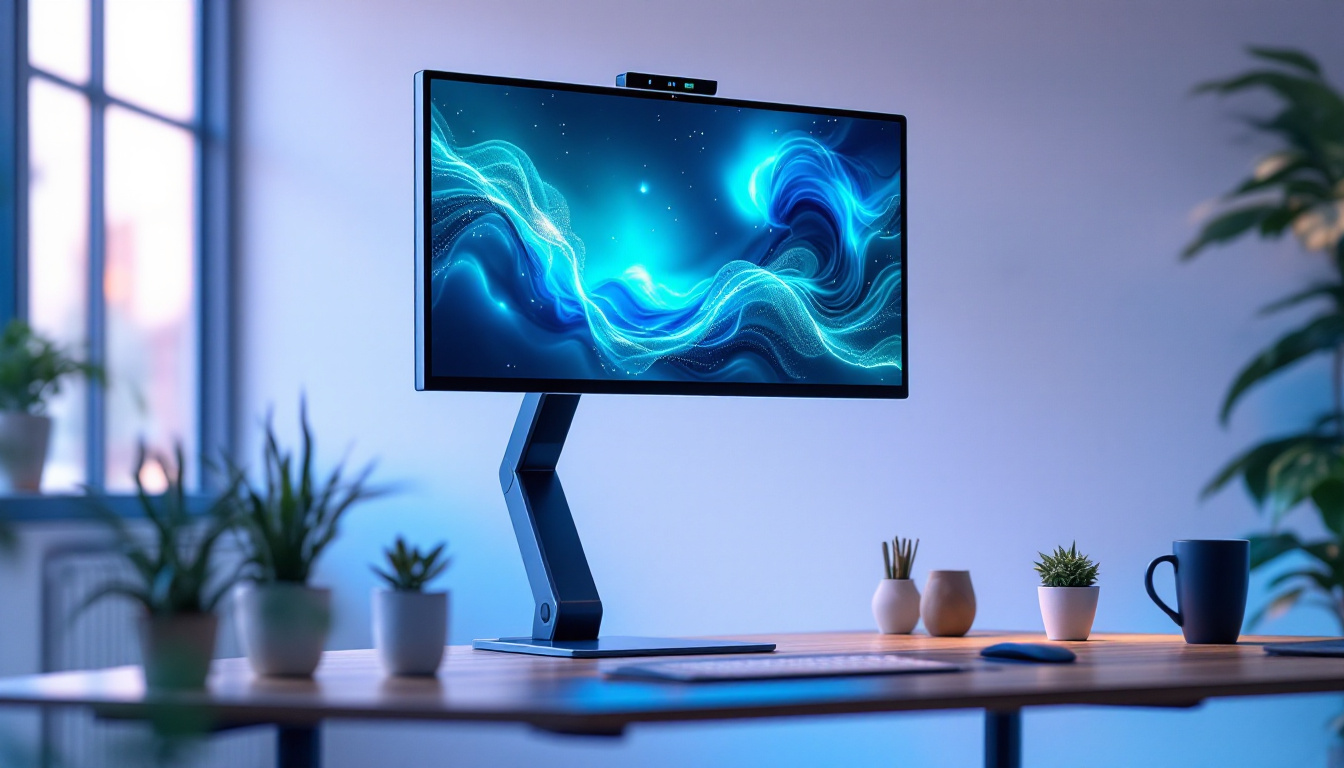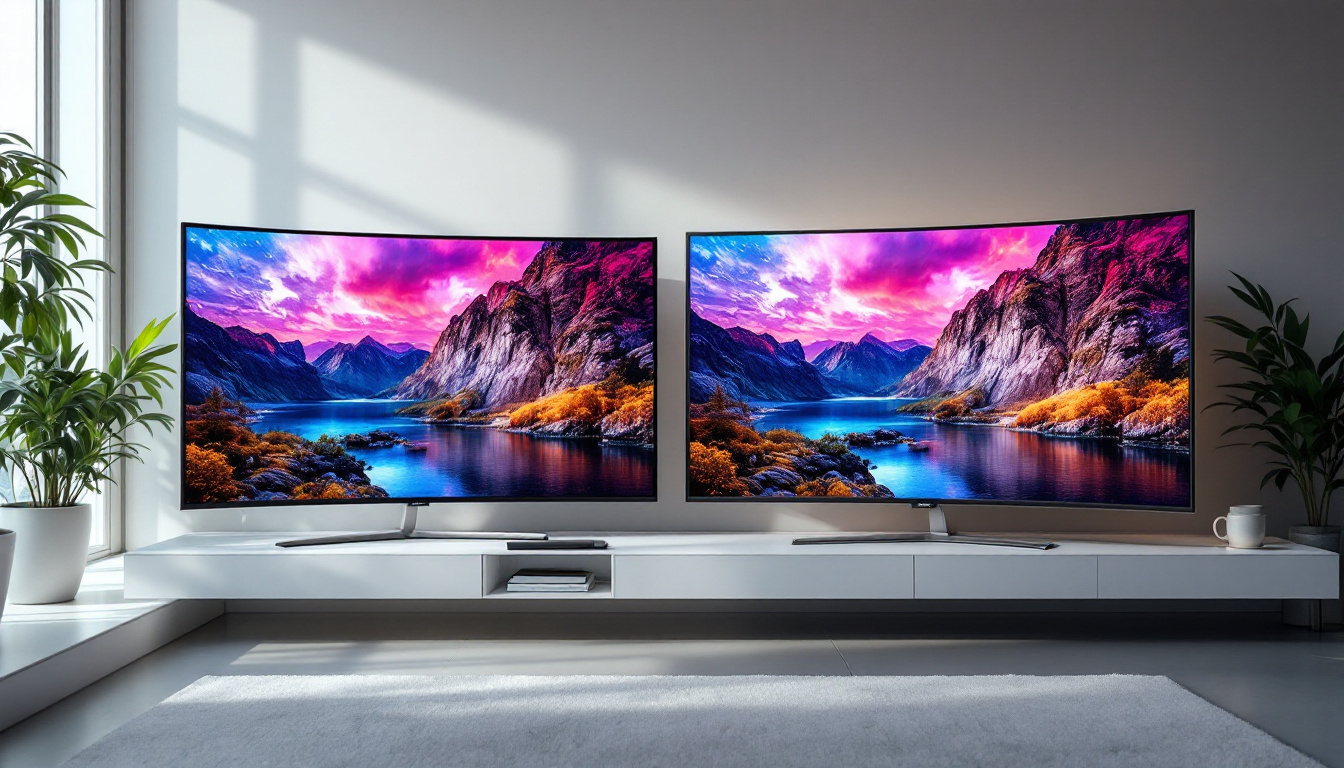
In today’s fast-paced digital world, productivity and ergonomics are paramount, especially for professionals and enthusiasts who rely heavily on multiple screens. Dual monitor setups have become increasingly popular, offering enhanced multitasking capabilities and a more immersive computing experience. Central to this setup is the dual monitor desktop stand, a device that not only supports LED displays but also optimizes workspace organization and user comfort.
This article delves into the essentials of dual monitor desktop stands, focusing on their compatibility with LED displays. It explores the benefits, design considerations, and practical tips for choosing the right stand to elevate your workspace.
Understanding Dual Monitor Desktop Stands
What Is a Dual Monitor Desktop Stand?
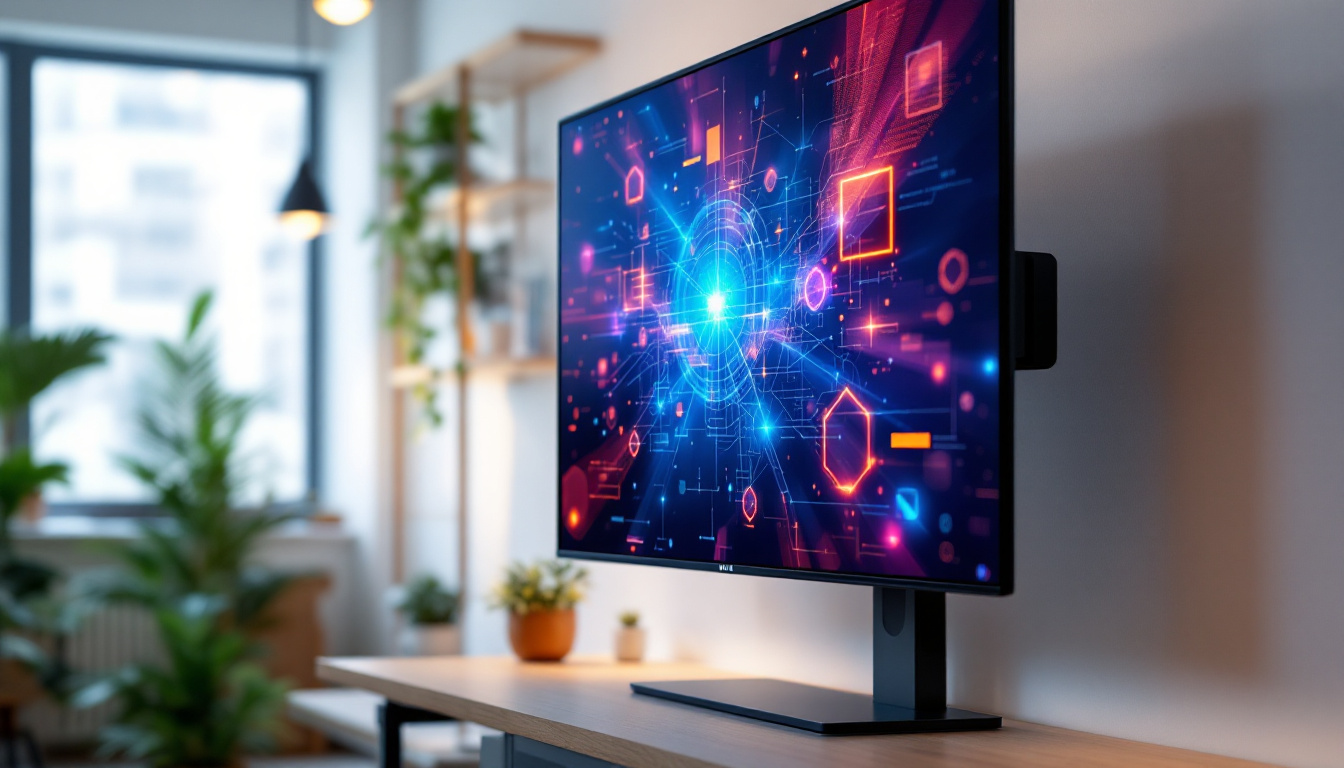
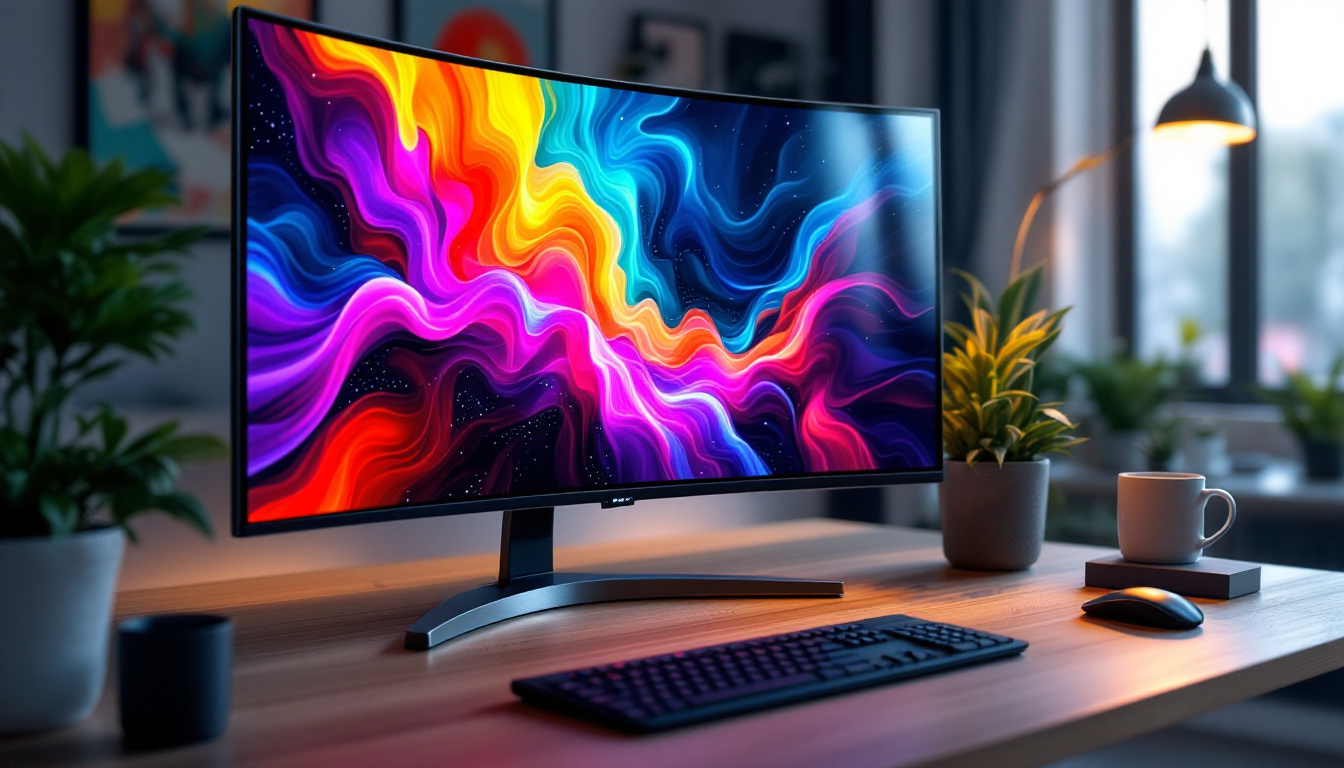
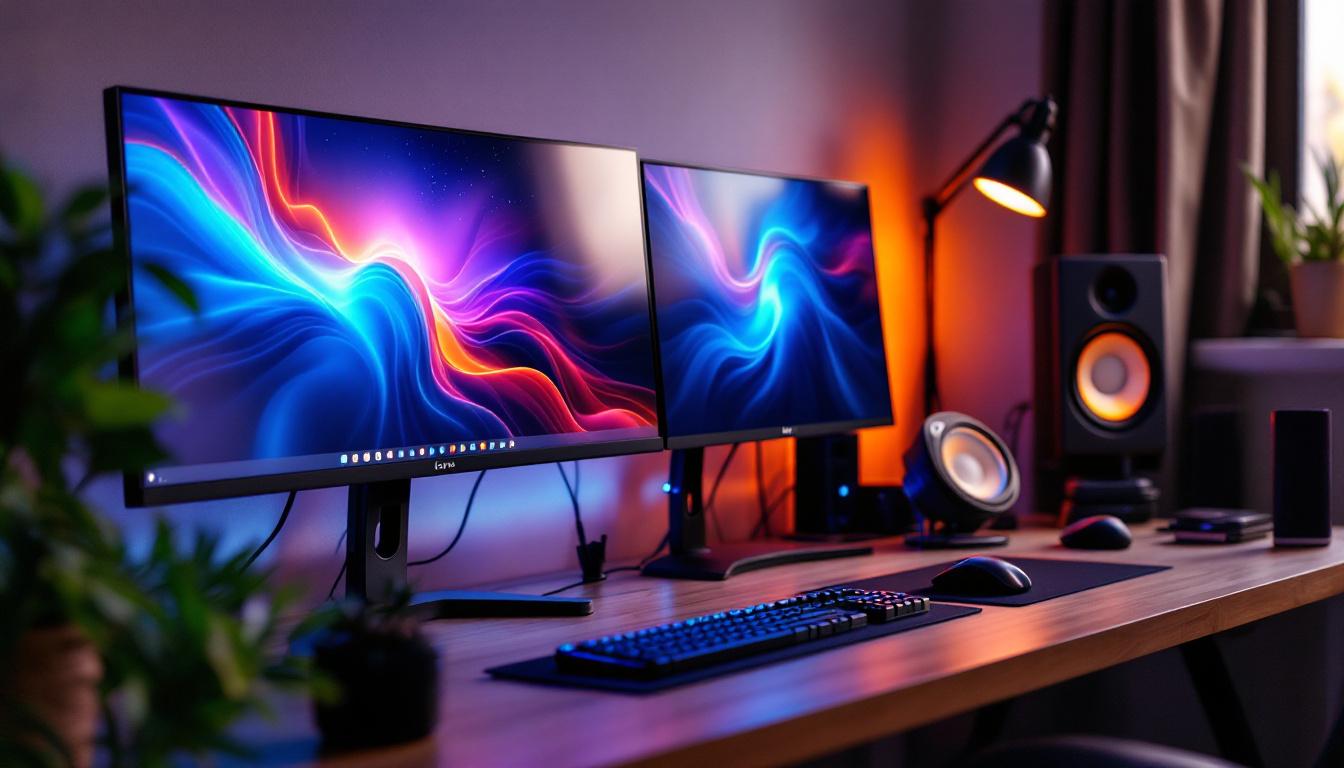
A dual monitor desktop stand is a mounting solution designed to hold two monitors side-by-side or stacked vertically on a single base or arm system. Unlike traditional monitor stands that come attached to individual monitors, these stands provide a unified platform that can support multiple screens simultaneously.
They come in various designs, including fixed stands, adjustable arms, and gas-spring mounts, each offering different levels of flexibility and customization. The primary goal is to improve ergonomics by enabling users to position their screens at optimal heights, angles, and distances. This adjustment capability can significantly reduce neck and eye strain, which are common issues for those who spend long hours in front of their screens. Furthermore, many dual monitor stands are designed to accommodate a range of monitor sizes and weights, making them versatile options for both home and office environments.
Why Choose a Dual Monitor Stand Over Separate Stands?
Using a dual monitor stand instead of two separate stands offers several advantages. Firstly, it reduces desk clutter by consolidating the mounting hardware into a single footprint. This is especially beneficial for those with limited desk space.
Secondly, dual stands often provide synchronized adjustment capabilities, allowing users to move both monitors together or independently with ease. This flexibility is crucial for creating a seamless viewing experience and maintaining proper posture. For instance, if one monitor is used for coding and the other for documentation, the ability to adjust their positions simultaneously can enhance workflow efficiency. Additionally, many dual monitor stands feature tilting and rotating capabilities, enabling users to switch between landscape and portrait orientations effortlessly, which can be particularly useful for graphic designers or programmers who work with long lines of code.
Lastly, dual monitor stands typically support cable management features, helping to keep cords organized and out of sight, which contributes to a cleaner and more professional workspace. Some models even include built-in USB hubs or power outlets, further streamlining the workspace by reducing the need for multiple power strips and chargers. This thoughtful design not only enhances functionality but also promotes a more organized and aesthetically pleasing environment, making it easier to focus on tasks without the distraction of tangled cables and clutter.
LED Displays and Their Role in Dual Monitor Setups
What Are LED Displays?
LED (Light Emitting Diode) displays are a type of flat-panel screen that uses LED backlighting to illuminate the pixels. Compared to older LCD screens that use fluorescent backlights, LED displays offer better brightness, contrast, and energy efficiency.
LED technology has become the standard for computer monitors due to its superior image quality and thinner panel profiles. These displays are available in various sizes and resolutions, making them ideal for dual monitor configurations.
Benefits of Using LED Displays in Dual Monitor Setups
LED displays provide several benefits that enhance the dual monitor experience. Their slim design allows for closer monitor placement, reducing the bezel gap between screens and creating a more immersive visual workspace.
Additionally, LED monitors typically consume less power than traditional LCDs, which is advantageous for users who keep their systems running for extended periods. The improved color accuracy and brightness also facilitate tasks that require precise visuals, such as graphic design, video editing, and data analysis.
Compatibility Considerations Between LED Displays and Dual Monitor Stands
When pairing LED displays with dual monitor stands, it is essential to consider the weight and size of the monitors. LED screens come in a variety of dimensions, from compact 21-inch models to expansive 32-inch or larger panels. The stand must be rated to support the combined weight and size of both monitors to ensure stability and safety.
Another critical factor is the mounting standard. Most LED monitors use the VESA (Video Electronics Standards Association) mounting pattern, typically 75×75 mm or 100×100 mm. Confirming that the dual monitor stand supports the VESA pattern of your LED displays is necessary for a secure attachment.
Key Features to Look for in a Dual Monitor Desktop Stand
Adjustability and Ergonomics
Ergonomics is arguably the most important aspect of any monitor stand. Look for stands that offer height adjustment, tilt, swivel, and rotation capabilities. These features allow users to position their screens at eye level, reducing neck and eye strain during long work sessions.
Gas spring arms provide smooth and effortless movement, making it easy to reposition monitors throughout the day. Some stands also include rotation functions to switch between landscape and portrait orientations, which can be particularly useful for coding, reading, or document review.
Build Quality and Materials
Durability is essential for a dual monitor stand, especially when supporting heavier LED displays. High-quality stands are typically made from robust materials such as steel or aluminum, which provide stability and longevity.
Pay attention to the base design as well. A wide, weighted base or a clamp mount that secures to the desk edge can prevent wobbling and ensure the monitors remain steady during use.
Cable Management
Effective cable management is often overlooked but plays a crucial role in maintaining a tidy workspace. Many dual monitor stands feature integrated cable channels or clips that guide power and data cables along the arms or base, keeping them organized and out of sight.
This not only improves aesthetics but also reduces the risk of cables getting tangled or damaged.
Compatibility with Desk Types
Consider the type of desk where the stand will be installed. Some stands use a clamp mechanism that attaches to the desk edge, which requires a certain desk thickness. Others use a grommet mount that fits through a hole in the desk surface, offering a more permanent installation.
Ensure the stand you choose is compatible with your desk’s dimensions and material to avoid installation issues.
Setting Up Your Dual Monitor Desktop Stand with LED Displays
Step-by-Step Installation Guide
Installing a dual monitor desktop stand is generally straightforward but requires careful attention to detail to ensure safety and optimal ergonomics.
- Prepare Your Workspace: Clear the desk area and gather all components and tools, including screws, Allen keys, and mounting brackets.
- Attach the Base or Clamp: Secure the stand’s base or clamp to your desk according to the manufacturer’s instructions. Ensure it is tight and stable.
- Assemble the Arms: Connect the monitor arms to the base or mounting pole. Adjust the arms to a neutral position for easier monitor attachment.
- Mount the Monitors: Attach the VESA brackets to the back of each LED monitor. Carefully hang the monitors on the arms, securing them with screws or locking mechanisms.
- Adjust the Positioning: Set the height, tilt, and angle of each monitor to match your ergonomic preferences.
- Manage Cables: Route cables through the stand’s cable management system to keep your workspace neat.
Ergonomic Tips for Dual Monitor Use
To maximize comfort and productivity, position your monitors so that the top of the screen is at or slightly below eye level. The screens should be about an arm’s length away, with the primary monitor directly in front of you and the secondary monitor angled slightly inward.
For users who spend long hours at their desks, taking regular breaks and adjusting monitor settings such as brightness and blue light filters can help reduce eye fatigue.
Popular Dual Monitor Desktop Stand Designs and Trends
Freestanding vs. Clamp Mount Stands
Freestanding stands offer portability and do not require desk modifications, making them suitable for renters or those who frequently rearrange their workspace. However, they tend to occupy more desk space.
Clamp mount stands provide a clean, space-saving solution by attaching to the desk edge. They offer greater stability but require a compatible desk thickness and edge clearance.
Height-Adjustable Gas Spring Arms
Gas spring arms have gained popularity for their smooth adjustability and sleek appearance. They allow users to effortlessly raise, lower, and tilt monitors with minimal effort, supporting dynamic work habits and standing desk setups.
Integrated USB Hubs and Accessories
Some modern dual monitor stands come equipped with additional features such as built-in USB hubs, wireless charging pads, or headphone hooks. These integrated accessories enhance functionality and reduce the need for extra desk peripherals.
Conclusion: Enhancing Your Workflow with a Dual Monitor Desktop Stand for LED Displays
Investing in a quality dual monitor desktop stand tailored for LED displays can significantly improve both productivity and comfort. By understanding the technical requirements, ergonomic principles, and design options, users can create an efficient and visually appealing workspace.
Whether for professional use, gaming, or creative projects, the right dual monitor stand helps maximize the benefits of LED displays, offering a seamless multi-screen experience that supports long-term health and performance.
As the demand for multi-monitor setups continues to grow, staying informed about the latest trends and technologies ensures that your workspace remains adaptable and future-proof.
Discover the Future of Visual Display with LumenMatrix
Ready to take your multi-monitor setup to the next level? LumenMatrix is at the forefront of LED display innovation, offering a vast array of solutions that transform any space into a dynamic visual environment. From Indoor and Outdoor LED Wall Displays to specialized options like Vehicle, Sports, and Floor LED Displays, LumenMatrix tailors to every need. Enhance your workspace and captivate your audience with our Custom, All-in-One, and Transparent LED Displays. Experience the pinnacle of visual communication and Check out LumenMatrix LED Display Solutions today to see how our technology can revolutionize your workflow and brand presence.