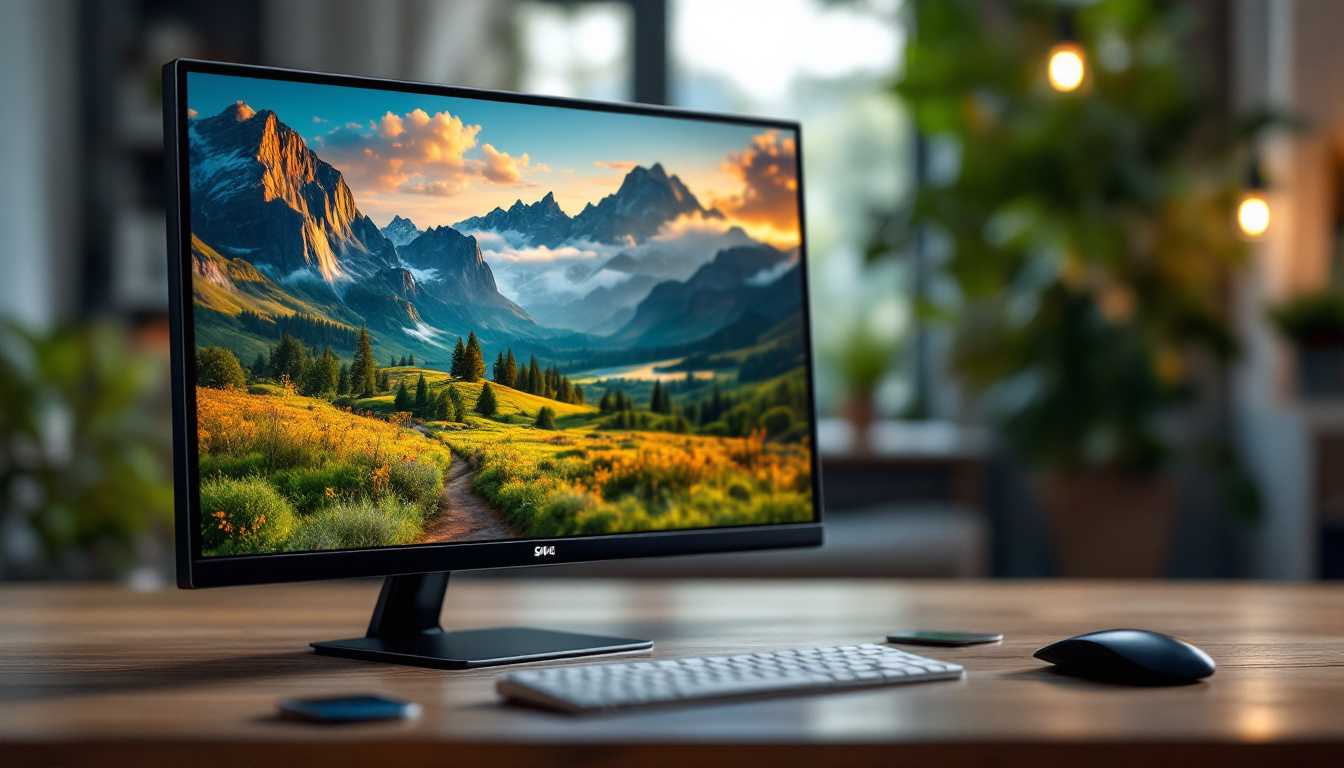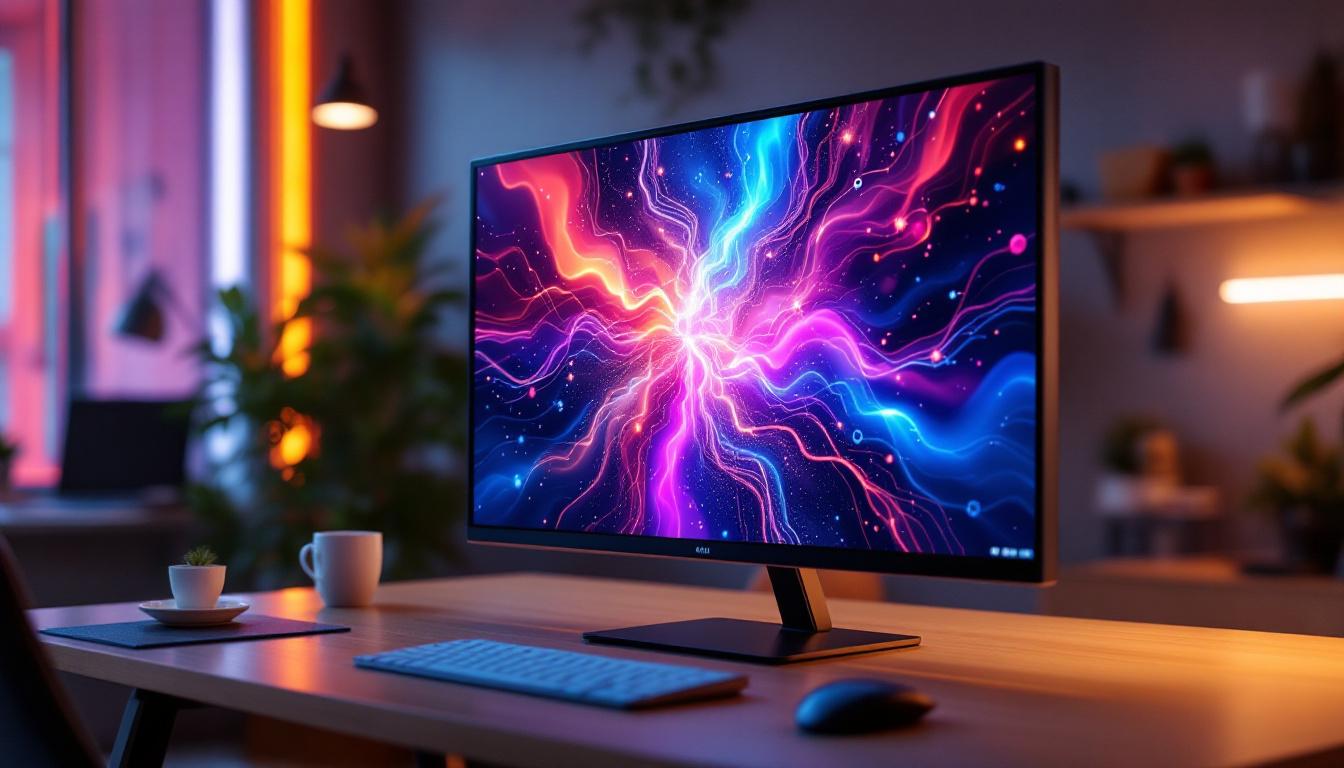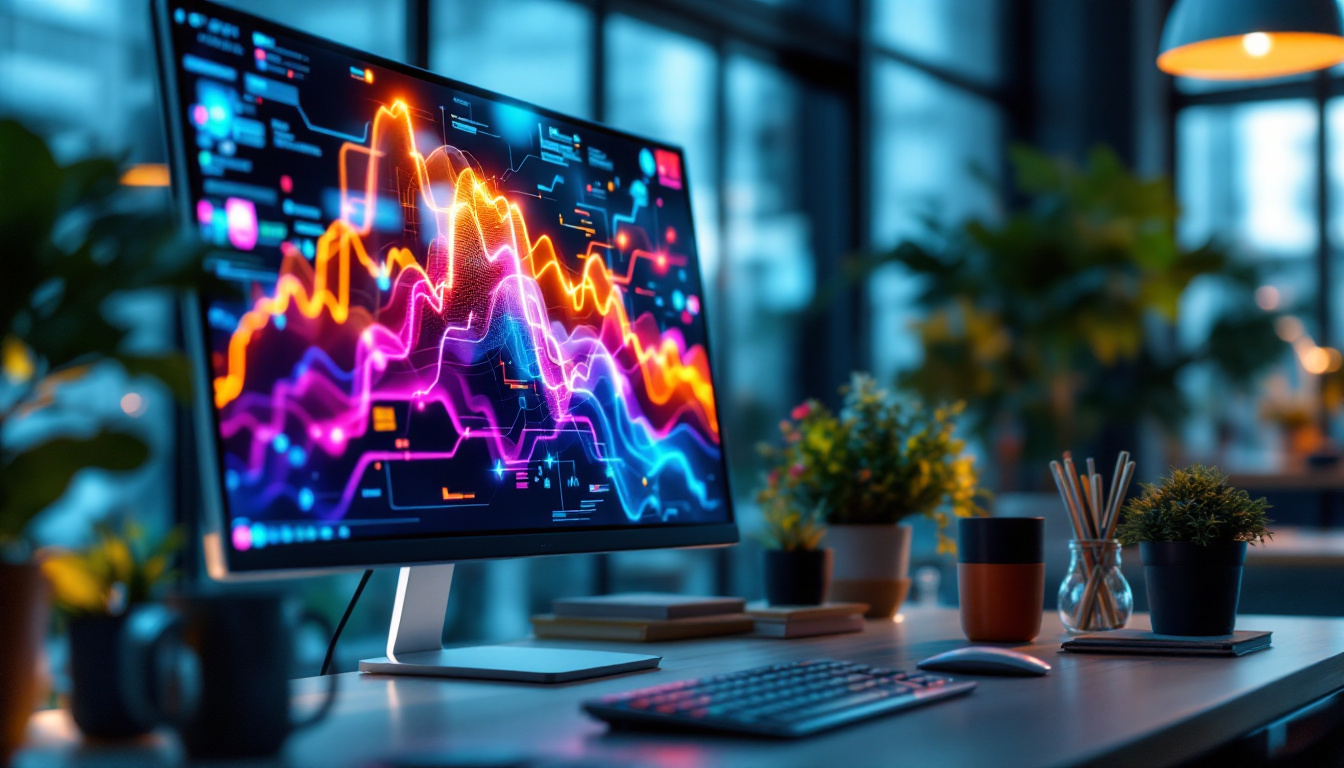
In today’s fast-paced digital landscape, maximizing workspace efficiency is more important than ever. Dual screen setups have become a staple for professionals, gamers, designers, and multitaskers alike. Central to this setup is the dual screen desktop mount, a device that not only supports multiple monitors but also enhances ergonomics and desk organization. When paired with LED displays, these mounts unlock a powerful combination of visual clarity and workspace flexibility.
Understanding Dual Screen Desktop Mounts
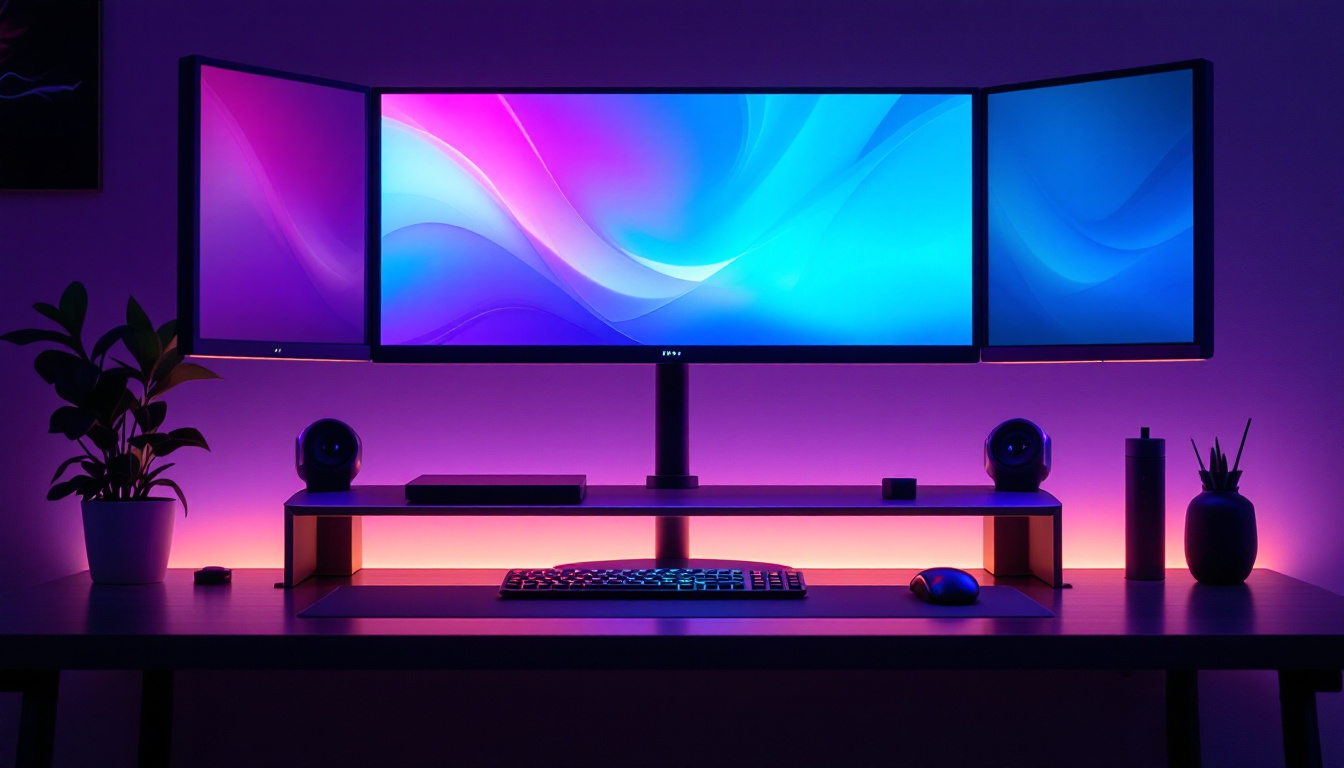
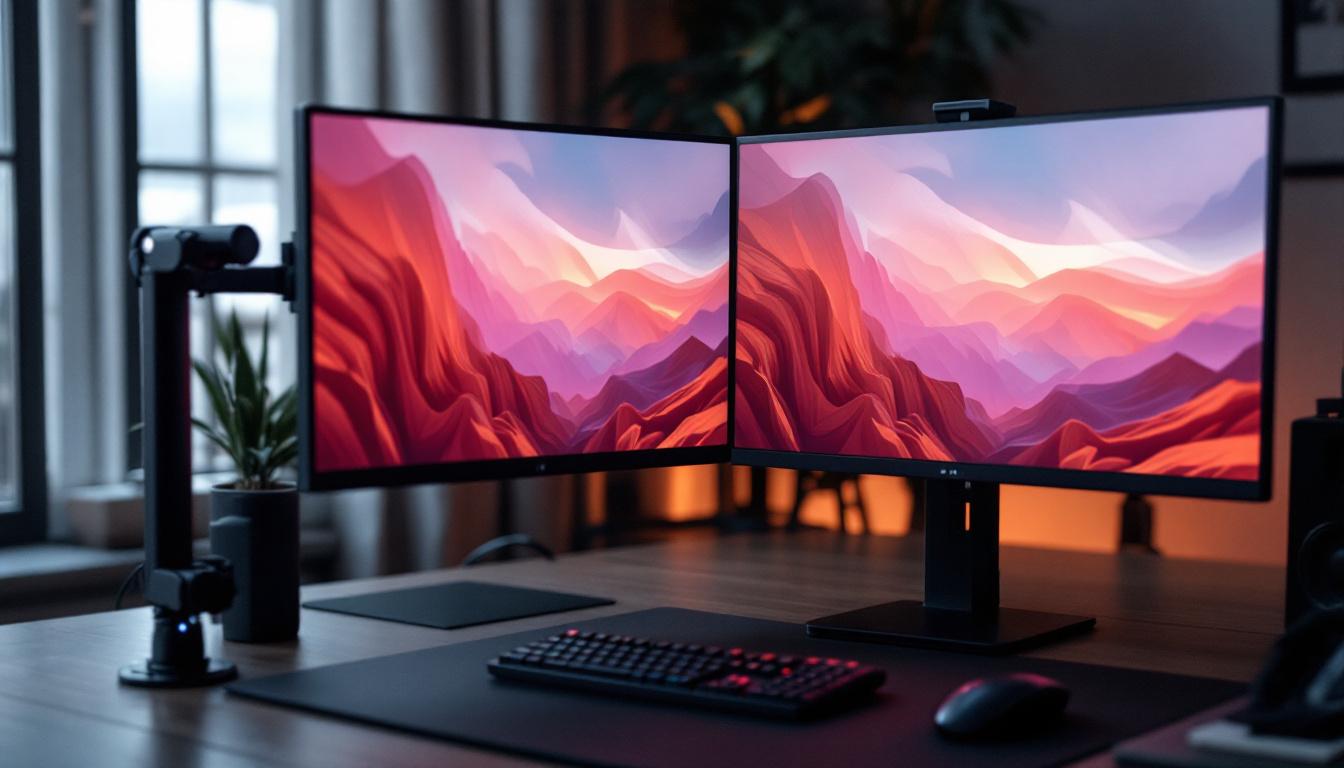
A dual screen desktop mount is a hardware accessory designed to hold two monitors side by side or stacked vertically. Unlike traditional monitor stands, these mounts free up desk space by elevating the displays off the work surface. This setup allows users to adjust the height, tilt, and angle of each screen independently, promoting better posture and reducing neck and eye strain. The versatility of these mounts not only enhances comfort but also optimizes the workspace, making it easier to focus on tasks without the clutter of cables and equipment taking up valuable real estate.
With the rise of remote work and digital collaboration, dual screen mounts have surged in popularity. According to a 2023 survey by Statista, over 60% of knowledge workers use multiple monitors to boost productivity, and dual mounts are among the most preferred solutions for managing these setups. The ability to seamlessly switch between applications, compare documents side by side, or engage in video calls while referencing notes has become essential for many professionals. This shift has led to an increased demand for ergonomic solutions that not only support productivity but also promote a healthier work environment.
Types of Dual Screen Desktop Mounts
Dual screen mounts come in various configurations to suit different needs and desk types:
- Clamp Mounts: Attach securely to the edge of the desk, saving space and offering sturdy support.
- Grommet Mounts: Installed through a hole in the desk surface, ideal for permanent setups.
- Freestanding Mounts: Stand independently on the desk without requiring attachment, suitable for flexible arrangements.
- Wall Mounts: Though less common for desktop use, they can be adapted for dual screen setups to further clear desk space.
Choosing the right mount depends on desk size, monitor dimensions, and personal ergonomic preferences. Additionally, users should consider the weight capacity of the mount, as different monitors can vary significantly in weight. Some mounts even come with built-in cable management systems, which help keep cords organized and out of sight, contributing to a cleaner workspace. Furthermore, many modern mounts are designed with aesthetics in mind, blending seamlessly with contemporary office decor while providing functionality.
As technology continues to evolve, so do the features of dual screen mounts. Some advanced models now include integrated USB hubs, allowing for easy connectivity of peripherals directly from the mount. This feature can be particularly beneficial for users who frequently switch devices or need quick access to USB ports. Additionally, adjustable arms that allow for easy repositioning of monitors can accommodate different tasks, whether it’s gaming, graphic design, or multitasking in a corporate environment. With such a variety of options available, finding the perfect dual screen mount tailored to individual needs has never been easier.
The Advantages of Using LED Displays with Dual Screen Mounts
LED (Light Emitting Diode) displays have become the dominant technology for computer monitors due to their superior brightness, energy efficiency, and color accuracy. When combined with a dual screen desktop mount, LED displays offer several compelling benefits.
Enhanced Visual Performance
LED displays provide vibrant colors and sharp images, which are crucial for tasks requiring precision, such as graphic design, video editing, and data analysis. Their thin profiles and lightweight design make them ideal candidates for mounting solutions, allowing for sleek, modern setups without adding bulk.
Energy Efficiency and Longevity
Compared to older LCD or CCFL-backlit monitors, LED displays consume significantly less power. This efficiency translates into lower electricity bills and a reduced carbon footprint, aligning with sustainability goals that many businesses and individuals prioritize today. Additionally, LED monitors typically have longer lifespans, reducing the frequency and cost of replacements.
Improved Ergonomics and Productivity
When LED displays are mounted on adjustable dual screen mounts, users can customize the positioning to minimize glare and optimize viewing angles. This ergonomic advantage reduces eye strain and musculoskeletal discomfort, which are common complaints among computer users. Studies have shown that workers with ergonomic setups report up to 25% higher productivity and fewer sick days.
Key Features to Consider When Selecting a Dual Screen Desktop Mount for LED Displays
Choosing the right dual screen mount is essential to fully leverage the benefits of LED displays. Here are the critical features to evaluate:
Weight Capacity and Monitor Compatibility
LED monitors vary widely in size and weight, so it’s crucial to select a mount that can support the combined weight of both screens. Most dual mounts specify maximum weight limits per arm, often ranging from 15 to 22 pounds. Ensuring compatibility with the VESA mounting pattern (typically 75x75mm or 100x100mm) of your monitors is equally important for secure attachment.
Adjustability and Range of Motion
Look for mounts offering a wide range of motion, including tilt, swivel, rotation, and height adjustment. This flexibility allows users to position each LED display perfectly for their workflow, whether that means a side-by-side landscape orientation or a stacked portrait mode. Some mounts also provide cable management systems to keep cords organized and out of sight.
Build Quality and Materials
Durability is a key consideration, especially for heavy or large LED monitors. High-quality mounts are often constructed from steel or aluminum, providing sturdy support and longevity. Cheaper plastic mounts may save money initially but can compromise stability and safety over time.
Ease of Installation and Desk Compatibility
Depending on the mount type, installation complexity varies. Clamp mounts are generally easy to install and remove, making them ideal for renters or those who frequently rearrange their workspace. Grommet mounts require drilling or existing holes in the desk, offering a more permanent solution. Verify that the mount’s base or clamp fits your desk thickness, which typically ranges from 0.4 to 3.5 inches.
Setting Up Your Dual Screen Desktop Mount with LED Displays
Proper setup is crucial to maximize the benefits of your dual screen mount and LED monitors. Follow these best practices to ensure an ergonomic and efficient workspace.
Step 1: Desk Preparation
Clear your desk of clutter and measure the available space. Ensure that the desk surface is sturdy enough to support the mount and monitors. If using a clamp mount, check that the desk edge is accessible and thick enough for secure attachment.
Step 2: Mount Assembly
Follow the manufacturer’s instructions carefully. Assemble the mount components, attaching arms and joints before securing the base or clamp. Use the provided tools or a standard screwdriver if necessary. Double-check all screws and bolts for tightness to prevent wobbling.
Step 3: Attaching the LED Displays
Align the VESA mounting holes on the back of your LED monitors with the mount’s brackets. Secure each monitor with the appropriate screws, ensuring they are firmly attached but not overtightened to avoid damage. If your monitors are heavy, enlist help to safely lift and mount them.
Step 4: Adjusting Position and Cable Management
Once both monitors are mounted, adjust their height, tilt, and angle to suit your natural line of sight. Position the screens at eye level and about an arm’s length away to reduce strain. Use the mount’s cable management features—often clips or channels—to route power and data cables neatly, preventing tangling and accidental disconnections.
Common Challenges and Solutions with Dual Screen Mounts and LED Displays
While dual screen mounts offer many advantages, users may encounter some challenges during setup or daily use. Understanding these issues and their solutions can save time and frustration.
Monitor Compatibility Issues
Not all LED monitors fit every mount. Some ultra-wide or curved displays may require specialized mounts or adapters. Before purchasing, verify the monitor’s size, weight, and VESA pattern compatibility with the mount specifications.
Desk Stability Concerns
Heavy dual monitor setups can cause lightweight or unstable desks to wobble or tip. Reinforce your desk if necessary or consider a freestanding mount with a weighted base for added stability. Avoid overloading mounts beyond their stated weight limits to prevent damage.
Limited Adjustability
Lower-end mounts may lack full range of motion, restricting ergonomic positioning. Investing in a high-quality mount with comprehensive adjustability pays off in comfort and productivity. Test the mount’s movement before purchase if possible.
Screen Glare and Reflections
LED displays are bright but can still suffer from glare depending on room lighting. Position your dual screen mount to minimize reflections from windows or overhead lights. Using matte screen protectors or adjusting ambient lighting can also help.
The Future of Dual Screen Desktop Mounts and LED Technology
As technology evolves, so do the capabilities of dual screen mounts and LED displays. Innovations are driving more seamless, integrated, and user-friendly solutions for multi-monitor setups.
Integration with Smart Desks and IoT
Modern workspaces increasingly incorporate smart desks that adjust height electronically and integrate with IoT devices. Dual screen mounts are adapting to these trends with motorized arms and app-controlled positioning, allowing users to save and recall preferred monitor configurations effortlessly.
Advancements in LED Display Technology
LED displays continue to improve with higher resolutions, faster refresh rates, and better color accuracy. Emerging microLED technology promises even thinner, brighter, and more energy-efficient screens. These advancements will further enhance the visual experience when paired with ergonomic mounts.
Customization and Modular Designs
Future dual screen mounts are expected to offer more modular components, enabling users to expand to triple or quadruple monitor setups with ease. Customizable aesthetics, such as color options and integrated lighting, will make these mounts not only functional but also stylish additions to any workspace.
Conclusion
Dual screen desktop mounts combined with LED displays represent a powerful synergy for enhancing productivity, comfort, and workspace aesthetics. By understanding the types of mounts available, the advantages of LED technology, and key selection criteria, users can create an ergonomic and efficient multi-monitor setup tailored to their needs.
Investing in quality mounts and LED displays not only improves daily workflow but also supports long-term health by promoting better posture and reducing eye strain. As technology advances, these setups will become even more versatile and integrated, making them indispensable tools for modern work and play environments.
Explore the Future of Visual Display with LumenMatrix
Ready to elevate your workspace and experience the pinnacle of LED display technology? LumenMatrix is at the forefront of innovation, offering a diverse range of LED display solutions that transform any environment into a dynamic visual showcase. From immersive indoor LED walls to vibrant outdoor displays and beyond, our products are designed to captivate and communicate with unparalleled clarity. Don’t just take our word for it; check out LumenMatrix LED Display Solutions today and see how we can illuminate your world.