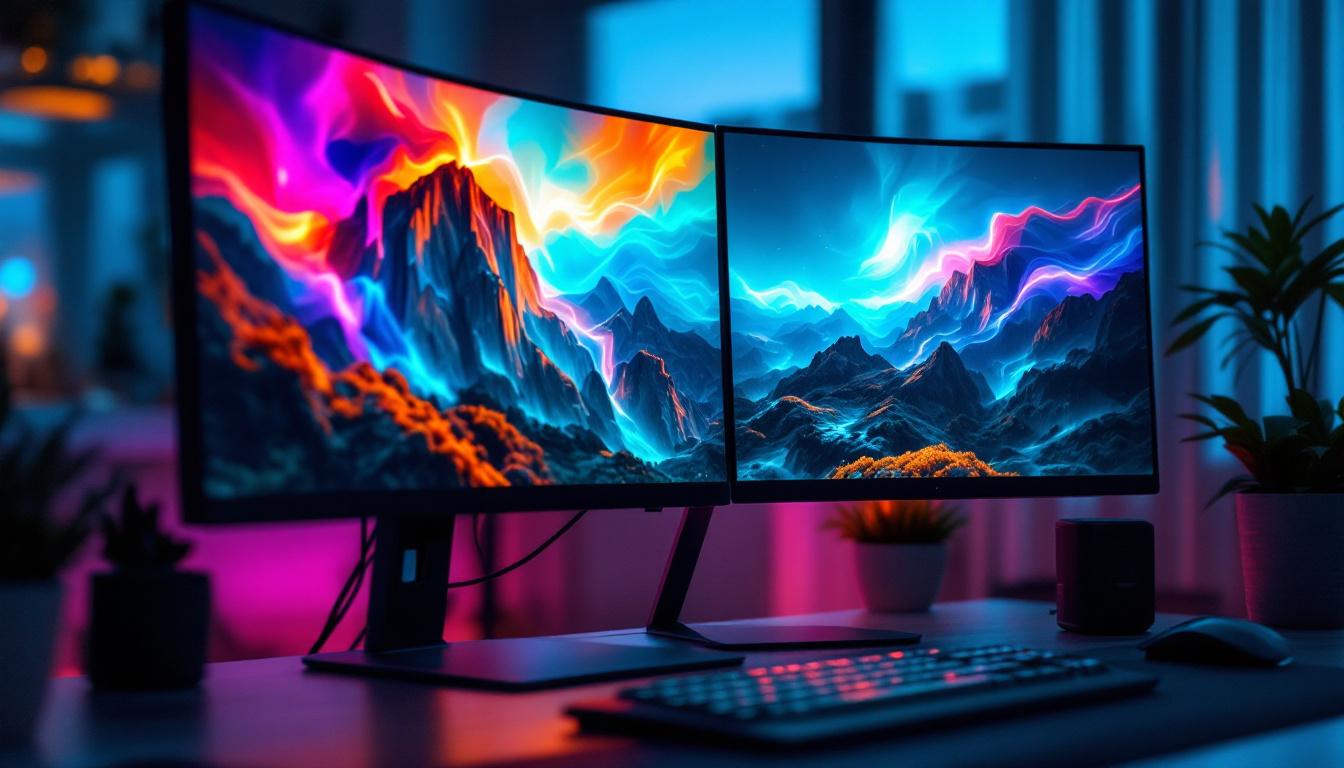
In an era where productivity and aesthetics converge, dual screen setups have become increasingly popular among professionals, gamers, and creatives alike. One of the most visually striking ways to enhance a dual monitor setup is through the use of dual screen monitor wallpapers. These wallpapers not only elevate the look of your workspace but also take full advantage of the LED display technology that powers modern monitors. This article delves into the nuances of dual screen monitor wallpapers and explains the role of LED displays in delivering vibrant, seamless visuals across multiple screens.
Understanding Dual Screen Monitor Setups
Dual screen monitor setups involve connecting two separate display units to a single computer system. This configuration allows users to extend their desktop workspace, enabling multitasking and improved workflow. According to a study by the University of Utah, users with dual monitors can increase productivity by up to 30-40% compared to single monitor setups.
From coding and graphic design to financial trading and gaming, dual monitors offer the advantage of displaying more information simultaneously. However, to fully capitalize on this, the visual experience must be cohesive. This is where dual screen wallpapers come into play, providing a unified background that spans both screens seamlessly.
Why Choose Dual Screen Wallpapers?
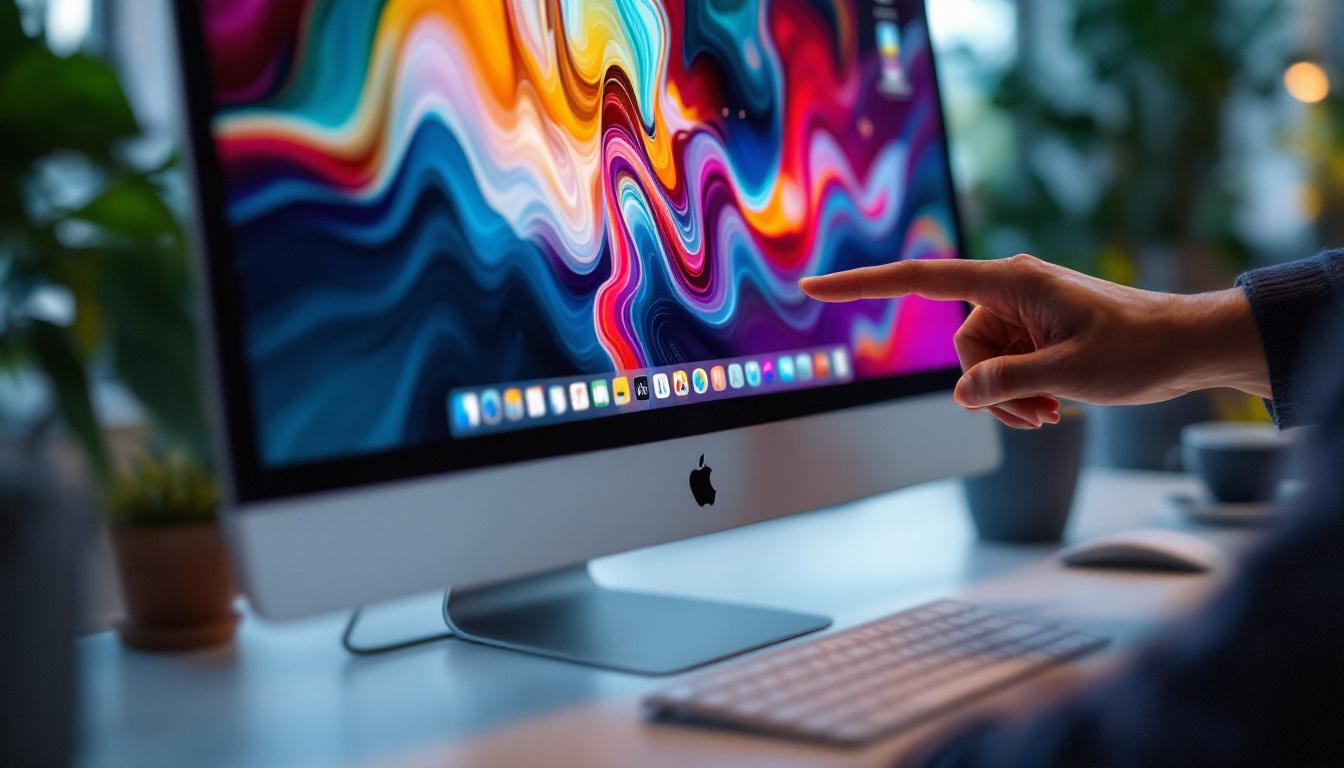
Standard wallpapers often repeat or stretch awkwardly when applied across two displays, breaking the visual flow and diminishing the aesthetic appeal. Dual screen wallpapers are specifically designed to span the combined resolution of both monitors, ensuring that the image aligns perfectly across the bezels.
Besides aesthetics, these wallpapers can also serve practical purposes. For example, panoramic landscapes or abstract designs with subtle gradients can reduce eye strain by providing a calm, consistent background. Additionally, some users opt for themed wallpapers that reflect their personal interests or professional branding, enhancing the overall workspace environment.
Moreover, the choice of wallpaper can influence mood and productivity. Bright, vibrant colors might energize a workspace, while softer tones can create a more relaxed atmosphere conducive to focus and concentration. Some professionals even curate their wallpaper selections based on the tasks at hand; for instance, using motivational quotes or images during brainstorming sessions, and serene landscapes during more monotonous tasks. This strategic approach not only personalizes the workspace but can also serve as a psychological tool to enhance performance.
In addition to the aesthetic and psychological benefits, dual screen wallpapers can also be a conversation starter in collaborative environments. A well-chosen image can reflect creativity and personality, sparking discussions among colleagues and fostering a more engaging workplace culture. As remote work becomes more prevalent, the visual elements of a home office setup, including dual screen wallpapers, can play a significant role in creating a professional yet inviting atmosphere during video calls and virtual meetings.
LED Display Technology: The Backbone of Modern Monitors
Light Emitting Diode (LED) technology has revolutionized the display industry, offering superior brightness, color accuracy, and energy efficiency compared to older technologies like LCD with CCFL backlighting. Understanding how LED displays function is crucial to appreciating why dual screen wallpapers look so impressive on modern setups.
How LED Displays Work
LED monitors use an array of tiny light-emitting diodes to illuminate the screen. These diodes can be arranged in different ways, such as edge-lit or full-array backlighting, each affecting the display’s brightness and contrast. Unlike traditional LCDs that rely on fluorescent tubes, LEDs provide more uniform lighting and allow for thinner, lighter monitor designs.
Moreover, LED displays support higher refresh rates and faster response times, making them ideal for dynamic content and gaming. The improved color gamut and contrast ratios also mean that wallpapers appear more vivid and lifelike, enhancing the dual screen experience. This is especially beneficial for creative professionals who rely on accurate color representation for graphic design, video editing, or photography, where the subtleties of color can make a significant difference in the final output.
Types of LED Displays Relevant to Dual Monitors
When selecting monitors for a dual screen setup, it’s important to consider the type of LED technology used:
- Edge-Lit LED: LEDs are positioned along the edges of the screen, providing backlighting. These monitors are typically more affordable and thinner but may have less uniform brightness.
- Full-Array LED: LEDs are spread evenly behind the entire screen, offering better brightness and contrast control. This type is preferred for professional work requiring color accuracy.
- Mini-LED: A newer technology featuring thousands of tiny LEDs, mini-LEDs provide exceptional contrast and brightness, rivaling OLED displays at a lower cost.
Choosing the right LED display type ensures that dual screen wallpapers are displayed with optimal clarity and color fidelity. Additionally, many modern LED monitors come equipped with advanced features such as HDR (High Dynamic Range) support, which enhances the viewing experience by providing a greater range of colors and brightness levels. This is particularly advantageous for users who enjoy immersive gaming or cinematic experiences, as HDR can significantly elevate the visual quality of dynamic scenes.
Furthermore, the integration of smart technologies in LED displays has also transformed how users interact with their monitors. Features like built-in calibration tools and adaptive brightness adjustments allow users to customize their viewing experience based on ambient lighting conditions, ensuring that the vibrancy of dual screen wallpapers is maintained regardless of the environment. As technology continues to evolve, the potential for even more innovative display solutions seems limitless, promising exciting advancements for both casual users and professionals alike.
Creating and Using Dual Screen Monitor Wallpapers
Crafting a wallpaper that spans two monitors requires attention to resolution, aspect ratio, and the physical arrangement of the screens. Here’s how to approach this process effectively.
Determining the Correct Resolution
The first step is to calculate the combined resolution of both monitors. For example, if each monitor has a resolution of 1920×1080 pixels, the total resolution for a dual screen wallpaper would be 3840×1080 pixels (assuming monitors are aligned horizontally).
It’s essential to use an image with this exact resolution to avoid stretching or pixelation. Many wallpaper websites and graphic designers offer dual screen wallpapers tailored to common resolutions such as 3840×1080, 5120×1440, and others.
Aligning the Wallpaper with Monitor Arrangement
Dual monitor setups can be configured in various ways—side by side, stacked vertically, or even angled. The wallpaper must be aligned accordingly. Most operating systems allow users to set the primary and secondary monitors and adjust their relative positions in display settings.
For example, if one monitor is slightly higher than the other, the wallpaper image may need to be adjusted or cropped to maintain visual continuity. Some advanced wallpaper management tools can automatically adapt images to complex multi-monitor layouts.
Popular Tools and Software for Dual Screen Wallpapers
Several applications can simplify the process of applying and managing dual screen wallpapers:
- DisplayFusion: Offers extensive multi-monitor wallpaper management, including support for spanning images, different wallpapers on each screen, and automatic rotation.
- Wallpaper Engine: Popular on Steam, it supports animated and interactive wallpapers across multiple monitors.
- Dual Monitor Tools: A free suite that includes wallpaper management among other utilities for multi-monitor setups.
These tools enhance user experience by providing customization options that go beyond the default operating system capabilities.
Optimizing Visual Experience on Dual LED Monitors
To fully enjoy the benefits of dual screen wallpapers on LED monitors, consider the following optimization tips.
Calibrating Color and Brightness
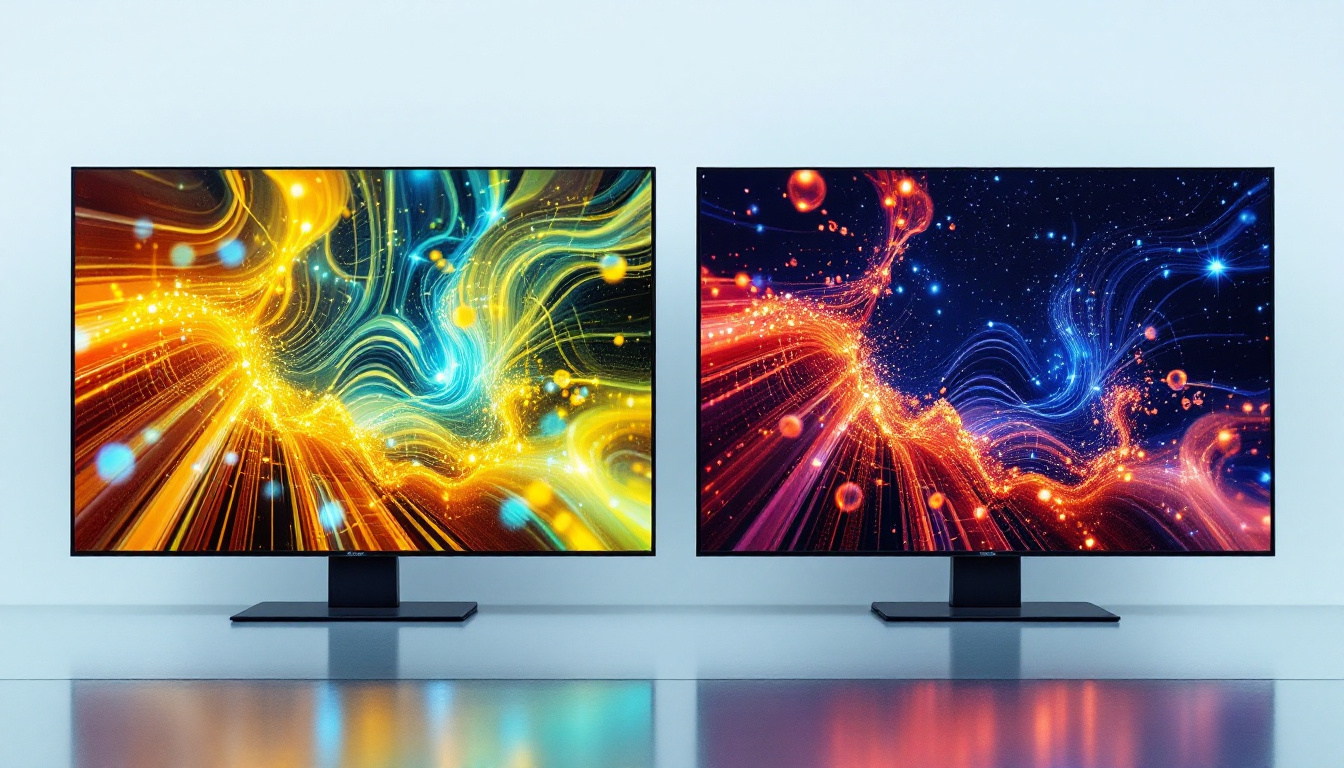
Even identical monitors can display colors and brightness differently due to manufacturing variances or aging. Using calibration tools or software can help synchronize color profiles across both screens, ensuring the wallpaper looks consistent and professional.
Calibration devices like the Datacolor SpyderX or X-Rite i1Display Pro provide precise adjustments, which are especially important for photographers, designers, and video editors.
Minimizing Bezel Disruption
The physical bezel between two monitors can interrupt the continuity of a wallpaper. Selecting images with central elements positioned away from the bezel or using wallpapers with abstract or panoramic designs can reduce this visual disruption.
Some users opt for ultra-thin bezel monitors or curved displays to create a more immersive and less interrupted viewing experience.
Adjusting Refresh Rates and Syncing Displays
Matching the refresh rates of both monitors prevents flickering and tearing, which can detract from the visual quality of wallpapers and other content. Technologies like NVIDIA G-SYNC and AMD FreeSync help synchronize refresh rates, delivering smoother visuals.
The Future of Dual Screen Displays and Wallpaper Innovation
As display technology continues to evolve, dual screen setups are becoming more sophisticated. Innovations such as flexible OLED panels and seamless multi-monitor arrays promise to eliminate bezel interruptions entirely, offering truly continuous displays.
Wallpaper design is also advancing, with dynamic, context-aware wallpapers that can change based on time of day, weather, or user activity. Integration with smart home systems and AI-driven customization will further personalize the dual screen experience.
Moreover, the rise of ultrawide and super ultrawide monitors, which can replace dual monitor setups, challenges wallpaper designers to create images that cater to these expansive resolutions while maintaining visual interest and usability.
Conclusion
Dual screen monitor wallpapers are more than just decorative elements; they are integral to maximizing the visual and functional potential of multi-monitor setups. Leveraging the capabilities of LED display technology ensures that these wallpapers appear vibrant, seamless, and immersive.
By understanding the technical aspects of LED monitors, selecting the right wallpapers, and optimizing display settings, users can transform their dual screen environments into captivating and productive spaces. As technology advances, the synergy between hardware and wallpaper design will continue to enhance the way users interact with their digital workspaces.
Discover the Future of Visual Display with LumenMatrix
Ready to elevate your dual screen setup to new heights of clarity and vibrancy? LumenMatrix is at the forefront of LED display innovation, offering a wide array of solutions tailored to your needs. From Indoor LED Wall Displays to Custom LED Displays and beyond, our mission is to transform your visual communication and captivate your audience. Don’t just imagine the possibilities—experience them. Check out LumenMatrix LED Display Solutions today and step into the future of digital signage.