In today’s fast-paced digital environment, having an efficient and ergonomic workspace is more important than ever. For professionals, gamers, and creatives alike, dual monitor setups have become a staple for boosting productivity and enhancing visual experience. Central to this setup is the duo monitor stand, a device that not only supports multiple screens but also integrates seamlessly with LED displays to deliver optimal performance and comfort.
This article delves into the nuances of duo monitor stands, focusing on their design, benefits, and how they complement LED displays. Whether you’re considering upgrading your workstation or simply curious about the technology behind these setups, this comprehensive guide will provide valuable insights.
Understanding Duo Monitor Stands: Design and Functionality
What Is a Duo Monitor Stand?
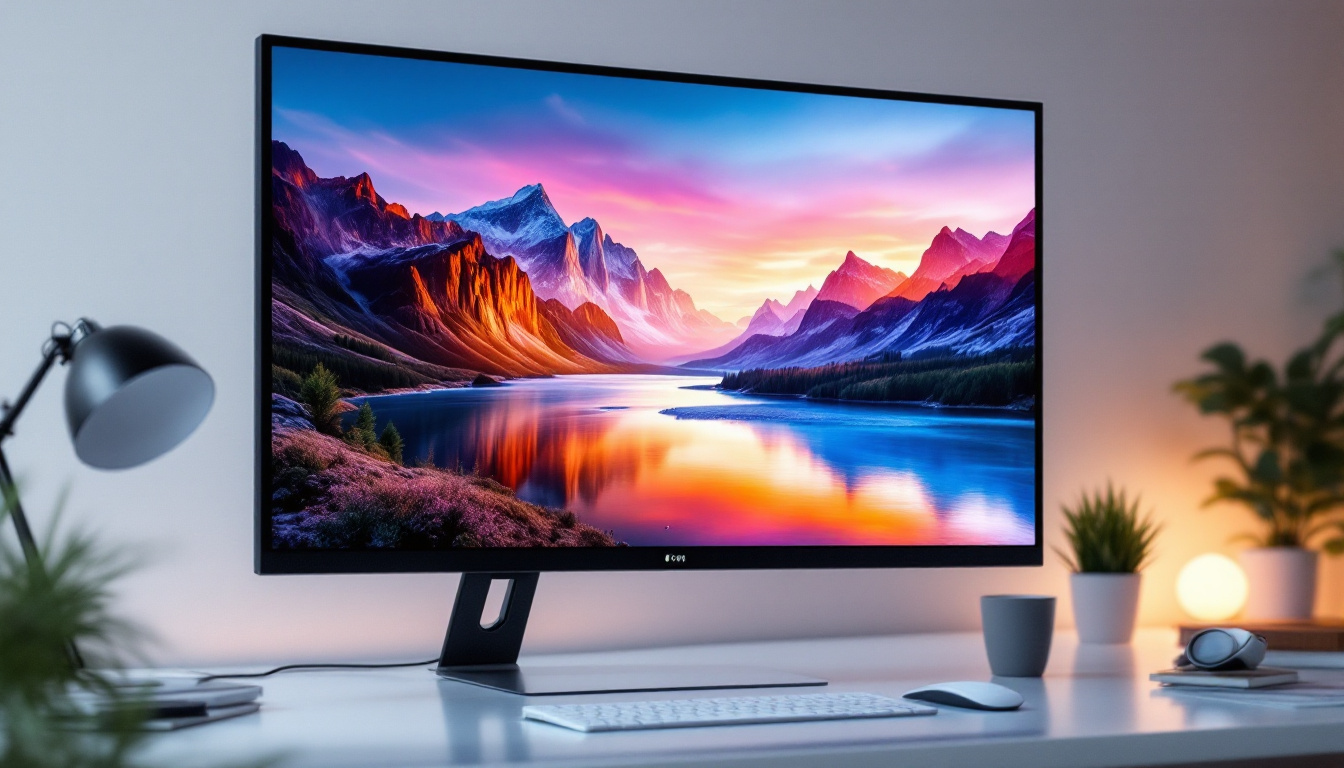
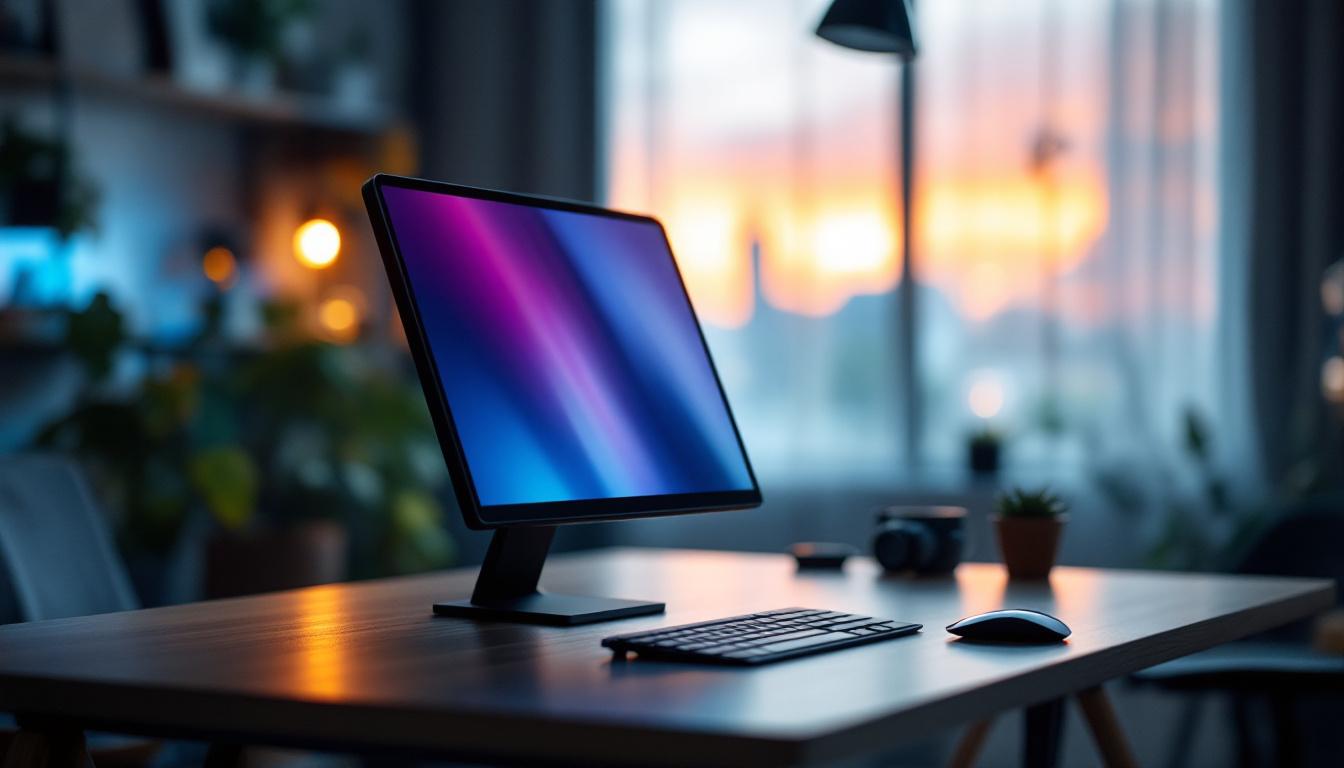
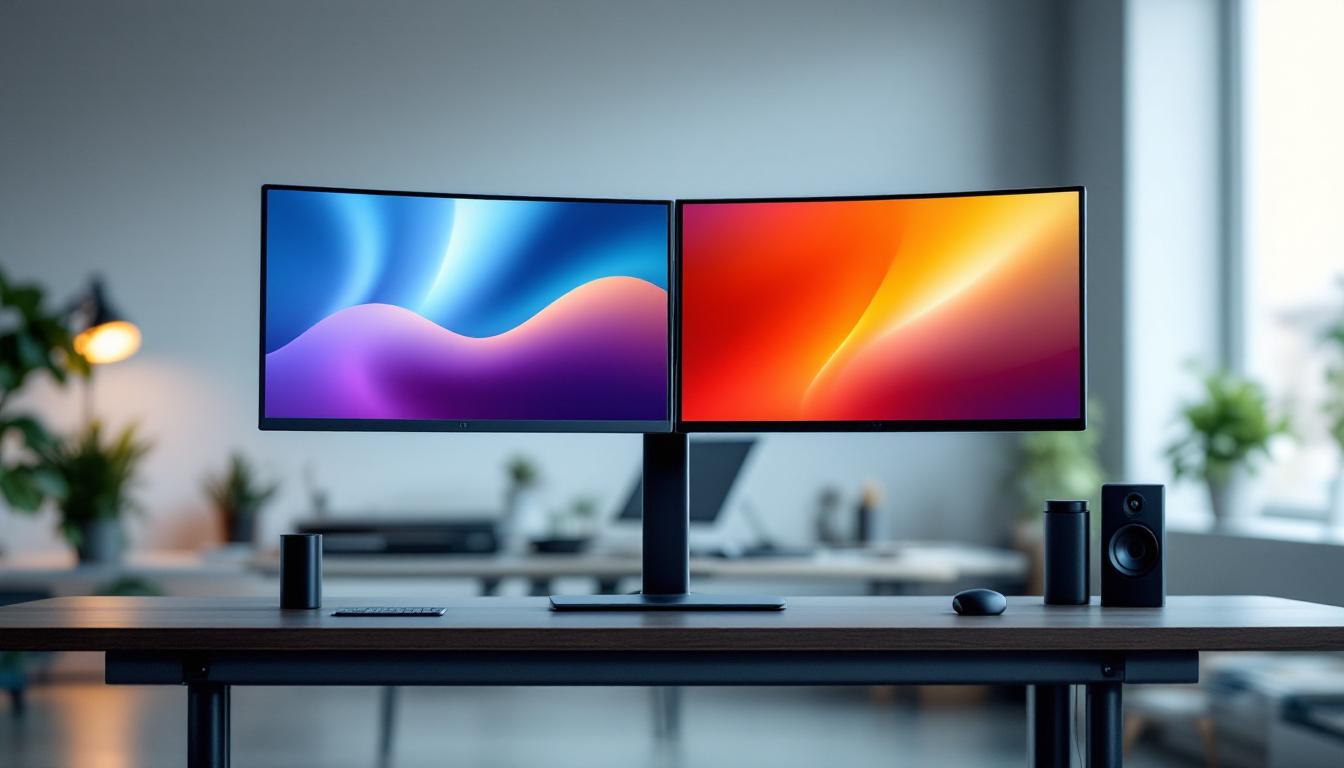
A duo monitor stand is a mounting solution designed to hold two monitors side by side, freeing up desk space and allowing for better screen alignment. Unlike traditional monitor bases, these stands clamp onto the desk or sit on a weighted base, providing adjustable height, tilt, swivel, and rotation options.
The flexibility offered by these stands helps users position their monitors at eye level, reducing neck and eye strain. This ergonomic advantage is crucial for individuals who spend long hours in front of screens, such as software developers, graphic designers, and financial analysts. By allowing for a more personalized setup, duo monitor stands can significantly enhance productivity, enabling users to multitask efficiently by having multiple applications visible at once.
Key Features and Build Quality
Modern duo monitor stands are crafted from durable materials like aluminum and steel, ensuring stability and longevity. Many models feature gas spring arms, which allow smooth and effortless adjustments. Cable management systems are often integrated to keep wires organized and out of sight, contributing to a clean and professional workspace. This attention to detail not only enhances aesthetics but also minimizes the risk of accidental disconnections or tangling, which can disrupt workflow.
Some stands come with VESA compatibility, supporting standard mounting holes on the back of LED monitors. This universality means users can easily attach most LED displays without additional adapters. Additionally, many duo monitor stands offer features such as built-in USB hubs or adjustable monitor heights, allowing for seamless integration of peripherals and further customization of the workspace. As remote work becomes increasingly common, investing in a quality duo monitor stand can transform a simple desk setup into a highly functional and efficient workstation that caters to the needs of modern professionals.
The Role of LED Displays in Dual Monitor Setups
Why LED Displays Are Preferred
LED (Light Emitting Diode) displays have become the dominant technology in monitors due to their superior brightness, energy efficiency, and color accuracy. Compared to older LCD or CRT monitors, LED displays offer thinner profiles and lighter weights, making them ideal for mounting on duo monitor stands.
Additionally, LED screens provide faster refresh rates and better contrast ratios, which are essential for tasks requiring precise image rendering such as video editing, gaming, and detailed design work. This enhanced performance is particularly beneficial for professionals who rely on accurate color representation, such as graphic designers and photographers. The ability of LED displays to produce vibrant colors and deep blacks allows for a more immersive experience, whether you are working on intricate designs or enjoying high-definition media.
Furthermore, the longevity of LED technology contributes to its appeal. With a lifespan that often exceeds 50,000 hours, users can expect their monitors to remain functional and visually impressive for years without significant degradation in quality. This durability not only makes LED displays a cost-effective choice over time but also reduces the frequency of replacements, which is an important consideration for both personal and professional environments.
Compatibility Considerations
When pairing LED displays with duo monitor stands, it’s important to consider the size and weight of each monitor. Most stands support monitors ranging from 13 to 32 inches and weights up to 17.6 pounds (8 kilograms) per arm. Exceeding these limits can compromise stability and safety.
Moreover, ensuring that the monitors have VESA mounting compatibility (typically 75x75mm or 100x100mm) is crucial for a secure fit. Some LED displays may require additional mounting brackets or adapters, so verifying specifications before purchase is recommended. It’s also wise to take into account the ergonomics of your setup; adjustable stands can help position the monitors at eye level, reducing strain during long hours of use. This attention to detail not only enhances comfort but can also improve productivity by allowing users to work more efficiently without the distraction of discomfort.
In addition to physical compatibility, it’s essential to consider the connectivity options available on the monitors. Many modern LED displays come equipped with multiple ports, including HDMI, DisplayPort, and USB-C, which can facilitate seamless integration into various setups. Ensuring that your graphics card supports the necessary outputs will help avoid any connectivity issues, allowing for a smooth dual-monitor experience. With the right configuration, users can enjoy the benefits of extended desktop space, making multitasking more intuitive and effective.
Benefits of Using a Duo Monitor Stand with LED Displays
Enhanced Productivity and Multitasking
Studies have shown that dual monitor setups can increase productivity by up to 42%, as users can view multiple applications simultaneously without toggling between windows. This is particularly beneficial for professionals in data analysis, programming, and content creation, where referencing multiple sources is common.
Using a duo monitor stand to position LED displays side by side creates a seamless visual workspace. This setup reduces the cognitive load associated with window management and allows for quicker decision-making.
Improved Ergonomics and Comfort
Ergonomics plays a critical role in workplace health. Poor monitor positioning can lead to neck pain, eye strain, and repetitive stress injuries. Duo monitor stands enable precise adjustments in height, tilt, and angle, aligning screens with the user’s natural line of sight.
LED displays mounted on adjustable stands minimize glare and reflections, further reducing eye fatigue. This ergonomic optimization contributes to longer, more comfortable work sessions and decreases the risk of musculoskeletal problems.
Space Efficiency and Aesthetics
Traditional dual monitor setups often involve bulky monitor bases that consume valuable desk space. Duo monitor stands free up this area, allowing for a cleaner and more organized workspace. This is especially important in compact home offices or shared work environments.
Additionally, the sleek design of many duo monitor stands complements the slim profiles of LED displays, creating a modern and professional look. Cable management features help maintain a clutter-free environment, which can positively impact focus and creativity.
Choosing the Right Duo Monitor Stand for Your LED Displays
Assessing Your Needs and Workspace
Before purchasing a duo monitor stand, evaluate your workspace dimensions, monitor sizes, and daily usage patterns. Consider whether you need additional features such as height adjustability, swivel capability, or rotation to portrait mode.
For example, graphic designers might benefit from stands that allow easy rotation to portrait orientation for coding or reading long documents, while gamers may prioritize quick tilt and swivel adjustments for immersive gameplay.
Weight and Size Specifications
Check the maximum weight capacity of the stand arms and ensure your LED monitors fall within these limits. Oversized or heavy monitors may require specialized stands or desk mounts.
Also, verify the compatibility with your monitors’ VESA mounting pattern to avoid compatibility issues. Some manufacturers provide detailed compatibility charts to assist in this process.
Material and Build Quality
Investing in a stand made from high-quality materials ensures durability and stability. Aluminum and steel constructions are preferred for their strength and resistance to wear.
Additionally, consider the base type—whether a clamp mount or freestanding base suits your desk setup better. Clamp mounts save desk space but require a sturdy desk edge, while freestanding bases offer portability.
Installation and Maintenance Tips
Step-by-Step Installation
Installing a duo monitor stand typically involves attaching the base or clamp to the desk, assembling the arms, and mounting the LED displays using VESA screws. It is advisable to follow the manufacturer’s instructions carefully to ensure safety and proper alignment.
Using a level during installation can help achieve perfect monitor alignment, enhancing the overall viewing experience.
Regular Maintenance for Longevity
To maintain optimal performance, periodically check all screws and joints for tightness. Clean the stand and monitors with appropriate materials to prevent dust accumulation, which can affect moving parts and screen clarity.
Lubricate any moving joints if recommended by the manufacturer to keep adjustments smooth and effortless.
Future Trends: The Evolution of Duo Monitor Stands and LED Displays
Integration with Smart Technologies
Emerging trends indicate that future duo monitor stands will incorporate smart features such as motorized adjustments controlled via apps or voice commands. This innovation will enhance accessibility and customization, catering to diverse user preferences.
LED displays are also evolving with higher resolutions, OLED integration, and adaptive refresh rates, which will demand more sophisticated mounting solutions to handle varying weights and sizes.
Sustainability and Eco-Friendly Designs
As environmental concerns grow, manufacturers are focusing on sustainable materials and energy-efficient designs for both stands and LED displays. Recyclable components and reduced carbon footprints during production are becoming standard considerations.
Consumers are encouraged to choose products that align with these values to contribute to a greener technology ecosystem.
Conclusion
The duo monitor stand is an essential accessory for anyone looking to optimize their dual LED display setup. By combining ergonomic benefits, enhanced productivity, and aesthetic appeal, these stands transform ordinary workspaces into efficient, comfortable, and visually pleasing environments.
Understanding the compatibility requirements, material quality, and adjustment features will help users select the ideal stand for their needs. As technology advances, the integration of smart features and sustainable practices will further elevate the functionality and appeal of duo monitor stands and LED displays.
Investing in the right duo monitor stand is not just about supporting screens—it’s about supporting better work habits, healthier postures, and a more productive digital lifestyle.
Discover the Future of Visual Display with LumenMatrix
Ready to elevate your workspace and digital experience with cutting-edge LED display technology? LumenMatrix is at the forefront of innovation, offering a wide range of LED display solutions tailored to your needs. From captivating Indoor LED Walls to dynamic Outdoor LED Displays and beyond, our mission is to transform your visual communication with clarity and impact. Don’t just take our word for it; check out LumenMatrix LED Display Solutions today and see the difference for yourself!