In the rapidly evolving world of fitness technology, integrating detailed and accurate digital models of exercise equipment into architectural and design projects has become essential. Autodesk Revit, a leading Building Information Modeling (BIM) software, plays a pivotal role in this integration. One of the key features that designers and engineers often focus on is the LED display of exercise equipment. This article delves into the intricacies of LED displays within exercise equipment Revit families, explaining their significance, design considerations, and practical applications.
Understanding the Role of LED Displays in Exercise Equipment
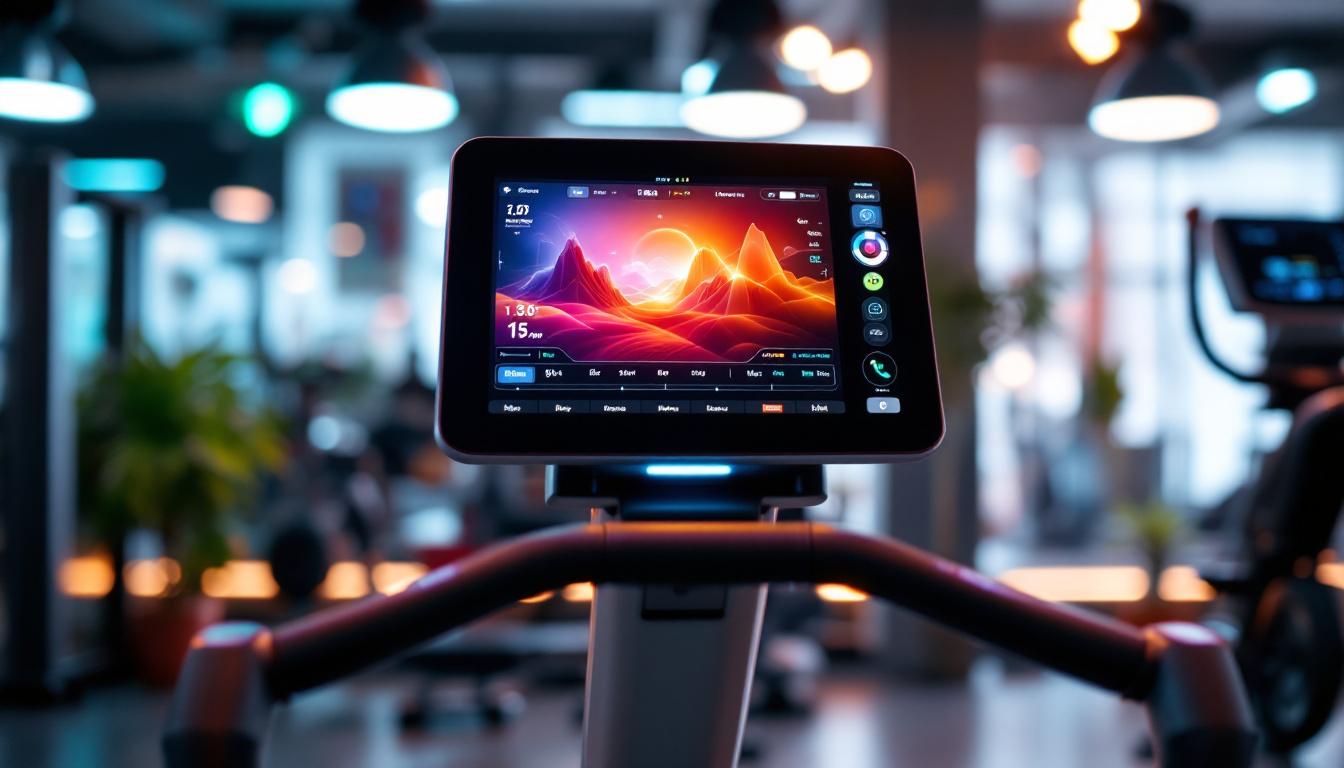
LED displays on exercise machines are more than just aesthetic features; they are vital components that enhance user experience and functionality. These displays provide real-time feedback such as speed, distance, calories burned, heart rate, and workout programs, making workouts more engaging and effective. The integration of these displays into exercise equipment has revolutionized how individuals track their fitness progress, offering immediate insights that can motivate users to push their limits and achieve their goals. The vibrant colors and clear visuals of LED technology also make it easier for users to interpret their performance metrics at a glance, which is particularly beneficial during high-intensity workouts where every second counts.
From a design perspective, accurately modeling these LED displays in Revit helps architects and fitness facility planners visualize how equipment will fit and function within a space. It also aids in coordinating electrical and data requirements, ensuring that installations meet both aesthetic and operational standards. The thoughtful placement of LED displays can enhance the overall ambiance of a fitness center, creating an environment that is both inviting and energizing. By considering the ergonomics of display placement, designers can ensure that users of all heights and abilities can easily view the information without straining or disrupting their workout flow.
Why Accurate LED Display Modeling Matters
Incorporating precise LED display details into Revit families allows for better project coordination. For example, understanding the size, placement, and illumination of these displays helps in planning lighting conditions and sightlines within a gym or wellness center. This attention to detail can improve user accessibility and satisfaction. Additionally, the strategic positioning of displays can facilitate group workouts and classes, where multiple users can benefit from shared visual cues, fostering a sense of community and motivation among participants.
Moreover, LED displays often require specific power sources and data connections. By embedding these requirements into the Revit model, engineers can preemptively address potential conflicts with other building systems, streamlining construction and reducing costly revisions. The integration of smart technology into these displays also opens up possibilities for future upgrades, such as connectivity with mobile apps or cloud-based fitness tracking services. This forward-thinking approach not only enhances the longevity of the equipment but also aligns with the growing trend of personalized fitness experiences, where users can tailor their workouts based on historical data and preferences. As fitness technology continues to evolve, the role of LED displays will remain central to creating interactive and user-friendly exercise environments.
Technical Aspects of LED Displays in Revit Families
Creating an accurate LED display within a Revit family involves several technical considerations. These range from geometric representation to material properties and parameterization, all of which contribute to a realistic and functional model.
Geometric Representation and Detailing
LED displays are typically represented as part of the exercise equipment’s control panel. In Revit, this can be modeled using nested families or detailed geometry that mimics the actual screen size and shape. High-detail models may include bevels, screen borders, and button placements to enhance realism.
For performance reasons, it is important to balance detail with model efficiency. Overly complex geometry can slow down project files, especially when multiple pieces of equipment are included. Designers often use simplified geometry with texture mapping to simulate the LED screen’s appearance without excessive polygon counts. This approach not only streamlines the modeling process but also ensures that the visual fidelity remains high without compromising the software’s performance.
Furthermore, it is essential to consider the scale of the LED display in relation to the overall equipment. Accurate scaling ensures that the display is not only visually appealing but also functional, providing users with clear visibility of information during workouts. Designers often refer to manufacturer specifications to ensure that dimensions and proportions are correct, thereby enhancing the authenticity of the model.
Material and Lighting Properties
Materials assigned to the LED display surface play a crucial role in simulating the glow and brightness typical of these screens. Revit’s material editor allows users to define emissive properties that can mimic LED illumination. This is particularly useful in rendering scenarios where realistic lighting effects are desired.
Additionally, some Revit families incorporate parameters that control the intensity and color of the LED display’s glow. This flexibility enables designers to customize the equipment’s appearance to match brand colors or specific design themes within the fitness facility. The ability to adjust these parameters dynamically can also facilitate design discussions with clients, allowing them to visualize how different lighting scenarios might affect the overall ambiance of the space.
Moreover, incorporating reflective properties into the material settings can enhance the realism of the LED display, as it interacts with ambient light in the environment. This attention to detail not only improves the aesthetic quality of the model but also provides a more accurate representation of how the display would function in a real-world setting, where lighting conditions can vary significantly.
Parameterization and Data Integration
Parametric design is a cornerstone of Revit modeling. LED displays on exercise equipment often include parameters for size, resolution, and even dynamic content placeholders. While Revit does not natively support dynamic screen content, parameters can simulate different display states or modes, such as “on,” “off,” or showing specific workout metrics.
Advanced users sometimes link Revit models with external data sources or use Dynamo scripts to update display parameters based on project requirements. This integration enhances the model’s intelligence and adaptability, making it a powerful tool for design validation and client presentations. By utilizing data-driven approaches, designers can create more interactive and responsive models that reflect real-time changes in user needs or equipment specifications.
In addition to enhancing the visual aspects of the LED display, parameterization allows for the creation of detailed schedules and documentation within Revit. This can be particularly beneficial during the construction phase, where precise specifications and performance metrics of the equipment are required. By embedding data directly into the model, architects and engineers can ensure that all stakeholders have access to the most current information, facilitating smoother project execution and reducing the risk of errors or miscommunications.
Practical Applications in Fitness Facility Design
Incorporating detailed LED display models within exercise equipment families has several practical benefits for fitness facility design and management.
Space Planning and User Experience
LED displays influence how users interact with equipment and the overall gym environment. By modeling these displays accurately, planners can optimize equipment layout to ensure visibility and accessibility. For instance, ensuring that LED screens are easily readable from common standing or seated positions enhances usability and safety.
Furthermore, understanding the light output and placement of these displays helps in designing complementary ambient lighting. This reduces glare and eye strain, contributing to a more comfortable workout environment.
Coordination with Electrical and Data Systems
Exercise equipment with LED displays often requires dedicated power circuits and data connections for features like Bluetooth connectivity, workout tracking, and software updates. Including these requirements in the Revit model facilitates coordination with electrical engineers and IT professionals.
This coordination minimizes installation errors and ensures that the fitness facility’s infrastructure supports all equipment functionalities. It also aids in future-proofing the space for upgrades or expansions.
Enhancing Client Presentations and Marketing
High-quality Revit models featuring detailed LED displays can be invaluable in client presentations. Realistic visualizations help stakeholders understand the design intent and the user experience, making it easier to secure approvals and funding.
Marketing teams also benefit from these models by creating compelling visuals for brochures, websites, and virtual tours. Highlighting advanced features like LED displays can differentiate a fitness facility in a competitive market.
Best Practices for Creating LED Display Families in Revit
To maximize the effectiveness of LED display models in Revit, designers should follow certain best practices that balance detail, performance, and usability.
Start with Manufacturer Data
Whenever possible, use manufacturer specifications and CAD files as a basis for creating Revit families. This ensures accuracy in dimensions, materials, and functional elements like LED displays. Many leading exercise equipment manufacturers provide BIM content or detailed drawings that can be adapted.
Use Nested Families for Modularity
Building LED displays as nested families within the main exercise equipment family allows for modular updates and easier management. Designers can swap out or update the display component without affecting the entire model, improving workflow efficiency.
Optimize for Performance
Keep geometry simple and use texture mapping to simulate complex details where possible. Limit the use of high-resolution emissive materials to views or renderings where they add significant value. This approach maintains model responsiveness during design and coordination phases.
Incorporate Parameters Thoughtfully
Define parameters that allow customization of the LED display’s appearance and state. Avoid excessive parameterization that can complicate family management. Focus on parameters that enhance design flexibility and client communication.
Future Trends in Exercise Equipment Modeling and LED Displays
The intersection of fitness technology and BIM modeling continues to evolve, with emerging trends promising to enhance how LED displays and exercise equipment are represented and utilized within Revit.
Integration with IoT and Smart Systems
As exercise equipment increasingly incorporates Internet of Things (IoT) capabilities, future Revit models may include embedded data fields linked to real-time equipment status and usage analytics. LED displays could be modeled to reflect live data streams, providing facility managers with valuable operational insights.
Enhanced Visualization and Virtual Reality
Advances in rendering and virtual reality (VR) technologies will enable more immersive presentations of fitness spaces. Realistic LED display simulations will contribute to these experiences, allowing users to interact virtually with equipment before installation.
Standardization of BIM Content for Fitness Equipment
Industry efforts toward standardizing BIM content for exercise equipment, including LED display specifications, will improve interoperability and streamline project workflows. This standardization will benefit manufacturers, designers, and facility operators alike.
Conclusion
LED displays on exercise equipment are critical elements that enhance both the functionality and user experience of fitness machines. Accurately modeling these displays in Revit families is essential for effective fitness facility design, coordination, and client communication. By understanding the technical aspects, practical applications, and future trends, designers and engineers can create BIM content that not only looks realistic but also supports operational excellence and innovation in the fitness industry.
As fitness technology continues to advance, staying informed about best practices and emerging capabilities in Revit modeling will empower professionals to deliver cutting-edge, user-friendly fitness environments that meet the demands of today’s health-conscious society.
Discover LumenMatrix LED Display Solutions for Your Fitness Facility
Ready to elevate the user experience in your fitness center with the latest in LED display technology? LumenMatrix specializes in innovative LED display modules that bring your exercise equipment to life. From vibrant Indoor LED Walls to dynamic Sports Displays, our solutions are designed to captivate and engage. Transform your fitness environment and give your clients the interactive, high-tech workout they crave. Check out LumenMatrix LED Display Solutions today and step into the future of fitness facility design.