Choosing the right TV can be a transformative experience, enhancing your home entertainment with vibrant visuals and immersive sound. However, one of the most common questions consumers face is how to accurately measure the size of a TV screen, especially with the variety of display technologies available today. This guide will walk you through the essentials of measuring LED TV screens, explain why size matters, and provide tips on selecting the perfect display for your space.
Understanding TV Screen Size: What Does It Really Mean?
When shopping for a TV, the size is typically the first specification you’ll notice. But what does the screen size actually refer to? Contrary to what some might assume, the size of a TV screen is measured diagonally from one corner to the opposite corner of the display area, not the width or height alone.
This diagonal measurement is expressed in inches and represents the visible screen area—not including the bezels or frame surrounding the display. For example, a 55-inch TV has a screen that measures 55 inches from the top left corner to the bottom right corner.
Understanding this measurement is crucial because it standardizes comparisons between different models and brands. Whether you’re looking at a 43-inch or a 75-inch LED TV, the diagonal measurement gives you a clear sense of the screen’s overall size.
Why Diagonal Measurement is the Industry Standard
The diagonal measurement became the industry standard because it provides a consistent way to compare screen sizes regardless of aspect ratio. Most modern TVs use a 16:9 aspect ratio, meaning the width is 16 units for every 9 units of height. Measuring diagonally accounts for this ratio and offers a single number that consumers can easily understand.
For example, a 55-inch TV with a 16:9 aspect ratio will have an approximate width of 48 inches and a height of 27 inches. Measuring only the width or height would be less informative, especially when comparing TVs with different aspect ratios or designs.
Moreover, the diagonal measurement also plays a significant role in determining the viewing experience. A larger screen can enhance immersion, making you feel as though you are part of the action, especially when watching movies or playing video games. However, it’s essential to consider the viewing distance as well; sitting too close to a large screen can lead to discomfort and reduced picture quality. For instance, the ideal viewing distance for a 55-inch TV is typically around 7 to 11.5 feet, ensuring that the viewer can appreciate the detail without straining their eyes.
Additionally, as technology advances, the way we perceive screen size is evolving. With the introduction of ultra-thin bezels and larger screen-to-body ratios, the actual screen area has increased without a corresponding increase in overall TV dimensions. This means that consumers can enjoy larger screens in smaller spaces, making it easier to find the perfect fit for any room. As such, understanding screen size measurement becomes even more vital in today’s market, where design and functionality go hand in hand.
Step-by-Step Guide: How to Measure the Size of an LED TV Screen
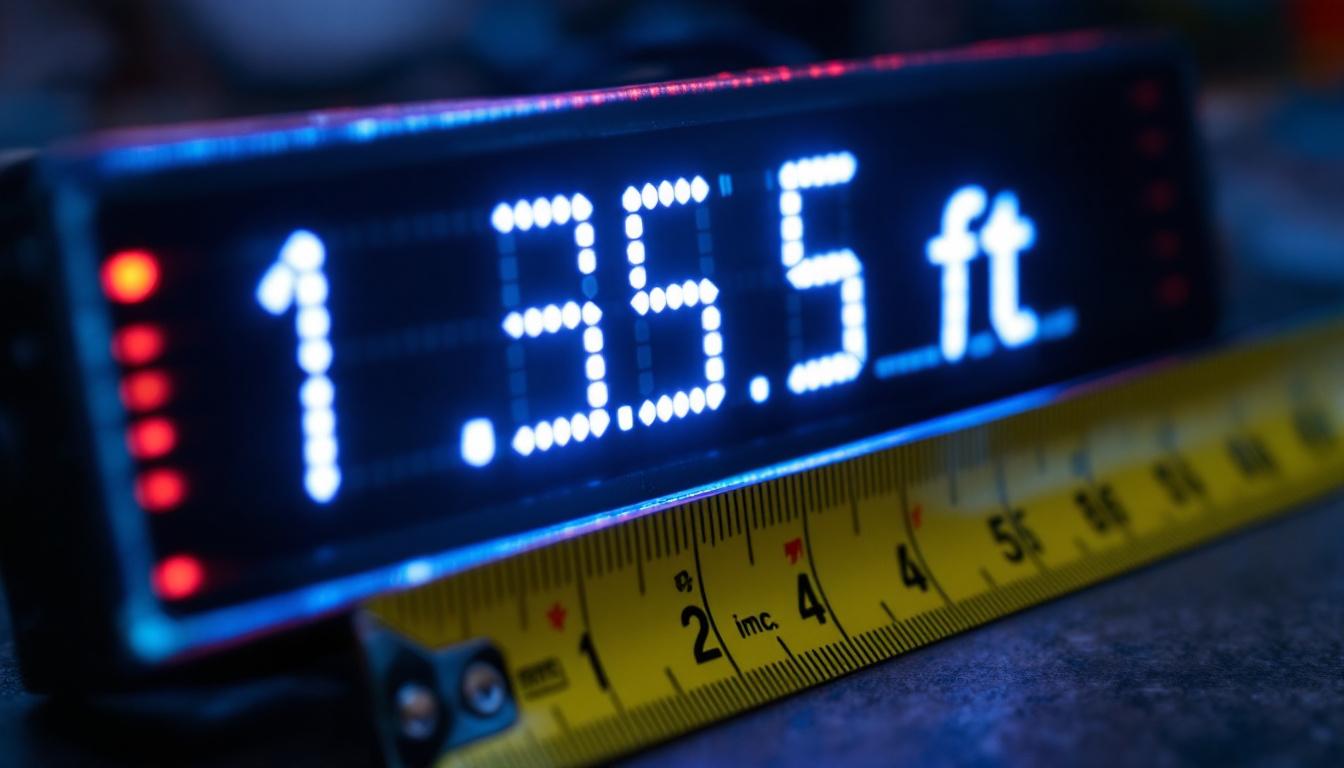
Measuring your TV screen accurately is straightforward with a few simple tools. Here’s how to do it:
Tools You’ll Need
- A tape measure or ruler capable of measuring in inches or centimeters
- A notepad or device to record measurements
- A helper (optional, but useful for larger screens)
Measuring the Diagonal
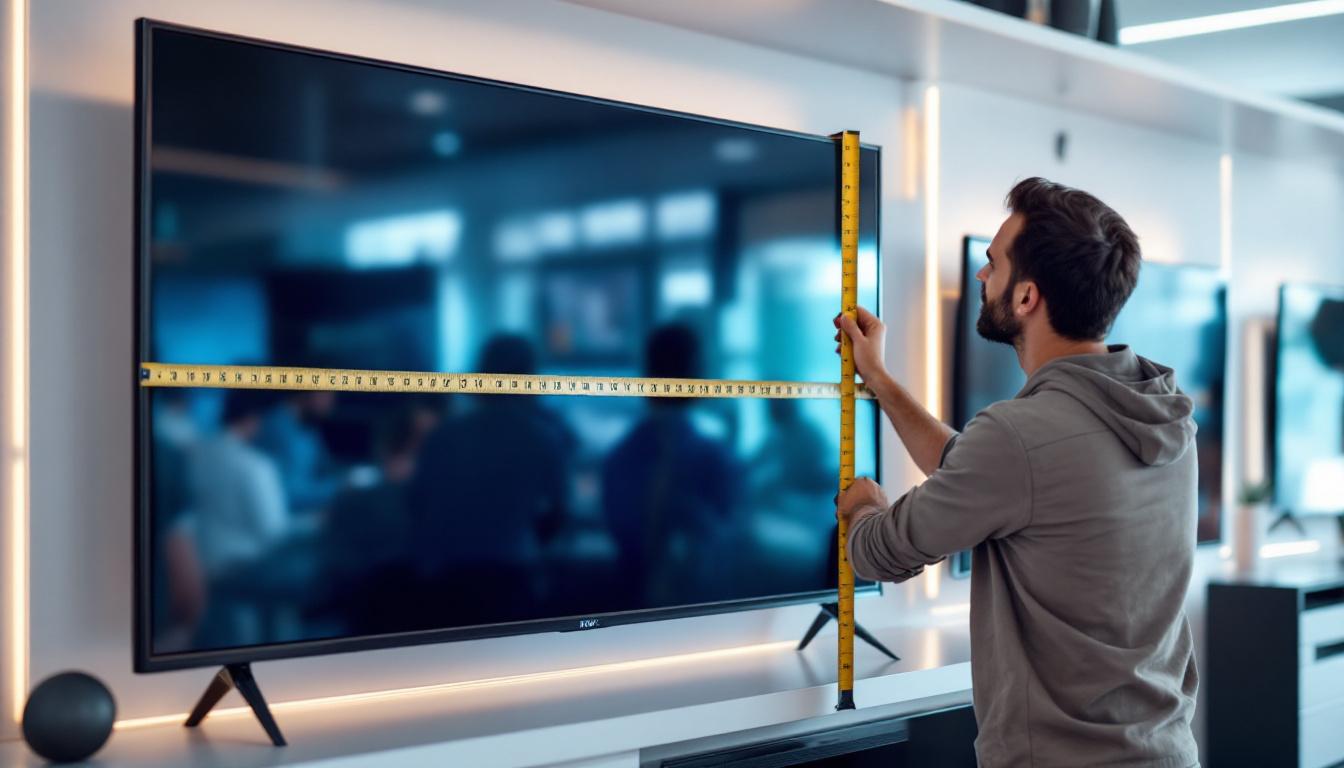
1. Turn off the TV and ensure the screen is clean and free from glare to avoid misreading the edges.
2. Place one end of the tape measure at the inside edge of the bottom left corner of the screen (not the bezel).
3. Extend the tape measure diagonally across the screen to the inside edge of the top right corner.
4. Record the measurement in inches. This number is the screen size.
If your tape measure doesn’t reach the full diagonal length, mark the maximum length, then reposition the tape measure starting at that mark to complete the measurement.
Measuring Width and Height (Optional)
While the diagonal measurement is standard, knowing the width and height can help you determine if the TV will fit in your entertainment center or wall mount.
Measure the inside edges of the screen horizontally for width, and vertically for height. For a 16:9 screen, width and height can be roughly calculated from the diagonal using the formulas:
- Width = Diagonal × 0.871
- Height = Diagonal × 0.490
For example, a 55-inch TV will have a width of about 47.9 inches and a height of about 26.9 inches.
Understanding LED Display Technology and Its Impact on Screen Size
LED TVs are among the most popular display types on the market, known for their bright images, energy efficiency, and slim profiles. However, the underlying technology can influence how screen size is perceived and measured.
What is an LED TV?
LED TVs are essentially LCD (Liquid Crystal Display) TVs that use Light Emitting Diodes (LEDs) as their backlighting source instead of traditional fluorescent lamps. This change allows for thinner panels, better contrast, and improved energy efficiency.
The screen size measurement remains the same for LED TVs as for other types, focusing on the visible display area. However, the bezel size on LED TVs tends to be slimmer, giving the impression of a larger screen within the same physical dimensions.
Edge-Lit vs. Full-Array LED Backlighting
LED TVs come with different backlighting configurations that can slightly affect the overall thickness and sometimes the bezel size, but not the screen size itself.
- Edge-Lit LED: LEDs are placed around the edges of the screen, allowing for thinner designs but sometimes uneven brightness.
- Full-Array LED: LEDs are distributed evenly behind the screen, offering better contrast and local dimming capabilities.
Regardless of the backlighting type, the diagonal screen measurement remains the key metric for size.
Why Screen Size Matters: Viewing Distance and Room Considerations
Choosing the right screen size isn’t just about aesthetics; it’s about optimizing your viewing experience. The size of your TV should complement the size of your room and the distance from which you’ll be watching.
Recommended Viewing Distances
Experts often recommend a viewing distance between 1.5 to 2.5 times the diagonal size of the TV. For example, if you have a 55-inch TV, the ideal viewing distance would be between 6.9 feet (2.1 meters) and 11.5 feet (3.5 meters).
Sitting too close to a large screen can cause eye strain and make the pixels visible, while sitting too far from a small screen can reduce immersion and detail perception.
Room Size and Layout
Before purchasing, measure the space where the TV will be placed. Consider whether the TV will sit on a stand, be mounted on a wall, or be part of a larger entertainment setup.
Also, think about the lighting conditions and seating arrangement. A larger screen may be ideal for a family room or home theater, while a smaller screen might suit a bedroom or kitchen.
Additional Factors to Consider When Measuring and Choosing Your TV
Aspect Ratio and Resolution
Most modern TVs have a 16:9 aspect ratio, but some ultrawide or specialty models may differ. The aspect ratio affects the width and height of the screen for a given diagonal size.
Resolution, such as 4K or 8K, doesn’t affect physical size but impacts picture clarity. Higher resolution allows for closer viewing distances without loss of image quality, which can influence your choice of screen size.
Bezel Size and Overall Dimensions
While the screen size is measured diagonally, the overall TV dimensions include the bezel and casing. Slim bezels are popular for aesthetic reasons and can make a TV appear larger without increasing the screen size.
Always check the full width, height, and depth of the TV to ensure it fits your space, especially if you’re placing it in a cabinet or mounting it on a wall with limited clearance.
Mounting and Placement Considerations
When planning your TV setup, consider the mounting options. Wall mounts come in fixed, tilting, and full-motion varieties, each requiring different clearances.
Measure the space carefully and account for cable management and ventilation to maintain optimal performance and longevity of your TV.
Common Mistakes to Avoid When Measuring TV Screen Size
Accurate measurement is essential to avoid purchasing a TV that doesn’t fit your space or meet your expectations. Here are some common pitfalls to watch out for:
- Measuring the bezel instead of the screen: Remember to measure only the visible screen area, excluding the frame.
- Using incorrect units: Stick to inches or convert measurements consistently to avoid confusion.
- Ignoring viewing distance: Size alone doesn’t guarantee a good experience; consider how far you’ll sit from the TV.
- Not accounting for room layout: Check for obstacles, furniture placement, and lighting conditions before deciding.
Conclusion: Measuring Your LED TV Screen with Confidence
Understanding how to measure the size of an LED TV screen is fundamental to making an informed purchase. By focusing on the diagonal measurement of the visible display, considering viewing distances, and factoring in room layout and technology, consumers can select a TV that delivers both comfort and immersive viewing.
Whether upgrading your home theater or buying your first LED TV, accurate measurement ensures that your new display fits perfectly and enhances your entertainment experience. With the tips and insights provided, measuring and choosing the right TV size becomes a straightforward and rewarding process.
Discover the Perfect LED Display with LumenMatrix
Now that you’re equipped with the knowledge to measure your LED TV screen accurately, take the next step towards an unparalleled visual experience with LumenMatrix. As a pioneer in LED display technology, we offer a vast array of innovative solutions tailored to your needs. From vibrant Indoor LED Wall Displays to dynamic Outdoor LED Wall Displays and beyond, LumenMatrix is committed to transforming your visual communication. Check out LumenMatrix LED Display Solutions today and elevate your space with a display that speaks volumes.