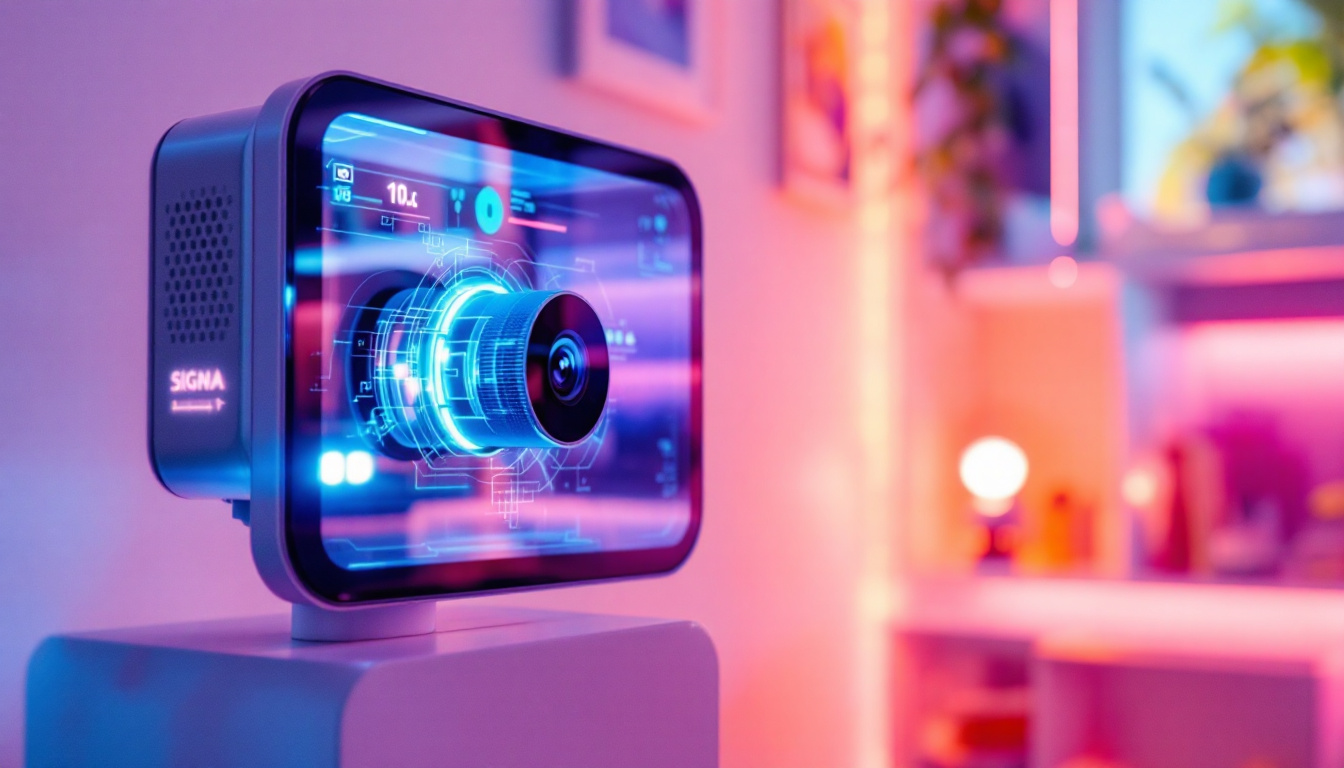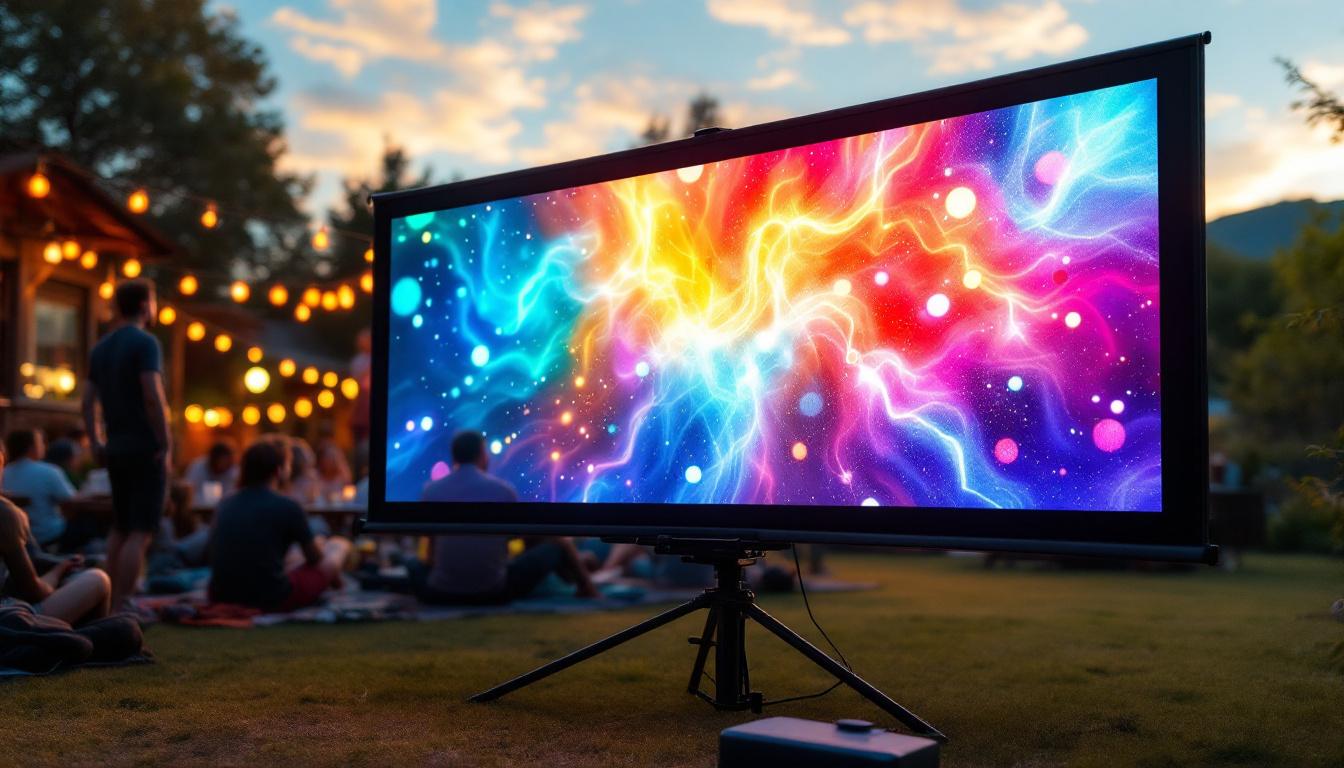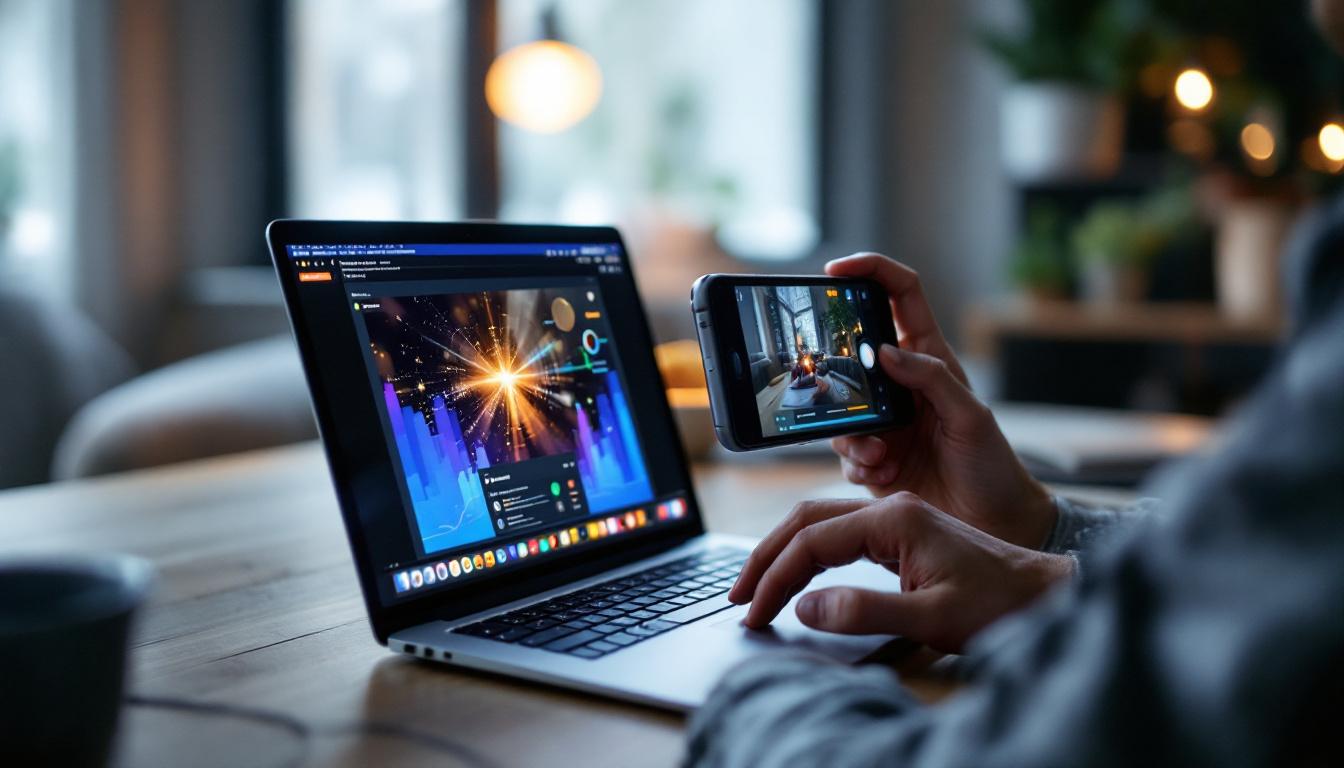
Capturing a video of a screen, especially when dealing with LED displays, can be more complex than simply pointing a camera and hitting record. Whether you’re creating a tutorial, documenting a presentation, or showcasing digital content, understanding the nuances of LED screens and the best methods to record them is essential. This article explores the technical aspects of LED displays, common challenges faced when filming them, and practical solutions to ensure high-quality video recordings.
Understanding LED Displays: What Makes Them Unique?
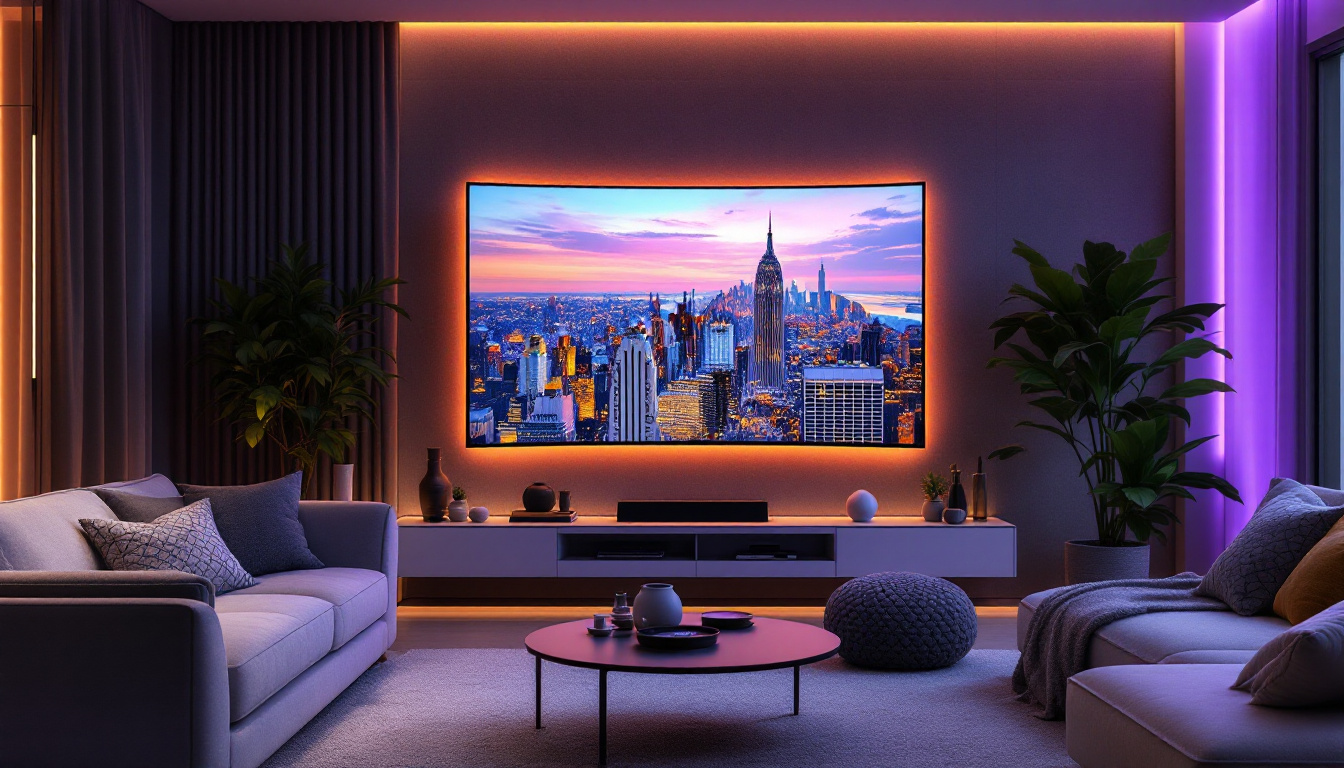
LED (Light Emitting Diode) displays have become the standard for many digital screens, from smartphones and TVs to large-scale advertising billboards and video walls. Unlike traditional LCD screens that rely on backlighting, LED displays emit light directly from each pixel, resulting in brighter images, deeper blacks, and more vibrant colors.
This direct emission of light means LED screens can produce higher contrast ratios and better energy efficiency. Additionally, LED technology supports higher refresh rates, which is crucial for smooth motion rendering. However, these very characteristics can introduce challenges when attempting to record the screen with a camera.
Key Features of LED Displays Affecting Video Capture
Refresh Rate: Most LED displays refresh their image multiple times per second, commonly at 60Hz, 120Hz, or higher. This rapid refresh can cause flickering or banding artifacts when filmed, especially if the camera’s frame rate is not synchronized with the screen’s refresh rate.
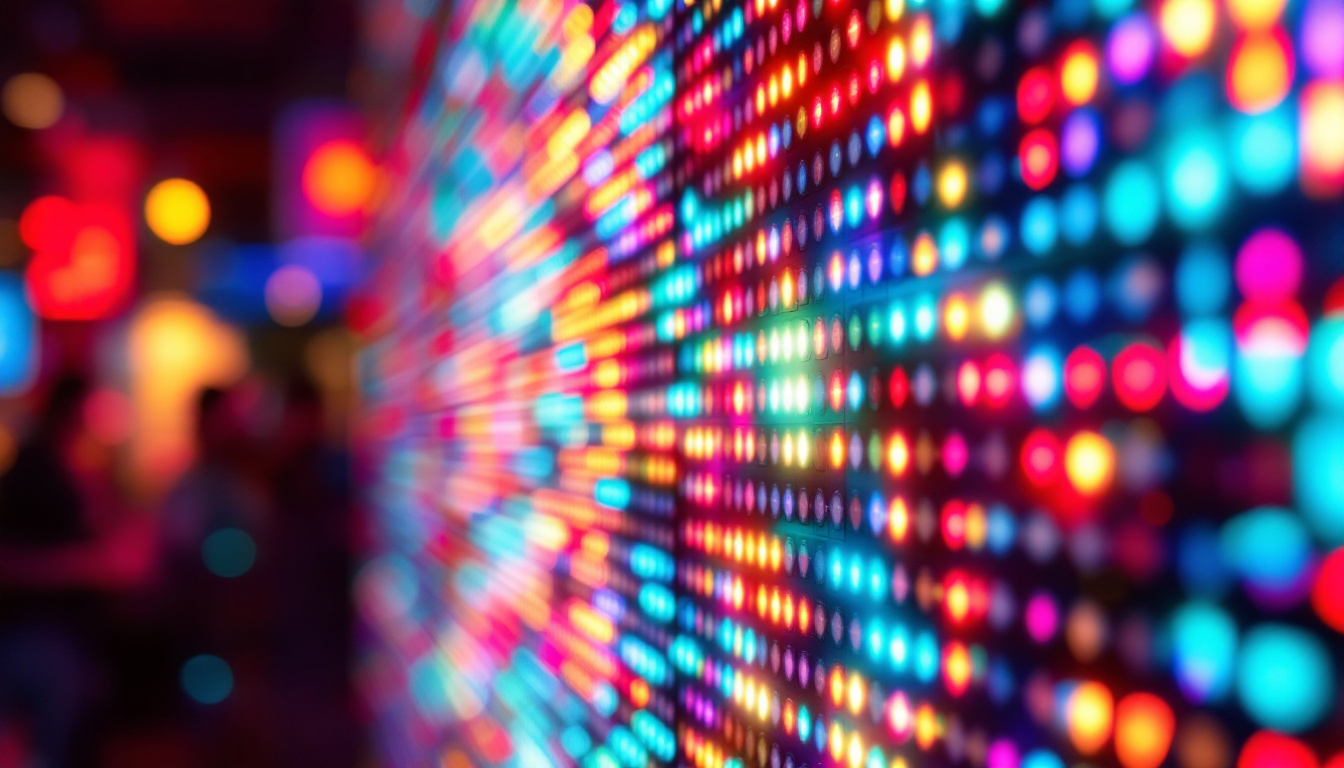
Pixel Structure and Subpixel Layout: LED screens use individual diodes for red, green, and blue subpixels. Cameras may pick up the subtle flicker or color separation of these subpixels, leading to moiré patterns or color distortions in the recorded video.
Brightness and Contrast: The intense brightness of LED displays can overwhelm camera sensors, causing overexposure or loss of detail. Conversely, the deep blacks may be difficult to capture accurately without proper camera settings.
Another important aspect to consider is the viewing angle of LED displays. Many modern LED screens utilize advanced technologies such as IPS (In-Plane Switching) or VA (Vertical Alignment) panels, which enhance color accuracy and viewing angles. This means that the image quality remains consistent even when viewed from the side, making them ideal for public displays and environments where multiple viewers are present. However, this characteristic can also complicate video capture, as the angle from which the camera is positioned can significantly affect the colors and brightness levels being recorded.
Moreover, the advancements in LED technology have led to the development of various types of displays, such as OLED (Organic Light Emitting Diode) and MicroLED. These technologies push the boundaries of color reproduction and contrast even further, offering true blacks and an expanded color gamut. While they provide stunning visuals, they also present unique challenges for video recording, as their pixel response times and light emission characteristics differ from traditional LED displays, requiring careful calibration and adjustments for optimal capture results.
Common Challenges When Recording LED Screens
Recording a video of an LED screen is not as straightforward as filming other objects. Several technical issues can degrade the quality of the captured footage, making it look unnatural or distracting. Understanding these challenges is the first step toward overcoming them.
Flickering and Banding
One of the most common problems is flickering, which appears as rapid brightness fluctuations or horizontal bands moving across the video. This occurs because the camera’s shutter speed or frame rate is not aligned with the screen’s refresh rate. For example, filming a 60Hz screen at 30 frames per second can cause visible flicker. To mitigate this issue, it’s essential to adjust the camera settings to match the screen’s refresh rate. Some cameras offer a feature called “flicker reduction,” which can help synchronize the shutter speed with the LED display, resulting in smoother footage.
Moiré Patterns and Color Artifacts
Moiré patterns arise when the camera sensor’s pixel grid interferes with the LED screen’s pixel structure. This interference creates strange, wavy patterns that do not exist on the actual screen. Similarly, color artifacts can appear due to the camera’s inability to perfectly capture the subpixel colors, leading to unnatural hues or color bleeding. To combat these issues, using a low-pass filter or adjusting the camera’s resolution settings can help minimize the occurrence of moiré patterns. Additionally, shooting in RAW format allows for greater flexibility in post-production, enabling color correction and artifact reduction.
Reflections and Glare
LED screens are often glossy, which can cause reflections from ambient light sources. These reflections can obscure the screen content and distract viewers. Additionally, glare can wash out parts of the screen, reducing the visibility of important details. To address these challenges, positioning the camera at an optimal angle can significantly reduce reflections. Utilizing polarizing filters can also help to cut down on glare and enhance color saturation, resulting in a more vibrant image. Furthermore, controlling the lighting environment, such as dimming overhead lights or using diffused light sources, can create a more favorable filming condition.
Resolution and Frame Rate Considerations
Another challenge when recording LED screens is ensuring that the resolution and frame rate of the camera are appropriate for the content being displayed. High-resolution screens, such as 4K or 8K displays, require cameras capable of capturing footage at similar resolutions to avoid pixelation and loss of detail. Moreover, the frame rate at which the video is recorded should match the content’s motion; fast-moving visuals may require a higher frame rate to maintain clarity and fluidity. This is particularly important for dynamic presentations or video games displayed on the screen, where motion blur can detract from the viewing experience.
Audio Synchronization Issues
While the visual aspect of recording LED screens often takes precedence, audio synchronization can also pose challenges. If the LED screen is displaying video content with accompanying sound, capturing the audio accurately is crucial. However, if the camera’s microphone picks up sound from the environment or if there is a delay in the audio signal, it can lead to a disjointed viewing experience. To ensure proper audio capture, using an external microphone and syncing audio in post-production can greatly enhance the overall quality of the recorded footage. Additionally, monitoring audio levels during recording helps to avoid distortion and ensures clarity in the final product.
Best Practices for Taking a Video of an LED Screen
To capture a clear, high-quality video of an LED display, certain techniques and equipment choices are crucial. Implementing these best practices will help minimize artifacts and produce professional-looking footage.
Use the Right Camera Settings
Frame Rate and Shutter Speed: Match the camera’s frame rate to the LED screen’s refresh rate whenever possible. For a 60Hz screen, using 60 frames per second or a shutter speed that is a multiple of the refresh interval (e.g., 1/60 second) helps reduce flicker.
ISO and Exposure: Keep the ISO setting low to reduce noise, and adjust exposure carefully to avoid overexposing bright areas of the screen. Using manual exposure settings allows better control over brightness and contrast.
Optimize Lighting and Environment
Record in a dim or controlled lighting environment to minimize reflections and glare on the screen. Avoid direct light sources pointing at the display. Position the camera at an angle that reduces visible reflections but still captures the screen content clearly.
Use Quality Equipment
High-quality cameras with adjustable frame rates and manual controls are preferable. Additionally, using a tripod stabilizes the camera, preventing motion blur and maintaining consistent framing. Polarizing filters can also help reduce glare and reflections.
Consider Screen Recording Software When Possible
When the content displayed on the LED screen originates from a computer or digital device, using screen recording software is often the best solution. This method captures the screen output directly, eliminating issues related to flicker, reflections, and color accuracy. Popular tools include OBS Studio, Camtasia, and native recording features in operating systems.
Advanced Techniques for Professional Results
For professional videographers or content creators, additional techniques can enhance the quality of LED screen recordings beyond basic best practices.
Synchronize Camera and Screen Refresh Rates
Some high-end cameras and LED screens allow synchronization of refresh rates and frame rates. This synchronization ensures that each camera frame captures a full screen refresh cycle, eliminating flicker entirely. While this setup requires specialized equipment and technical knowledge, it is invaluable for broadcast and commercial productions.
Use Neutral Density Filters
Neutral density (ND) filters reduce the amount of light entering the camera lens without affecting color. These filters are useful when filming very bright LED screens, allowing the use of slower shutter speeds or wider apertures without overexposure.
Post-Production Adjustments
Editing software can help correct minor flicker, color imbalances, or reflections after recording. Tools like Adobe Premiere Pro and DaVinci Resolve offer filters and effects designed to stabilize brightness and enhance color fidelity. However, post-production should complement, not replace, good recording practices.
Practical Applications and Examples
Understanding how to effectively record LED screens has practical implications across various industries. Here are some common scenarios where this knowledge proves invaluable.
Technology Reviews and Tutorials
Tech reviewers often film smartphone or monitor screens to demonstrate features or software interfaces. Properly capturing these screens ensures viewers see accurate colors and smooth motion, enhancing the credibility of the review.
Event Documentation and Presentations
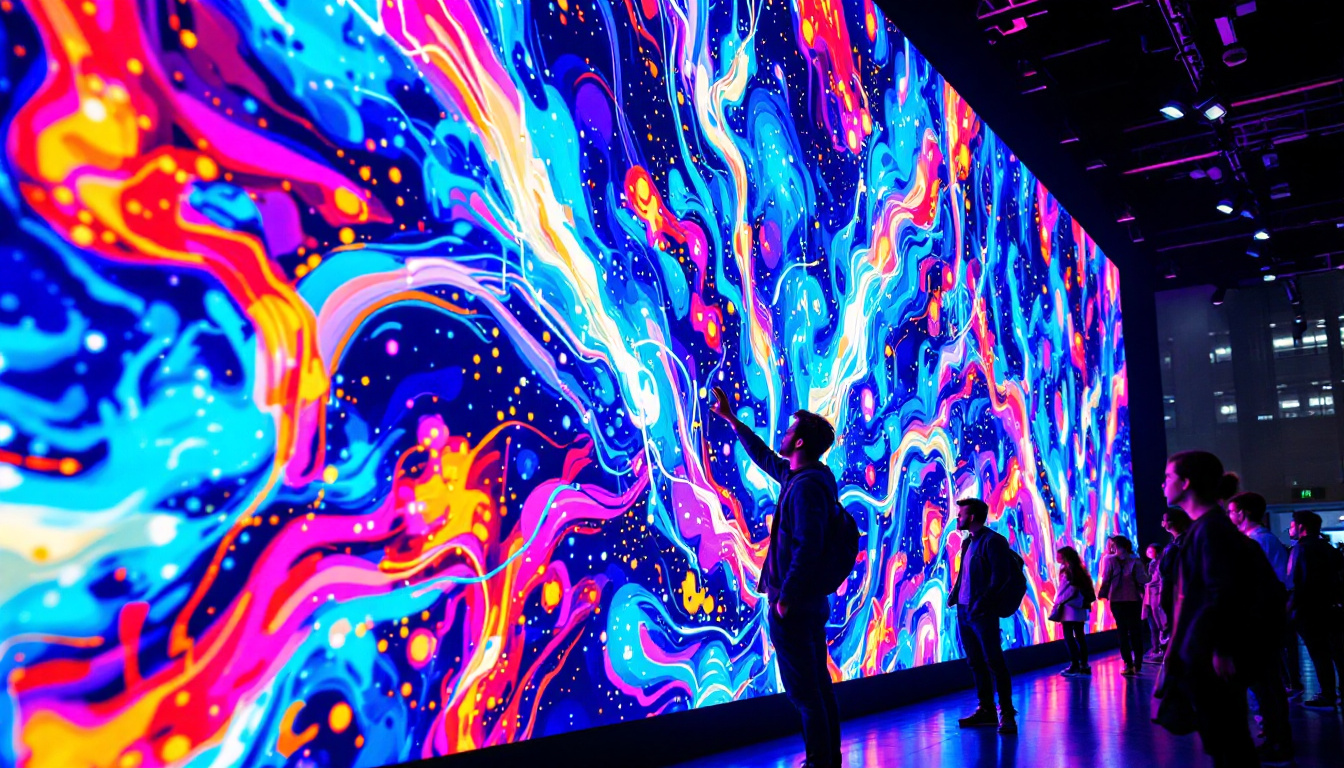
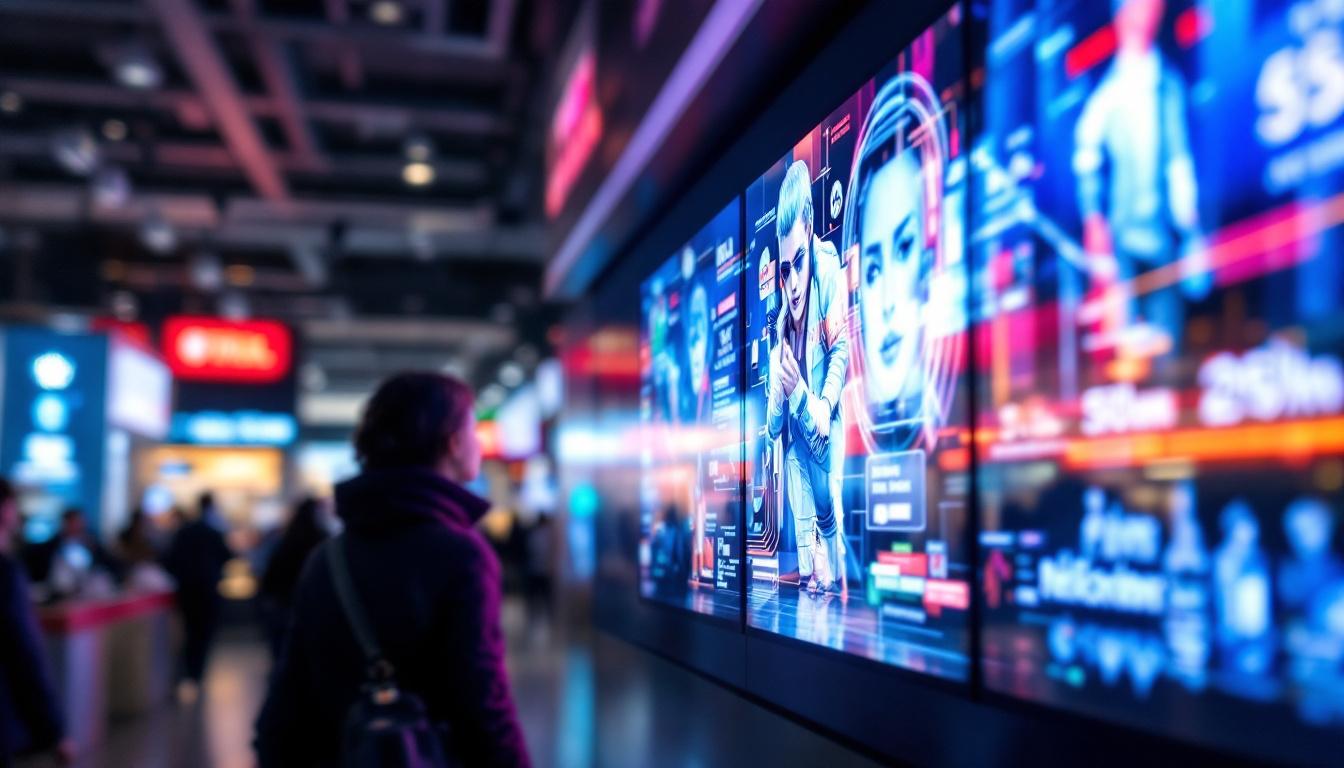
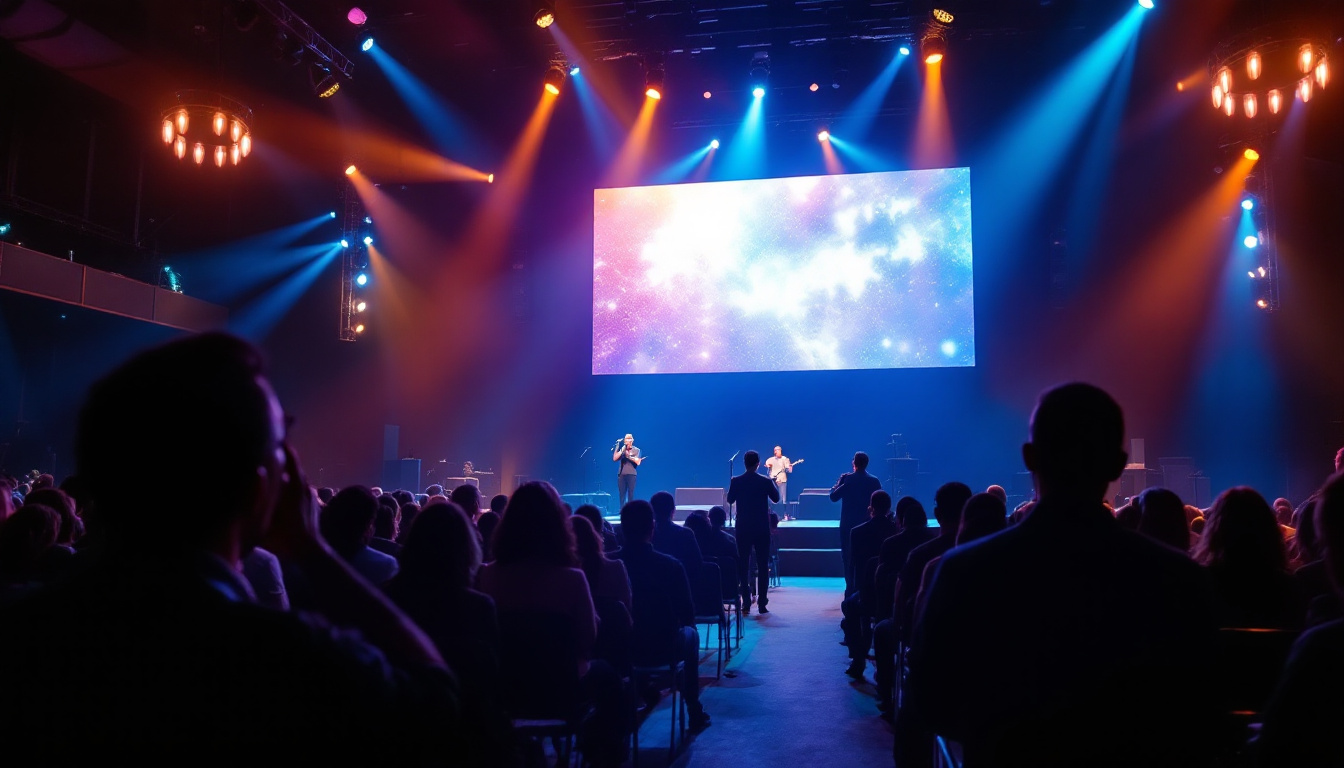
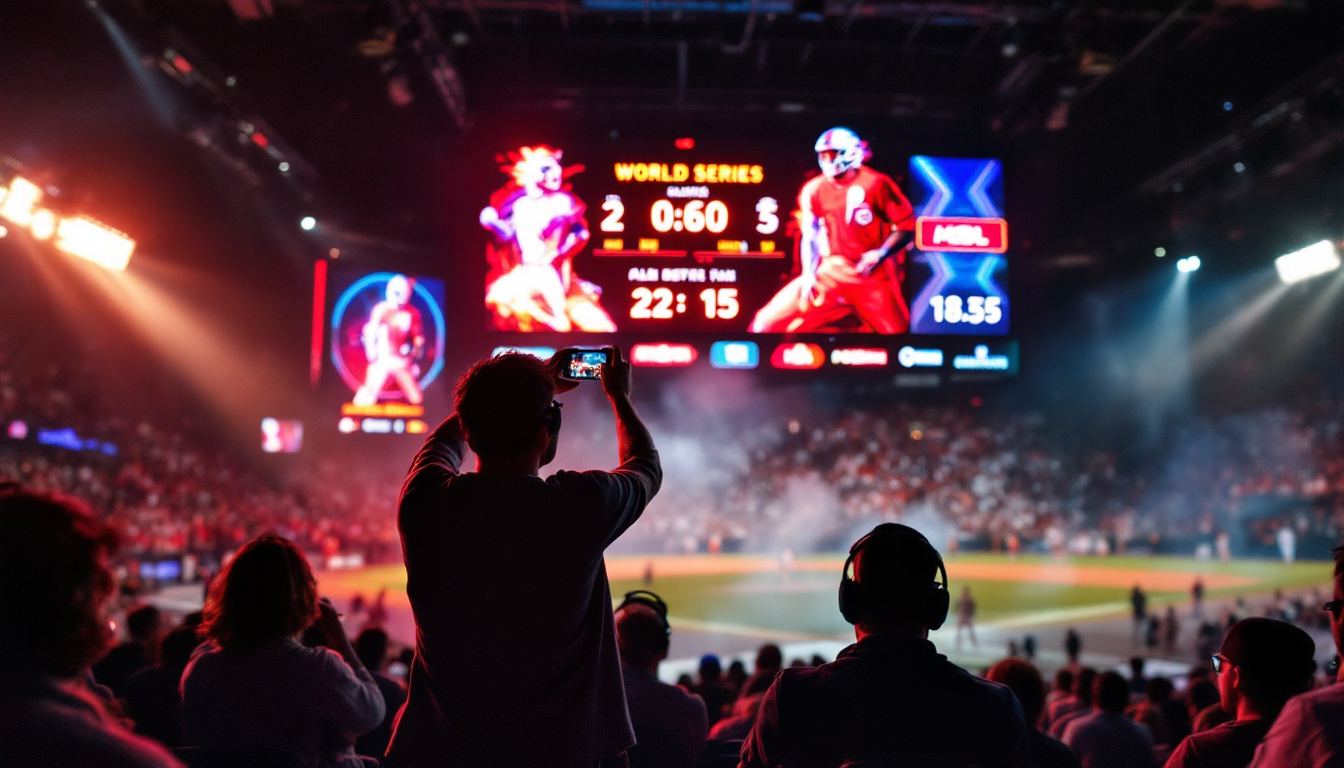
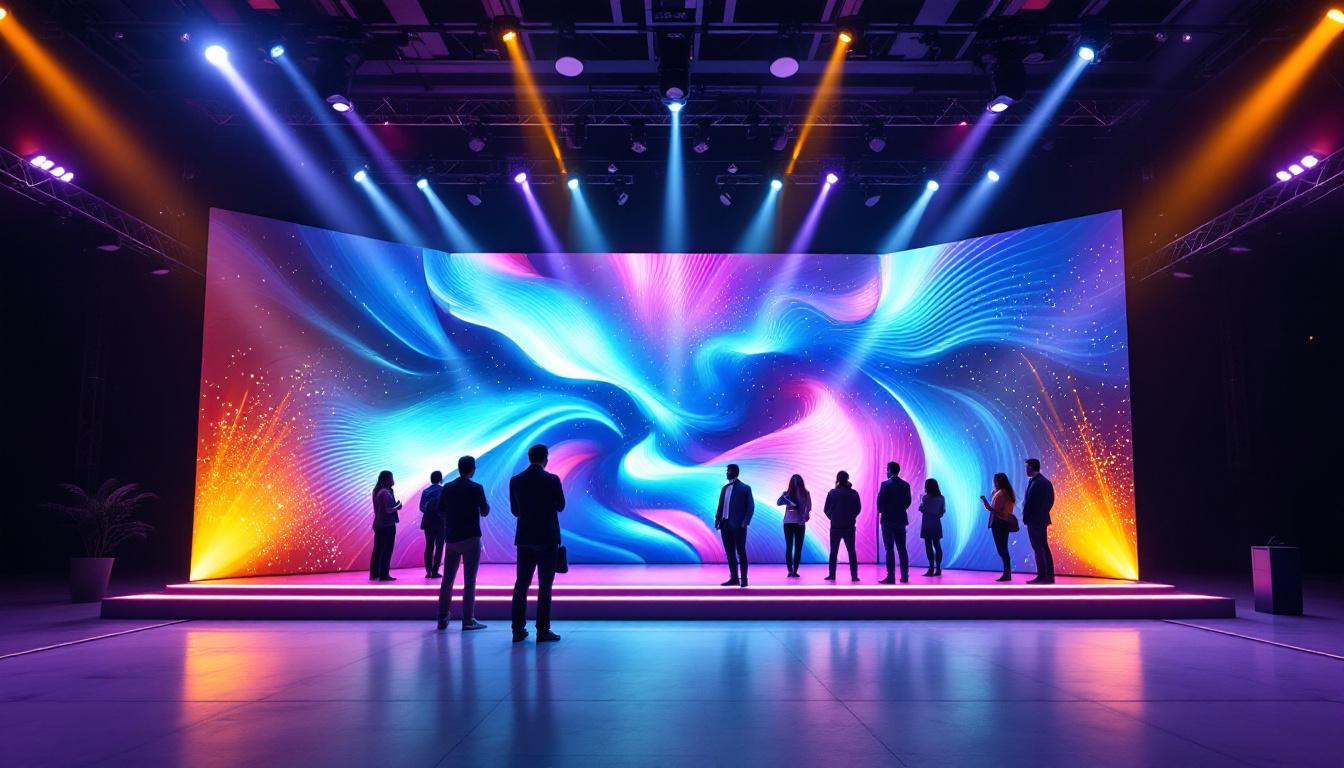
Conferences and live events frequently use large LED video walls for presentations. Recording these displays clearly helps create engaging highlight reels or training materials. Avoiding flicker and glare is essential to maintain professionalism.
Advertising and Marketing
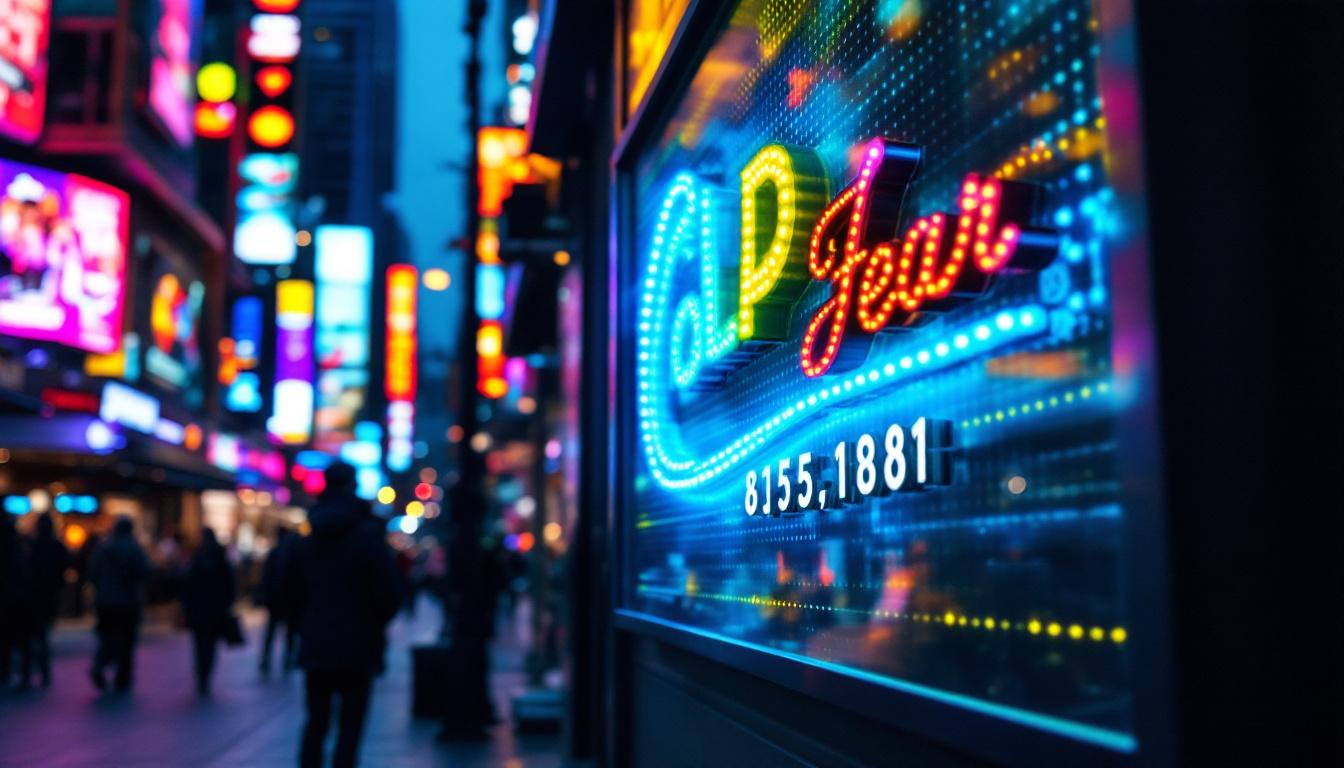
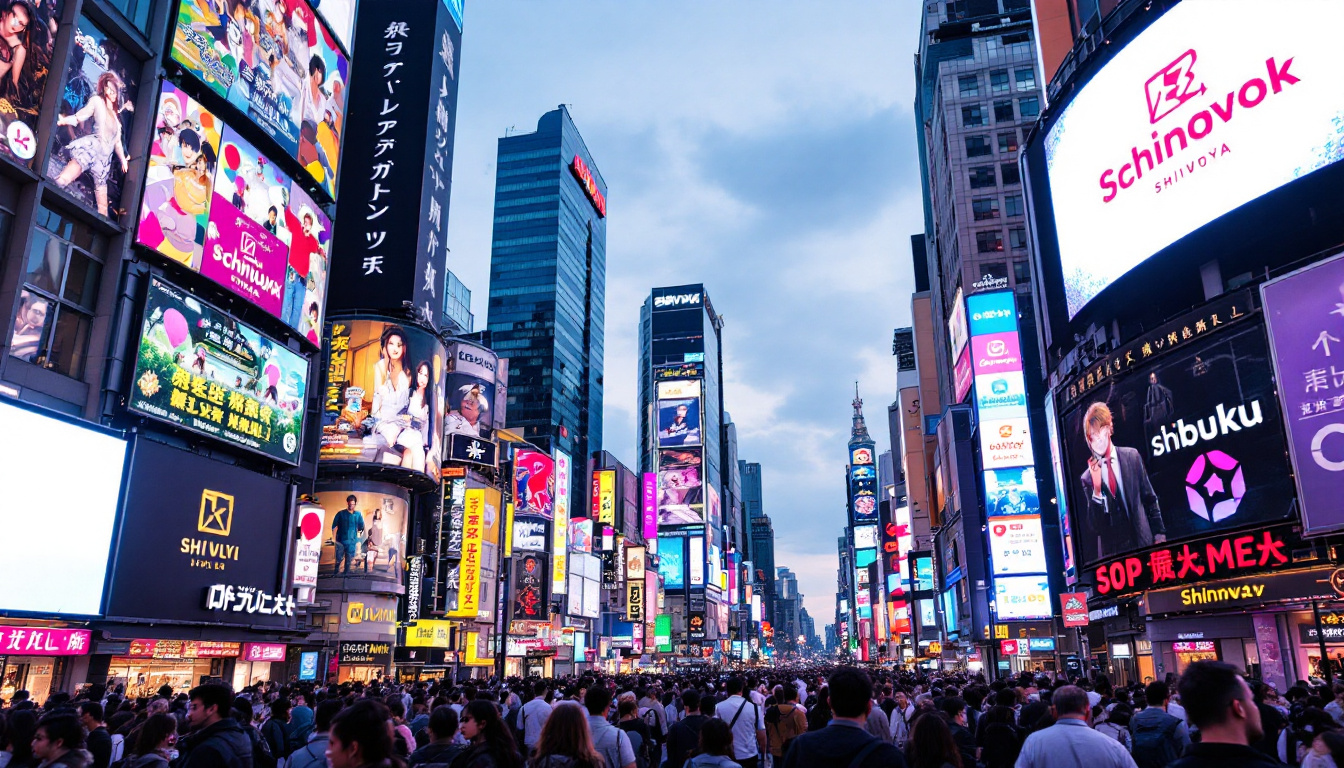
LED billboards and digital signage are increasingly common in advertising. Filming these displays for promotional videos or social media requires attention to the unique challenges of LED technology to showcase the content effectively.
Summary: Capturing LED Screens with Confidence
Taking a video of an LED screen involves more than just pointing a camera and recording. The unique properties of LED displays—such as high refresh rates, direct light emission, and pixel structure—can introduce flicker, moiré patterns, and glare into recorded footage. By understanding these challenges and applying best practices such as matching frame rates, optimizing lighting, using quality equipment, and considering screen recording software, one can achieve clear, professional-quality videos.
For those requiring the highest fidelity, advanced techniques like synchronization of camera and screen refresh rates, neutral density filters, and post-production corrections further enhance results. Whether for technology reviews, event documentation, or marketing content, mastering the art of filming LED screens ensures your video content looks polished and engaging.
With the rapid advancement of LED technology and the growing importance of digital content creation, developing these skills is increasingly valuable for videographers, marketers, educators, and content creators alike.
Explore Cutting-Edge LED Display Solutions
Ready to elevate your visual content with the unparalleled clarity and vibrancy of LED displays? Discover LumenMatrix’s innovative range of LED display solutions tailored to meet your every need. From captivating Indoor LED Wall Displays to dynamic Outdoor LED Wall Displays, and from versatile Vehicle LED Displays to sleek LED Poster Displays, LumenMatrix is at the forefront of transforming visual communication. Whether for sports, marketing, or custom installations, our LED displays are designed to captivate your audience and amplify your message. Don’t let technical challenges hinder your creative vision. Check out LumenMatrix LED Display Solutions today and experience the future of digital storytelling.