In today’s fast-evolving digital workspace, touch screen monitors have become an essential tool for enhancing productivity and user interaction. HP, a leading name in computer technology, offers a robust lineup of touch screen monitors that combine sleek design with advanced LED display technology. This article explores the intricacies of HP’s touch screen monitors, focusing on the LED display technology that powers them, and why these features matter to professionals, creatives, and everyday users alike.
Understanding HP Touch Screen Monitors
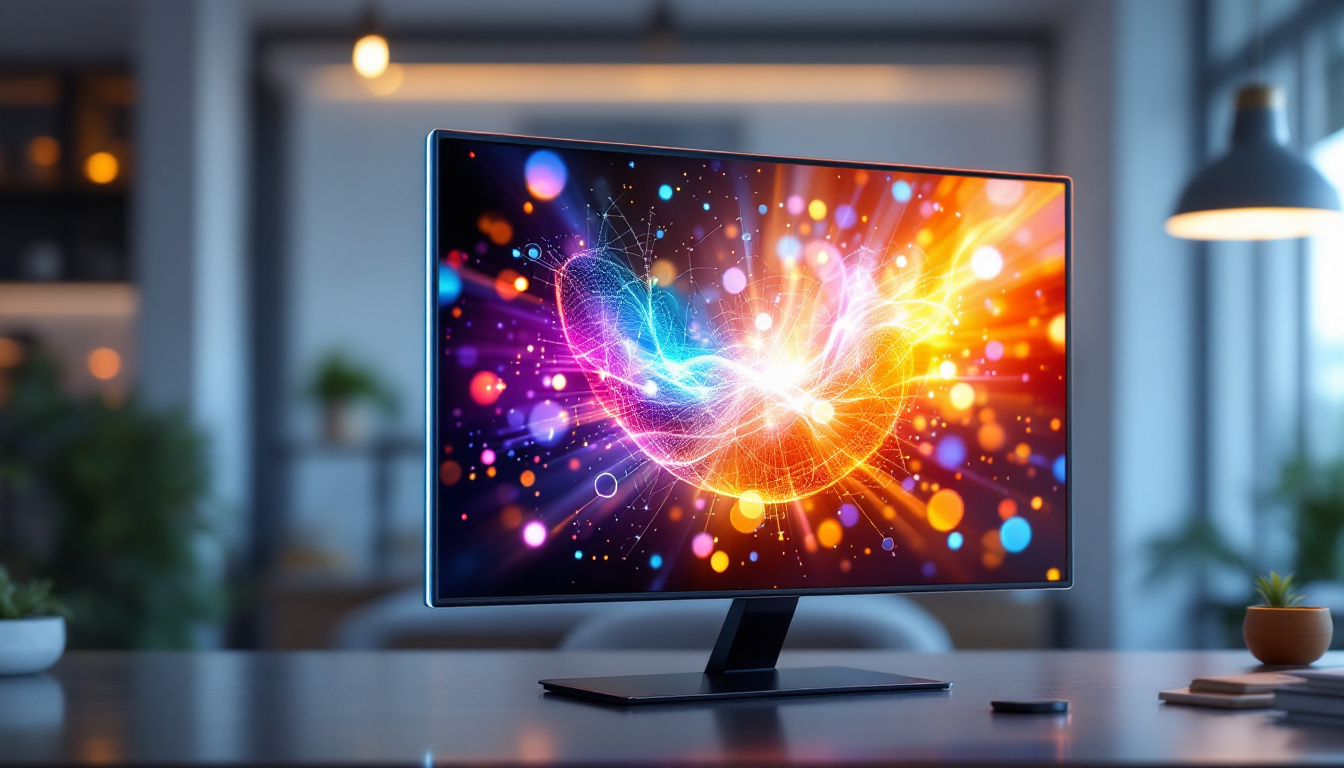
HP’s touch screen monitors are designed to provide intuitive, responsive interaction through direct touch input, eliminating the need for peripheral devices like a mouse or keyboard in many scenarios. These monitors are widely used in various environments, from corporate offices and educational institutions to retail and healthcare settings. The versatility of these monitors allows users to engage with content in a more natural and fluid manner, enhancing productivity and user satisfaction across different applications.
What sets HP’s touch screen monitors apart is their integration of LED (Light Emitting Diode) technology, which enhances display quality, energy efficiency, and durability. Before diving into the specifics of LED displays, it’s important to understand the different types of touch technologies HP employs, such as capacitive and resistive touchscreens, which influence user experience and application suitability. The combination of these technologies with HP’s commitment to quality ensures that users receive a reliable and high-performance device that meets their specific needs.
Capacitive vs. Resistive Touch Technology
Most modern HP touch screen monitors use capacitive touch technology, which detects touch through the electrical properties of the human body. This results in a highly responsive and multi-touch capable interface, ideal for gestures like pinch-to-zoom and swipe. Capacitive screens are also more durable and offer clearer image quality because they require fewer layers over the display. This clarity is particularly beneficial in environments where visual detail is paramount, such as graphic design or video editing, allowing professionals to work with precision and ease.
In contrast, resistive touchscreens respond to pressure applied to the screen surface. While they are generally less sensitive and do not support multi-touch gestures, resistive screens can be operated with a stylus or gloved hands, making them suitable for industrial or medical environments where such conditions are common. These screens are often favored in scenarios where durability and resistance to environmental factors like dust and moisture are critical, ensuring that the devices remain functional even in challenging conditions. Additionally, the affordability of resistive technology makes it a popular choice for budget-conscious organizations looking to implement touch solutions without compromising on performance.
The Role of LED Display Technology in HP Touch Screen Monitors
LED technology is central to the visual performance of HP’s touch screen monitors. Unlike older LCDs that rely on cold cathode fluorescent lamps (CCFL) for backlighting, LED displays use light-emitting diodes, offering several advantages that enhance the overall user experience.
What is an LED Display?
LED displays are a type of LCD panel that use LEDs for backlighting instead of CCFLs. This shift has revolutionized display technology by providing better brightness, contrast, and energy efficiency. The LEDs illuminate the liquid crystal layer, which modulates light to produce the images seen on the screen.
HP’s LED touch screen monitors typically feature IPS (In-Plane Switching) panels combined with LED backlighting. IPS panels are renowned for their wide viewing angles and accurate color reproduction, making them ideal for design professionals and users who require consistent image quality from different perspectives.
Advantages of LED Backlighting
There are several key benefits to LED backlighting in HP touch screen monitors:
- Energy Efficiency: LED backlighting consumes significantly less power compared to CCFL, reducing energy costs and environmental impact. This is especially important for businesses managing large fleets of monitors.
- Improved Brightness and Contrast: LEDs can achieve higher brightness levels and deeper blacks, resulting in sharper images and better visibility in various lighting conditions.
- Thinner and Lighter Design: LED backlights are more compact, allowing HP to design slimmer monitors that save desk space and improve portability.
- Longer Lifespan: LEDs generally last longer than CCFLs, reducing maintenance and replacement costs over the monitor’s lifetime.
- Faster Response Time: LED displays often have quicker response times, reducing motion blur and improving the experience for video playback and interactive applications.
Key Features of HP LED Touch Screen Monitors
HP’s touch screen monitors are engineered to deliver a seamless blend of functionality and aesthetics. Understanding their key features helps users select the right model for their needs.
Resolution and Screen Size Options
HP offers a range of touch screen monitors with varying sizes and resolutions, from compact 15.6-inch displays ideal for point-of-sale systems to expansive 27-inch models suited for detailed graphic work. Common resolutions include Full HD (1920×1080) and 4K UHD (3840×2160), catering to users who demand crisp, detailed images.
Higher resolution monitors are particularly beneficial for professionals in photography, video editing, and design, where color accuracy and detail are critical. HP’s LED displays maintain consistent brightness and color fidelity across these resolutions, ensuring that images look vibrant and true to life.
Multi-Touch Capabilities
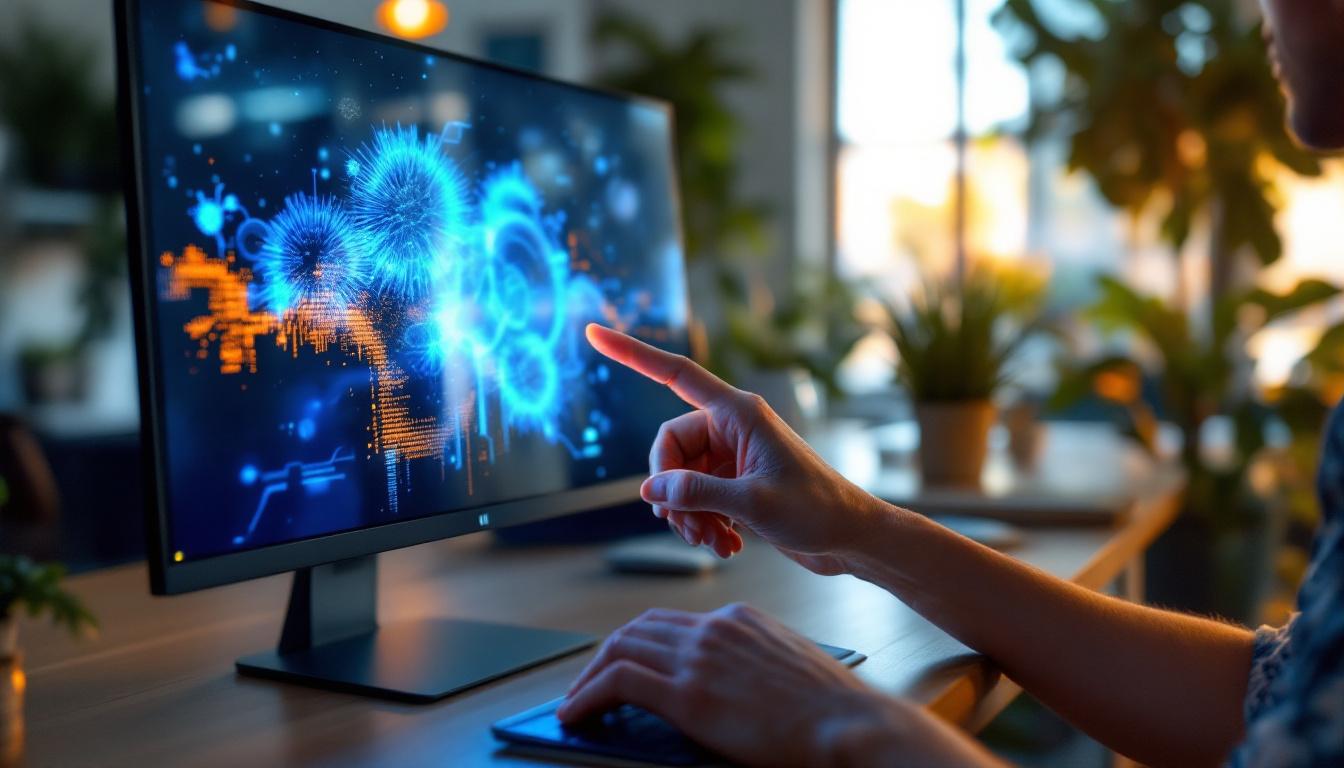
Many HP touch screen monitors support multi-touch input, allowing users to perform complex gestures such as rotating images, zooming in and out, and navigating interfaces with multiple fingers. This capability enhances workflow efficiency and provides a more natural, interactive experience.
Connectivity and Compatibility
HP ensures that their touch screen monitors are compatible with a wide range of devices and operating systems. Most models include HDMI, DisplayPort, and USB-C ports, facilitating easy connection to laptops, desktops, and tablets. USB-C connectivity, in particular, supports video, data transfer, and power delivery through a single cable, reducing clutter and simplifying setup.
Additionally, HP touch screen monitors are compatible with Windows, macOS, and Linux operating systems, making them versatile for diverse user environments.
Ergonomics and Design
Ergonomic considerations are paramount in HP’s monitor design. Adjustable stands allow users to tilt, swivel, and adjust the height of the screen for optimal comfort during extended use. Some models also support VESA mounting, enabling integration with monitor arms or wall mounts for flexible workspace configurations.
The sleek, modern aesthetics of HP’s monitors complement professional environments, with slim bezels and minimalist designs that maximize screen real estate and reduce distractions.
Applications and Use Cases for HP Touch Screen LED Monitors
HP’s touch screen monitors are versatile tools that cater to a wide array of industries and applications. Their combination of responsive touch input and vibrant LED displays makes them particularly valuable in settings that demand interactive and visually rich interfaces.
Business and Corporate Environments
In corporate settings, HP touch screen monitors are used for presentations, collaborative work, and interactive kiosks. Their multi-touch capabilities facilitate dynamic meetings and brainstorming sessions, while the high-quality LED displays ensure that charts, graphs, and multimedia content are clear and engaging.
Moreover, the energy efficiency of LED backlighting aligns with corporate sustainability goals, helping organizations reduce their carbon footprint.
Creative Professionals
Graphic designers, video editors, and photographers benefit greatly from HP’s LED touch screen monitors. The wide color gamut and accurate color reproduction of IPS panels combined with LED backlighting ensure that creative work is displayed with fidelity. Touch input allows for precise control when using design software, enabling artists to interact directly with their work.
Education and Training
Interactive learning environments leverage HP touch screen monitors to engage students and facilitate hands-on training. The responsive touch interface supports collaborative projects and interactive lessons, while the bright LED display ensures visibility even in well-lit classrooms.
Retail and Point-of-Sale Systems
HP’s compact touch screen monitors are ideal for retail environments, where they serve as point-of-sale terminals or customer self-service kiosks. The durability of LED displays and the ability to operate with gloved hands (in models with resistive touch) make them well-suited for busy commercial settings.
Healthcare Applications
In healthcare, touch screen monitors aid in patient check-in, medical imaging review, and electronic health record management. The clarity of LED displays supports accurate diagnostics, while touch input streamlines data entry and navigation of complex software systems.
Maintaining and Optimizing HP Touch Screen LED Monitors
To ensure longevity and optimal performance of HP touch screen monitors, proper maintenance and usage practices are essential.
Cleaning and Care
LED touch screen monitors require gentle cleaning to avoid damaging the screen’s surface or touch functionality. HP recommends using a soft, lint-free cloth slightly dampened with water or a screen-safe cleaner. Avoid harsh chemicals, abrasive materials, or excessive moisture, which can degrade the display or touch sensors.
Calibration and Software Updates
Regular calibration of the display can help maintain color accuracy, especially for professionals in creative fields. HP provides software tools and utilities to assist with calibration and firmware updates, ensuring the monitor operates with the latest features and fixes.
Optimizing Display Settings
Adjusting brightness, contrast, and color settings according to the ambient lighting conditions can reduce eye strain and enhance viewing comfort. Many HP monitors include presets for different usage scenarios, such as gaming, reading, or photo editing, allowing users to quickly switch to the optimal configuration.
Conclusion: Why Choose HP Touch Screen Monitors with LED Displays?
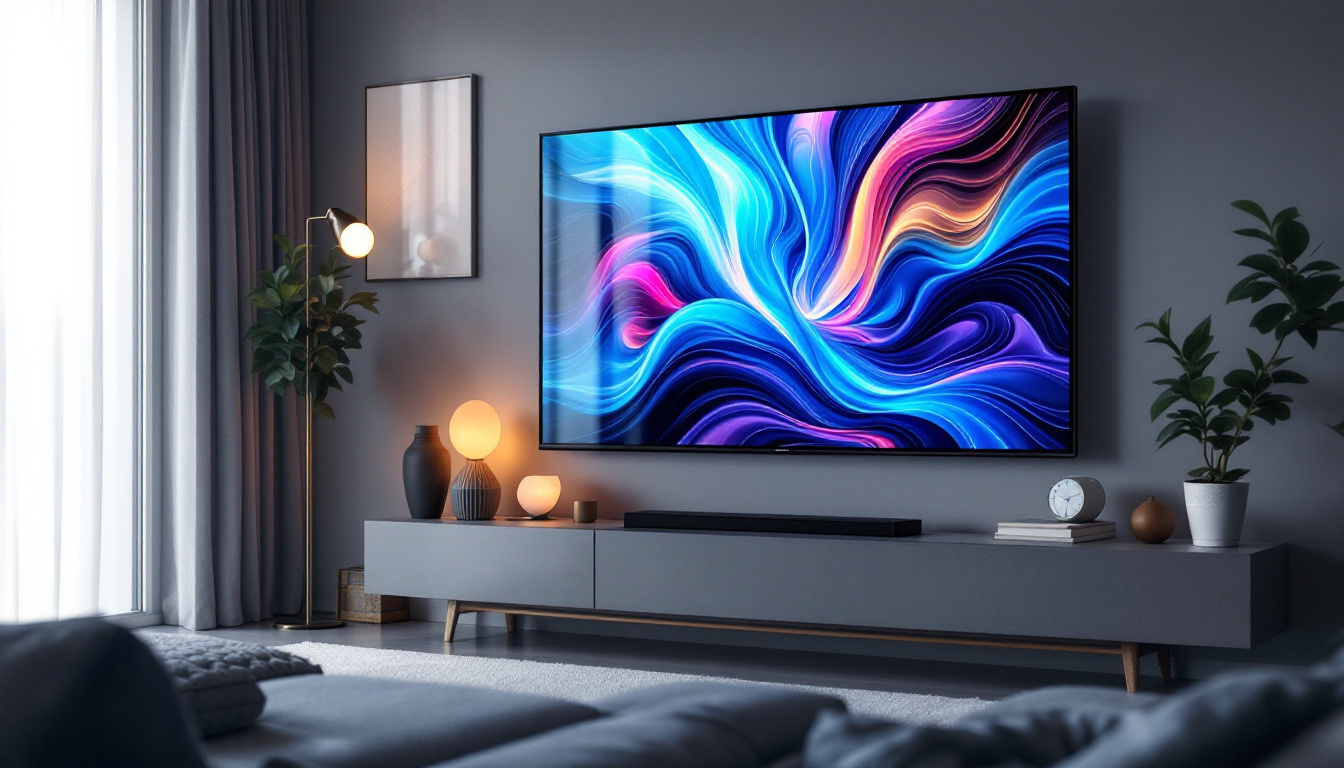
HP touch screen monitors equipped with LED display technology represent a compelling choice for users seeking a combination of responsiveness, visual excellence, and energy efficiency. The integration of capacitive touch technology with high-quality LED backlighting ensures vibrant images, accurate colors, and intuitive interaction.
Whether for professional creative work, business collaboration, education, or retail applications, these monitors deliver versatility and reliability. Their ergonomic design, broad connectivity options, and durable construction further enhance their appeal in diverse environments.
As technology continues to advance, HP’s commitment to innovation in touch screen and LED display technology ensures that users can expect cutting-edge performance and value. Investing in an HP LED touch screen monitor means embracing a future-ready tool that enhances productivity and user engagement across a wide range of applications.
Discover Cutting-Edge LED Display Solutions with LumenMatrix
As you consider the benefits of HP touch screen monitors with LED displays, we invite you to explore the innovative world of LumenMatrix. With a focus on revolutionizing visual communication, LumenMatrix offers an array of LED display modules designed to elevate your brand’s presence and create immersive visual experiences. From Indoor and Outdoor LED Wall Displays to specialized solutions like Vehicle, Sports, and Floor LED Displays, LumenMatrix tailors to your unique needs. Experience the transformative power of LED technology and take the first step towards captivating your audience. Check out LumenMatrix LED Display Solutions today and see how our commitment to excellence can enhance your visual storytelling.