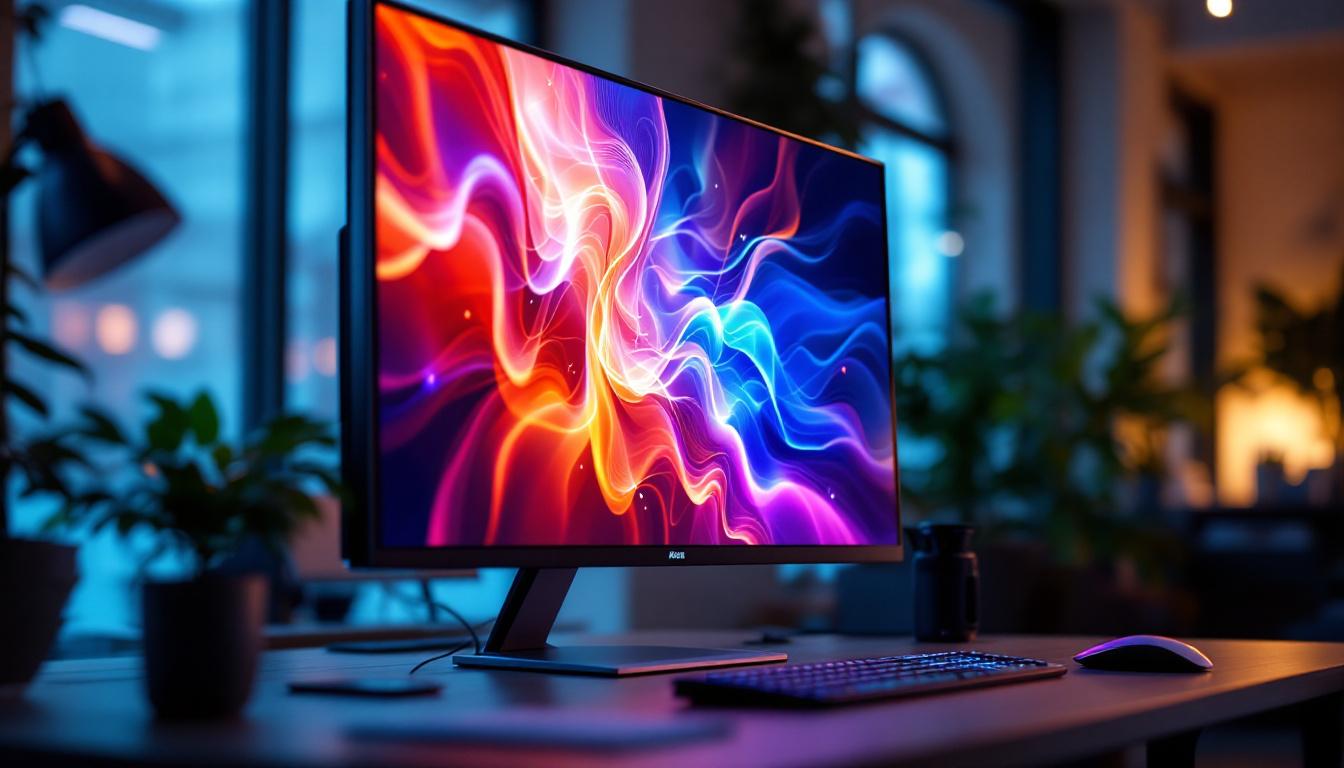
In today’s digital age, large monitors have become essential tools across various sectors—from professional workspaces and creative studios to gaming setups and home entertainment systems. Among the technologies powering these expansive screens, LED displays stand out for their vibrant colors, energy efficiency, and sleek designs. This article explores the intricacies of large monitor sizes, focusing on LED display technology to help you make informed decisions whether you’re upgrading your workstation or building a home theater.
Understanding Large Monitor Sizes: What Defines “Large”?
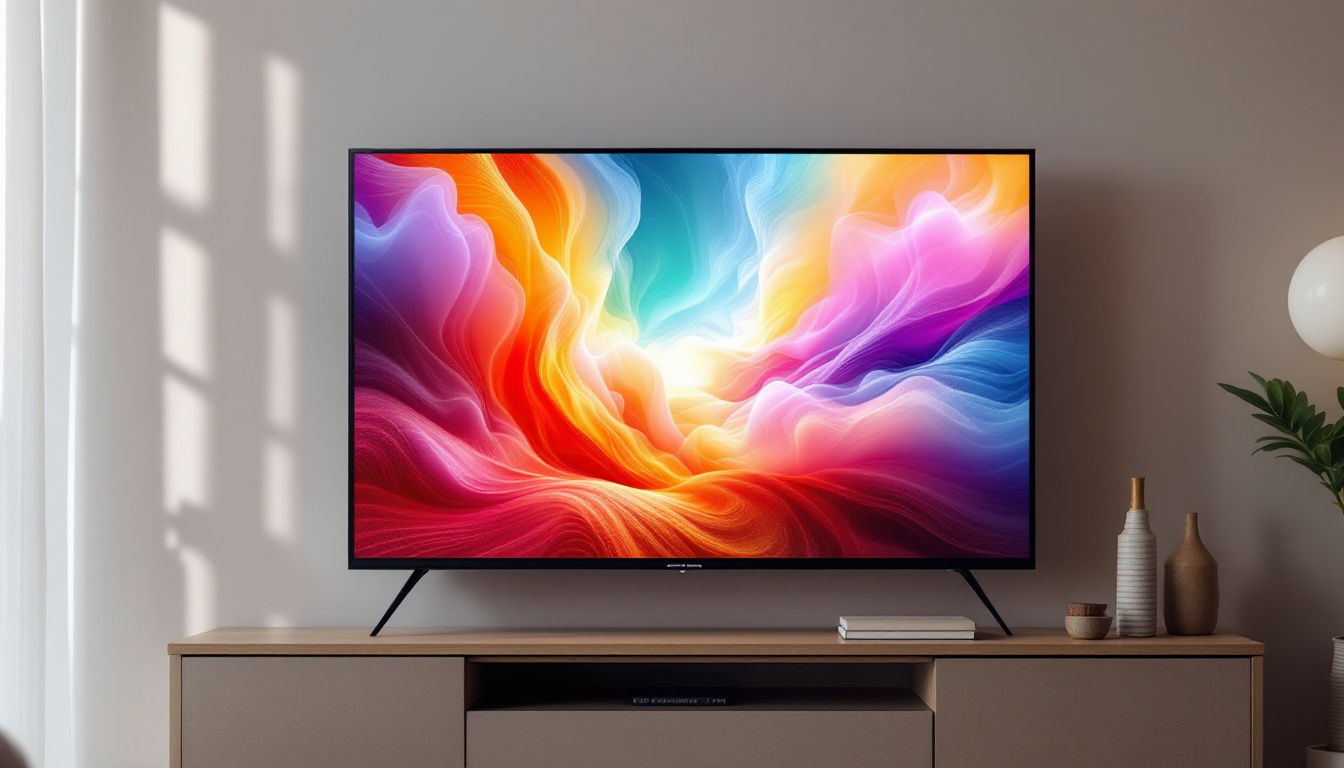
When discussing monitor sizes, “large” can be subjective depending on the use case. For general office work, a 24-27 inch monitor might be considered large, while for gaming or professional design, screens upwards of 32 inches are common. In the context of LED displays, large monitors typically range from 32 inches to 55 inches and beyond, with some commercial models exceeding 70 inches. These larger displays are increasingly popular in both home and professional environments, as they allow for a more immersive experience whether you’re working on a project or enjoying media.
Screen size is measured diagonally from one corner to the opposite corner. This measurement, combined with the screen’s aspect ratio—commonly 16:9 or 21:9—determines the overall viewing area. For example, a 32-inch monitor with a 16:9 aspect ratio offers a different workspace than a 32-inch ultrawide monitor with a 21:9 ratio. The ultrawide format, in particular, has gained traction among gamers and professionals alike, as it provides a broader field of view and the ability to run multiple applications side by side without the need for multiple monitors.
Why Size Matters
Large monitors provide more screen real estate, which can enhance productivity by allowing users to multitask efficiently. Designers and video editors benefit from the ability to view detailed content without constantly zooming or scrolling. Gamers enjoy immersive experiences with expansive fields of view, while home entertainment enthusiasts appreciate cinematic visuals on bigger screens. The larger the monitor, the more engaging the experience can be, particularly when it comes to action-packed games or visually rich films that require a more substantial visual canvas.
However, size alone isn’t the only consideration. Resolution, pixel density, and display technology all influence the quality of the viewing experience. A large monitor with low resolution can appear pixelated, diminishing the benefits of its size. For instance, a 4K resolution on a large screen can provide stunning clarity and detail, making it ideal for high-definition gaming or professional photo editing. Additionally, advancements in display technology, such as OLED and Mini-LED, offer improved color accuracy and contrast, further enhancing the viewing experience. As a result, when selecting a large monitor, it’s essential to consider not just the size, but also how these other factors contribute to the overall performance and enjoyment of the display.
LED Display Technology: The Backbone of Modern Large Monitors
LED, or Light Emitting Diode, technology has revolutionized display manufacturing by offering brighter, thinner, and more energy-efficient screens compared to older LCD and plasma technologies. It’s important to clarify that most LED monitors are actually LCD panels that use LED backlighting instead of older fluorescent backlights.
How LED Displays Work
LED monitors consist of a liquid crystal display (LCD) panel that modulates light to create images. The light source behind the panel is made up of LEDs, which illuminate the screen. These LEDs can be arranged in different ways, influencing brightness, contrast, and color accuracy.
There are two primary types of LED backlighting:
- Edge-lit LED: LEDs are positioned along the edges of the screen, allowing for thinner panels but sometimes causing uneven brightness distribution.
- Direct-lit or Full-array LED: LEDs are placed directly behind the screen in a grid, enabling better uniformity and local dimming for improved contrast.
Advantages of LED Displays for Large Monitors
LED technology offers several benefits that make it ideal for large monitors:
- Energy Efficiency: LEDs consume less power than traditional backlighting methods, reducing electricity costs and environmental impact.
- Brightness and Contrast: LED backlighting can achieve higher brightness levels and better contrast ratios, enhancing visibility in various lighting conditions.
- Thin and Lightweight Design: LED panels are slimmer and lighter, making large monitors easier to mount and integrate into different environments.
- Longevity: LEDs typically have longer lifespans, ensuring durability for users who rely on their monitors daily.
In addition to these advantages, LED displays also support a wider color gamut, allowing for more vibrant and lifelike images. This is particularly beneficial for professionals in fields such as graphic design, video editing, and photography, where color accuracy is paramount. The ability to reproduce a broader spectrum of colors not only enhances the viewing experience but also ensures that the content is displayed as intended by the creators.
Moreover, advancements in LED technology have led to the development of OLED (Organic Light Emitting Diode) displays, which take the benefits of traditional LED displays a step further. OLED screens do not require a backlight, as each pixel emits its own light, resulting in deeper blacks and even greater contrast ratios. This innovation has opened new avenues for large monitors, particularly in high-end applications like gaming and cinematic displays, where immersive visuals are crucial. As the technology continues to evolve, we can expect even more improvements in display quality and functionality, further solidifying LED technology’s role in the future of visual media.
Choosing the Right Large Monitor Size for Your Needs
Selecting the ideal monitor size involves balancing physical space, viewing distance, resolution, and intended use. Here’s a breakdown of considerations to guide your choice.
Workspace and Viewing Distance
Large monitors require adequate desk space and appropriate viewing distances to prevent eye strain and maintain comfort. The ideal viewing distance for a 32-inch monitor is roughly 20-30 inches, while monitors 40 inches and above may require sitting further back—around 3 feet or more.
For office environments, a 27 to 32-inch monitor often strikes a good balance between size and ergonomics. For creative professionals or gamers, 34-inch ultrawide or 40-inch monitors provide immersive experiences without overwhelming the workspace.
Resolution and Screen Real Estate
Resolution plays a critical role in how much content fits on the screen and how sharp images appear. Common resolutions for large monitors include:
- 2560 x 1440 (QHD): A popular choice for 27-32 inch monitors, offering crisp visuals and ample workspace.
- 3840 x 2160 (4K UHD): Ideal for 32 inches and above, delivering exceptional detail and clarity.
- 5120 x 1440 (Dual QHD Ultrawide): Found in ultrawide monitors, perfect for multitasking and immersive gaming.
Higher resolutions on larger screens reduce pixelation and allow users to see more detail, but they also demand more powerful graphics hardware to maintain smooth performance.
Use Case Scenarios
Professional Work: For tasks like video editing, CAD design, and software development, large monitors with high resolution and accurate color reproduction are essential. Monitors with IPS (In-Plane Switching) panels and 4K resolution are highly recommended.
Gaming: Gamers often prefer large monitors with fast refresh rates (120Hz or higher) and low response times. Curved LED monitors in the 32-49 inch range with ultrawide aspect ratios are popular for immersive gameplay.
Entertainment: For watching movies and streaming, large 40-55 inch LED monitors with HDR (High Dynamic Range) support provide vivid colors and deep blacks, enhancing the cinematic experience.
Emerging Trends in Large LED Monitor Technology
The display industry continues to innovate, pushing the boundaries of large monitor capabilities. Some of the most exciting developments include:
Mini-LED and Micro-LED Backlighting
Mini-LED technology uses thousands of tiny LEDs for backlighting, enabling more precise local dimming zones and superior contrast ratios. This results in displays that approach OLED-level picture quality while maintaining the brightness and lifespan advantages of LED.
Micro-LED goes a step further by using microscopic LEDs as individual pixels, eliminating the need for a separate backlight. This technology promises unparalleled brightness, color accuracy, and energy efficiency, though it is currently expensive and primarily found in premium commercial displays.
High Refresh Rates and Variable Refresh Technologies
Large LED monitors are increasingly supporting refresh rates of 144Hz, 240Hz, and beyond, catering especially to competitive gamers. Variable refresh rate technologies like NVIDIA G-SYNC and AMD FreeSync reduce screen tearing and stuttering, delivering smoother visuals.
Curved and Ultrawide Displays
Curved LED monitors enhance immersion by matching the natural curvature of the human eye, reducing distortion at the edges. Ultrawide aspect ratios (21:9 and 32:9) provide expansive horizontal space, ideal for multitasking and panoramic gaming.
Practical Tips for Setting Up Large LED Monitors
Installing and optimizing a large LED monitor involves more than just plugging it in. Proper setup ensures comfort, productivity, and longevity of the device.
Ergonomics and Positioning
Position the monitor so the top of the screen is at or slightly below eye level. Maintain a viewing distance appropriate for the screen size to avoid neck strain and eye fatigue. Adjustable monitor arms or stands can help achieve the ideal setup.
Calibration and Color Accuracy
For professional use, calibrating your monitor using hardware calibration tools ensures accurate color representation. Many large LED monitors come factory-calibrated, but periodic recalibration is recommended to maintain consistency.
Connectivity and Compatibility
Large monitors often support multiple input types such as HDMI 2.1, DisplayPort 1.4, and USB-C. Ensure your computer or media device supports these standards to take full advantage of high resolutions and refresh rates.
Conclusion
Large LED monitors combine impressive size with cutting-edge display technology, offering vibrant visuals and expansive workspaces for a variety of applications. Understanding the nuances of monitor size, resolution, and LED backlighting helps users select the best display to meet their needs.
Whether upgrading a professional workstation, enhancing a gaming setup, or building a home theater, large LED monitors deliver immersive, high-quality experiences. As technologies like Mini-LED and Micro-LED continue to evolve, the future promises even more stunning displays that push the limits of size and performance.
Discover LumenMatrix’s Advanced LED Display Solutions
Ready to elevate your visual experience with a large LED monitor that embodies innovation and performance? Look no further than LumenMatrix. As a pioneer in LED display technology, we offer an extensive range of products designed to bring your visual communications to life. From immersive Indoor LED Wall Displays to dynamic Outdoor LED Wall Displays, and from versatile Vehicle LED Displays to sleek LED Poster Displays, our solutions are crafted to captivate and engage. Embrace the future of digital signage with LumenMatrix and transform your space with our LED Sports Displays, Floor LED Displays, Custom LED Displays, All-in-One LED Displays, and LED Transparent Displays. Experience the pinnacle of clarity and impact with our state-of-the-art LED modules. Check out LumenMatrix LED Display Solutions today and join the revolution in visual storytelling.