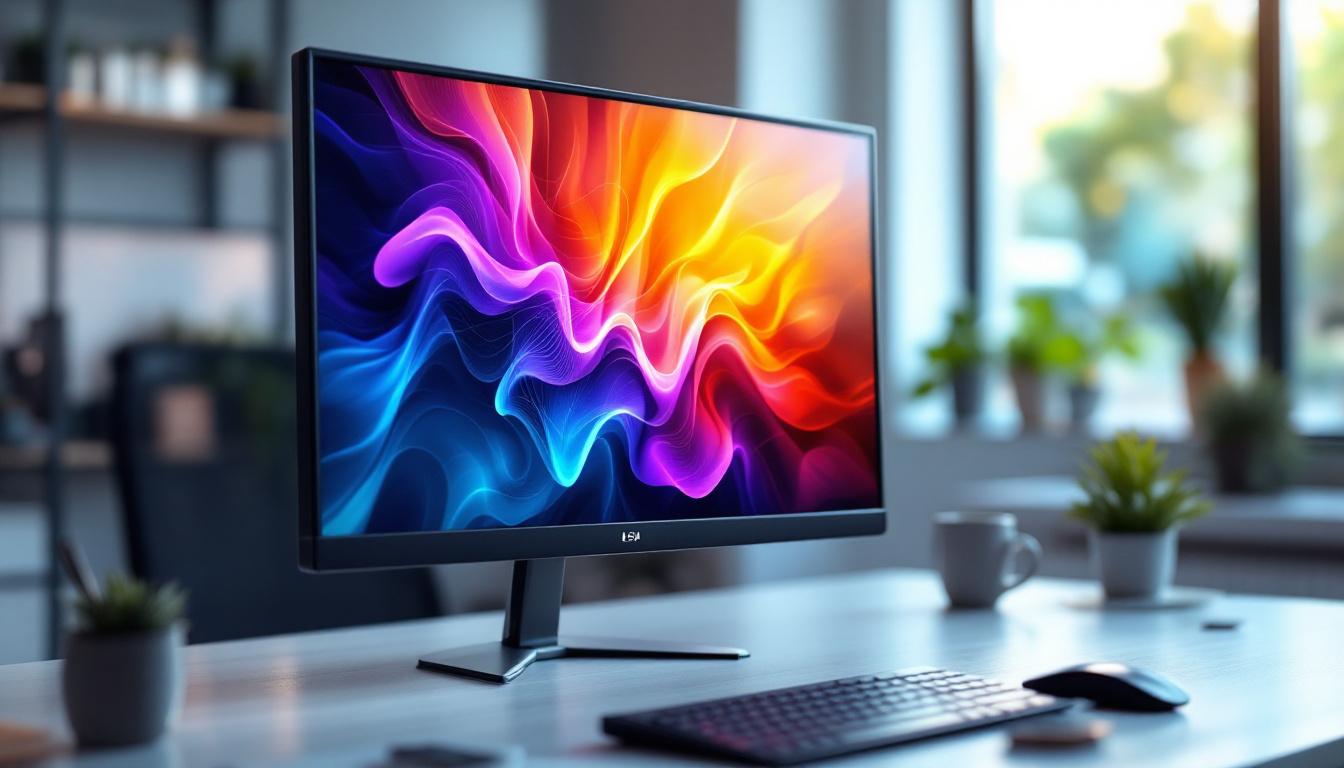
Choosing the right monitor can be a daunting task, especially with the variety of sizes, display technologies, and features available today. Among the popular choices, 22-inch LED monitors stand out as a versatile option for both personal and professional use. This article delves into what makes a 22-inch LED monitor a compelling choice, explaining the technology behind LED displays, their advantages, and key factors to consider when selecting one.
Understanding the 22-Inch Monitor Size
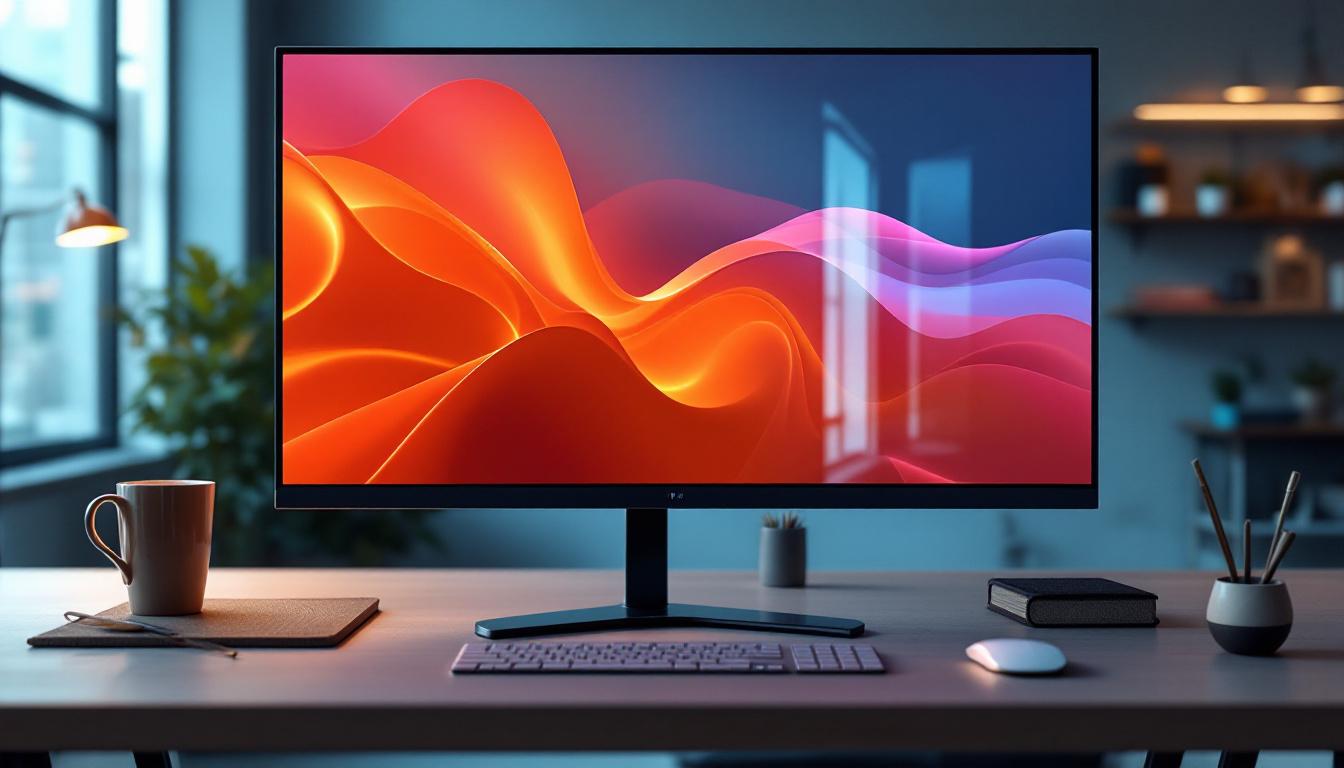
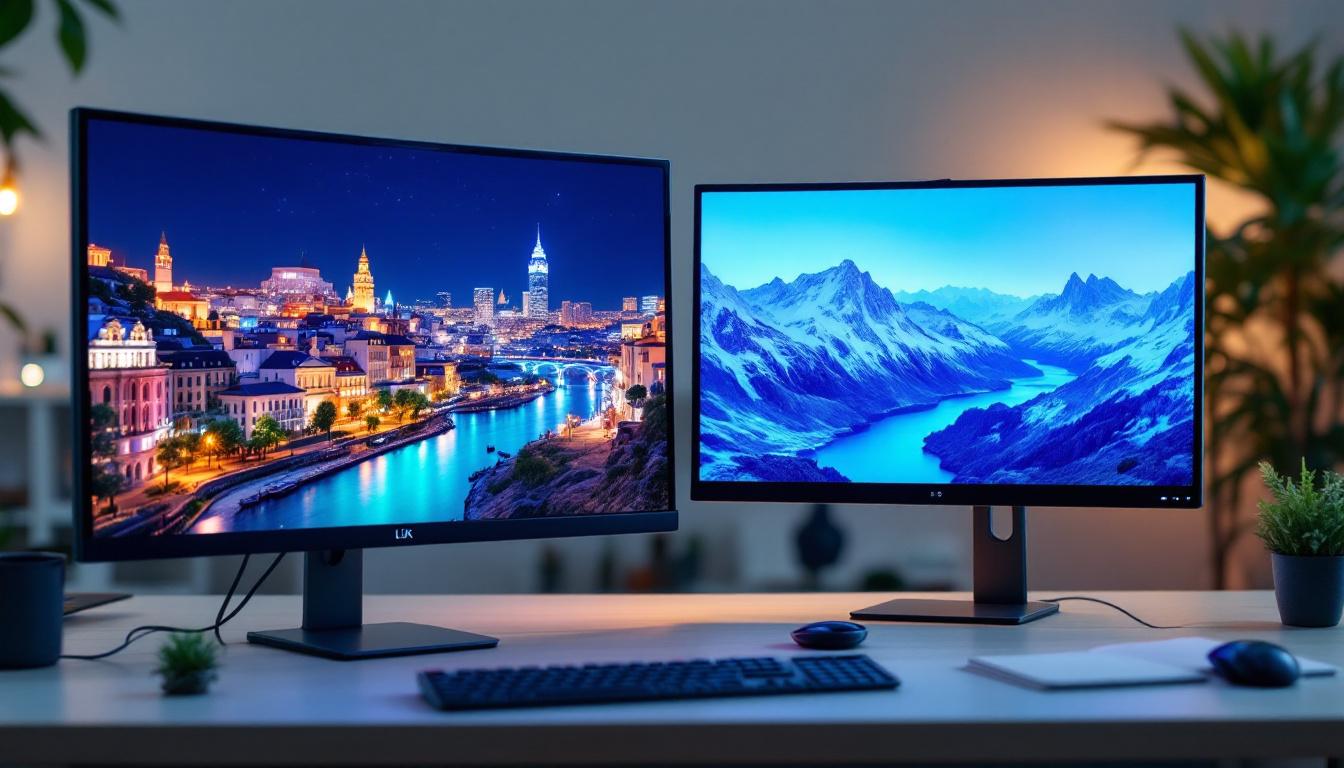
The 22-inch monitor size refers to the diagonal measurement of the screen, which is approximately 55.9 centimeters. This size strikes a balance between screen real estate and desk space, making it a popular choice for users who need a clear, comfortable viewing experience without the bulk of larger displays.
For many office environments, a 22-inch monitor is ideal. It provides enough space for multitasking with multiple windows or applications open simultaneously, yet it remains compact enough to fit on most desks without overwhelming the workspace. Additionally, this size is often favored by gamers and casual users who want a crisp display without investing in a larger, more expensive monitor.
Why 22 Inches?
The 22-inch dimension offers a sweet spot in terms of pixel density and viewing distance. At typical desktop distances of 20 to 30 inches, a 22-inch screen provides sharp images and readable text without requiring excessive head or eye movement. This contributes to reduced eye strain during extended use, an important consideration for professionals and students alike.
Moreover, 22-inch monitors often come with Full HD (1920 x 1080) resolution, delivering clear and detailed visuals. This resolution is sufficient for most everyday tasks, including document editing, web browsing, video streaming, and even moderate photo editing.
What is an LED Display?
LED stands for Light Emitting Diode, a technology used to illuminate the screen of the monitor. LED displays are a type of LCD (Liquid Crystal Display) that use LEDs as the backlight source instead of traditional cold cathode fluorescent lamps (CCFLs). This shift in backlighting technology has revolutionized monitor performance and efficiency.
How LED Backlighting Works
In an LED monitor, the liquid crystal panel itself does not emit light. Instead, LEDs positioned behind or along the edges of the screen provide the illumination. The liquid crystals then control the passage of this light to create images. This method allows for thinner, lighter monitors with better energy efficiency compared to older CCFL-backlit LCDs.
There are two main types of LED backlighting: edge-lit and full-array. Edge-lit LED monitors place LEDs along the edges of the screen, allowing for slimmer designs but sometimes less uniform brightness. Full-array LED monitors have LEDs spread evenly behind the entire screen, offering better brightness consistency and often support for local dimming, which enhances contrast.
Advantages of LED Displays
LED monitors offer several advantages that make them the preferred choice for many users:
- Energy Efficiency: LEDs consume less power than CCFLs, resulting in lower electricity bills and a smaller environmental footprint.
- Better Brightness and Contrast: LED backlighting can achieve higher brightness levels and improved contrast ratios, enhancing image quality.
- Thinner and Lighter: The compact nature of LEDs allows manufacturers to produce slimmer monitors that are easier to handle and fit into tight spaces.
- Longer Lifespan: LEDs typically last longer than CCFLs, reducing the need for replacements and maintenance.
- Improved Color Accuracy: Many LED monitors support wider color gamuts and better color reproduction, important for creative professionals.
Key Features to Consider in a 22-Inch LED Monitor
When selecting a 22-inch LED monitor, it’s important to evaluate several features to ensure the display meets your specific needs. Here are the most critical aspects to consider:
Resolution and Screen Quality
Resolution determines the clarity and detail of the images displayed. Full HD (1920 x 1080 pixels) is standard for 22-inch monitors and offers a good balance of sharpness and performance. Some monitors may offer higher resolutions, such as 2560 x 1440 (QHD), but these are less common at this size and can increase cost.
In addition to resolution, pay attention to the panel type. IPS (In-Plane Switching) panels provide better color accuracy and wider viewing angles compared to TN (Twisted Nematic) panels, which often have faster response times but narrower viewing angles and less accurate colors. VA (Vertical Alignment) panels offer high contrast ratios but may have slower response times.
Refresh Rate and Response Time
Refresh rate, measured in Hertz (Hz), indicates how many times per second the screen updates its image. A standard refresh rate is 60Hz, sufficient for most office tasks and casual use. However, gamers may prefer monitors with 75Hz or higher for smoother motion and reduced blur.
Response time, measured in milliseconds (ms), refers to how quickly a pixel can change from one color to another. Lower response times reduce motion blur in fast-moving images. For general use, 5ms or less is acceptable, but competitive gamers often seek 1ms response times.
Connectivity Options
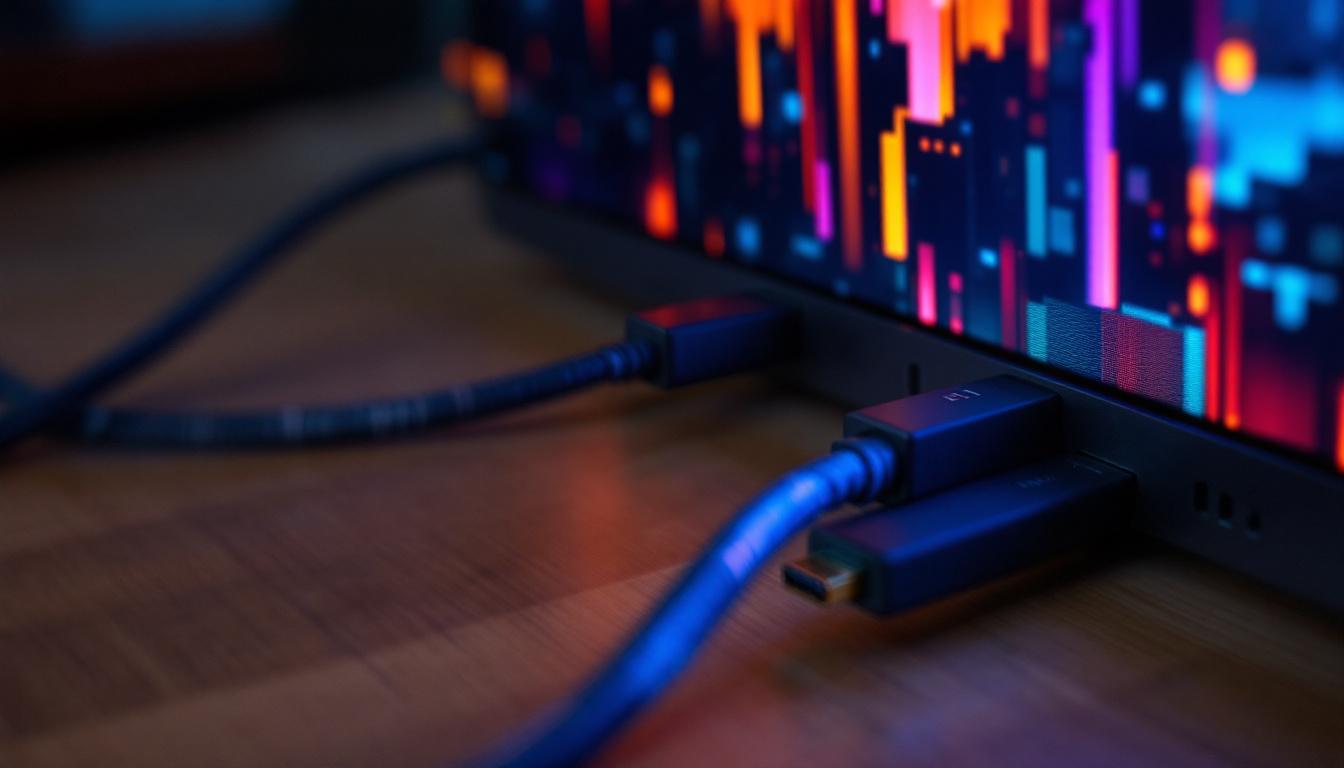
A versatile monitor should offer multiple input options to connect with various devices. Common ports include HDMI, DisplayPort, and VGA. HDMI is the most widely used and supports both video and audio signals, making it ideal for connecting to laptops, desktops, gaming consoles, and media players.
Some monitors also include USB hubs, allowing users to connect peripherals like keyboards, mice, or USB drives directly to the monitor. This feature can help reduce cable clutter on the desk.
Ergonomics and Design
Ergonomics play a crucial role in user comfort, especially for those who spend long hours in front of the screen. Look for monitors with adjustable stands that allow height, tilt, swivel, and pivot adjustments. This flexibility helps maintain proper posture and reduces neck and eye strain.
Additionally, consider monitors with flicker-free technology and blue light filters, which can minimize eye fatigue during extended use.
Popular Use Cases for 22-Inch LED Monitors
The versatility of 22-inch LED monitors makes them suitable for a wide range of applications. Understanding these use cases can help determine if this size and technology fit your requirements.
Office and Productivity Work
For office environments, 22-inch LED monitors provide ample screen space for spreadsheets, documents, and web browsing. Their Full HD resolution ensures text and graphics are crisp and easy to read. The energy efficiency and ergonomic features also contribute to a comfortable and cost-effective workspace.
Many businesses opt for 22-inch monitors to equip workstations without overwhelming desk space or budget. The balance of size, clarity, and price makes them a staple in corporate settings.
Home Use and Multimedia
At home, 22-inch LED monitors serve well for general computing tasks such as internet browsing, streaming videos, and casual gaming. Their compact size fits well in bedrooms, dorm rooms, or small home offices.
LED technology enhances multimedia experiences by providing vibrant colors and sharp images, making movie watching or photo viewing more enjoyable.
Gaming
While larger monitors are often preferred by gamers for immersive experiences, 22-inch LED monitors can still be a solid choice, especially for those with limited space or budget. Monitors with higher refresh rates (75Hz or above) and low response times can deliver smooth gameplay.
Competitive gamers may prioritize monitors with IPS panels for better color accuracy and viewing angles, as well as features like FreeSync or G-Sync support to reduce screen tearing.
Comparing LED Monitors with Other Display Technologies
To fully appreciate the benefits of 22-inch LED monitors, it’s useful to compare them with other common display types such as OLED and traditional LCD with CCFL backlighting.
LED vs. OLED
OLED (Organic Light Emitting Diode) displays differ fundamentally from LED-backlit LCDs. In OLEDs, each pixel emits its own light, enabling true blacks and exceptional contrast ratios. This results in stunning image quality, especially in dark scenes.
However, OLED monitors are generally more expensive and less common at the 22-inch size. They also have potential drawbacks such as burn-in risk and shorter lifespan compared to LED-backlit LCDs. For most users, a 22-inch LED monitor offers a more affordable and practical solution.
LED vs. CCFL LCD
Compared to older CCFL-backlit LCD monitors, LED monitors provide better energy efficiency, thinner designs, and improved brightness and color accuracy. CCFL monitors are largely phased out in the market due to these advantages.
Tips for Maintaining Your 22-Inch LED Monitor
Proper care can extend the lifespan and performance of your LED monitor. Here are some best practices:
- Keep the screen clean: Use a microfiber cloth and appropriate screen cleaner to remove dust and smudges gently.
- Avoid direct sunlight: Prolonged exposure to sunlight can damage the screen and cause fading.
- Use power-saving settings: Enable sleep mode or automatic shutoff to reduce energy consumption when the monitor is not in use.
- Adjust brightness appropriately: Excessive brightness can shorten LED lifespan and cause eye strain.
- Handle with care: Avoid pressing hard on the screen or dropping the monitor, as LEDs and LCD panels are delicate.
Conclusion
22-inch LED monitors offer an excellent combination of size, performance, and affordability for a wide range of users. Whether for office productivity, home entertainment, or casual gaming, these monitors deliver vibrant visuals, energy efficiency, and ergonomic benefits.
Understanding the technology behind LED displays and the key features to look for can help users make informed decisions tailored to their needs. With the right choice, a 22-inch LED monitor can provide a comfortable and visually pleasing computing experience for years to come.
Discover the Future of Visual Display with LumenMatrix
Ready to elevate your visual experience with the latest in LED technology? LumenMatrix is at the forefront of innovative LED display solutions, offering a range of products from Indoor and Outdoor LED Wall Displays to specialized options like Vehicle and Sports LED Displays. Whether you’re looking to enhance your office productivity, create an immersive home entertainment system, or take your gaming setup to the next level, LumenMatrix has the cutting-edge technology to bring your vision to life. Check out LumenMatrix LED Display Solutions today and see how we can transform your space with vibrant, energy-efficient displays.