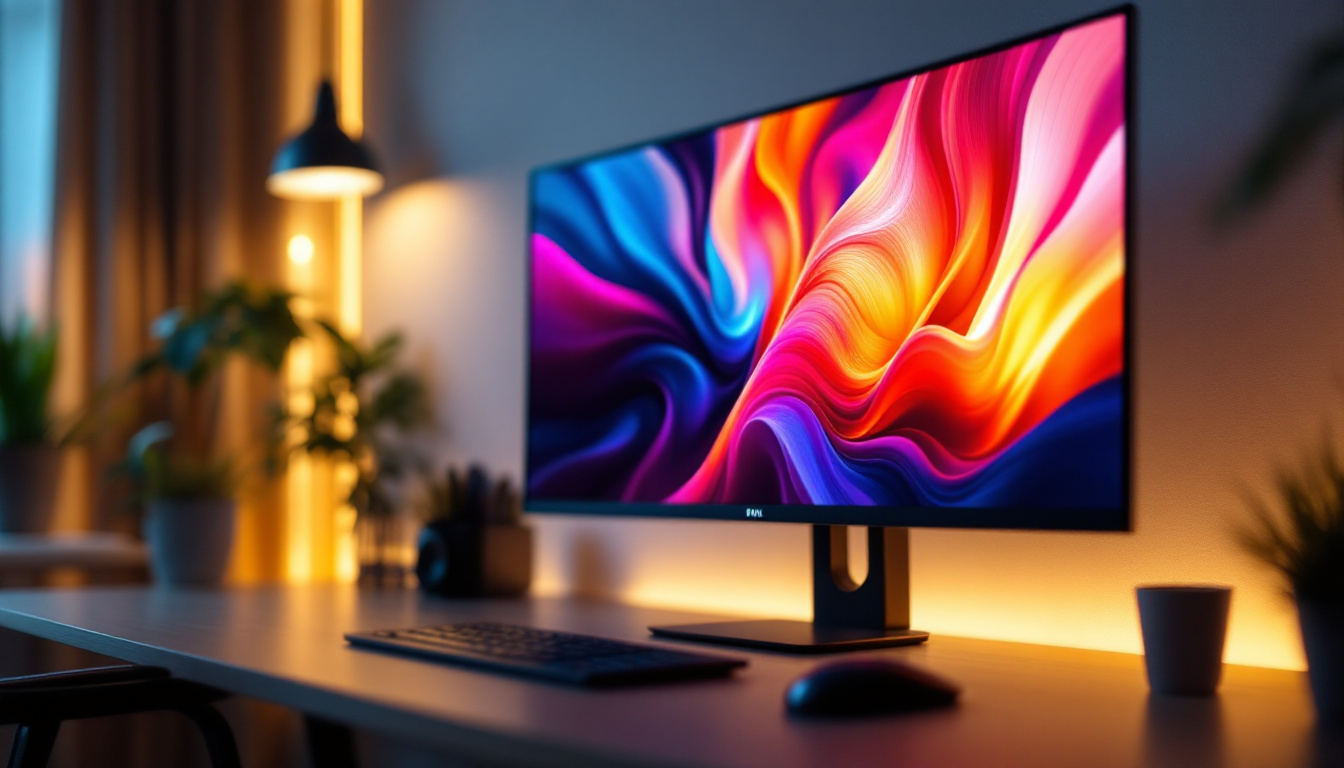
In today’s fast-paced digital world, the way we interact with our computer screens has evolved significantly. LED displays have become the standard for monitors, offering vibrant colors, energy efficiency, and sleek designs. However, to truly maximize the potential of these displays, the role of monitor arms and stands cannot be overlooked. These accessories not only enhance ergonomics but also improve workspace aesthetics and functionality.
Understanding LED Displays: The Foundation of Modern Monitors
LED, or Light Emitting Diode, technology has revolutionized display screens over the past decade. Unlike traditional LCD screens that rely on cold cathode fluorescent lamps (CCFL) for backlighting, LED displays use light-emitting diodes. This shift has brought about several benefits that are crucial for both casual users and professionals.
Firstly, LED displays offer superior brightness and contrast ratios. This means images appear sharper and colors more vivid, which is essential for tasks ranging from graphic design to video editing. Additionally, LED monitors consume less power, making them more environmentally friendly and cost-effective over time. The energy efficiency of LED technology not only reduces electricity bills but also contributes to a smaller carbon footprint, aligning with the growing demand for sustainable technology solutions.
Another advantage is the slim profile of LED screens. Without the need for bulky backlighting, manufacturers can produce thinner and lighter monitors, which in turn influences the design and compatibility of monitor arms and stands. This sleek design is particularly appealing in modern workspaces where aesthetics and space-saving solutions are paramount. Furthermore, the lightweight nature of these displays allows for easier transportation, making them ideal for professionals who frequently travel or attend conferences.
Types of LED Displays
There are a few variations of LED displays that users should be aware of:
- Edge-Lit LED: LEDs are placed around the edges of the screen, allowing for thinner panels but sometimes resulting in uneven brightness.
- Direct-Lit LED: LEDs are positioned directly behind the screen, providing more uniform lighting and better contrast.
- Mini-LED: A newer technology that uses thousands of tiny LEDs for even greater contrast and brightness control, often found in high-end monitors.
Understanding these types helps when selecting a monitor arm or stand, as weight, thickness, and heat dissipation can vary. Additionally, the choice of LED display can significantly impact the viewing experience. For instance, gamers often prefer monitors with higher refresh rates and lower response times, which are more readily available in direct-lit and mini-LED options. On the other hand, casual users may find edge-lit displays sufficient for everyday tasks like browsing or streaming. The advancements in LED technology continue to evolve, promising even more innovative solutions for diverse user needs.
Moreover, the integration of smart technologies into LED displays has opened up new avenues for user interaction. Many modern LED monitors now come equipped with features like touch sensitivity, voice control, and built-in applications that enhance productivity and convenience. This convergence of display technology with smart capabilities not only enriches the user experience but also reflects the ongoing trend towards interconnected devices in our daily lives. As we continue to embrace digital transformation, understanding the nuances of LED displays becomes increasingly important for making informed purchasing decisions.
The Importance of Monitor Arms and Stands for LED Displays
While LED monitors themselves are impressive, the way they are positioned on a desk can significantly impact user comfort, productivity, and even health. Monitor arms and stands provide adjustable support that conventional monitor bases cannot match.
Ergonomics and Health Benefits
One of the primary reasons to invest in a quality monitor arm or stand is to improve ergonomics. Poor monitor placement can lead to neck strain, eye fatigue, and back pain. According to a study by the Occupational Safety and Health Administration (OSHA), improper workstation setup is a leading cause of musculoskeletal disorders among office workers.
Monitor arms allow users to adjust the height, tilt, swivel, and rotation of their screens. This flexibility ensures that the top of the monitor is at or slightly below eye level, reducing strain. Additionally, the ability to move the screen closer or farther away helps maintain optimal viewing distance, typically 20 to 30 inches from the eyes.
Optimizing Workspace and Productivity
Beyond health, monitor arms and stands contribute to a cleaner, more organized workspace. By elevating the monitor off the desk surface, users free up valuable real estate for other tasks or accessories. This is particularly beneficial in small or shared workspaces.
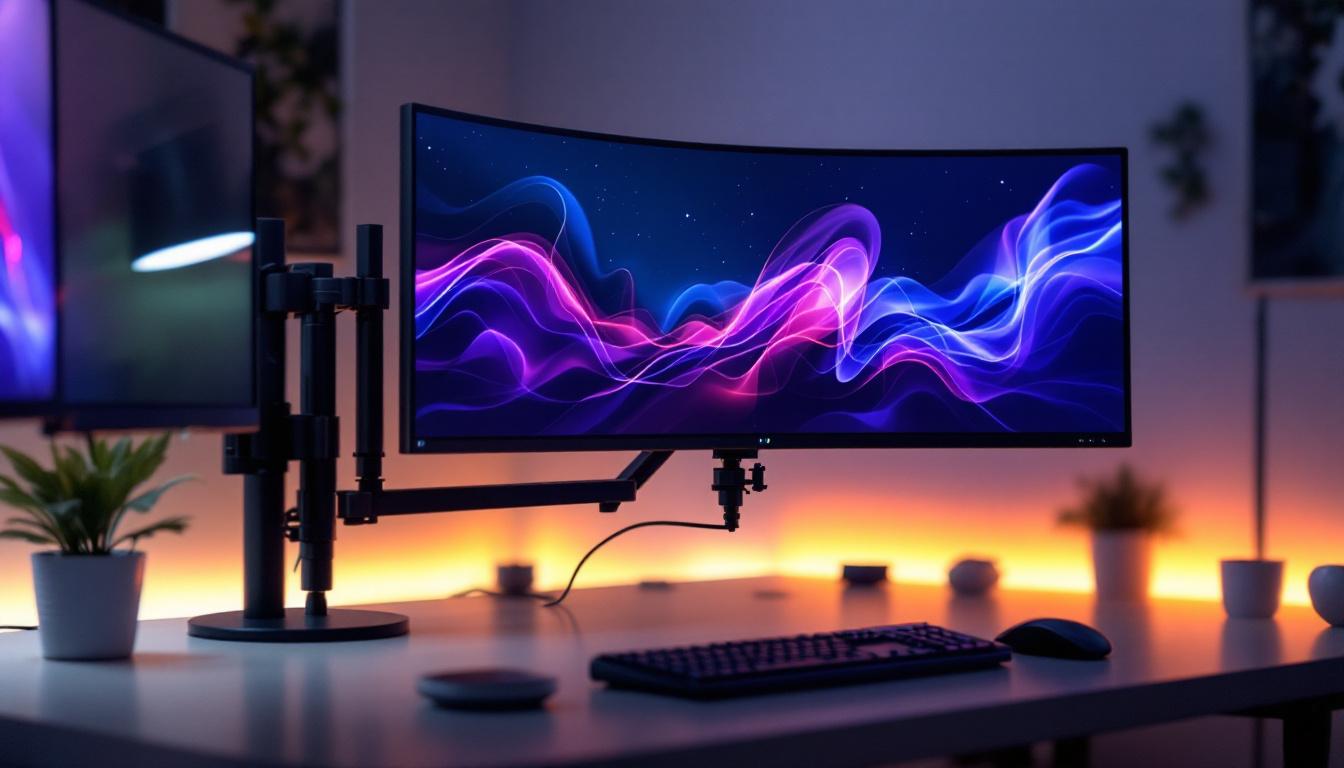
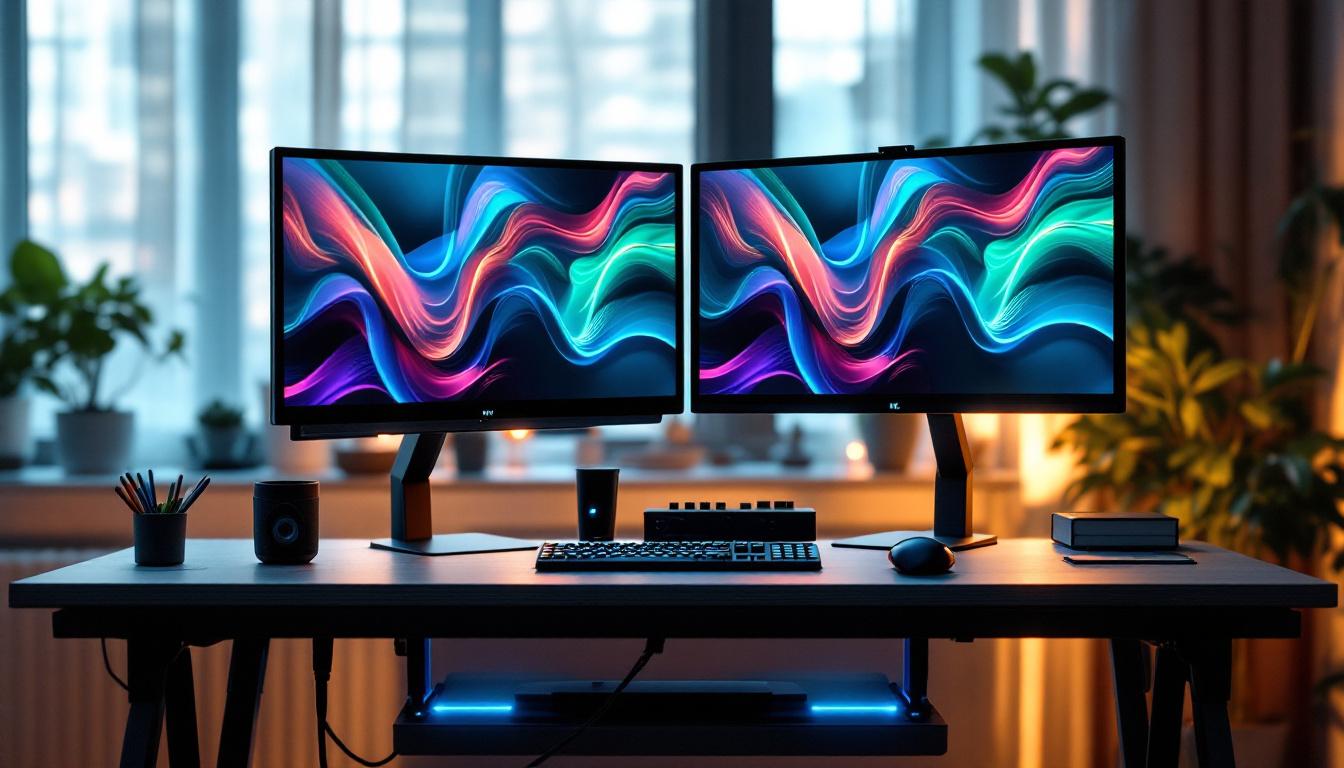
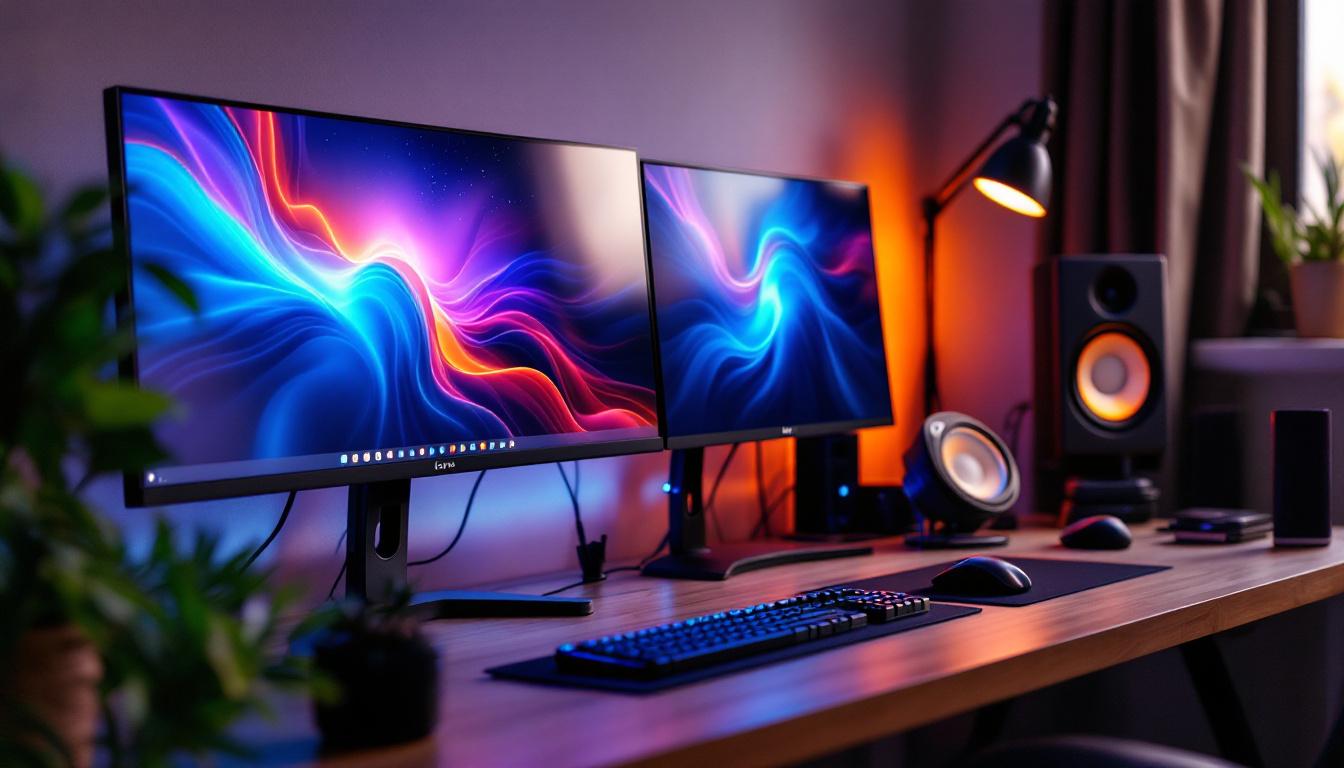
Moreover, dual or multi-monitor setups have become increasingly common, especially in professions like finance, programming, and design. Monitor arms designed for multiple screens enable seamless alignment and adjustment, enhancing workflow and reducing the need to constantly reposition physical monitors.
Compatibility and Support for LED Displays
LED monitors vary in size and weight, so it’s essential to choose a monitor arm or stand that supports the specific model. Most monitor arms adhere to the VESA (Video Electronics Standards Association) mounting standard, which defines hole patterns on the back of monitors for mounting purposes.
When selecting an arm or stand, check the VESA compatibility (commonly 75×75 mm or 100×100 mm) and weight capacity. LED monitors tend to be lighter than older LCDs, but high-resolution or ultrawide models can still be heavy. Ensuring the arm can safely support the monitor prevents accidents and maintains stability.
Types of Monitor Arms and Stands: Which One Suits Your LED Display?
Monitor arms and stands come in a variety of designs, each catering to different needs and preferences. Understanding these options helps in making an informed choice.
Desk Clamp Arms
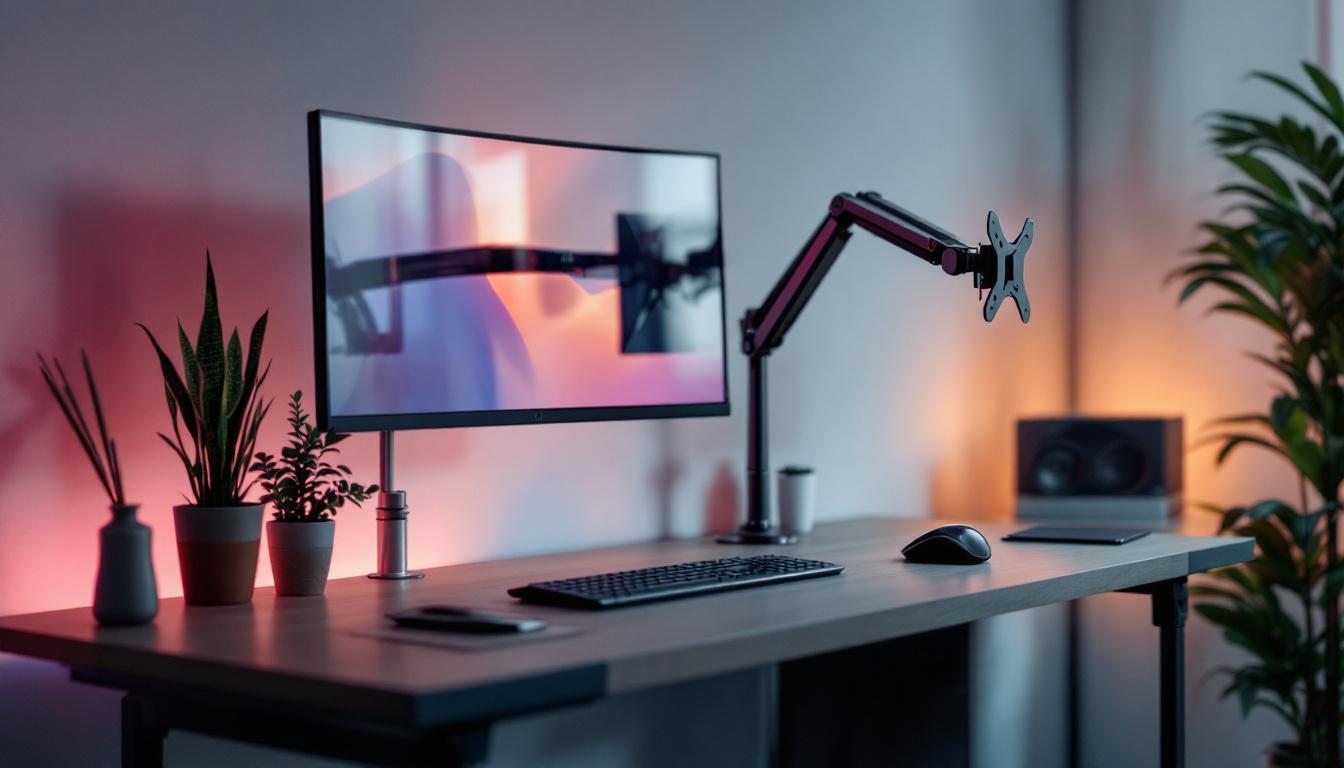
Desk clamp arms attach securely to the edge of a desk or table, saving space and allowing for easy height and angle adjustments. They are ideal for users who want maximum flexibility without drilling holes into their furniture.
These arms often feature gas springs or pneumatic mechanisms for smooth movement. They are suitable for single or dual monitors and can support a wide range of weights. However, desk thickness and edge design must be compatible with the clamp mechanism.
Grommet Mount Arms
Grommet mounts require a hole in the desk surface, either pre-existing or drilled. The arm is secured through this hole, offering a very stable and clean installation. This type is preferred in permanent setups where maximum stability is desired.
Grommet mounts can handle heavier monitors and are often used in professional environments. However, the installation process is more involved compared to desk clamps.
Freestanding Stands
Freestanding monitor stands sit directly on the desk and do not require mounting. They are easy to set up and move but typically offer less adjustability than arms. These stands are suitable for users who prefer simplicity or cannot modify their desks.
Some freestanding models support multiple monitors, but their footprint can take up more desk space.
Wall Mounts
For maximum desk space savings, wall-mounted monitor arms are an excellent choice. These arms attach to a wall and provide full adjustability similar to desk-mounted arms.
Wall mounts are common in specialized environments like medical offices or design studios. Installation requires secure wall anchors and consideration of cable management.
Key Features to Consider When Choosing Monitor Arms and Stands for LED Displays
Selecting the right monitor arm or stand involves evaluating several important features to ensure compatibility, comfort, and durability.
Adjustability
The range of motion is critical. Look for arms that offer height adjustment, tilt (usually between -45° to +45°), swivel (up to 180°), and rotation for landscape or portrait orientation. This versatility accommodates different tasks and user preferences.
Weight Capacity
Always verify the maximum weight the arm or stand can support. For example, ultrawide LED monitors can weigh upwards of 15 pounds (7 kg), while standard 24-inch models might weigh around 8 pounds (3.6 kg). Choosing an arm with a comfortable margin above your monitor’s weight ensures longevity and safety.
Build Quality and Materials
Durability is essential, especially for heavy or frequently adjusted setups. Arms made from steel or aluminum tend to be more robust than plastic alternatives. Additionally, quality joints and gas springs contribute to smooth and reliable movement.
Cable Management
Integrated cable management systems help keep cords organized and out of sight, maintaining a tidy workspace. This feature is particularly useful for LED monitors with multiple peripherals like webcams, speakers, or USB hubs.
Ease of Installation
Consider how easy it is to install the arm or stand. Desk clamps and freestanding stands typically require minimal tools, while grommet mounts and wall mounts may need drilling and more complex assembly.
Practical Tips for Setting Up Your LED Display with Monitor Arms and Stands
Once the right arm or stand is selected, proper setup is key to reaping the full benefits.
Positioning for Ergonomics
Place the monitor so that the top edge is at or slightly below eye level. The screen should be about an arm’s length away, roughly 20 to 30 inches, depending on screen size and resolution. Adjust tilt to reduce glare and maintain a comfortable viewing angle.
Optimizing Multi-Monitor Arrangements
For dual or triple setups, align monitors horizontally and adjust angles to create a seamless visual field. Using matching arms ensures consistent height and movement. Position the primary monitor directly in front, with secondary screens angled inward.
Cable Routing and Management
Use the arm’s cable management channels to route power and data cables neatly. Avoid tight bends or tension on cables to prevent damage. Label cables if necessary to simplify troubleshooting and reconfiguration.
Regular Maintenance
Periodically check screws and joints for tightness. Clean the arm and monitor to prevent dust buildup, which can affect movement and screen clarity. Lubricate moving parts if recommended by the manufacturer.
Conclusion: Enhancing Your LED Display Experience with the Right Monitor Arm or Stand
LED displays have transformed how we view digital content, offering superior image quality and sleek designs. However, to fully harness these advantages, the way the monitor is positioned and supported is just as important. Monitor arms and stands play a vital role in improving ergonomics, workspace organization, and productivity.
By understanding the types of LED displays and the various mounting solutions available, users can make informed decisions that suit their specific needs. Whether it’s a single monitor for home office use or a multi-display setup for professional applications, the right arm or stand can make a significant difference in comfort and efficiency.
Investing in a high-quality monitor arm or stand tailored to your LED display not only protects your health but also enhances your overall computing experience. As technology continues to advance, integrating ergonomic accessories remains a smart and forward-thinking choice.
Discover the Perfect LED Display Solution with LumenMatrix
Ready to elevate your workspace and enhance your visual experience? LumenMatrix offers a comprehensive range of LED display solutions that cater to your every need. From captivating Indoor LED Walls to dynamic Outdoor LED Displays, and from versatile Vehicle LED Displays to innovative Custom LED Solutions, we have it all. Embrace the future of visual communication with our All-in-One and Transparent LED Displays, designed to engage and captivate your audience. Don’t just take our word for it; check out LumenMatrix LED Display Solutions today and see the difference for yourself!