Monitor LCD Panel: LED Display Explained
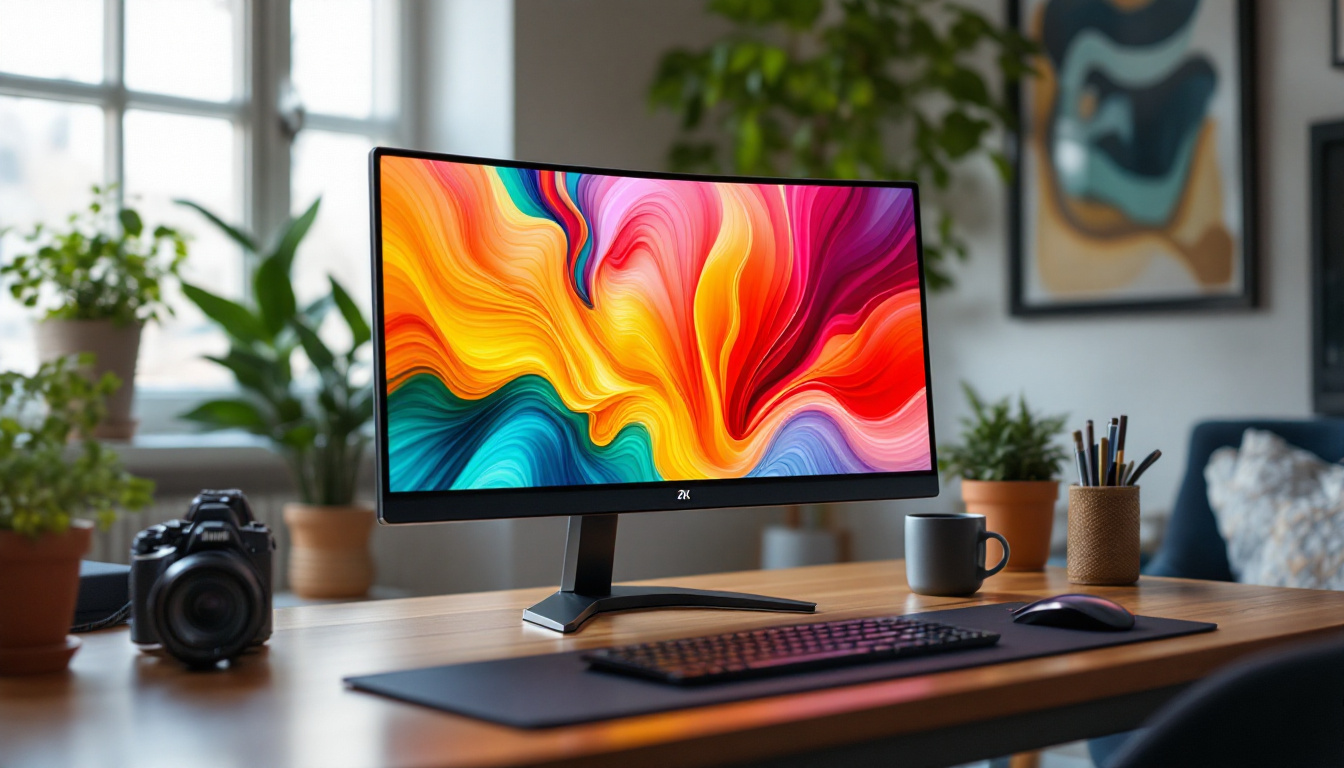
In today’s digital age, the display technology behind monitors plays a crucial role in how users interact with their devices. Whether for professional work, gaming, or casual browsing, understanding the nuances of LCD panels and LED displays can significantly impact the choice of a monitor. This article delves into the intricacies of LCD panels, the role of LED backlighting, and how these technologies combine to deliver the visual experiences we rely on daily.
Understanding LCD Panel Technology
Liquid Crystal Display (LCD) technology has been the backbone of modern monitors for decades. At its core, an LCD panel uses liquid crystals that manipulate light to produce images. Unlike older cathode ray tube (CRT) monitors, LCDs offer a thinner, lighter form factor with lower power consumption, making them ideal for both desktop and portable devices.
LCD panels consist of several layers, including a backlight, polarizing filters, glass substrates, and the liquid crystal layer itself. The liquid crystals do not emit light; instead, they control the passage of light from the backlight to create images. This fundamental characteristic distinguishes LCDs from technologies like OLED, where each pixel emits its own light. The backlight, typically made from LED technology, plays a crucial role in determining the brightness and energy efficiency of the display, further enhancing the user experience.
Types of LCD Panels
There are several types of LCD panels, each with unique properties that affect color accuracy, viewing angles, response times, and cost. The three most common types are Twisted Nematic (TN), In-Plane Switching (IPS), and Vertical Alignment (VA).
- Twisted Nematic (TN): TN panels are known for their fast response times and affordability. They are popular among gamers who prioritize speed over color accuracy. However, TN panels typically suffer from narrower viewing angles and less accurate color reproduction compared to other panel types. This can lead to color distortion when viewed from off-angles, which may not be ideal for collaborative work environments.
- In-Plane Switching (IPS): IPS panels offer superior color accuracy and wider viewing angles, making them ideal for professional photo and video editing. They tend to be more expensive and have slightly slower response times than TN panels but provide a more vibrant and consistent image. The ability to view the screen from various angles without significant color shift is a major advantage for creative professionals who need to ensure their work appears accurate to clients and colleagues alike.
- Vertical Alignment (VA): VA panels strike a balance between TN and IPS, offering better contrast ratios and deeper blacks. They provide decent color reproduction and viewing angles, making them a versatile choice for general use and multimedia consumption. The enhanced contrast makes VA panels particularly appealing for watching movies or playing games in darker environments, as they can deliver a more immersive viewing experience.
Why Panel Type Matters
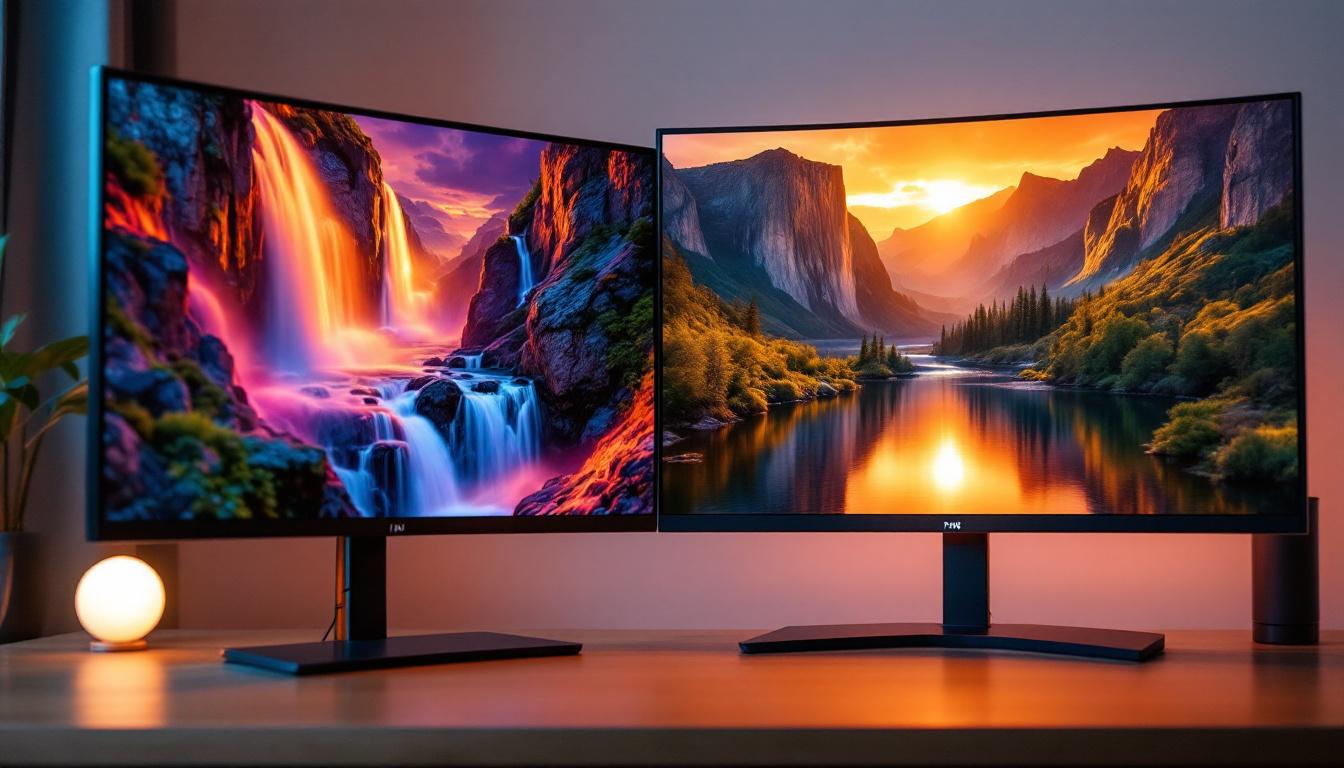
The choice of panel type directly affects the user experience. For example, graphic designers and photographers require precise color accuracy and wide viewing angles, making IPS panels the preferred choice. Conversely, competitive gamers may prioritize the rapid response times of TN panels to minimize input lag and motion blur. Additionally, the growing trend of multi-monitor setups highlights the importance of panel type, as users often seek uniformity in color and performance across their displays.
Understanding these differences helps consumers make informed decisions based on their specific needs, whether it’s for work, entertainment, or gaming. With advancements in LCD technology, such as improved backlighting techniques and enhanced color gamuts, users can now find displays that cater to niche requirements, from high-refresh-rate gaming monitors to professional-grade displays for graphic design. As the market continues to evolve, the importance of choosing the right panel type becomes even more critical in maximizing the potential of modern computing experiences.
The Role of LED Backlighting in LCD Monitors
While the liquid crystals in an LCD do not emit light, they rely on a backlight source to illuminate the display. Historically, Cold Cathode Fluorescent Lamps (CCFLs) were used for backlighting, but modern monitors predominantly use Light Emitting Diodes (LEDs) due to their efficiency and performance advantages.
What is LED Backlighting?
LED backlighting involves placing an array of LEDs behind or along the edges of the LCD panel to provide uniform illumination. This light passes through the liquid crystal layer, which modulates it to create the images seen on the screen.
LED backlights offer several benefits over CCFLs:
- Energy Efficiency: LEDs consume less power, contributing to longer device battery life and reduced electricity costs.
- Slimmer Design: LED backlights are smaller and more flexible, enabling thinner and lighter monitors.
- Improved Brightness and Contrast: LEDs can achieve higher brightness levels and better contrast ratios, enhancing image quality.
- Longer Lifespan: LEDs generally last longer than CCFLs, reducing maintenance and replacement costs.
Types of LED Backlighting
There are two primary configurations of LED backlighting used in LCD monitors:
- Edge-Lit LED: LEDs are placed along the edges of the screen, and light is distributed across the panel using light guides. This design allows for ultra-thin monitors but can sometimes lead to uneven brightness or “hot spots” in certain areas.
- Full-Array LED: LEDs are arranged in a grid directly behind the LCD panel. This setup provides more uniform brightness and enables local dimming, where specific zones of LEDs can be dimmed or brightened independently to improve contrast and black levels.
Local Dimming and HDR Support
Full-array LED backlighting with local dimming is particularly important for High Dynamic Range (HDR) content. HDR enhances the range of brightness and color in images, making visuals more lifelike. Local dimming allows the monitor to display deeper blacks and brighter highlights simultaneously, which is essential for an immersive viewing experience.
Monitors with advanced local dimming capabilities and HDR certification are increasingly popular among content creators and enthusiasts who demand superior image quality.
Comparing LED-Backlit LCD Monitors with Other Display Technologies
While LED-backlit LCD monitors dominate the market, it’s important to understand how they compare with other emerging display technologies such as OLED and Mini-LED.
LED-Backlit LCD vs. OLED
Organic Light Emitting Diode (OLED) displays differ fundamentally from LCDs. Each pixel in an OLED screen emits its own light, eliminating the need for a separate backlight. This enables true blacks and infinite contrast ratios, as pixels can be turned off completely.
However, OLED monitors tend to be more expensive and can suffer from image retention or burn-in over prolonged use. Additionally, OLED panels are less common in desktop monitors compared to TVs and smartphones.
LED-backlit LCD monitors, especially those with full-array local dimming, offer a cost-effective alternative with excellent brightness and color accuracy, though they cannot match OLED’s perfect blacks.
Mini-LED: The Next Step in Backlighting
Mini-LED technology is an evolution of traditional LED backlighting. It uses thousands of tiny LEDs to provide even more precise local dimming and higher peak brightness. This results in improved contrast and HDR performance compared to standard full-array LED backlights.
Mini-LED monitors are gaining traction in professional and gaming markets, offering a compelling middle ground between LED-backlit LCDs and OLED displays.
Key Considerations When Choosing an LCD Monitor with LED Backlighting
When selecting a monitor, understanding the interplay between LCD panel type and LED backlighting technology is essential to ensure the device meets user requirements.
Resolution and Screen Size
Higher resolutions such as 4K (3840×2160) provide sharper images and more screen real estate, which is beneficial for professionals and multitaskers. However, higher resolution monitors require more powerful graphics hardware to drive them effectively.
Screen size preferences vary, but common desktop monitors range from 24 to 32 inches. Larger screens combined with high resolution can enhance productivity and immersion but also come at a higher cost.
Refresh Rate and Response Time
Refresh rate, measured in Hertz (Hz), indicates how many times the screen updates per second. Standard monitors have 60Hz, but gaming monitors often offer 120Hz, 144Hz, or even 240Hz for smoother motion.
Response time measures how quickly a pixel changes color, impacting motion clarity. Lower response times reduce motion blur, which is critical for fast-paced gaming.
Color Accuracy and Calibration
Color accuracy is vital for creative professionals. Monitors with IPS panels generally provide better color reproduction and support wider color gamuts such as Adobe RGB or DCI-P3.
Many high-end monitors come factory-calibrated or support hardware calibration tools to maintain color fidelity over time.
Connectivity and Ergonomics
Modern monitors offer various connectivity options including HDMI, DisplayPort, USB-C, and legacy ports. USB-C with Power Delivery is increasingly popular for its ability to transmit video, data, and power through a single cable.
Ergonomic features such as adjustable height, tilt, swivel, and pivot improve comfort during extended use.
Future Trends in LCD and LED Display Technology
Display technology continues to evolve rapidly, driven by demands for better image quality, energy efficiency, and form factors.
Quantum Dot Technology
Quantum Dot (QD) technology enhances LED backlighting by using semiconductor nanocrystals that emit precise colors when illuminated. QD displays offer wider color gamuts and higher brightness levels, making them popular in premium monitors and TVs.
Flexible and Transparent Displays
Research into flexible LCD and OLED panels is paving the way for new form factors, including foldable and rollable screens. Transparent displays could revolutionize augmented reality and heads-up display applications.
Artificial Intelligence in Display Calibration
AI-driven calibration tools are emerging, enabling monitors to automatically adjust settings based on ambient lighting and content type. This technology promises to optimize viewing experiences dynamically without user intervention.
Conclusion
Understanding the relationship between LCD panels and LED backlighting is fundamental to selecting the right monitor for any application. From the choice of panel type—TN, IPS, or VA—to the specifics of LED backlighting such as edge-lit or full-array with local dimming, each factor influences image quality, performance, and user satisfaction.
As display technologies continue to advance, combining innovations like Mini-LED backlighting and Quantum Dot enhancements, consumers will have access to increasingly vibrant, efficient, and versatile monitors. Staying informed about these developments ensures that users can make choices that best align with their needs, whether for work, play, or creative pursuits.
Discover Cutting-Edge LED Displays with LumenMatrix
Ready to elevate your visual experience with the latest in LED display technology? LumenMatrix is at the forefront of innovation, offering a wide array of LED display solutions tailored to your needs. From captivating Indoor and Outdoor LED Wall Displays to dynamic Vehicle and Sports LED Displays, and even versatile All-in-One and Custom LED options, LumenMatrix has the perfect solution to enhance your brand’s visibility and audience engagement. Embrace the future of visual communication and check out LumenMatrix LED Display Solutions today to see how we can help you make a lasting impact.