In today’s digital era, video conferencing has become an indispensable part of professional and personal communication. Whether it’s remote work meetings, virtual interviews, or online classes, the quality of your video setup plays a crucial role in how you are perceived. One often overlooked but highly effective accessory is the monitor light bar, especially those equipped with LED displays. This article dives deep into what monitor light bars are, how LED technology enhances video conferencing, and why investing in the right lighting can transform your online presence.
Understanding Monitor Light Bars: What Are They?
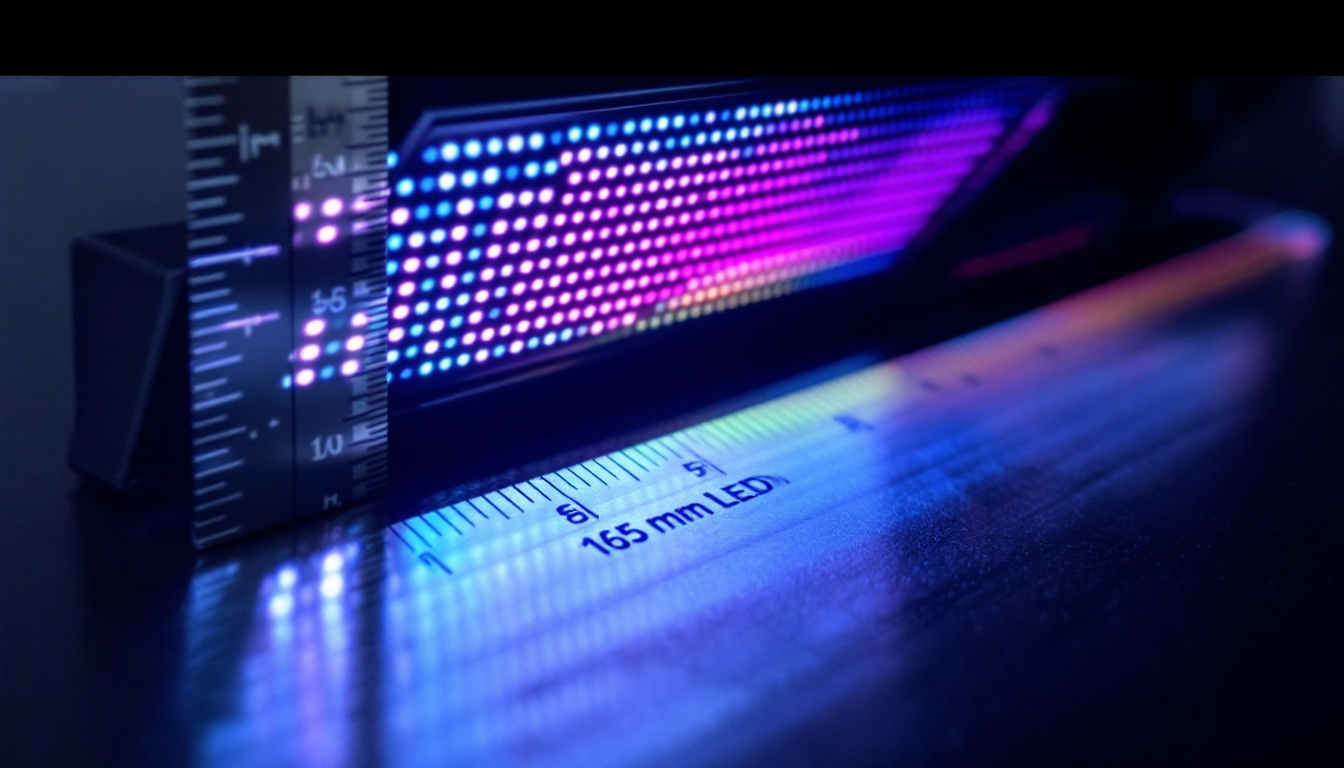
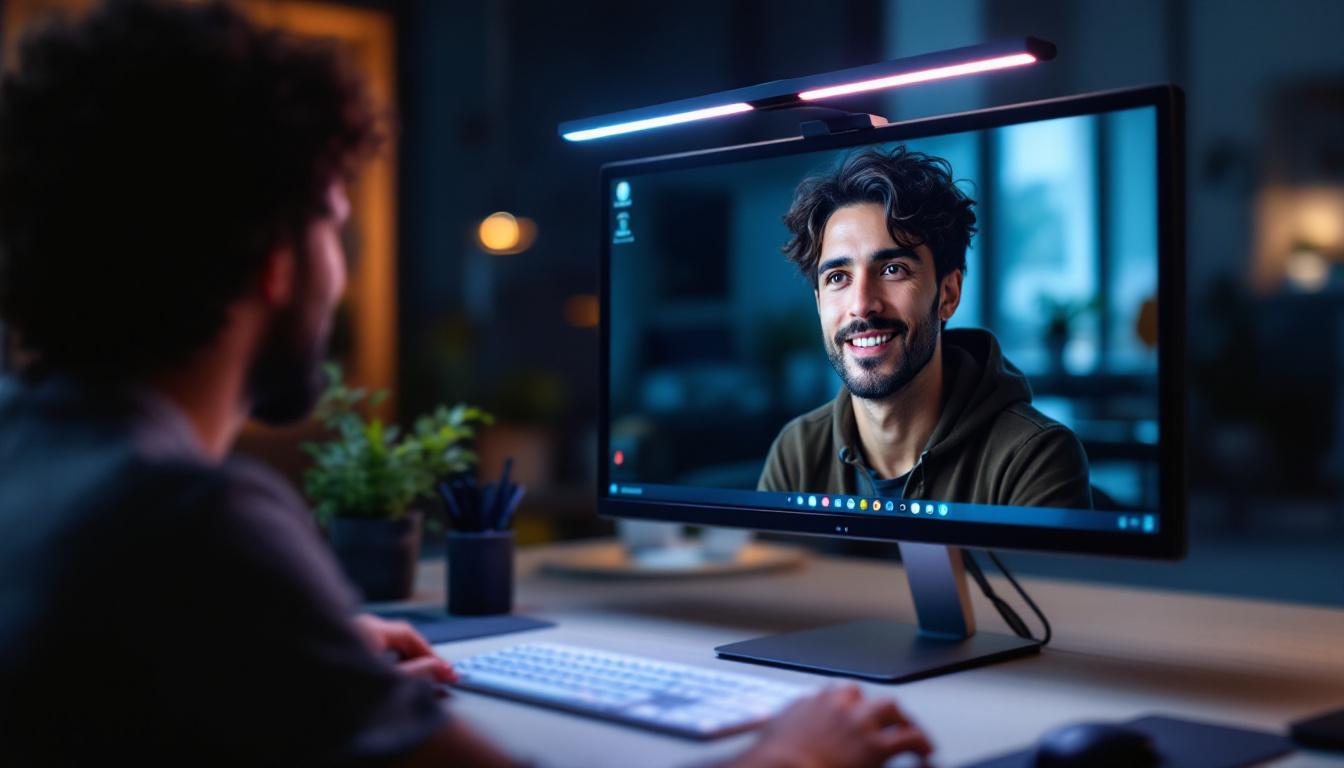
A monitor light bar is a slim, horizontal lighting device designed to attach to the top of a computer monitor or laptop screen. Unlike traditional desk lamps that cast light from the side or above, monitor light bars provide focused illumination that reduces screen glare and shadows on the face.
Originally popularized for reading and workspace lighting, monitor light bars have evolved to meet the demands of video conferencing. Their compact design and adjustable brightness make them ideal for enhancing visibility during virtual meetings without occupying desk space. As remote work becomes increasingly common, these light bars have gained popularity for their ability to create a well-lit environment, ensuring that users appear professional and engaged during online interactions.
In addition to their practical applications, monitor light bars can also enhance the overall aesthetic of a workspace. With sleek designs and various finishes available, they can complement modern office decor while providing functional lighting. Many users appreciate the way these devices can transform a dull workspace into a vibrant and inviting area, encouraging productivity and creativity. Furthermore, the ability to customize lighting settings allows individuals to create a personalized atmosphere that suits their working style, whether they prefer a bright, energizing light or a softer, more relaxed glow.
Key Features of Monitor Light Bars
Modern monitor light bars typically include:
- Adjustable Brightness: Allows users to control the intensity of light to suit different ambient conditions.
- Color Temperature Control: Enables switching between warm, neutral, and cool light tones to match natural skin tones and reduce eye strain.
- Anti-Glare Technology: Designed to minimize reflections on the monitor screen, which can be distracting during video calls.
- Compact and Clip-On Design: Easily attaches to various monitor sizes without damaging the screen or interfering with the webcam.
Additionally, many monitor light bars come equipped with smart features, such as remote control operation or integration with smart home systems. This allows users to adjust their lighting settings without having to reach for the device, making it even more convenient during busy workdays. Some models even include built-in timers or scheduling options, so users can automate their lighting preferences based on their daily routines. This level of customization not only enhances the user experience but also promotes better work-life balance by allowing individuals to create a more conducive environment for both productivity and relaxation.
The Role of LED Technology in Monitor Light Bars
LED (Light Emitting Diode) technology is the backbone of modern monitor light bars. LEDs are energy-efficient, long-lasting, and capable of producing bright, consistent light. But beyond these general benefits, LED displays integrated into monitor light bars offer specific advantages for video conferencing.
Energy Efficiency and Longevity
LEDs consume significantly less power compared to traditional incandescent or fluorescent bulbs. This means that a monitor light bar with LED lighting can be used for extended periods without a noticeable increase in electricity costs. Additionally, LEDs have a lifespan of up to 50,000 hours, reducing the need for frequent replacements.
Superior Light Quality and Color Rendering
One of the most important factors in video conferencing lighting is color rendering—the ability of a light source to reveal the true colors of objects and skin tones. LEDs typically offer a high Color Rendering Index (CRI), often above 90, which ensures that participants appear natural and vibrant on camera.
Moreover, LED light bars often come with adjustable color temperatures ranging from 2700K (warm light) to 6500K (daylight). This flexibility allows users to tailor their lighting to their environment, whether it’s a cozy home office or a bright corporate setting.
Minimal Heat Emission
Unlike traditional lighting, LEDs emit very little heat. This makes monitor light bars comfortable to use for long video sessions without causing discomfort or raising the temperature around the workspace.
Why Proper Lighting Matters in Video Conferencing
Effective lighting can dramatically improve the quality of your video calls. Poor lighting can cause shadows, uneven skin tones, and unflattering appearances, which can distract from the content of the conversation and reduce professional credibility.
Enhancing Facial Visibility and Expression
Good lighting highlights facial features and expressions, which are critical for effective communication. A monitor light bar positioned correctly can illuminate the face evenly, eliminating harsh shadows under the eyes or chin. This enhances non-verbal cues such as smiles and nods, making interactions more engaging and personable.
Reducing Eye Strain and Fatigue
Extended video conferencing sessions can lead to eye strain, especially when lighting is inadequate or harsh. Monitor light bars with adjustable brightness and color temperature help reduce glare and flicker, creating a comfortable viewing experience that minimizes fatigue.
Improving Background and Overall Video Quality
While the focus is often on the person, lighting also affects how the background appears. Balanced lighting from a monitor light bar can reduce shadows and prevent the background from appearing too dark or washed out. This contributes to a more polished and professional video presentation.
Choosing the Right Monitor Light Bar for Video Conferencing
Selecting the ideal monitor light bar involves considering several factors to ensure it meets your specific video conferencing needs.
Brightness and Color Temperature Range
Look for a light bar that offers a wide range of brightness levels and color temperatures. This versatility allows you to adapt to different lighting environments and times of day. For example, cooler light temperatures (5000K-6500K) are suitable for daytime use, while warmer tones (2700K-3500K) create a relaxed ambiance in the evening.
Compatibility and Mounting Options
Ensure the light bar is compatible with your monitor’s size and thickness. Most models use adjustable clips or magnets for easy installation. Some advanced models also feature flexible arms or swiveling heads to direct light precisely where it’s needed.
Power Source and Controls
USB-powered light bars are convenient for use with laptops and desktop computers, eliminating the need for additional power adapters. Additionally, intuitive controls such as touch-sensitive buttons or remote controls enhance usability during video calls.
Additional Features to Consider
- Anti-Blue Light Filters: Some light bars include filters to reduce blue light exposure, which can help improve sleep quality and reduce eye strain.
- Smart Controls: Integration with apps or voice assistants for hands-free adjustments.
- Portable Design: Lightweight and compact models are ideal for professionals who work from multiple locations.
Real-World Impact: Case Studies and User Experiences
Many professionals have reported significant improvements in their video conferencing experience after incorporating monitor light bars with LED displays.
Remote Work Professionals
According to a recent survey by a leading technology research firm, over 70% of remote workers identified poor lighting as a major challenge during video meetings. After switching to LED monitor light bars, 85% reported enhanced video quality and increased confidence during calls.
Educators and Online Instructors
Teachers conducting virtual classes have found that LED light bars help maintain student engagement by ensuring clear visibility of facial expressions. This has been linked to improved student participation and satisfaction in online learning environments.
Content Creators and Streamers
For content creators who rely heavily on webcams, proper lighting is essential. LED monitor light bars provide a cost-effective solution to achieve professional-grade lighting without bulky setups, improving viewer retention and channel growth.
Installation Tips for Optimal Lighting
Proper installation and positioning of your monitor light bar are crucial to maximize its benefits.
Placement and Angle
Attach the light bar to the top center of your monitor, ensuring it does not obstruct the webcam. The light should be angled downward at approximately 15 to 30 degrees to evenly illuminate your face without causing glare on the screen.
Adjusting Brightness and Color Temperature
Start with a moderate brightness level and adjust according to ambient lighting. Use cooler temperatures during the day to mimic natural daylight, and warmer tones in the evening to reduce eye strain.
Minimizing Reflections and Shadows
Test your setup by conducting a video call or recording yourself to identify any unwanted reflections or shadows. Adjust the angle or brightness as needed to achieve a balanced and flattering light distribution.
Conclusion: Elevate Your Video Conferencing with LED Monitor Light Bars
In an age where virtual communication is integral to professional success, investing in quality lighting is no longer optional—it’s essential. Monitor light bars equipped with LED displays offer a sleek, efficient, and effective solution to enhance video conferencing experiences. By providing adjustable, glare-free illumination that highlights facial features and reduces eye strain, these devices help users present themselves confidently and professionally.
Choosing the right monitor light bar involves understanding your environment, lighting needs, and device compatibility. With the right setup, the difference in video quality and personal presentation can be transformative, making every virtual interaction clearer, more engaging, and more productive.
As video conferencing continues to evolve, so too will the technologies that support it. LED monitor light bars represent a smart investment today and a foundation for better remote communication tomorrow.
Discover LumenMatrix’s Advanced LED Solutions
Ready to take your video conferencing to the next level? Explore LumenMatrix’s cutting-edge LED display modules, designed to elevate your professional presence and create immersive visual experiences. From the comfort of your home office to the boardroom, our innovative LED solutions, including the versatile monitor light bars, ensure you shine in every virtual meeting. Don’t let poor lighting hold you back. Check out LumenMatrix LED Display Solutions today and transform the way you communicate online.